ShadersJava
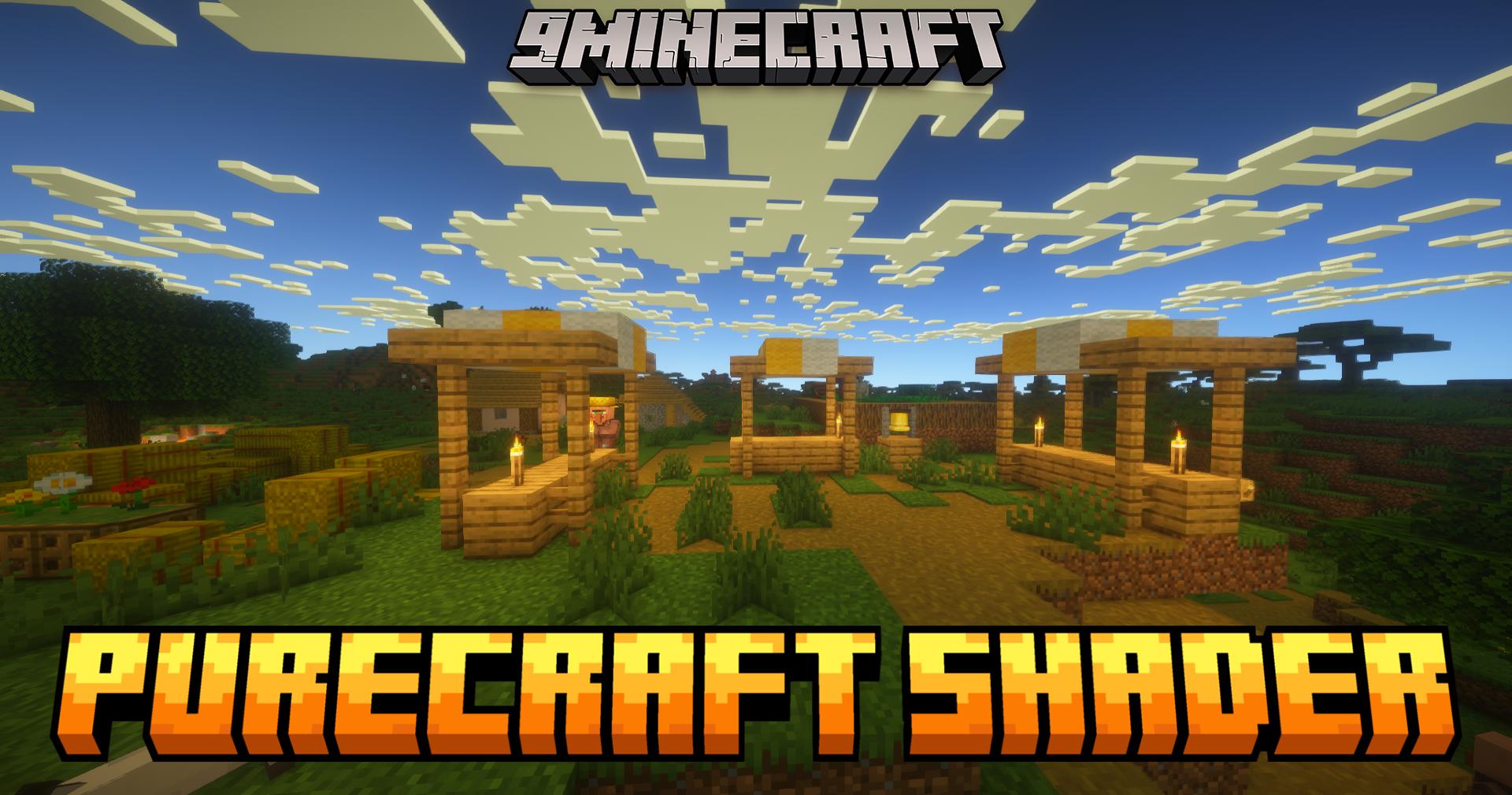
PureCraft Shaders (26.3, 1.20.1) – Upgrades Graphics For Weak Computers
Java shader pack listed for Minecraft 1.20–26.x. Downloads from the MC Java Mods app on Android.
⬇ Download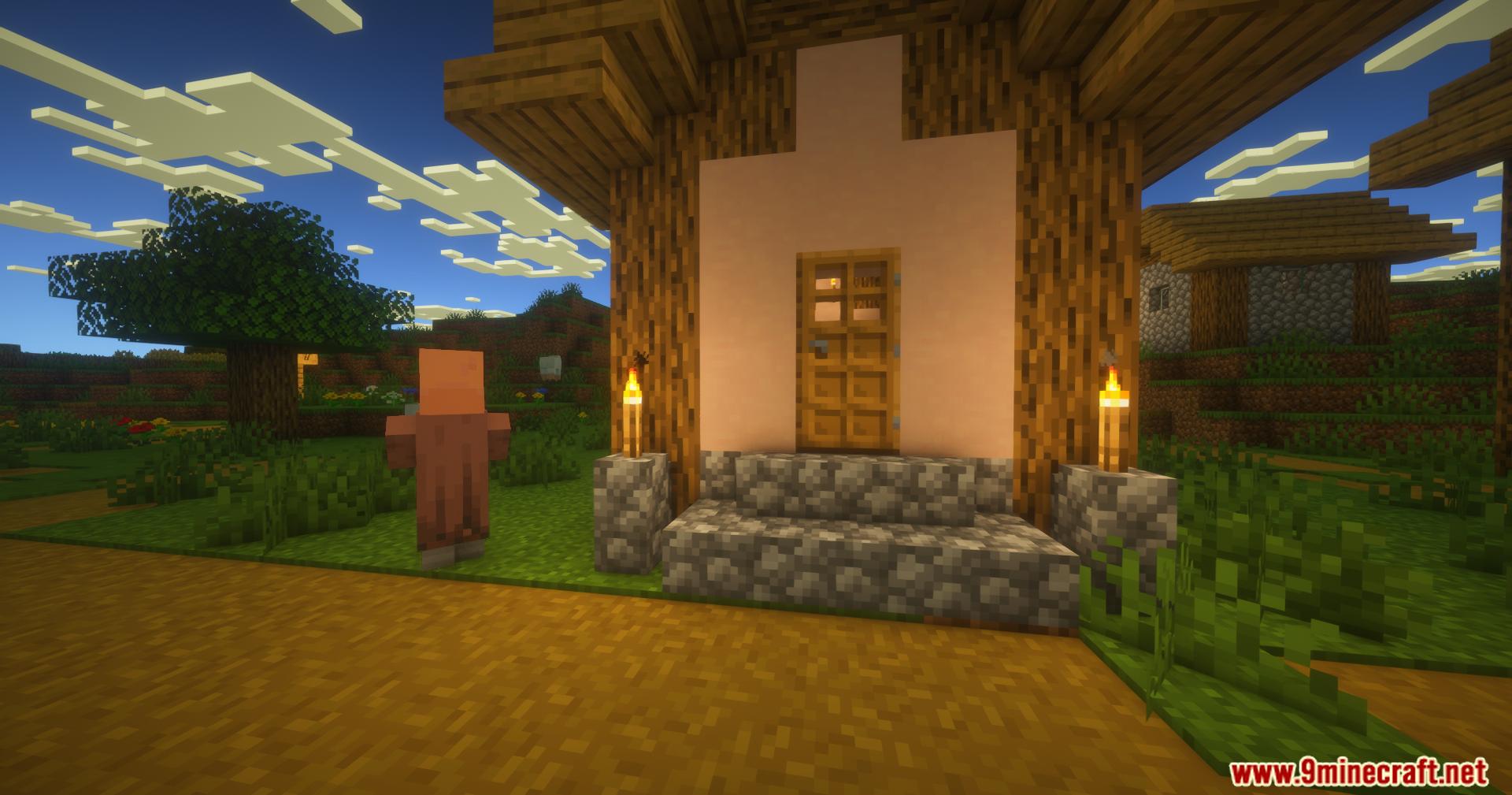
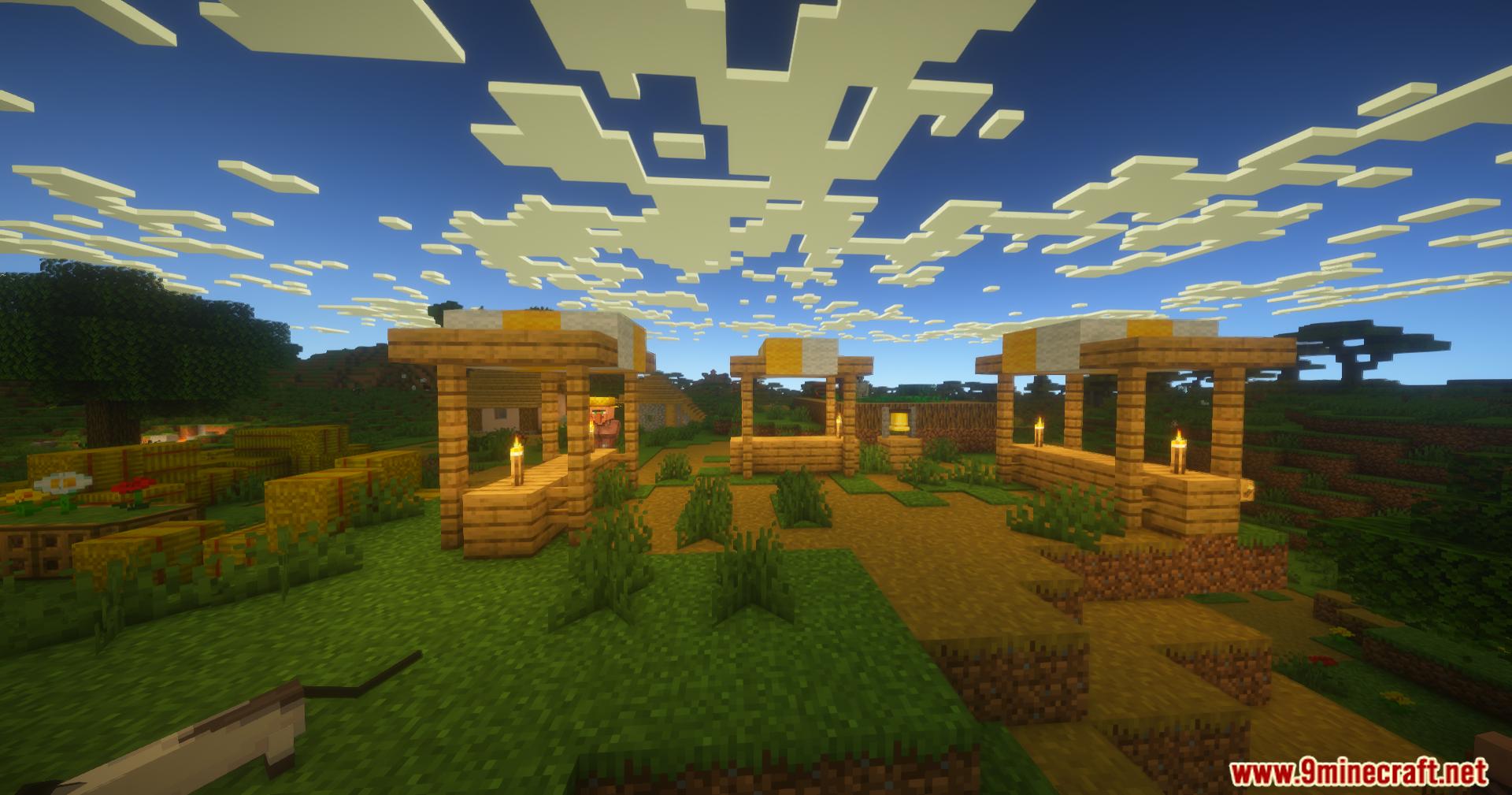
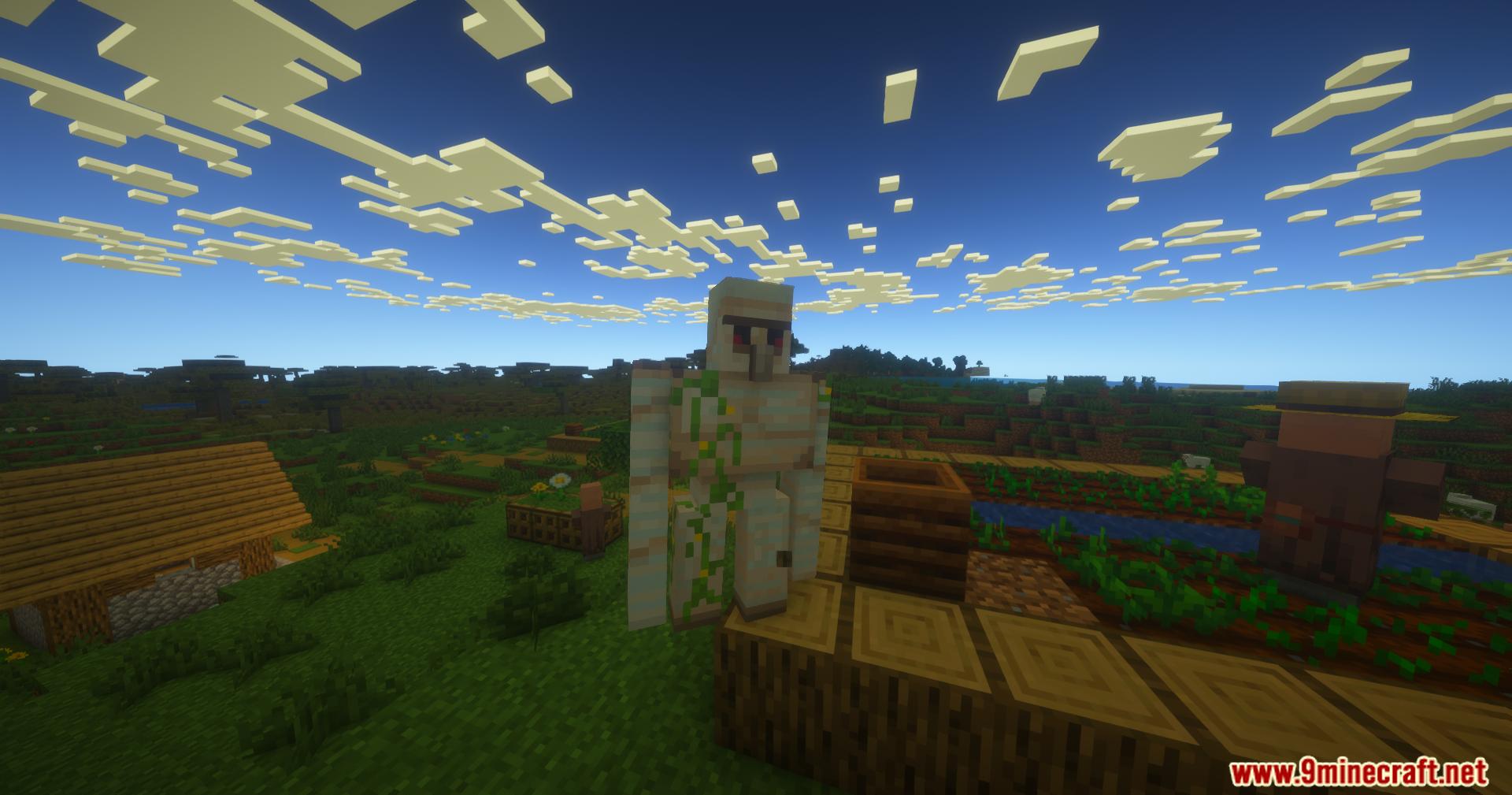
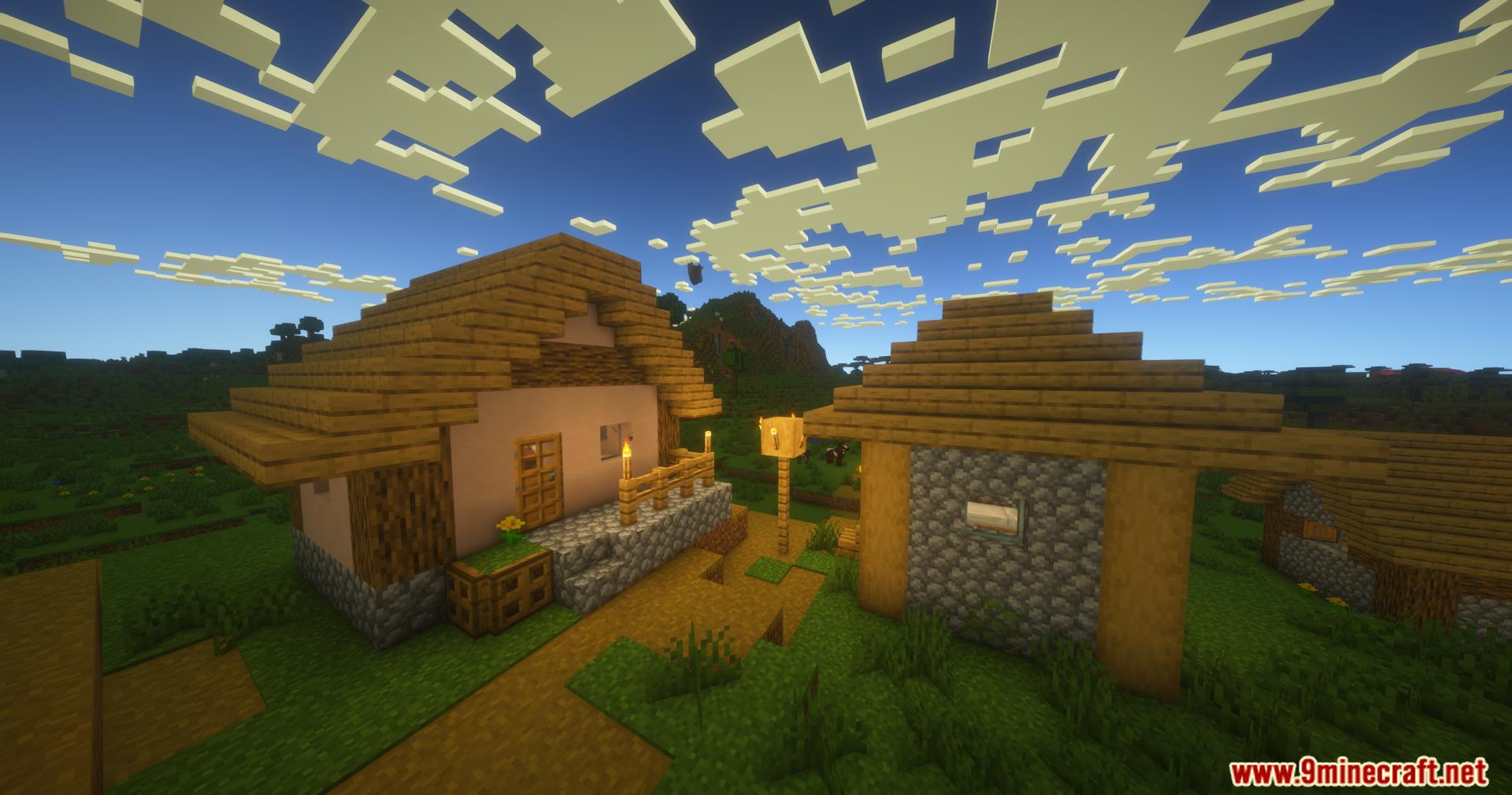
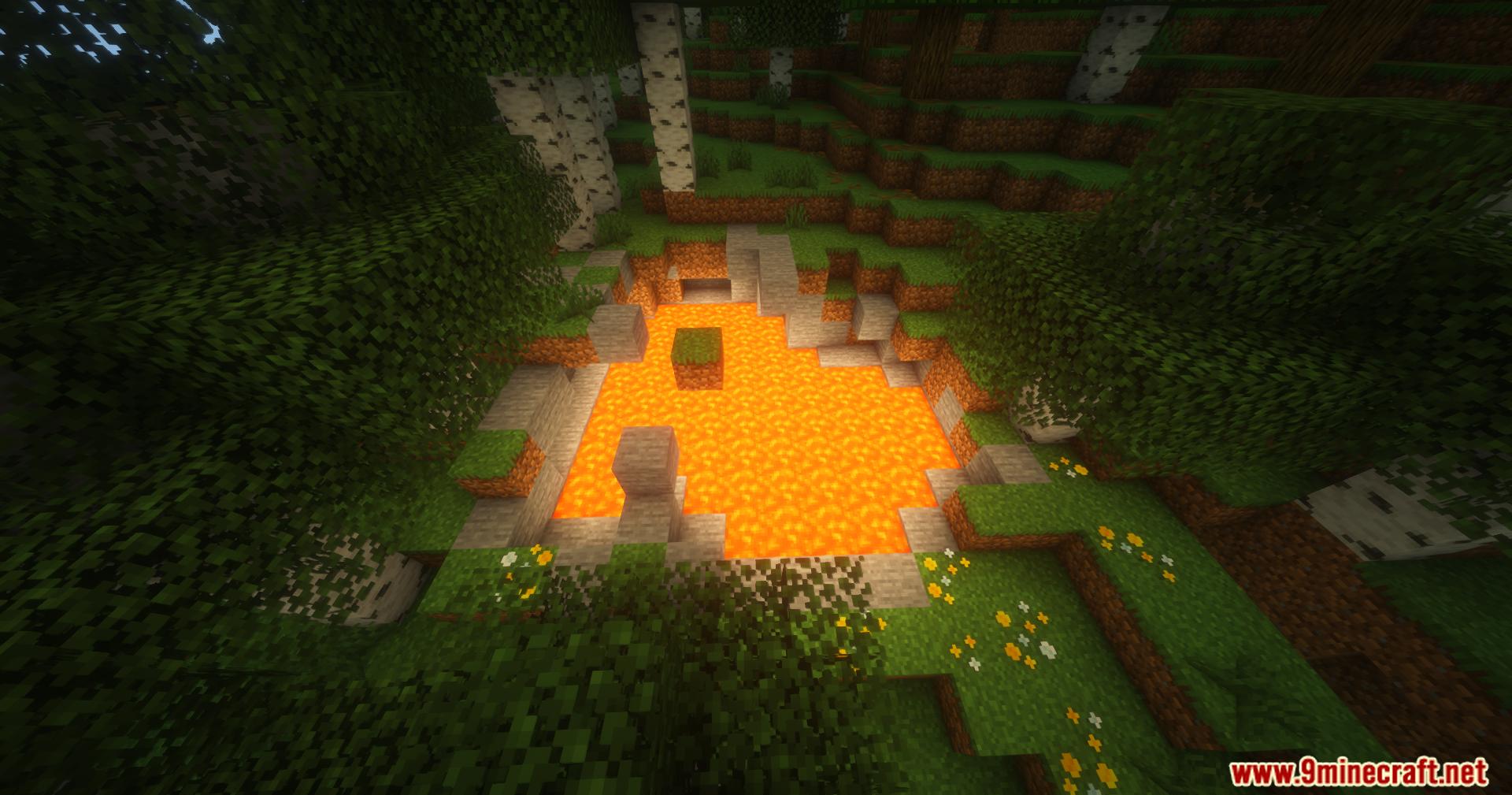
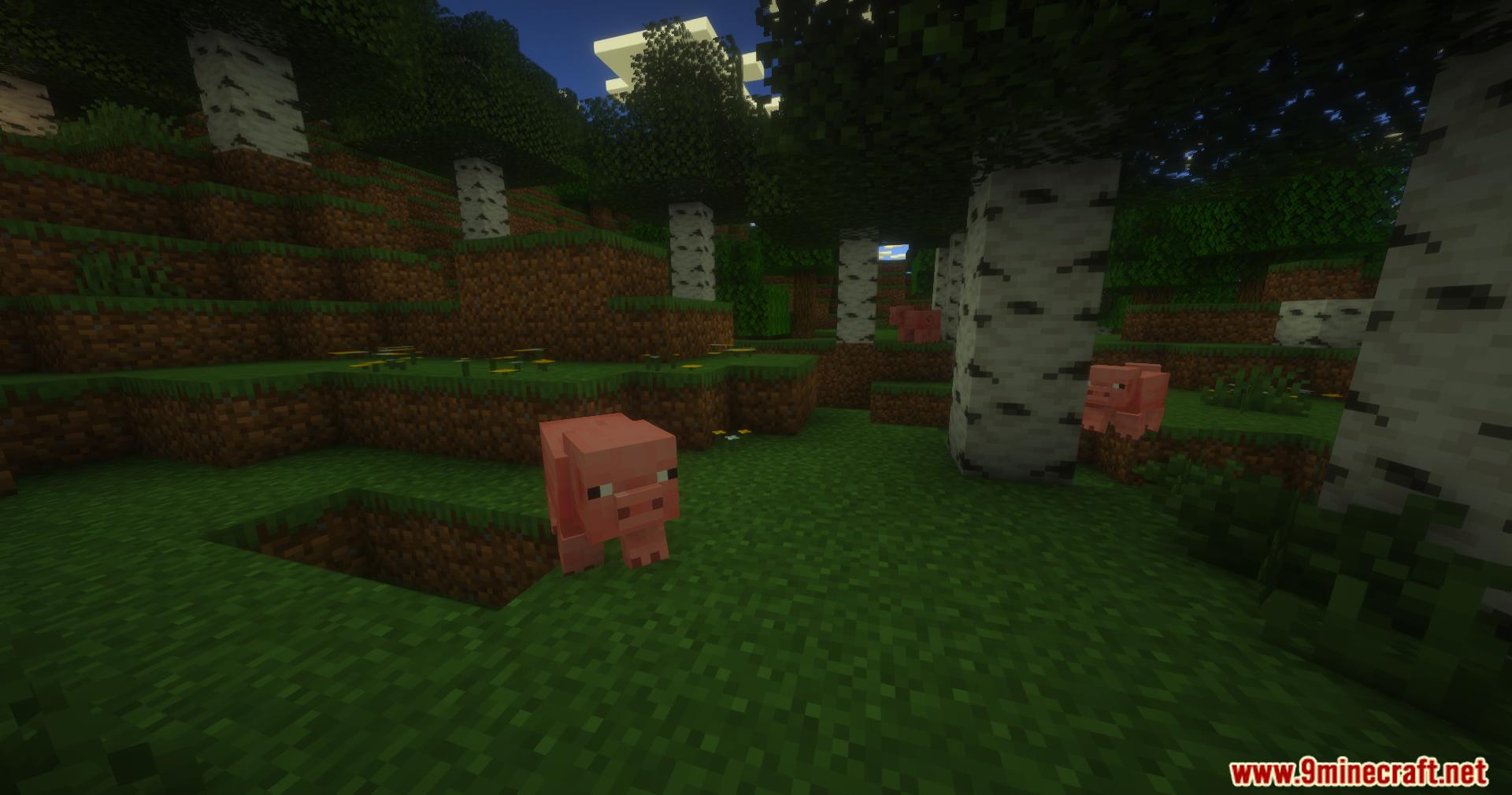
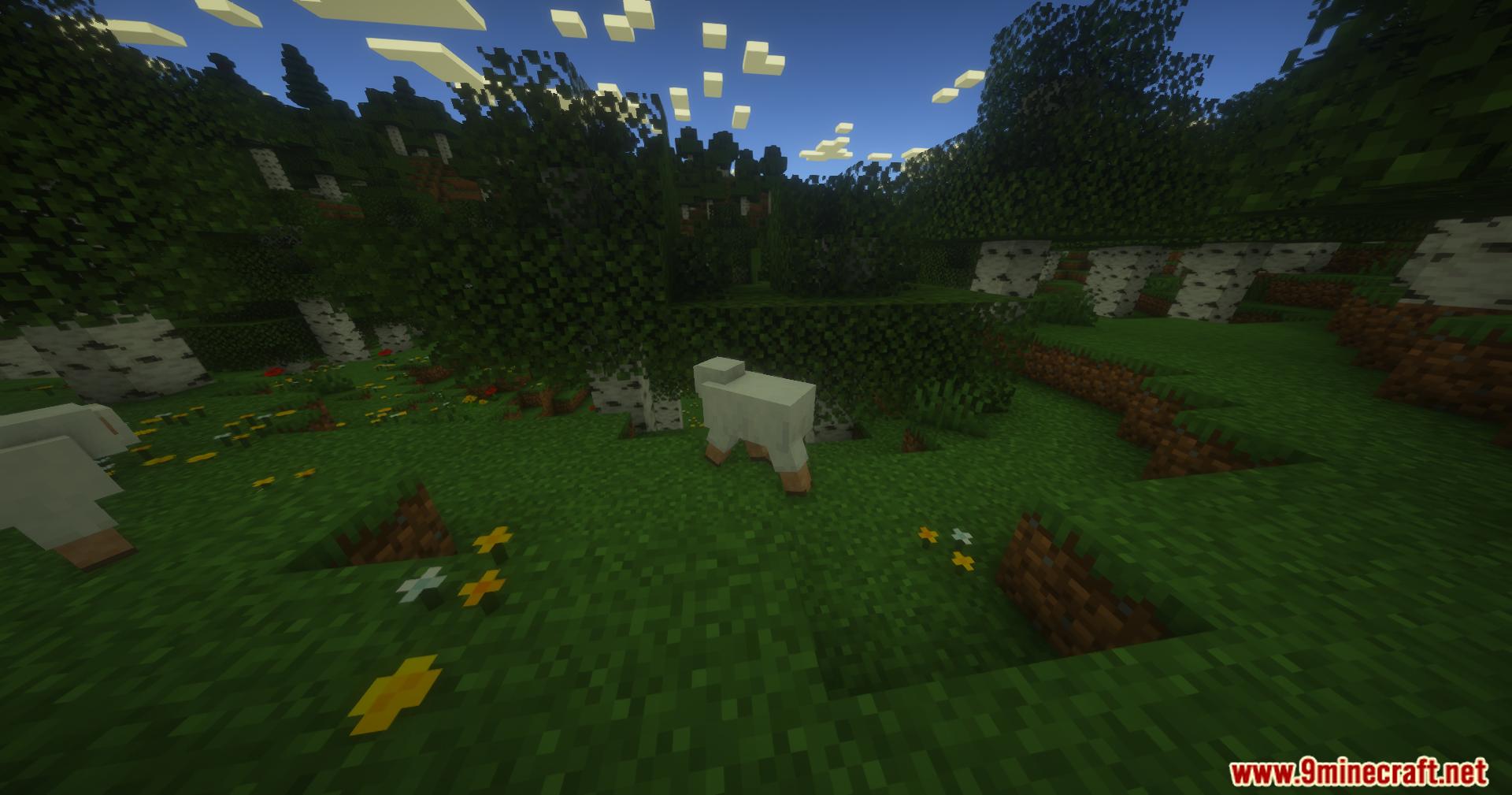
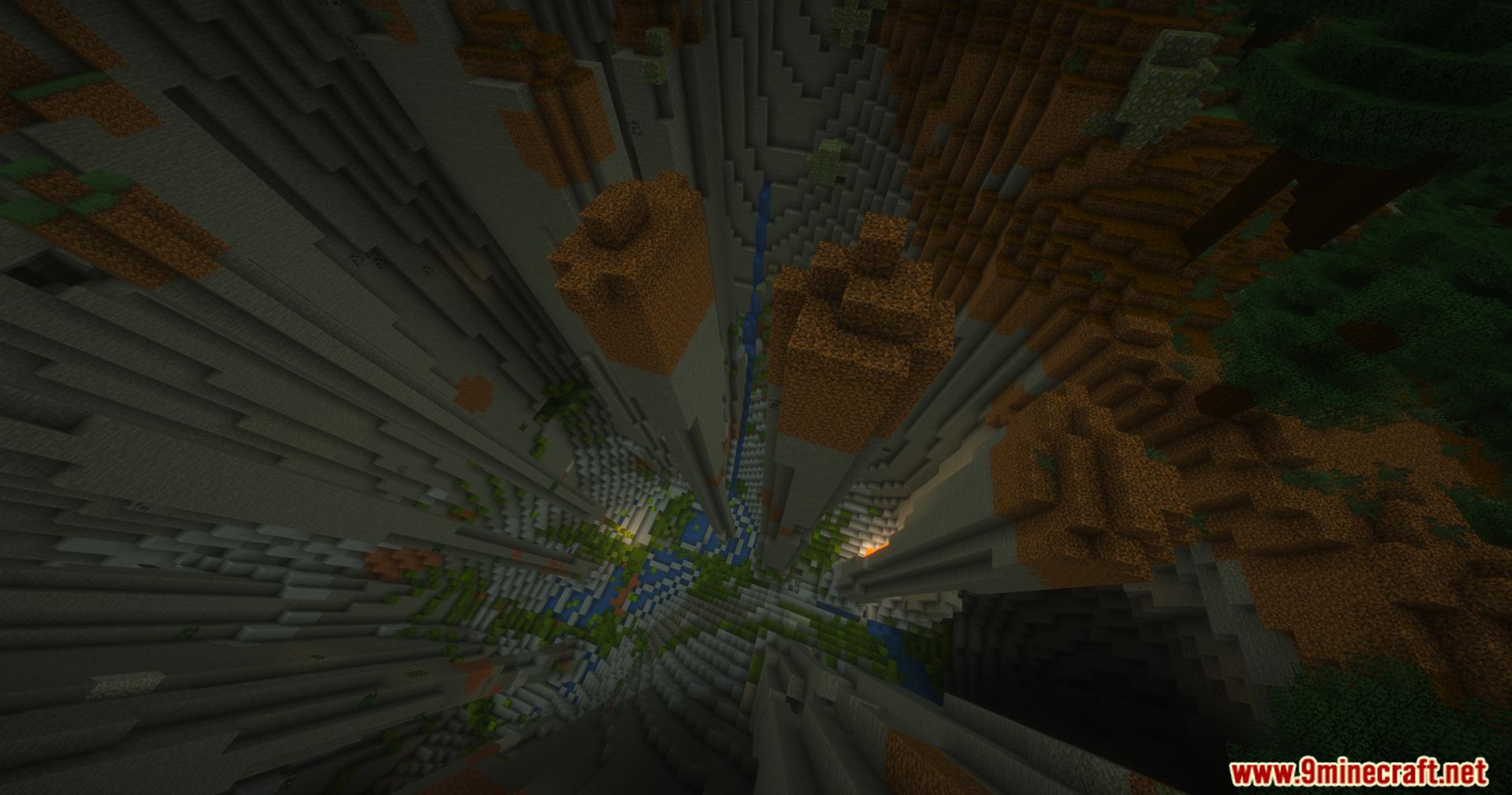
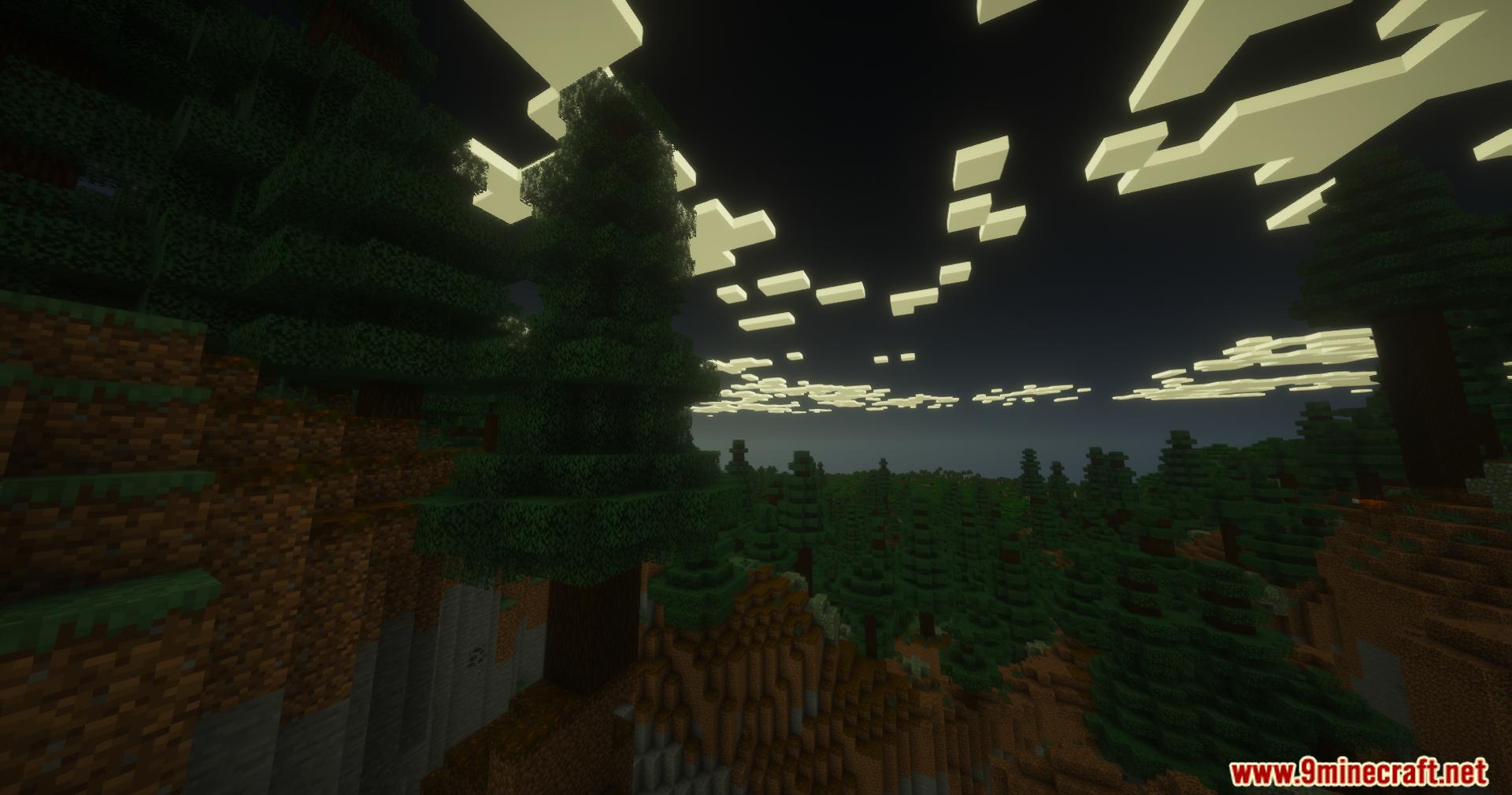
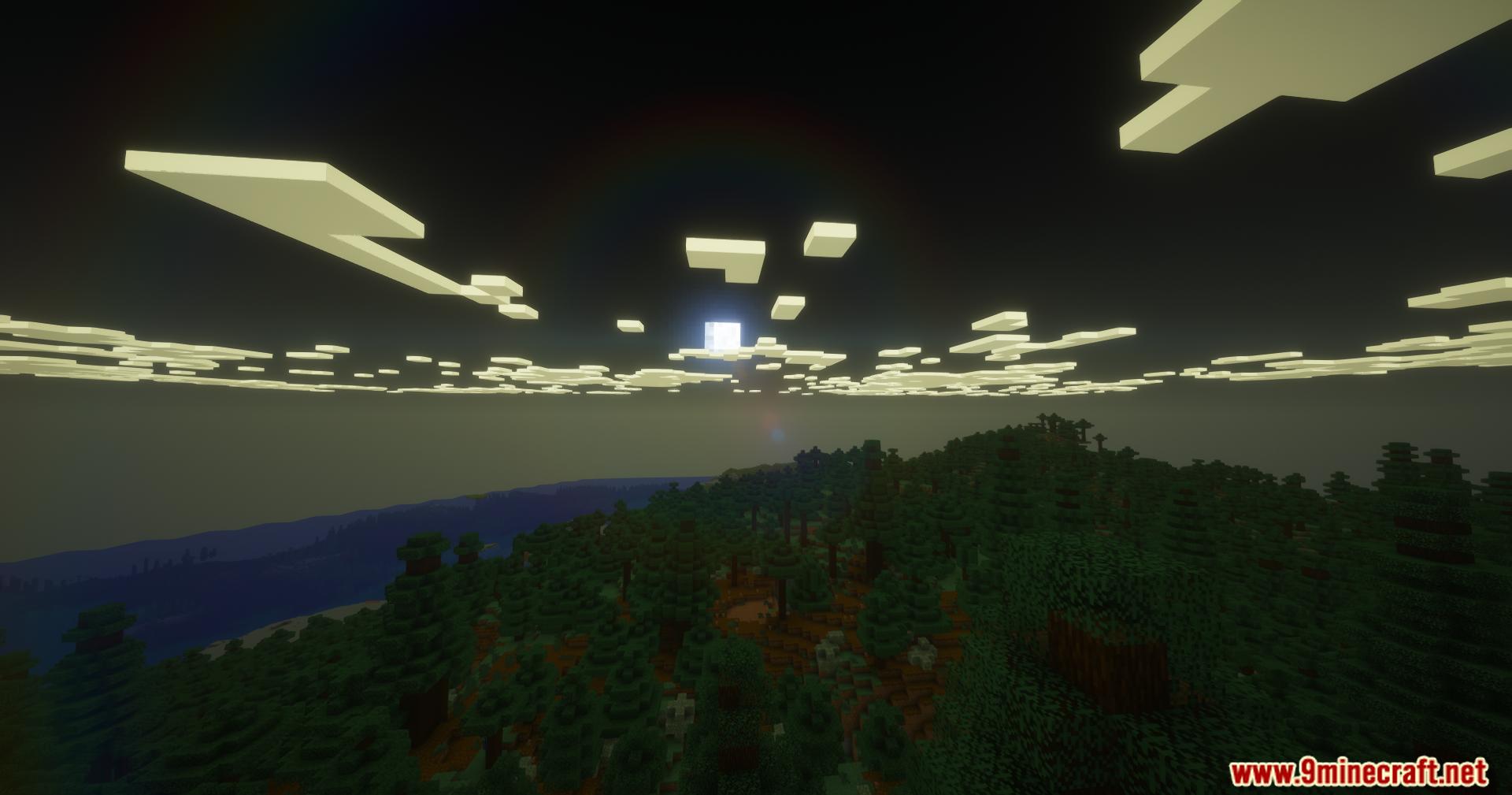
PureCraft Shaders brings better graphics to Minecraft while keeping the normal look of the game. It makes your world look beautiful without slowing down your computer. You get natural white clouds, pretty lighting, and clear pictures that run fast even on older machines.
Features:
- Runs on Weak Computers: Works fast on older parts and integrated graphics cards so anyone can play.
- Keeps the Classic Look: Makes the game prettier but still looks like normal Minecraft.
- Better Weather: Changes how rain looks to make it feel more natural.
- Pretty Skies: Adds beautiful sunrises and sunsets to your world.
- Camera Focus: Blurs the background when you look closely at an object.
- Clean Edges: Removes ugly jagged lines so blocks and items look sharp and clear.
Screenshots:
PureCraft Shaders Download Links
Quick facts
- Edition: Minecraft Java
- File type: .zip (resource pack)
- Minecraft versions listed: 26.3, 1.20.1
- How to install: Download the .zip resource pack — do not unzip it. → Put it in .minecraft/resourcepacks. → Enable it in Options → Resource Packs.
- Where to get it: In MC Java Mods, or directly above on this page.
Install steps are the general flow for this file type — see the MC Java Mods guides for the full walkthrough.
PureCraft Shaders (26.3, 1.20.1) – Upgrades Graphics For Weak Computers is a free Minecraft Java shader. Compatible with Minecraft 26.3, 1.20.1. Download it and open it directly in the game.