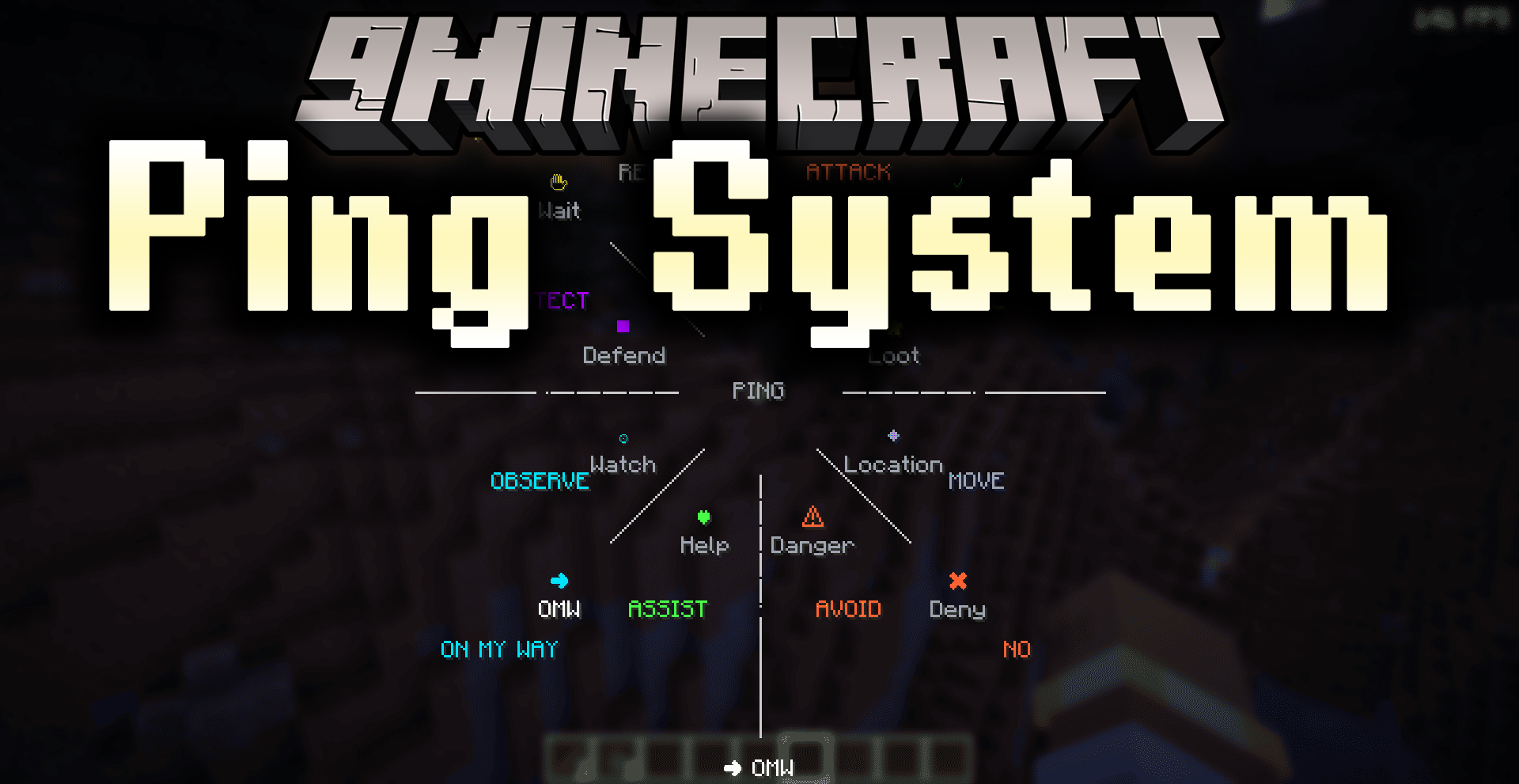
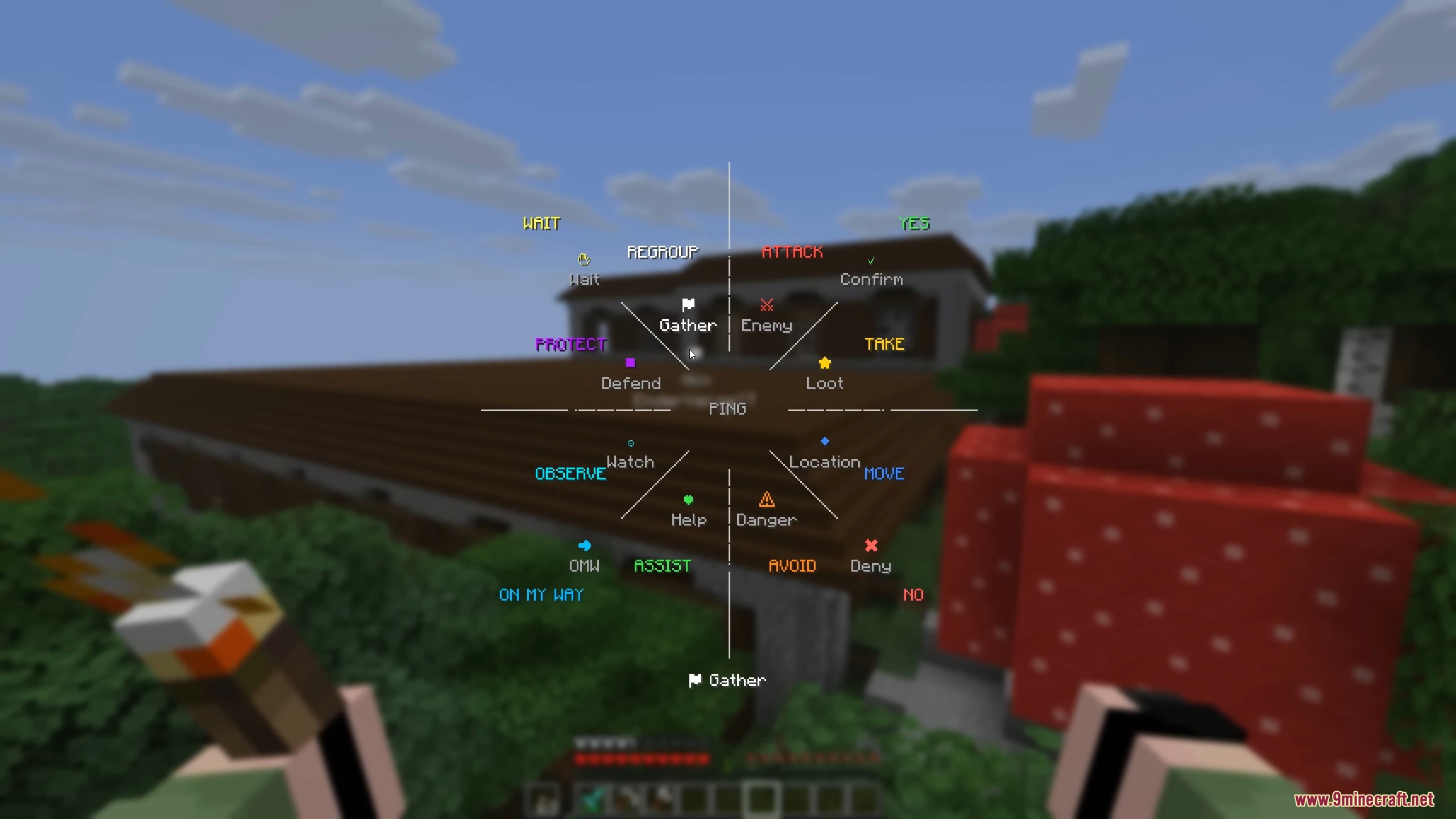
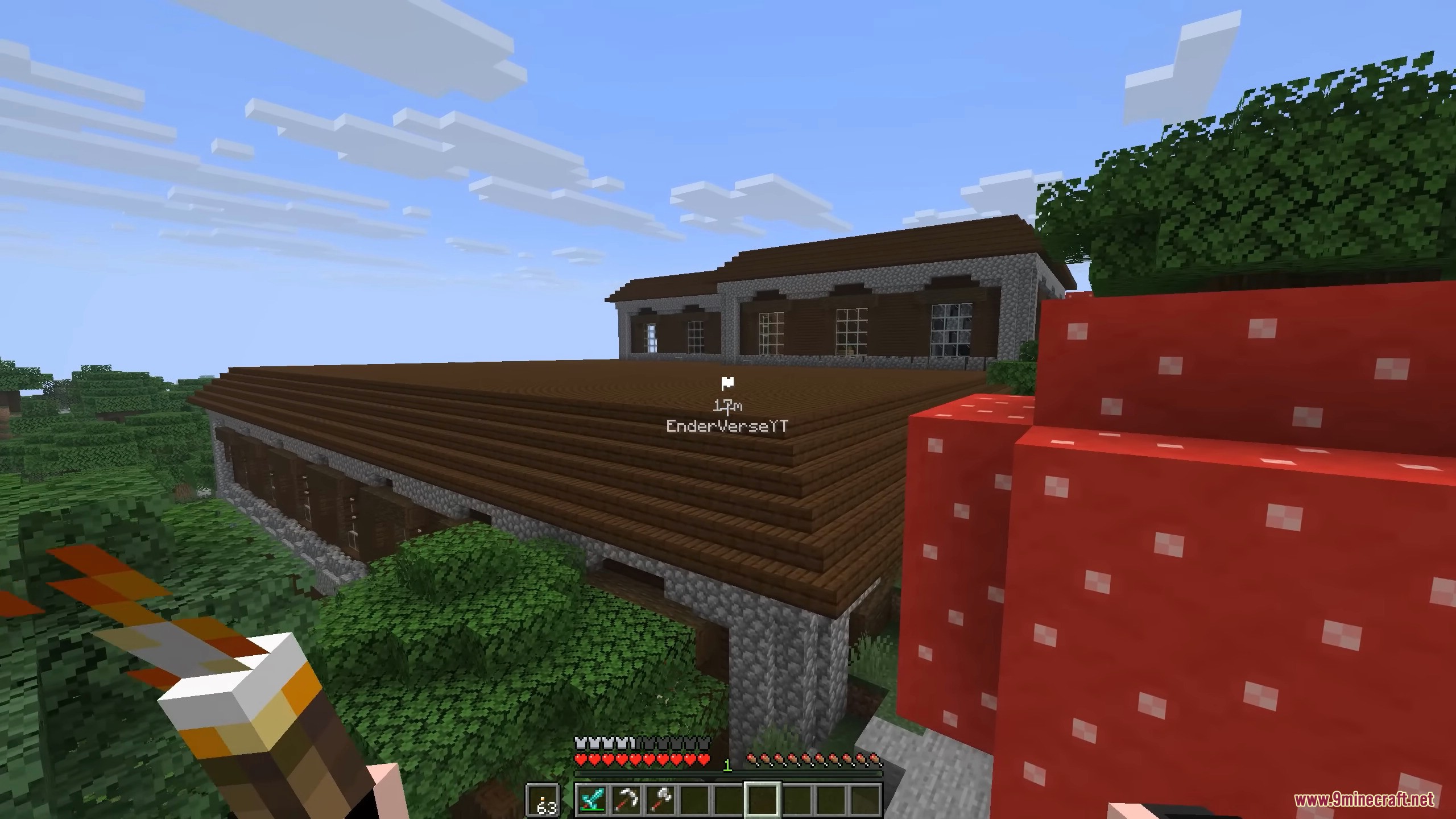
Ping System Mod lets you mark important spots for your teammates. You can quickly point out enemies, loot, or other locations by using a special wheel menu. This helps you communicate better when playing with friends.
Features:
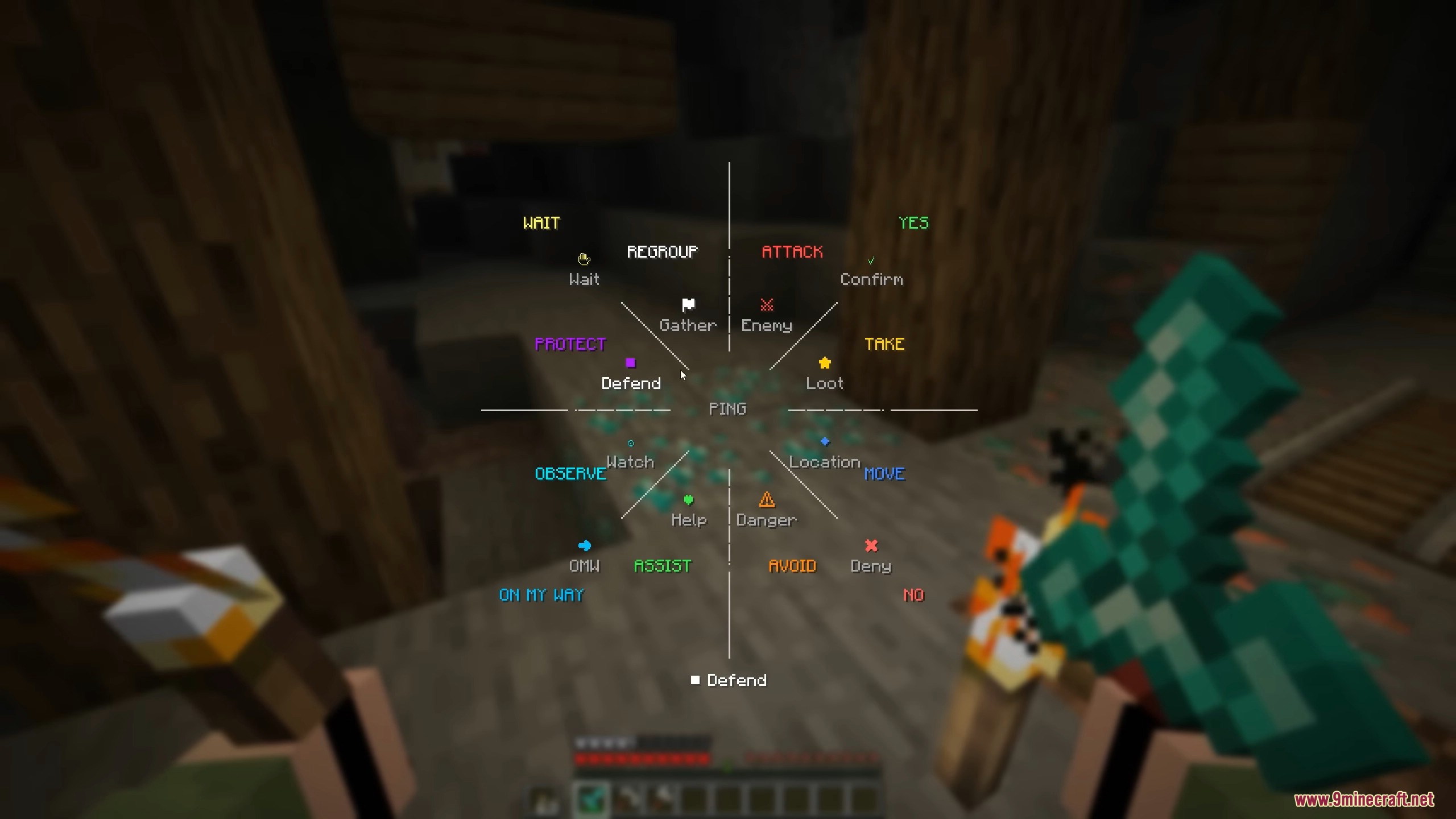
- Use a wheel menu to choose different pings.
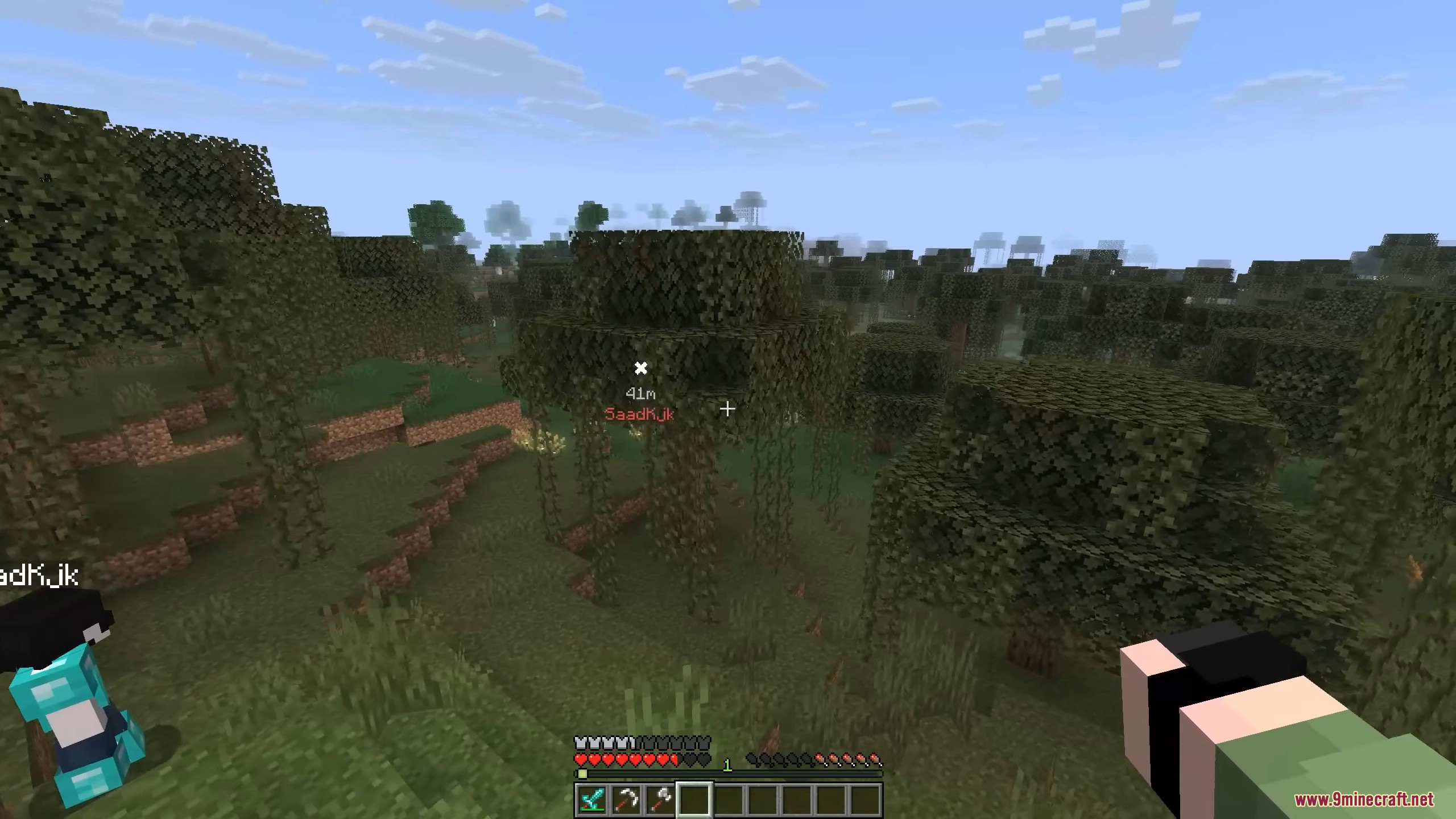
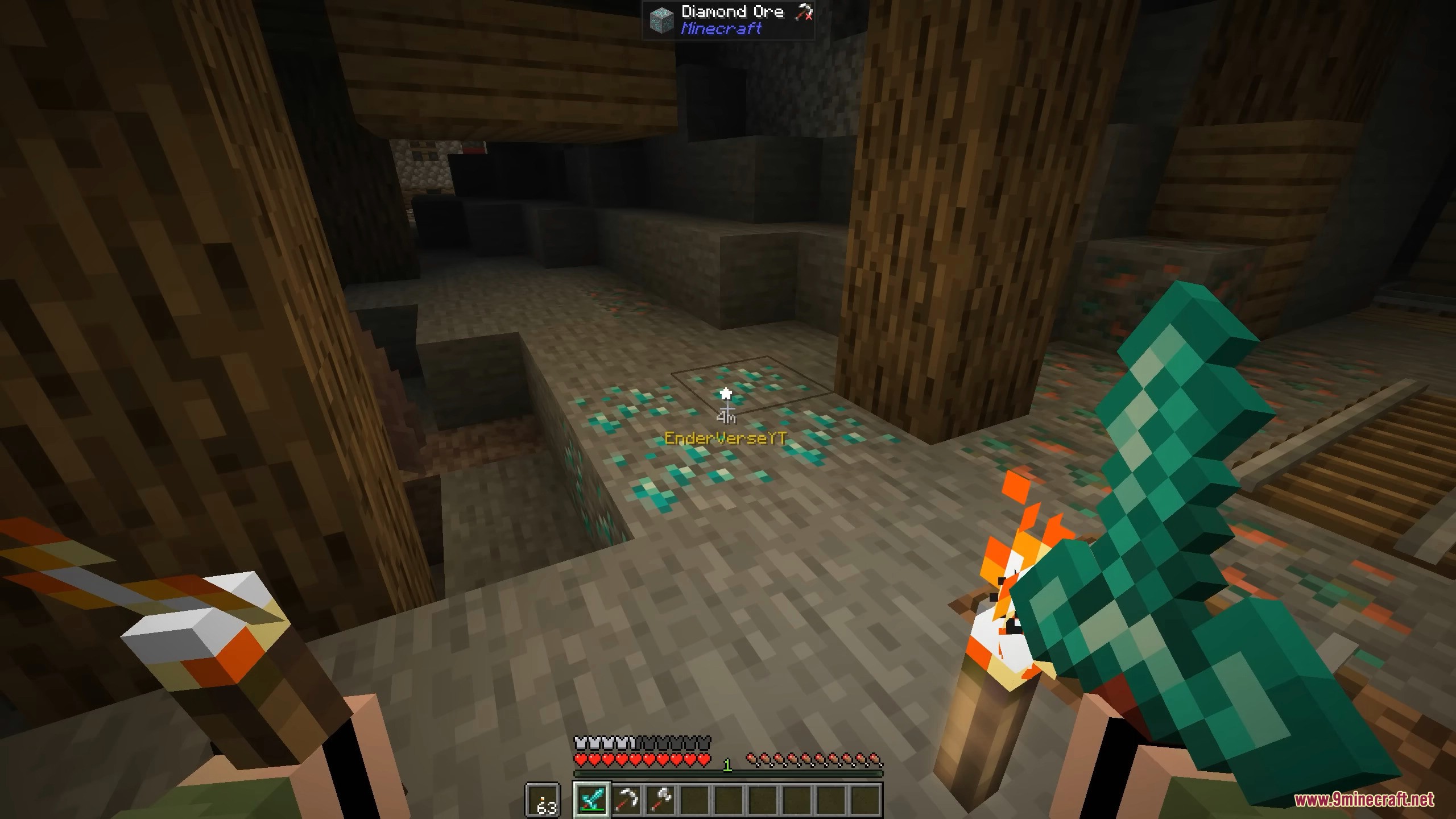
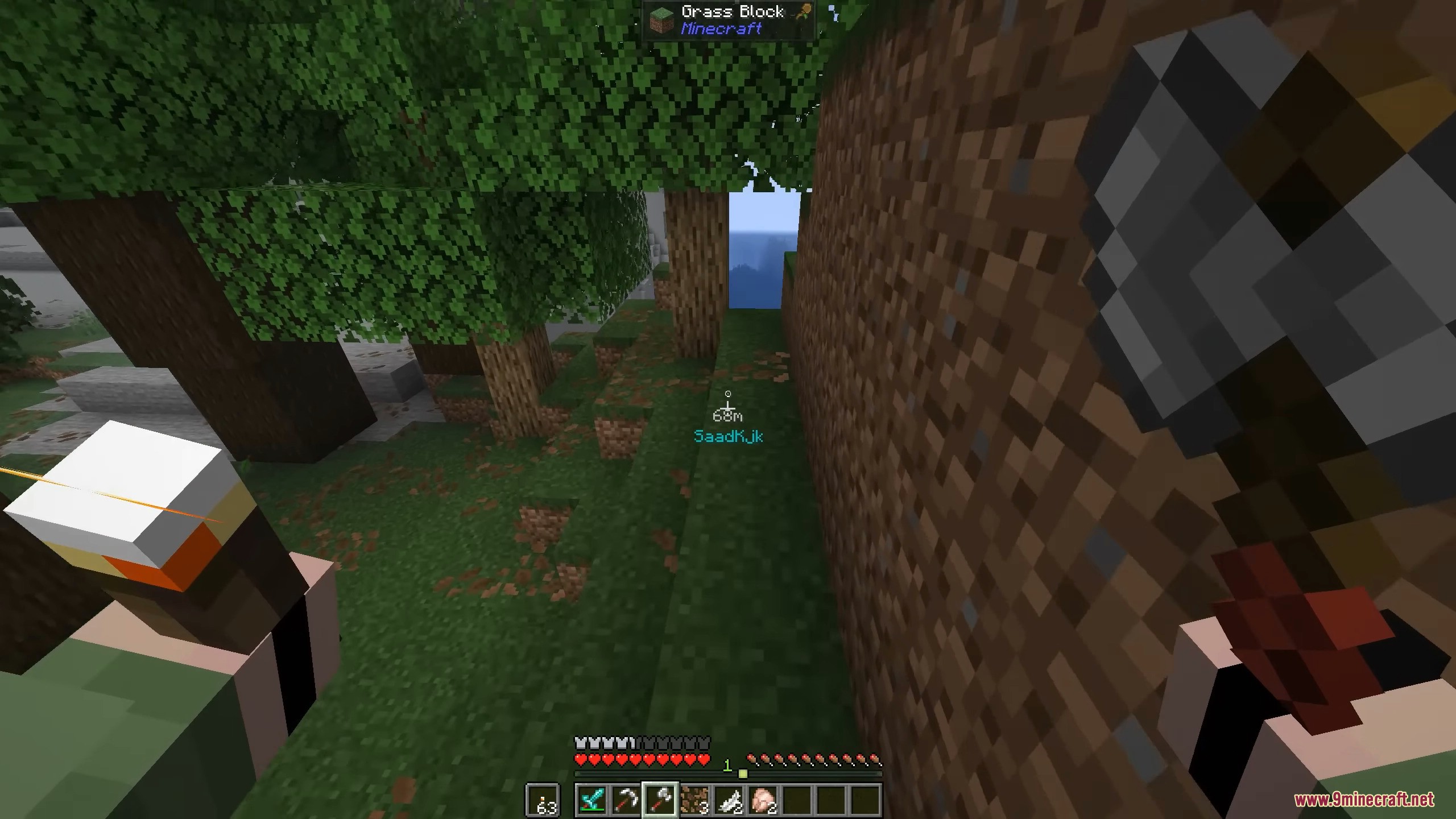
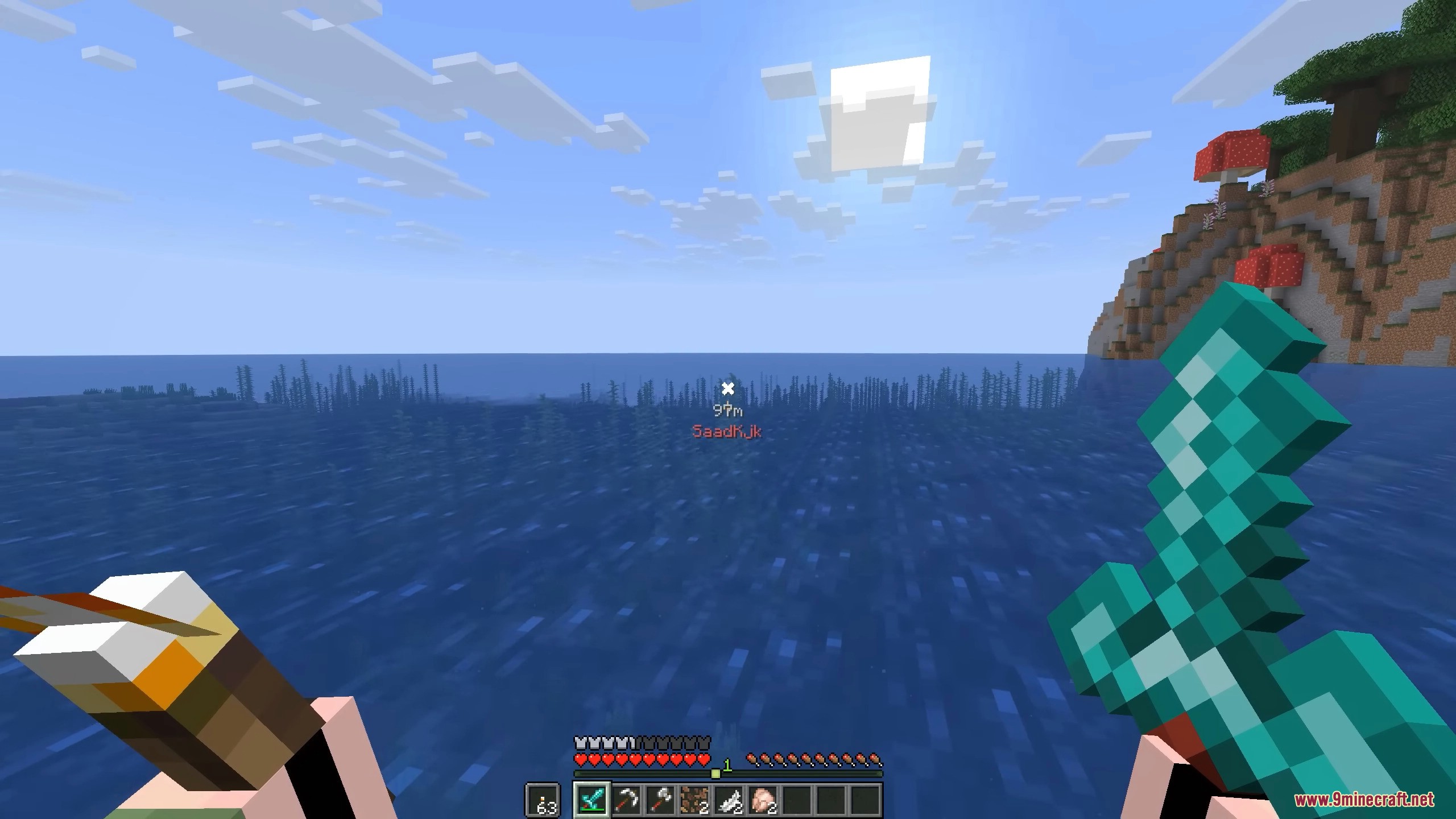
- See markers in the world, even through walls.
- Markers show the distance and who placed them.
- An arrow on your screen points to the ping.
- Mark enemies, loot, danger, and other things.
- Send quick messages like “Yes” or “No”.
How to Use:
- Look at the block or creature you want to ping.
- Hold the TAB key to open the ping wheel.
- Move your mouse to pick the type of ping.
- Let go of the TAB key to send the ping.
Screenshots:
Ping System Mod Download Links
Quick facts
- Edition: Minecraft Java
- File type: .jar
- Minecraft version listed: 1.21.11
- How to install: Install the matching mod loader (Forge, Fabric or NeoForge) for your Minecraft version. → Download the .jar. → Put it in the .minecraft/mods folder and launch that loader profile.
- Where to get it: In MC Java Mods, or directly above on this page.
Install steps are the general flow for this file type — How to install Minecraft Java mods & modpacks walks through it step by step.
Verified by MCModsHub
- Downloads as 83446.mcaddon
- Download size: 49 KB
- Download link checked 22 Sept 2026 — working
- Mirrored on our own servers — the download does not depend on the original host
These come from our own check of the pack file, not from the source page.