
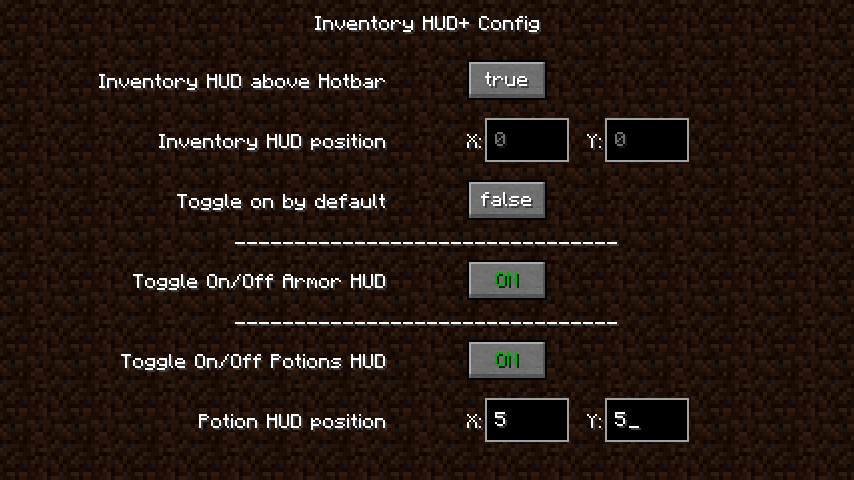
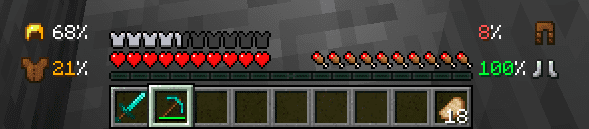

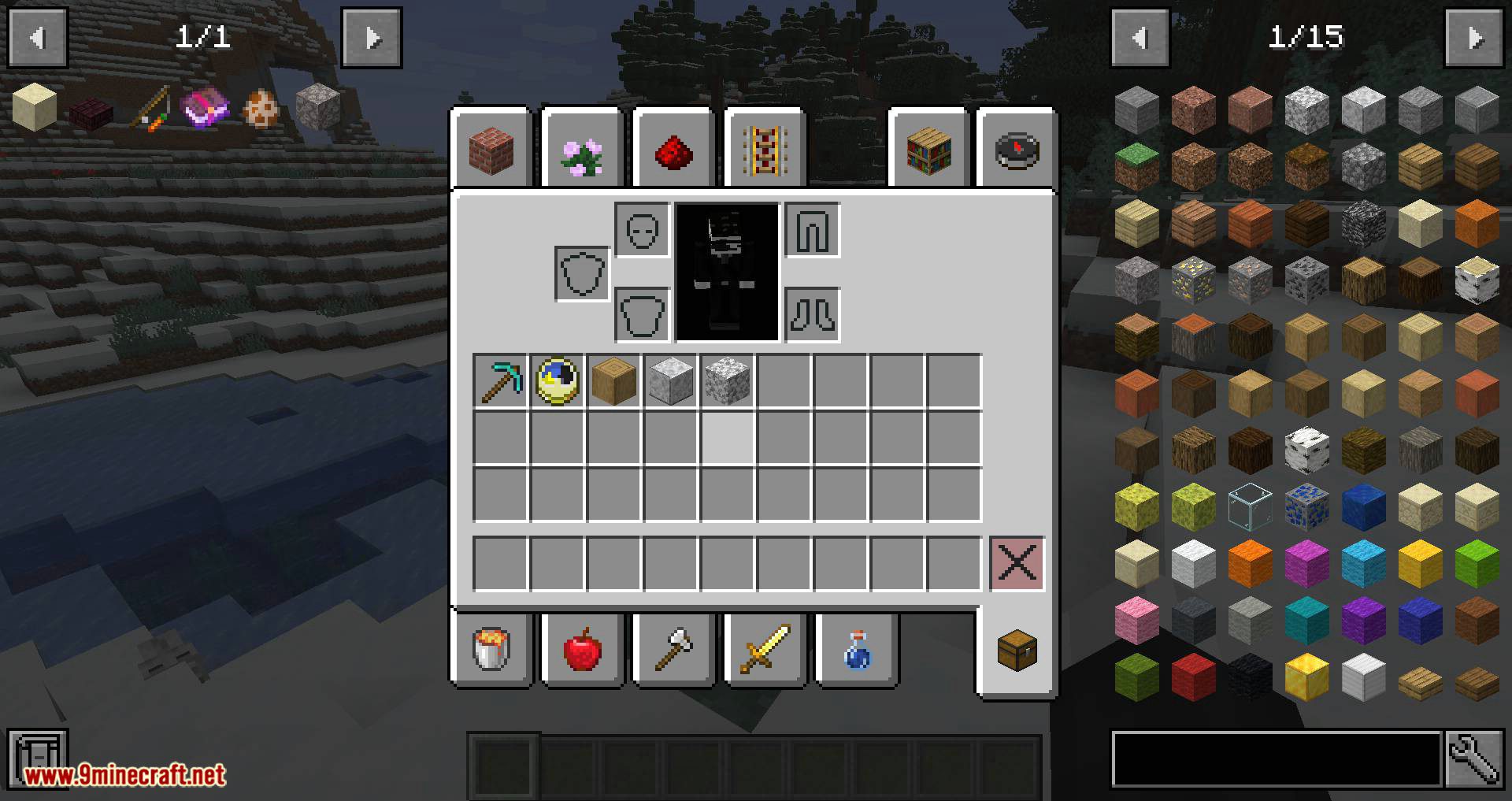
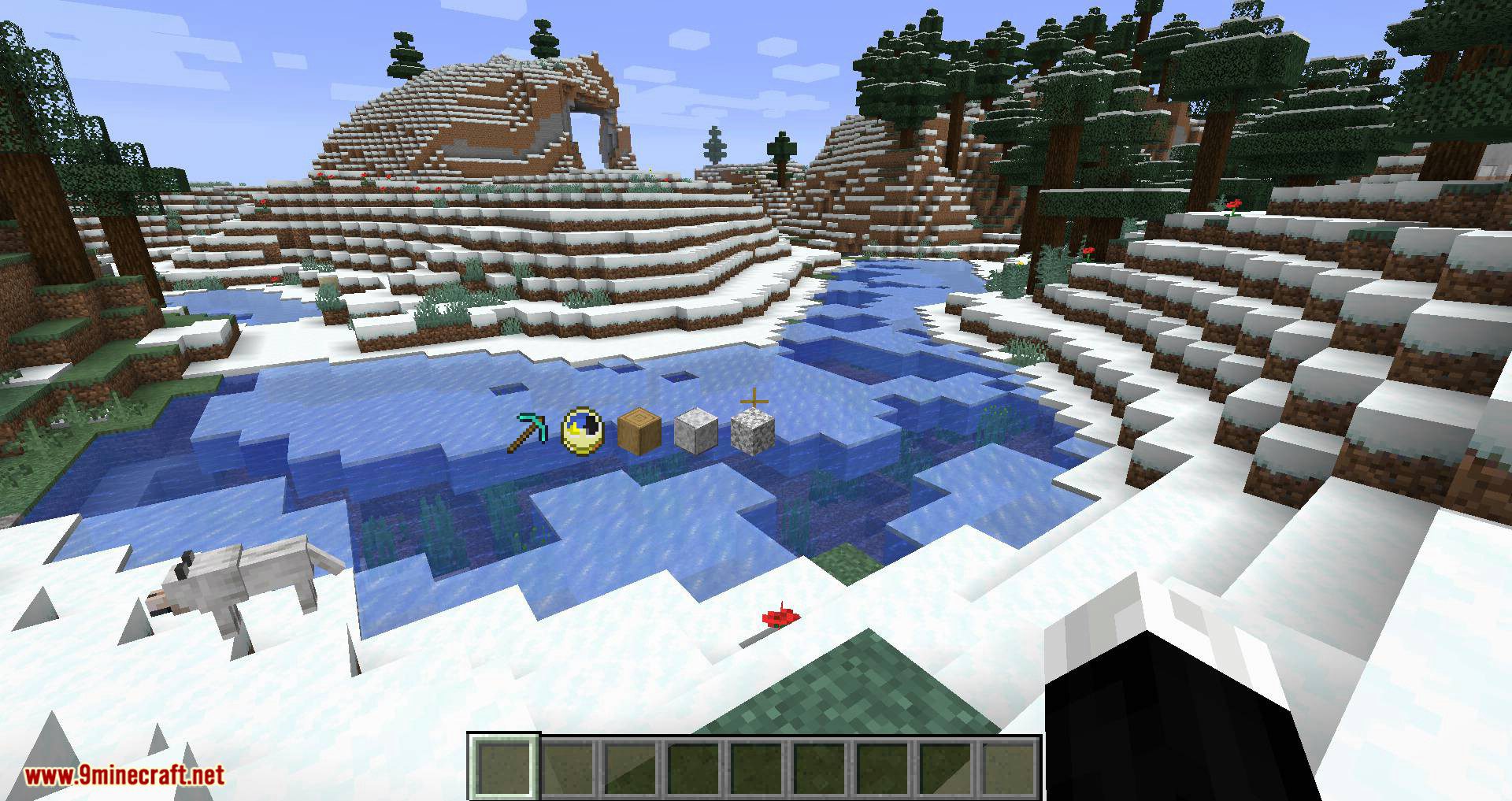
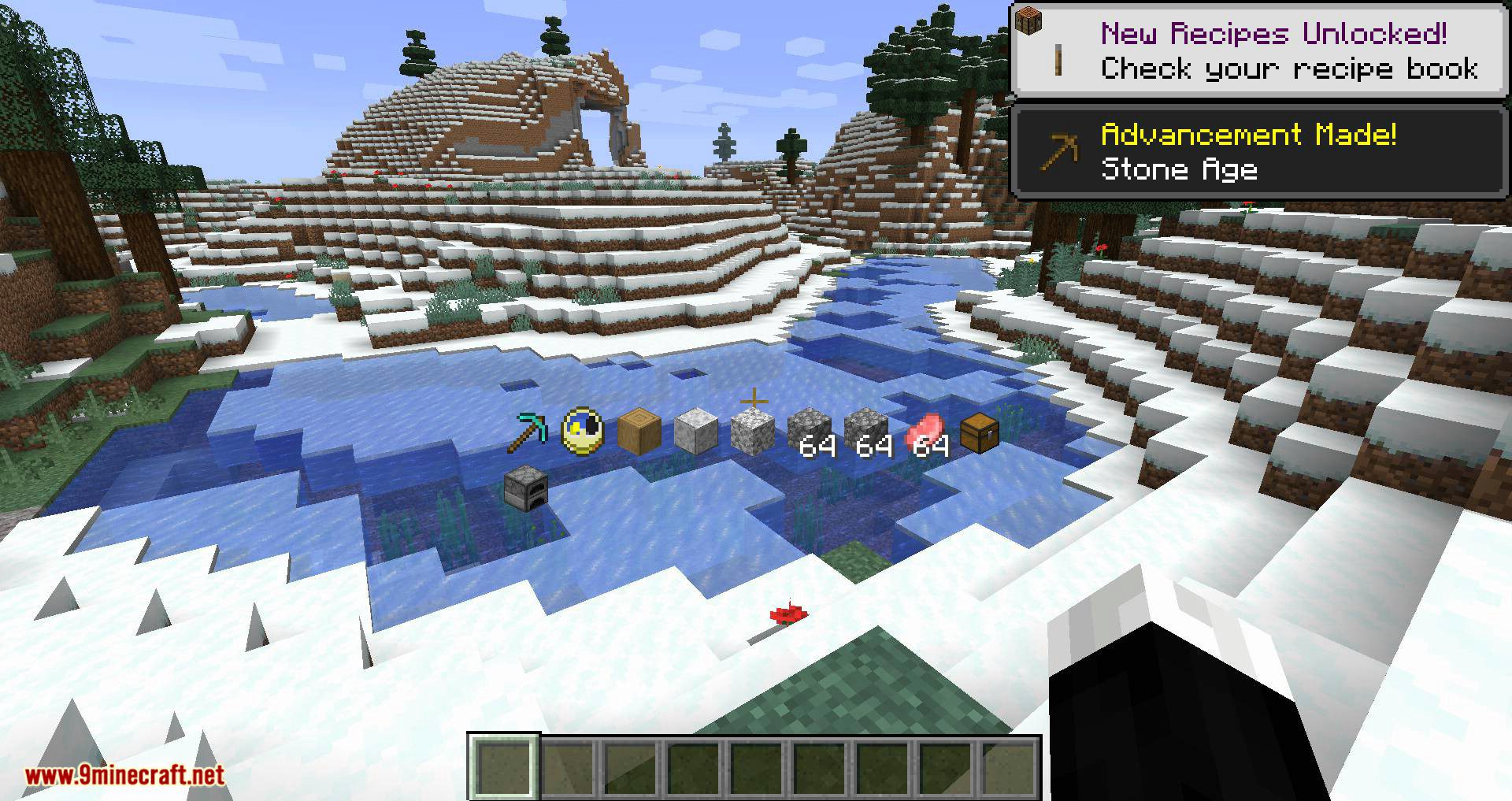
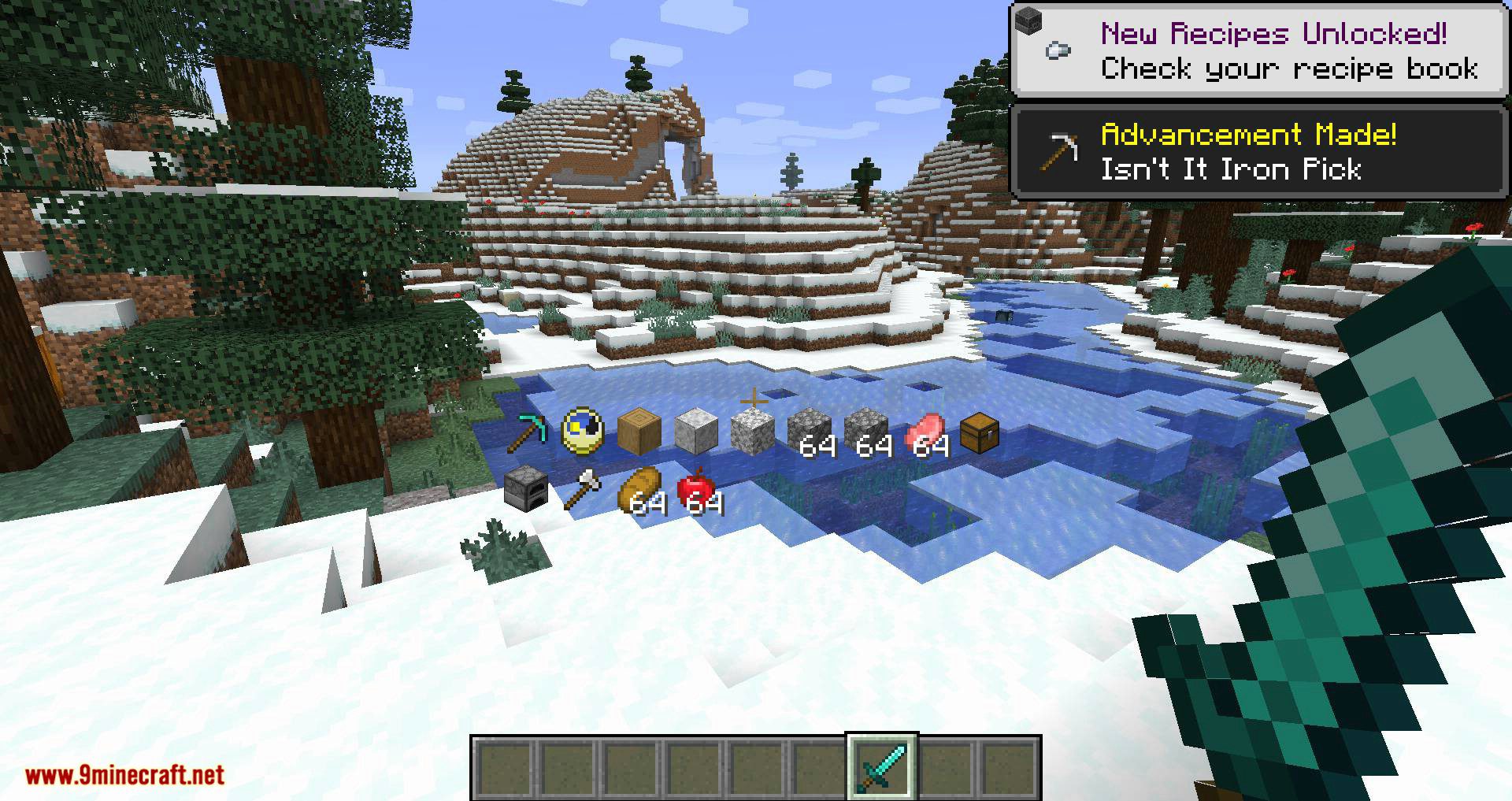
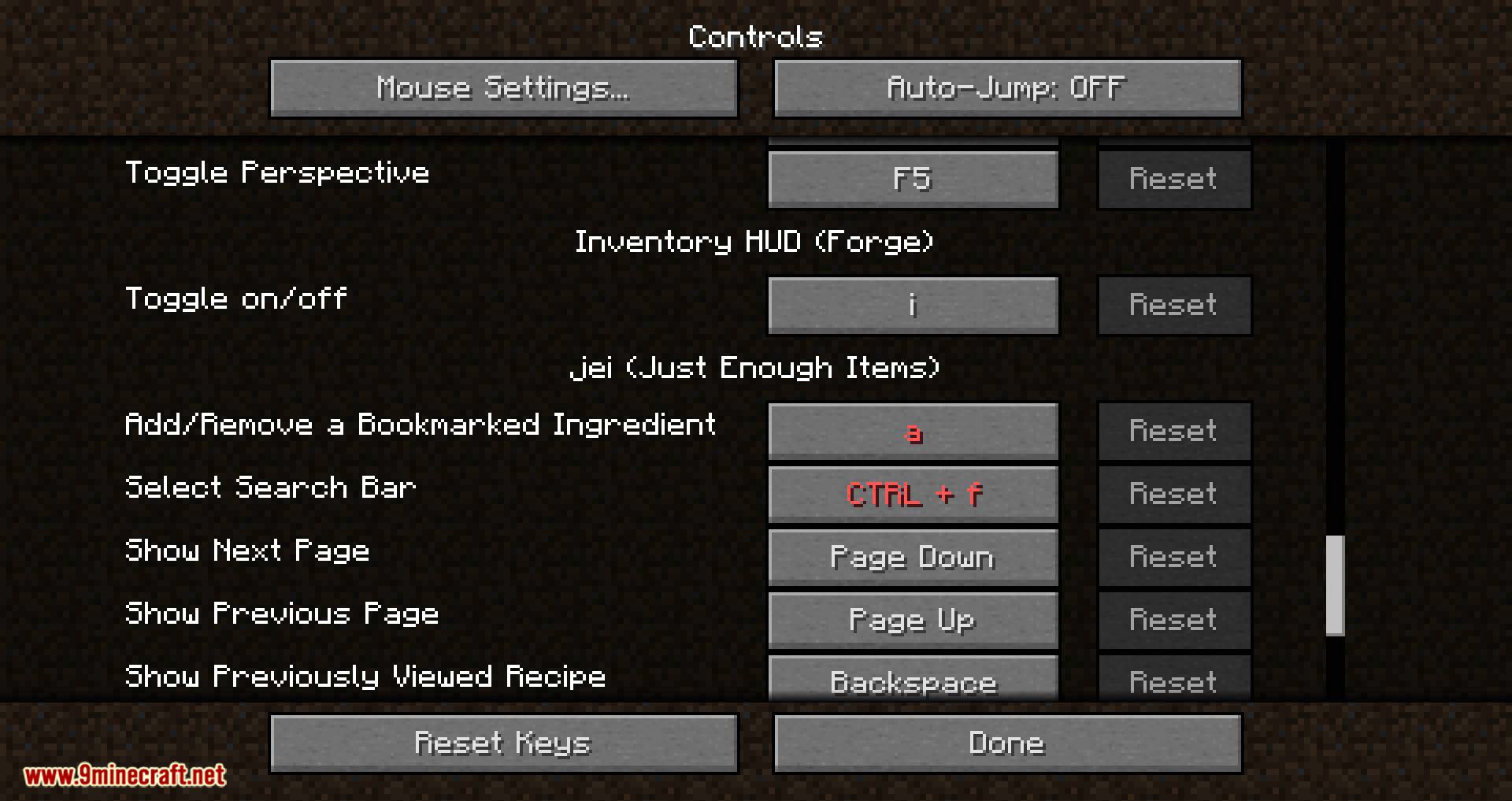
Inventory HUD+ Mod is a mod that adds many new features and customizations to modify the Minecraft HUD. Although there are many options, let’s review the most notable ones it offers. Firstly, the mod constantly displays the character’s inventory on the screen. Secondly, an area related to potions appears. Thirdly, an area related to the character’s armor and equipment appears on the screen. In the following image, we can see the layout of these interface elements on the screen. Although the default position is shown in the image below, players can customize the position of any of these three elements by dragging them from one position to another. To do this, simply press the ‘O‘ key.
Features:
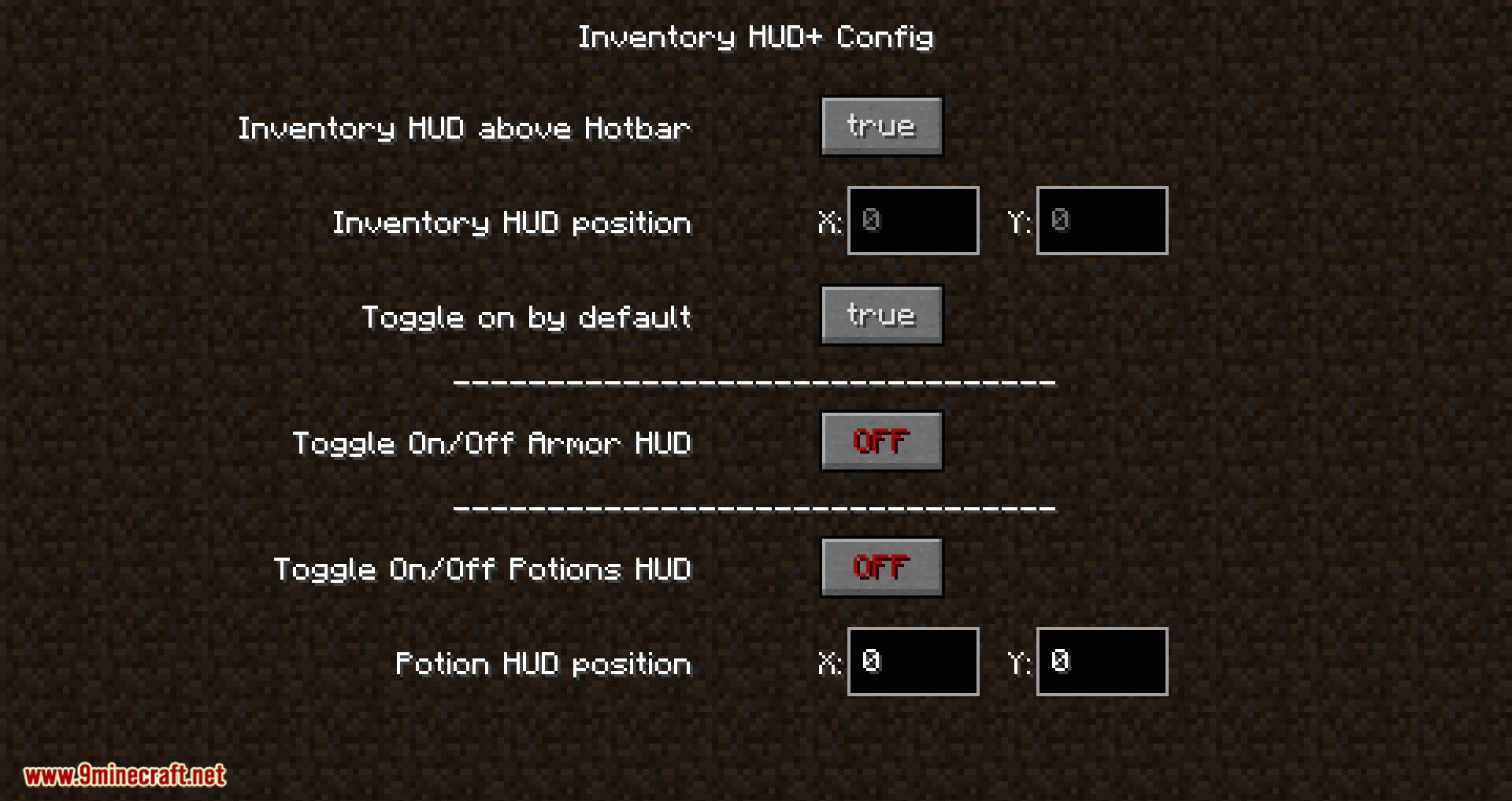
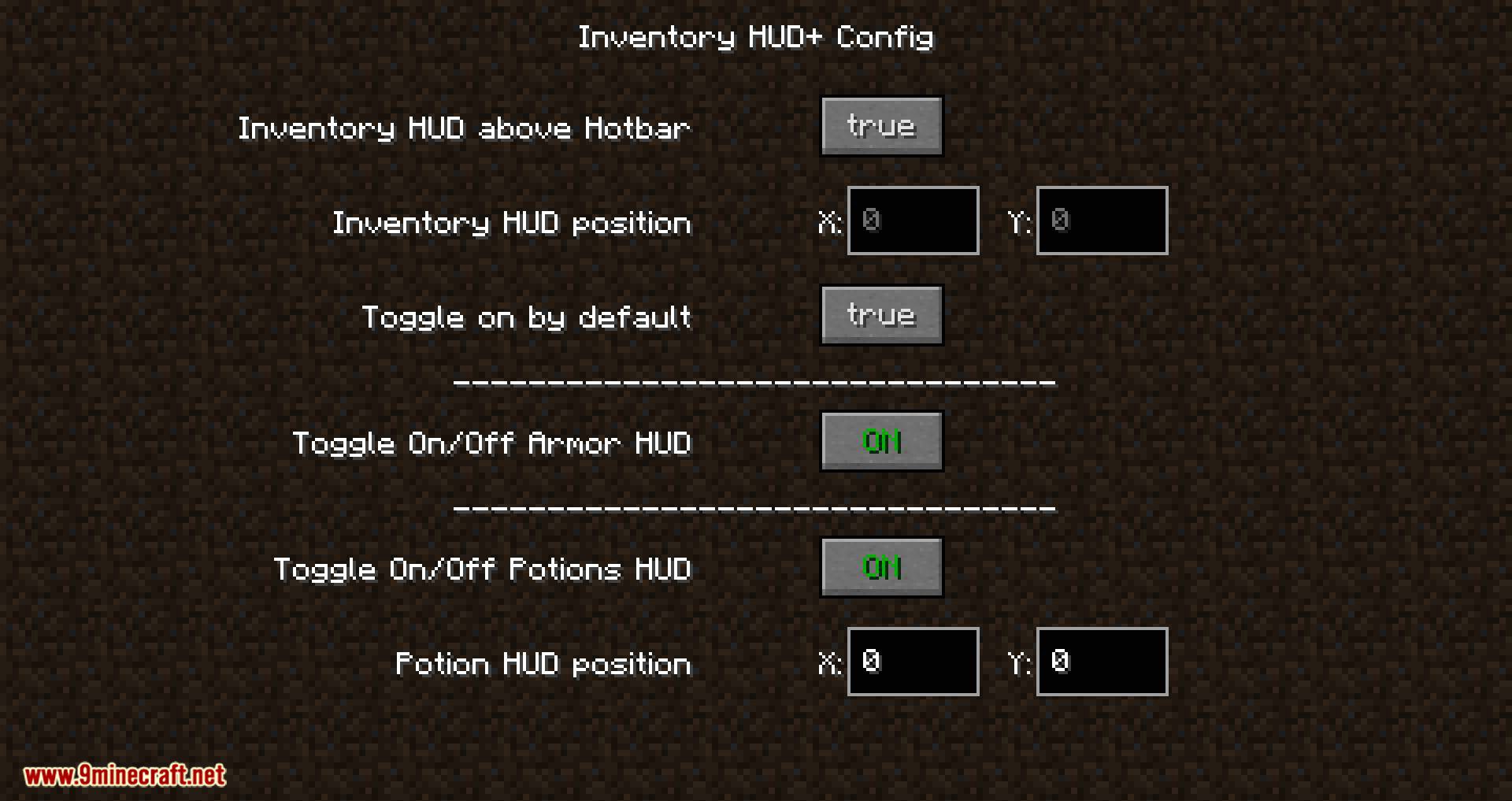
This mod adds two additional features! Both of them are OFF by default, but you can toggle them ON in in-game mod config screen!
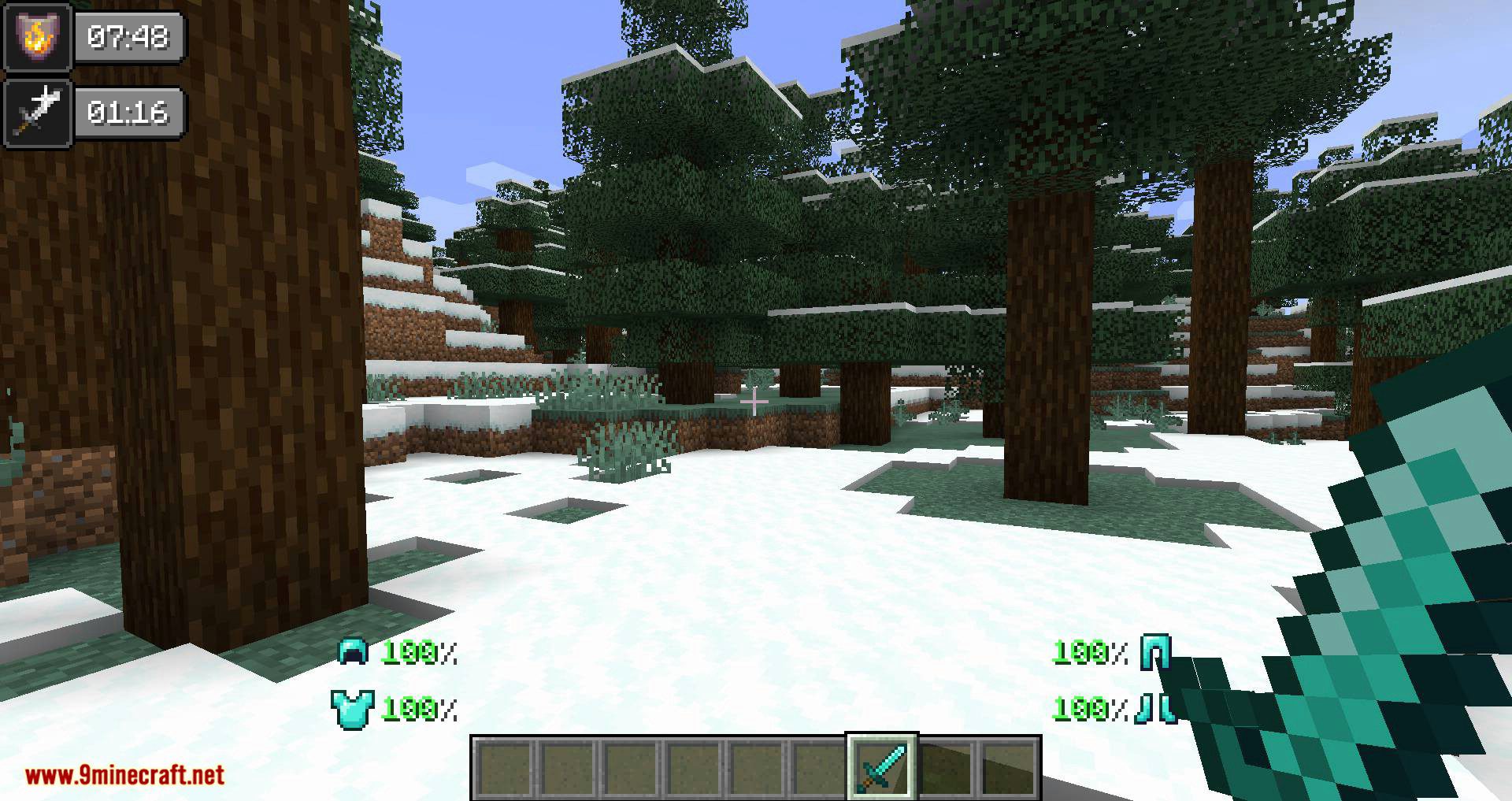
First feature is ArmorDamageHUD, it will show you what armor you should repair.
If durability more than 75% color is green, white color if 25-75%, orange if less than 25 and if your armor almost broken – color will be red!
The second feature is PotionStatusHUD!
You can change position anywhere you want, and it also will show you a duration of the effect!
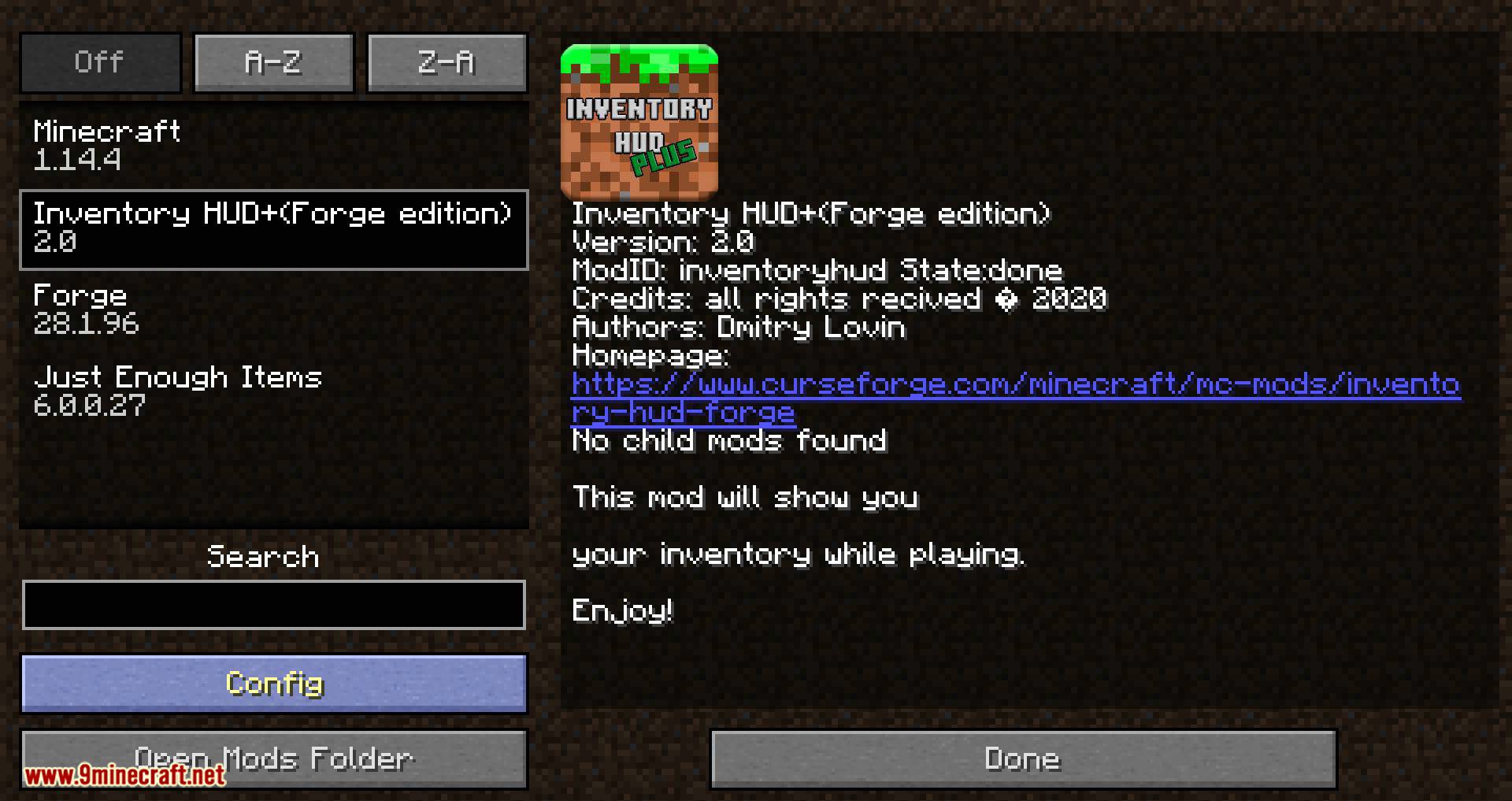
Screenshots:


Inventory HUD+ Mod Download Links
- Edition: Minecraft Java
- File type: .jar
- Minecraft version listed: 1.20.1
- How to install: Install the matching mod loader (Forge, Fabric or NeoForge) for your Minecraft version. → Download the .jar. → Put it in the .minecraft/mods folder and launch that loader profile.
- Where to get it: In MC Java Mods, or directly above on this page.
Install steps are the general flow for this file type — How to install Minecraft Java mods & modpacks walks through it step by step.
- Downloads as 83451.mcaddon
- Download size: 231 KB
- Download link checked 24 Sept 2026 — working
- Mirrored on our own servers — the download does not depend on the original host
These come from our own check of the pack file, not from the source page.