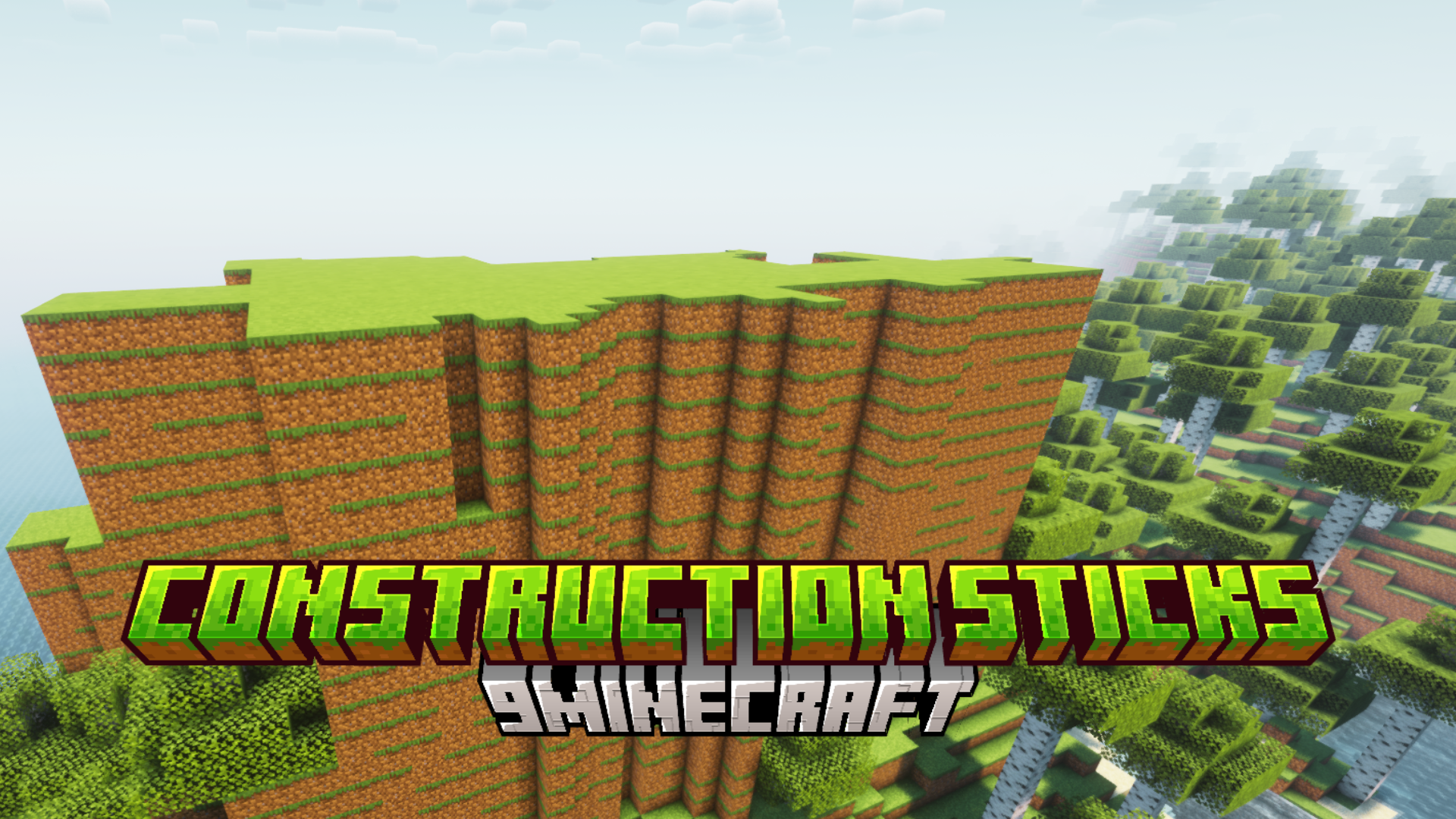
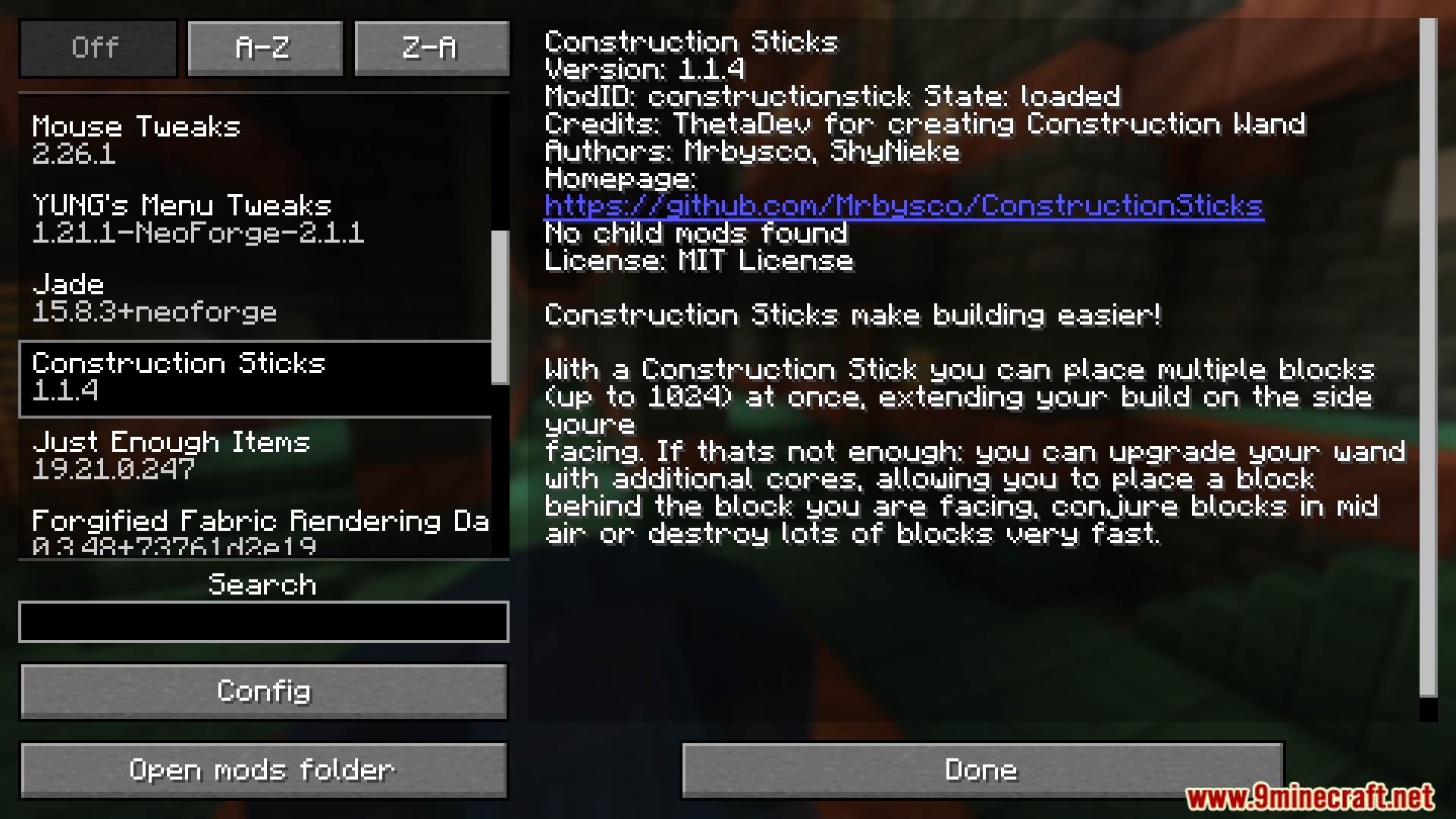
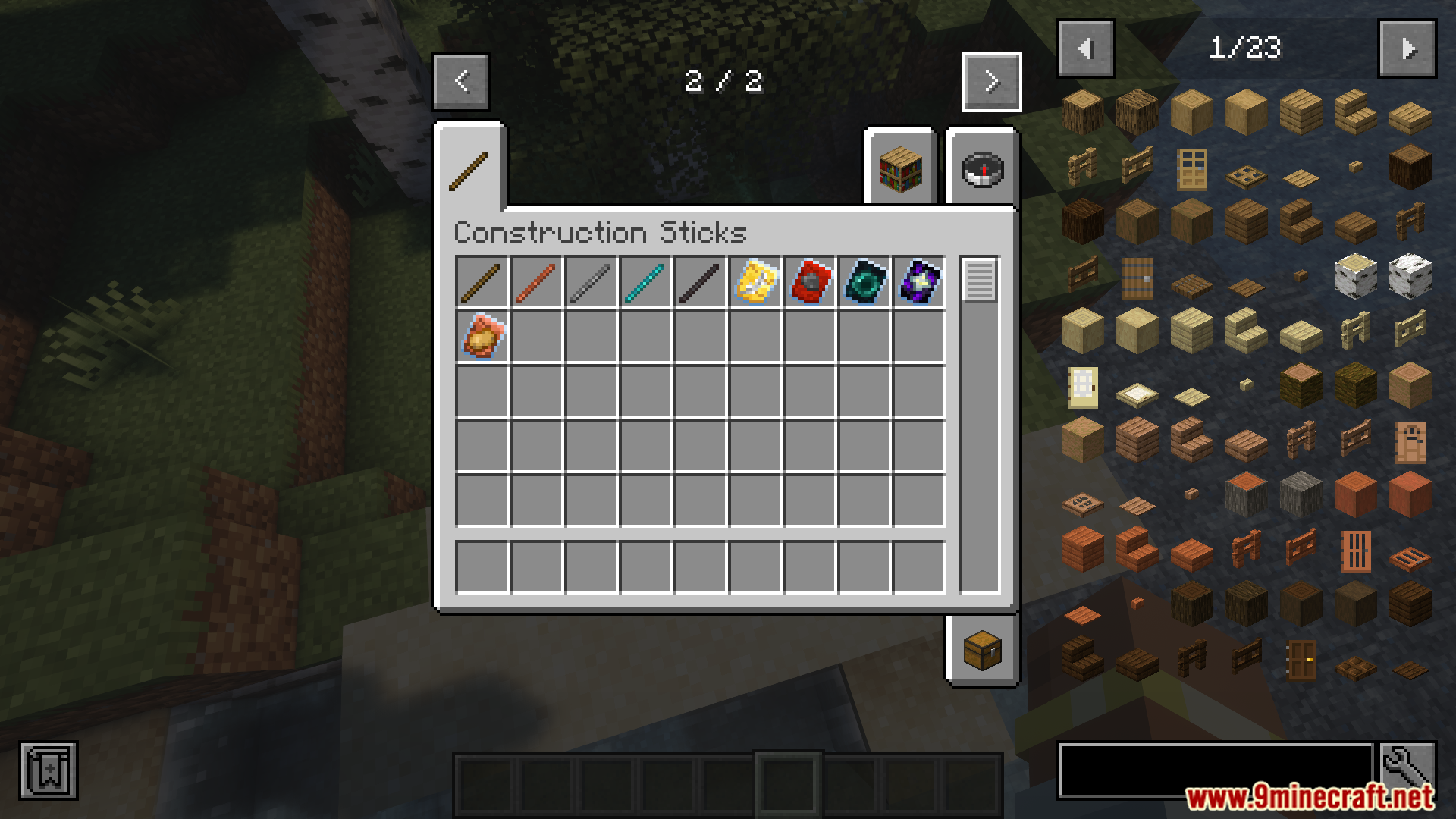
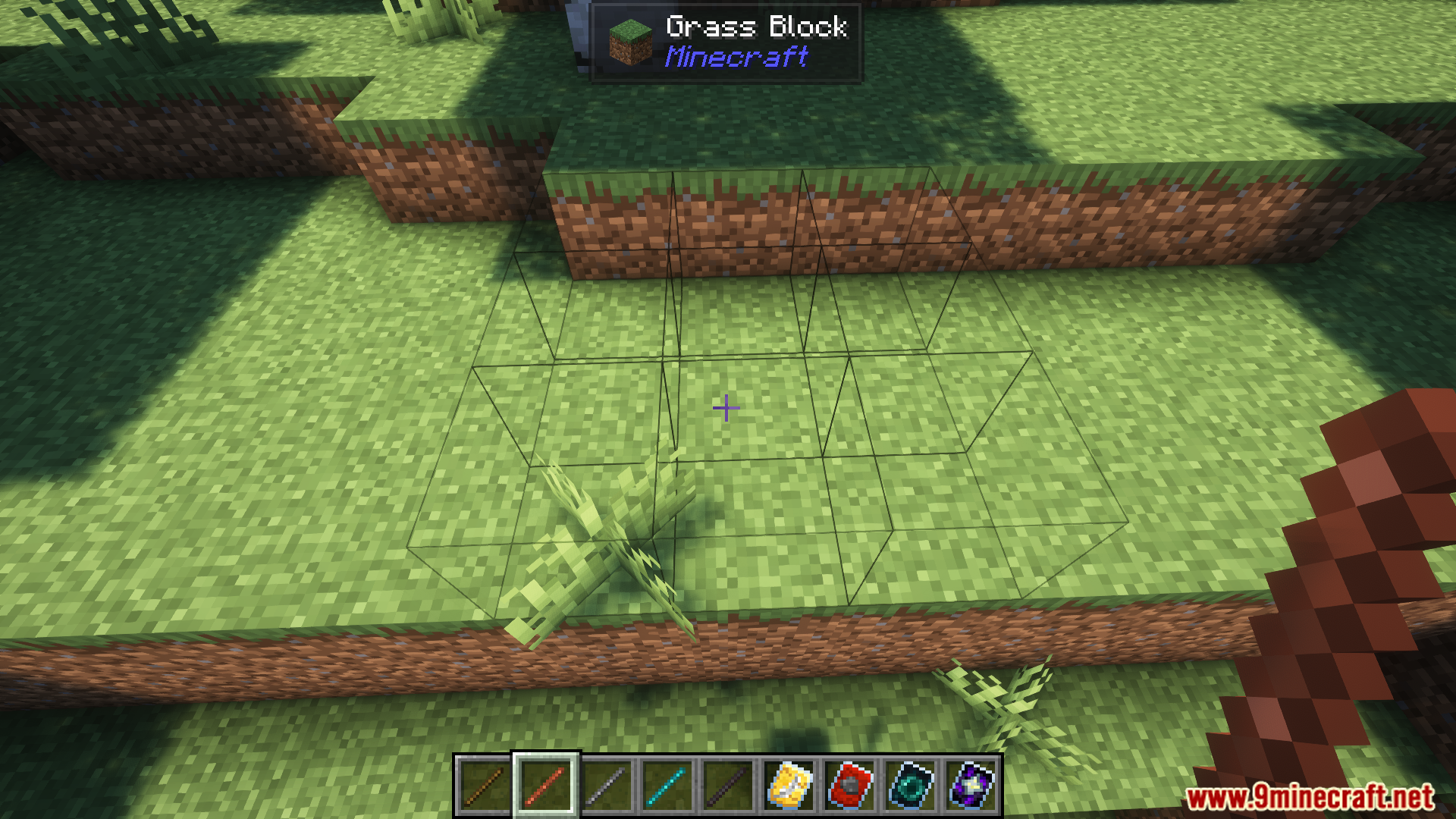
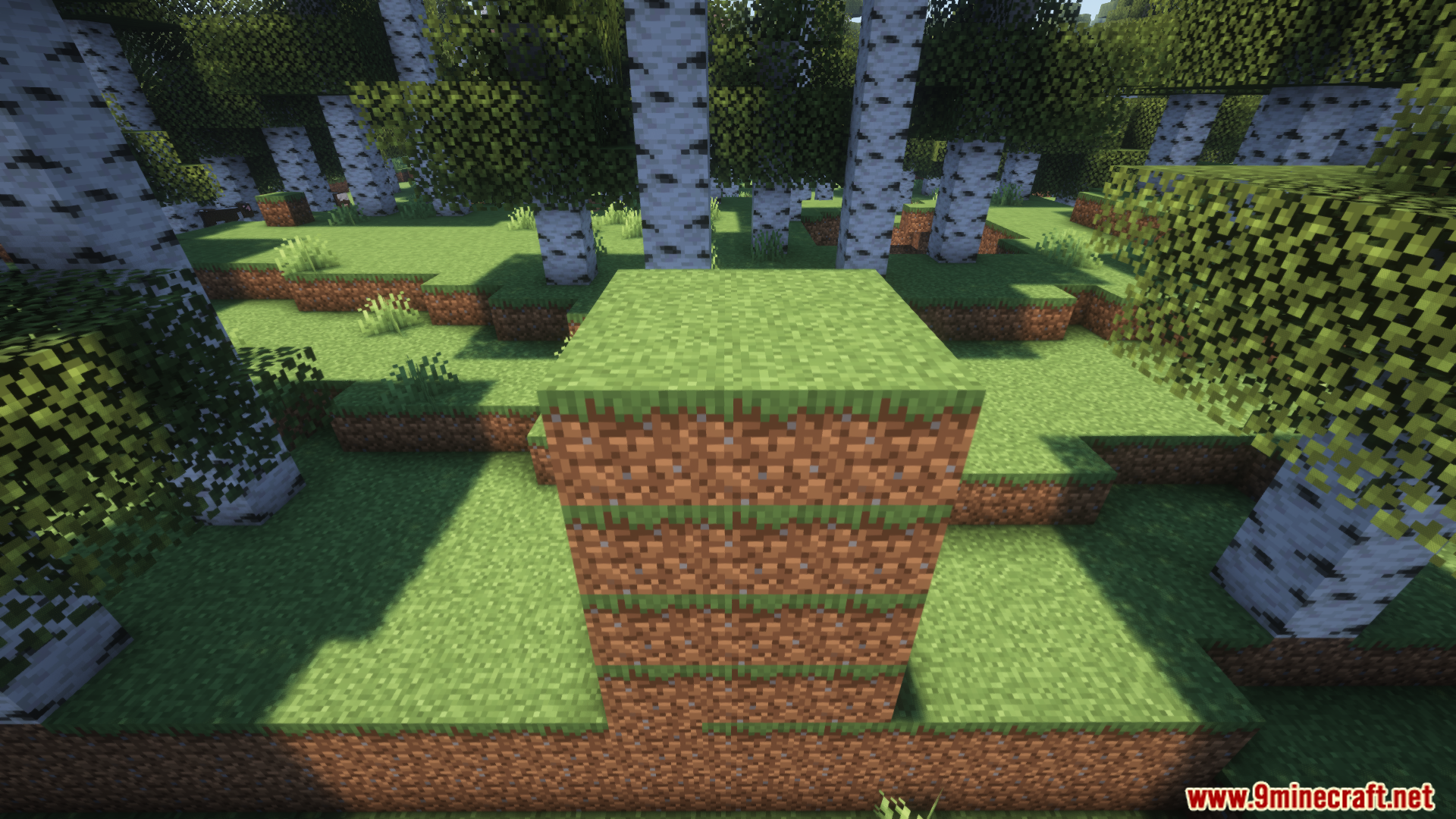
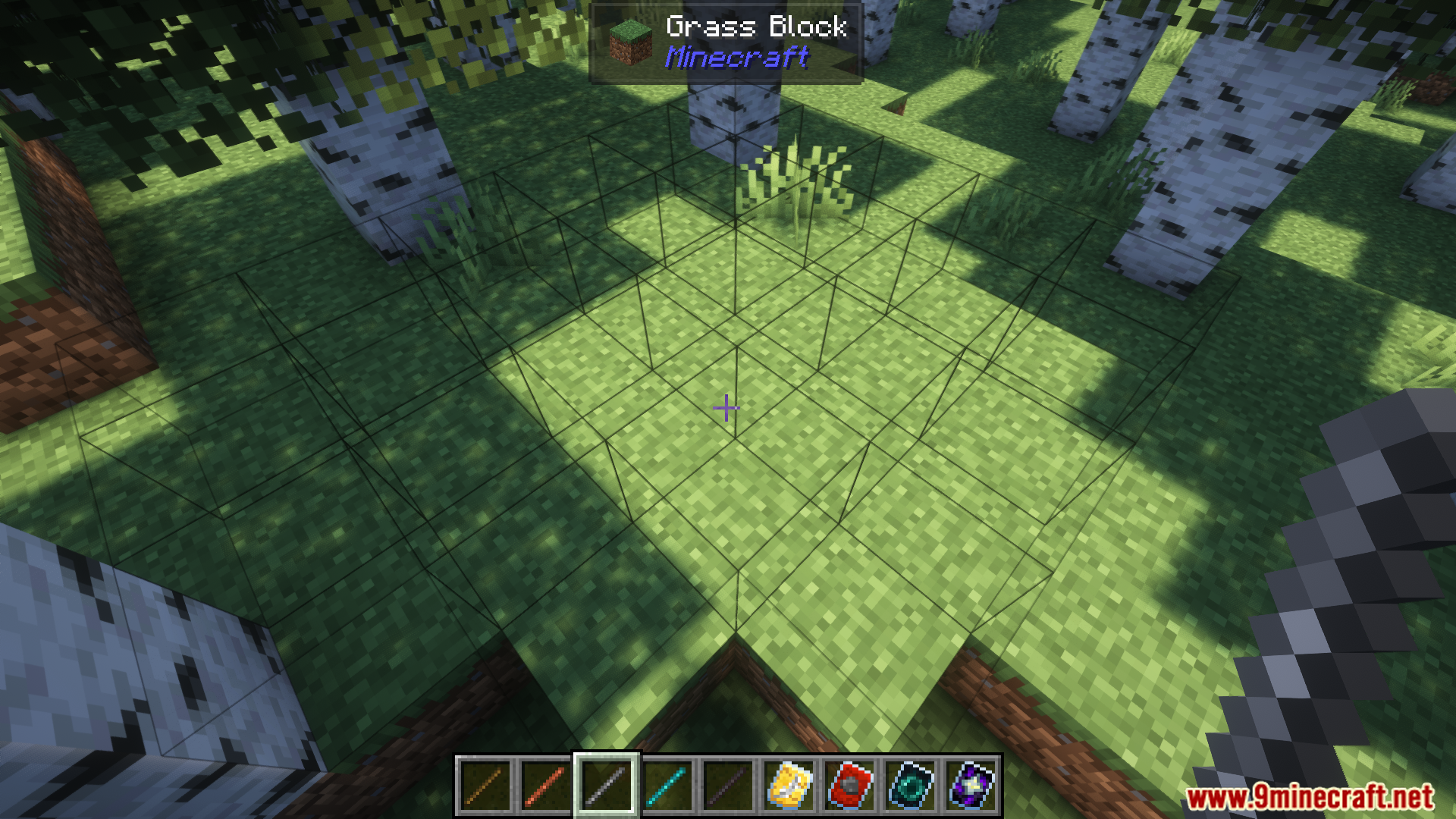
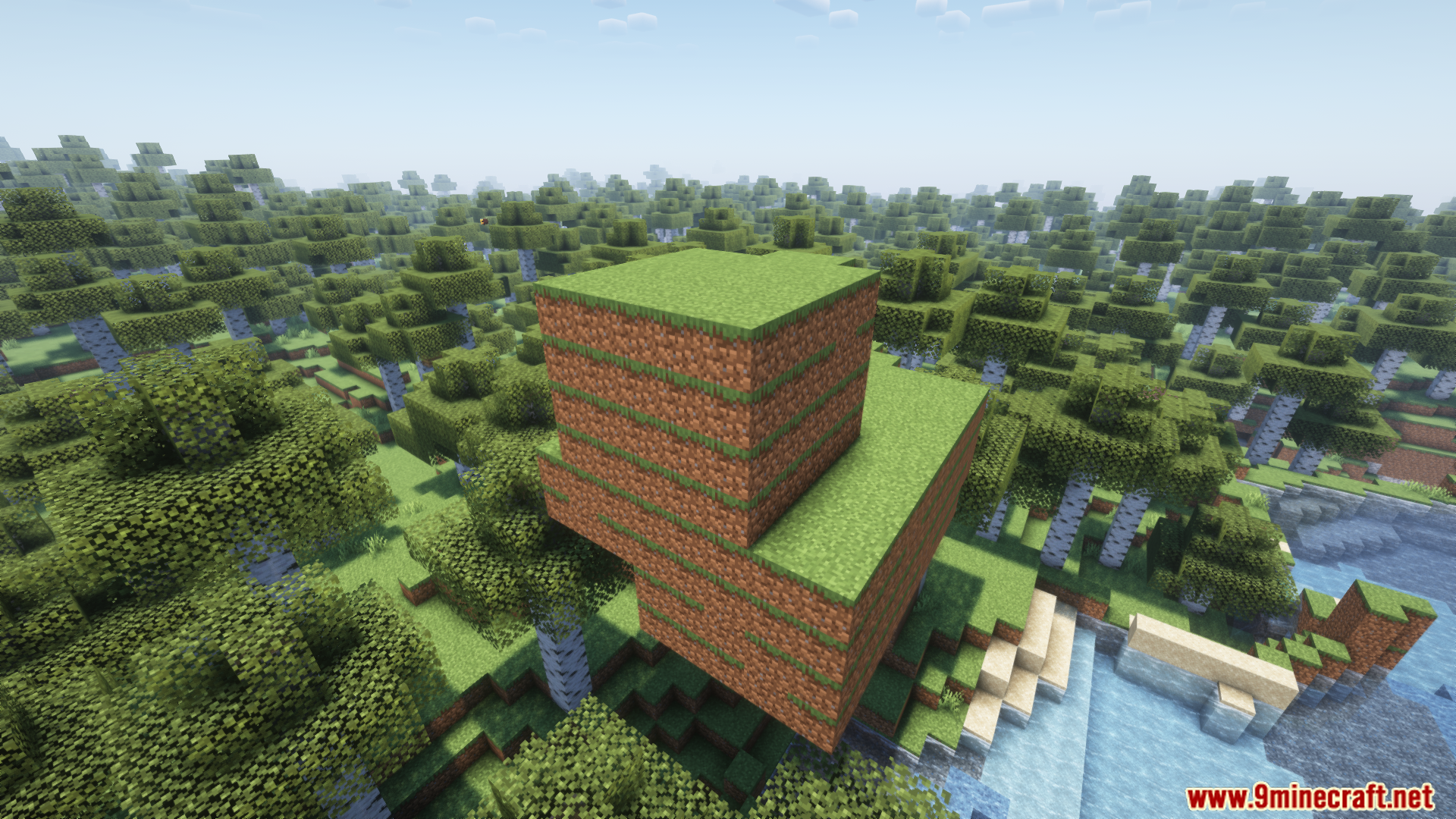
Construction Sticks Mod adds special sticks that let you place many blocks at once, making building much faster. You can place up to 1,024 blocks with a single click. The mod includes different tiers of sticks, from Wood to Netherite, with each one being more durable and powerful. You can also add special templates to give your sticks new abilities, like building in mid-air or making them unbreakable. These tools can even pull blocks from containers like Shulker Boxes and use RF for power.
Features:
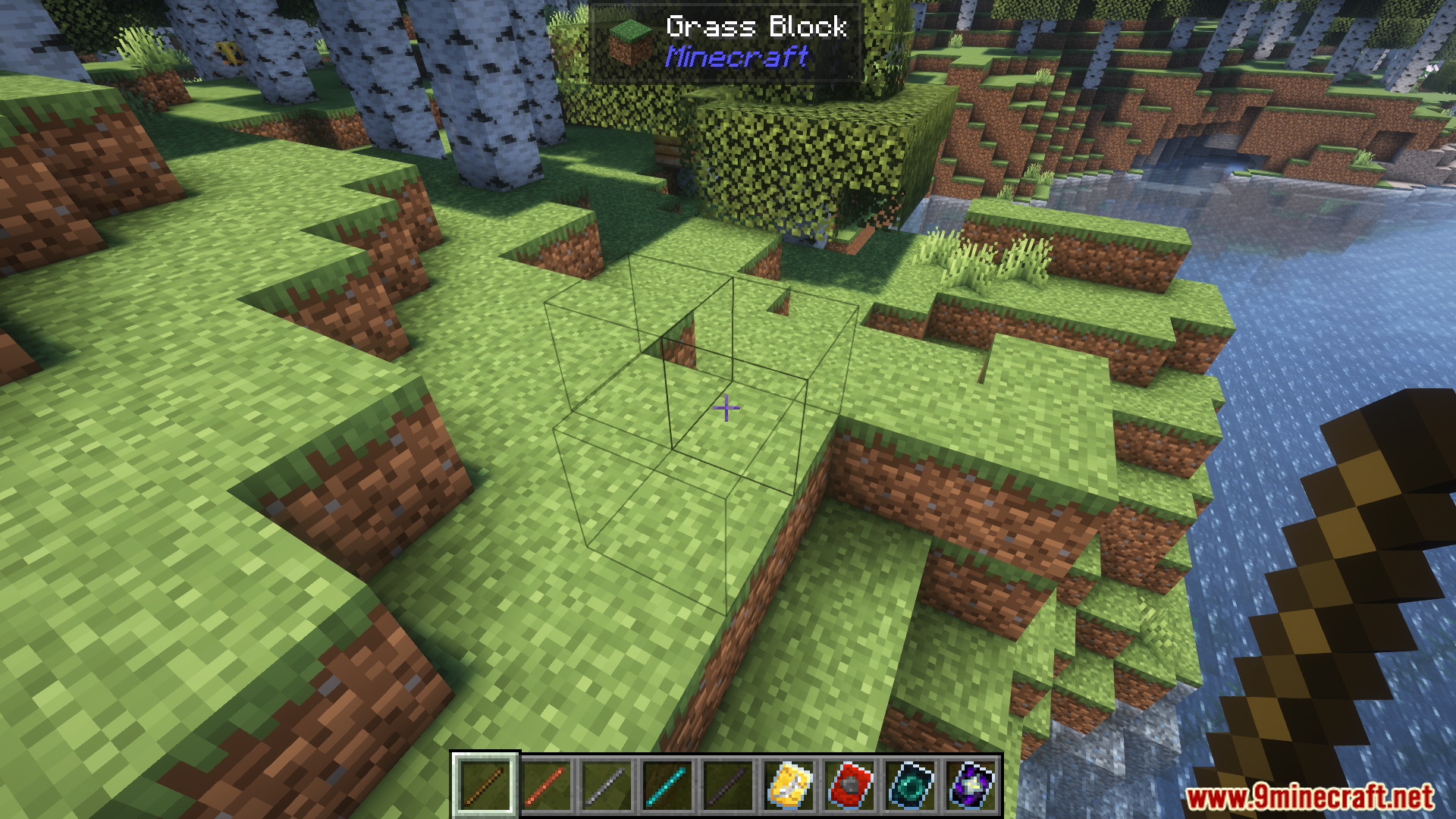
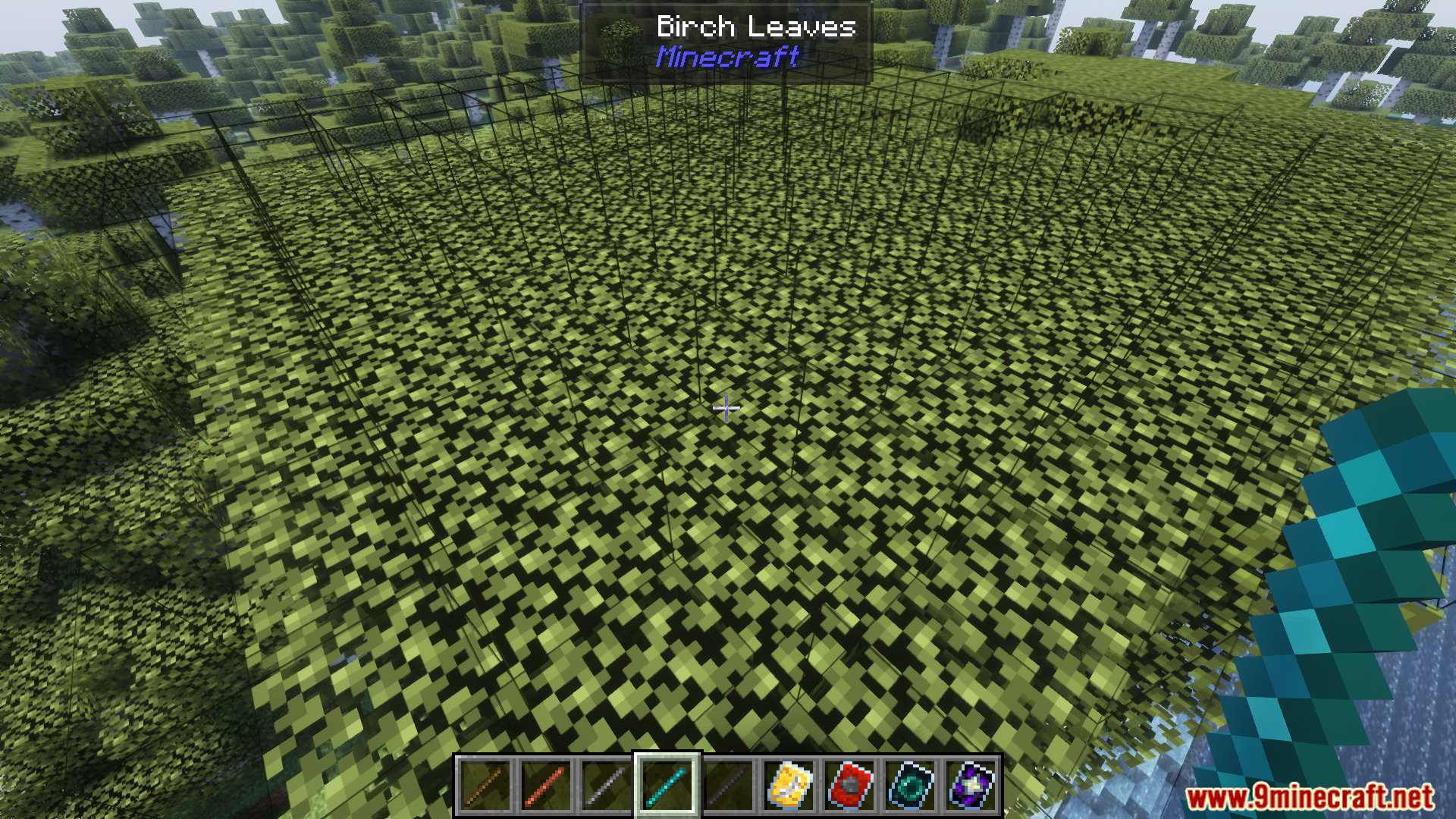
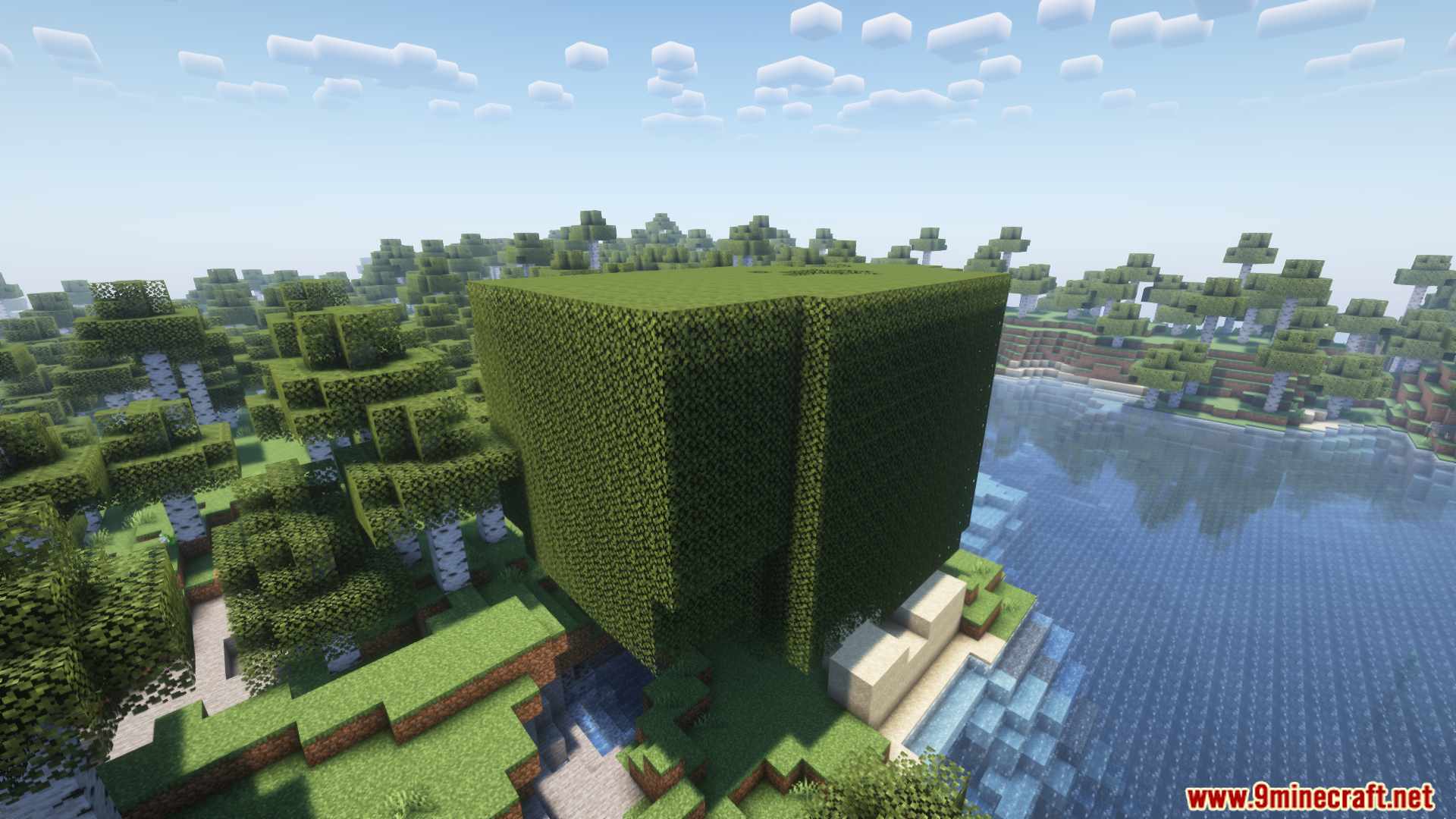
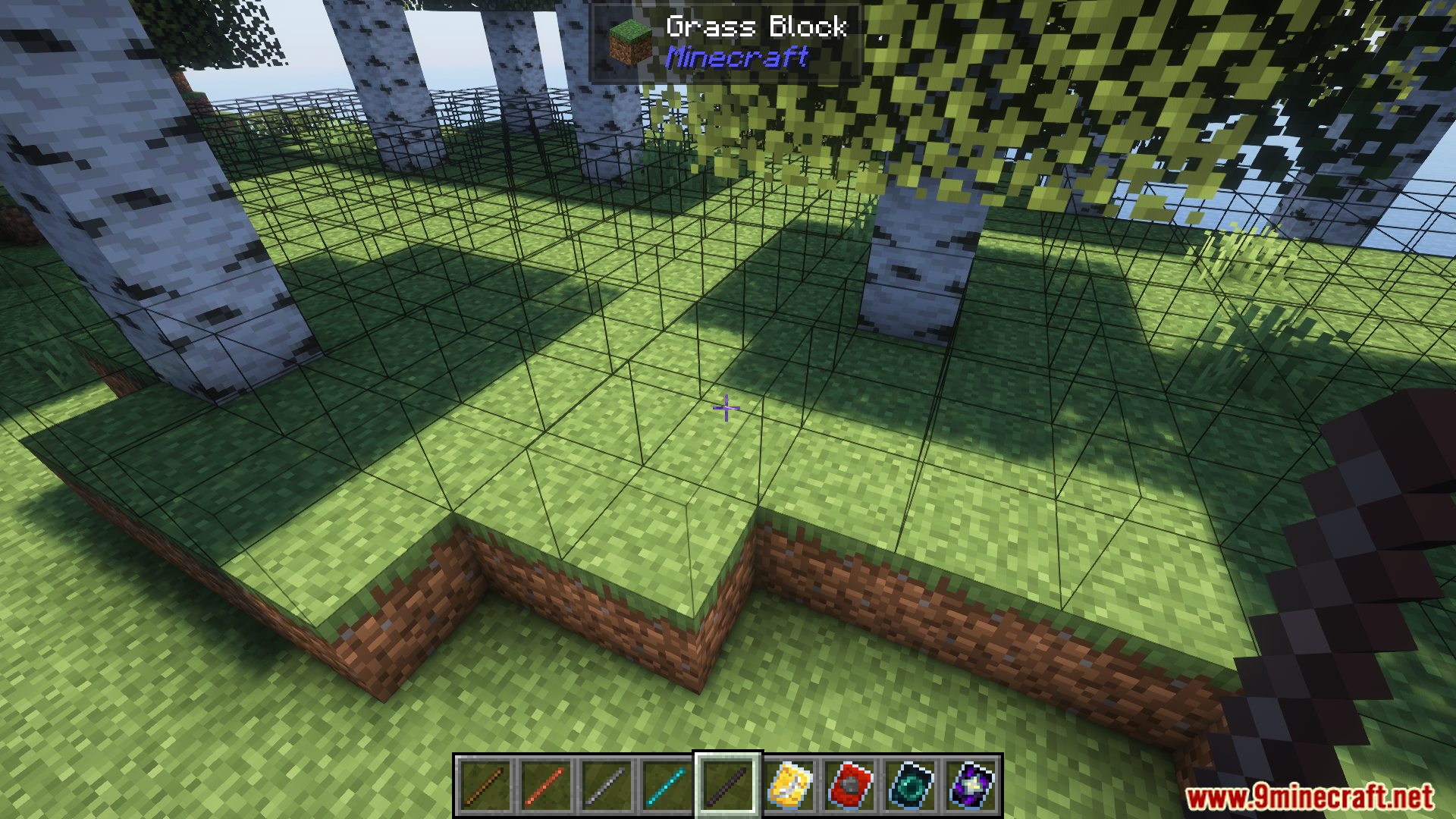
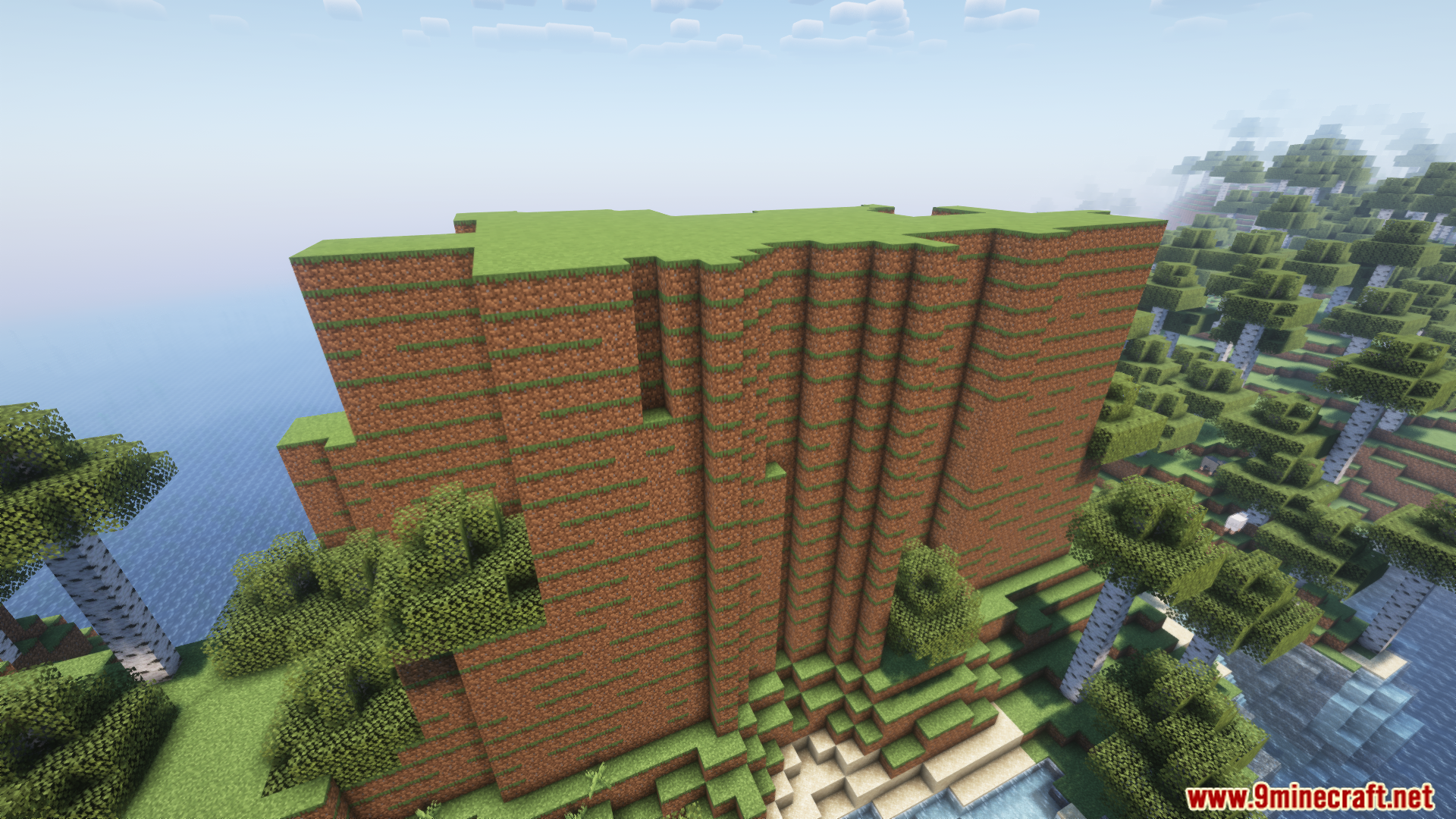
- Place a large number of blocks at once in the direction you are facing.
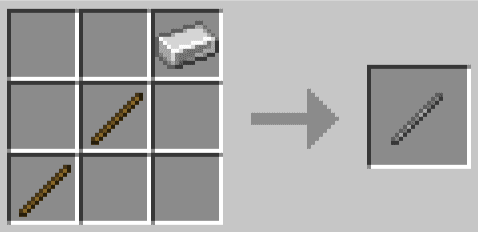
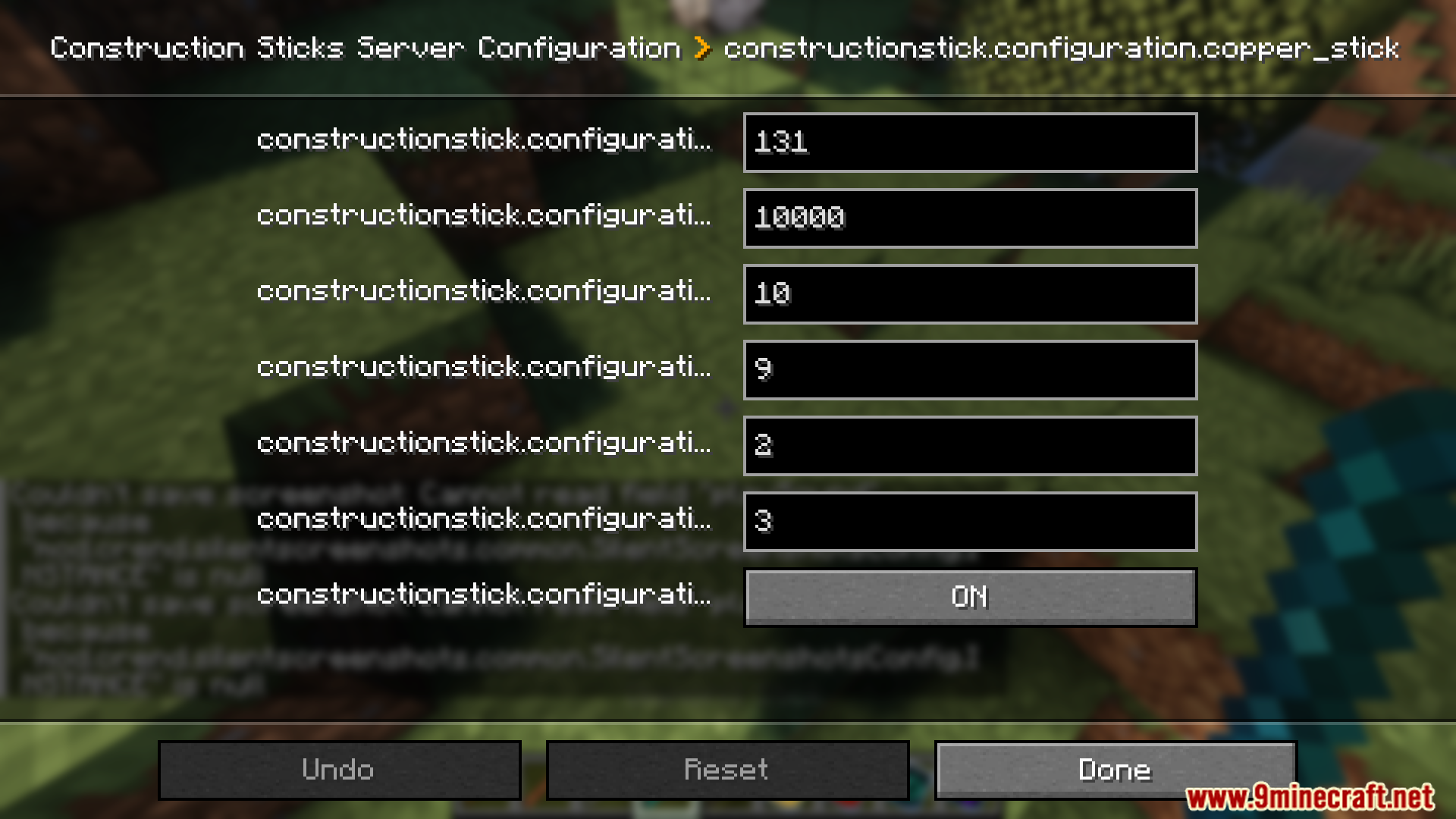
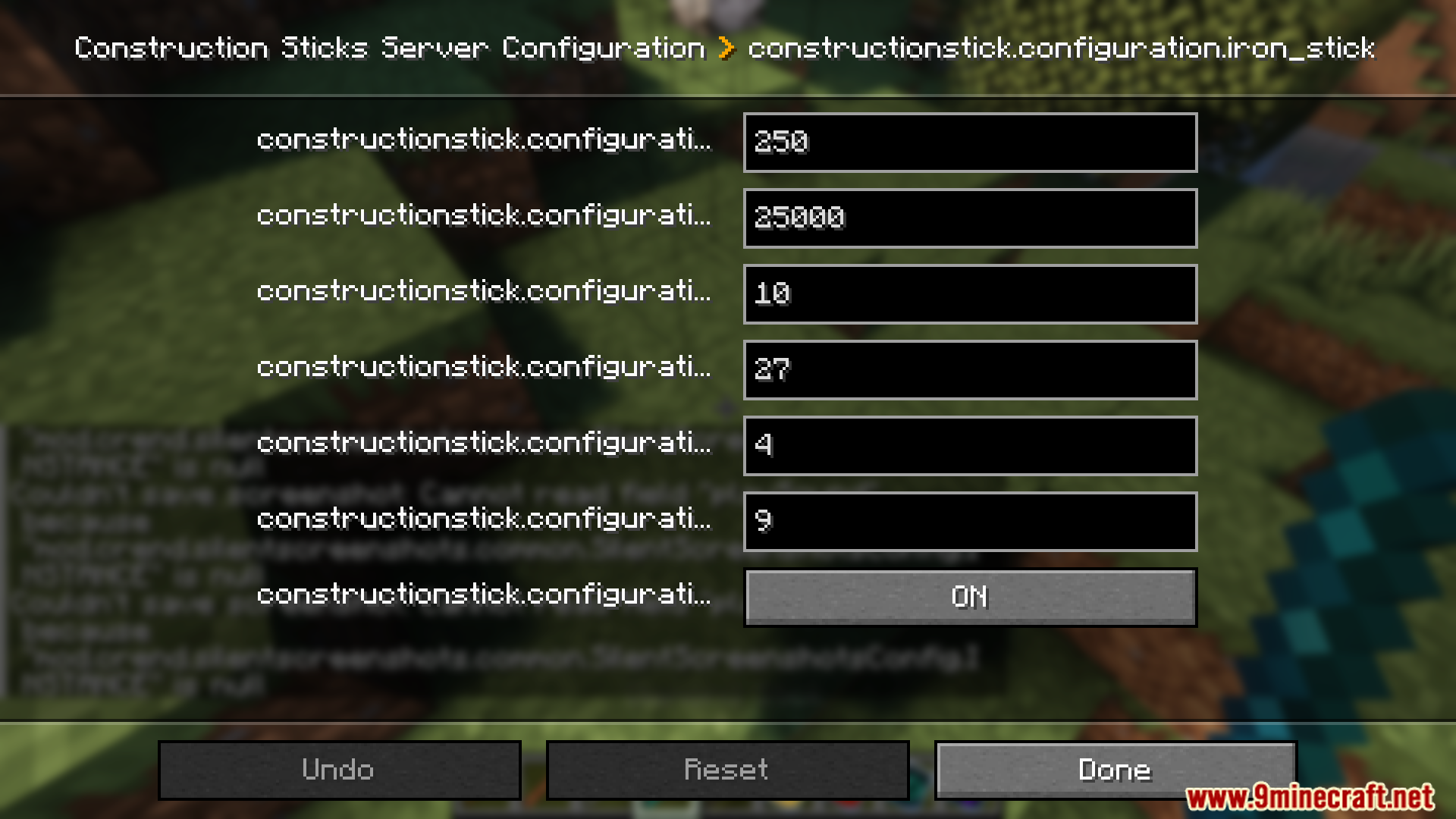
- Comes with five tiers of sticks: Wood, Copper, Iron, Diamond, and Netherite.
- Higher-tier sticks have more durability and can place more blocks at a time.
- Upgrade your sticks with templates at a Smithing Table to give them special powers.
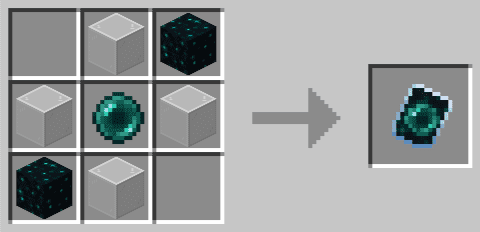
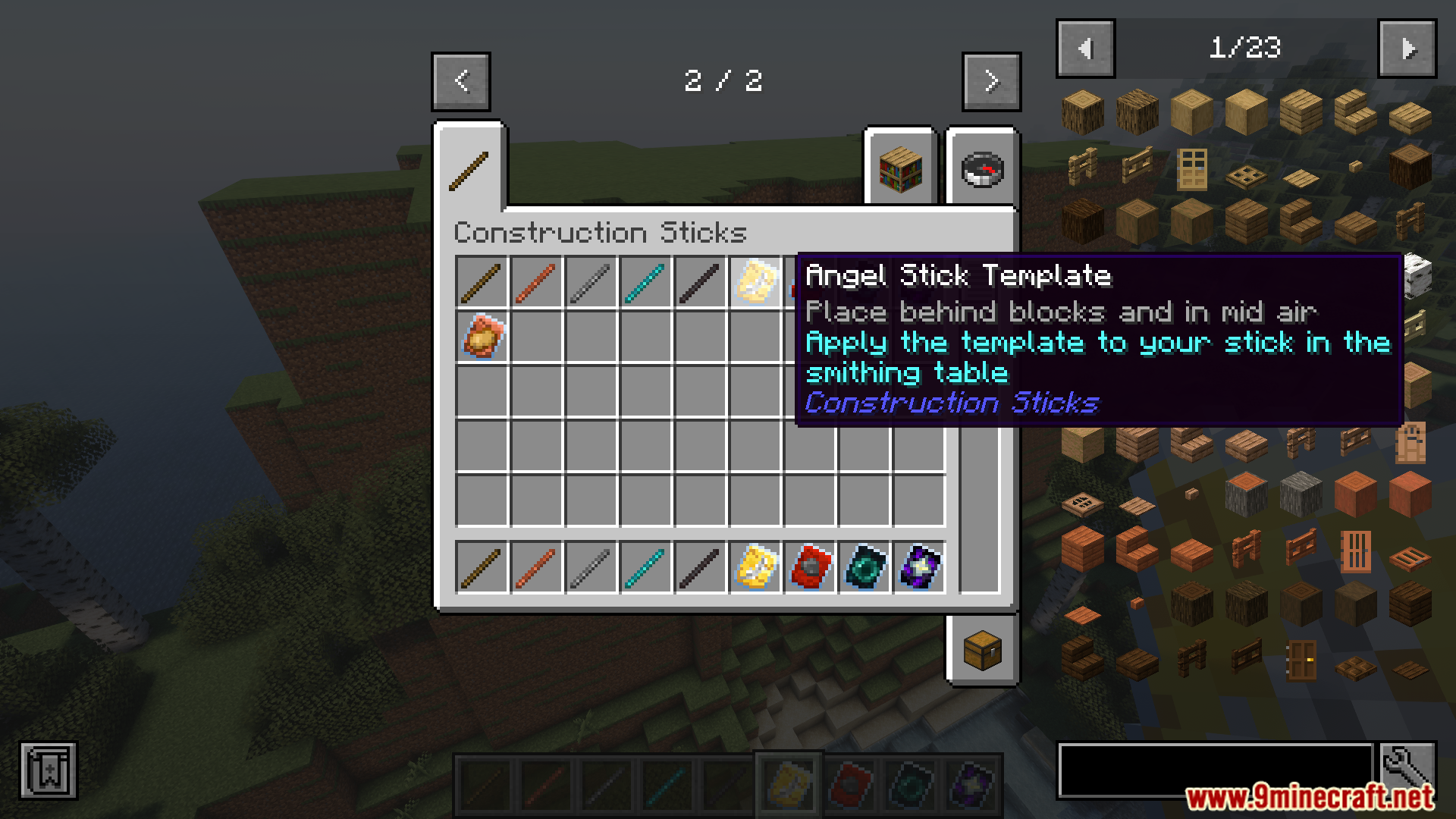
- Angel Template: Lets you place blocks in mid-air or behind the block you are looking at.
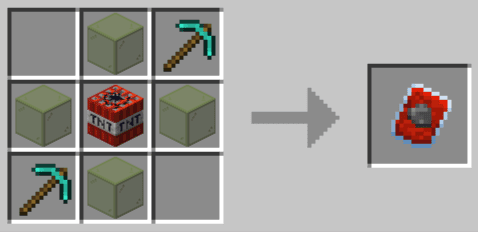
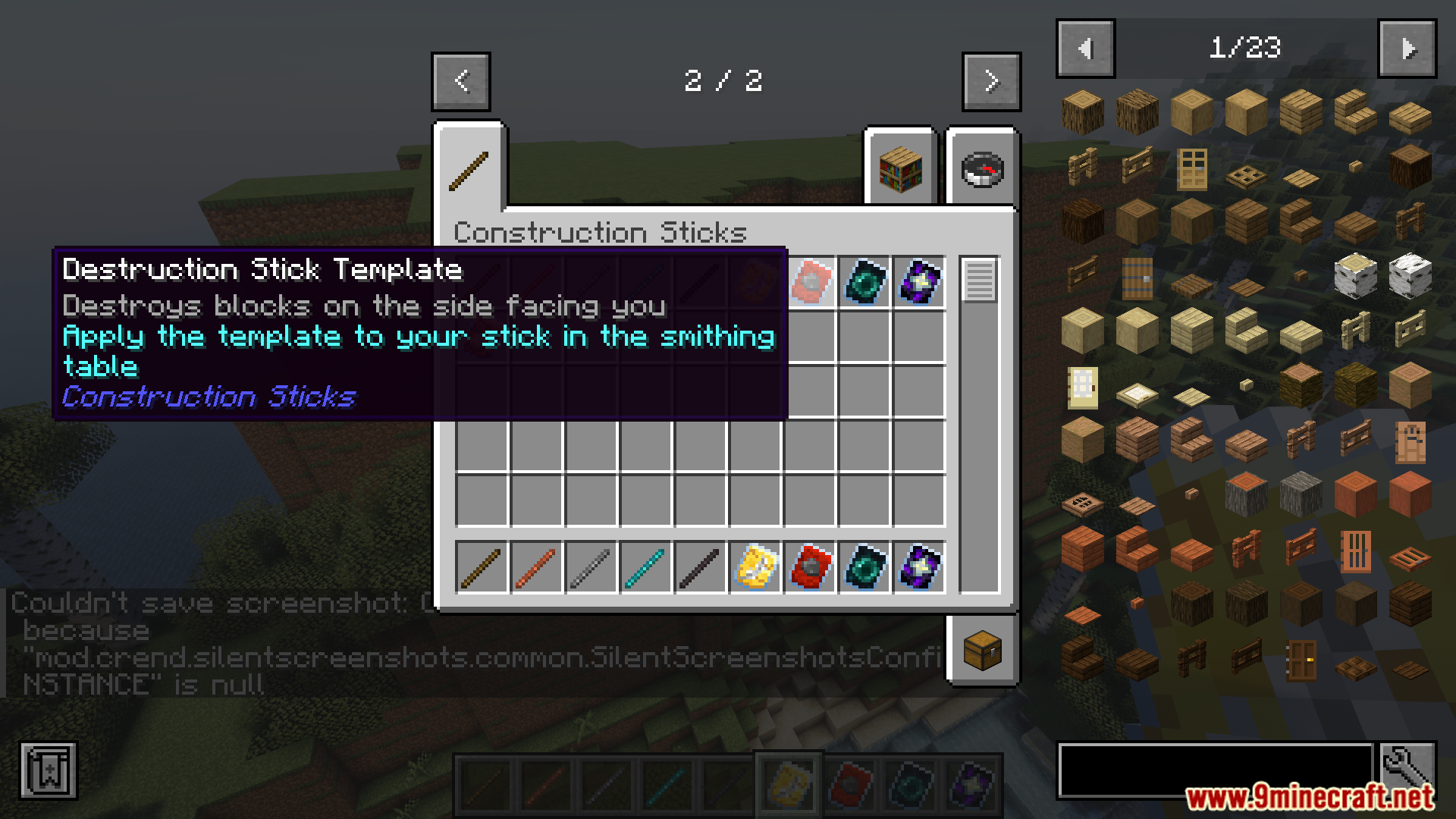
- Destruction Template: Quickly removes a large area of blocks.
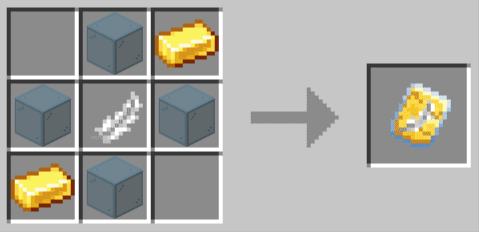
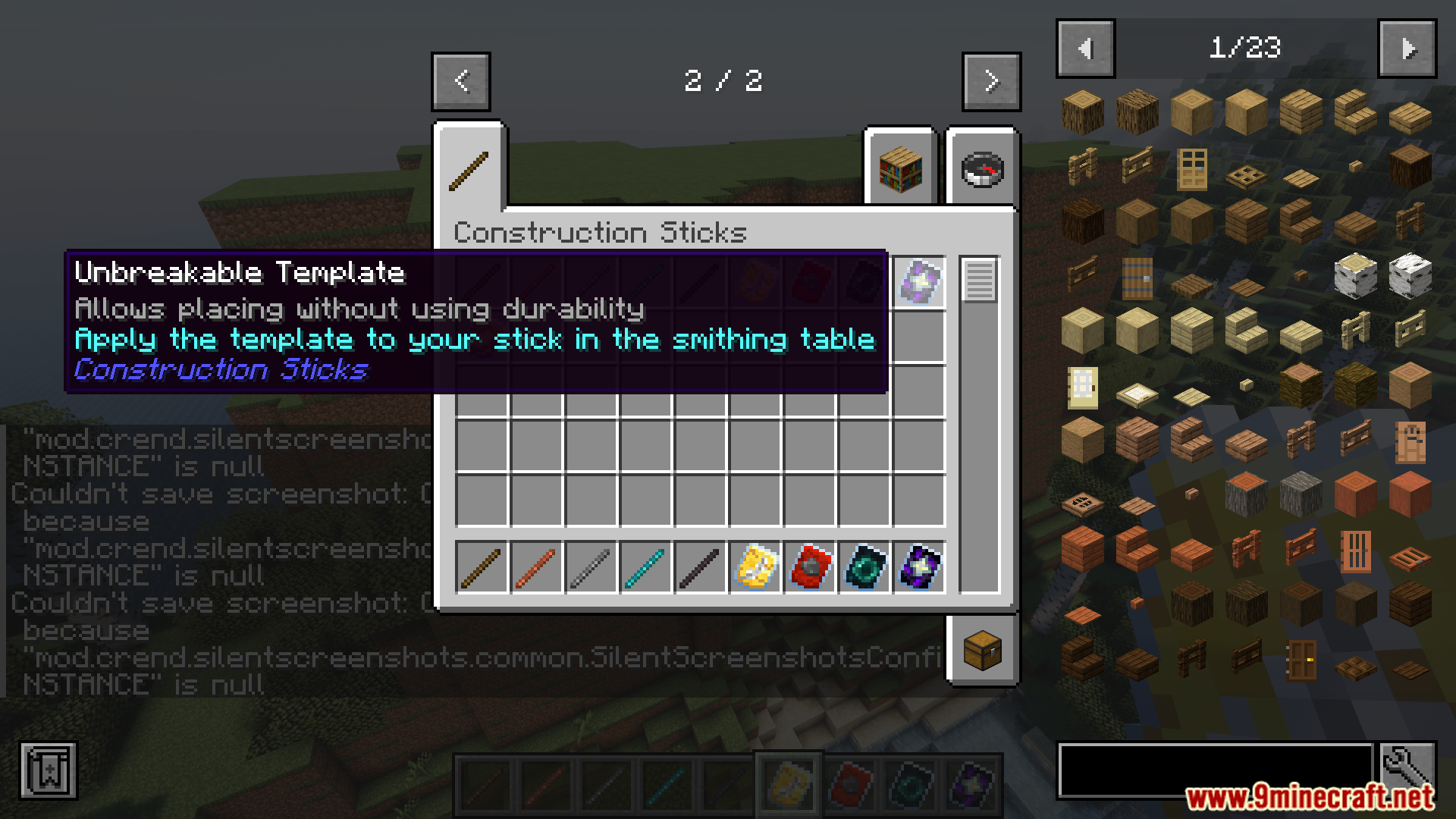
- Unbreakable Template: Stops the stick from ever losing durability.
- Battery Template: Allows the stick to use RF energy instead of durability.
- Automatically uses blocks from Shulker Boxes, Bundles, and other containers in your inventory.
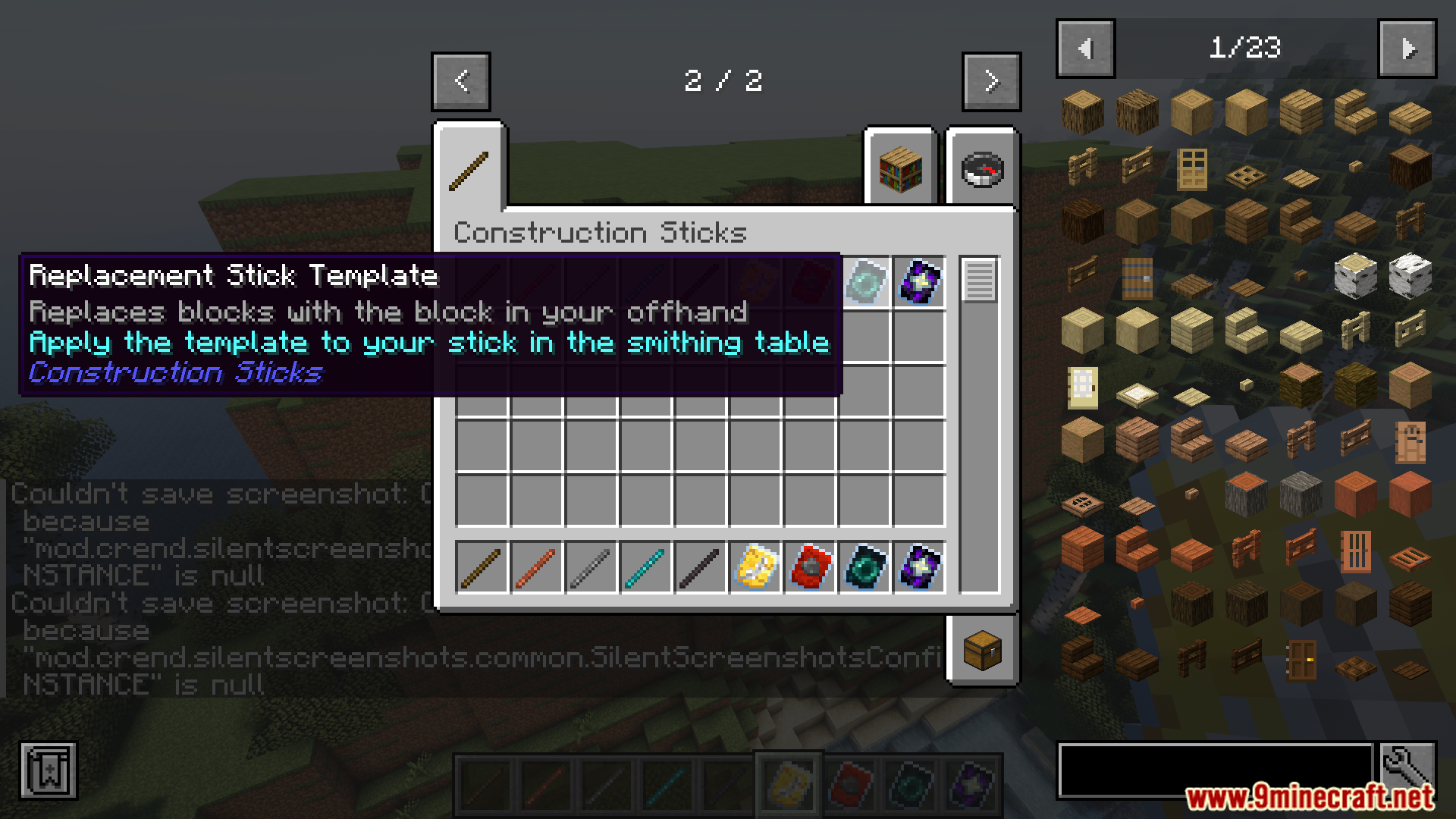
- Supports placing blocks from your offhand for more building options.
How to Use:
- To upgrade a stick, go to a Smithing Table.
- Place the Construction Stick, an upgrade template, and an additional item into the Smithing Table to apply the new ability.
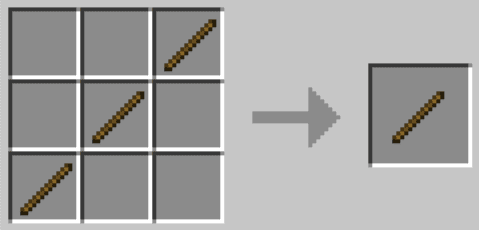
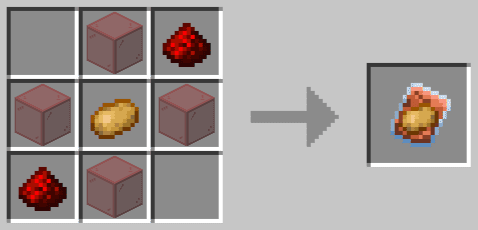
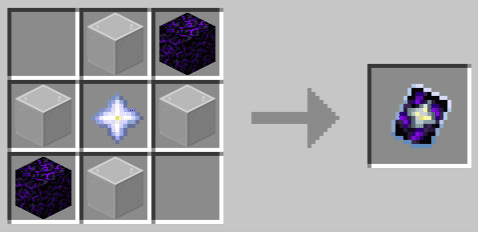
Crafting Recipes:
Screenshots:

Construction Sticks Mod Download Links
Quick facts
- Edition: Minecraft Java
- File type: .jar
- Minecraft version listed: 1.20.1
- How to install: Install the matching mod loader (Forge, Fabric or NeoForge) for your Minecraft version. → Download the .jar. → Put it in the .minecraft/mods folder and launch that loader profile.
- Where to get it: In MC Java Mods, or directly above on this page.
Install steps are the general flow for this file type — How to install Minecraft Java mods & modpacks walks through it step by step.
Verified by MCModsHub
- Downloads as 83470.mcaddon
- Download size: 261 KB
- Download link checked 25 Sept 2026 — working
- Mirrored on our own servers — the download does not depend on the original host
These come from our own check of the pack file, not from the source page.