ModsJava
Cliff Under a Branch Mod (26.2, 1.20.1) – Updates Overworld Biomes and Terrain
Java mod listed for Minecraft 1.20. Downloads from the MC Java Mods app on Android.
⬇ Download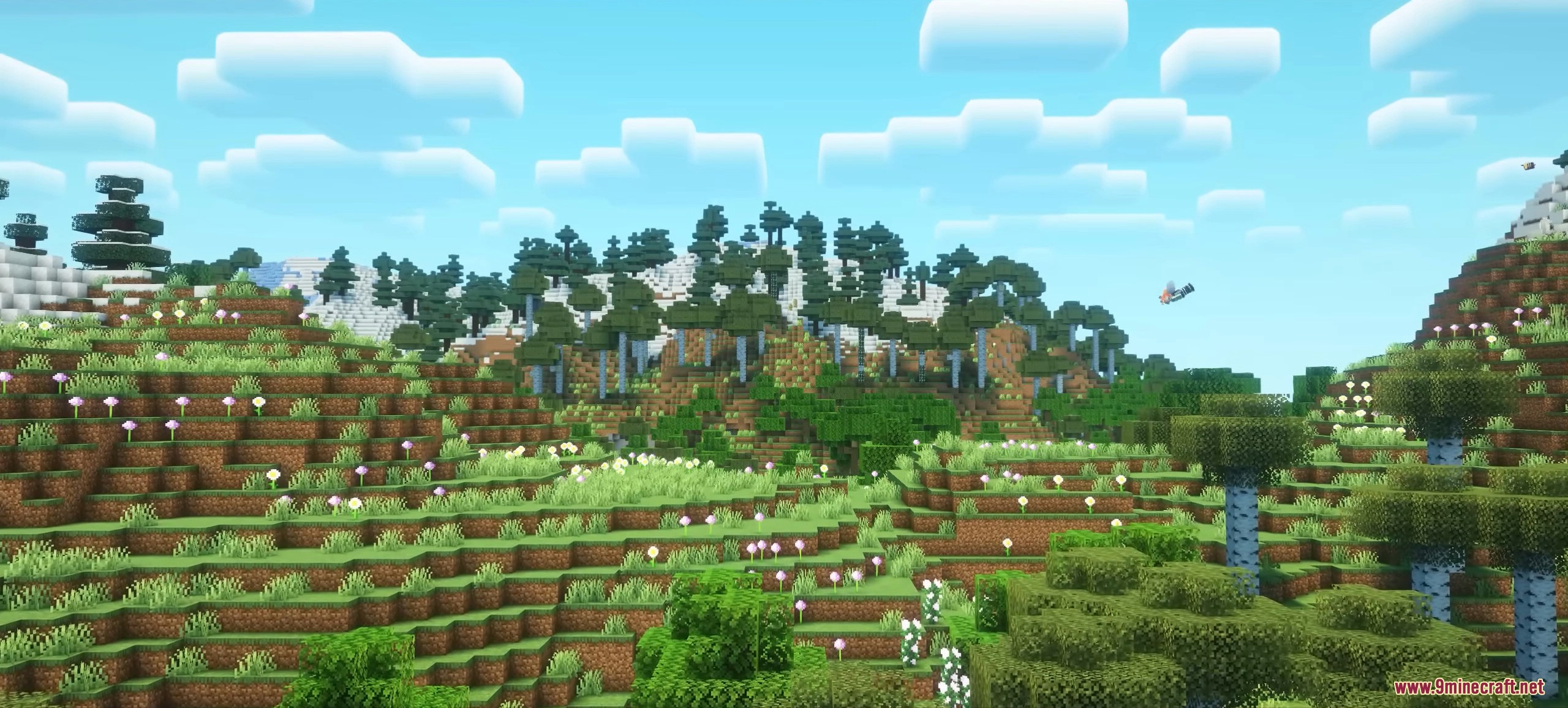
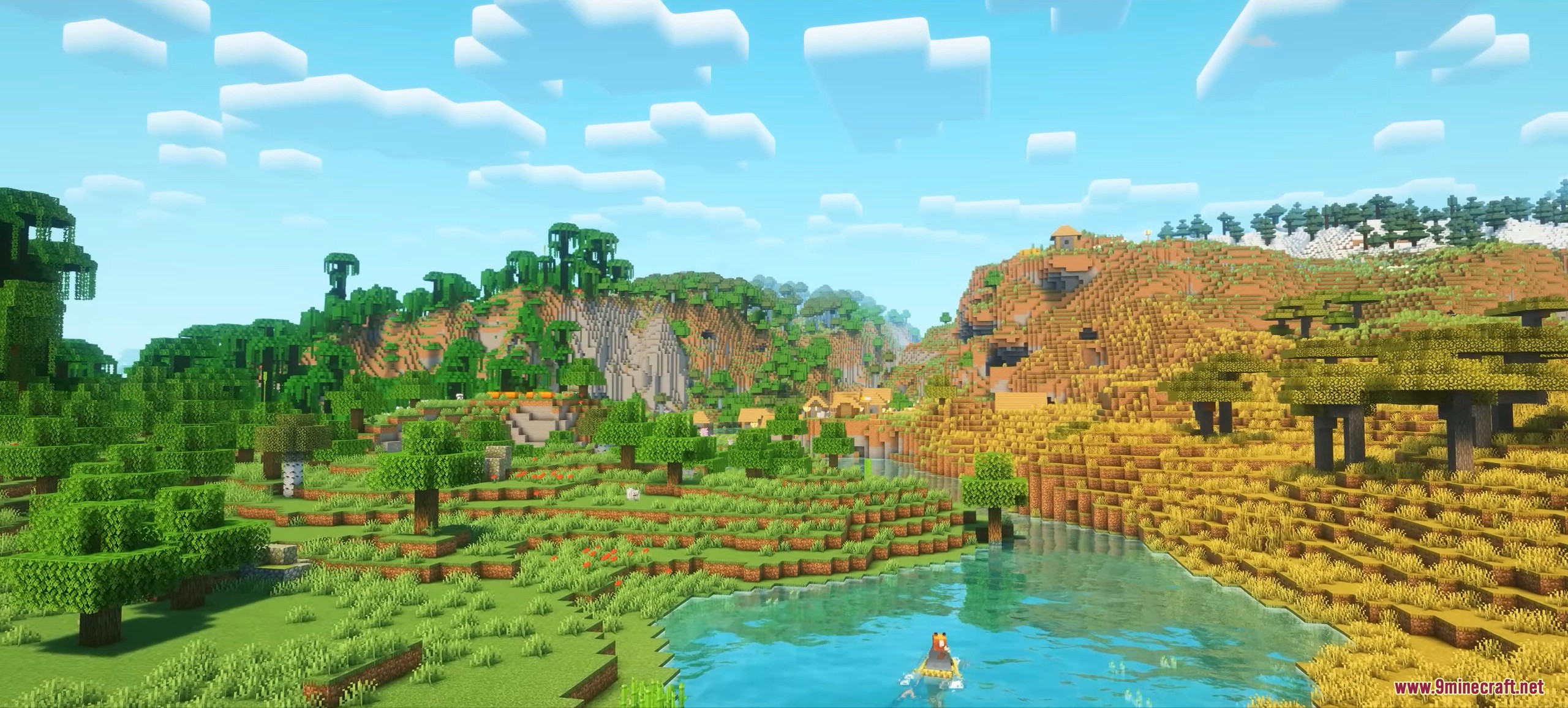
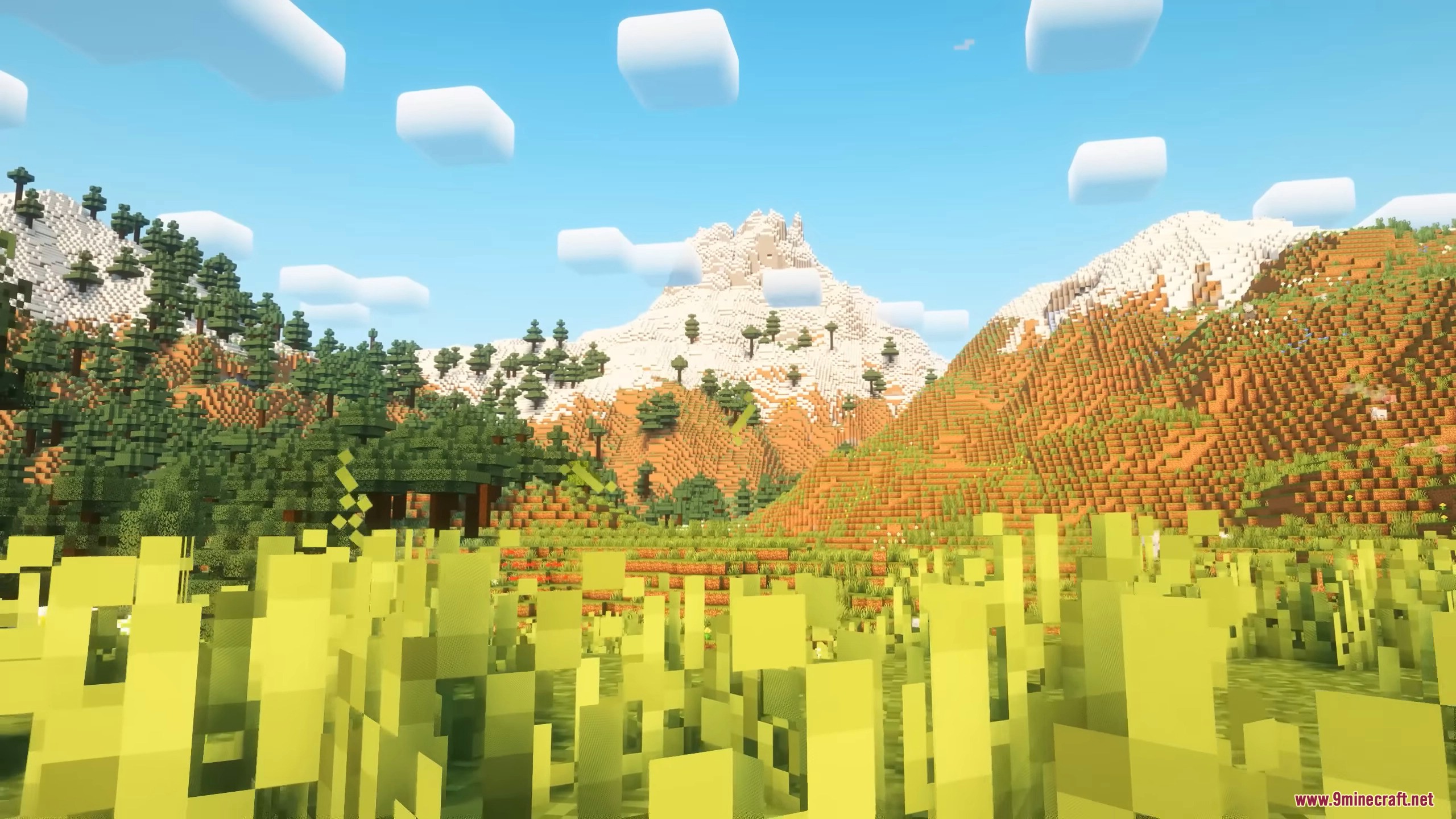
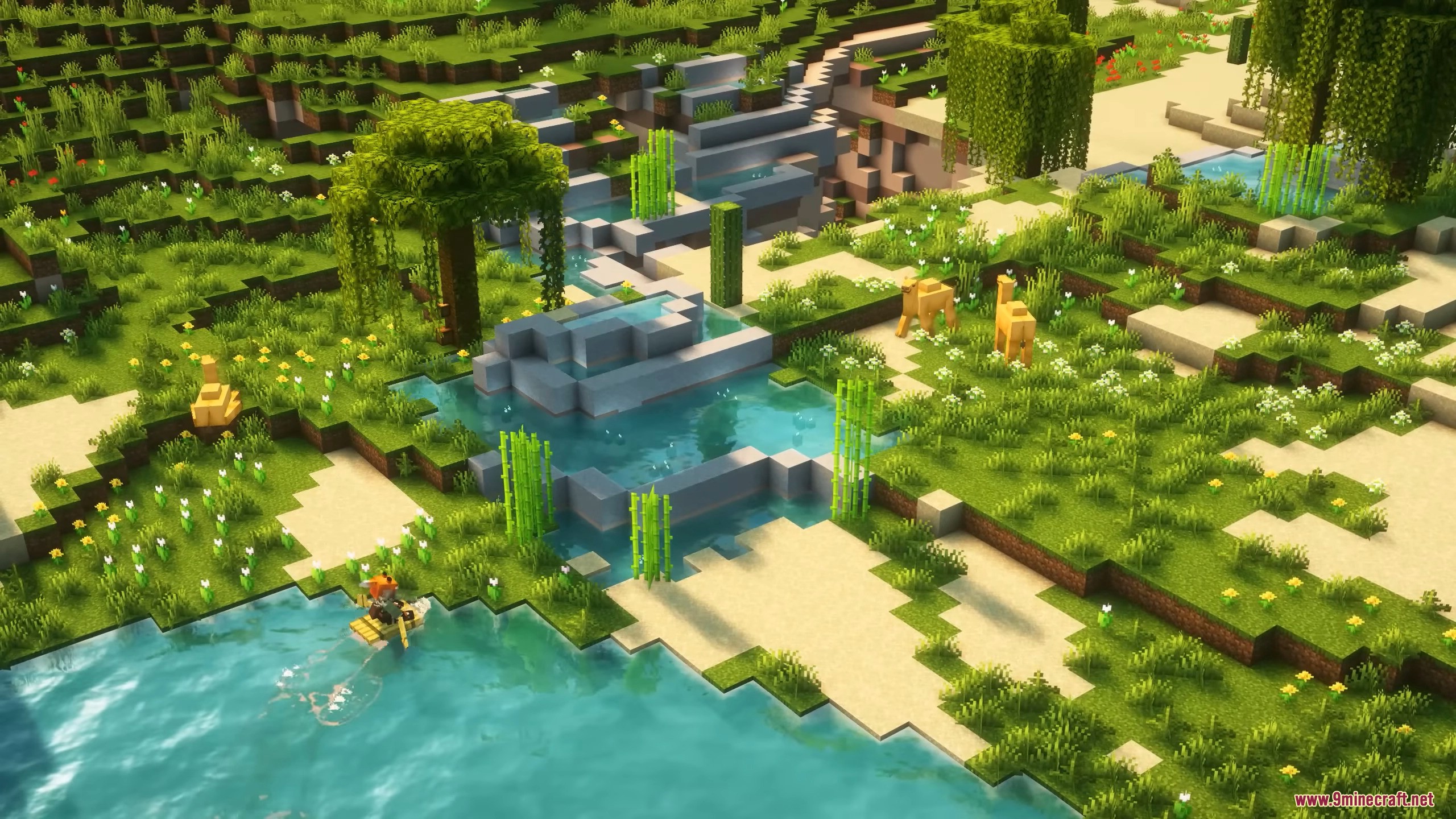

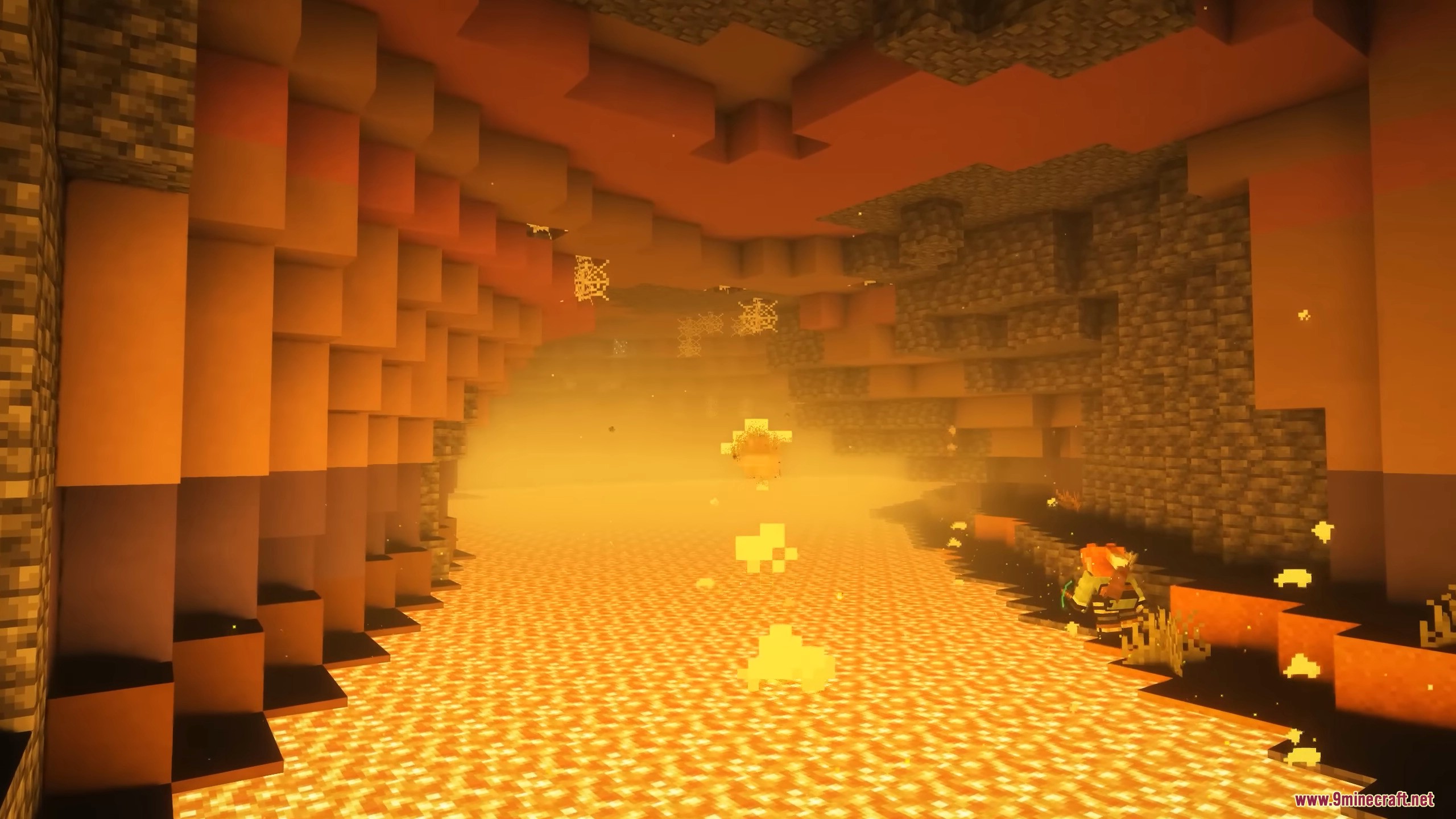
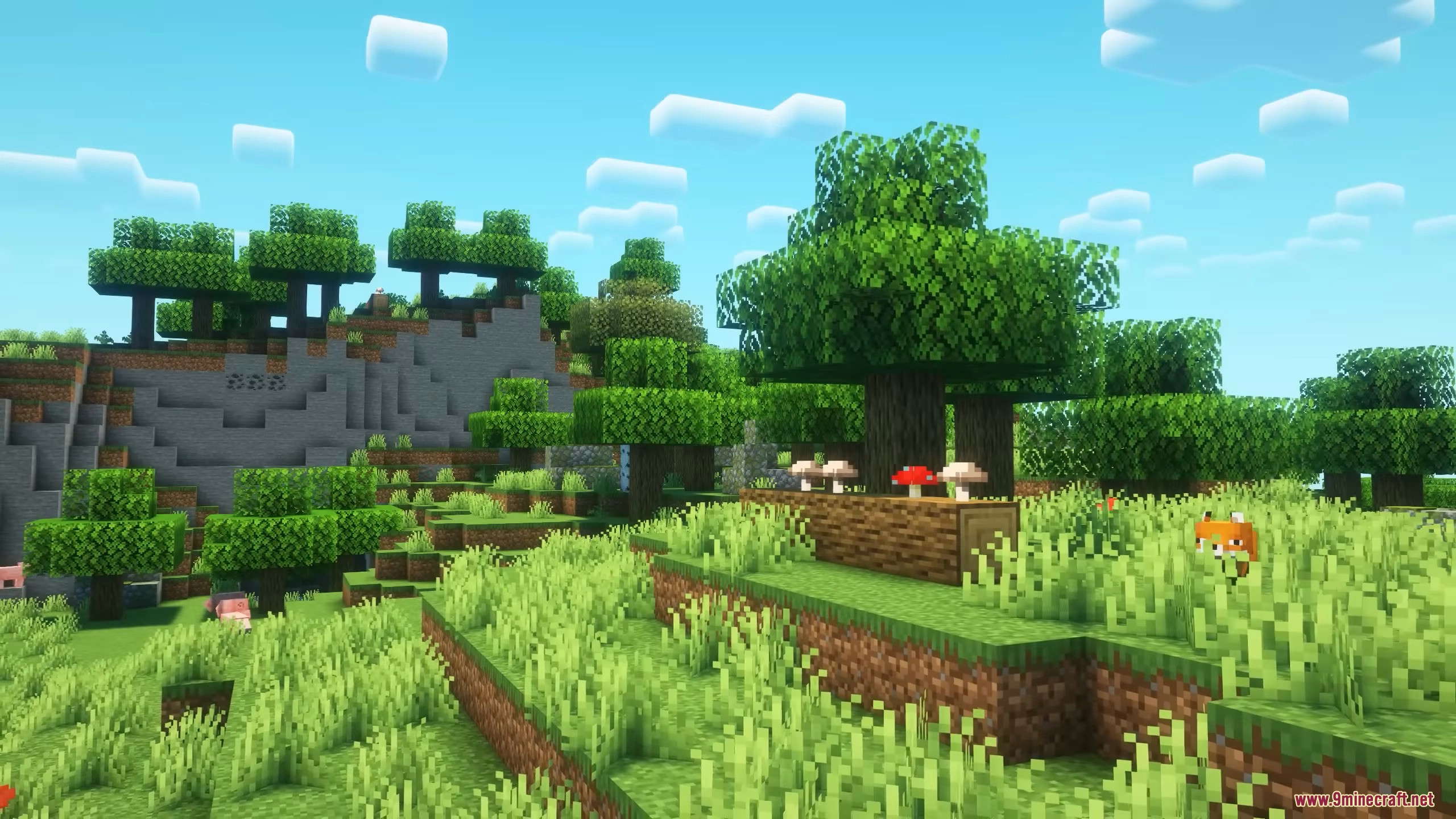
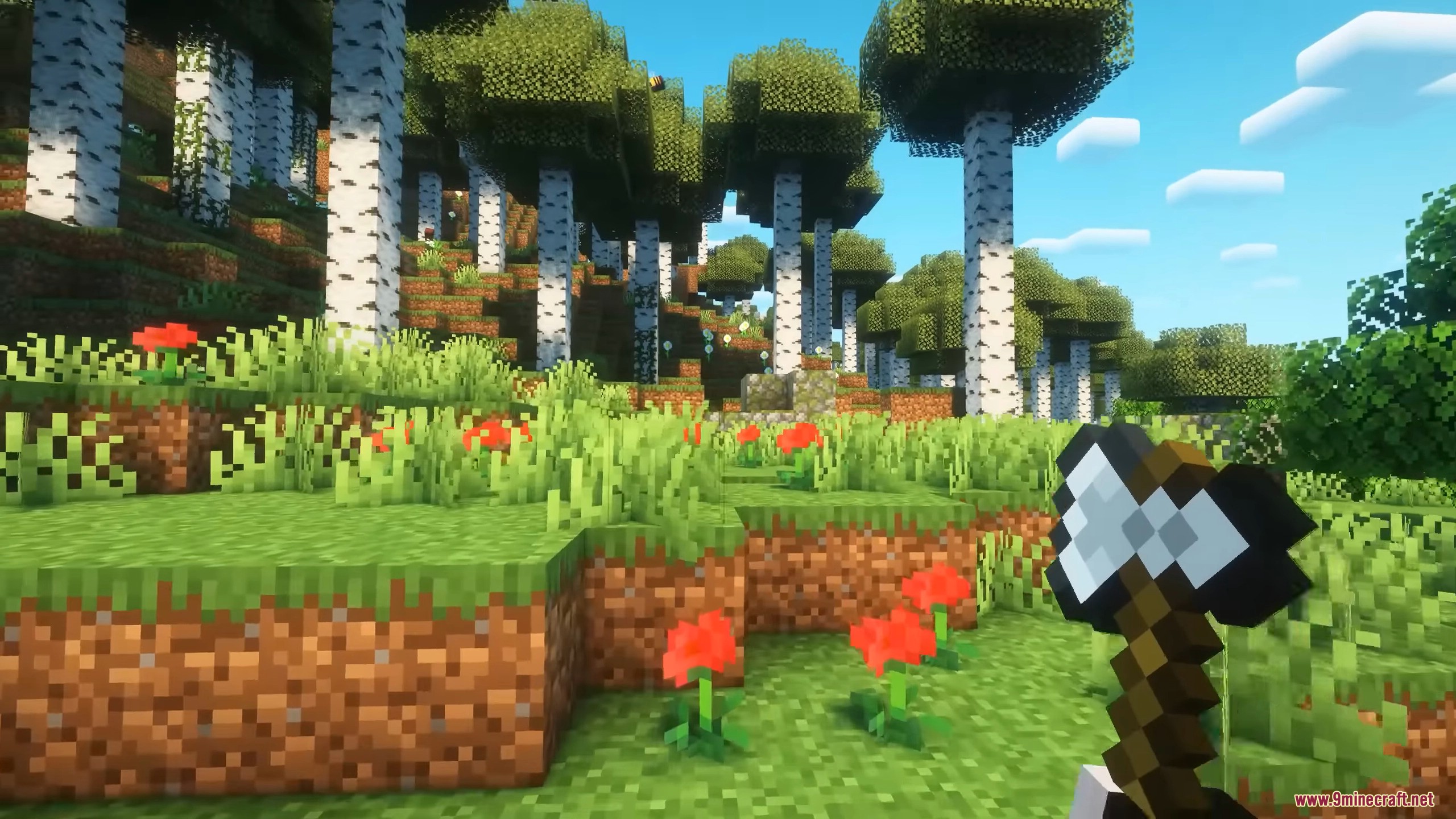
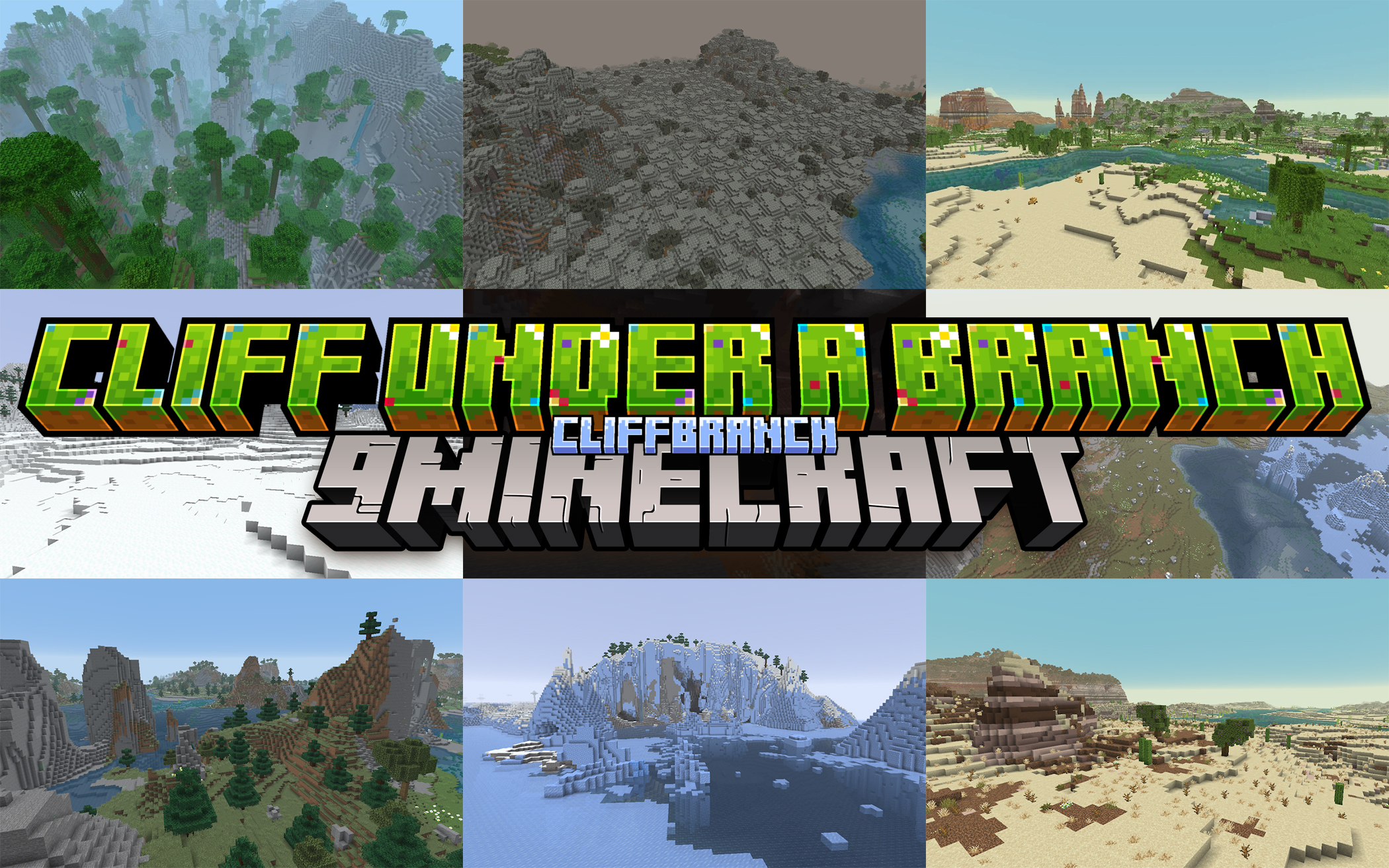
Cliff Under a Branch Mod changes how your Minecraft world looks. It adds massive cliffs, new biomes, and realistic mountains to the game. The mod updates valleys and oceans to look natural while keeping the classic game style.
Features:
- Adds new biomes like Tundras and Oasis to the game.
- Brings biome variants like Coniferous Badlands and Sparse Forests.
- Updates savanna plateaus with terracotta blocks.
- Changes water and fog colors to look like Bedrock Edition.
- Creates new river types for different temperature zones.
- Makes oceans much deeper with magma and basalt trenches.
- Adds special underground cave biomes below the surface.
- Makes spiders spawn more in warm areas and less in cold.
- Changes animal spawn rates to make biomes feel different.
- Updates tree shapes for Birch, Jungle, and Pale Oak trees.
- Gives saplings new rules to grow into different tree sizes.
- Generates massive cliffs and realistic mountains in your world.
- Makes the borders between different biomes look better.
Screenshots:
Cliff Under a Branch Mod Download Links
Quick facts
- Edition: Minecraft Java
- File type: .jar
- Minecraft version listed: 1.20.1
- How to install: Install the matching mod loader (Forge, Fabric or NeoForge) for your Minecraft version. → Download the .jar. → Put it in the .minecraft/mods folder and launch that loader profile.
- Where to get it: In MC Java Mods, or directly above on this page.
Install steps are the general flow for this file type — How to install Minecraft Java mods & modpacks walks through it step by step.
File checked by MCModsHub
- Downloads as 83471.mcaddon
- Download size: 3.2 MB
- Download link checked 24 Sept 2026 — working
- Mirrored on our own servers — the download does not depend on the original host
These come from our own check of the pack file, not from the source page.