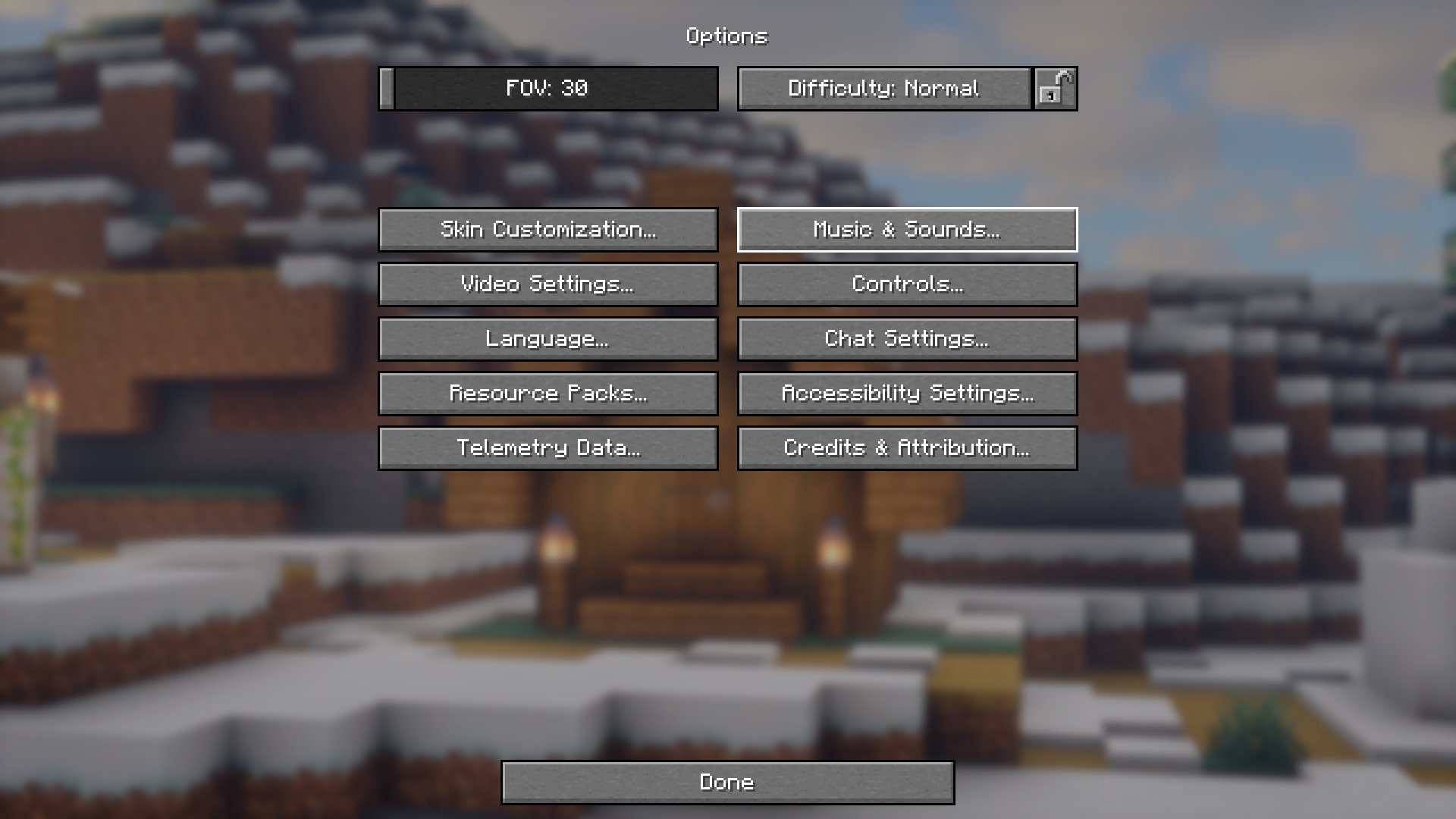
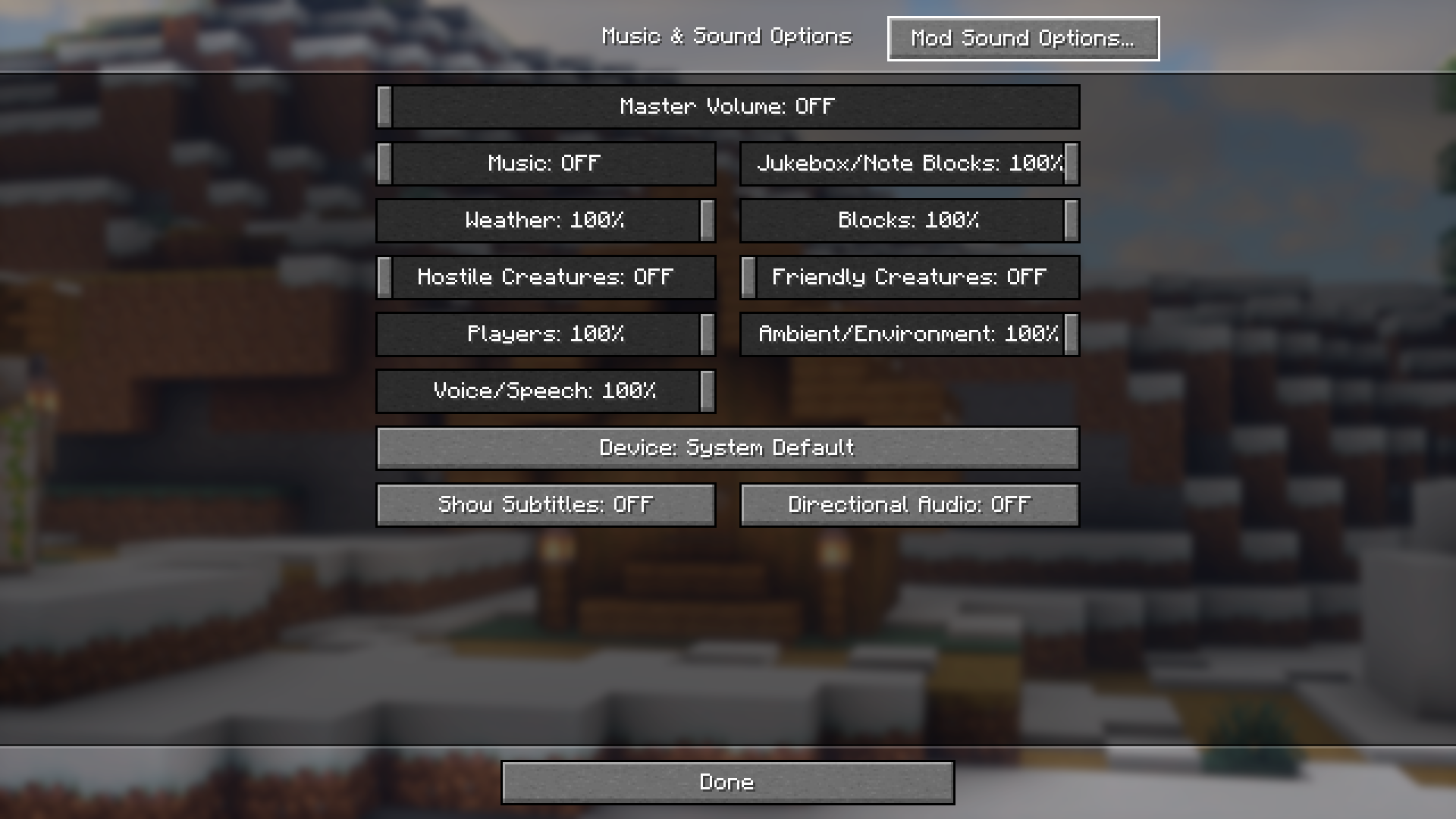
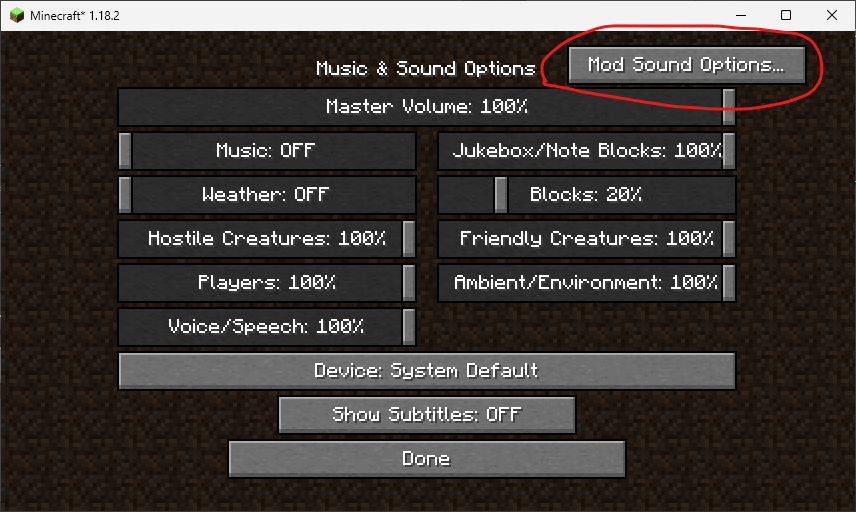
Minecraft has a very large modding community. Majority of players make use of mods to add extra content into the game. Along with extra content, certain mods also introduce new sound effects into the game. And there might be circumstances where you might want to adjust the volume for the sound effects added by an individual mod. The game only allows you to change the volume levels of different in-game sound effects altogether. Therefore adjusting the volume level of the sound effects added by an individual mod is not possible. Mod Sound Volume Options Mod is here with the solution. This mod allows you to adjust the volume levels of individual mods. The adjustment options can be accessed by clicking on the new button added in the Music & Sound Options settings tab.
Features:
- Allows you to adjust the volume levels of sound effects added by individual mods.
- Access using the new button in the Music & Sound Options tab.
Screenshots:
Mod Sound Volume Options Mod Download Links
- Edition: Minecraft Java
- File type: .jar
- Minecraft version listed: 1.20.1
- How to install: Install the matching mod loader (Forge, Fabric or NeoForge) for your Minecraft version. → Download the .jar. → Put it in the .minecraft/mods folder and launch that loader profile.
- Where to get it: In MC Java Mods, or directly above on this page.
Install steps are the general flow for this file type — How to install Minecraft Java mods & modpacks walks through it step by step.
- Downloads as 83478.mcaddon
- Download size: 77 KB
- Download link checked 22 Sept 2026 — working
- Mirrored on our own servers — the download does not depend on the original host
These come from our own check of the pack file, not from the source page.