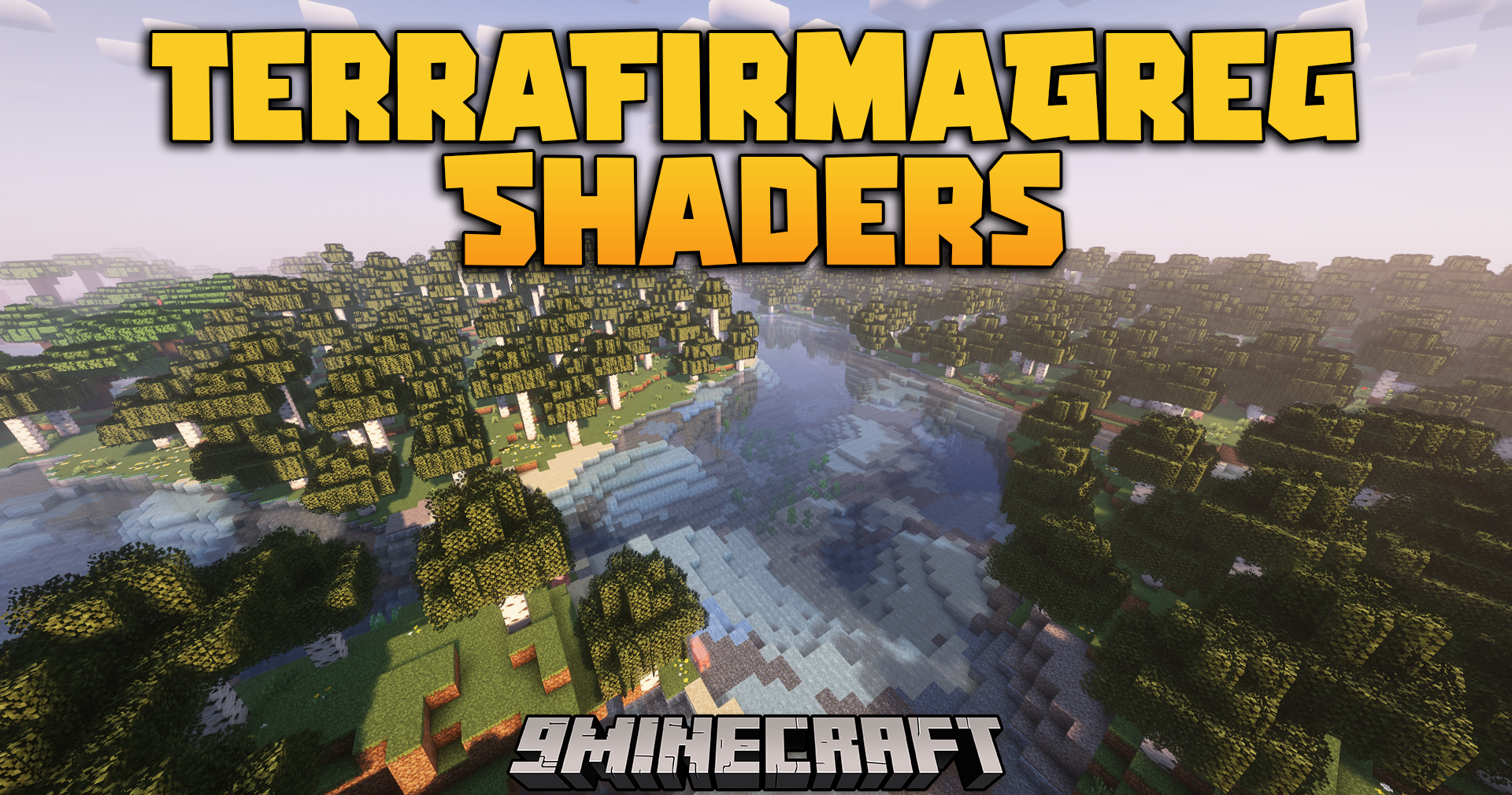
TerraFirmaGreg Shaders (26.3, 1.20.1) – Dimensional Lighting And Custom Sky Colors
Java shader pack listed for Minecraft 1.20–26.x. Downloads from the MC Java Mods app on Android.
⬇ Download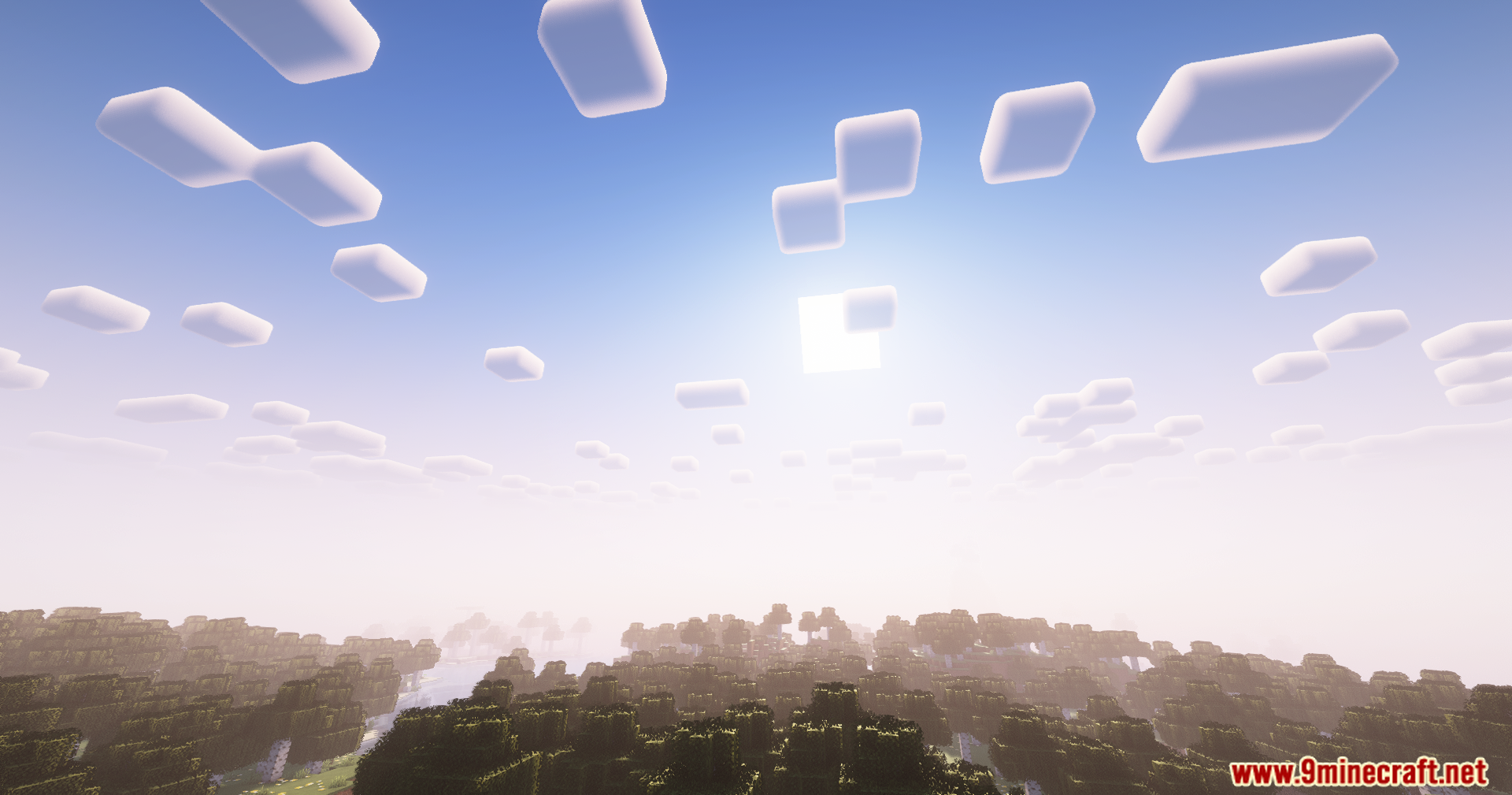
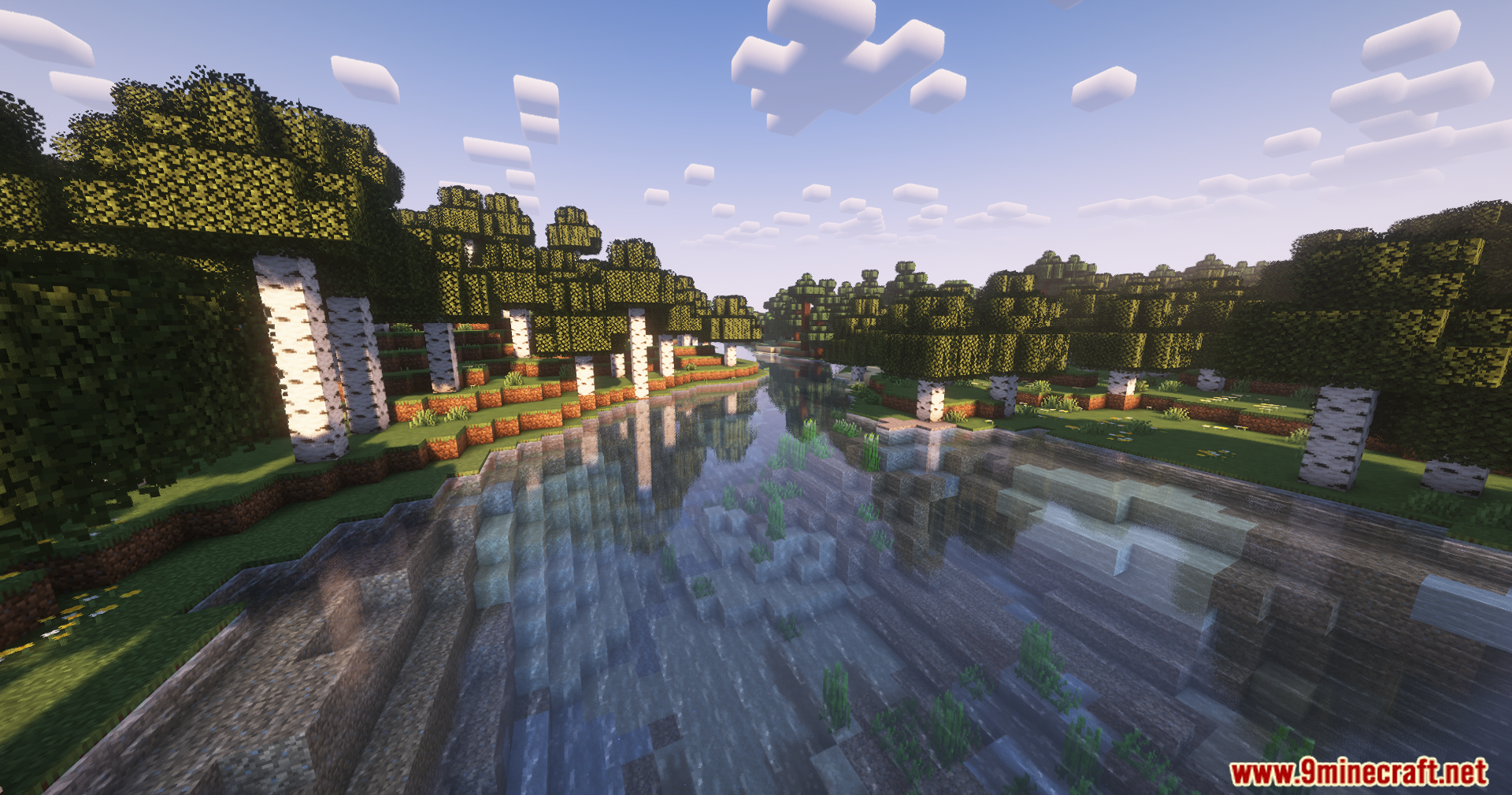
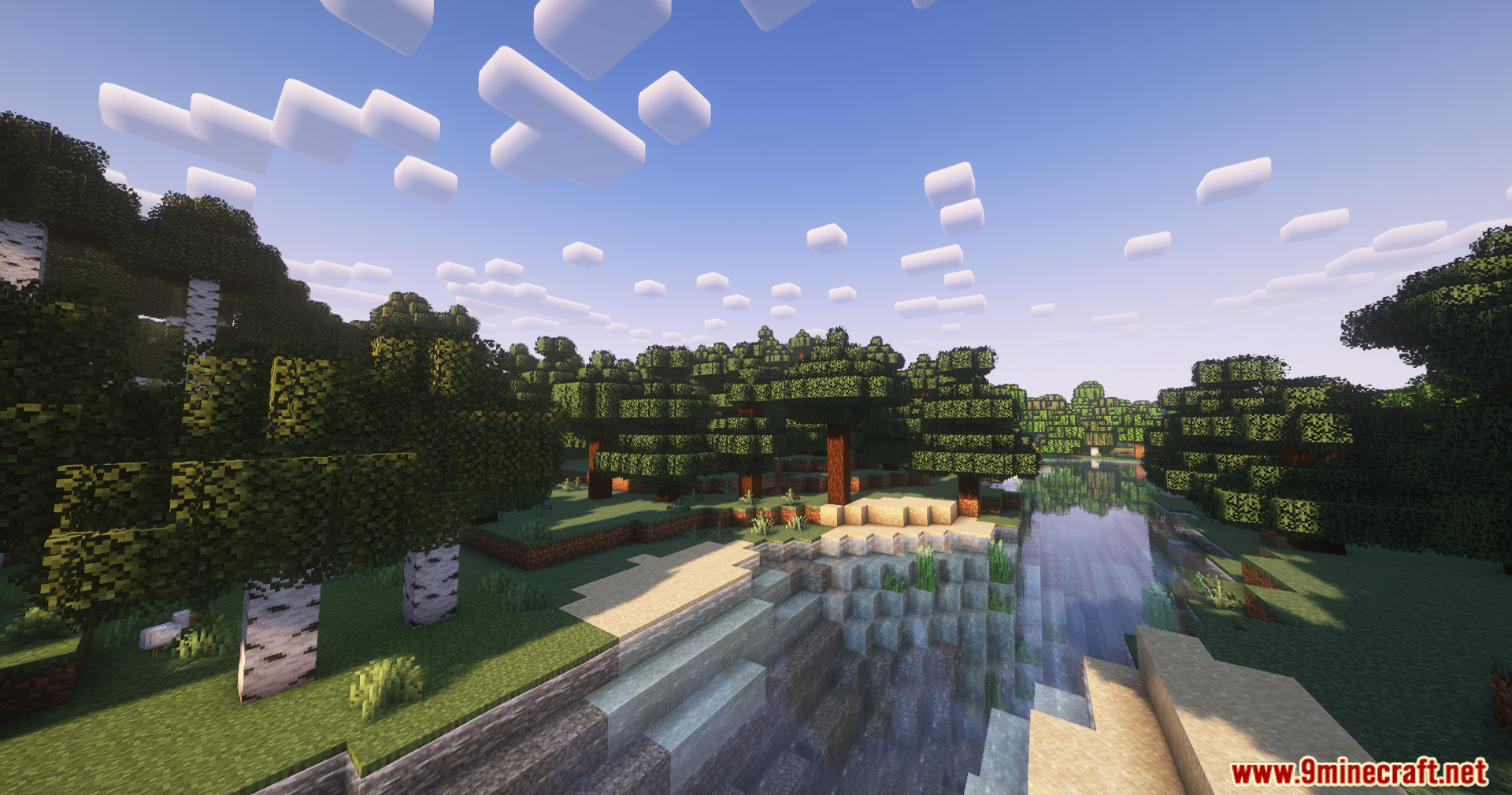
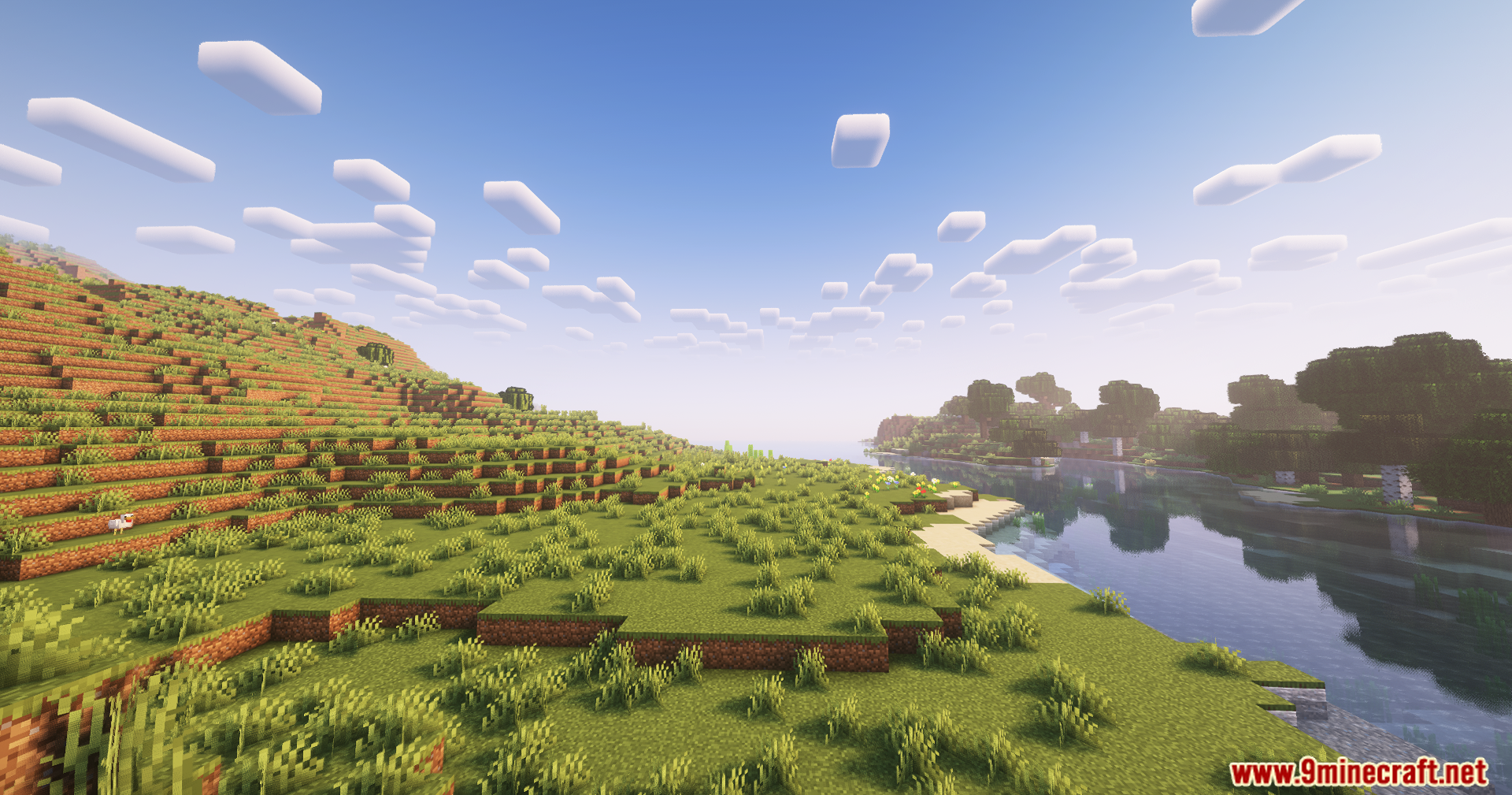
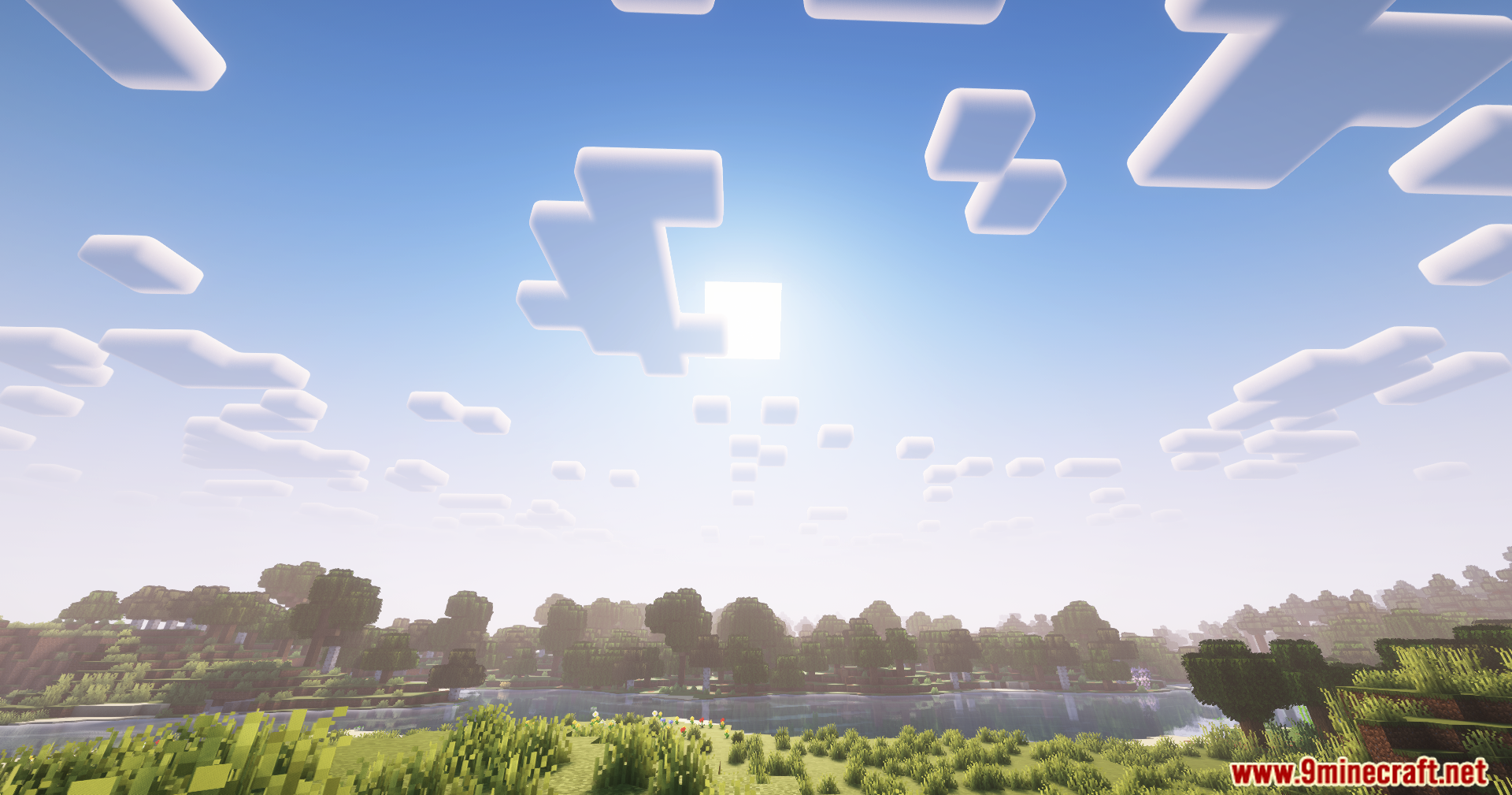
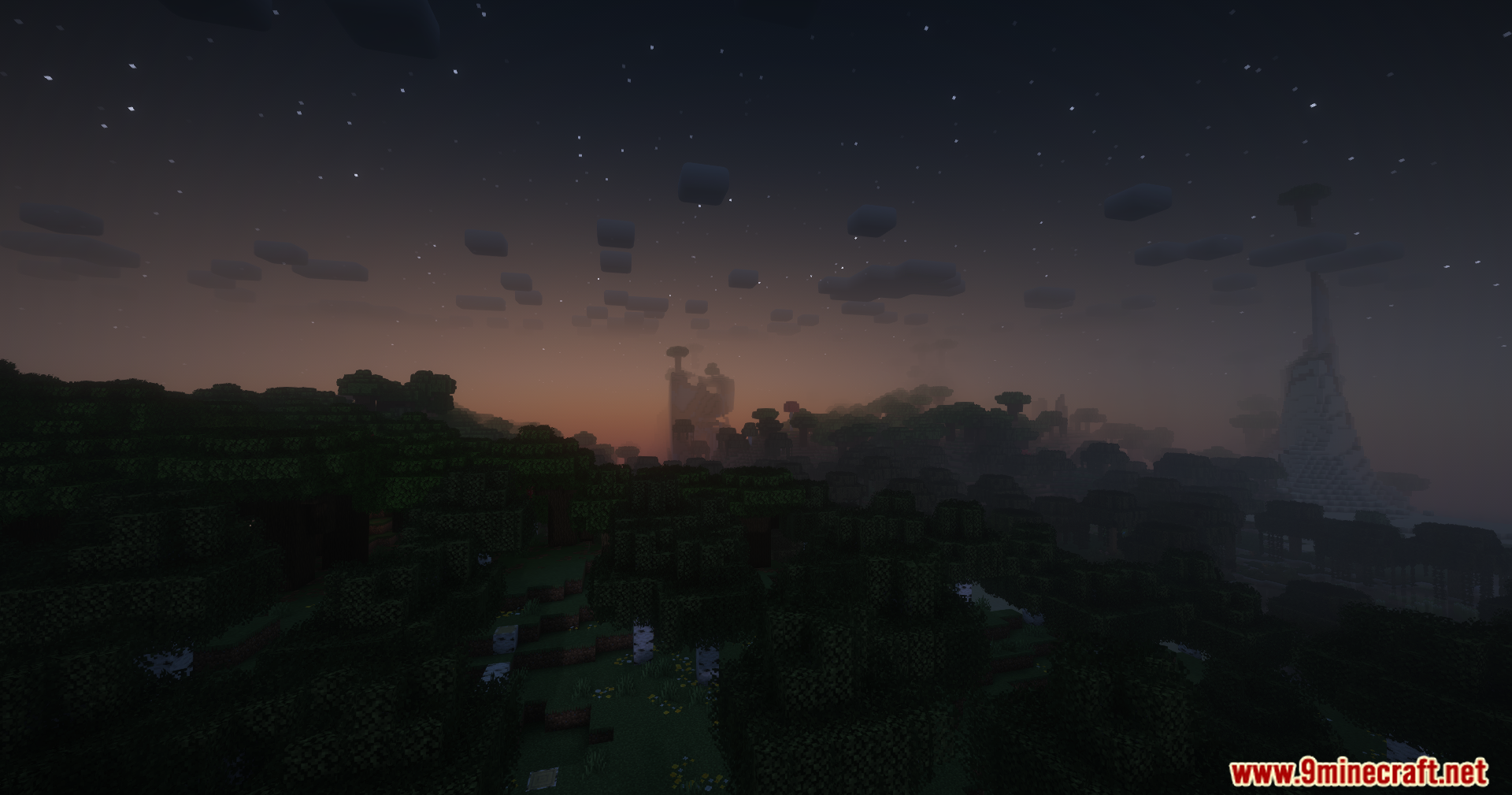
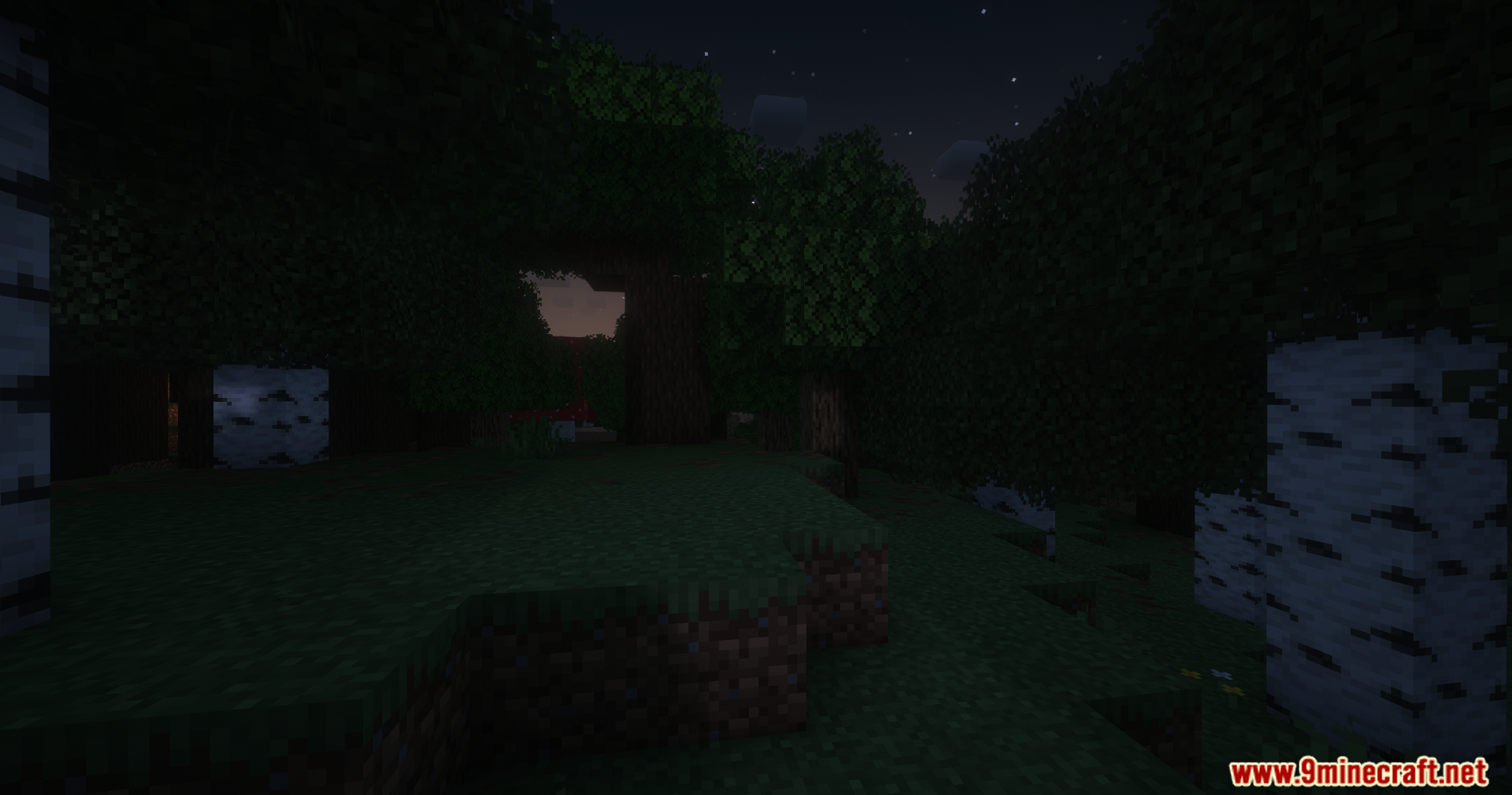
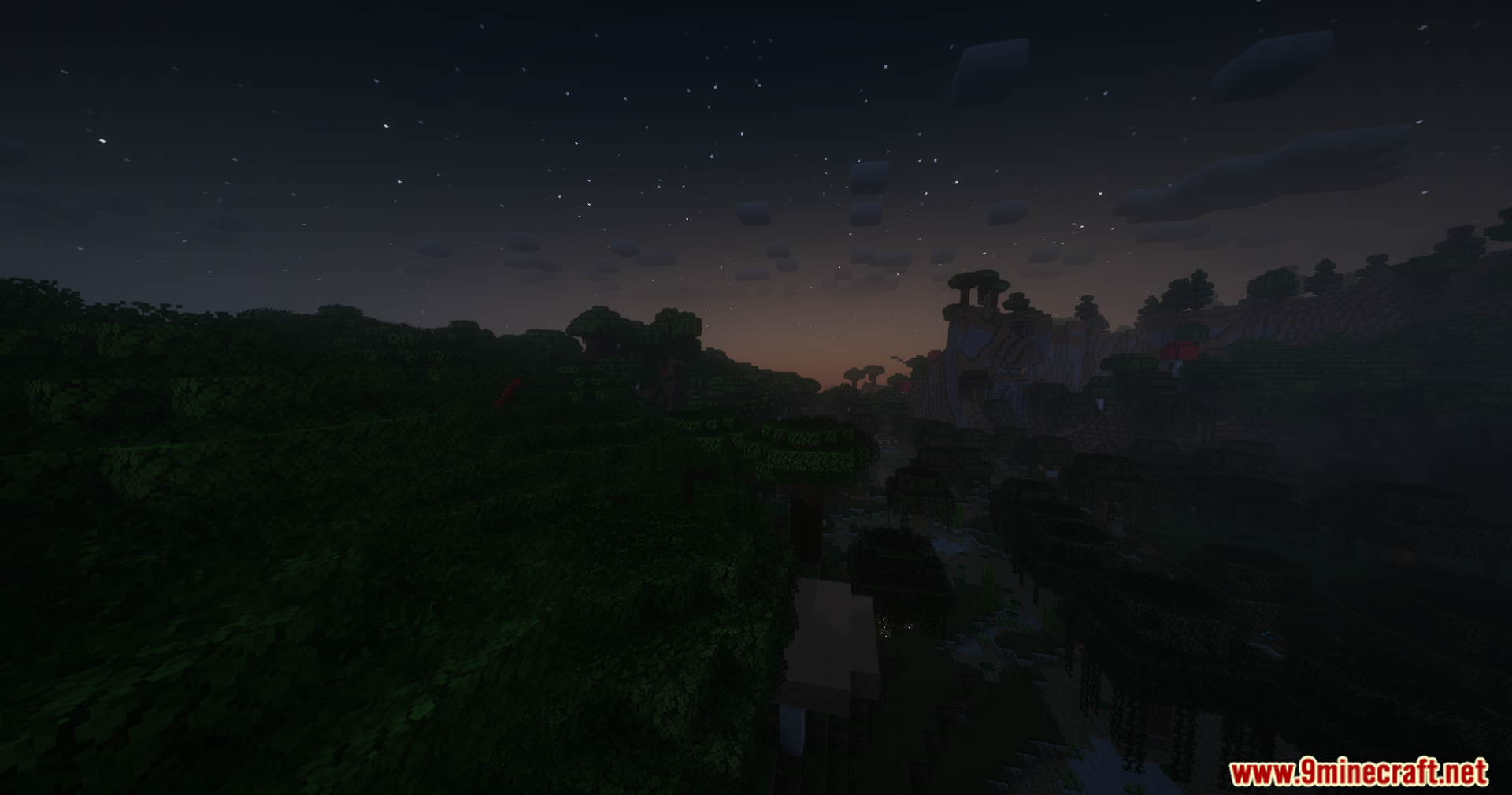
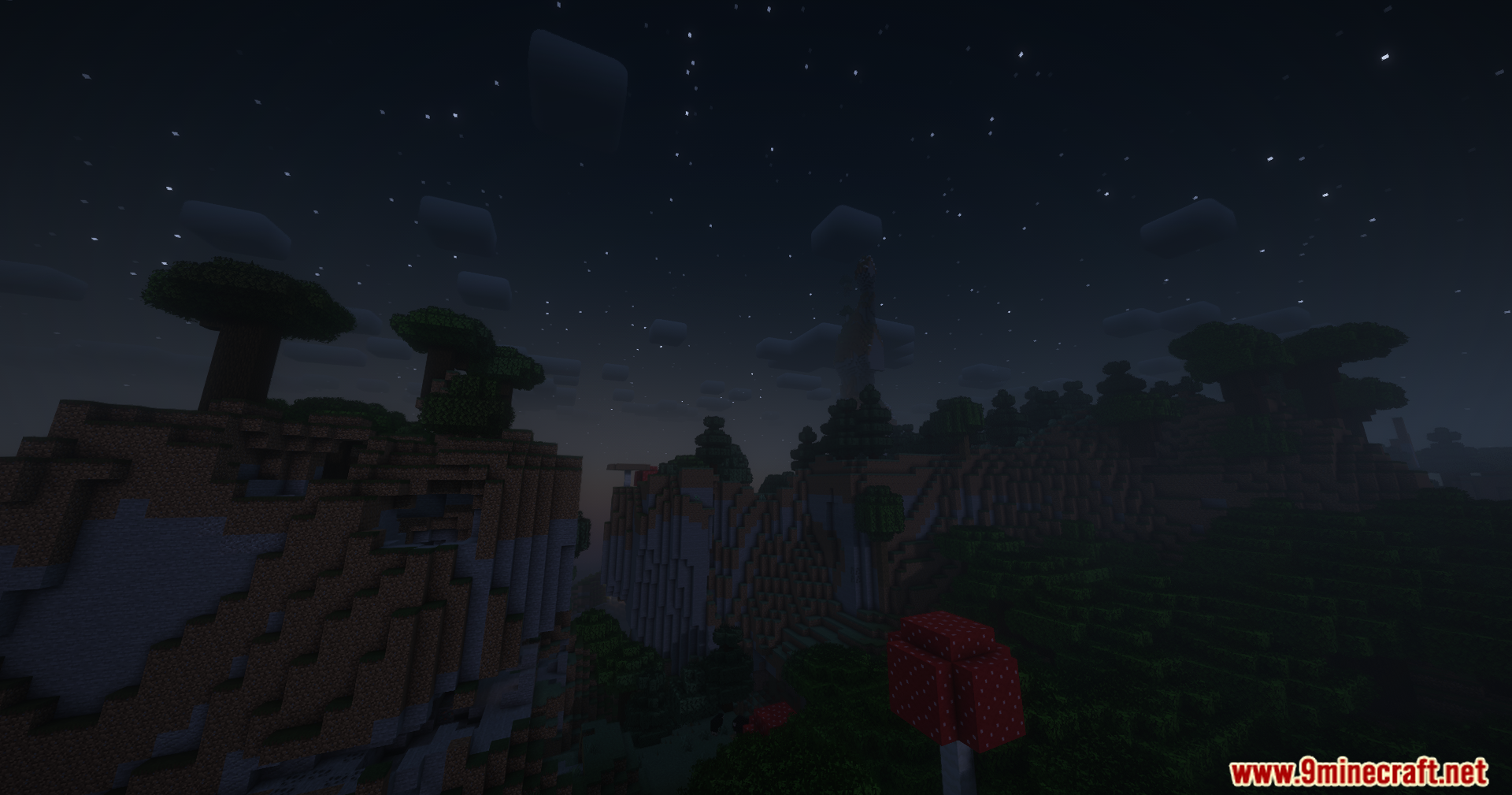
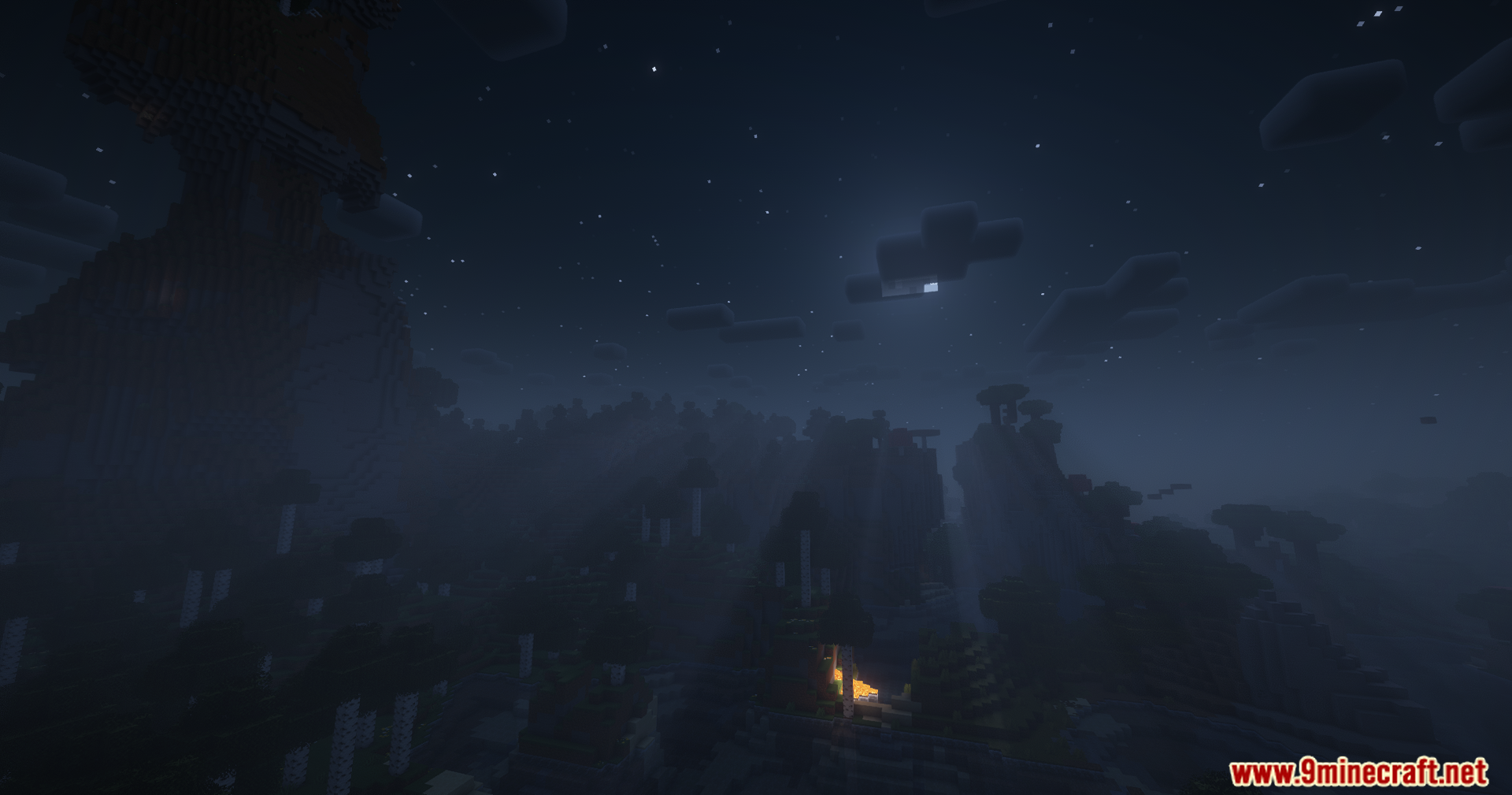
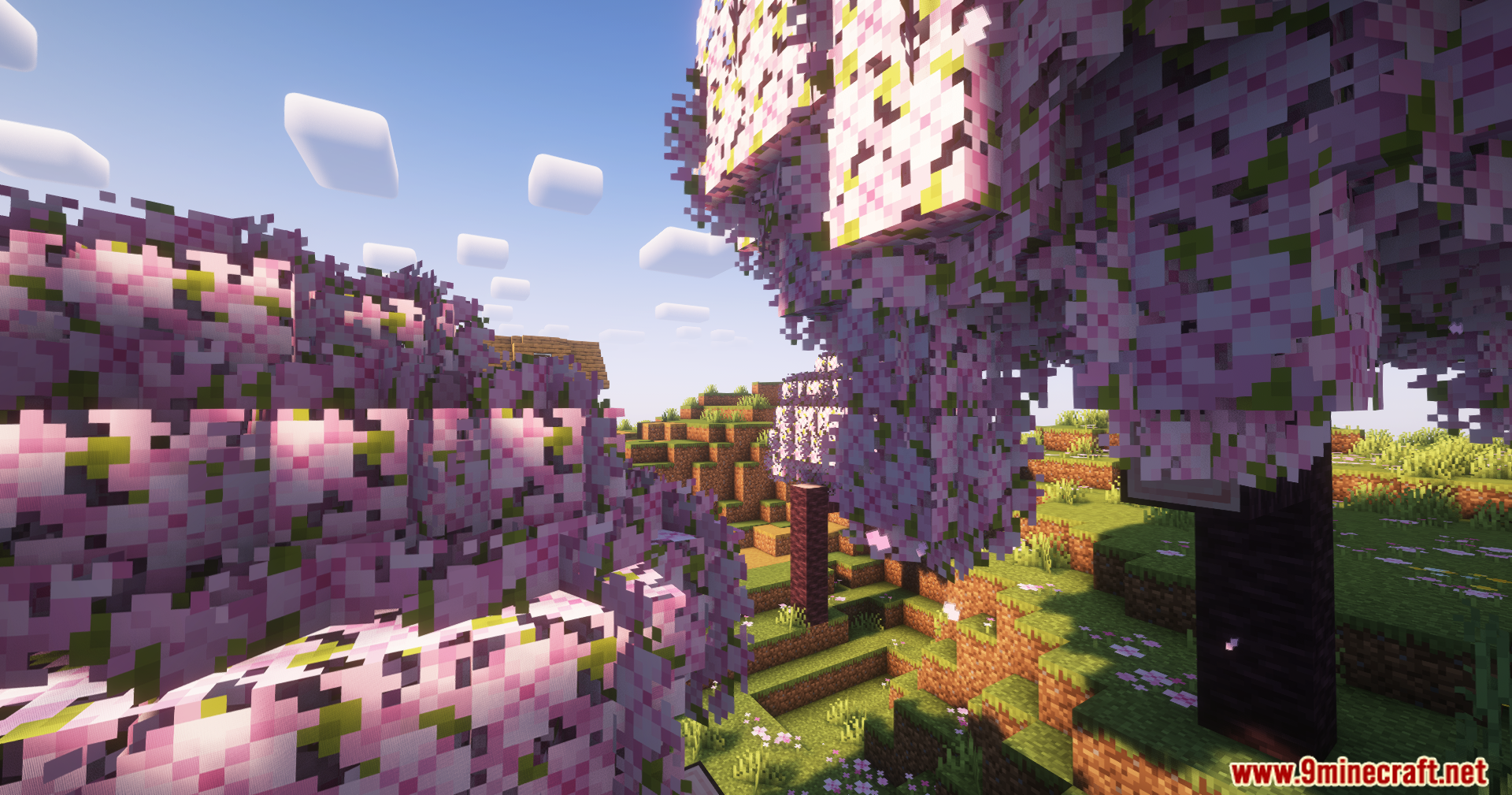
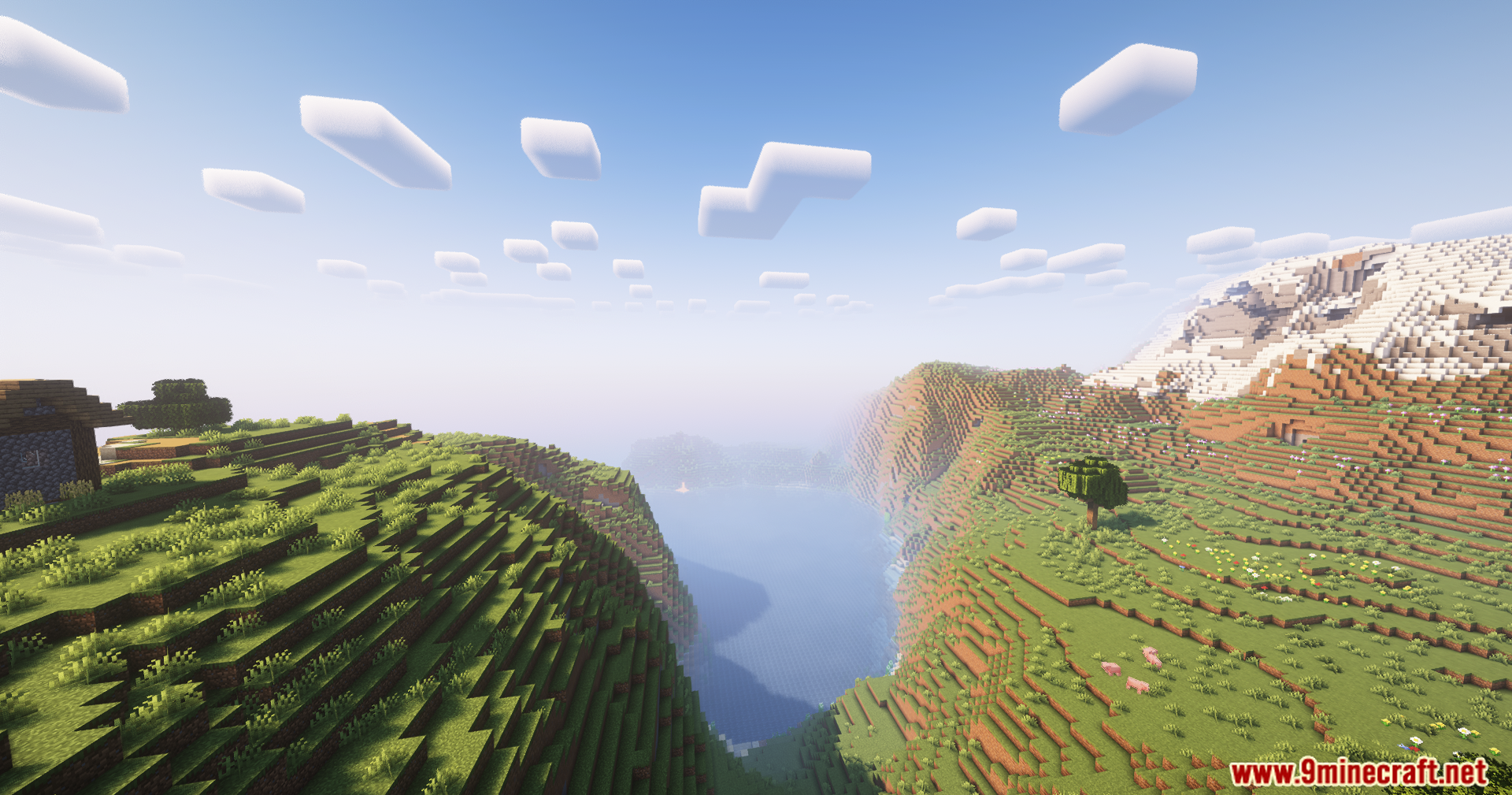
TerraFirmaGreg Shaders improving the visual presentation of the modpack’s environments while keeping the overall atmosphere intact. The listed changes focus on per-dimension adjustments and environment rendering tweaks. These include dimensional color correction with custom sky colors and lighting for different worlds, plus customized water and foliage effects designed to support different plants and fluids and add breeze-driven motion.
Features:
- Specially modified fork of Complementary for the TerraFirmaGreg modpack
- Dimensional color correction
- Custom sky colors per world
- Custom lighting per world
- Customized water effects
- Customized foliage effects
- Support for different plants swaying in the breeze
- Support for different fluids swaying in the breeze
Screenshots:
TerraFirmaGreg Shaders Download Links
- Edition: Minecraft Java
- File type: .zip (resource pack)
- Minecraft versions listed: 26.3, 1.20.1
- How to install: Download the .zip resource pack — do not unzip it. → Put it in .minecraft/resourcepacks. → Enable it in Options → Resource Packs.
- Where to get it: In MC Java Mods, or directly above on this page.
Install steps are the general flow for this file type — see the MC Java Mods guides for the full walkthrough.
TerraFirmaGreg Shaders (26.3, 1.20.1) – Dimensional Lighting And Custom Sky Colors is a free Minecraft Java shader. Compatible with Minecraft 26.3, 1.20.1. Download it and open it directly in the game.