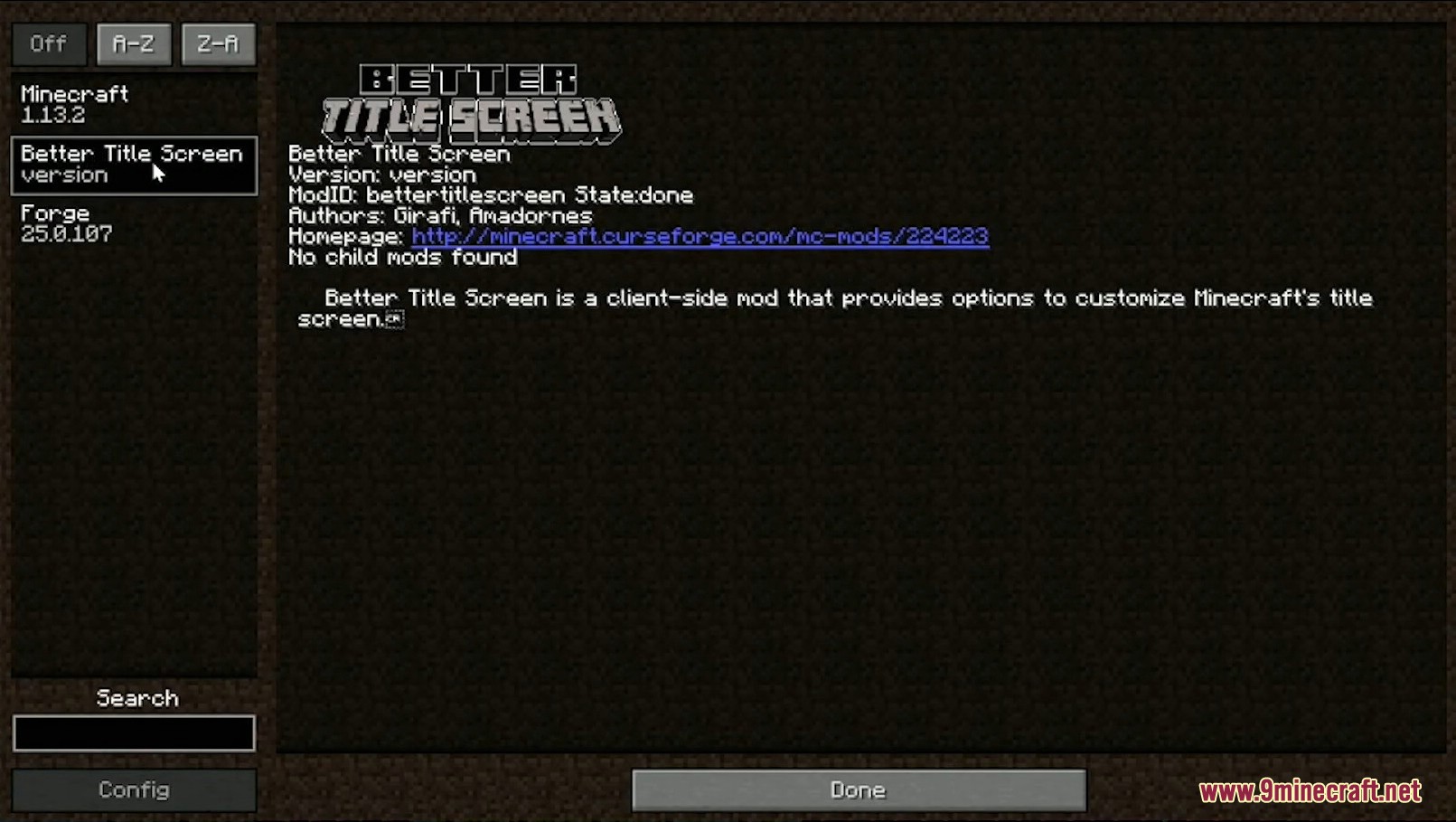
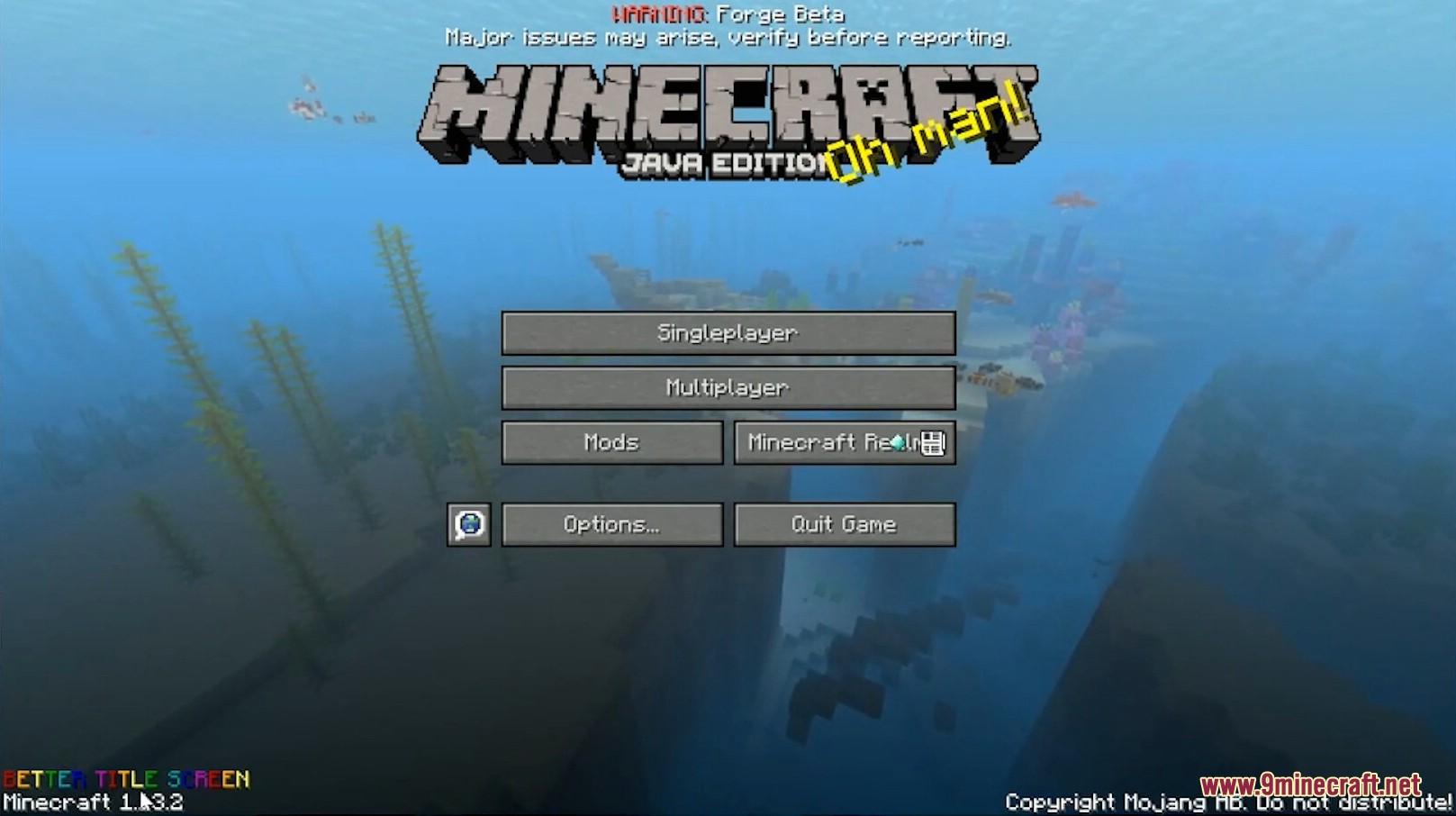
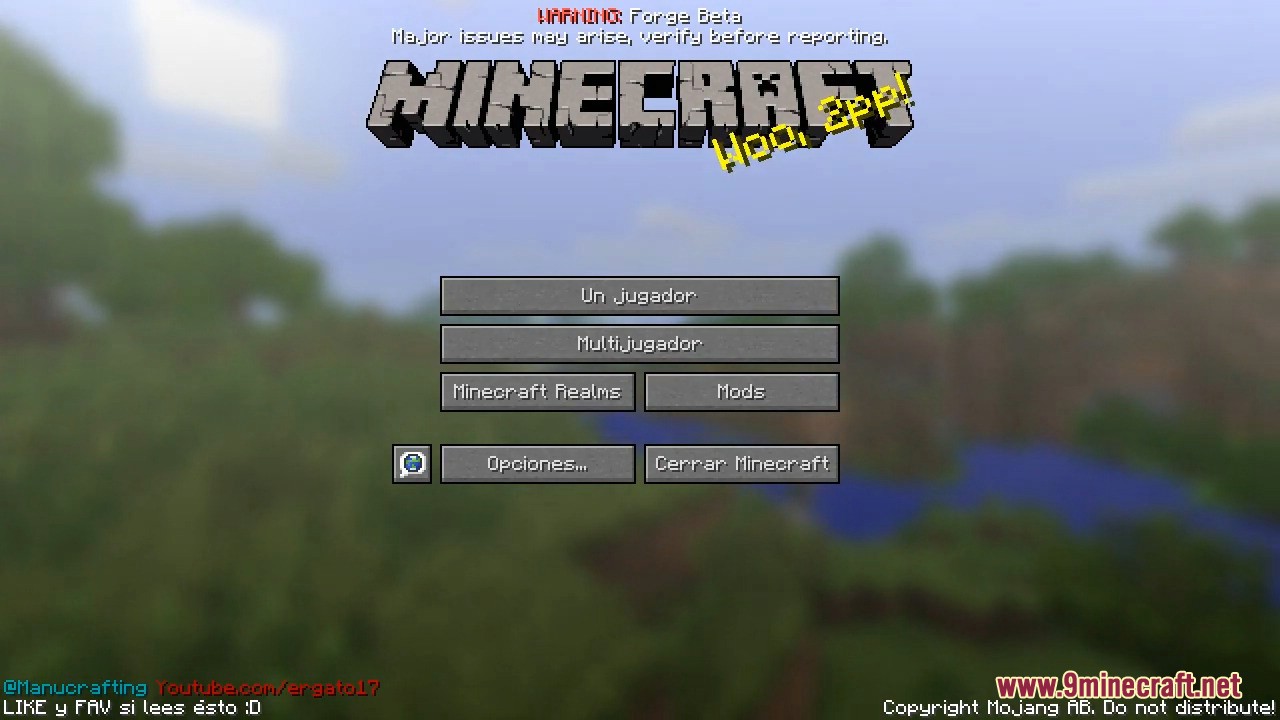
Better Title Screen Mod is a mod for adding custom text/copyright messages to the Minecraft launch screen.
Features:
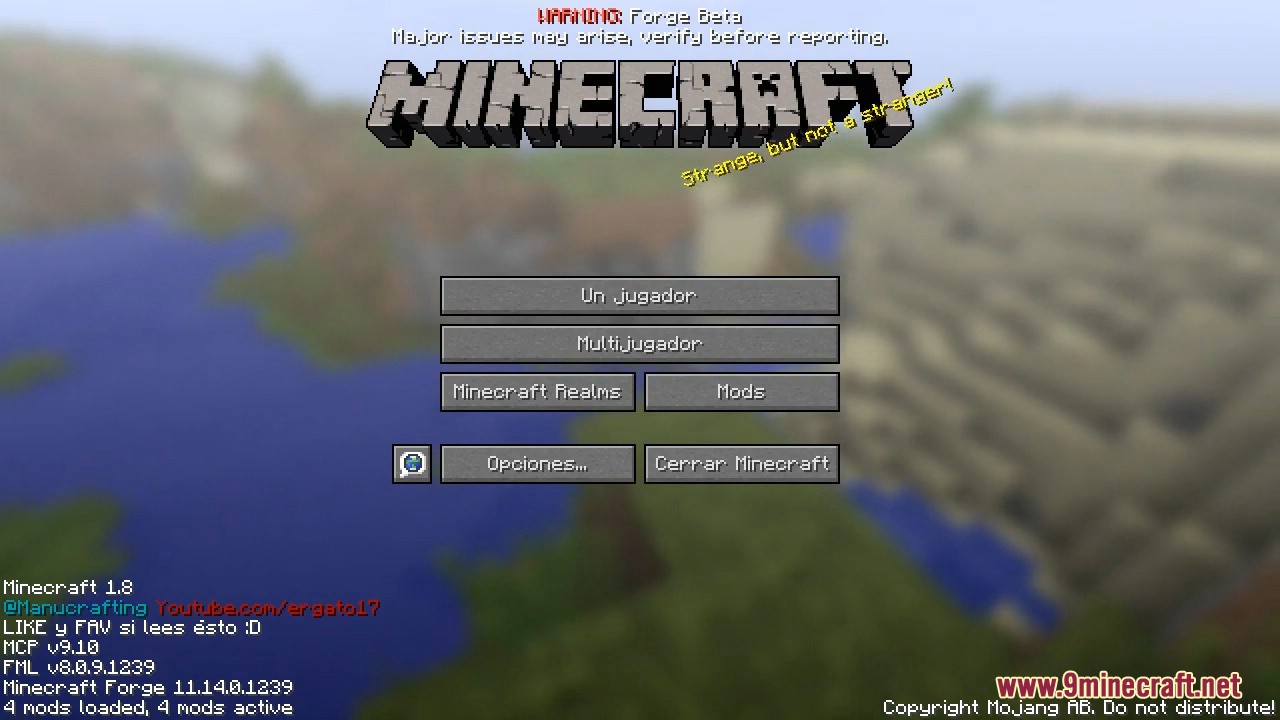
- Custom Text: Allows you to display custom text in the lower-left corner under the Minecraft game menu.
- Hide Information: Enables hiding certain information such as the Forge version, game version, and mod count.
- Small Mod: The mod is very small and useful for modpack creators or YouTubers to insert their copyright or some fun message.
How to Configure Text:
- Go to the folder
.minecraft/config. - Find the file
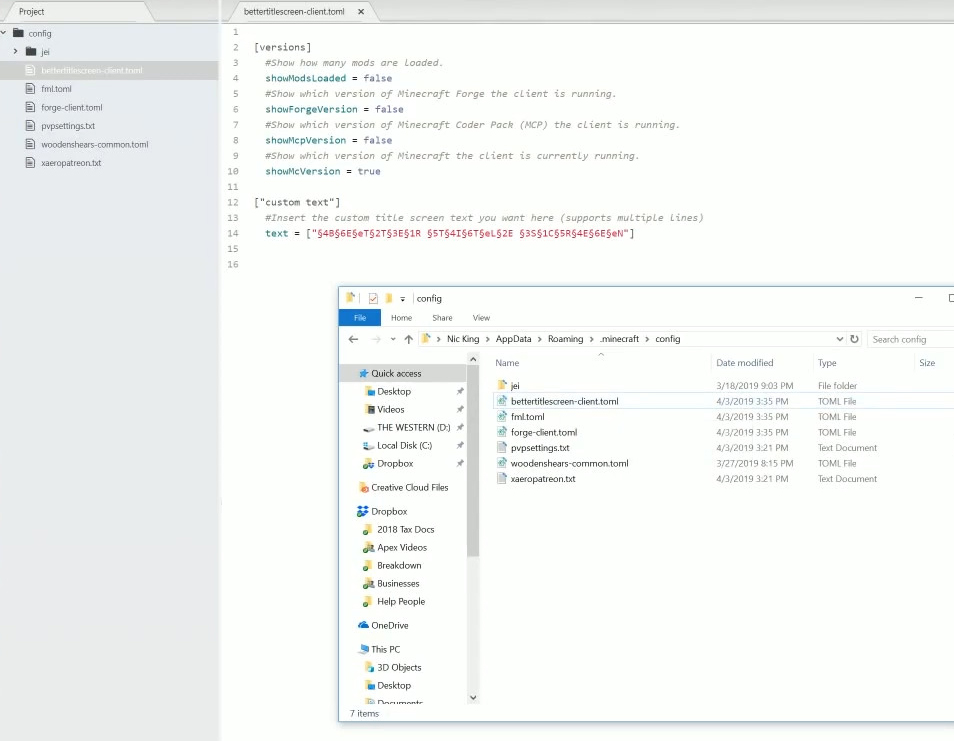
bettertitlescreen.cfgand open it with Notepad.
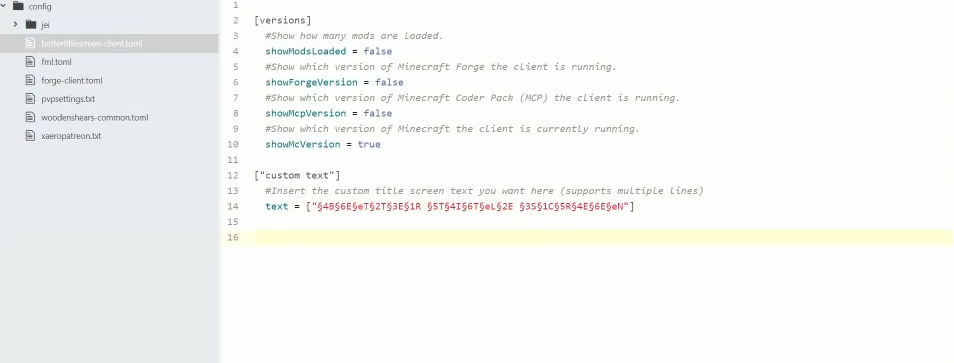
At the beginning of the config, you will see:
plaintext
S:Text <
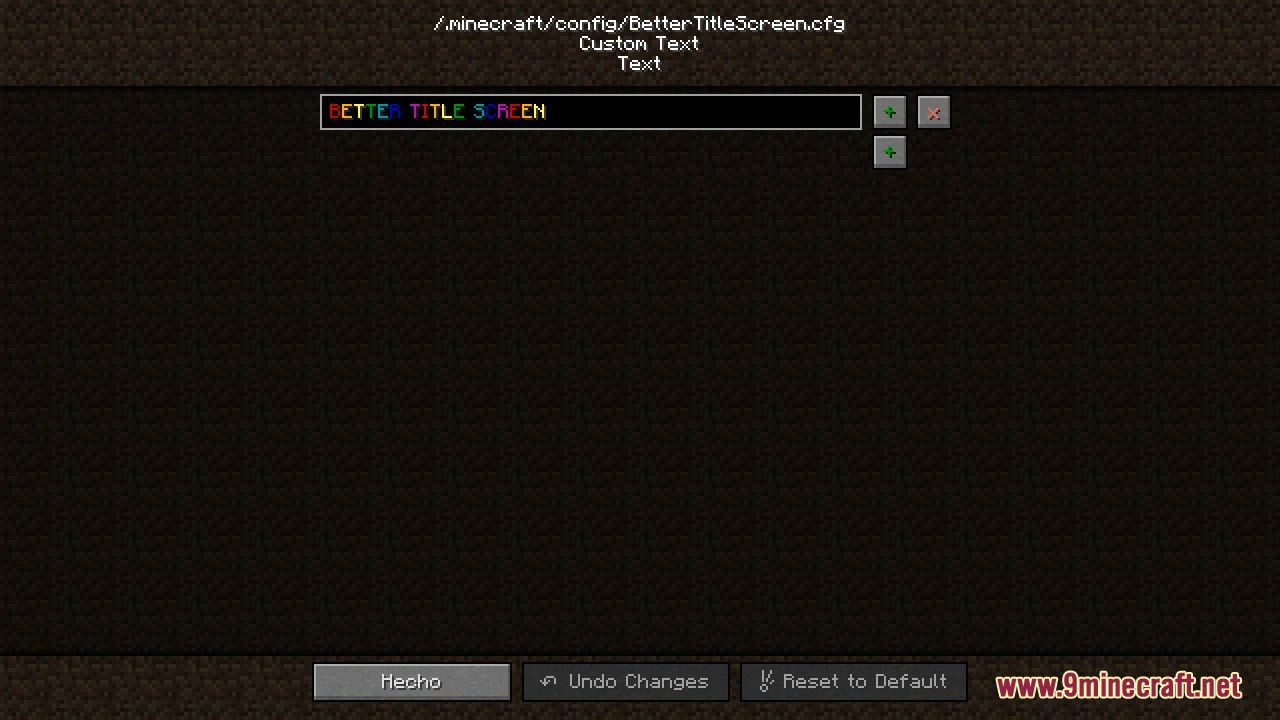
§4B§6E§eT§2T§3E§1R §5T§4I§6T§eL§2E §3S§1C§5R§4E§6E§eN
>
This is the default Better Title Screen text, with each letter having its color:
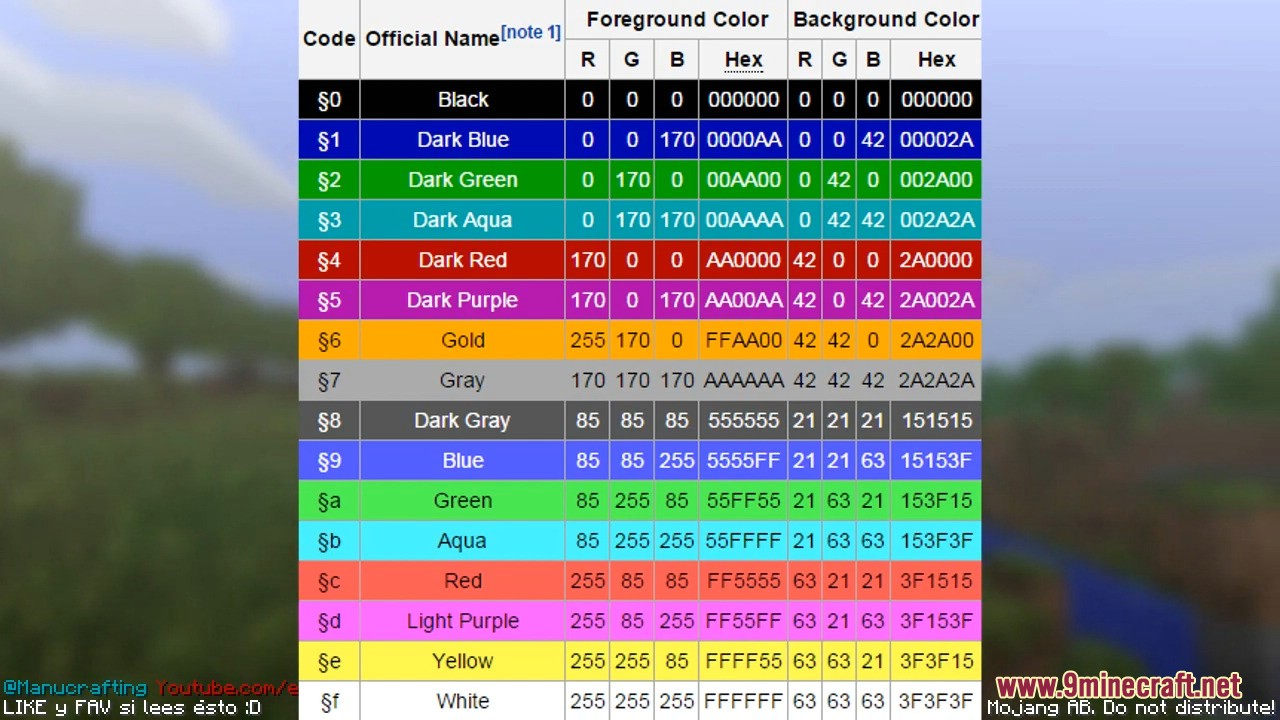
§4– Color code, followed by the letterB§6– Next color code, followed by the lettere, and so on.
Here are the color codes:
- Better Title Screen mod versions:
[1.20.4] [1.19.4] [1.18.2] [1.17.1] [1.16.5] [1.15.2] [1.12.2] [1.7.10]
Additional Configurations:
In the config, you can disable showing information such as the Forge version, game version, mod count, etc.
Screenshots:
Better Title Screen Mod Download Links
Quick facts
- Edition: Minecraft Java
- File type: .jar
- Minecraft version listed: 1.20.1
- How to install: Install the matching mod loader (Forge, Fabric or NeoForge) for your Minecraft version. → Download the .jar. → Put it in the .minecraft/mods folder and launch that loader profile.
- Where to get it: In MC Java Mods, or directly above on this page.
Install steps are the general flow for this file type — How to install Minecraft Java mods & modpacks walks through it step by step.
Verified by MCModsHub
- Downloads as 83497.mcaddon
- Download size: 17 KB
- Download link checked 26 Sept 2026 — working
- Mirrored on our own servers — the download does not depend on the original host
These come from our own check of the pack file, not from the source page.