Angry Mobs Mod (26.1.2, 1.20.1) – Add Different Tweaks To Mobs
Java mod listed for Minecraft 1.20. Downloads from the MC Java Mods app on Android.
⬇ Download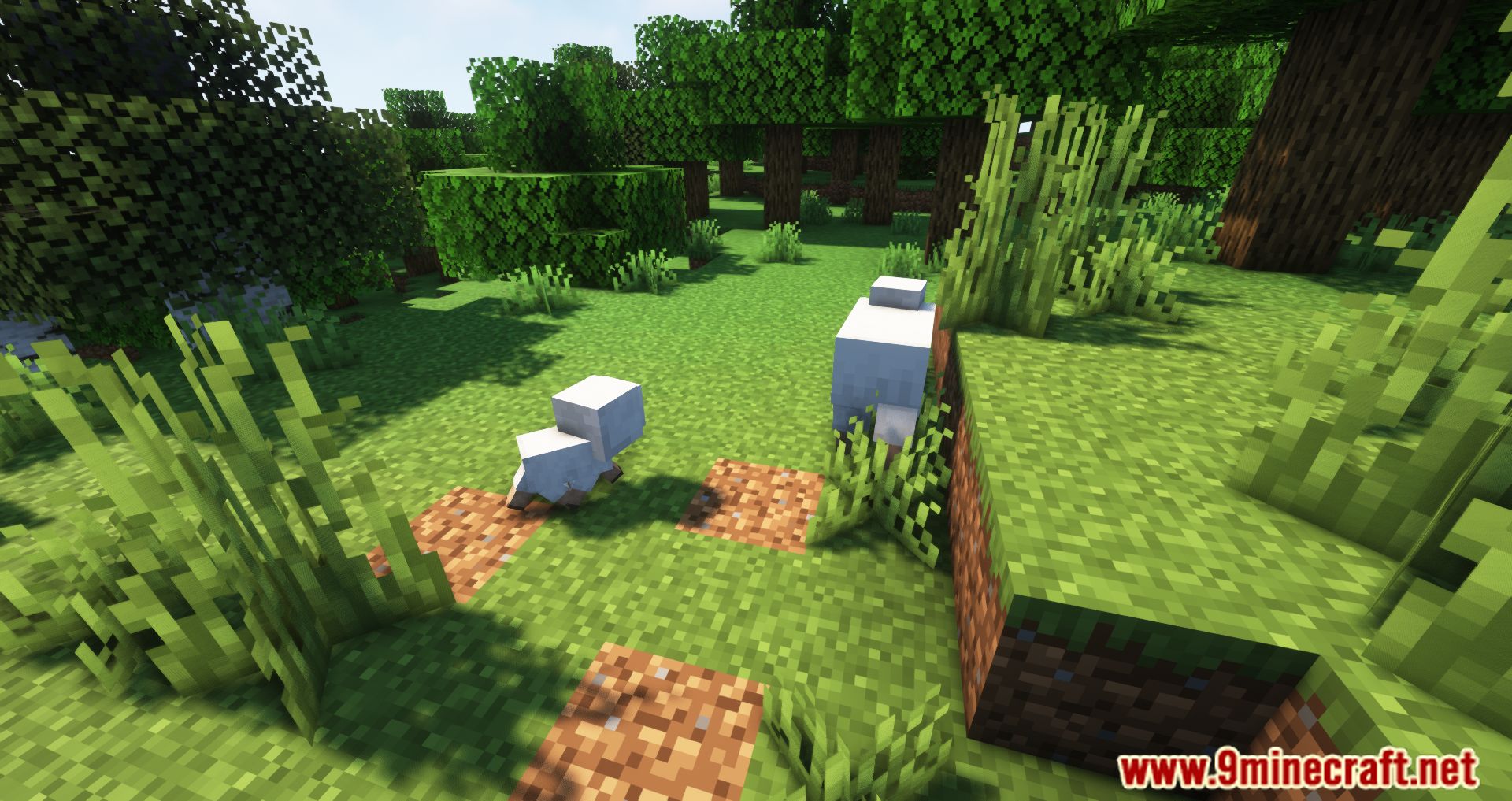

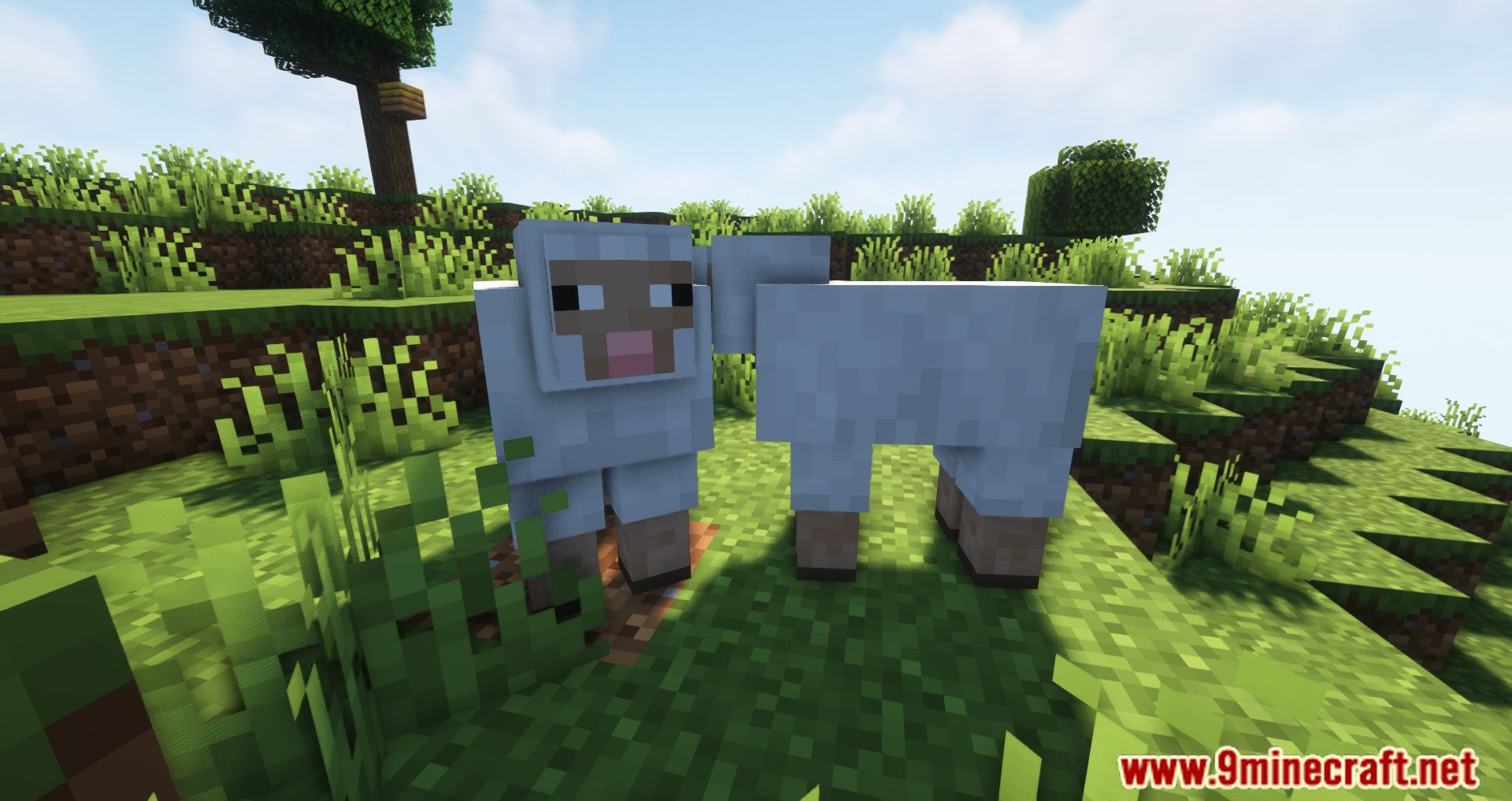
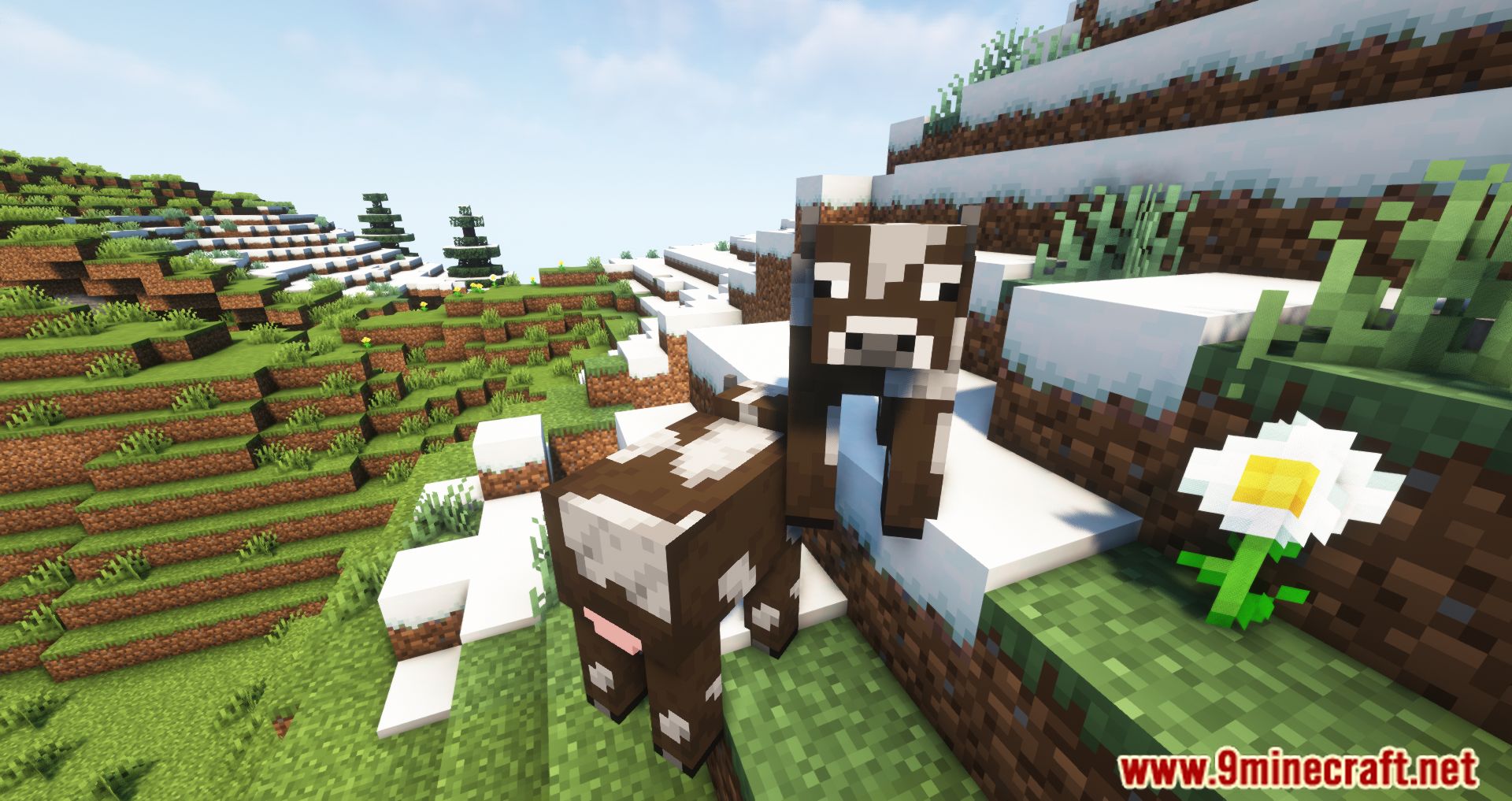

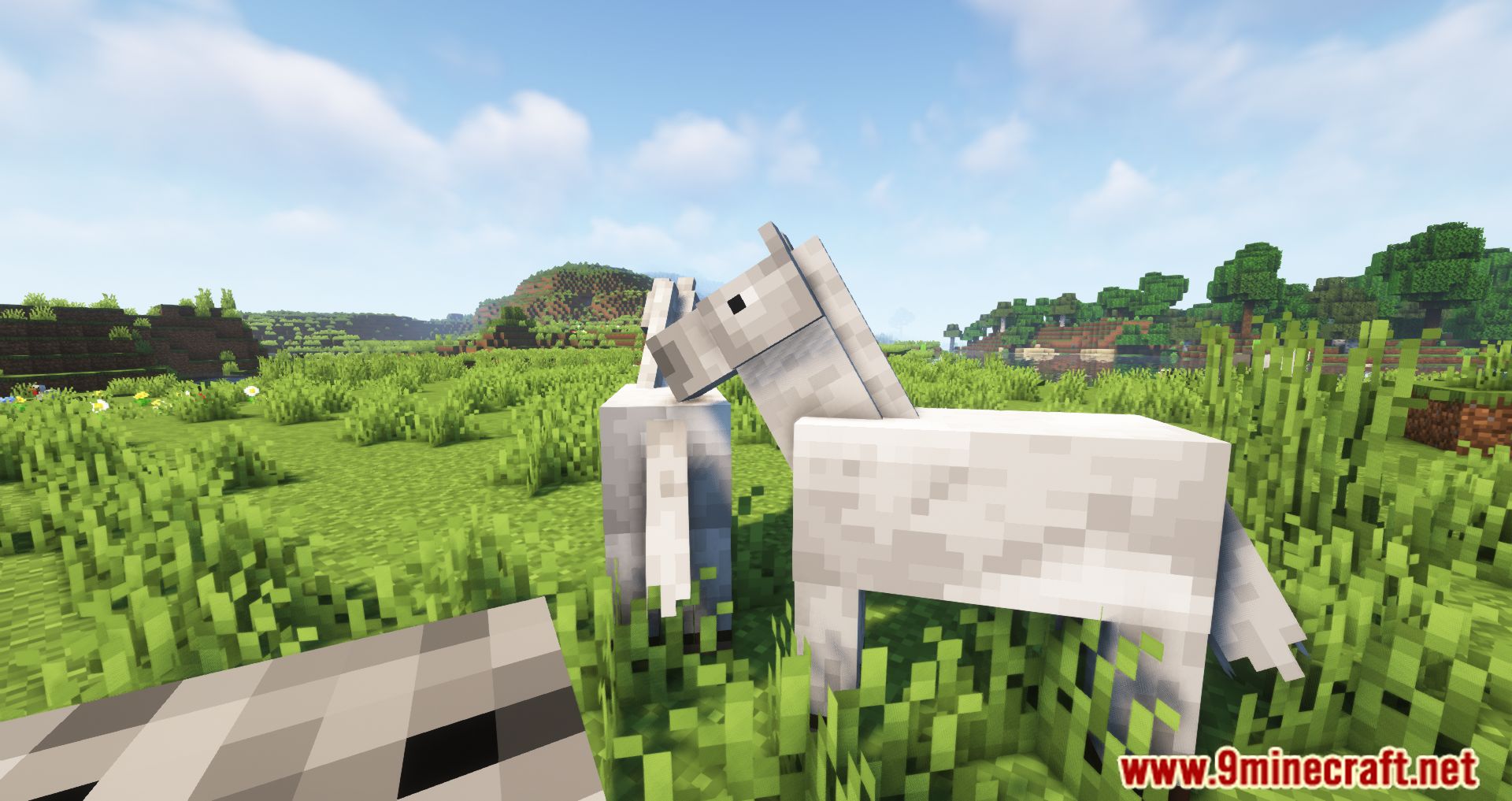
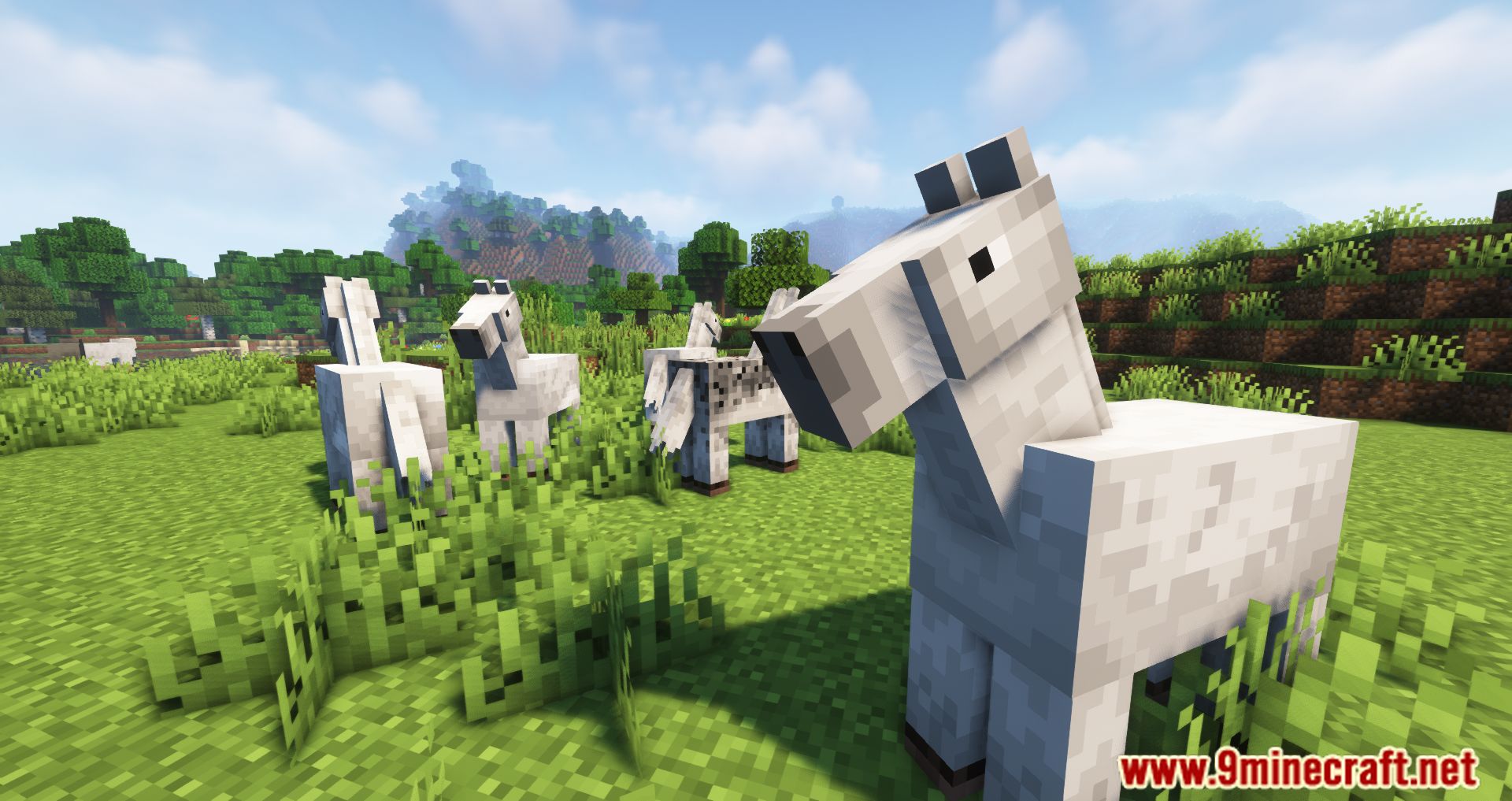

The Angry Mobs Mod adds a new function, which causes the creature to behave aggressively. The creatures in Minecraft are largely nice and won’t assault the game or you if you don’t attack them first. If you don’t attack certain creatures, they won’t attack you, either. What if all of the creatures were furious, went on a killing spree, and attacked everyone? The Angry Mobs Mod will cause every creature to get furious and attack everyone. With the Angry Mobs Mod, your normal existence will be flipped upside down, and you will need to exercise extreme caution with the creatures that are in the environment, since some of these monsters are also capable of killing you. However, you should exercise extreme caution around everything, as every living thing is currently in a very hostile state and will remain in this state permanently.
Features:
- Allows you add AI goals to Minecraft Mobs to make them able to attack, request aid, leap or shoot objects at you.
- 3 config options “angryAnimals”, “angryReinforcements” and “aggressiveAnimals”.
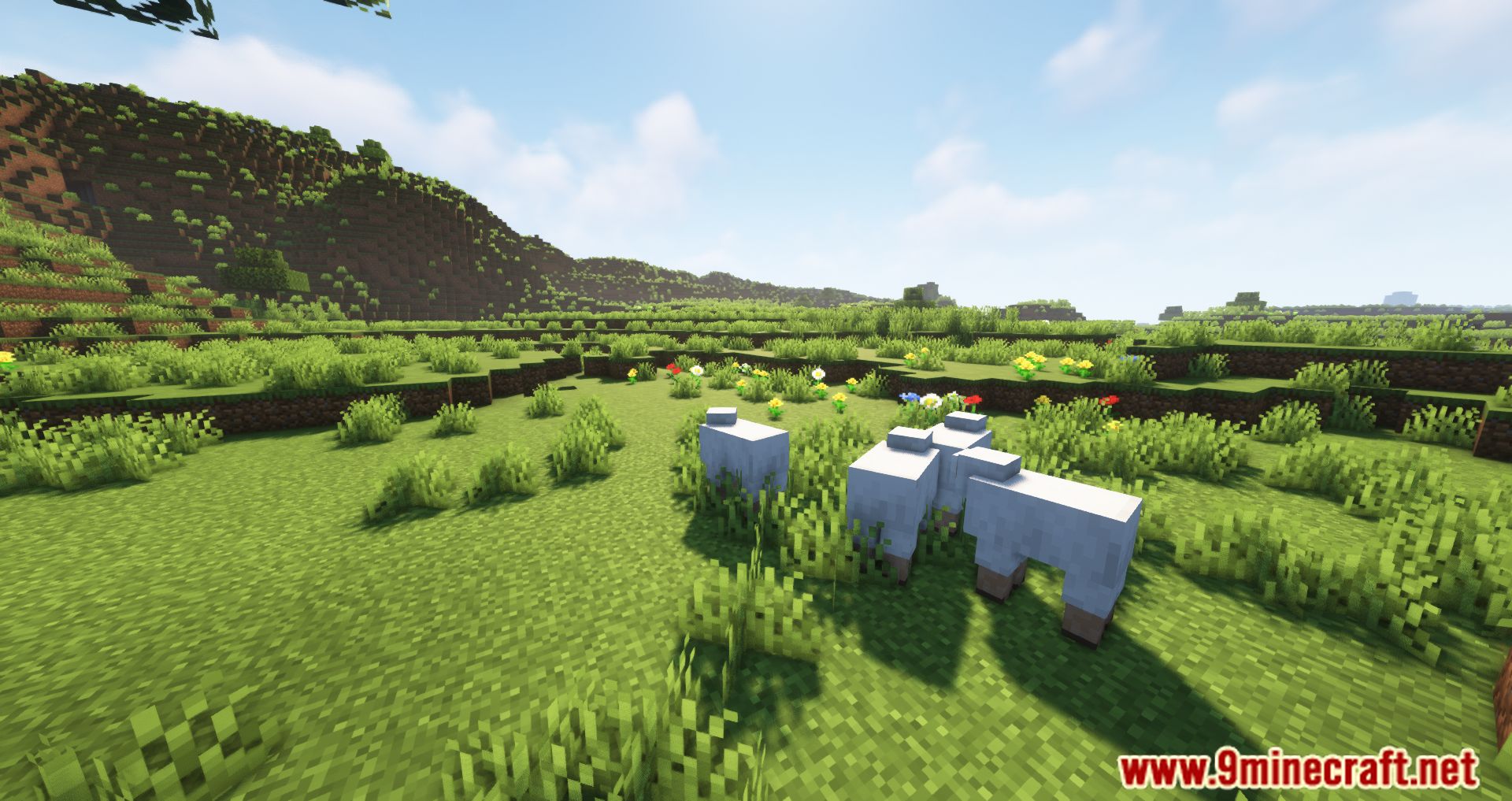
Screenshots:
Angry Mobs Mod Download Links
- Edition: Minecraft Java
- File type: .jar
- Minecraft version listed: 1.20.1
- How to install: Install the matching mod loader (Forge, Fabric or NeoForge) for your Minecraft version. → Download the .jar. → Put it in the .minecraft/mods folder and launch that loader profile.
- Where to get it: In MC Java Mods, or directly above on this page.
Install steps are the general flow for this file type — How to install Minecraft Java mods & modpacks walks through it step by step.
- Downloads as 83520.mcaddon
- Download size: 87 KB
- Download link checked 26 Sept 2026 — working
- Mirrored on our own servers — the download does not depend on the original host
These come from our own check of the pack file, not from the source page.