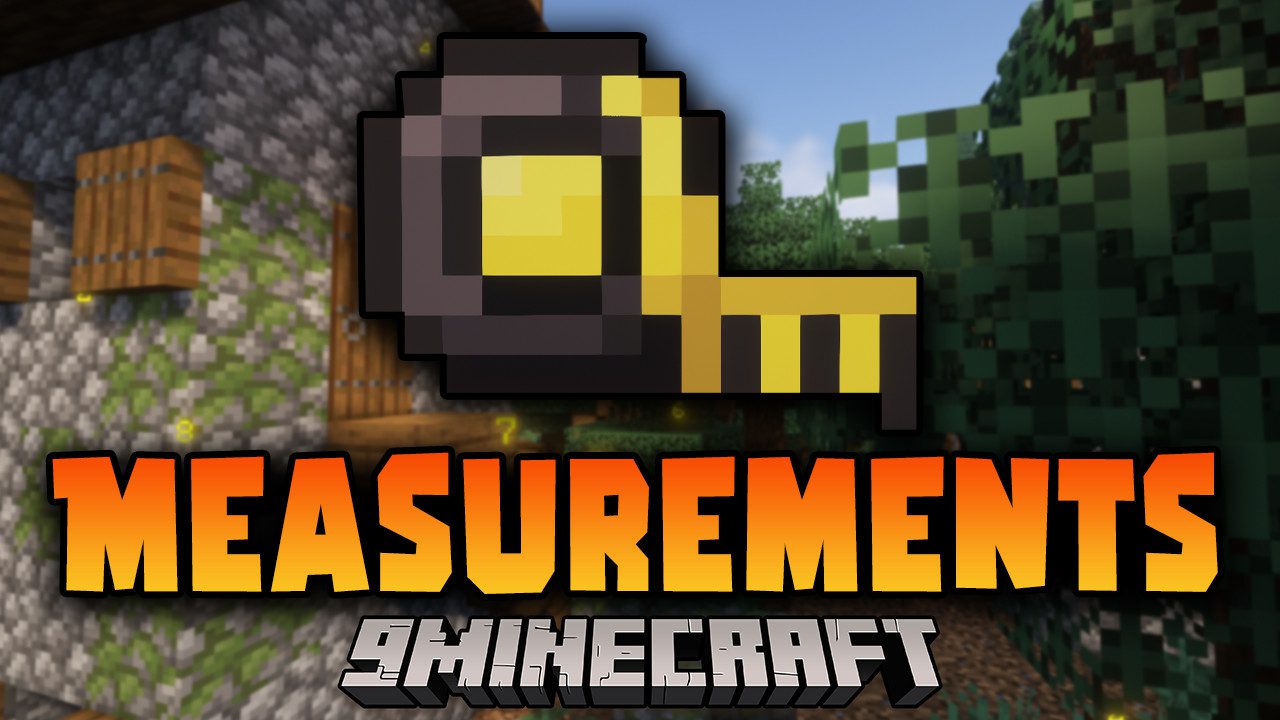
Measurements Mod (26.2, 1.20.1) – Measuring The Dimensions of Blocks
Java mod listed for Minecraft 1.20. Downloads from the MC Java Mods app on Android.
⬇ Download
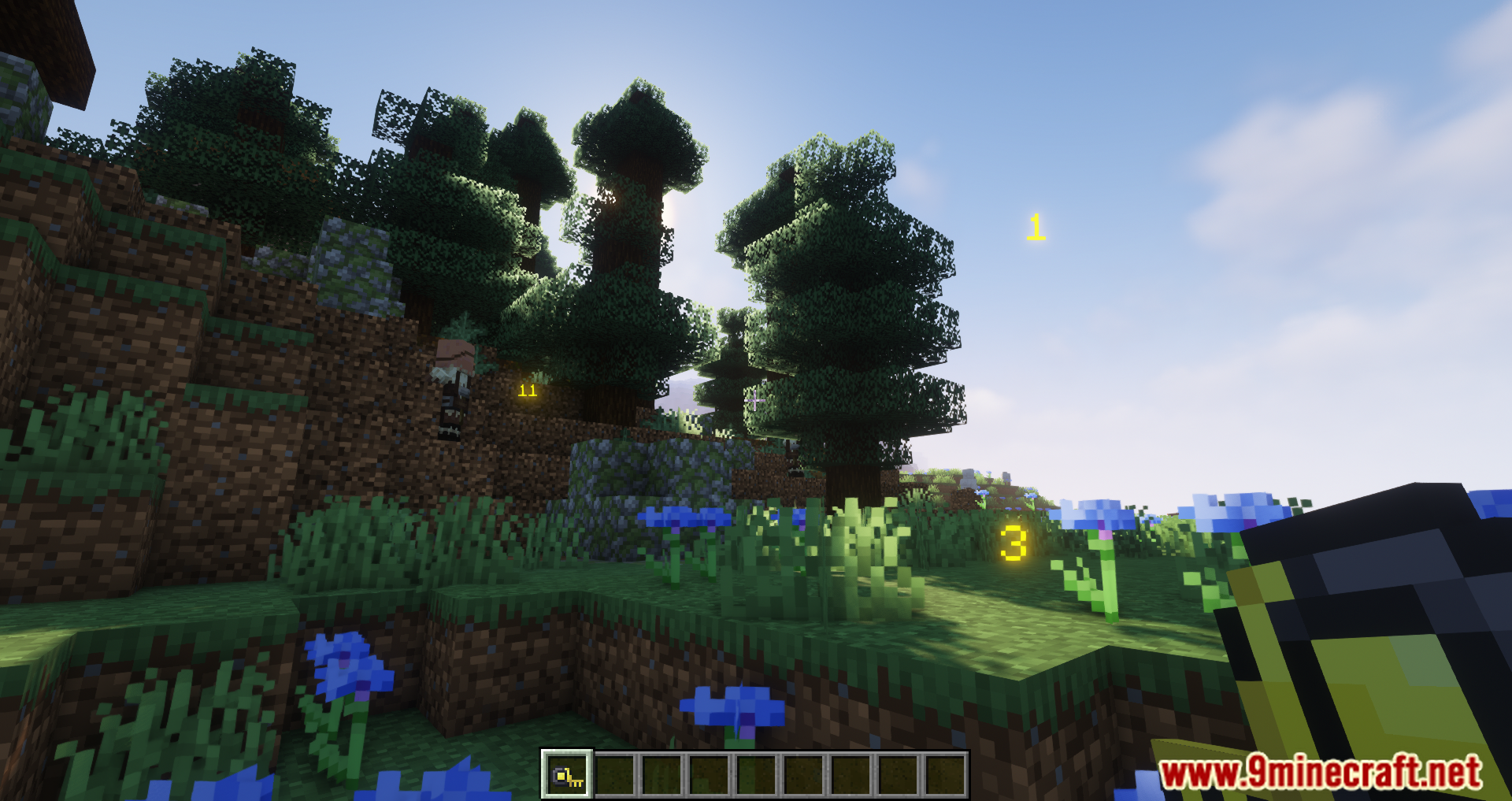
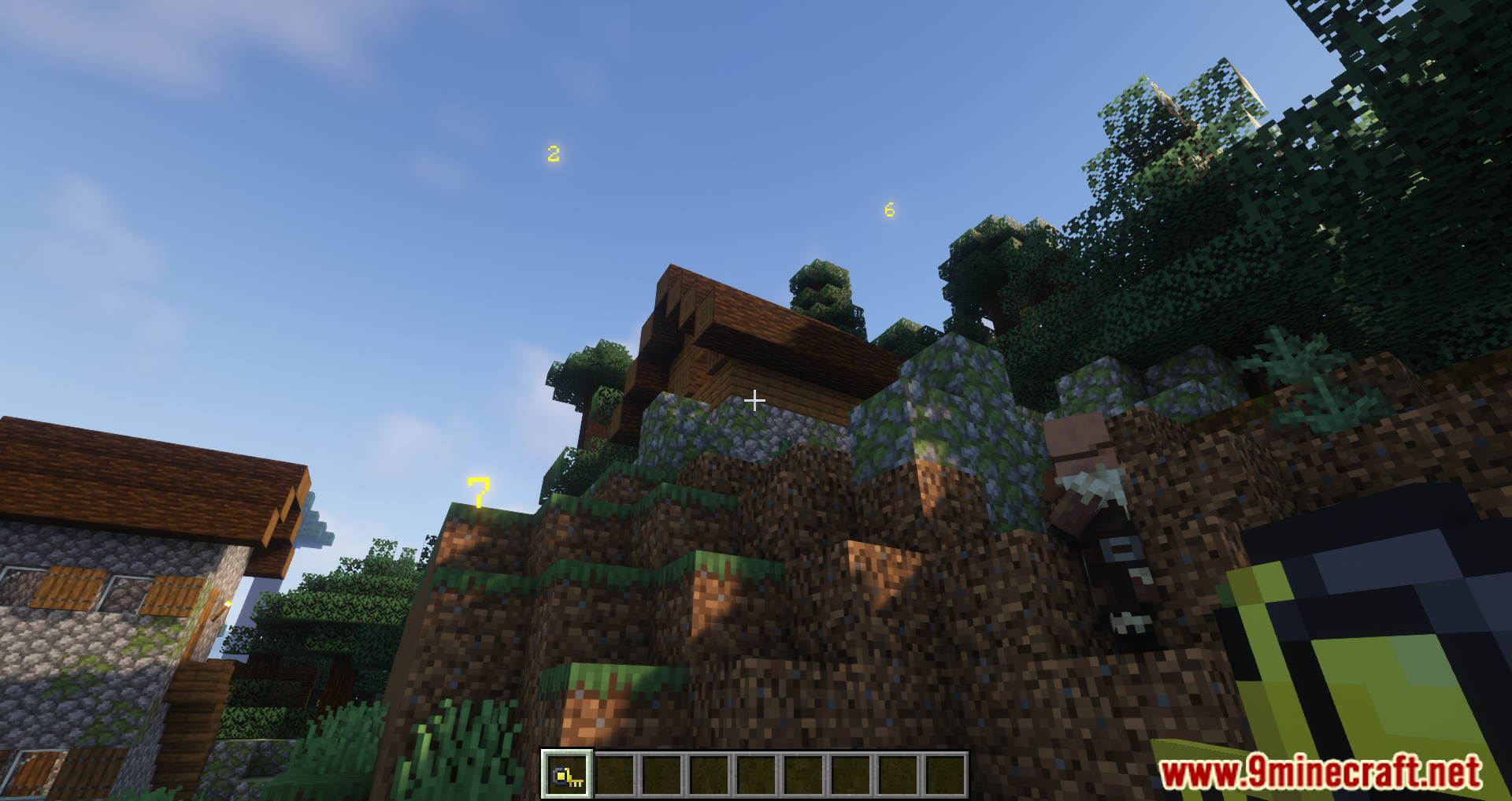
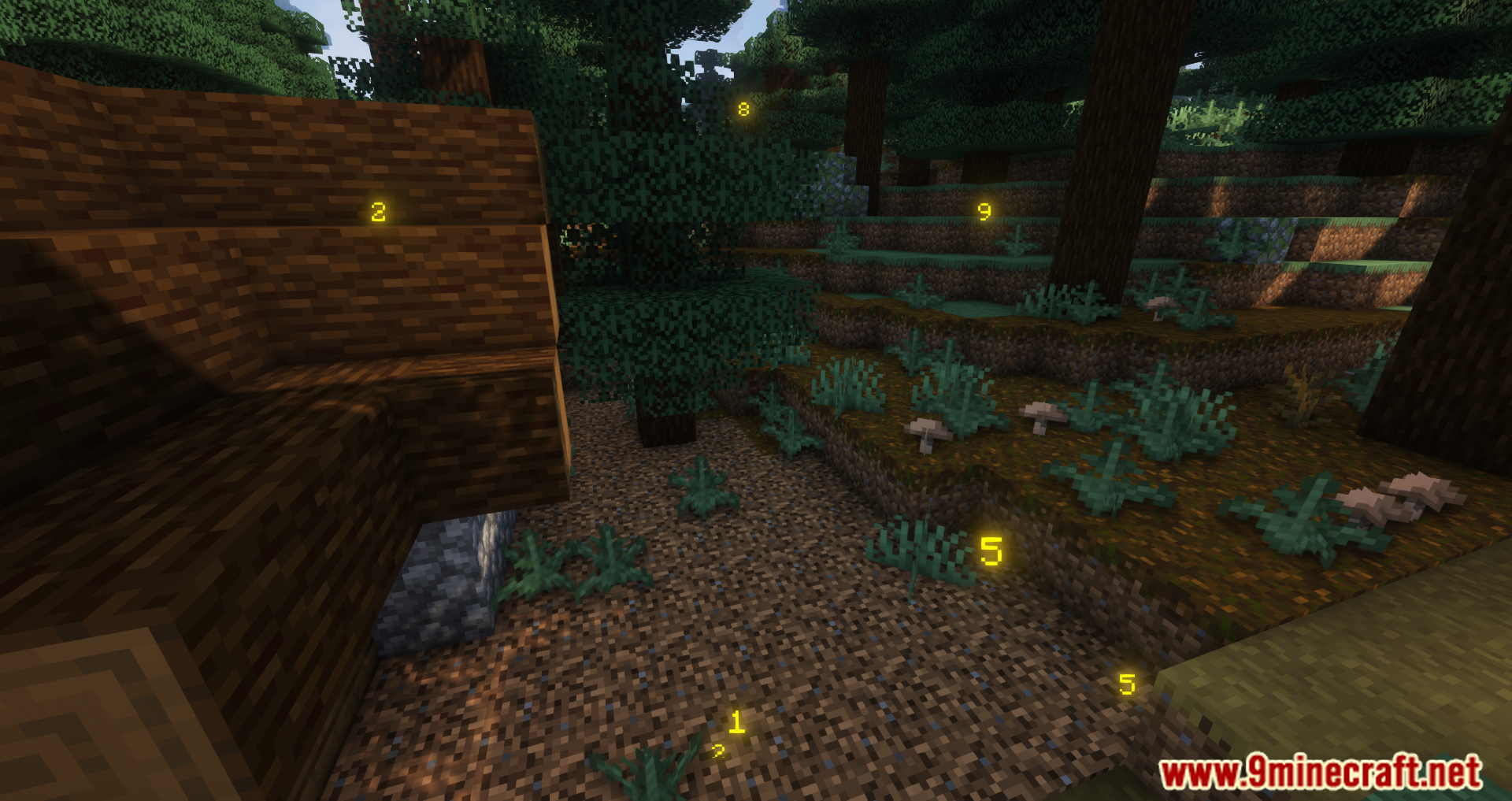
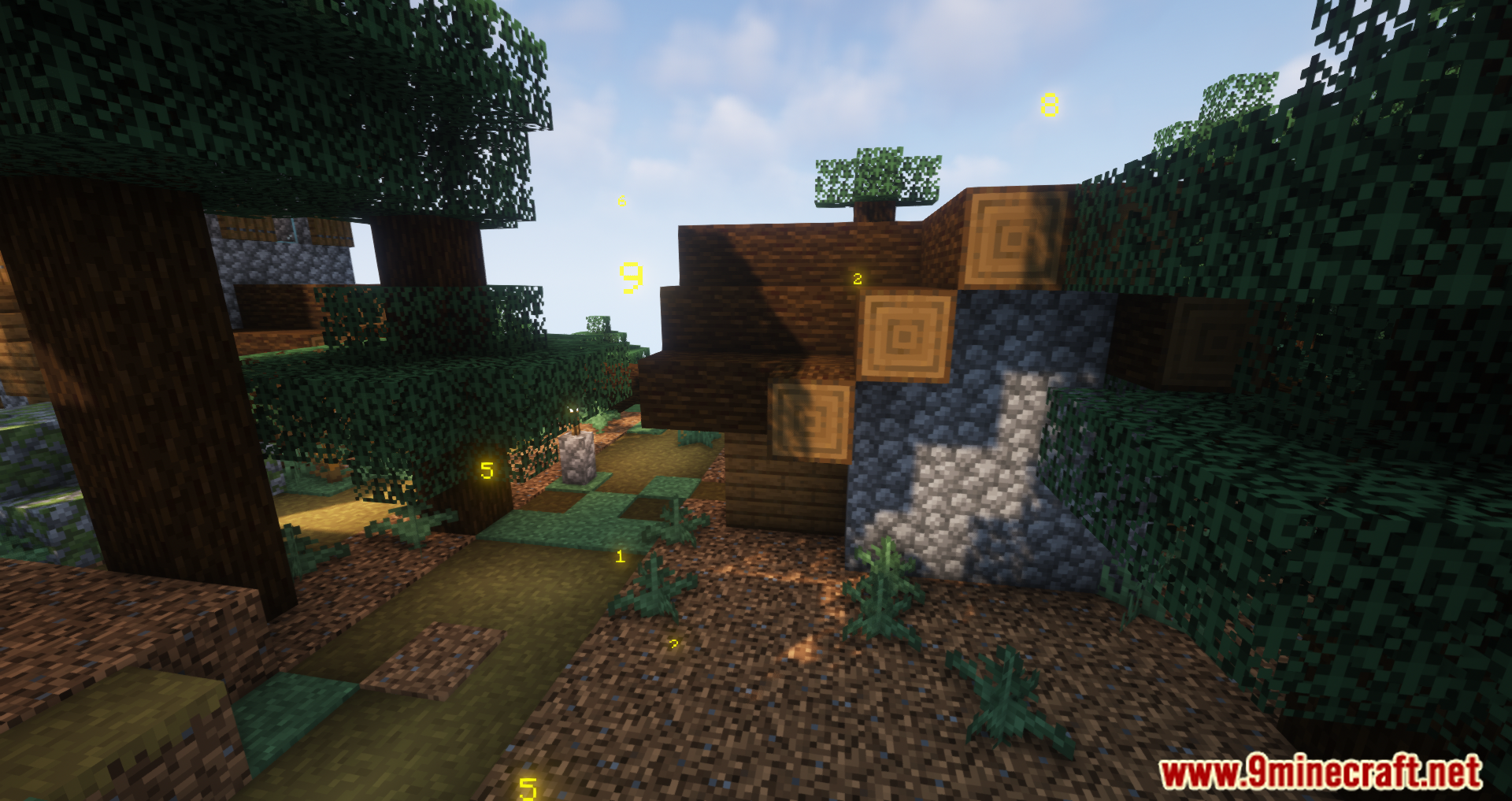
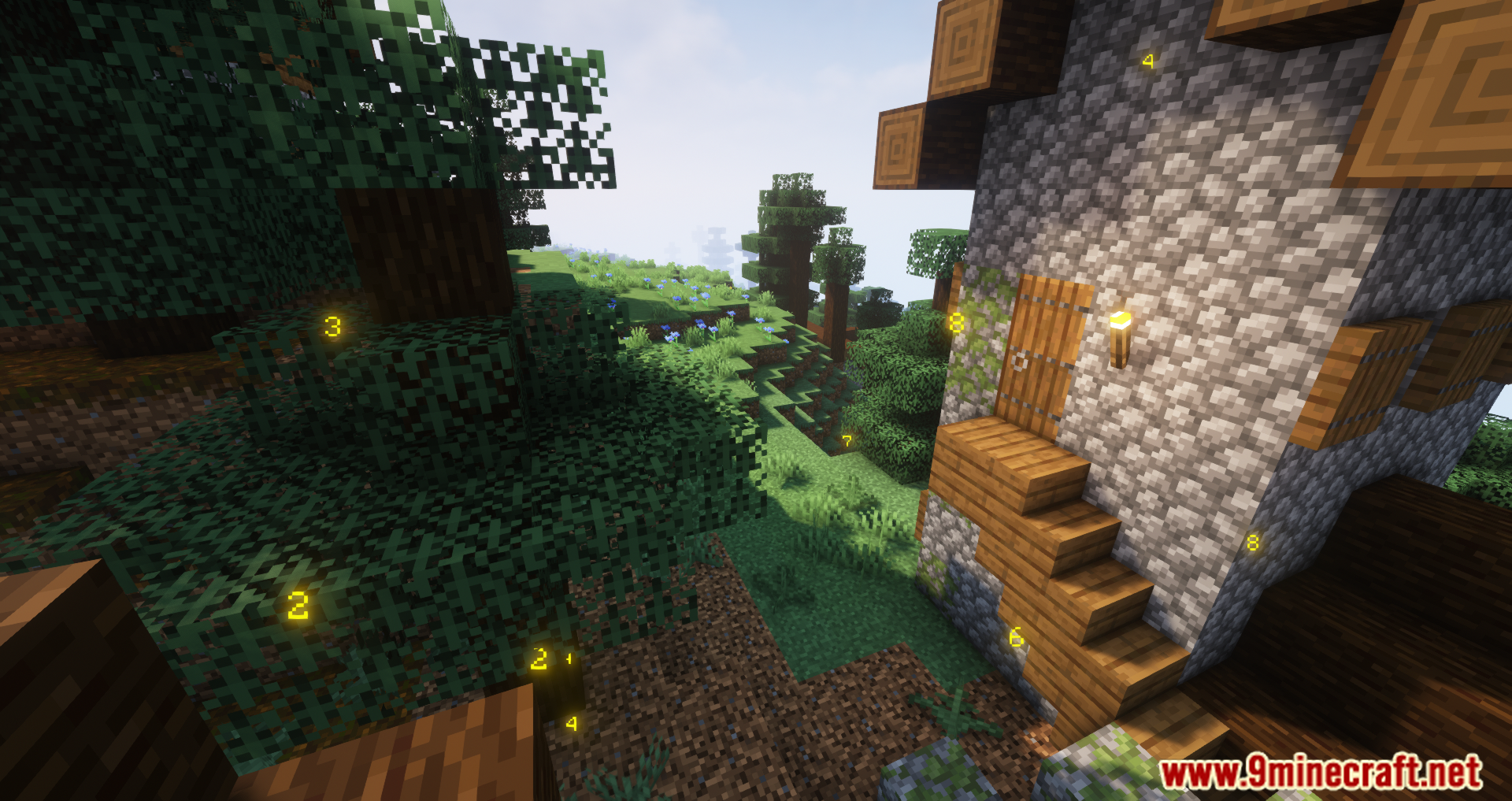
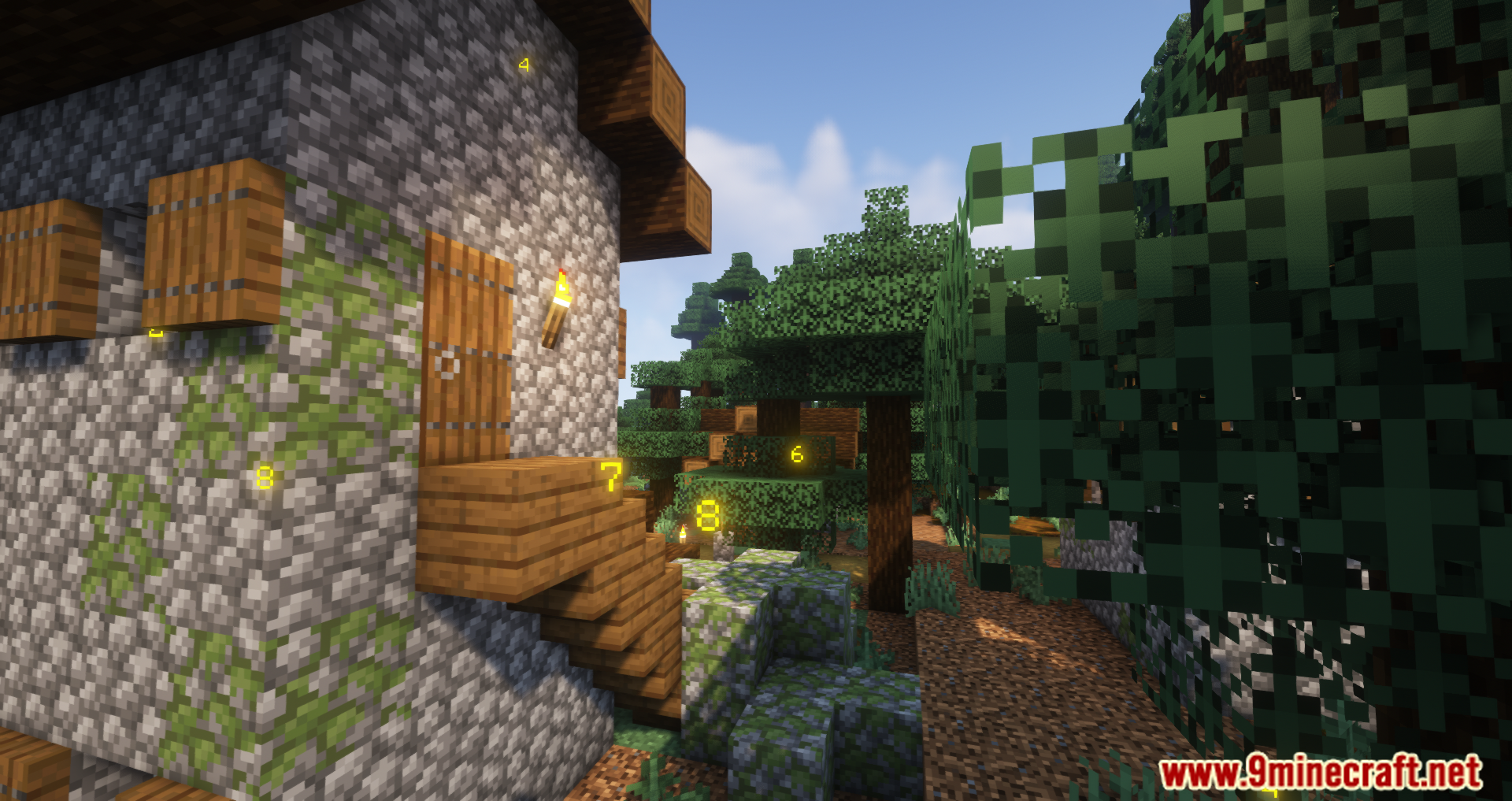
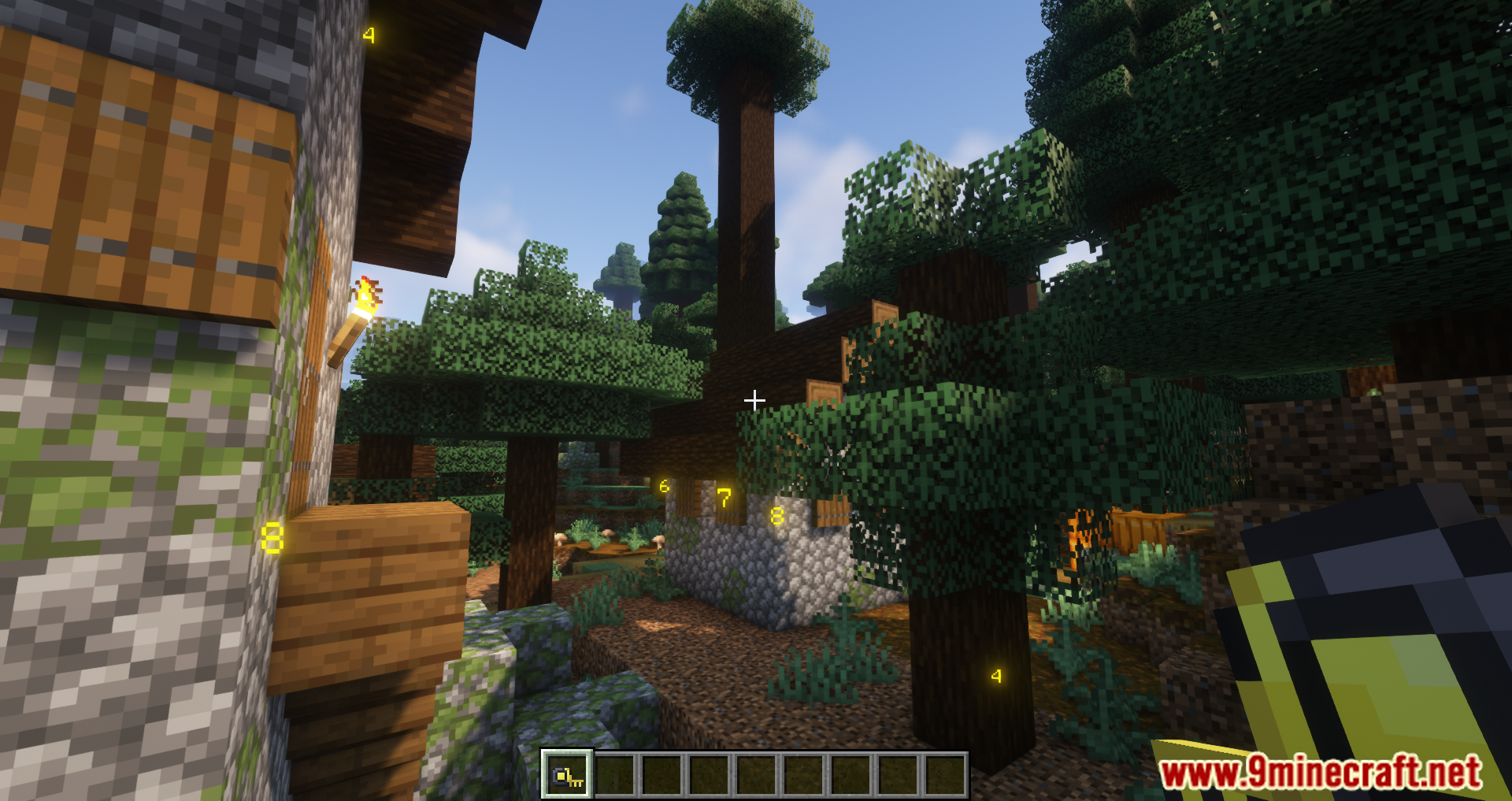
Measurements Mod adds a tape measure to Minecraft. It allows players to measure the dimensions of blocks (length, width, and height). During the measurement, a special menu appears displaying the dimensions-it will remain visible unless removed. You can make multiple measurements, and they will be displayed until the player clears them. It’s easy to start measuring-just right-click and select two blocks, after which their dimensions will appear. To remove the measurements, press Shift + right-click. Simple and straightforward, but most importantly, it’s useful!
Features:
- You can measure the distance between two positions by right-clicking on the first block and then the second block.
- The measured distances are displayed on the screen for easy reference.
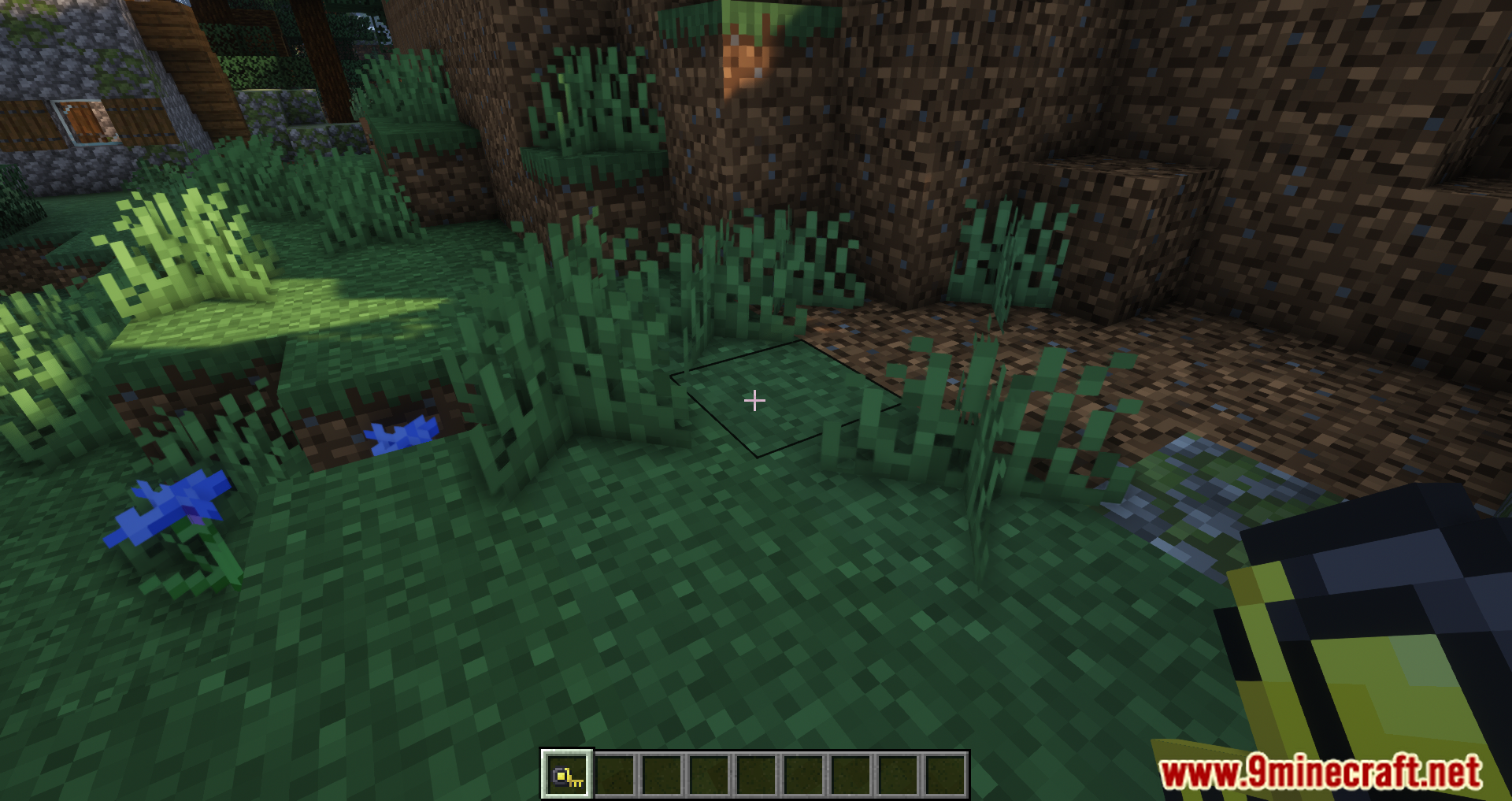
- To remove the displayed measurements, simply press Shift + right-click on the ground.
Screenshots:
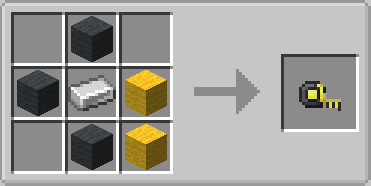
Crafting Recipes:
Measurements Mod Download Links
- Edition: Minecraft Java
- File type: .jar
- Minecraft version listed: 1.20.1
- How to install: Install the matching mod loader (Forge, Fabric or NeoForge) for your Minecraft version. → Download the .jar. → Put it in the .minecraft/mods folder and launch that loader profile.
- Where to get it: In MC Java Mods, or directly above on this page.
Install steps are the general flow for this file type — How to install Minecraft Java mods & modpacks walks through it step by step.
- Downloads as 83525.mcaddon
- Download size: 53 KB
- Download link checked 23 Sept 2026 — working
- Mirrored on our own servers — the download does not depend on the original host
These come from our own check of the pack file, not from the source page.