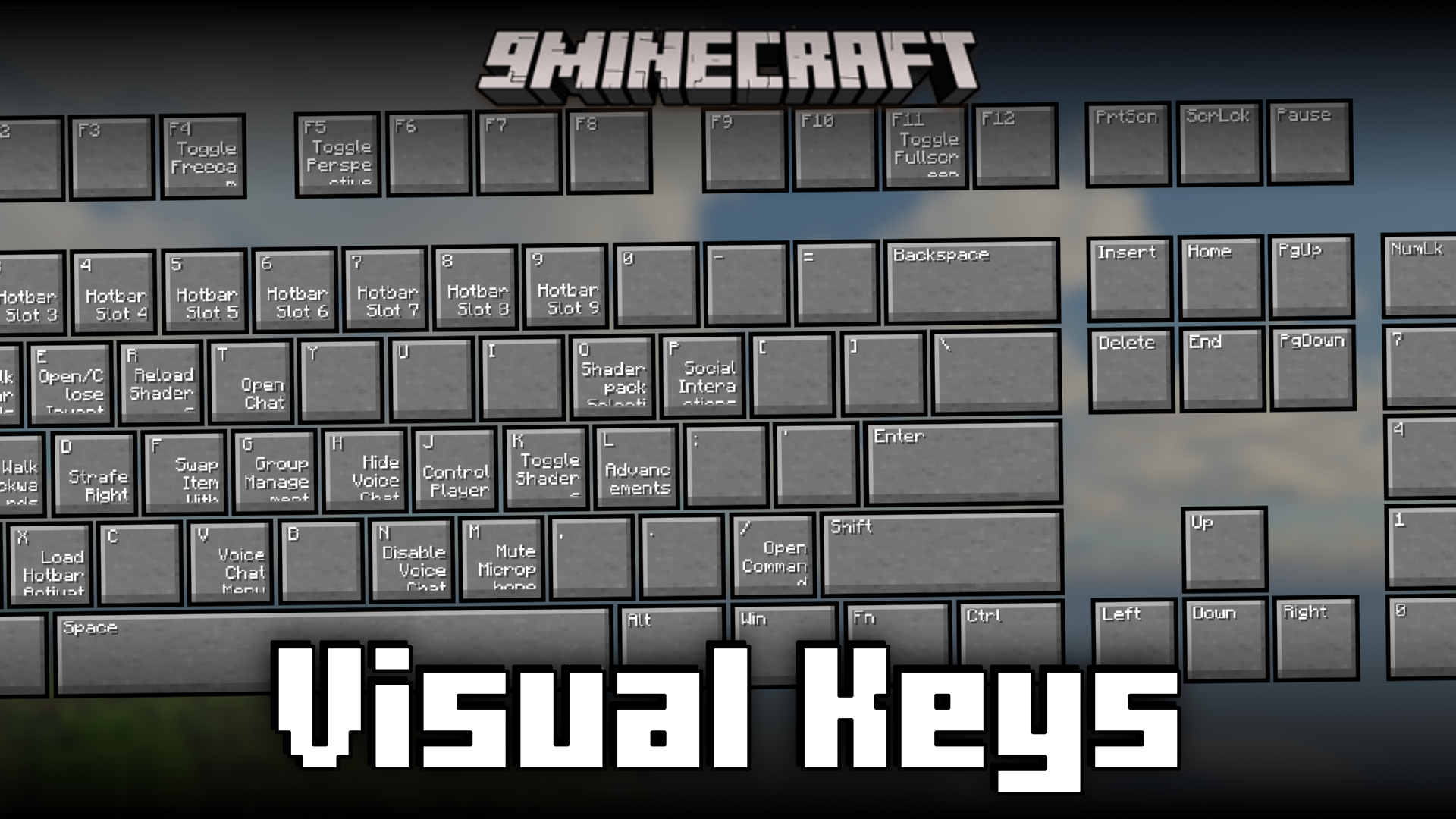
Visual Keys Mod (26.2, 1.21.1) – Keyboard Layout Showing Set Keybinds
Minecraft's vanilla keybind settings can sometimes get confusing. You try to assign a new keybind, only for the game to tell you that another function…
⬇ Download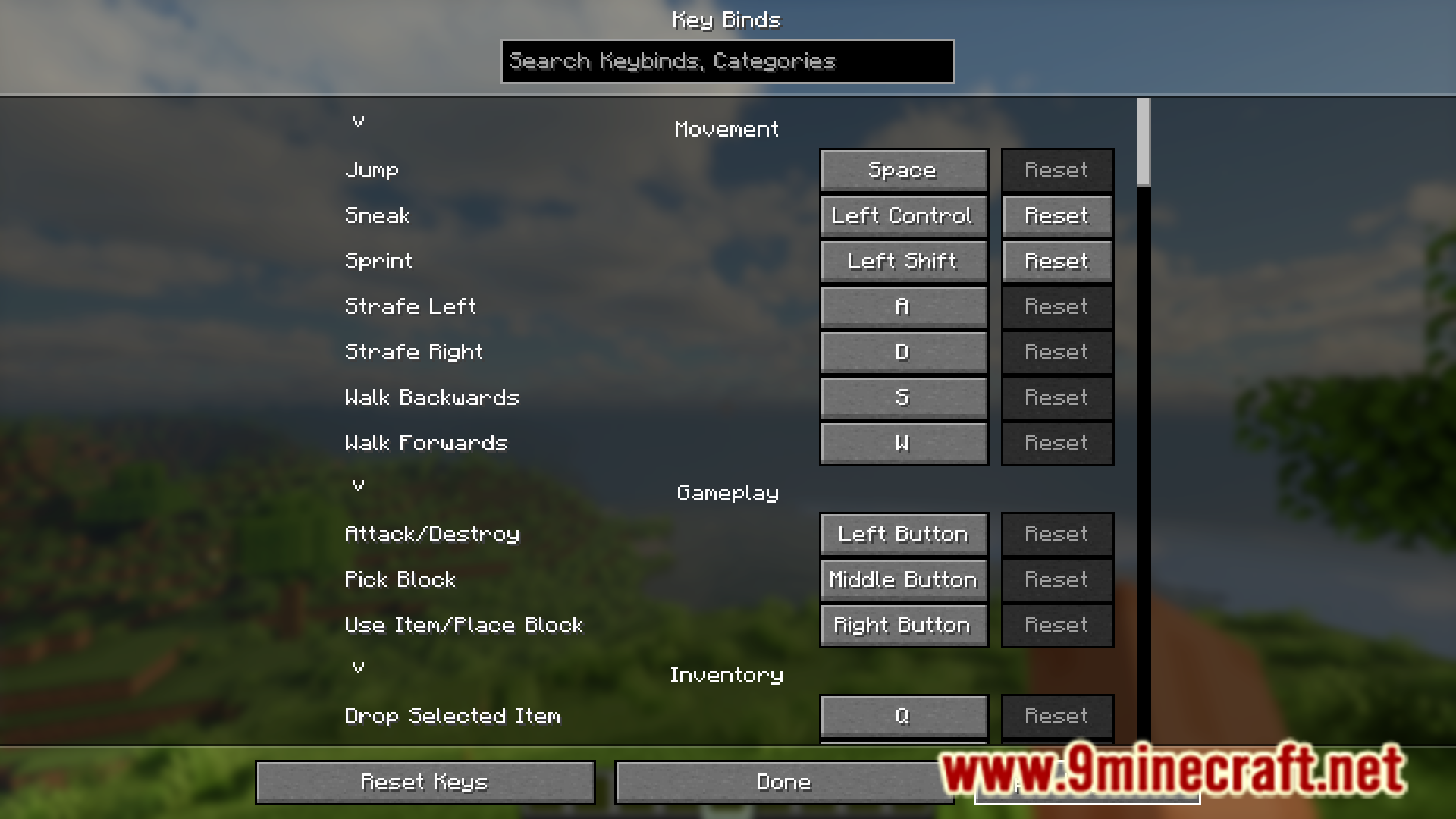
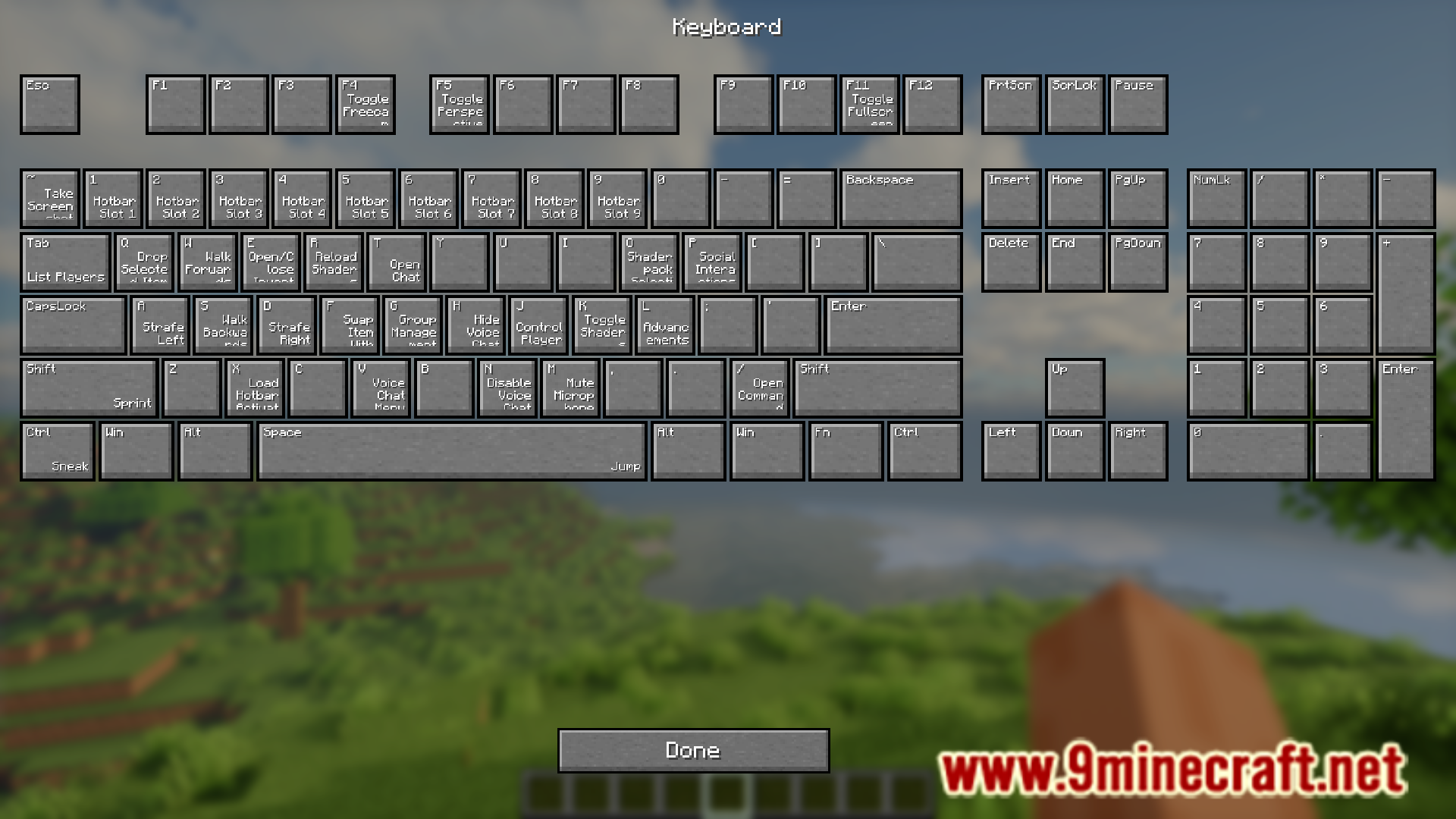
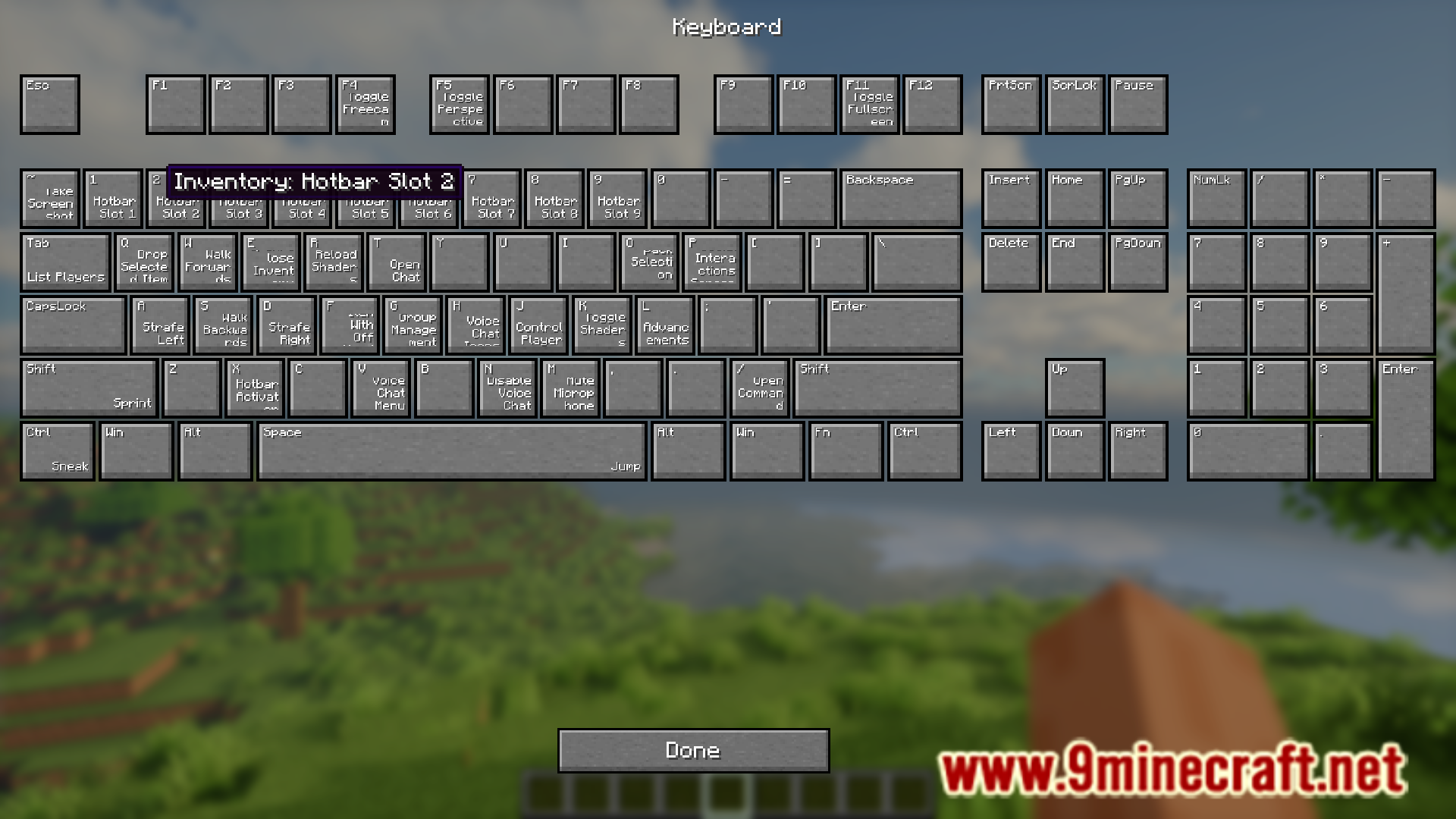
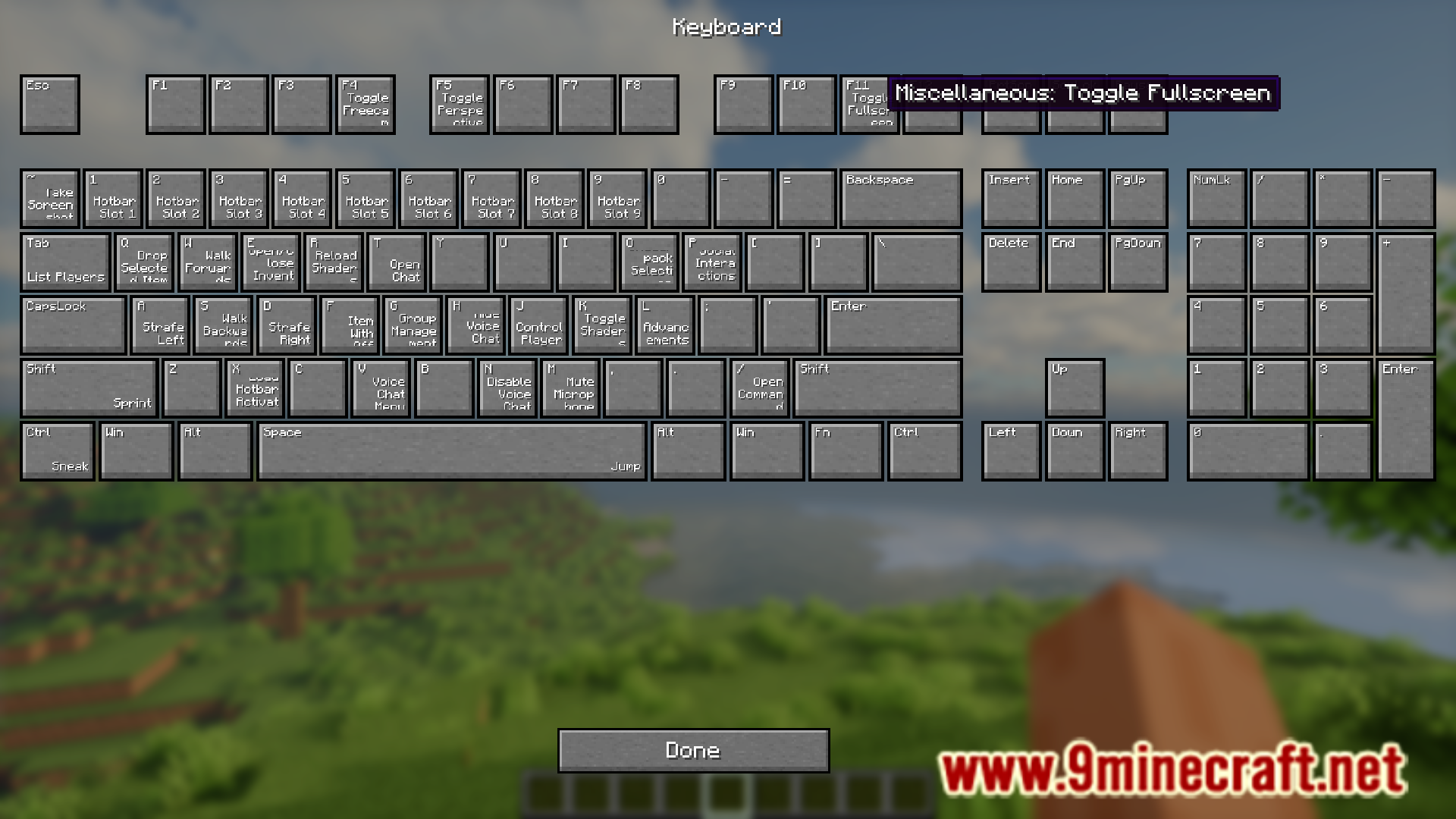
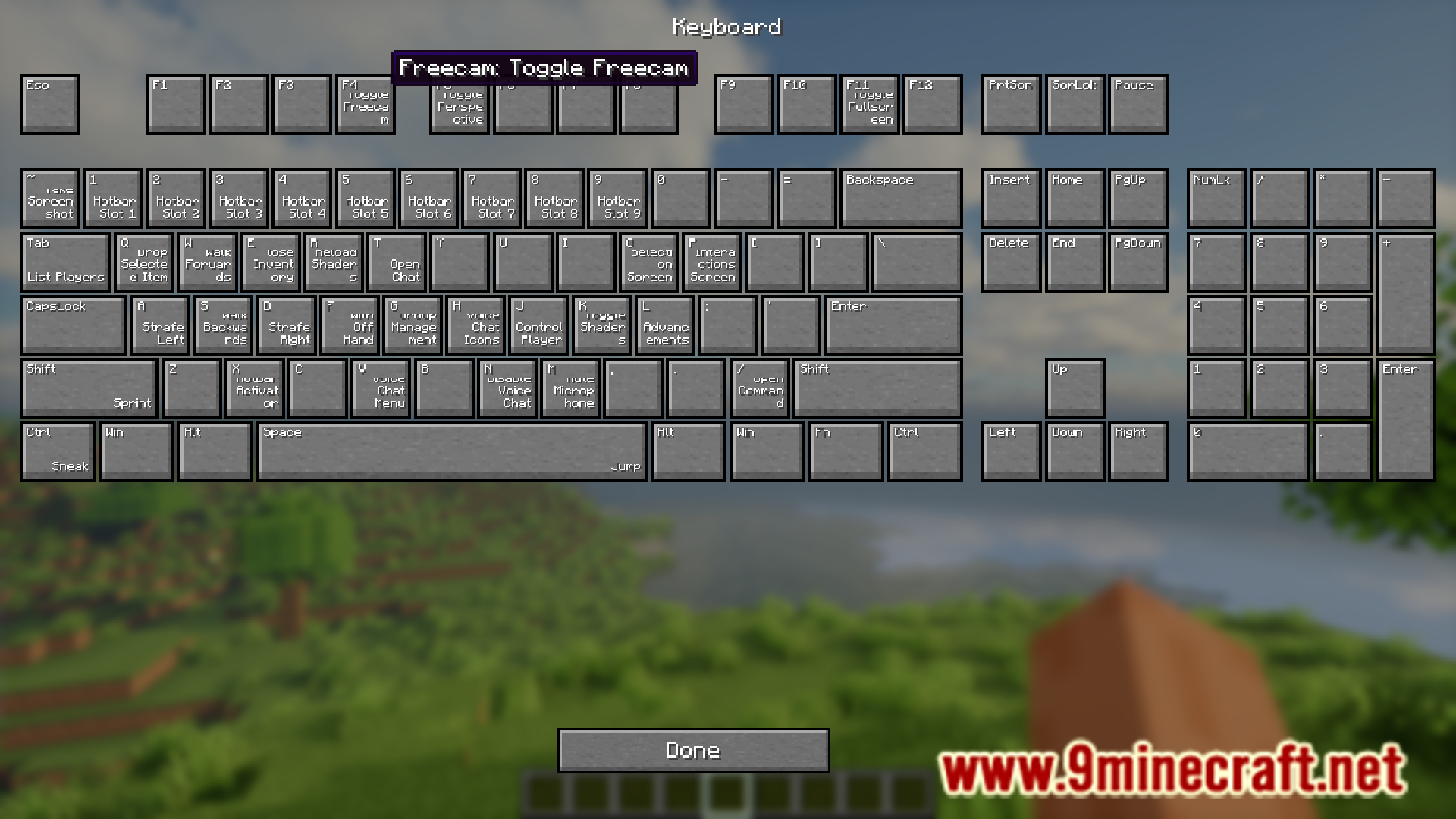
Minecraft’s vanilla keybind settings can sometimes get confusing. You try to assign a new keybind, only for the game to tell you that another function uses the same keybind and might cause a clash. With the large list of functions with keybinds assigned, it can be difficult to determine which all keys are not yet assigned a function. Visual Keys Mod is here with the solution. This mod allows you to open a new screen by pressing a new button given in the keybind settings screen. This new screen shows a layout of your keyboard and the different assigned keybinds on them.
Feaures:
- Allows you to set keybinds with ease.
- Provides a visual indicator using a keyboard layout.
Screenshots:
Visual Keys Mod Download Links
- Edition: Minecraft Java
- File type: .jar
- Minecraft version listed: 1.21.1
- How to install: Install the matching mod loader (Forge, Fabric or NeoForge) for your Minecraft version. → Download the .jar. → Put it in the .minecraft/mods folder and launch that loader profile.
- Where to get it: In MC Java Mods, or directly above on this page.
Install steps are the general flow for this file type — How to install Minecraft Java mods & modpacks walks through it step by step.
- Downloads as 83527.mcaddon
- Download size: 68 KB
- Download link checked 23 Sept 2026 — working
- Mirrored on our own servers — the download does not depend on the original host
These come from our own check of the pack file, not from the source page.