
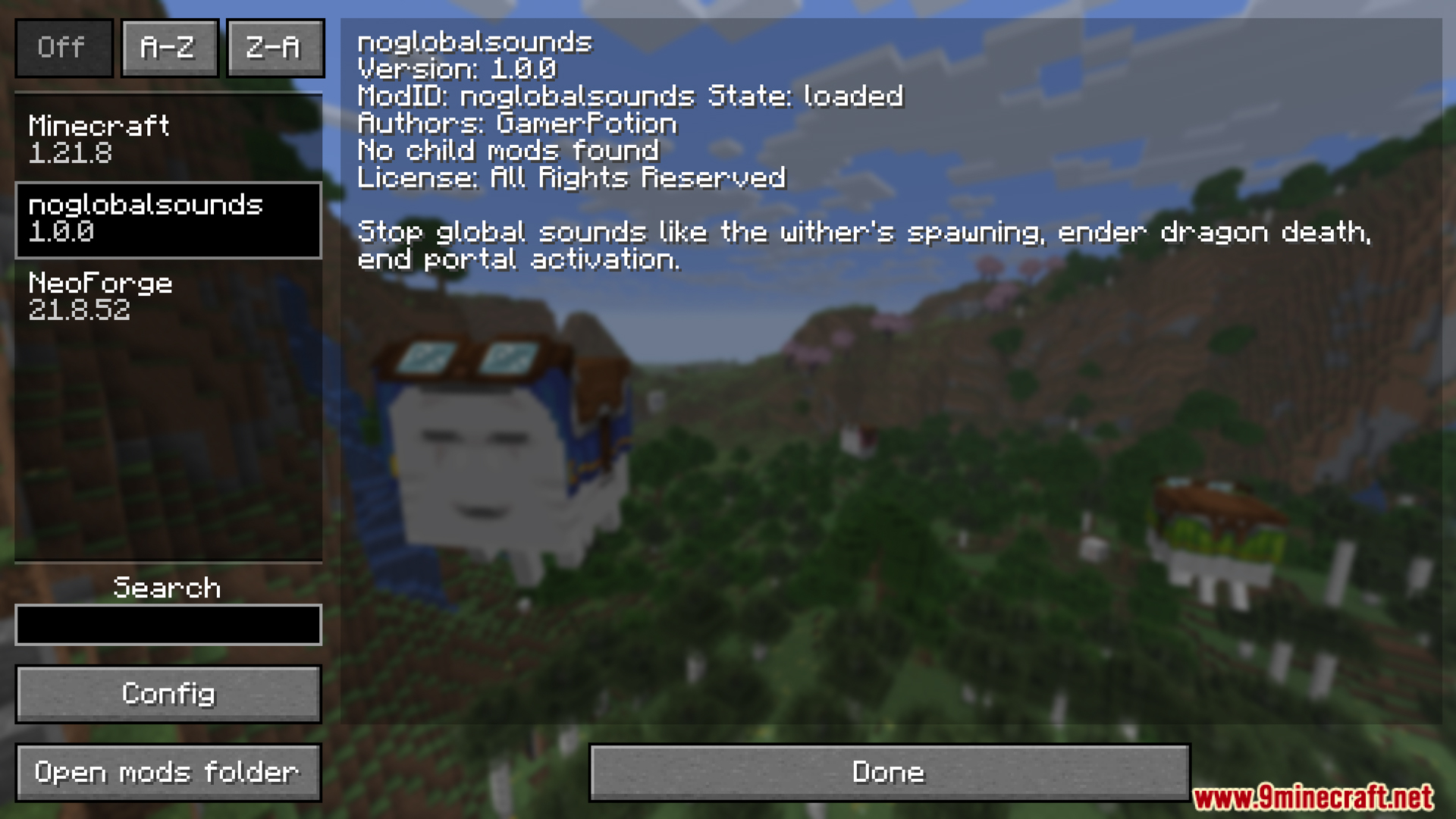
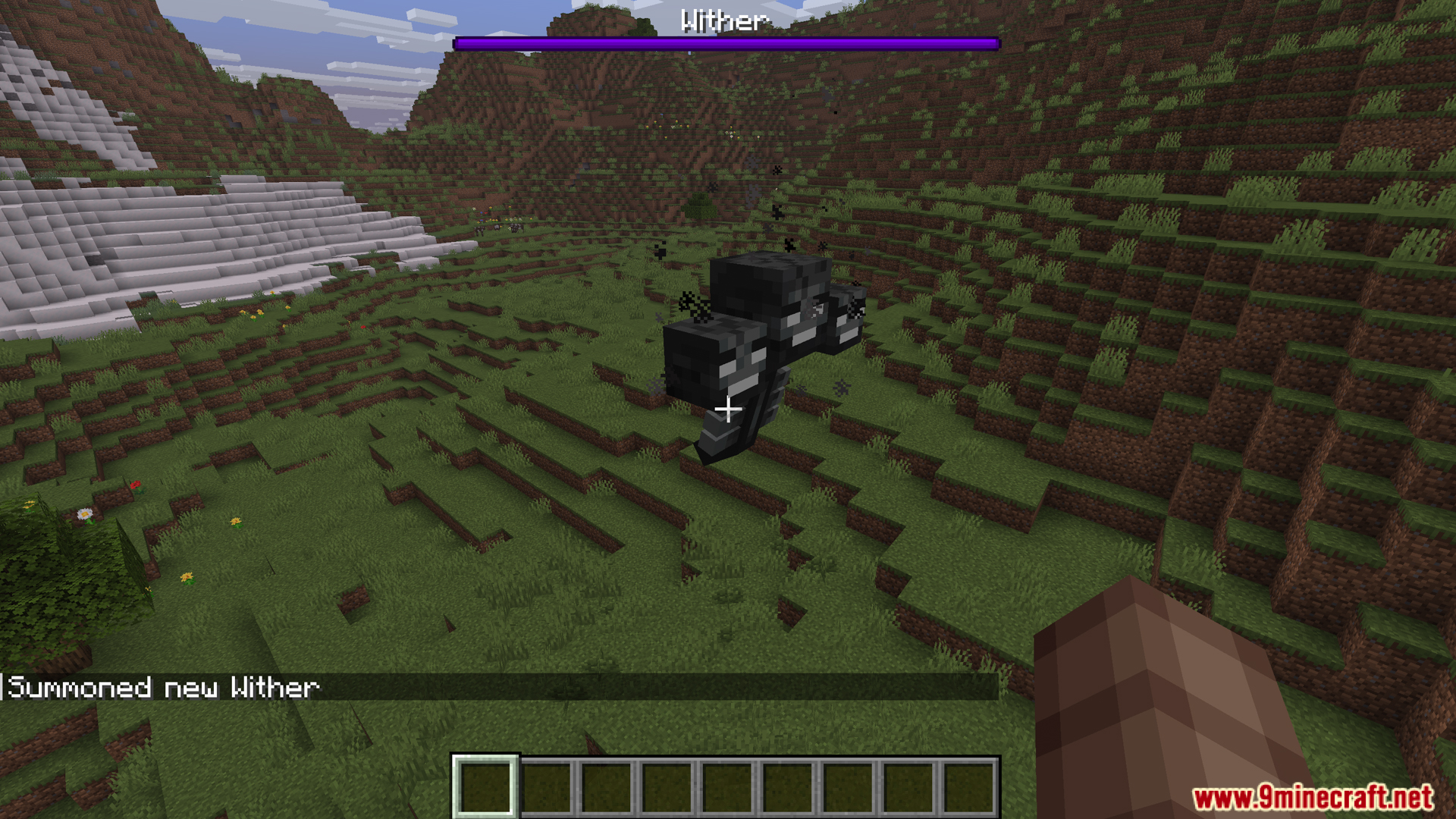
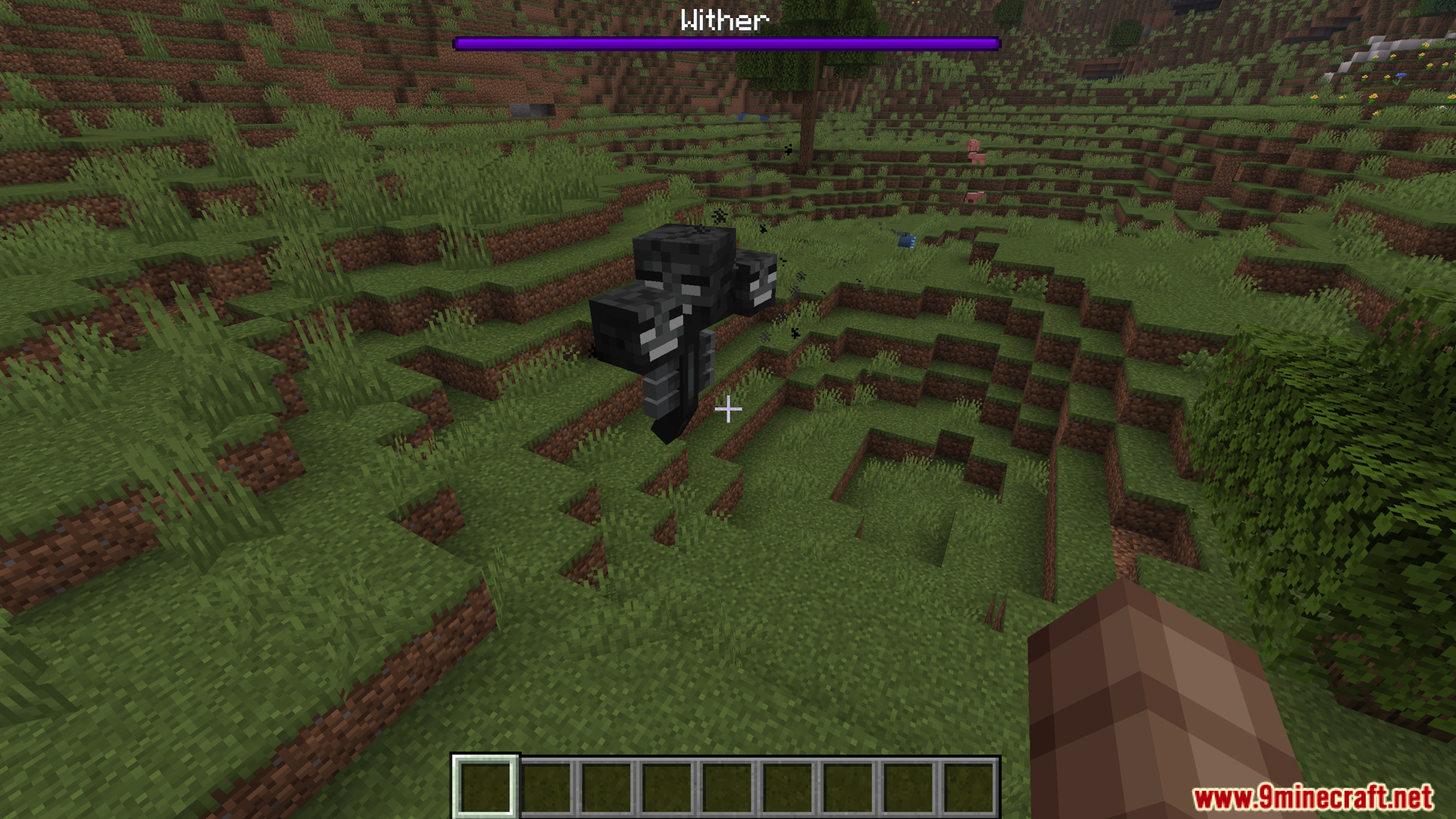
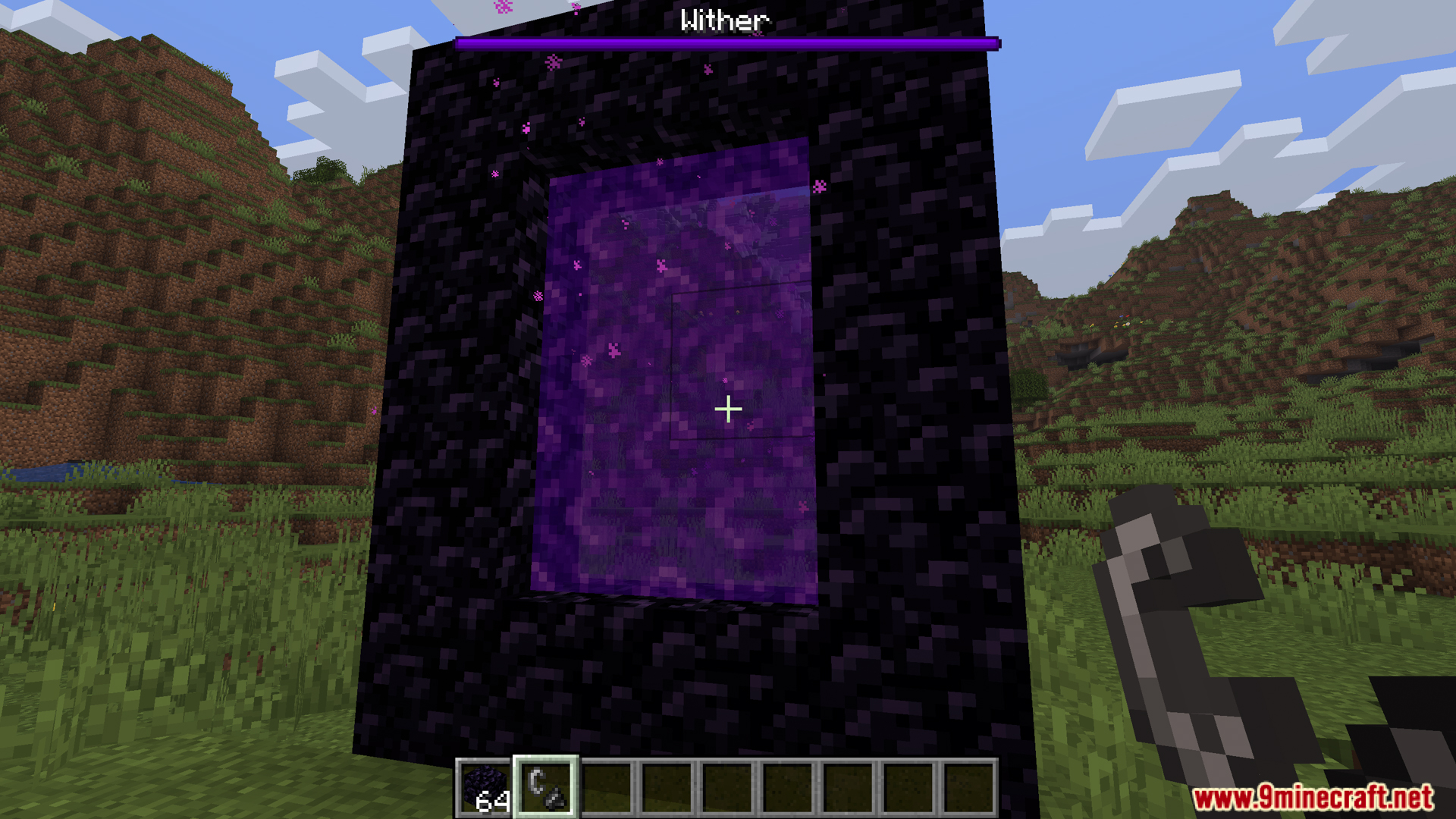
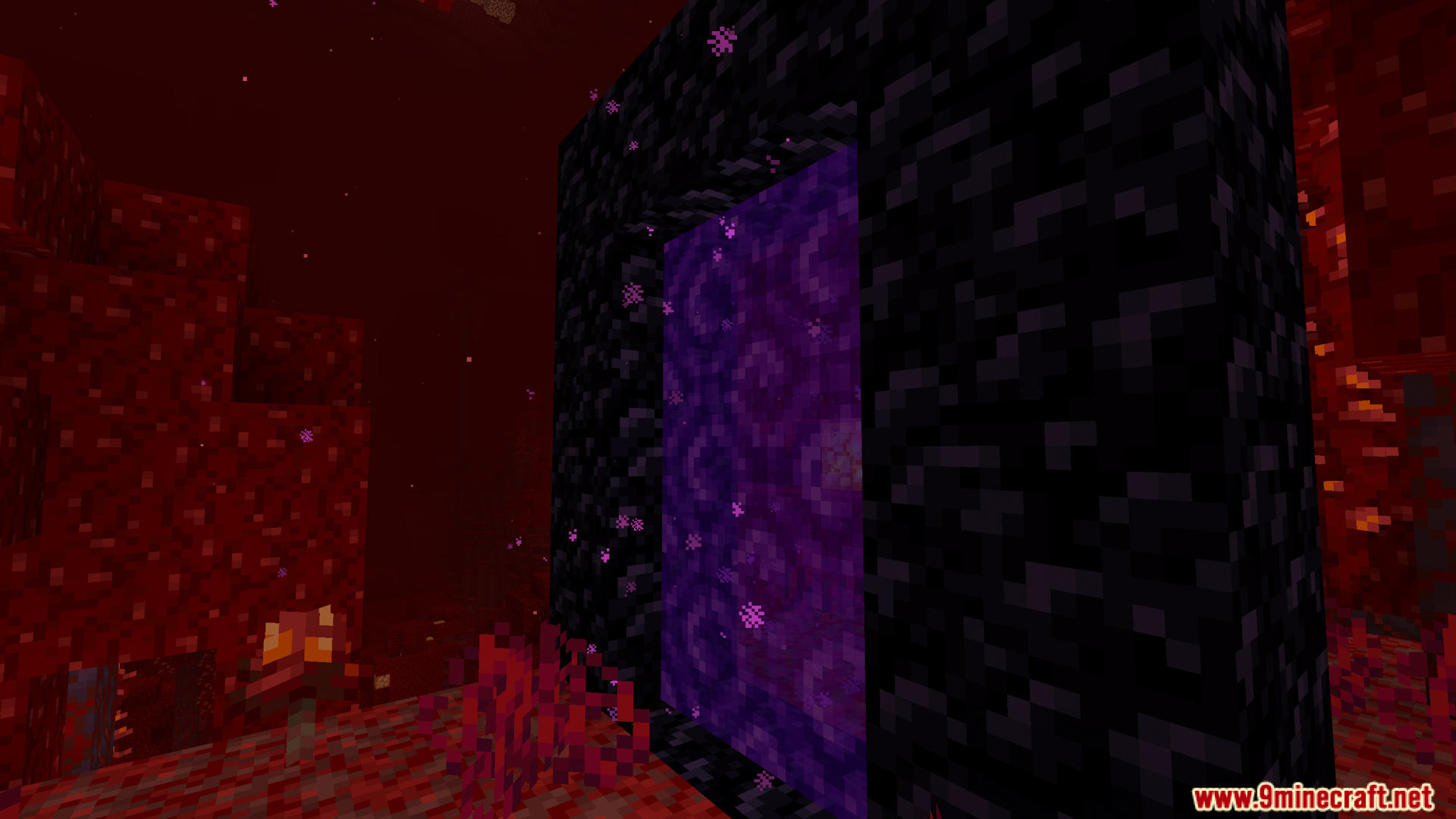
Lazyboys No Global Sounds Mod is a simple mod that automatically sets the global sound gamerule to false every time the game or server loads. This stops global sounds like the Wither’s spawning noise, Ender Dragon death roar, and End portal activation from being heard by all players in the world. These sounds normally play for everyone regardless of distance, which can be disruptive on multiplayer servers.
Features:
- Automatically sets global sound gamerule to false on every game/server load
- Stops global sounds from playing for all players
- Prevents End portal activation sound from broadcasting worldwide
- Stops Ender Dragon death roar from being heard everywhere
- Blocks Wither spawn and charge-up sound from playing globally
- Prevents Guardian “curse” attack sound from reaching distant players
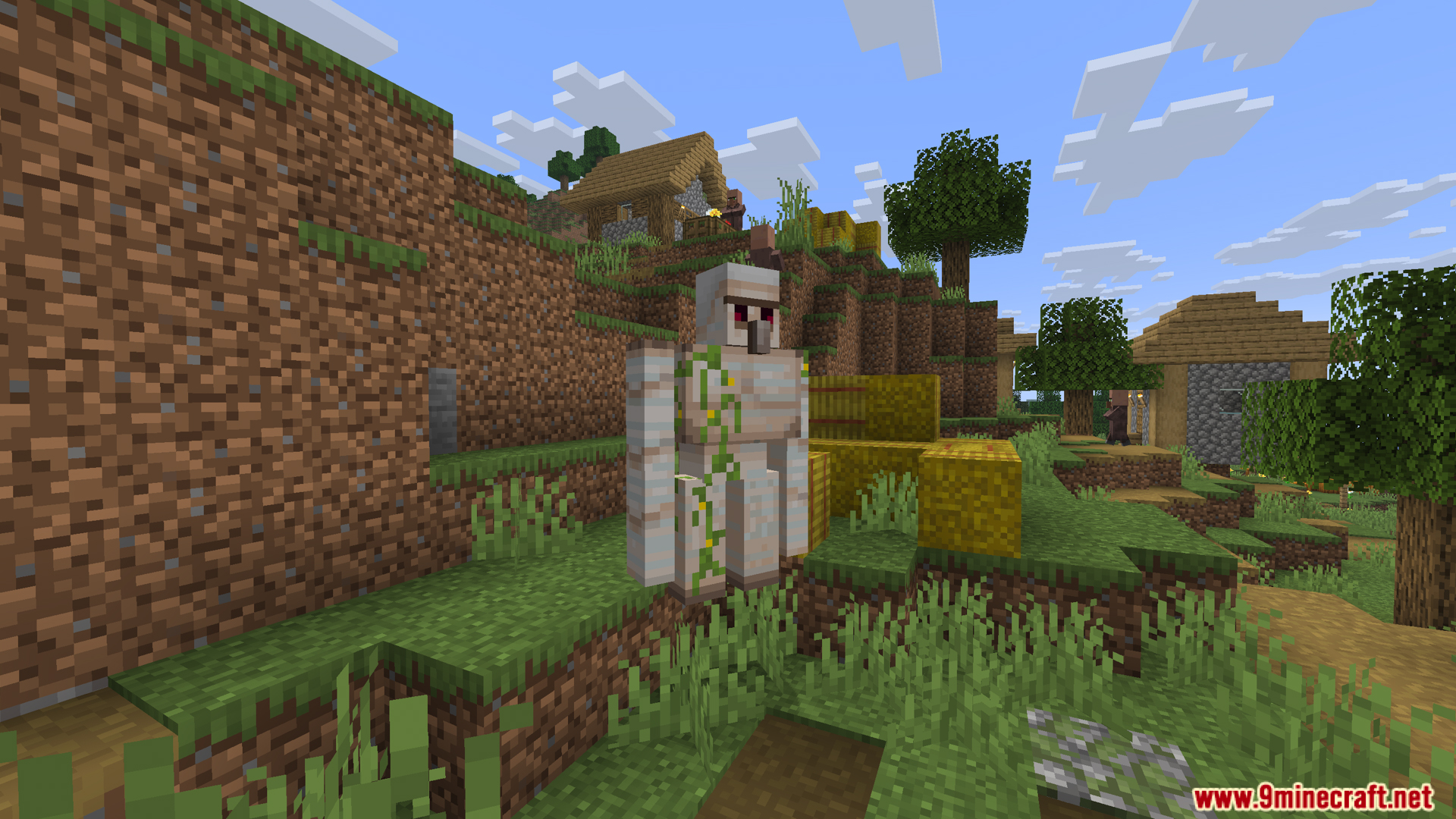
Screenshots:
Lazyboys No Global Sounds Mod Download Links
Quick facts
- Edition: Minecraft Java
- File type: .jar
- Minecraft version listed: 1.20.1
- How to install: Install the matching mod loader (Forge, Fabric or NeoForge) for your Minecraft version. → Download the .jar. → Put it in the .minecraft/mods folder and launch that loader profile.
- Where to get it: In MC Java Mods, or directly above on this page.
Install steps are the general flow for this file type — How to install Minecraft Java mods & modpacks walks through it step by step.
Verified by MCModsHub
- Downloads as 83531.mcaddon
- Download size: 7 KB
- Download link checked 23 Sept 2026 — working
- Mirrored on our own servers — the download does not depend on the original host
These come from our own check of the pack file, not from the source page.