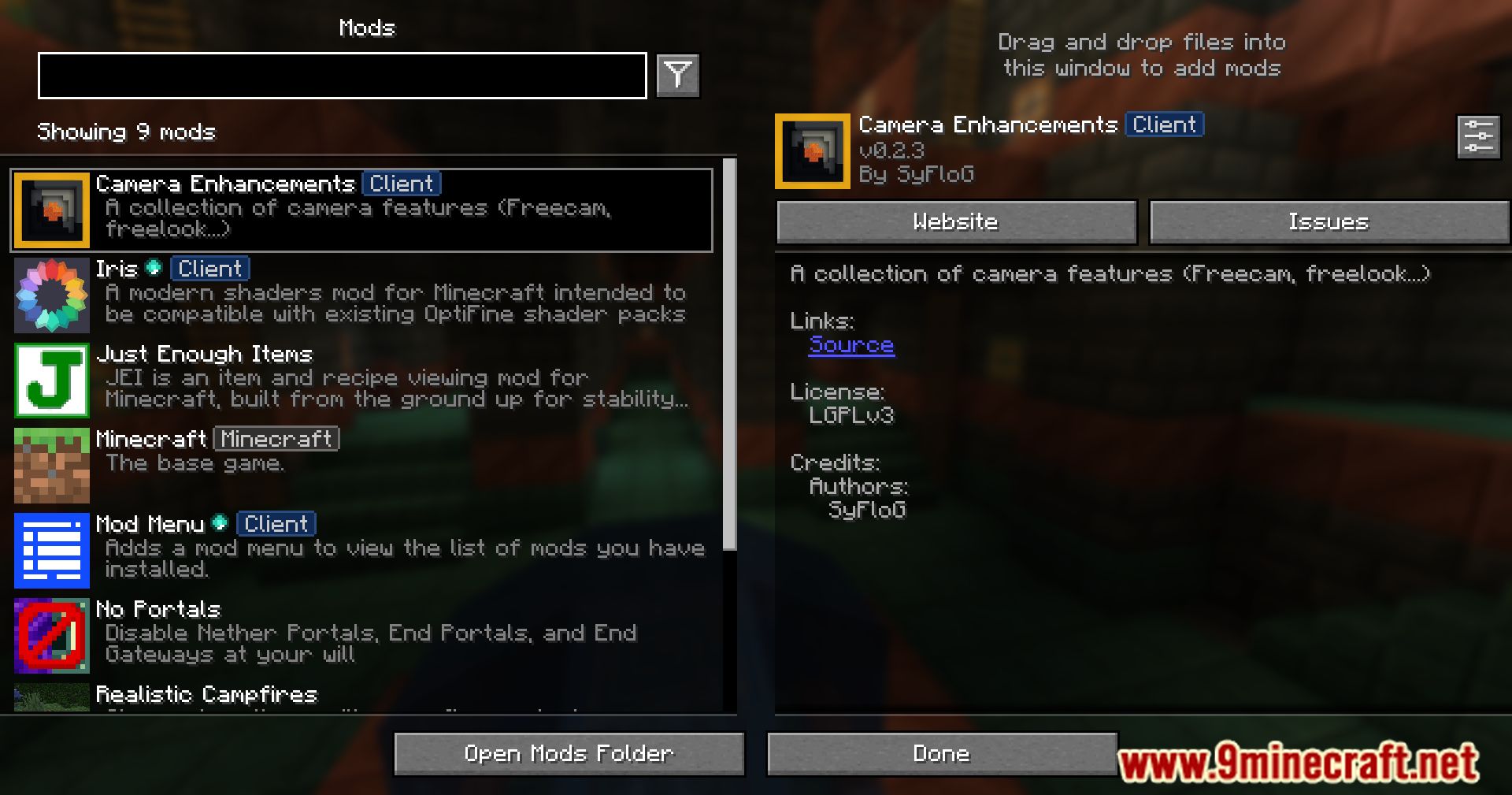
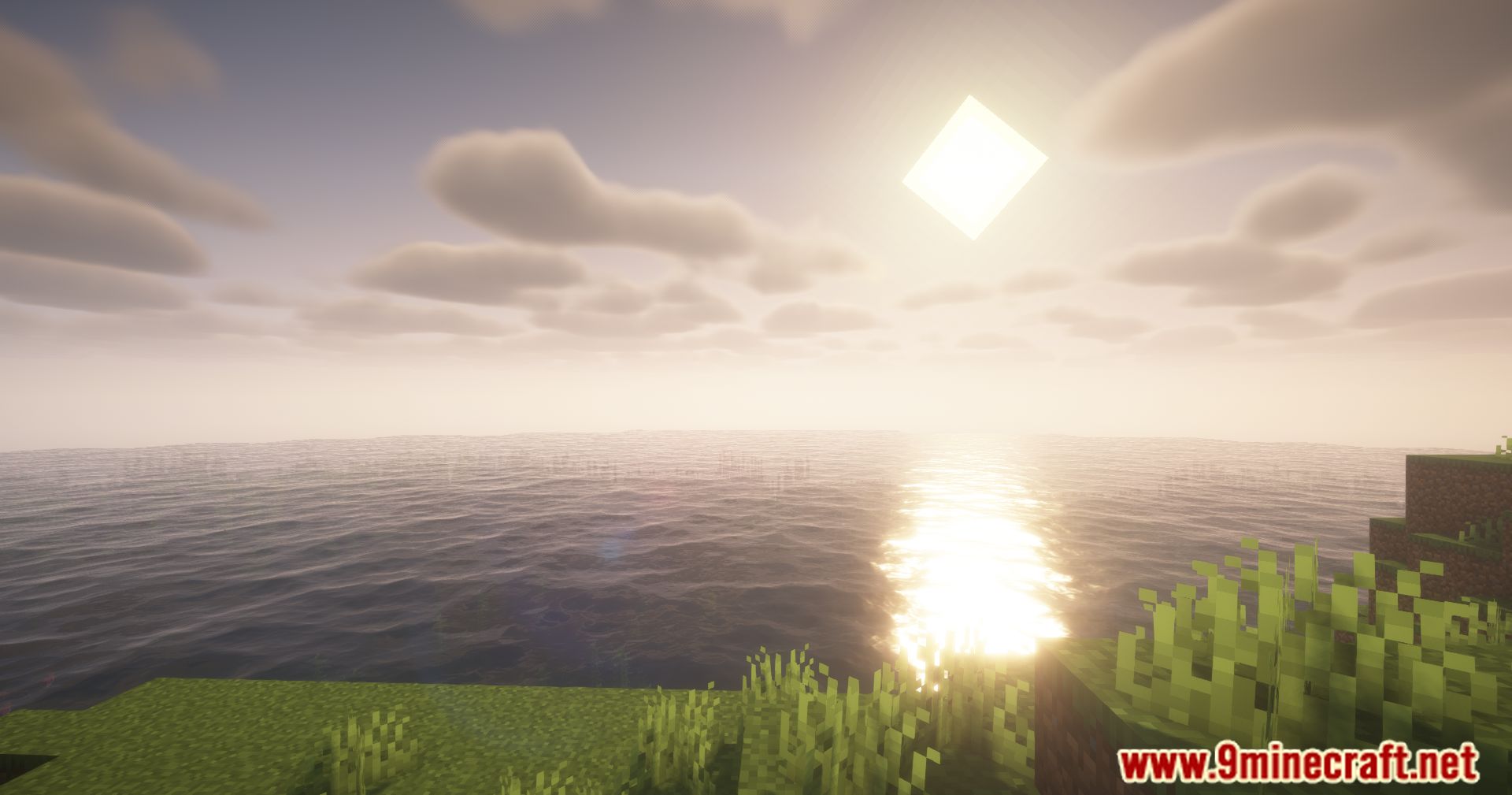
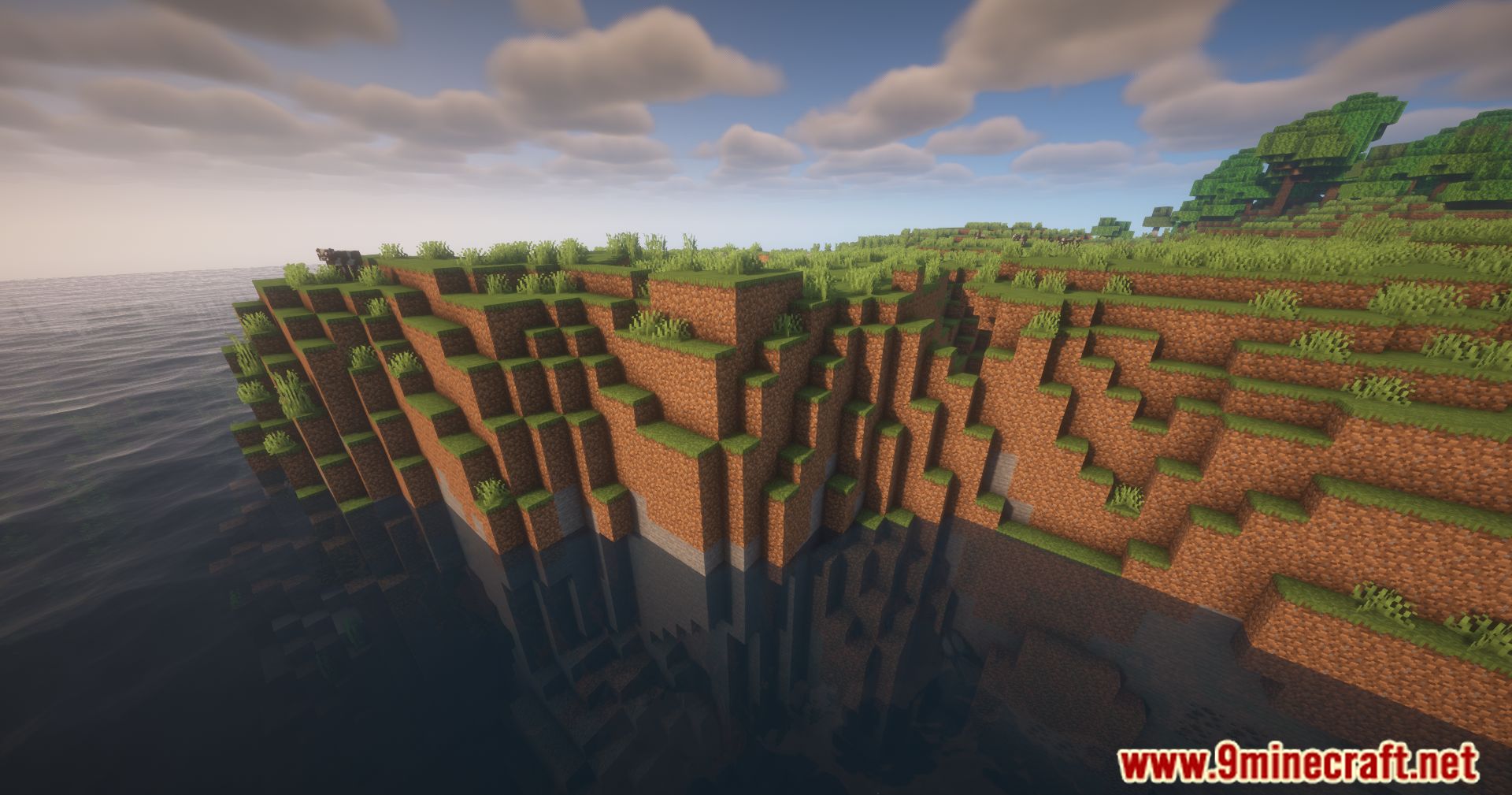
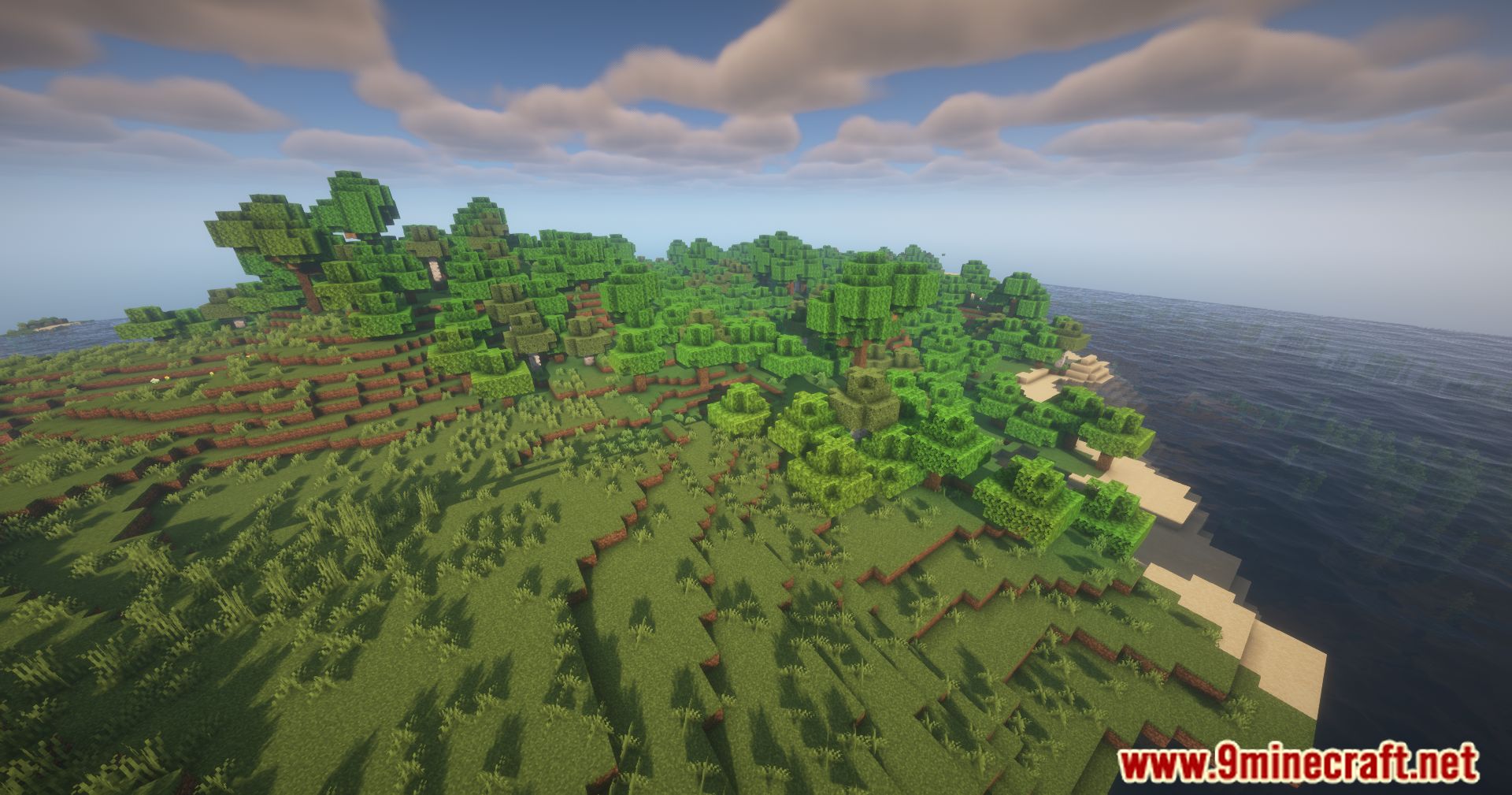
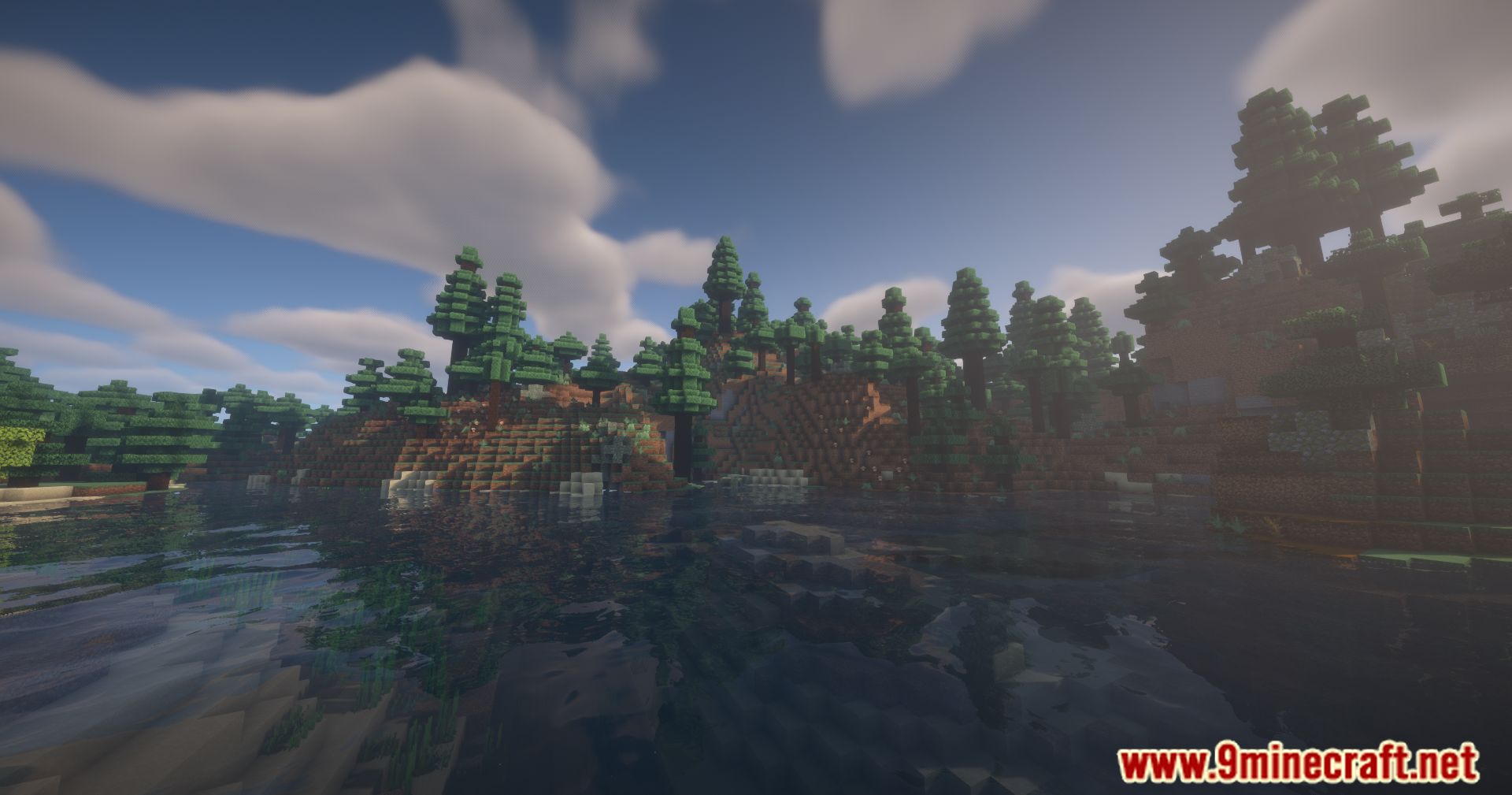
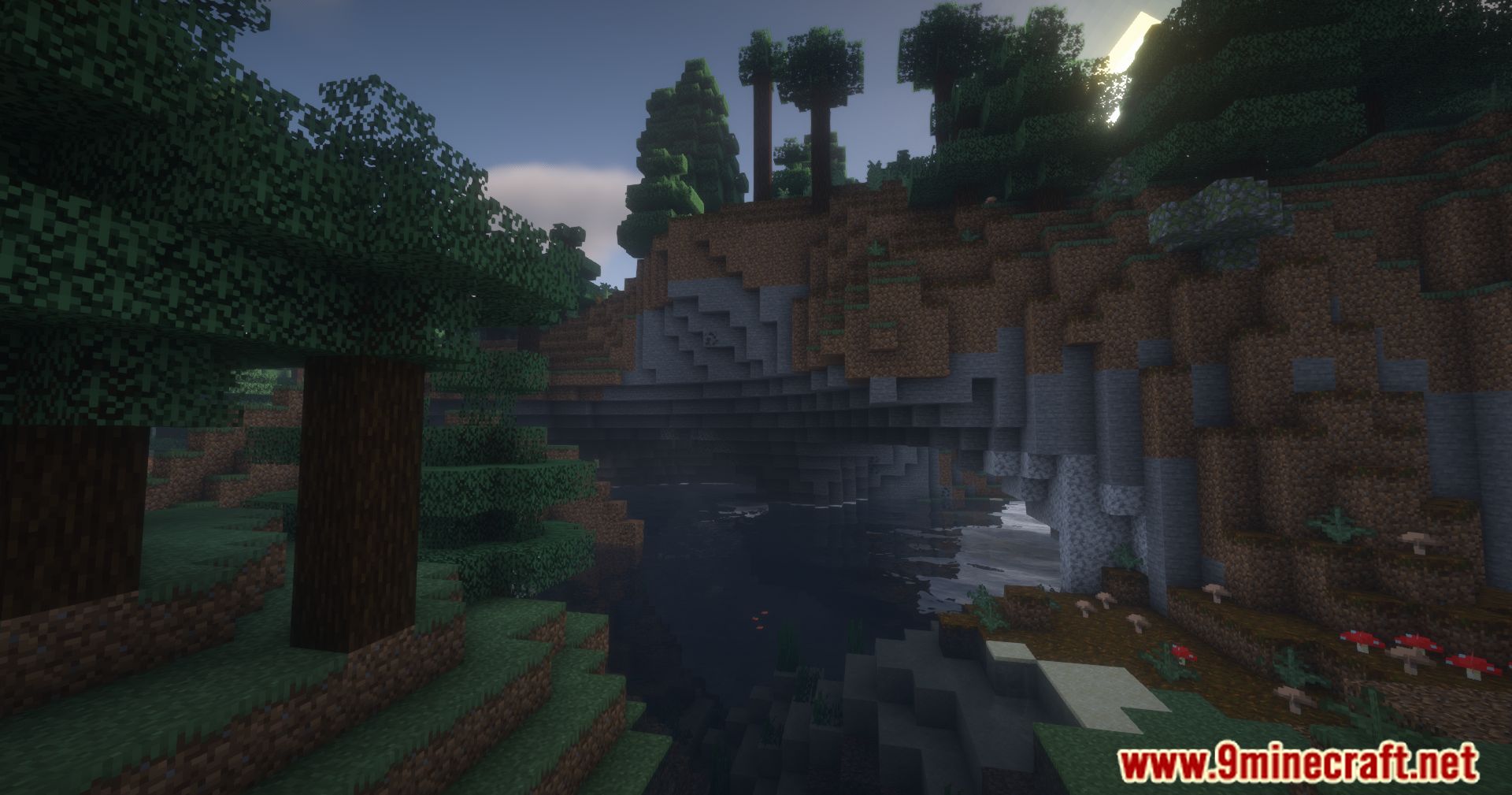
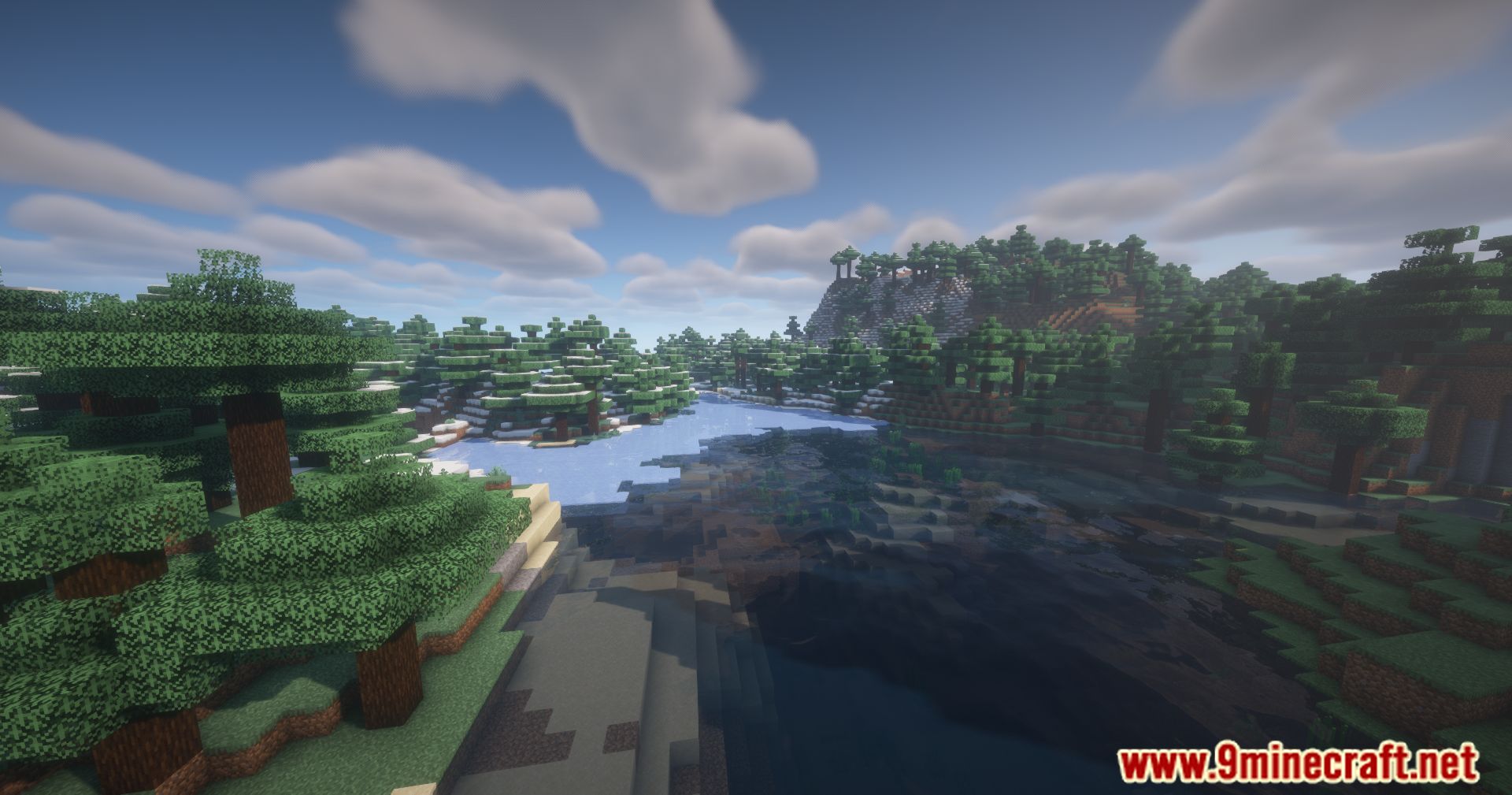
Camera Enhancements Mod introduces tools to refine your viewing in Minecraft, offering control over your camera in both first-person and third-person perspectives.
Features:
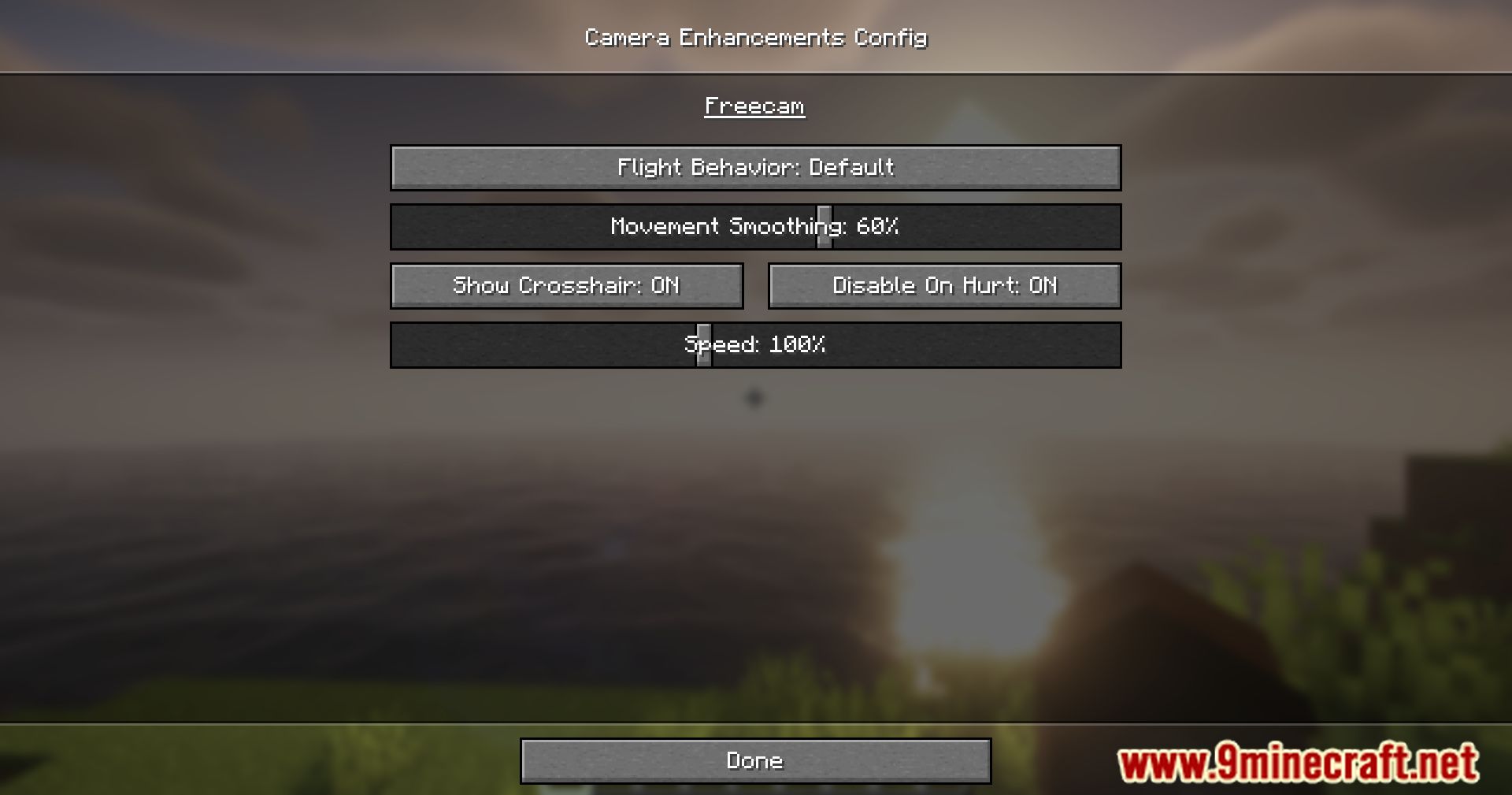
- Freecam Mode
- Let’s detach the camera from your character to freely explore the surroundings, similar to spectator mode.
- You can’t pass through blocks or interact with anything. Your body remains vulnerable to external forces, meaning danger isn’t avoided during freecam.
- Activation: toggleable via the V key.
- Freelook Mode
- In third person, it allows free rotation of the camera around your player without affecting their movement direction.
- Perfect for elytra flights or appreciating your surroundings.
- Hold the Left Alt key.
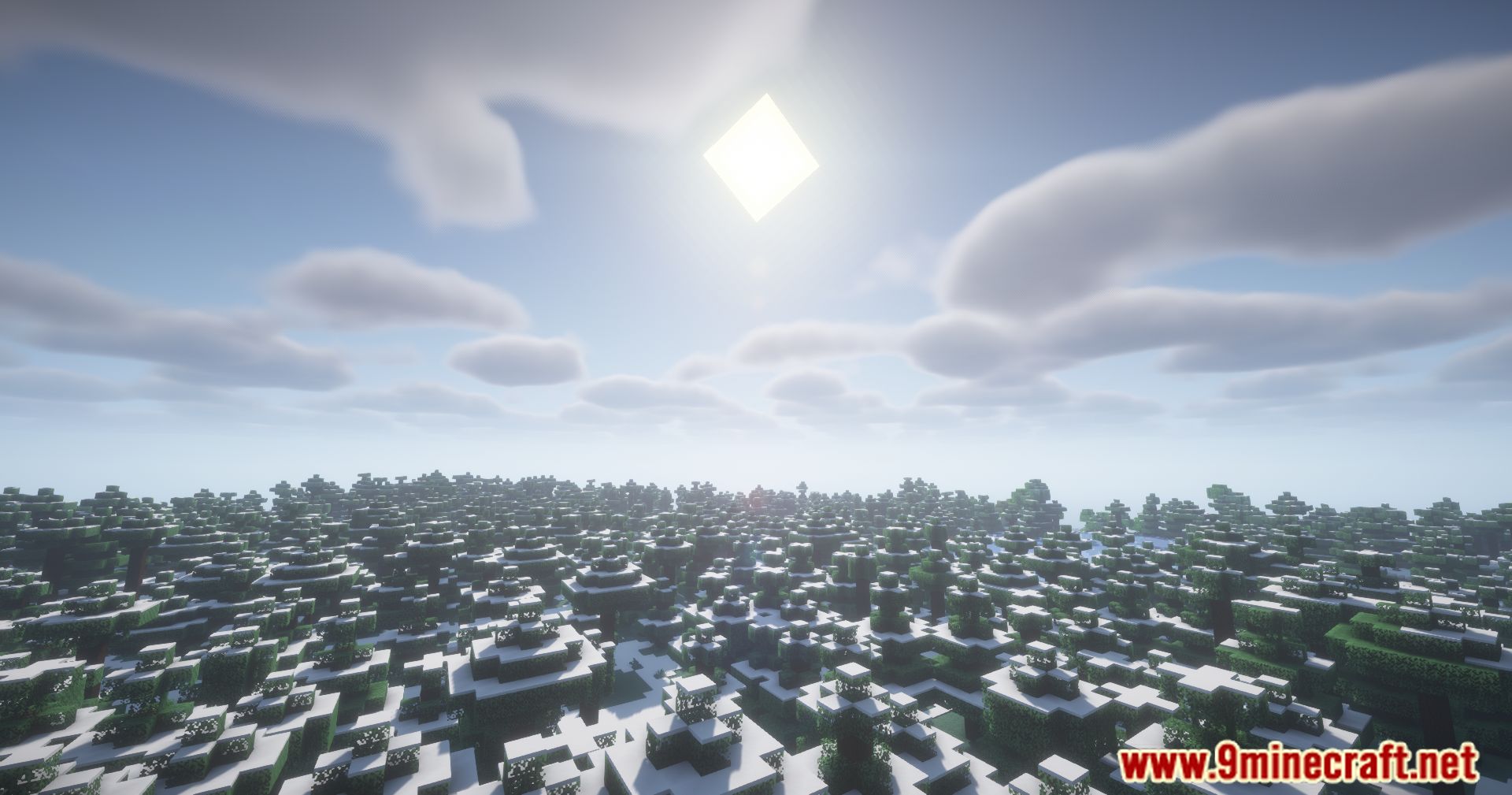
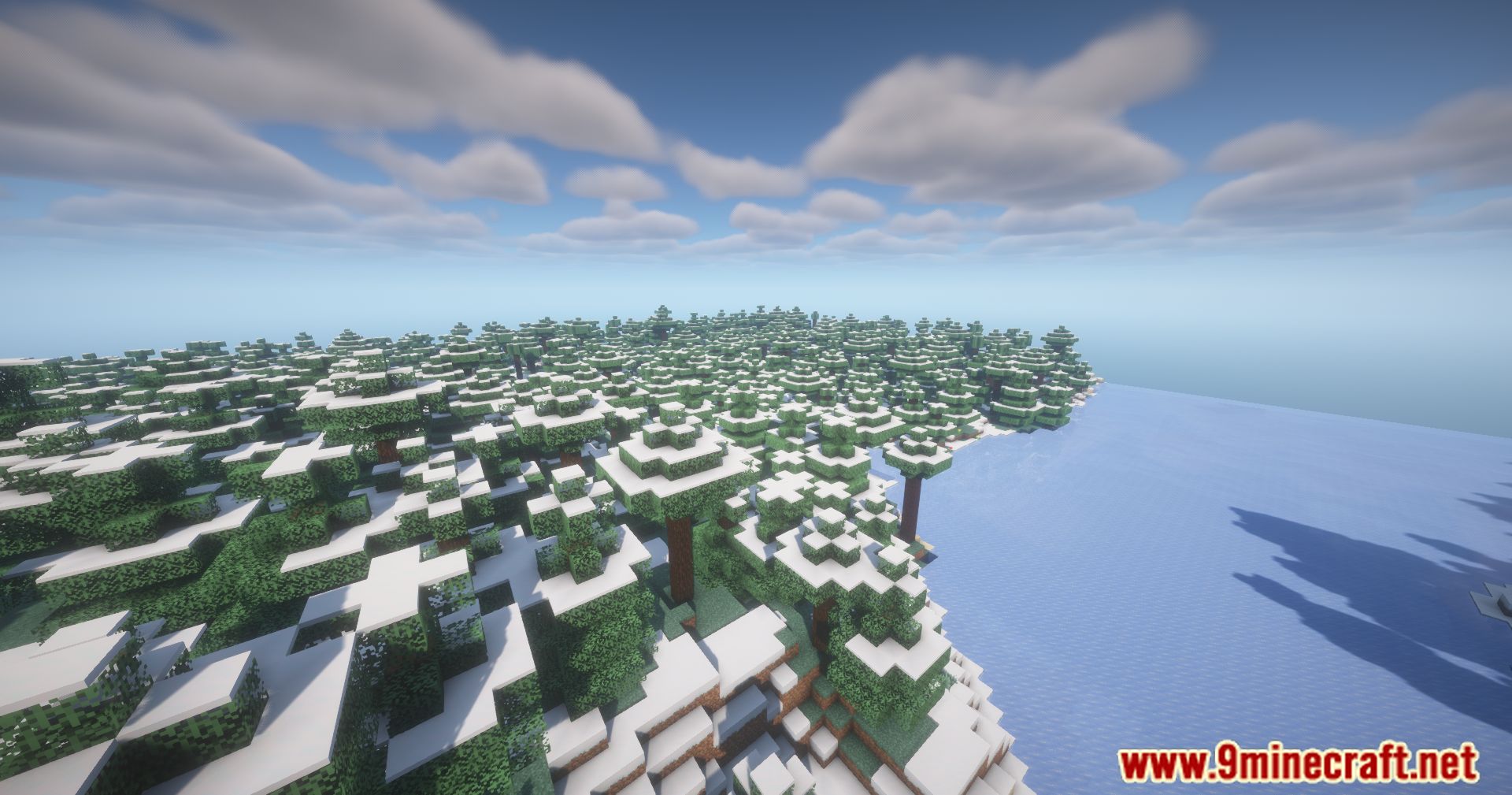
Screenshots:
Camera Enhancements Mod Download Links
Quick facts
- Edition: Minecraft Java
- File type: .jar
- Minecraft version listed: 1.21.1
- How to install: Install the matching mod loader (Forge, Fabric or NeoForge) for your Minecraft version. → Download the .jar. → Put it in the .minecraft/mods folder and launch that loader profile.
- Where to get it: In MC Java Mods, or directly above on this page.
Install steps are the general flow for this file type — How to install Minecraft Java mods & modpacks walks through it step by step.
Verified by MCModsHub
- Downloads as 83542.mcaddon
- Download size: 91 KB
- Download link checked 25 Sept 2026 — working
- Mirrored on our own servers — the download does not depend on the original host
These come from our own check of the pack file, not from the source page.