ModsJava
StarHUD Mod (26.2, 1.20.1) – Fancy HUD Elements
Java mod listed for Minecraft 1.20. Downloads from the MC Java Mods app on Android.
⬇ Download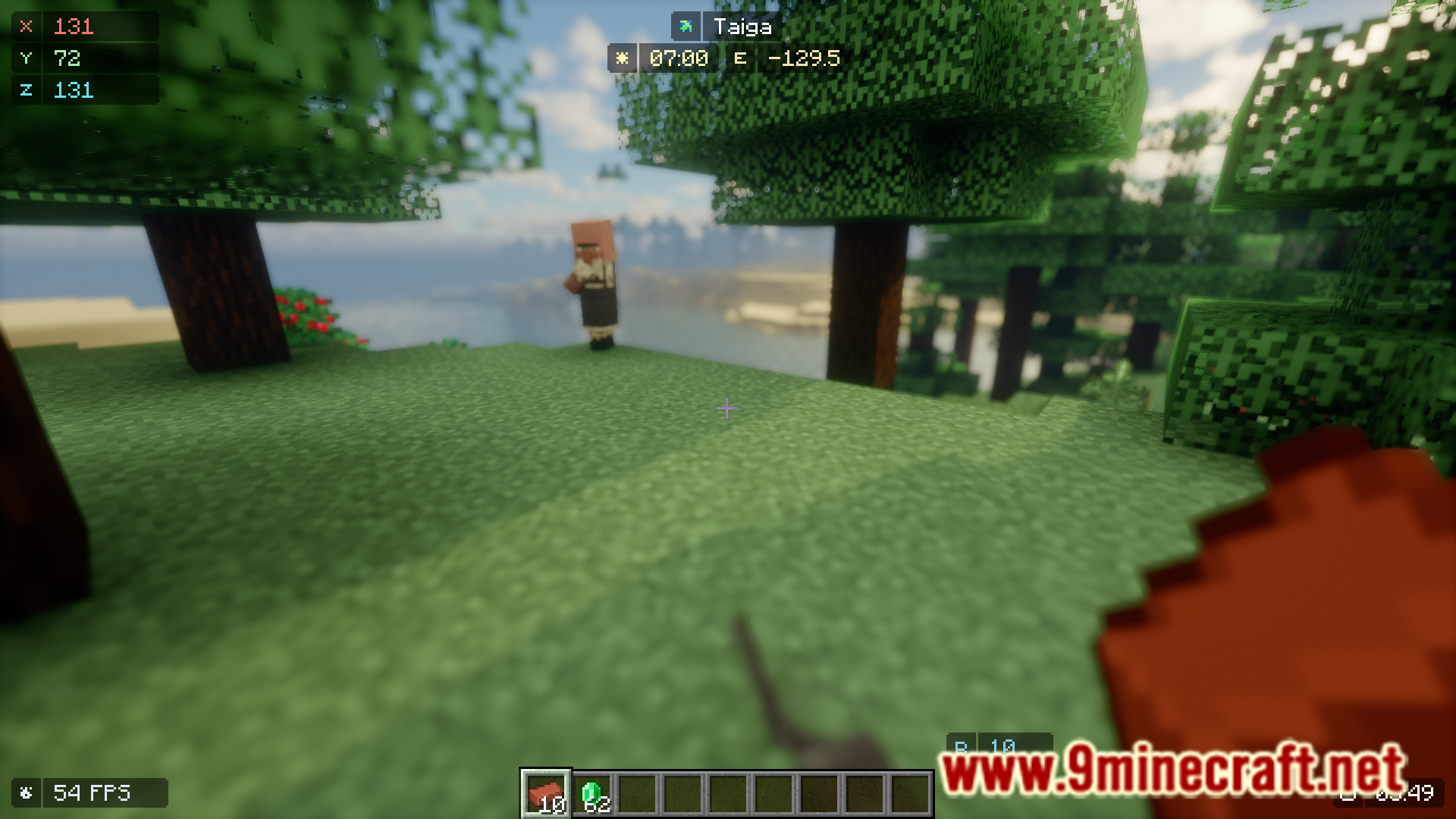
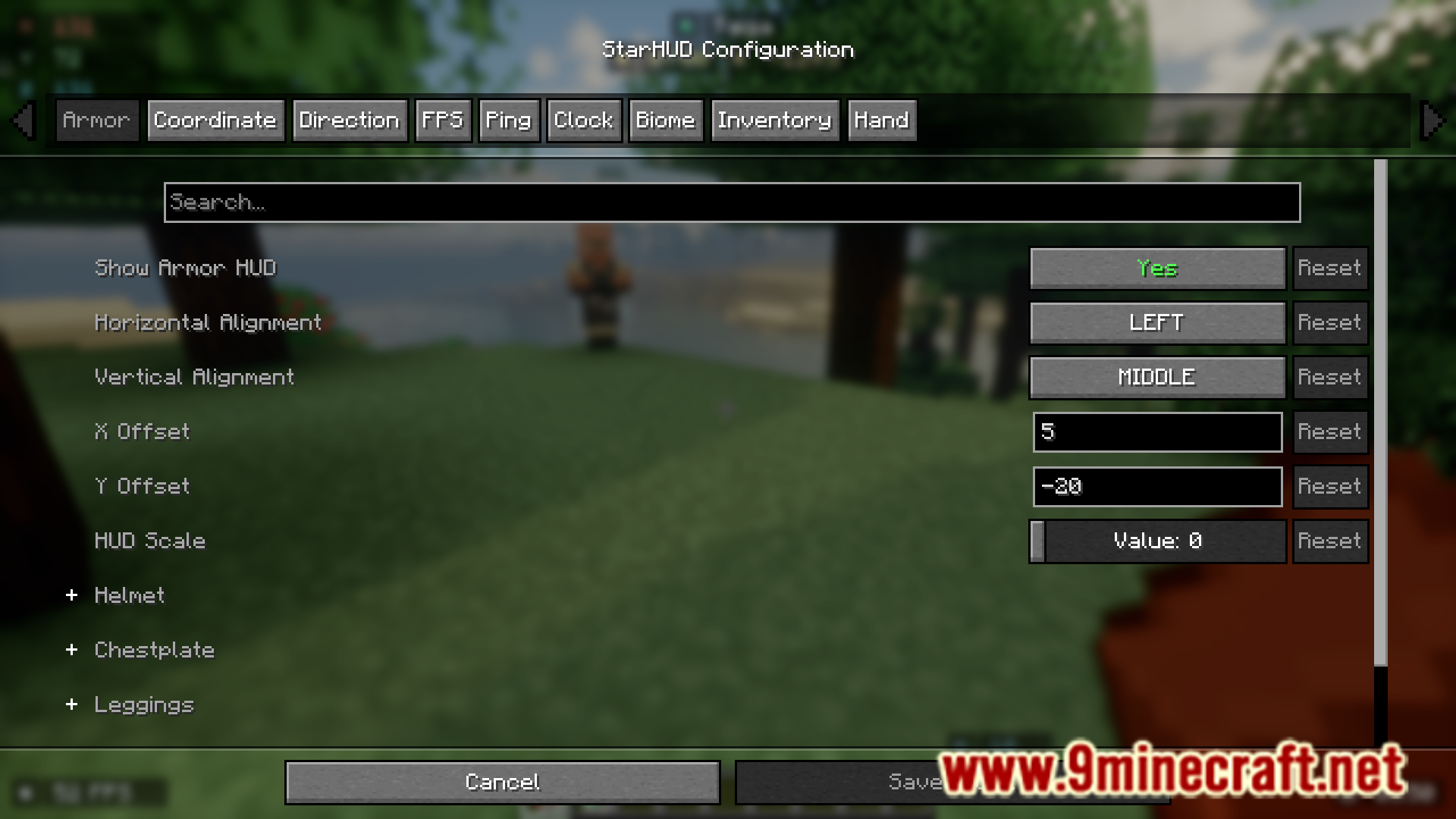
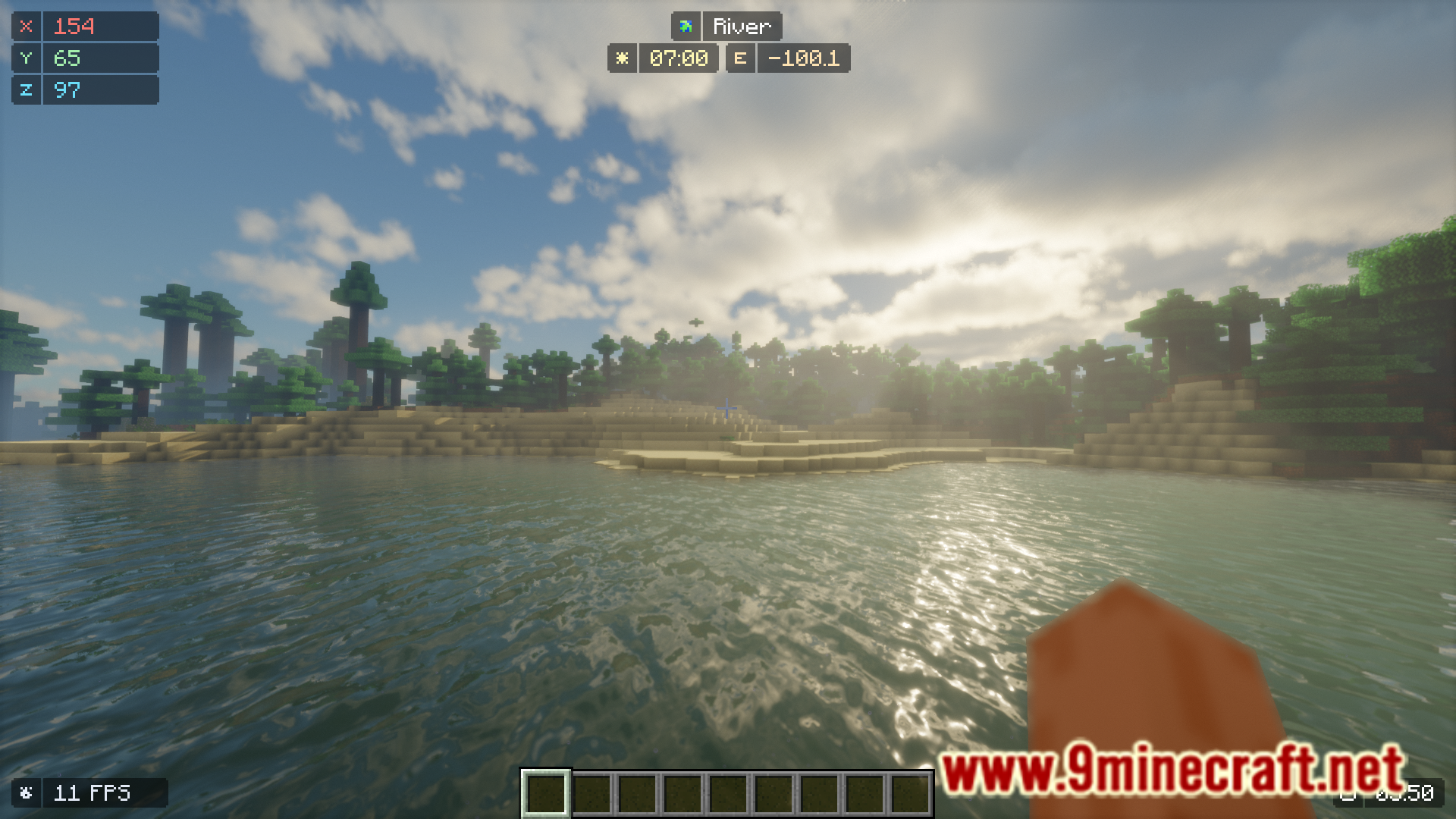
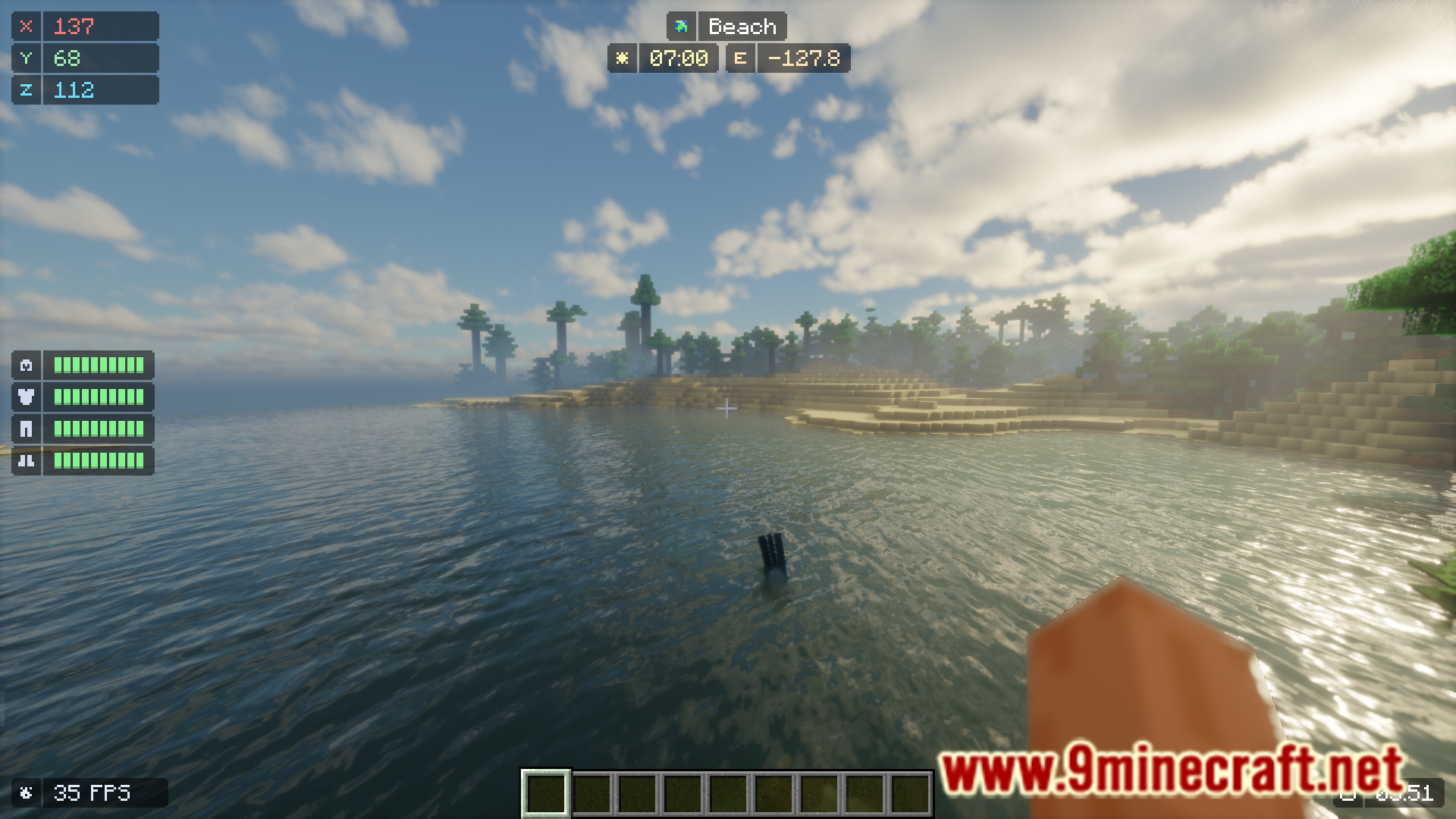
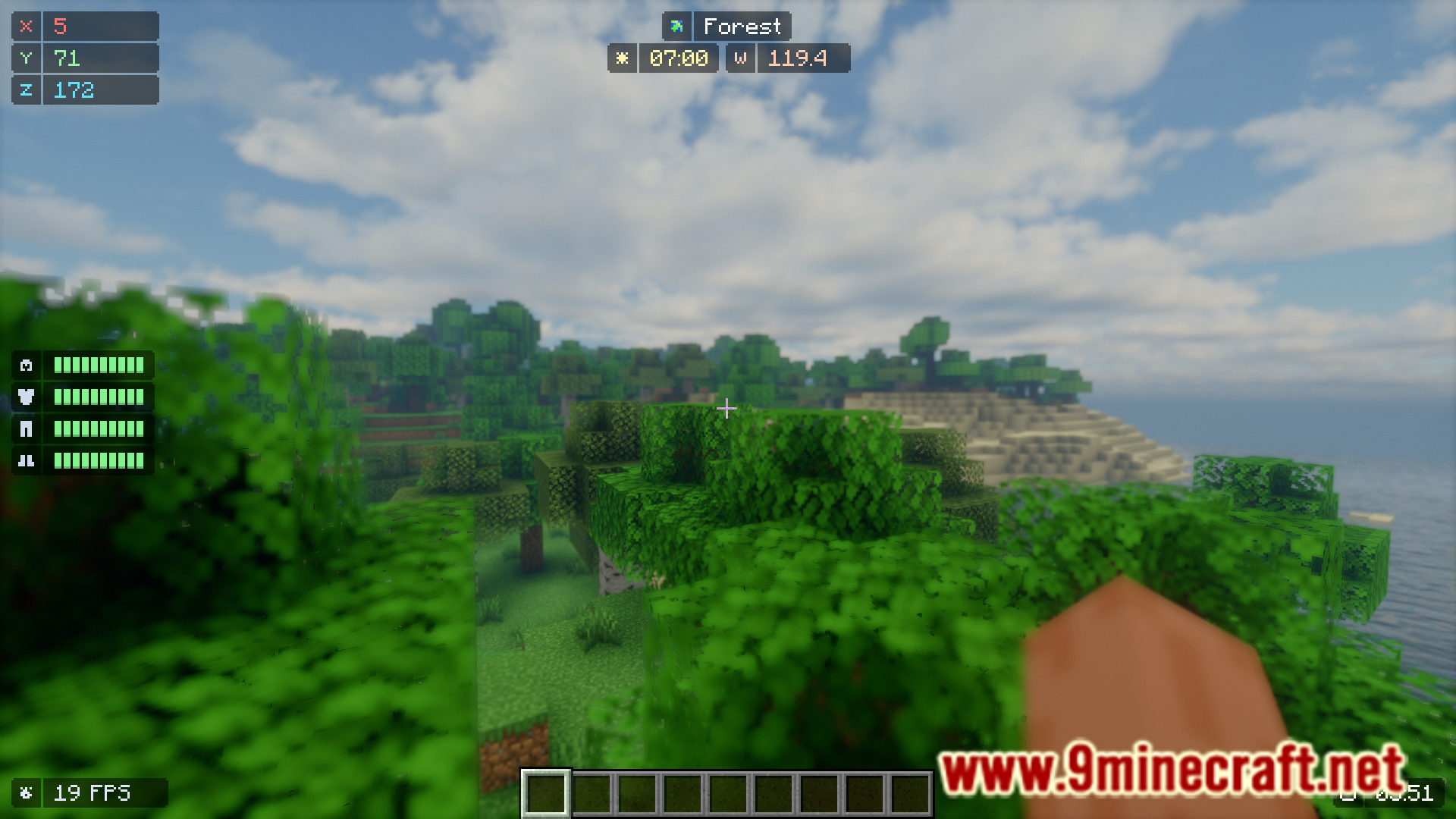
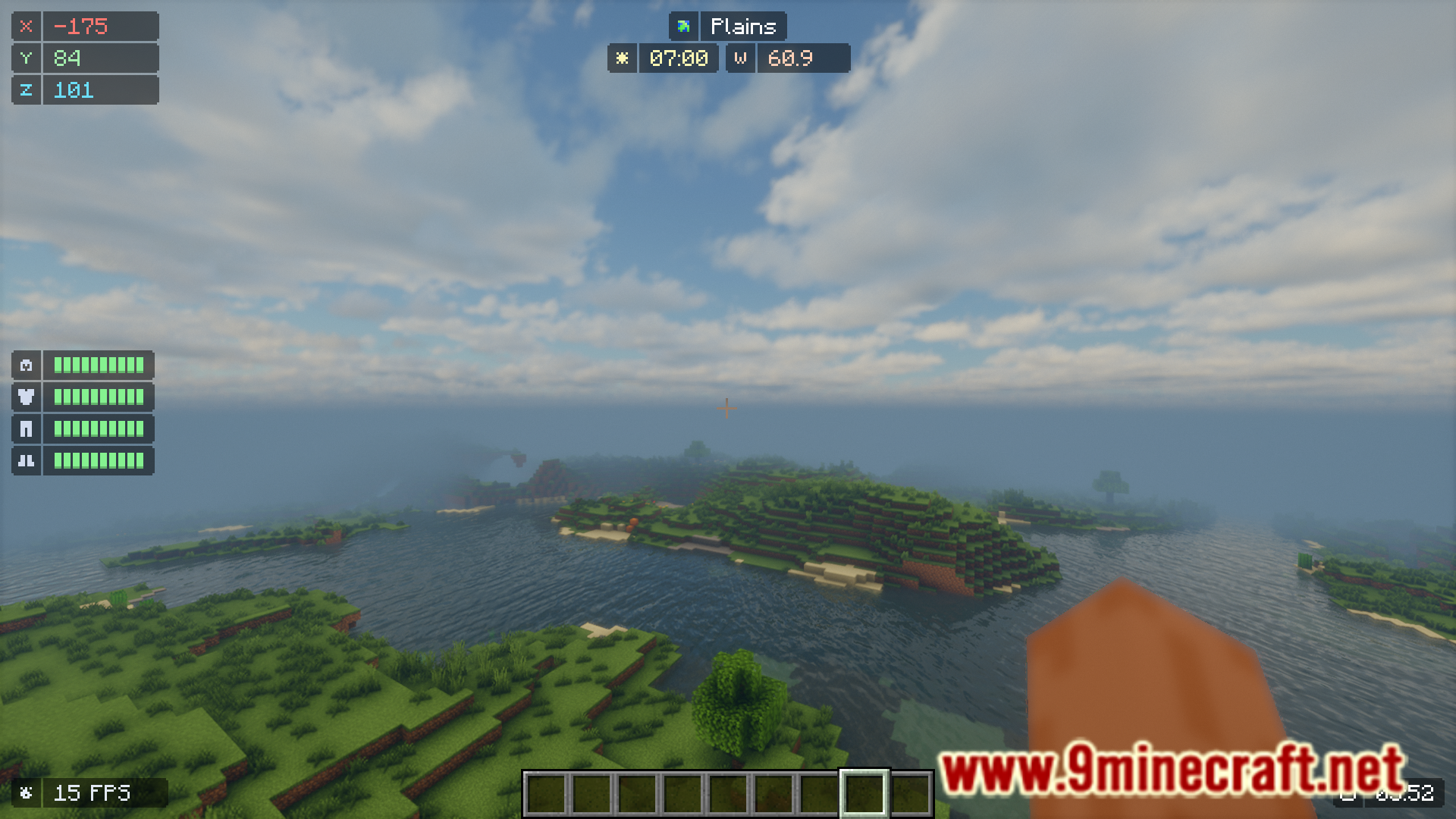
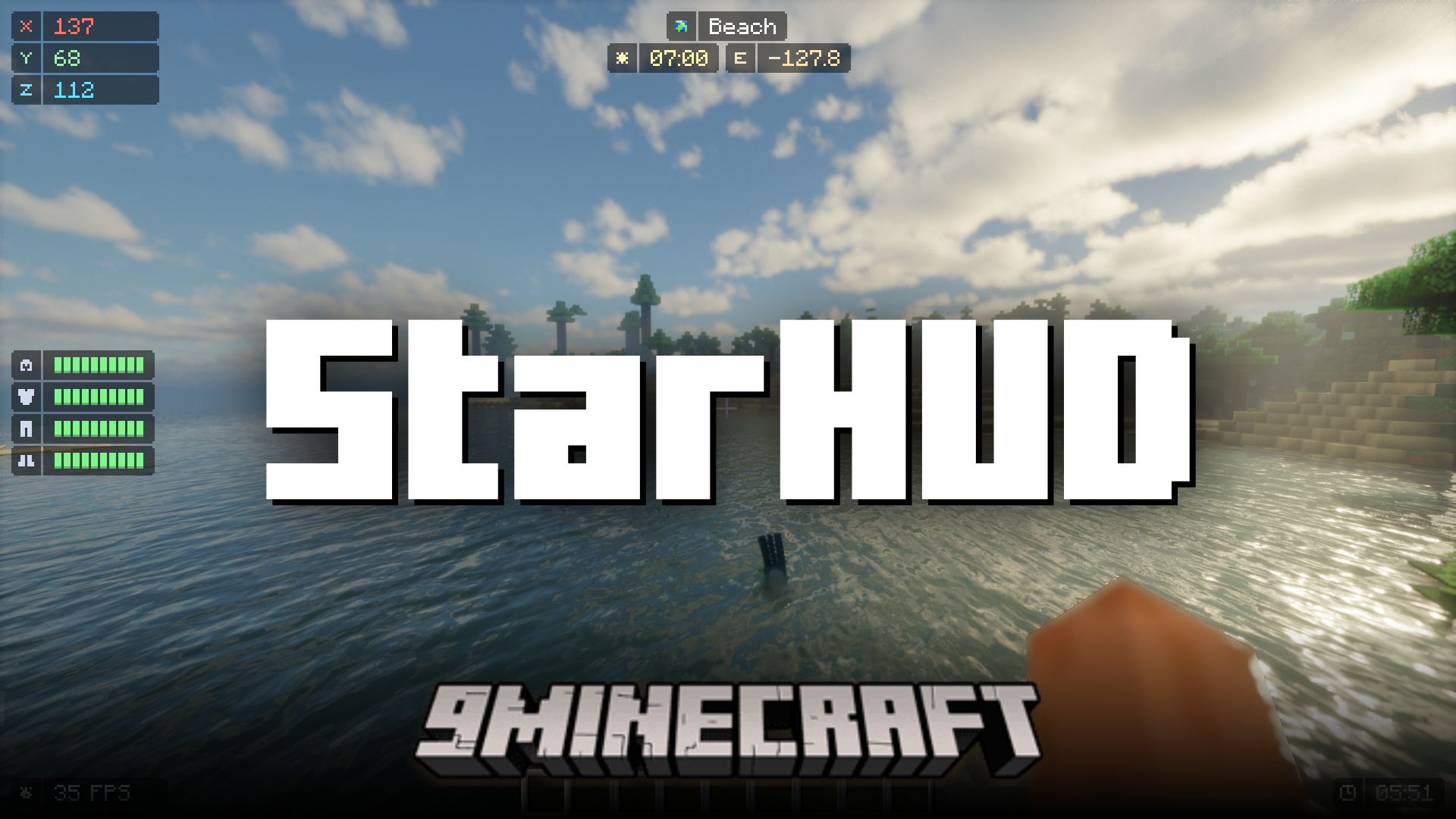
While the F3 screen allows you to view certain useful information like your FPS, in-game coordinates, facing direction, current biome, etc., it also contains a lot more useless information that takes up a major part of your screen, obstructing your view. StarHUD Mod is here with the solution. This mod introduces fancy, minimalistic HUD elements into the game. These HUD elements can be configured one-by-one and can be adjusted to your liking.
Features:
- Adds new minimalistic HUD elements.
- Better than the F3 screen.
- Highly configurable.
Screenshots:
StarHUD Mod Download Links
Quick facts
- Edition: Minecraft Java
- File type: .jar
- Minecraft version listed: 1.20.1
- How to install: Install the matching mod loader (Forge, Fabric or NeoForge) for your Minecraft version. → Download the .jar. → Put it in the .minecraft/mods folder and launch that loader profile.
- Where to get it: In MC Java Mods, or directly above on this page.
Install steps are the general flow for this file type — How to install Minecraft Java mods & modpacks walks through it step by step.
File checked by MCModsHub
- Downloads as 83543.mcaddon
- Download size: 274 KB
- Download link checked 26 Sept 2026 — working
- Mirrored on our own servers — the download does not depend on the original host
These come from our own check of the pack file, not from the source page.