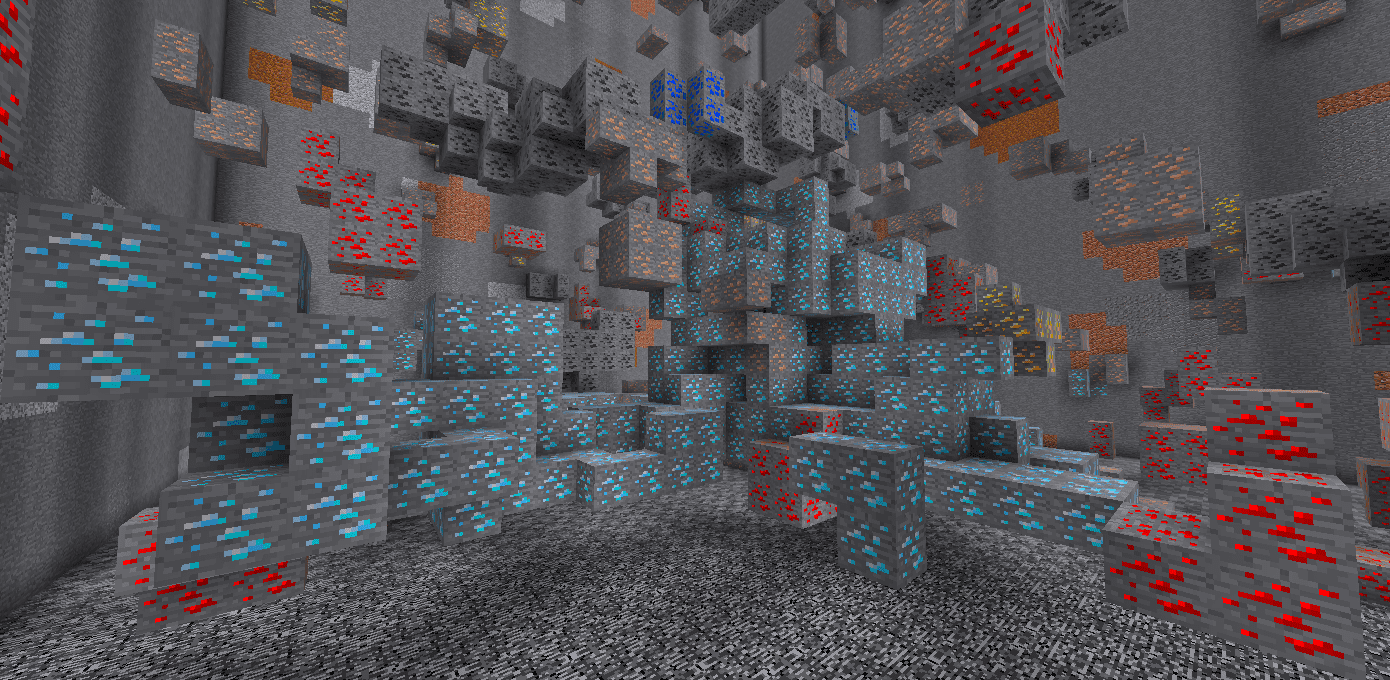
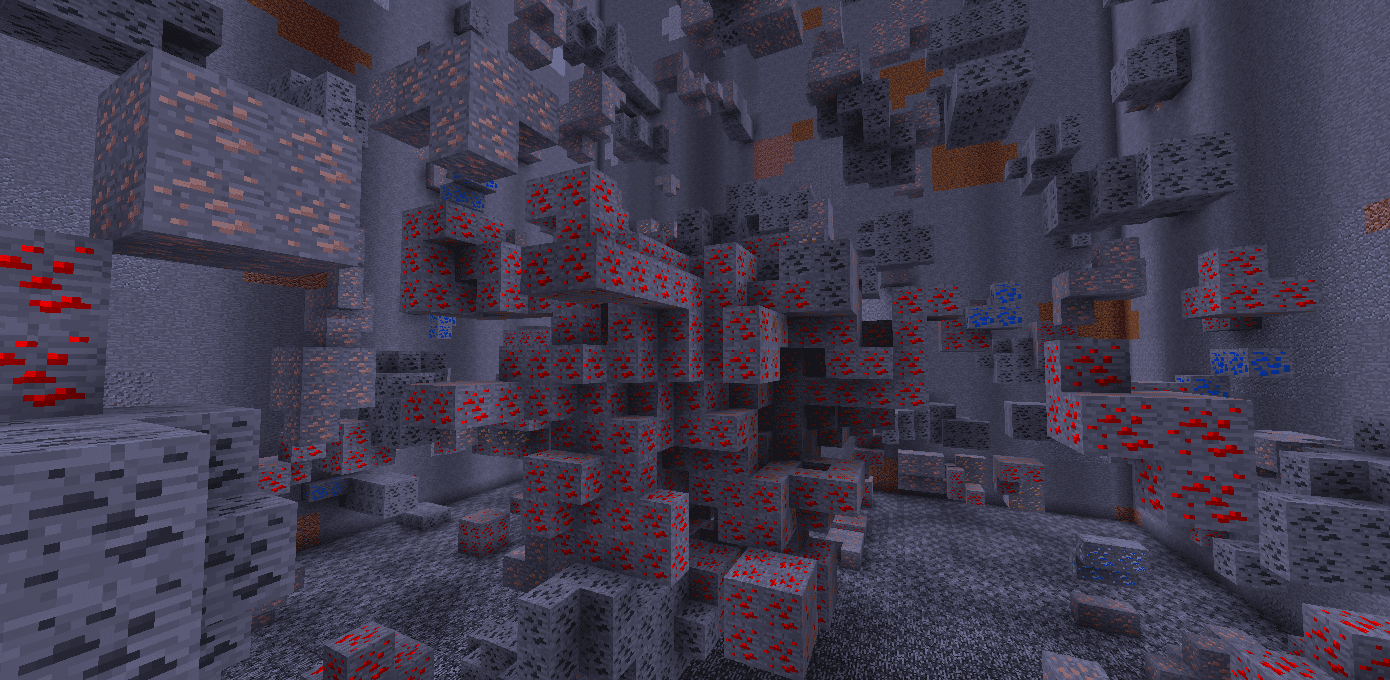
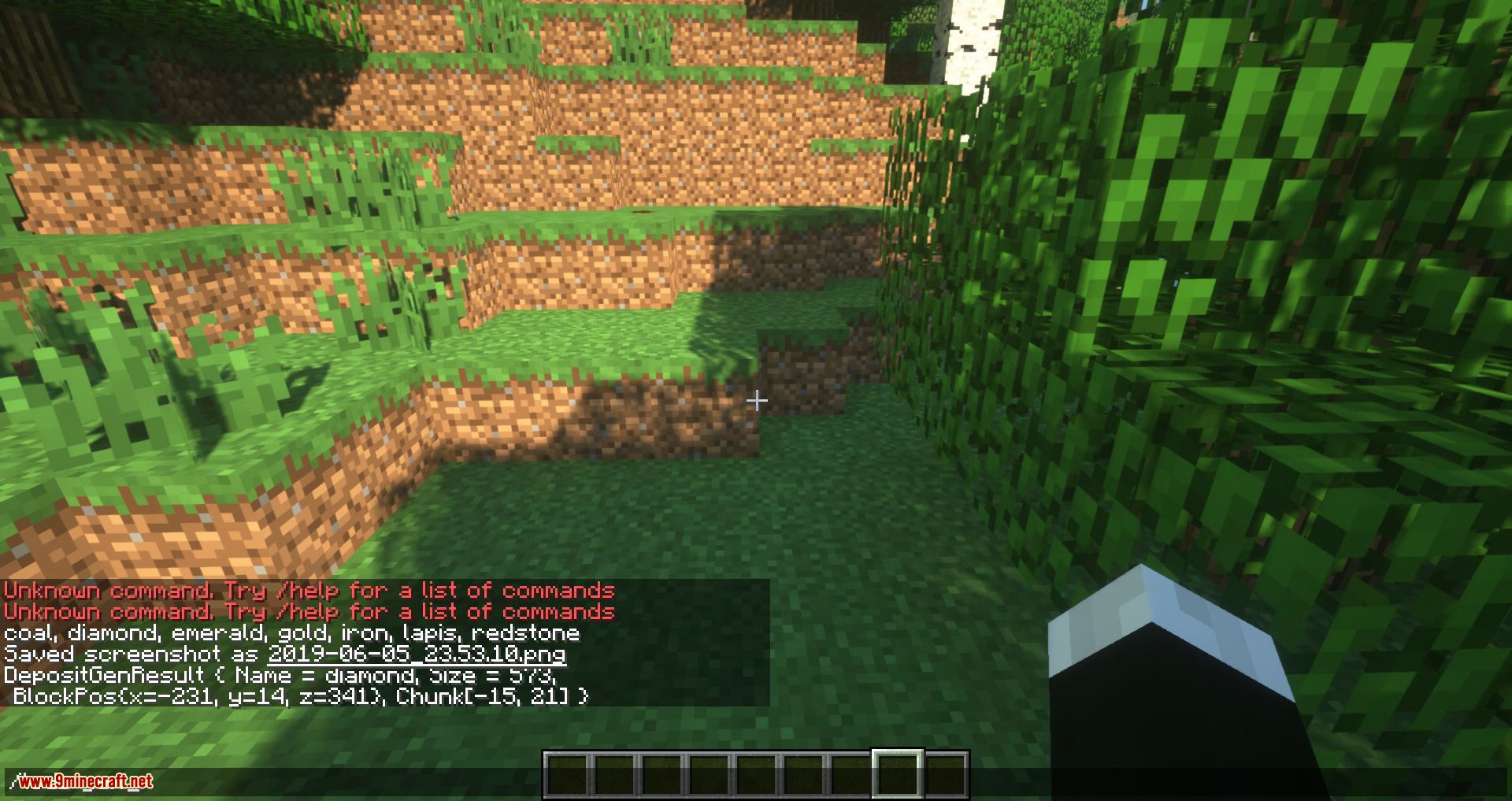
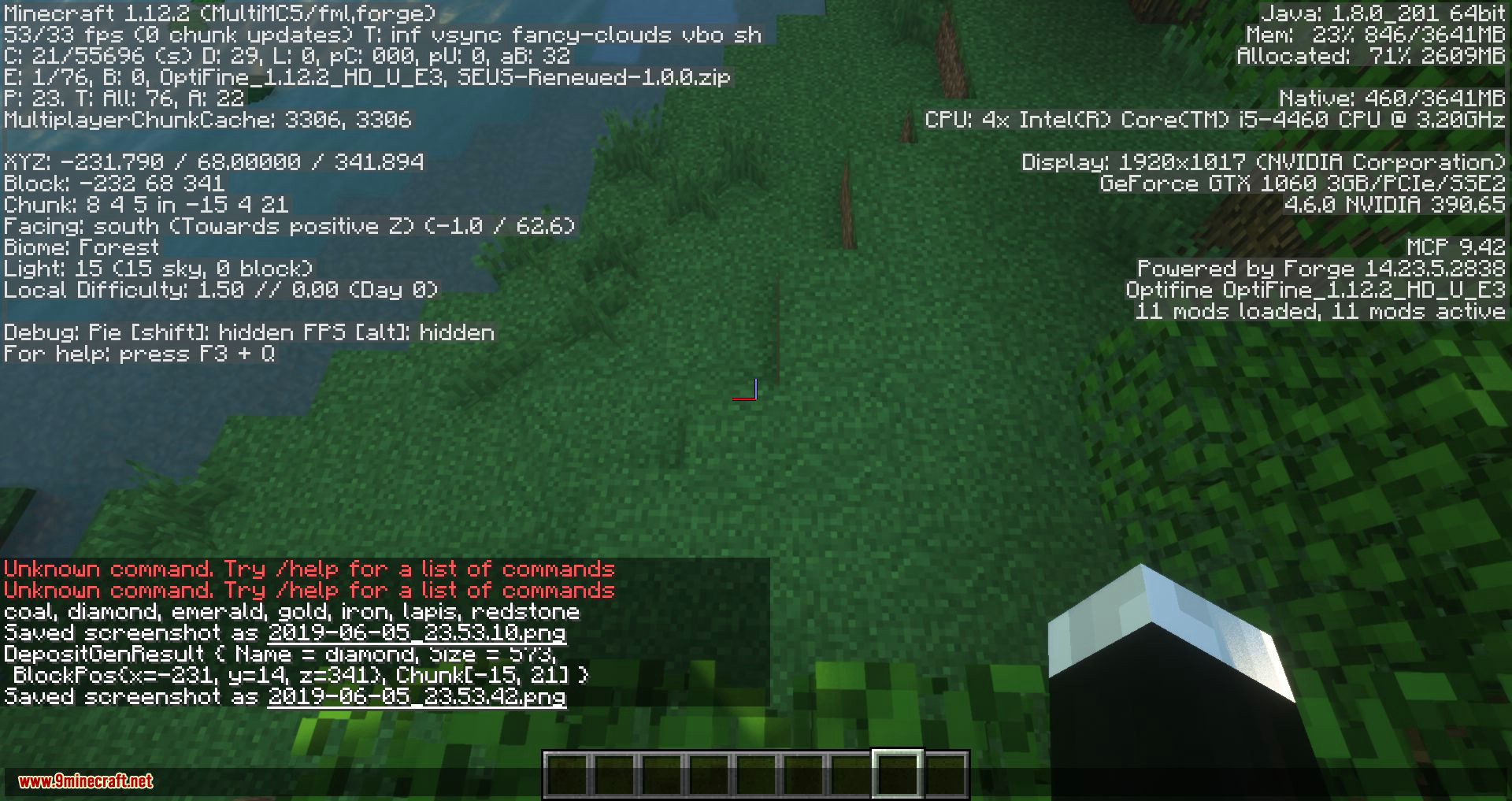
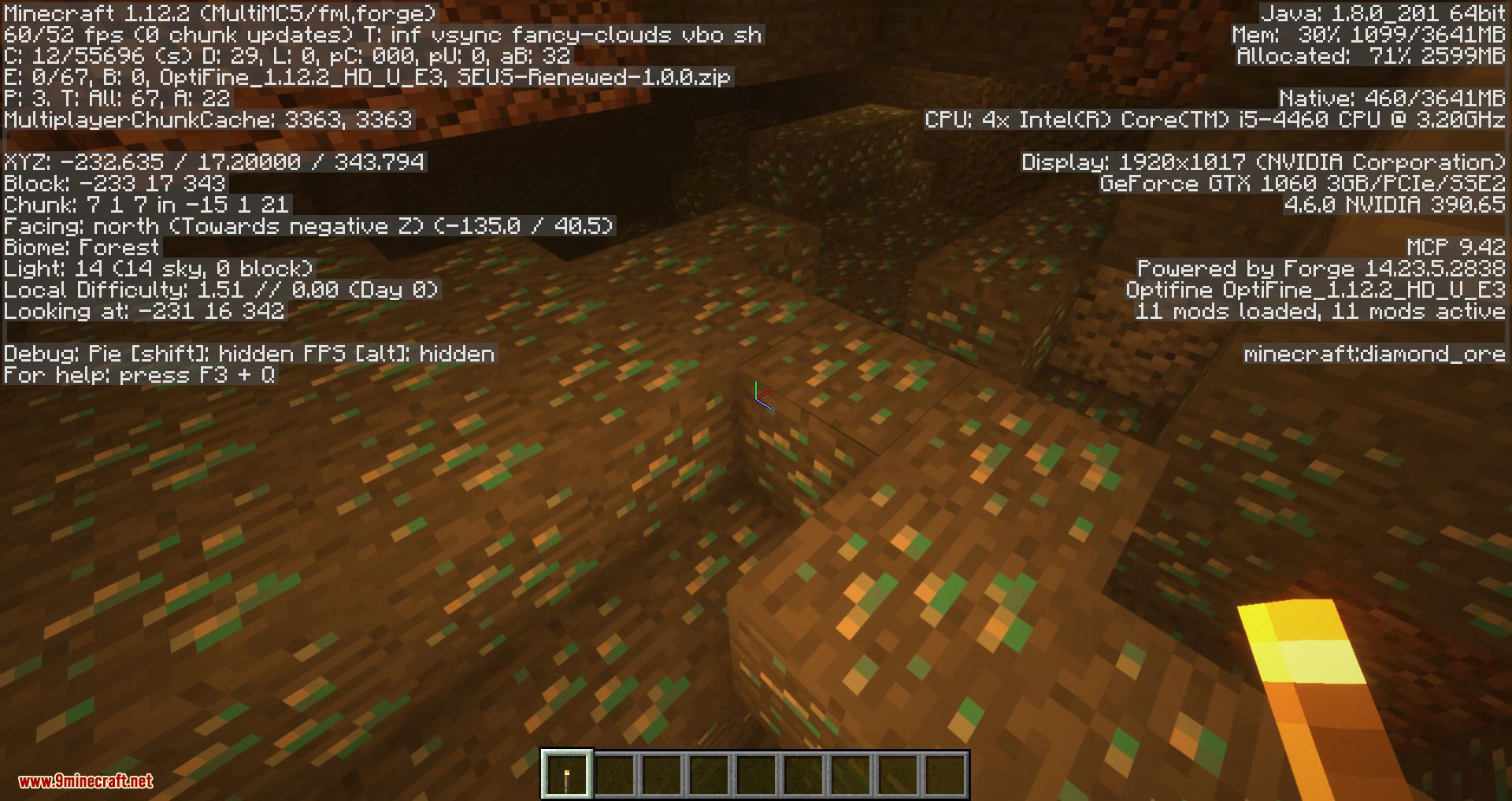
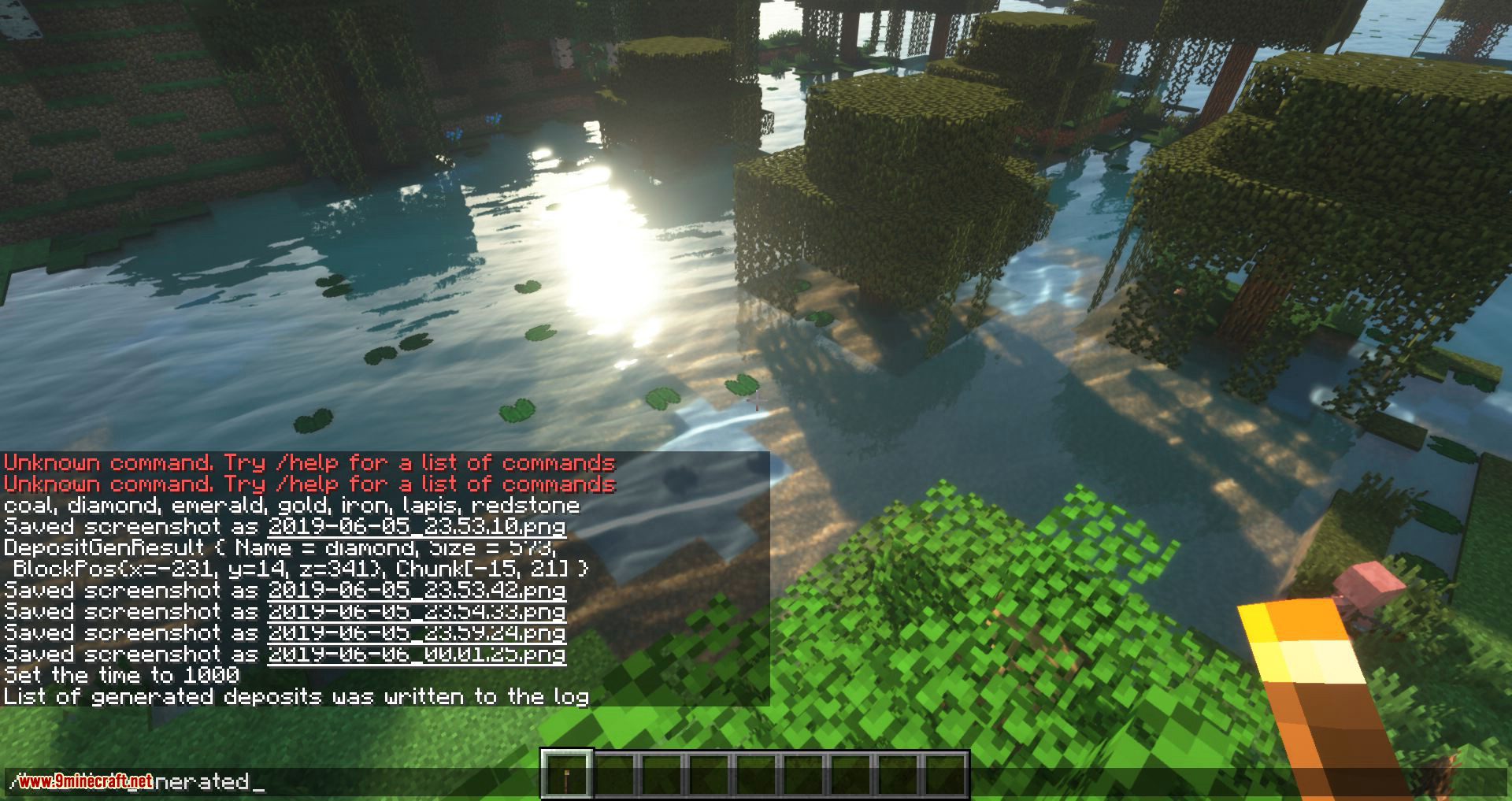
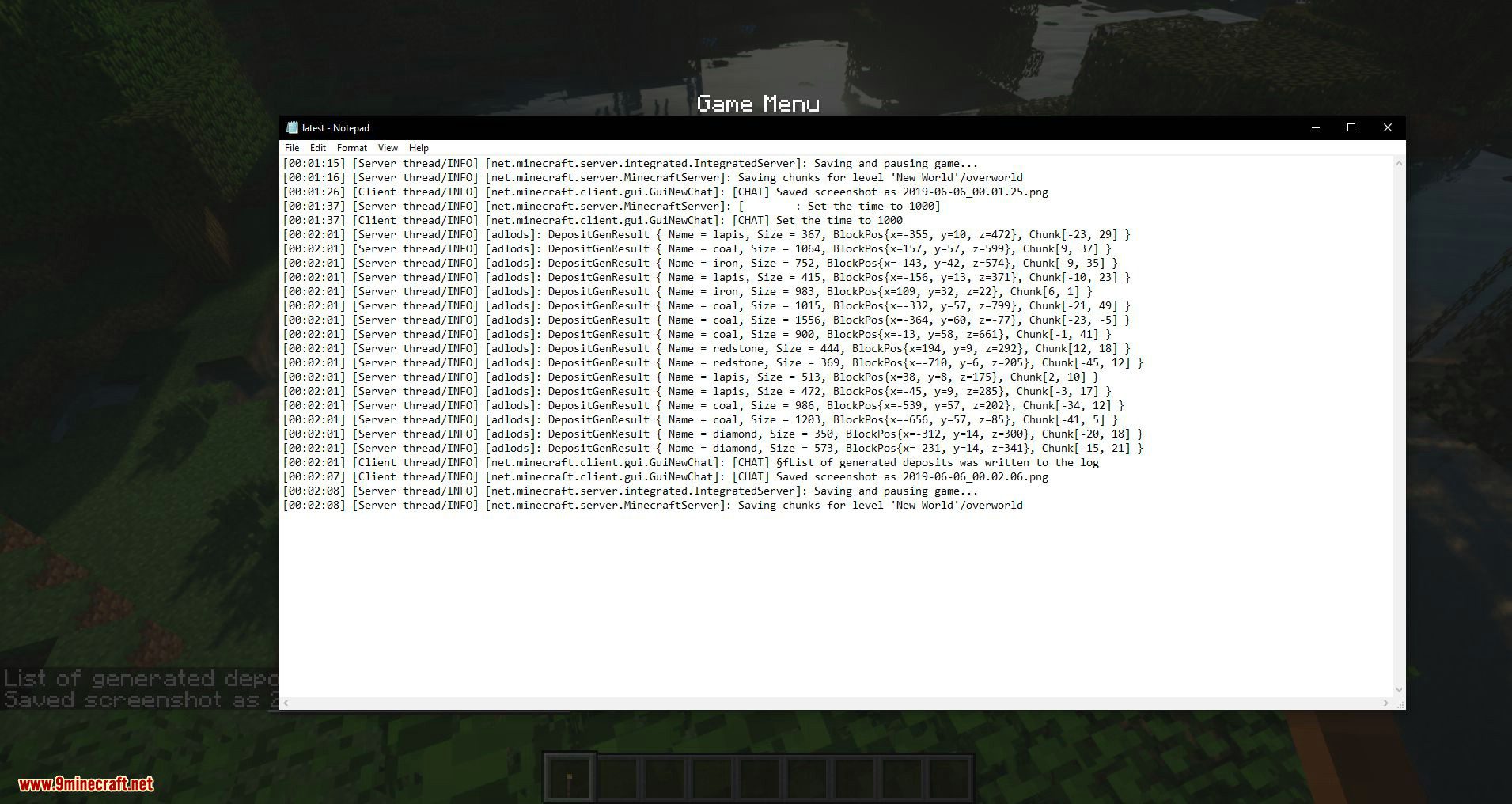
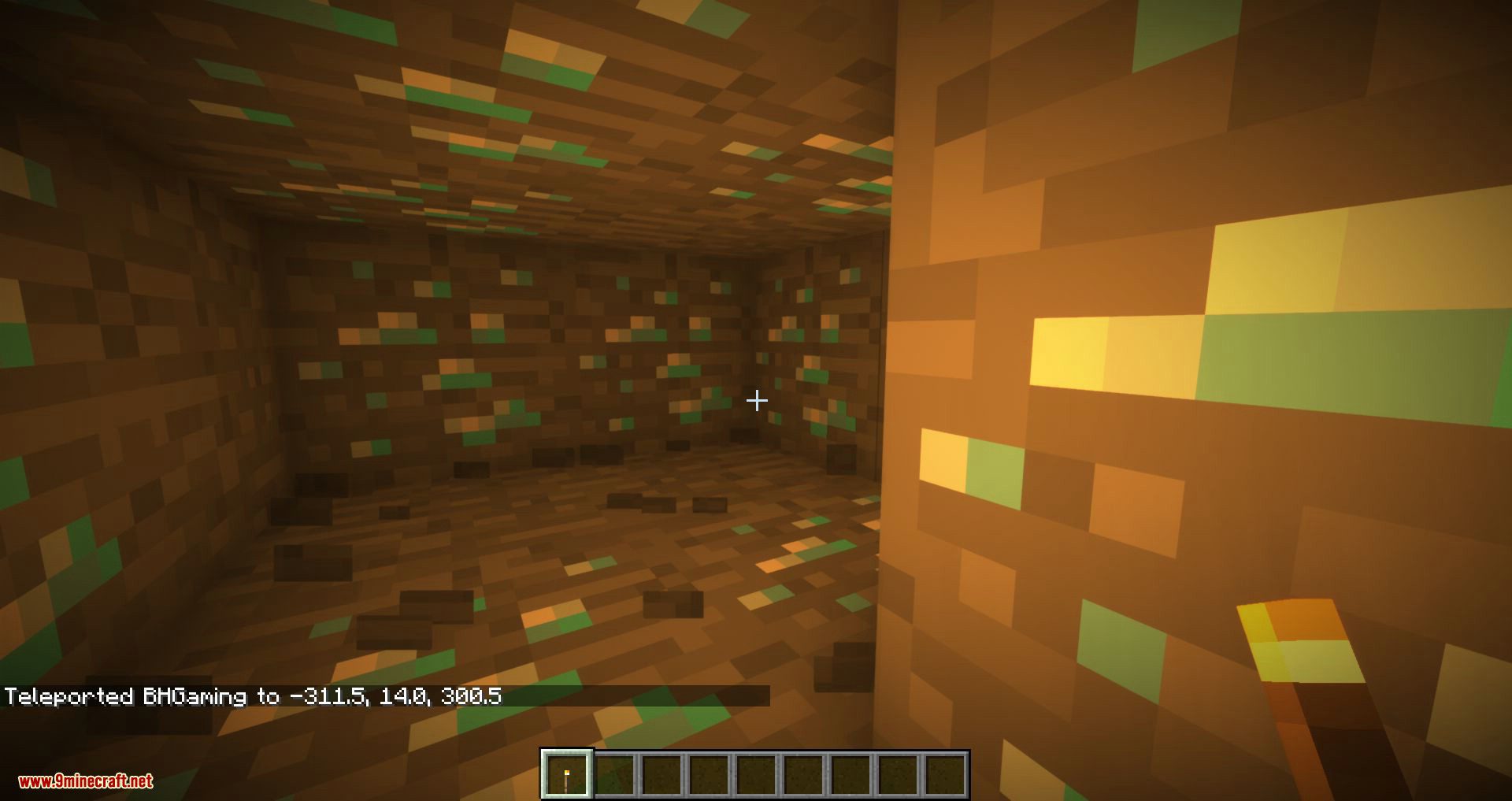
Large Ore Deposits Mod is a mod that adds very rare, but super-massive ore deposits to the world, the discovery of which is comparable to finding the Holy Grail, which can make you filthy rich and gives additional motivation for the mining process.
Features:
- Easily configurable ore deposits with simple parameters
- Predefined configs for the most common ores
- Creation of mixed ore deposits with specified ore proportions
- In-game commands for testing and tweaking
- Ability to define an above-ground indicator of underlying deposit (e.g., a rare flower)
- Setting different parameters and restrictions for different dimensions and biomes
- Adding support for any ores by using in-game commands or putting custom configs to the adlods/Deposits folder
Commands:
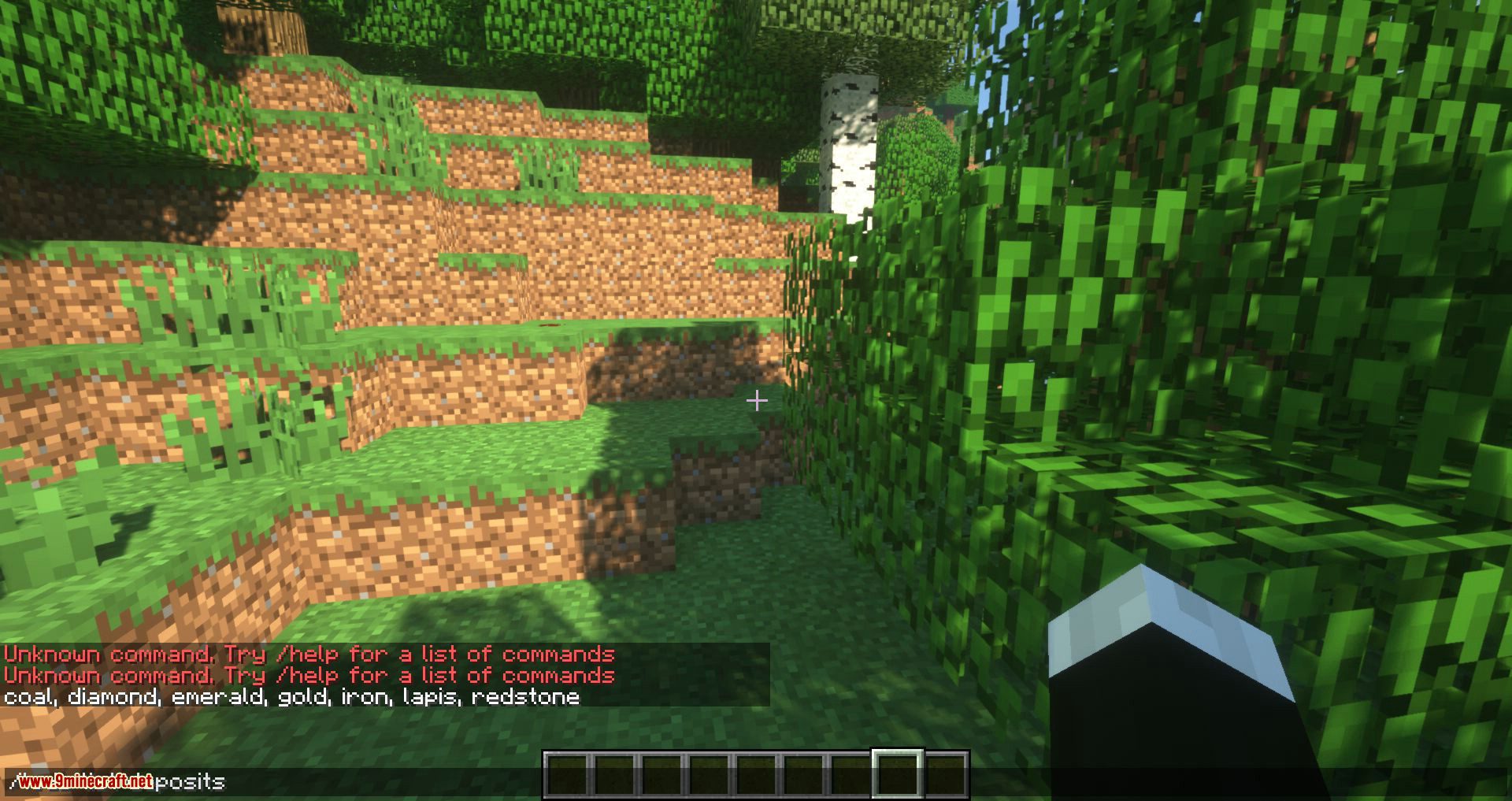
- /lods list deposits – shows the list of all availiable deposits in the chat (config name = deposit name)
- /lods list generated – logs the list of generated deposits with their coords (only for loaded chunks)
- /lods add <deposit> <rarity> <minSize-maxSize> <minAltitude-maxAltitude> – defines a new deposit and creates a config for it (e.g. /lods add vibranium 2000 300-600 4-16)
- /lods remove <deposit> – removes definition of specified deposit and its config
- /lods reload – reloads all configs from the Deposits folder (no need to restart the game after making some changes)
- /lods gen <deposit> – generates ore deposit in the current chunk with parameters from the config
- /lods test <deposit> <amount> – generates ore deposit of the specified size at the current position, replacing also air blocks (usefull for quick testing without having to go underground)
- /lods strip chunk – removes all blocks in the current chunk, which are not ores
- /lods strip around – removes all blocks in surrounding chunks, which are not ores
- /lods dress <chunk | around | all> – restores removed blocks (note that removed blocks are not saved between sessions, so make sure you have restored them all before shutting down the server)
Screenshots:
Underground view
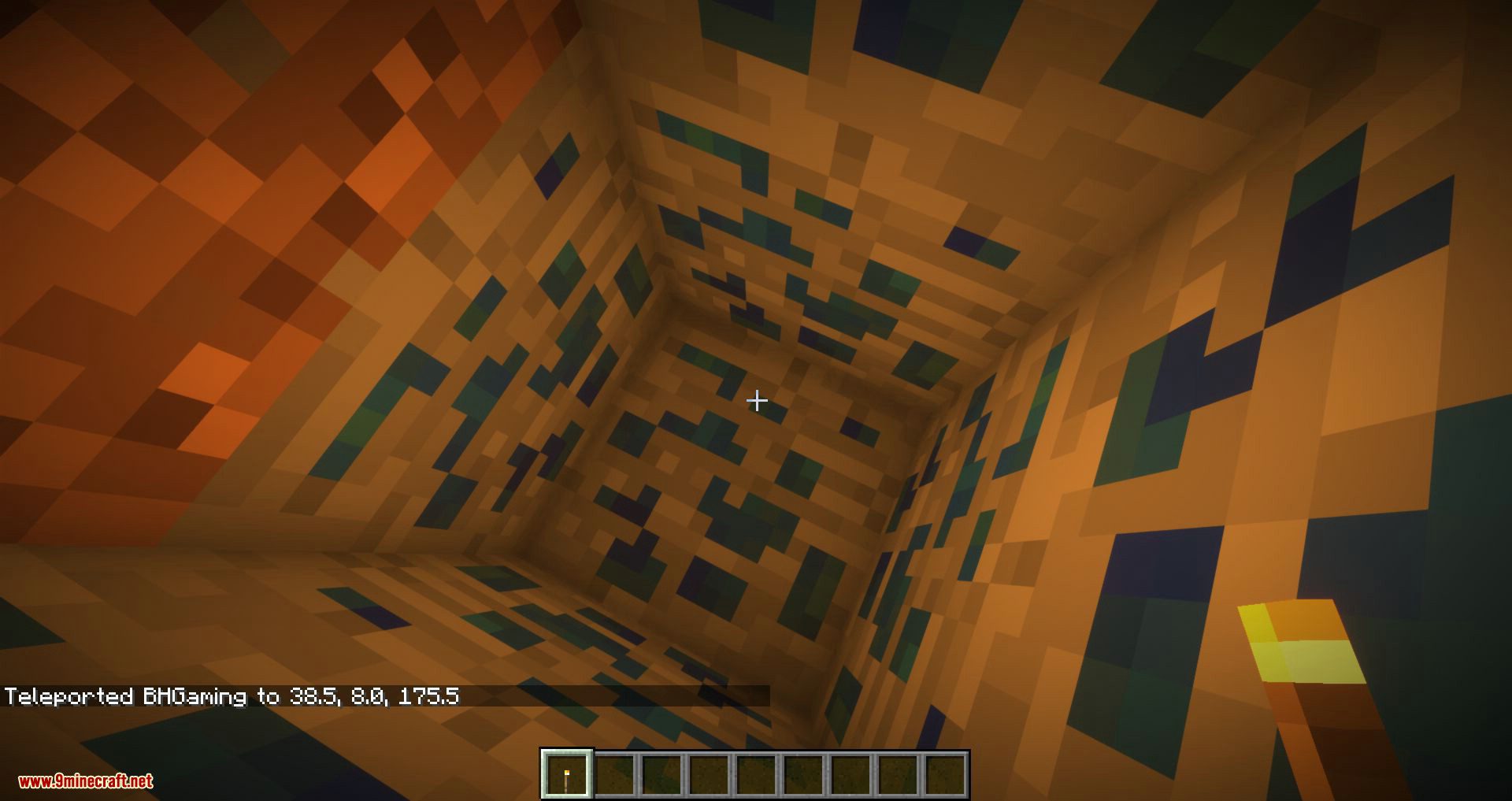
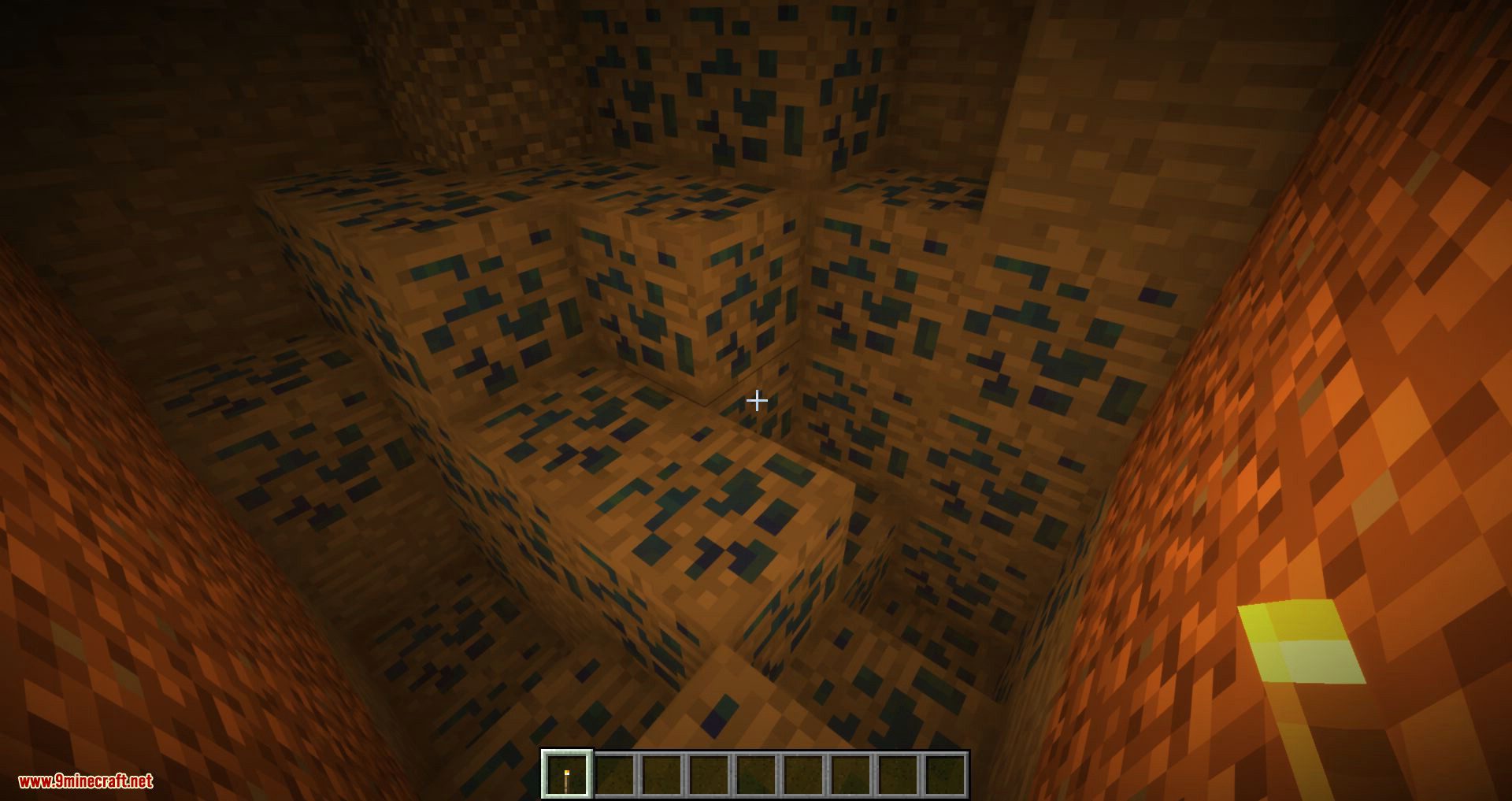
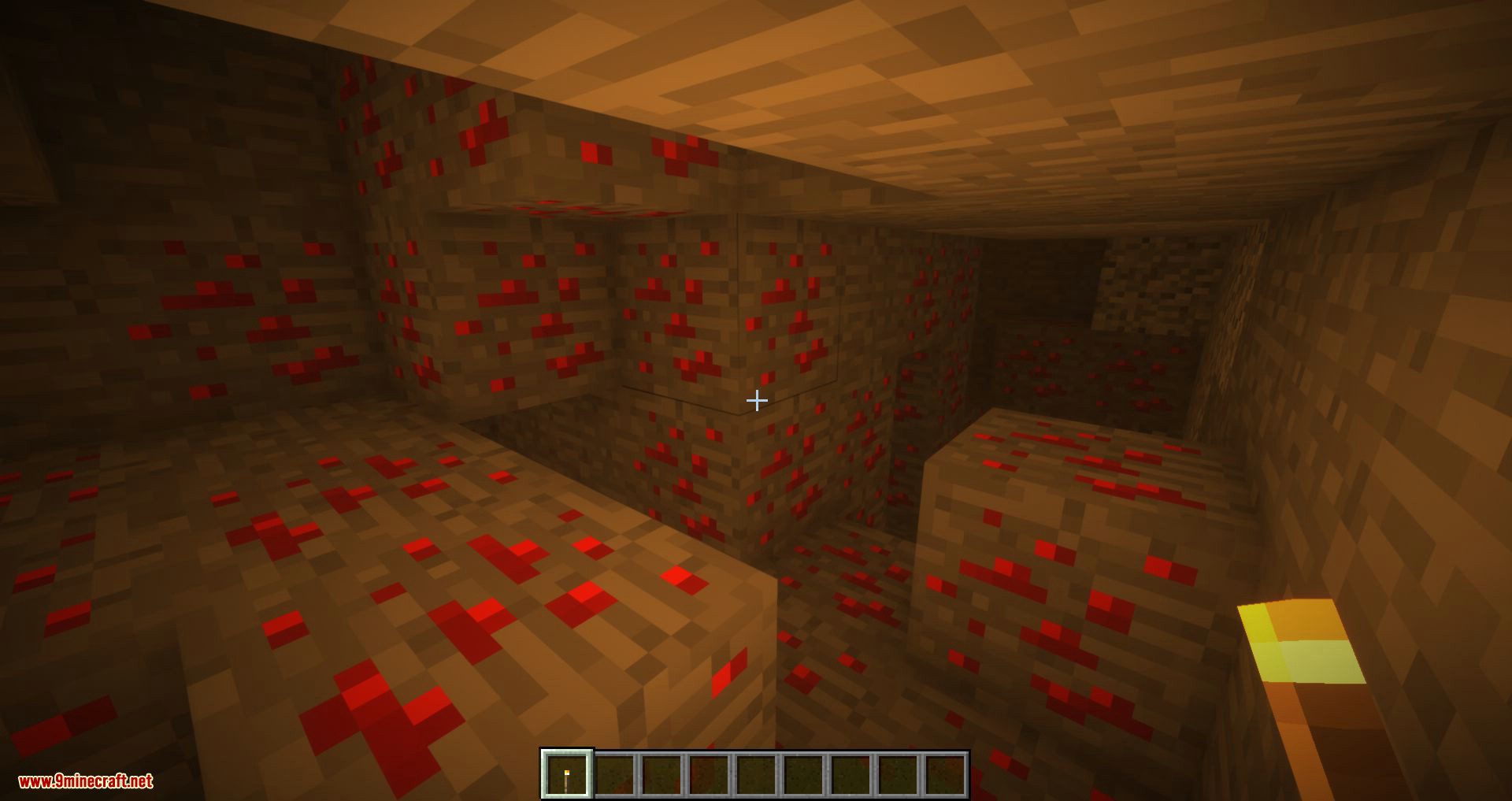
Large Ore Deposits Mod Download Links
Quick facts
- Edition: Minecraft Java
- File type: .jar
- Minecraft version listed: 1.20.1
- How to install: Install the matching mod loader (Forge, Fabric or NeoForge) for your Minecraft version. → Download the .jar. → Put it in the .minecraft/mods folder and launch that loader profile.
- Where to get it: In MC Java Mods, or directly above on this page.
Install steps are the general flow for this file type — How to install Minecraft Java mods & modpacks walks through it step by step.
Verified by MCModsHub
- Downloads as 83551.mcaddon
- Download size: 236 KB
- Download link checked 26 Sept 2026 — working
- Mirrored on our own servers — the download does not depend on the original host
These come from our own check of the pack file, not from the source page.