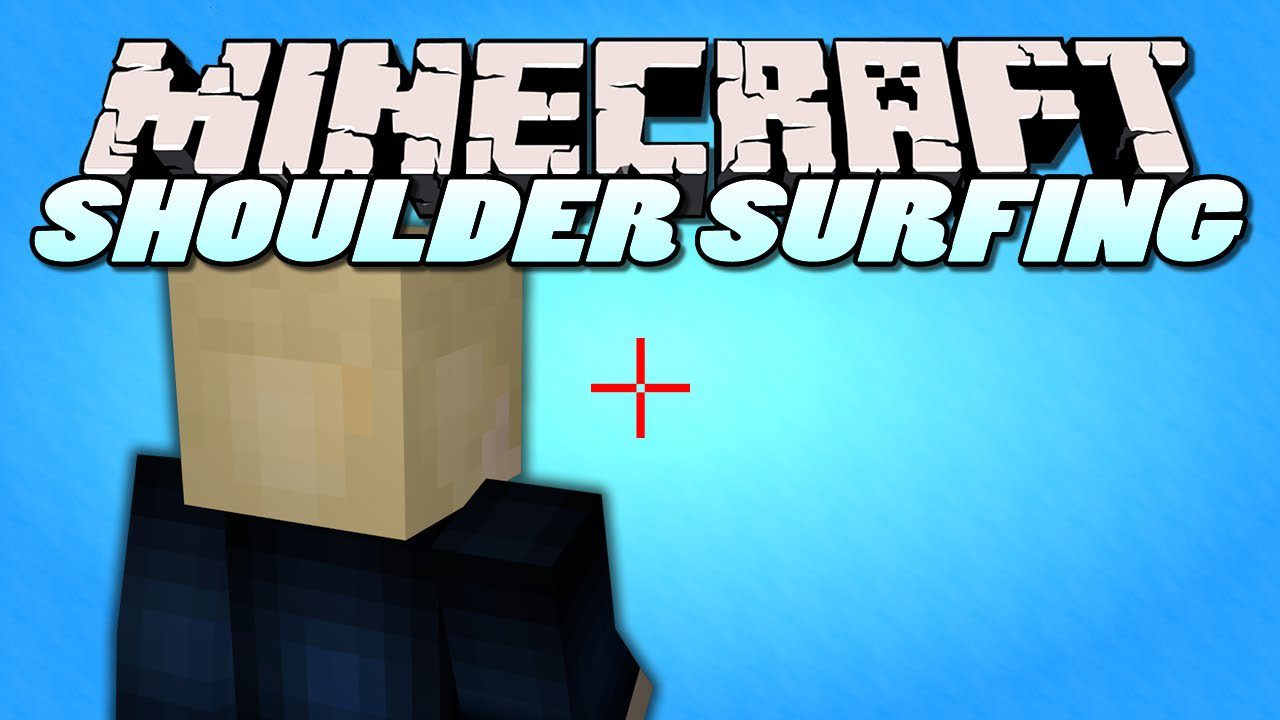
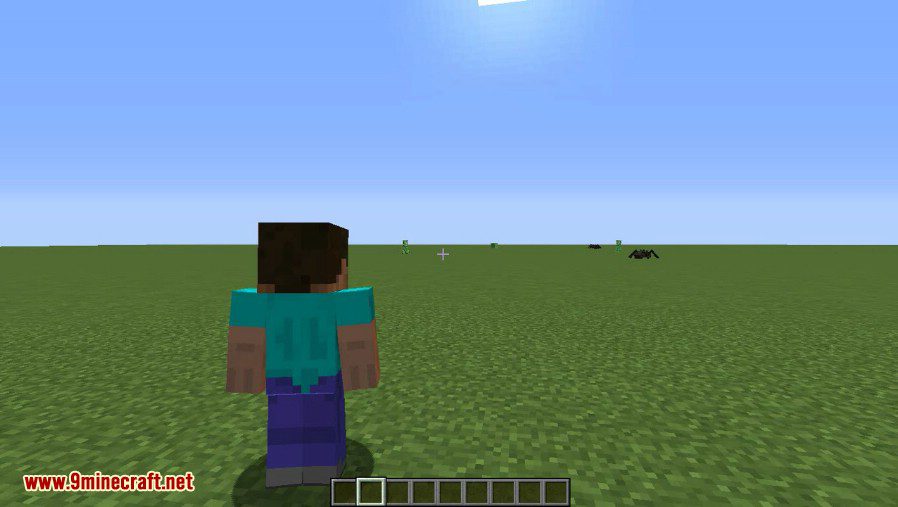
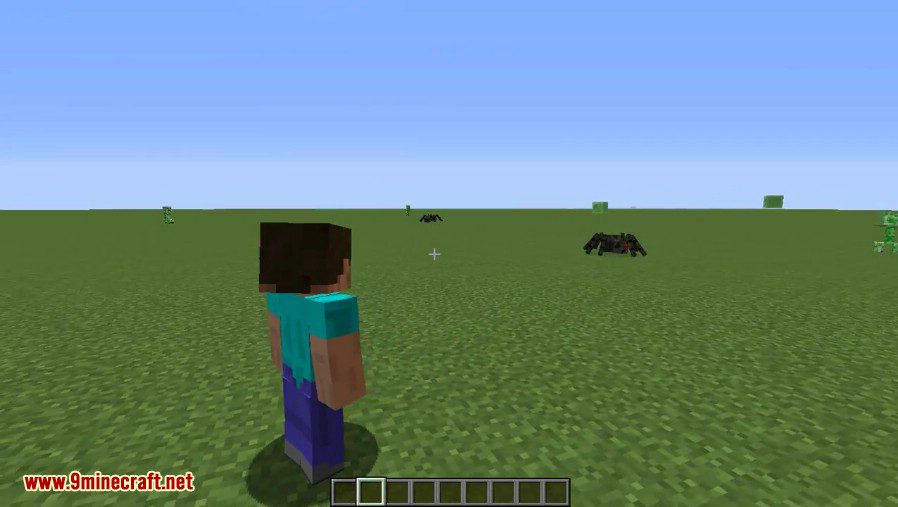
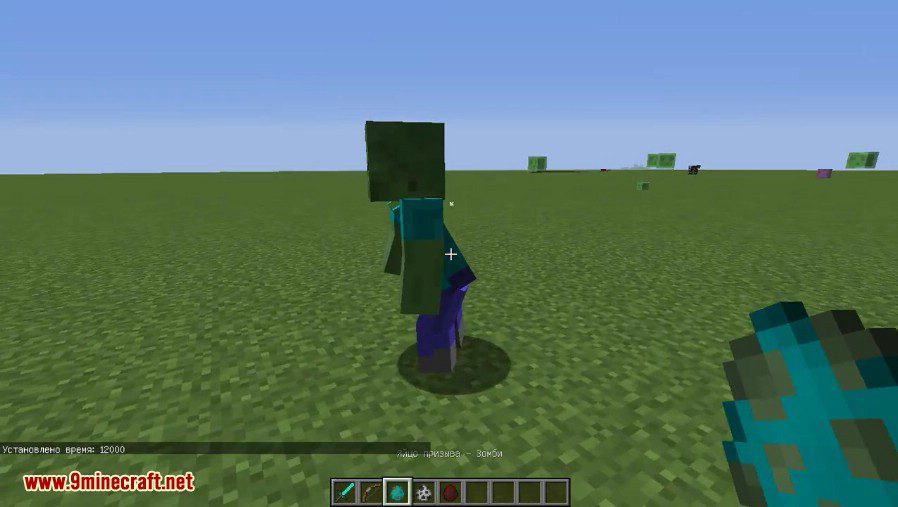
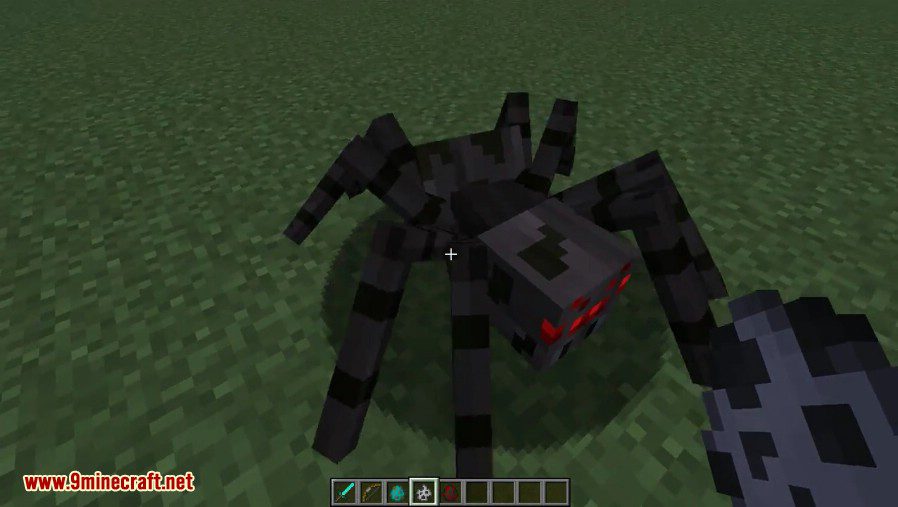
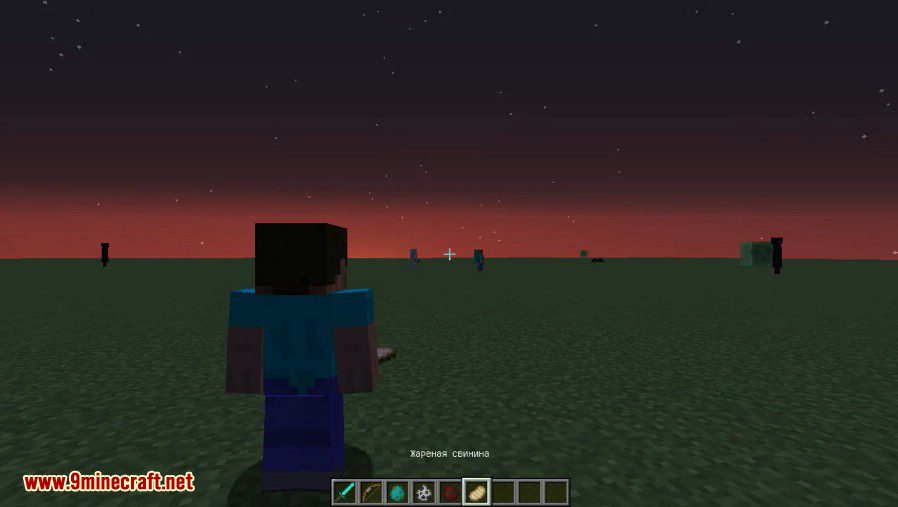
Shoulder Surfing Reloaded Mod swaps the default behind-the-back third person view for a camera that sits just over your character’s shoulder. Because the view is offset, your crosshair stays clear of the player model and you can still see exactly what you are aiming at without going back to first person. Every part of the camera position can be nudged with hotkeys or set in the config screen, and the mod runs purely on the client.
Features:
- An over-the-shoulder camera keeps the block or mob you are interacting with in plain sight while in third person.
- The decoupled camera lets you strafe left and right without swinging the mouse around.
- Free look, bound to left alt by default, keeps you walking in one direction while looking in another.
- Arrow keys, page up and page down shift the camera, and the o key swaps which shoulder it sits on.
- Corrective crosshair placement keeps your aim honest when the crosshair shifts along with the camera.
- Adaptive player transparency fades the character model out when it gets between you and the view.
- Everything runs client side, so no matching mod is needed on the server you join.
- A plugin API lets other mods add their own camera behaviour and compatibility fixes.
How to Use:
- Install the loader you play on. Forge and Fabric builds also need Forge Config API Port; NeoForge needs nothing extra.
- Move the jar into your
.minecraft/modsfolder and launch the matching profile. - Join a world and press F5 until you are in third person. The camera moves to your shoulder straight away.
- Adjust the view with the arrow keys, page up and page down, and press o to move the camera to the other shoulder.
- For the full option list open Mods, then ShoulderSurfing, then Config on 1.21 and newer, or edit
.minecraft/config/shouldersurfing-client.cfgby hand. - Keep in mind the mod shifts both camera and player movement, so servers running strict anti-cheat may flag it.
Screenshots:
Shoulder Surfing Reloaded Mod Download Links
Quick facts
- Edition: Minecraft Java
- File type: .jar
- Minecraft version listed: 1.20.1
- How to install: Install the matching mod loader (Forge, Fabric or NeoForge) for your Minecraft version. → Download the .jar. → Put it in the .minecraft/mods folder and launch that loader profile.
- Where to get it: In MC Java Mods, or directly above on this page.
Install steps are the general flow for this file type — How to install Minecraft Java mods & modpacks walks through it step by step.
Verified by MCModsHub
- Downloads as 83560.mcaddon
- Download size: 362 KB
- Download link checked 26 Sept 2026 — working
- Mirrored on our own servers — the download does not depend on the original host
These come from our own check of the pack file, not from the source page.