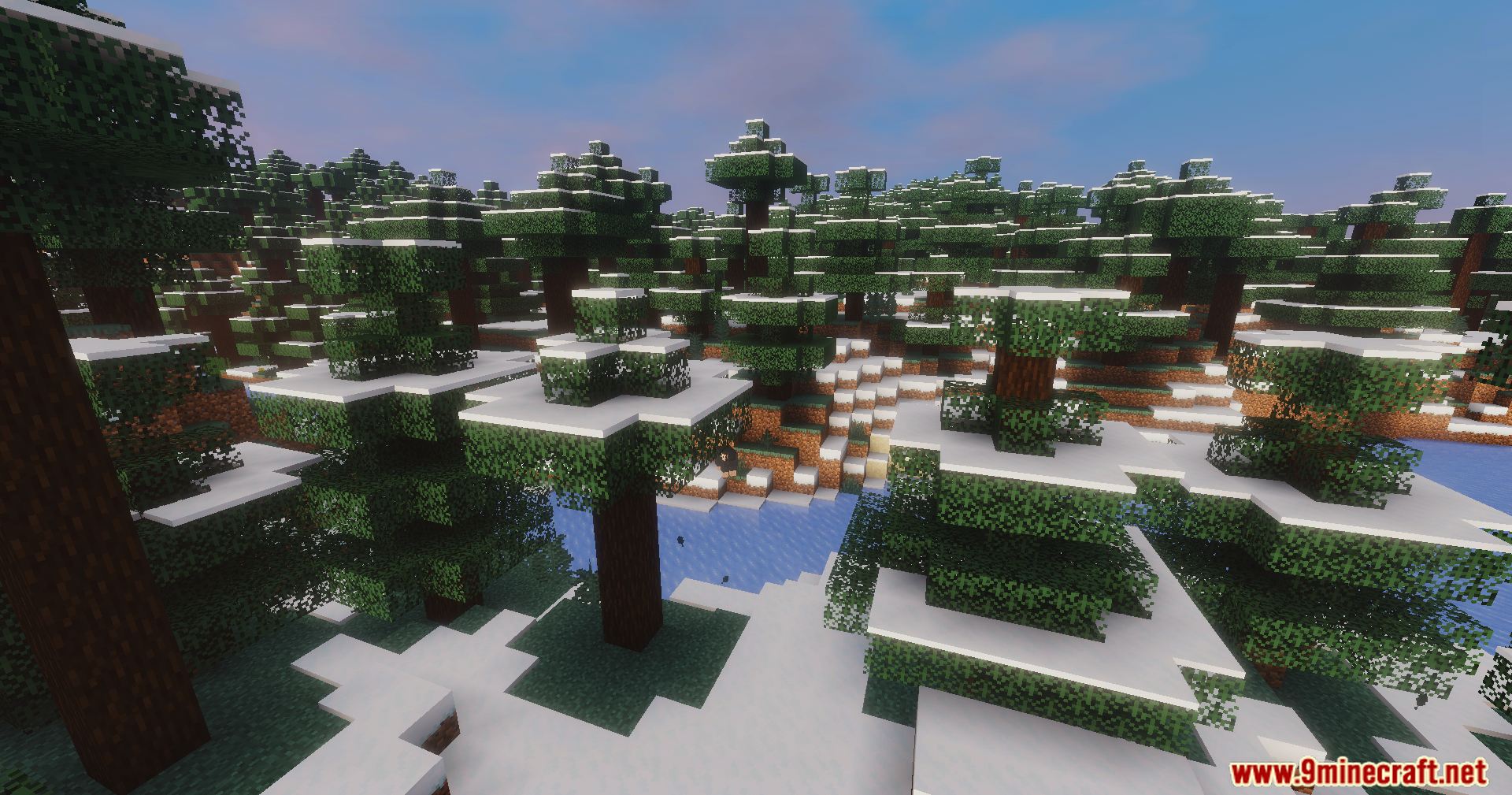
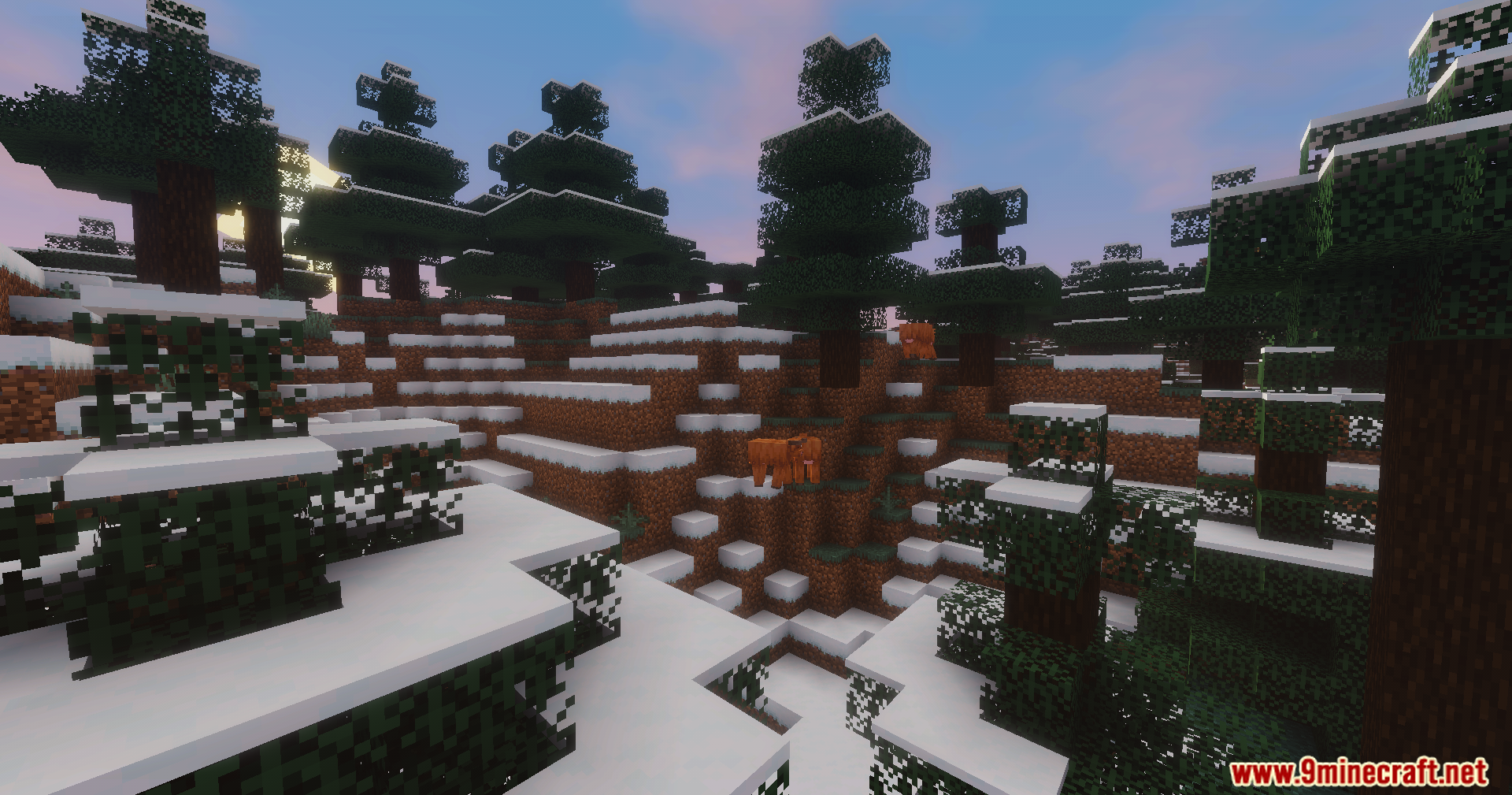
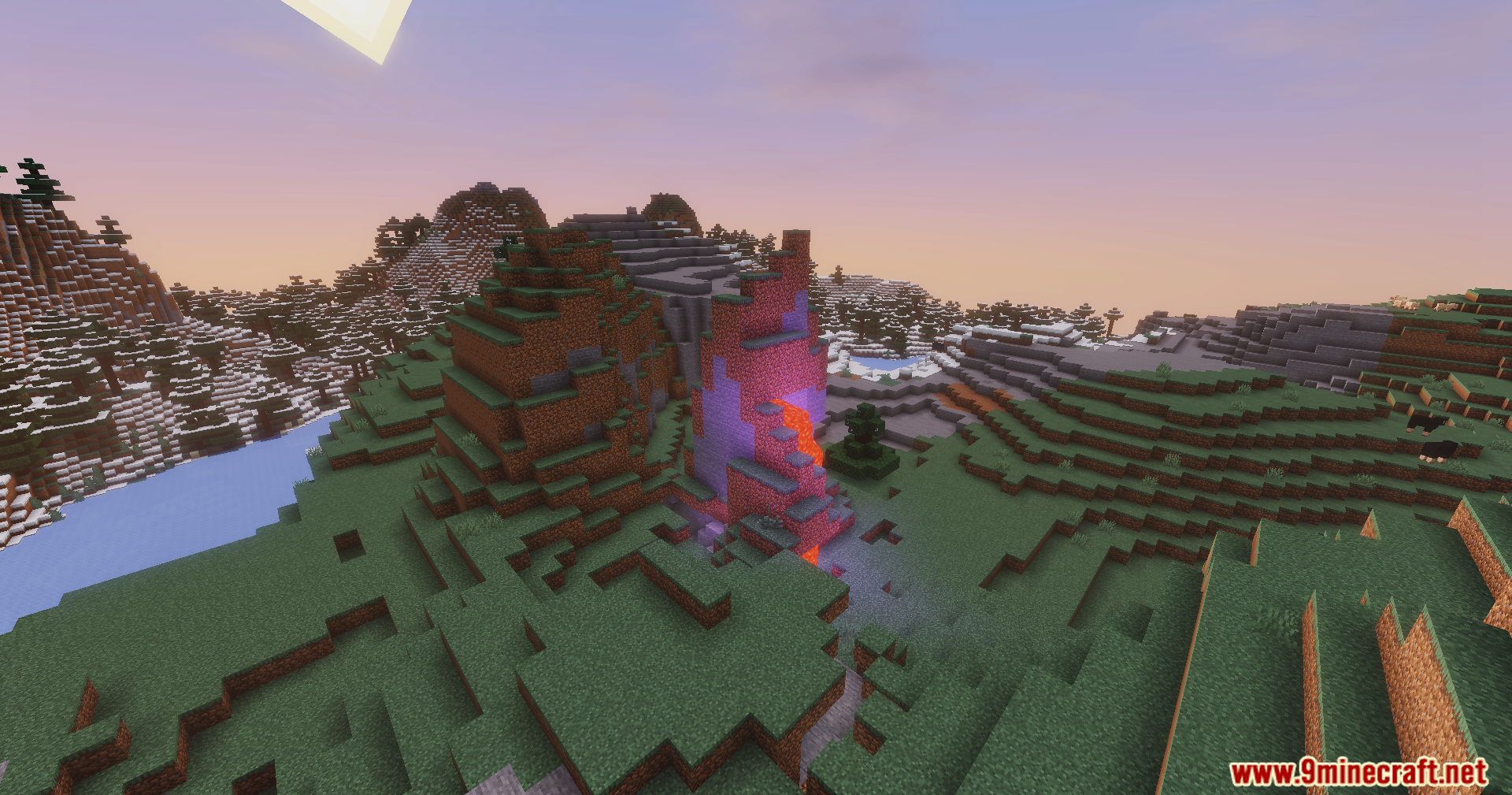
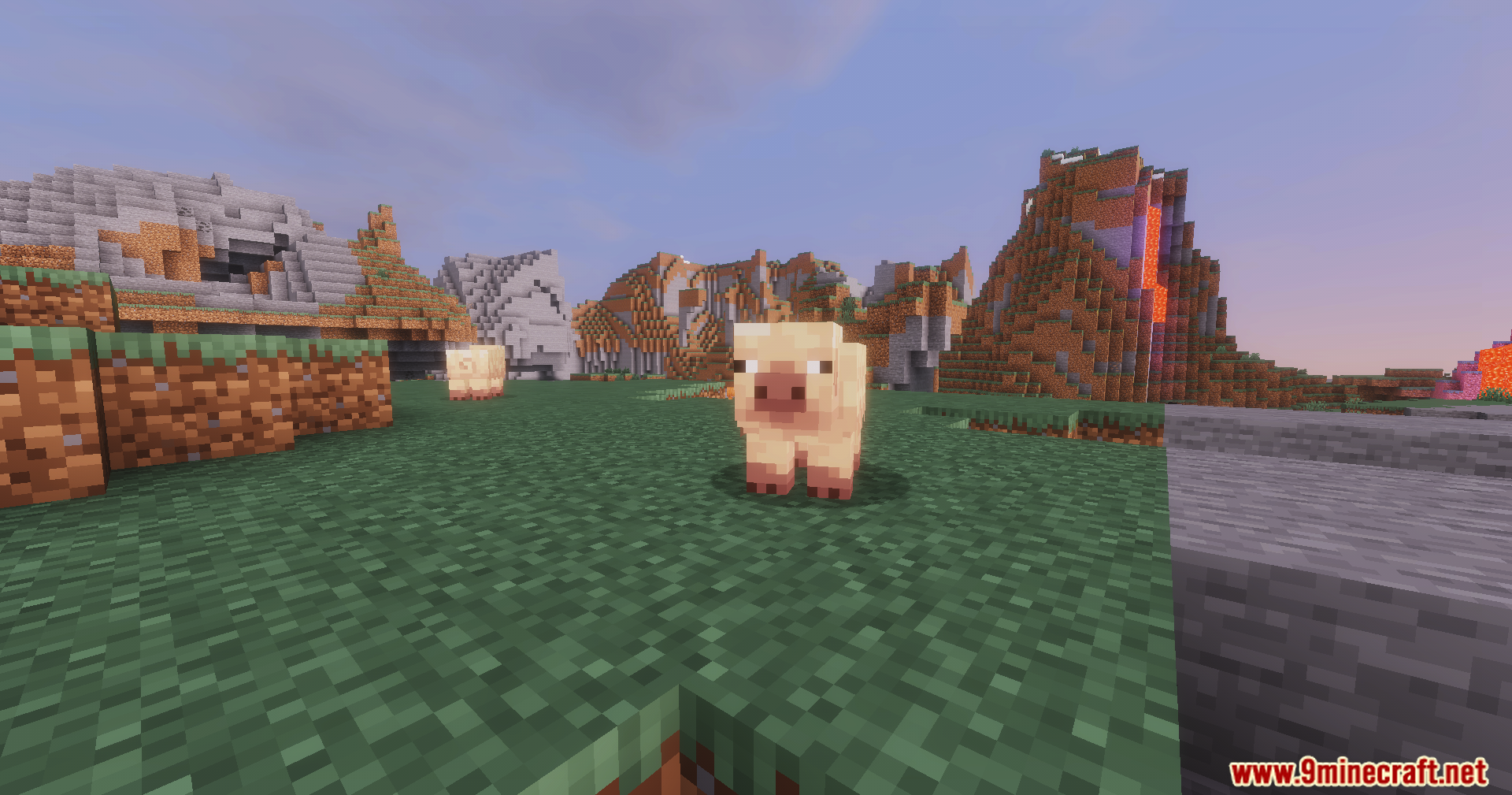
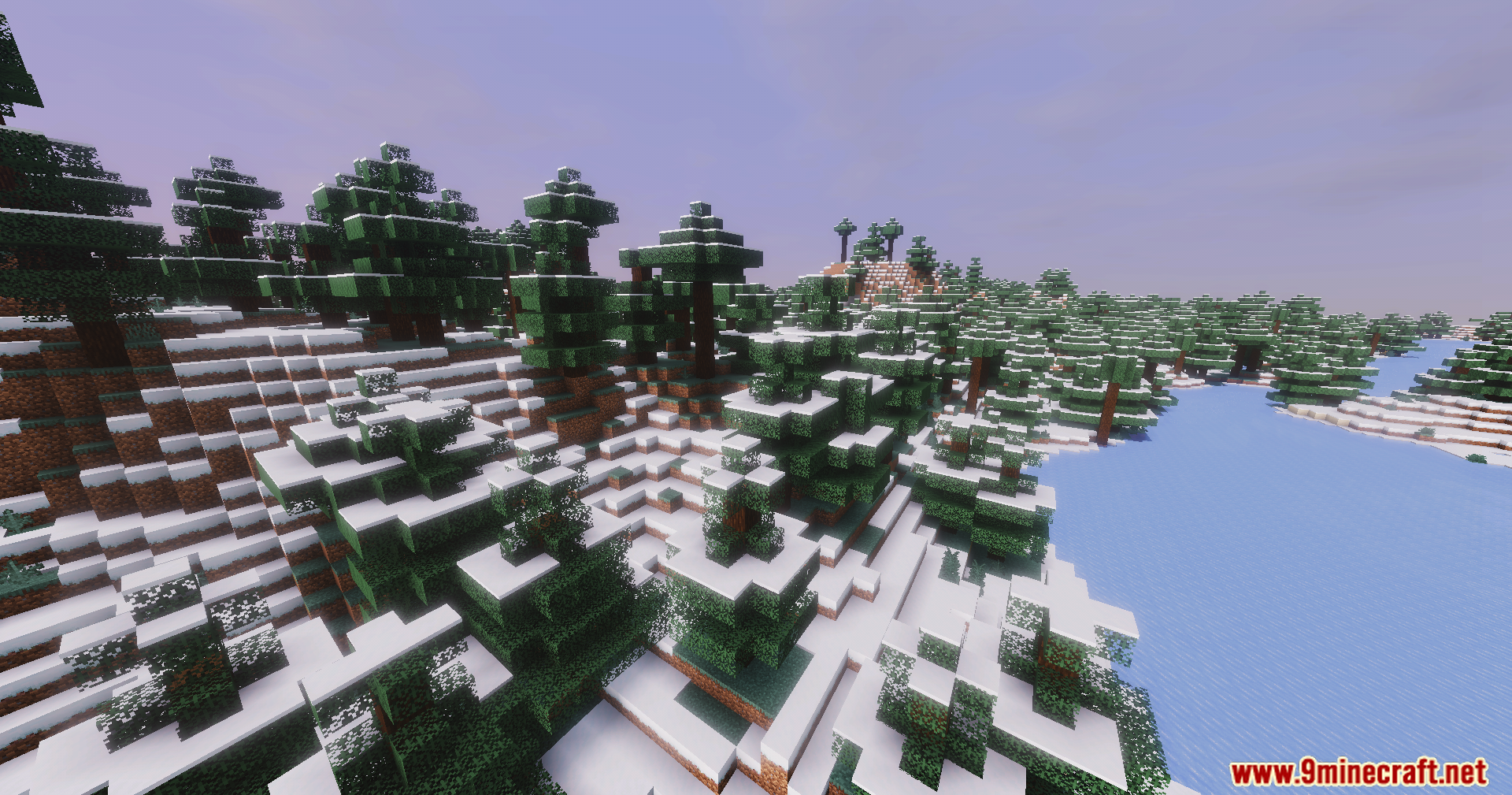
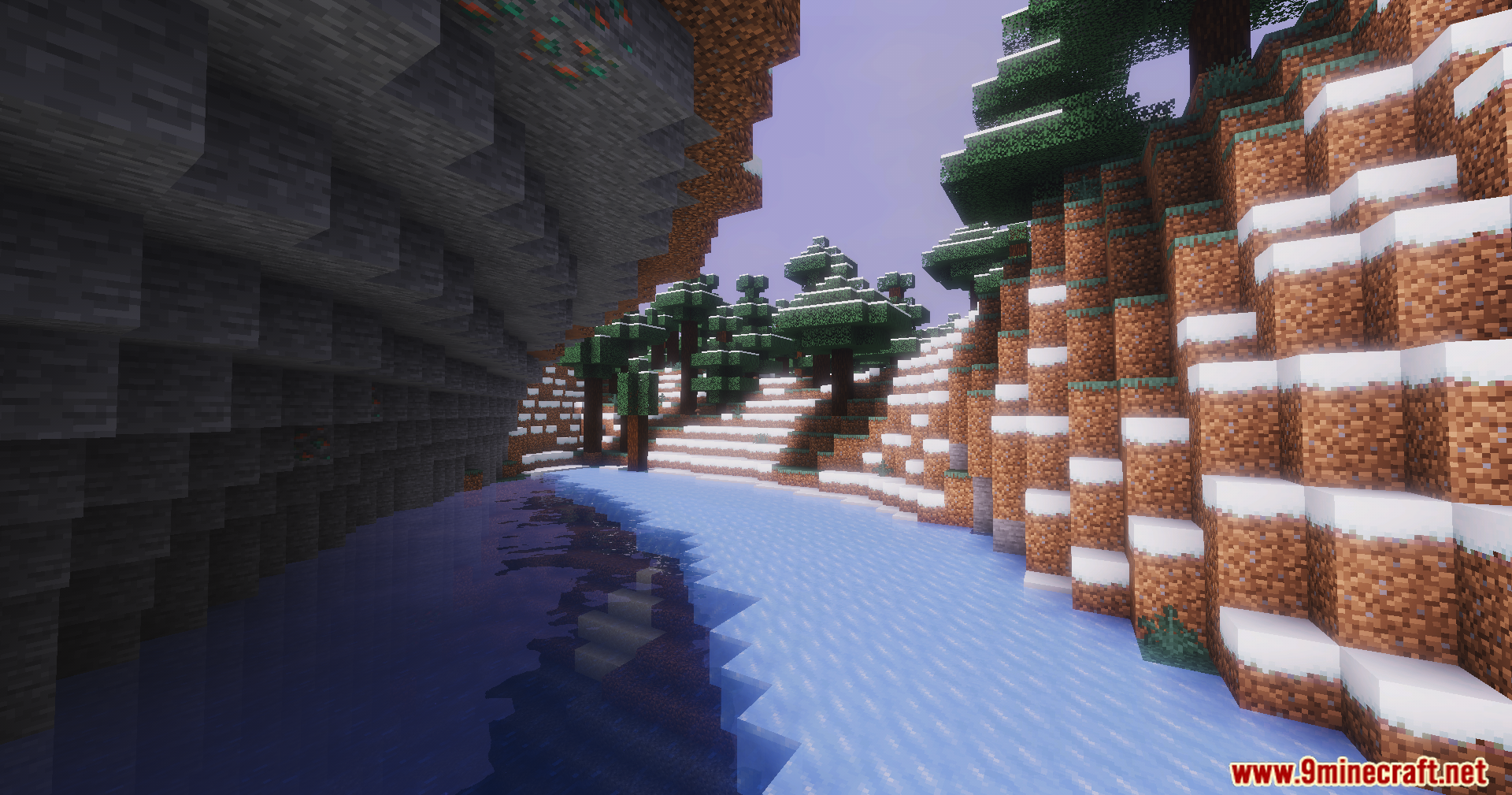
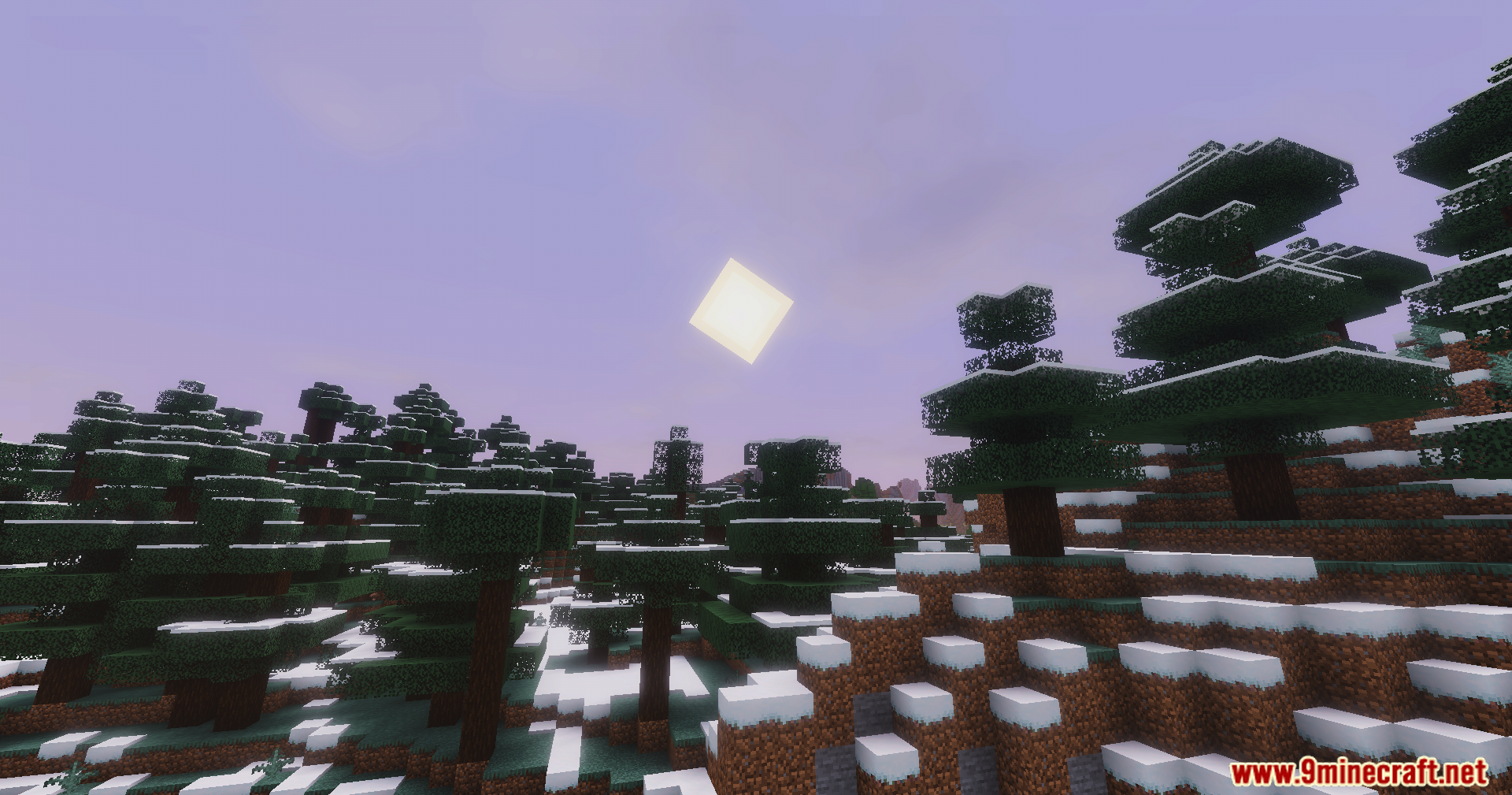
DreamLight Shaders built around a “dreamy” presentation: soft cinematic lighting, vibrant color tones, and an overall warmer mood. The feature set focuses on scenes that read well in motion and in captures, pairing atmospheric lighting changes.
Features:
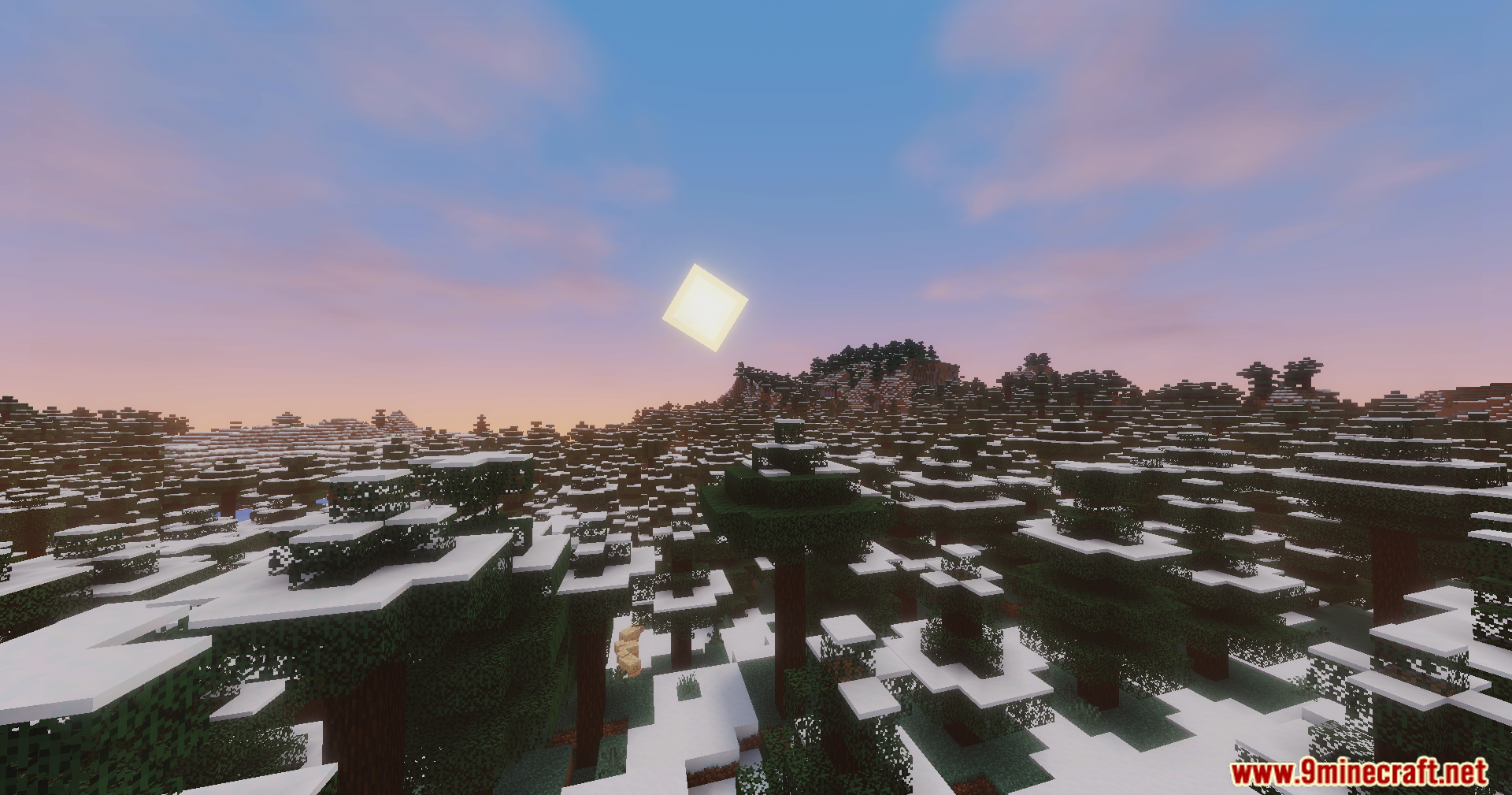
- Dynamic lighting tuned for sunrise and sunset transitions
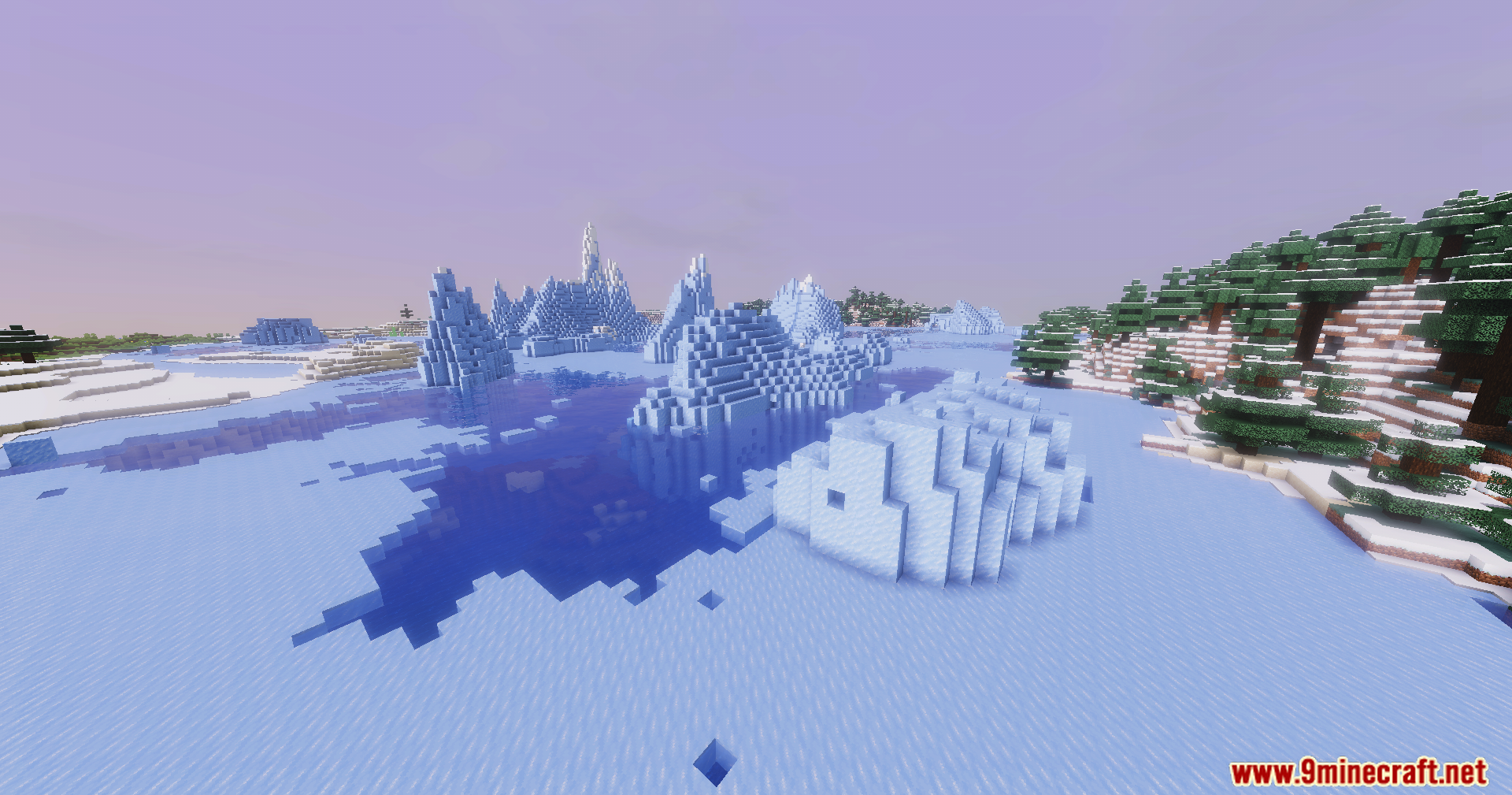
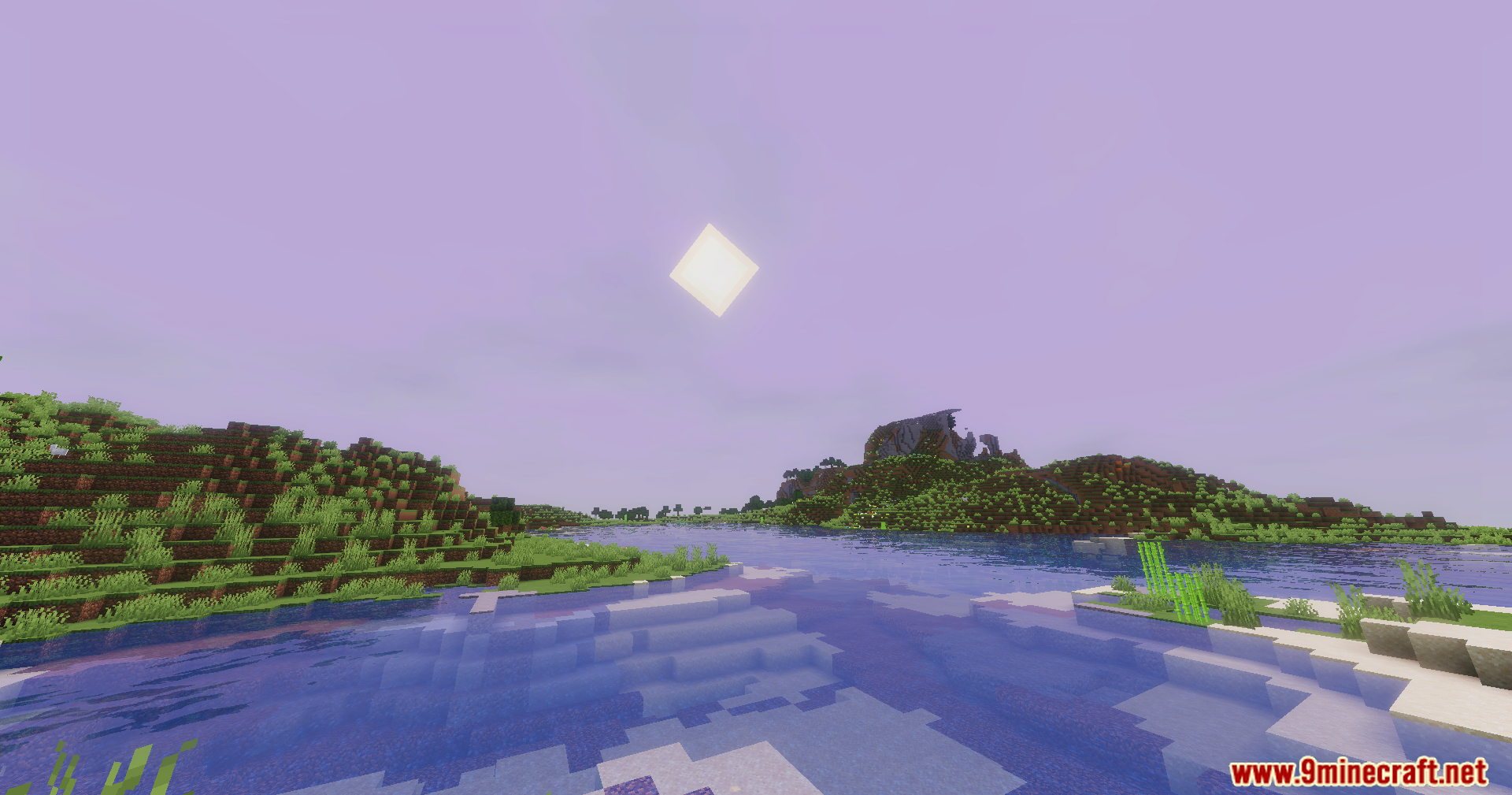
- Smooth reflections paired with gentle water wave motion
- Enhanced skies with soft cloud rendering for a more stylized atmosphere
- Colored global illumination to push ambience and scene tinting
- Balanced brightness and shadow response for natural-looking daylight scenes
- Performance-oriented setup targeting mid to high-end PCs
- Cinematic tone mapping aimed at screenshots and video output
🎛️ Compare Minecraft Shaders Side by Side →
Drag the slider across real in-game scenes — find YOUR perfect shader.
Screenshots:
DreamLight Shaders Download Links
Quick facts
- Edition: Minecraft Java
- File type: .zip (resource pack)
- Minecraft version listed: 1.20.1
- How to install: Download the .zip resource pack — do not unzip it. → Put it in .minecraft/resourcepacks. → Enable it in Options → Resource Packs.
- Where to get it: In MC Java Mods, or directly above on this page.
Install steps are the general flow for this file type — see the MC Java Mods guides for the full walkthrough.
DreamLight Shaders (26.3, 1.20.1) – Soft Cinematic Lighting is a free Minecraft Java shader. Compatible with Minecraft 1.20.1. Download it and open it directly in the game.