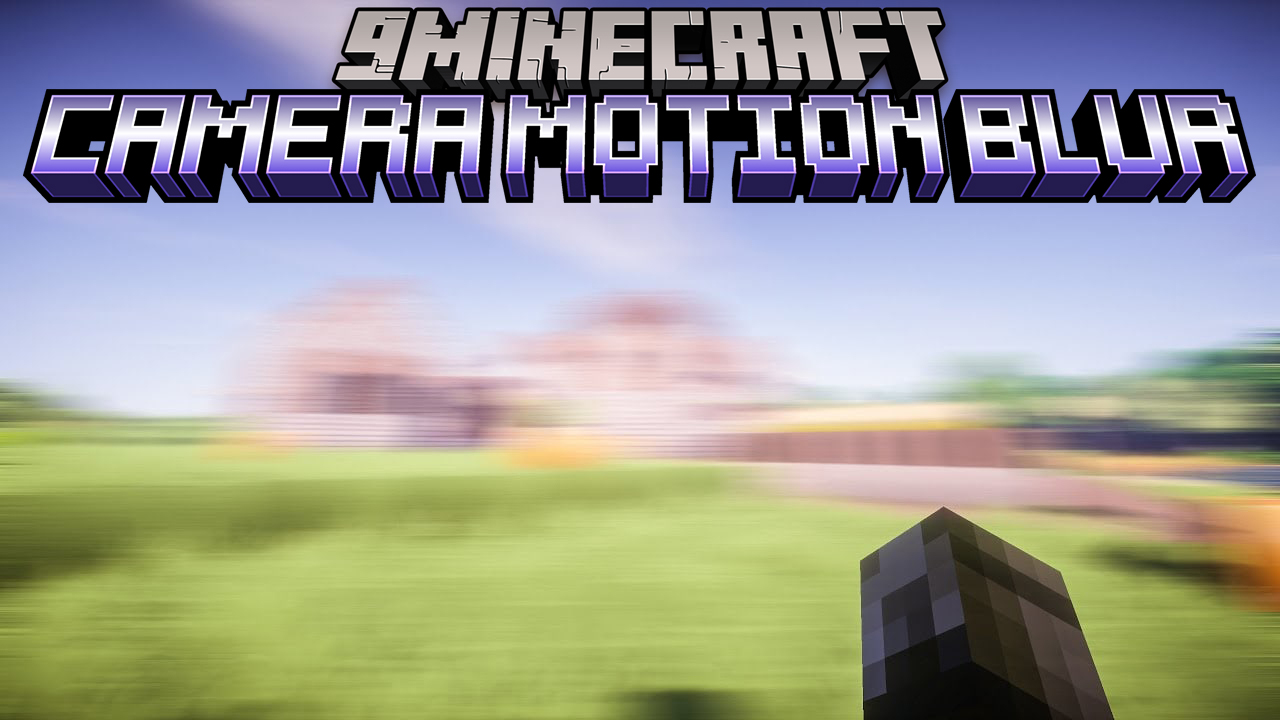
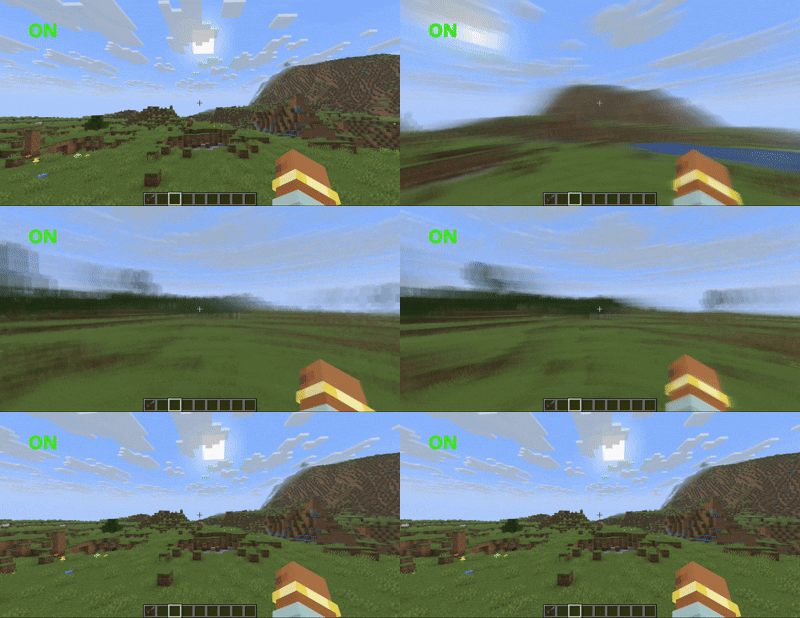
Camera Motion Blur Mod is a simple mod that adds a motion blur effect to your camera, making movement look smoother and more cinematic. It is easy to use and designed for both casual players and content creators who want better visual quality without complicated setup.
Features:
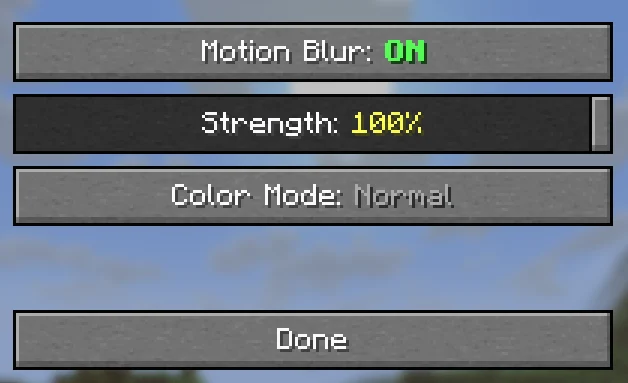
- Adjustable Blur Strength
- Control how strong the motion blur appears
- Use subtle blur for normal gameplay or stronger blur for cinematic effects
- Color Effects
- Add custom color overlays to the blur
- Includes a
rainbow modethat cycles through colors automatically
- Easy In-Game Control
- Change settings through a built-in menu
- No need to edit config files
- Supports commands for quick adjustments using
/in chat
- Auto Save
- All settings are saved automatically
- No need to reconfigure after restarting the game
Commands:
/camerablur– Open settings GUI/camerablur toggle– Toggle motion blur on/off/camerablur strength 0.5– Set blur strength (0.0 – 1.0)/camerablur mode tinted– Set color mode (normal / tinted / rainbow)/camerablur color 1 0 0– Set tint color RGB (0.0 – 1.0 each)/camerablur tint 0.5– Set tint intensity (0.0 – 1.0)
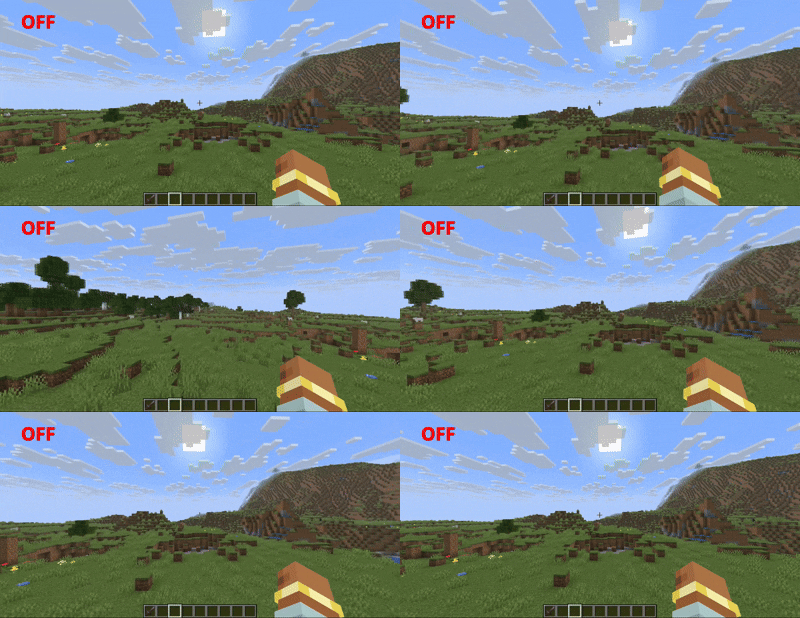
Screenshots:
Before
After
Camera Motion Blur Mod Download Links
Quick facts
- Edition: Minecraft Java
- File type: .jar
- Minecraft version listed: 1.21.1
- How to install: Install the matching mod loader (Forge, Fabric or NeoForge) for your Minecraft version. → Download the .jar. → Put it in the .minecraft/mods folder and launch that loader profile.
- Where to get it: In MC Java Mods, or directly above on this page.
Install steps are the general flow for this file type — How to install Minecraft Java mods & modpacks walks through it step by step.
Verified by MCModsHub
- Downloads as 83588.mcaddon
- Download size: 32 KB
- Download link checked 26 Sept 2026 — working
- Mirrored on our own servers — the download does not depend on the original host
These come from our own check of the pack file, not from the source page.