
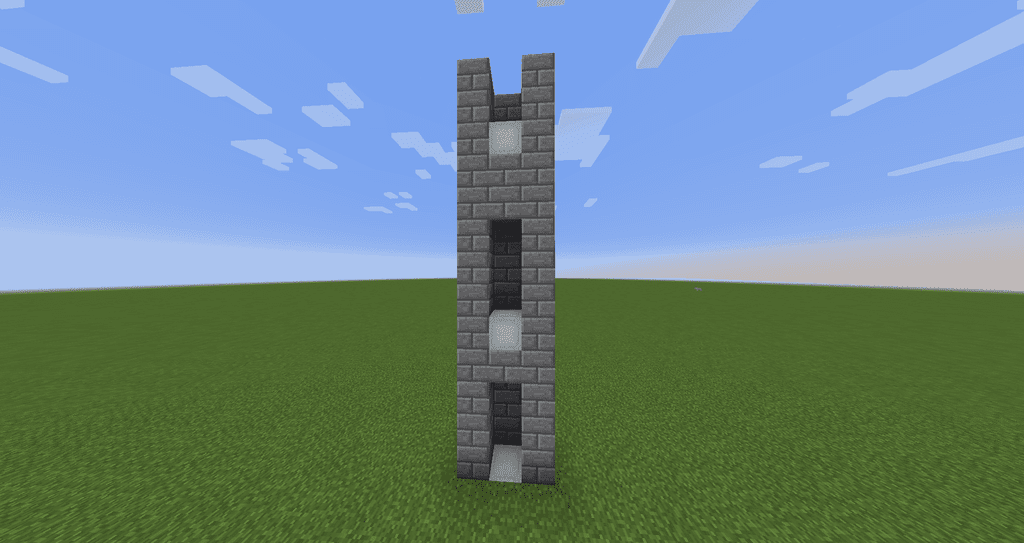
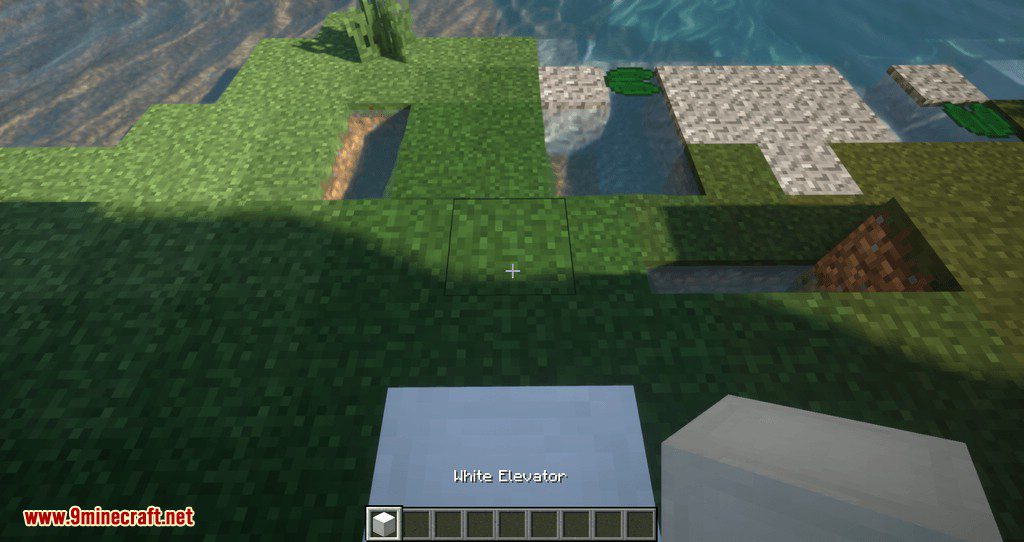
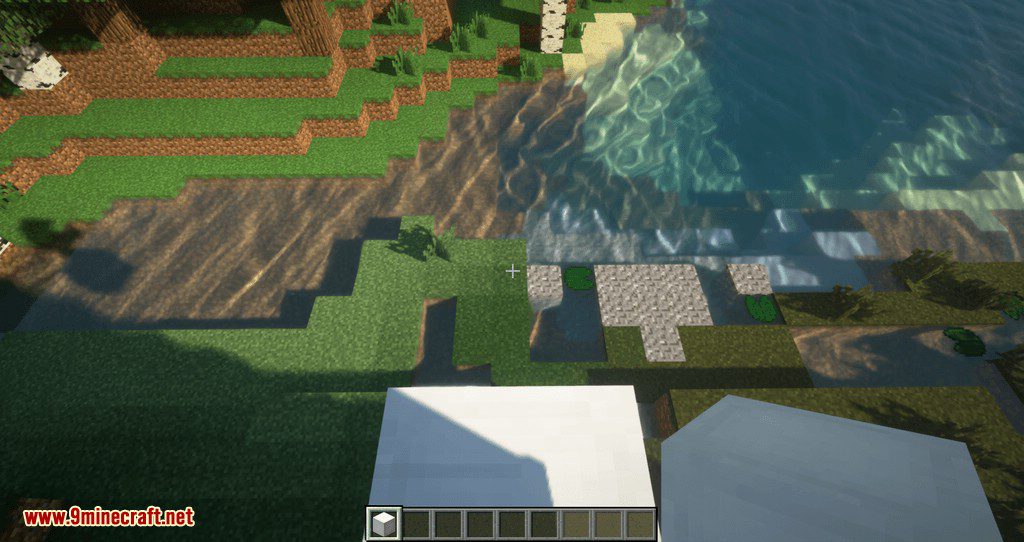
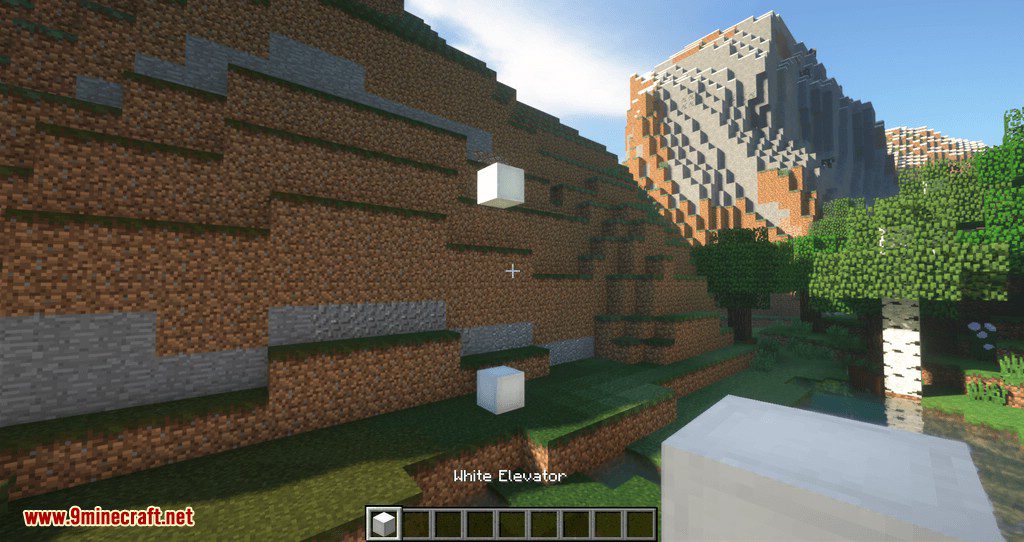

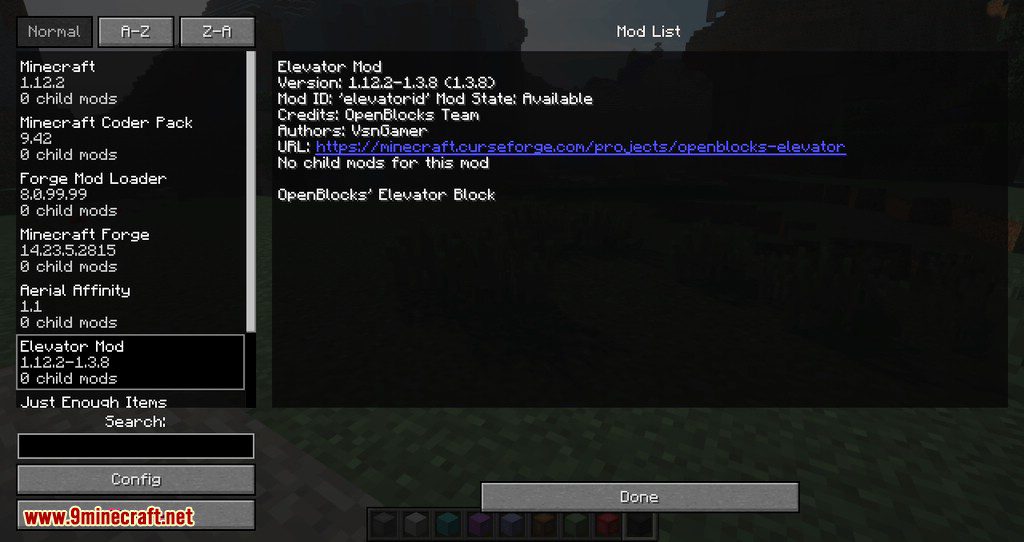
OpenBlocks Elevator Mod adds vertical elevators inspired by OpenBlocks, allowing players to move quickly between floors without stairs or ladders. It is designed to be simple, configurable, and easy to use for both survival and creative gameplay.
Features:
- Vertical teleportation between elevators on the same
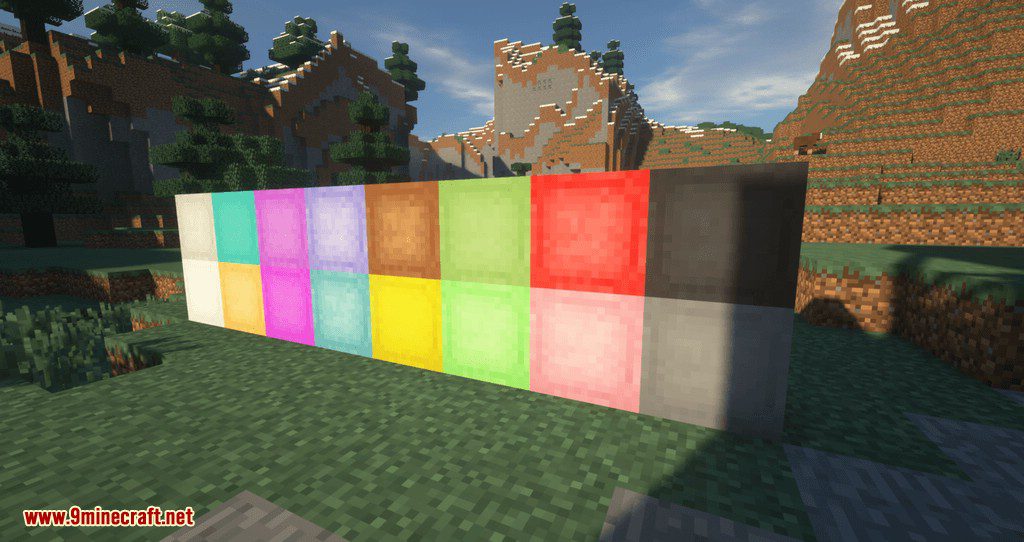
XandZcoordinates - Multiple color variants, with support for re-dyeing existing elevators
- Optional directional rotation after teleporting
- Camouflage system using solid blocks
- Configurable teleport range
- Optional XP cost for teleporting
- Per-elevator options interface
How to use:
- Placing Elevators
- Place at least two elevators aligned on the same
XandZcoordinates.
- Place at least two elevators aligned on the same
- Moving Between Floors
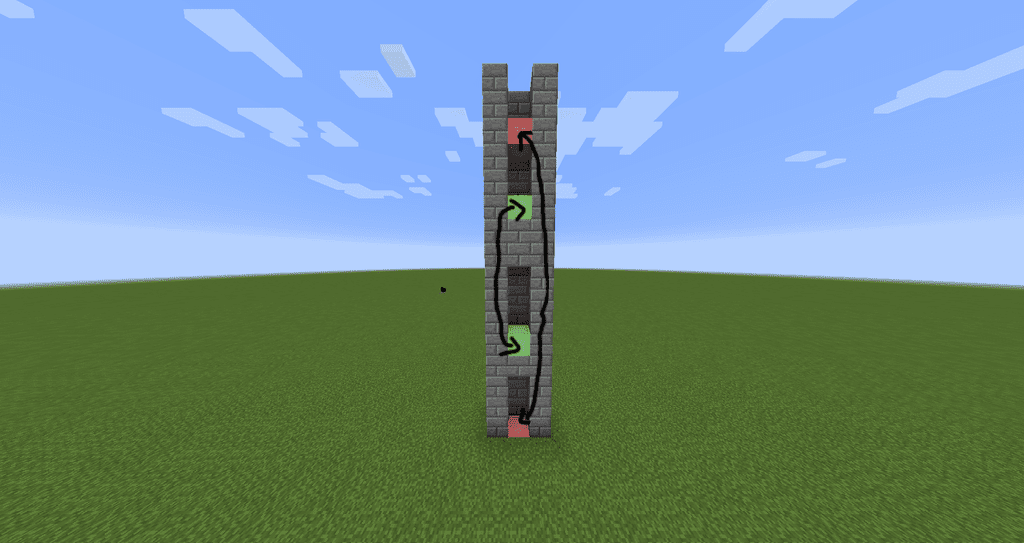
- Jump to teleport to the elevator above.
- Sneak (Shift) to teleport to the elevator below.
- Options Interface
- Right-click an elevator with an empty hand to open its settings.
- Directional Mode
- Adjusts the player’s facing direction after teleporting.
- Direction can be selected using the on-screen buttons.
- An arrow shows the current direction and can be hidden.
- Camouflage
- Right-click the elevator while holding a solid block to change its appearance.
- Most solid blocks are supported.
Configuration
- The configuration file is saved per world:
<world-directory>/serverconfig/elevatorid-server.toml
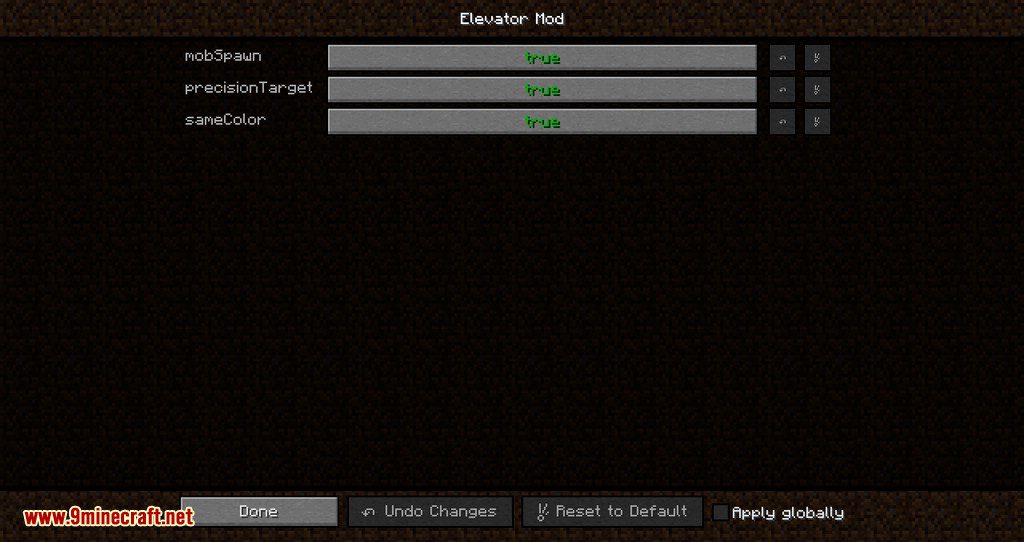
- Main configurable options:
- Maximum vertical teleport range
- Require elevators to be the same color to connect
- XP cost for teleporting (uses XP points, not levels)
- Player position precision after teleporting
- Player pitch and rotation reset options
- Allow or block mob spawning on elevators
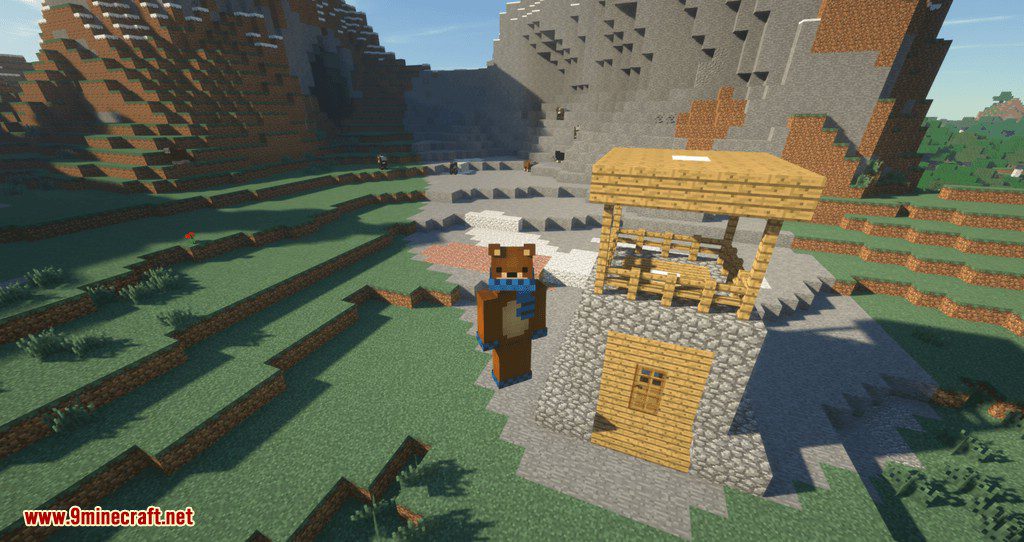
Screenshots:
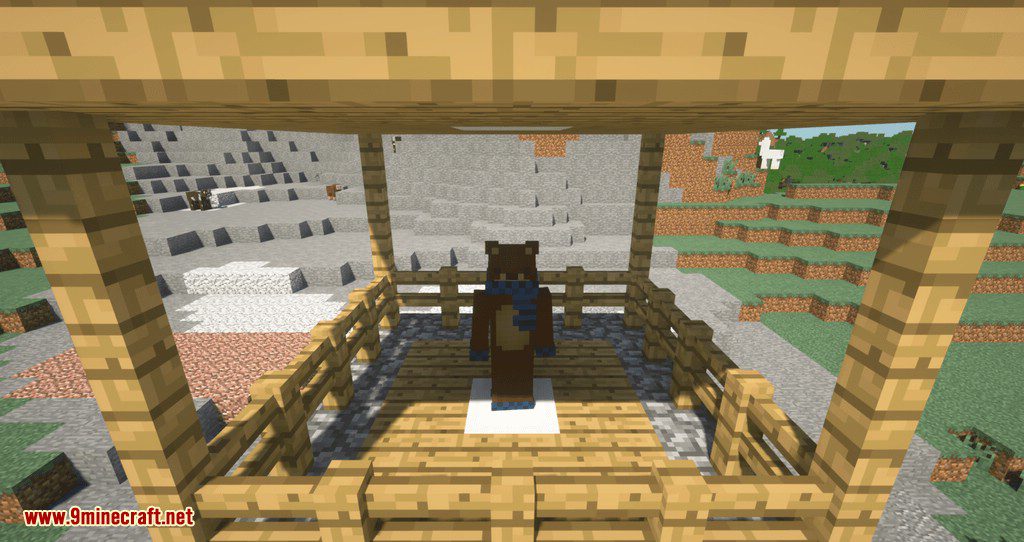
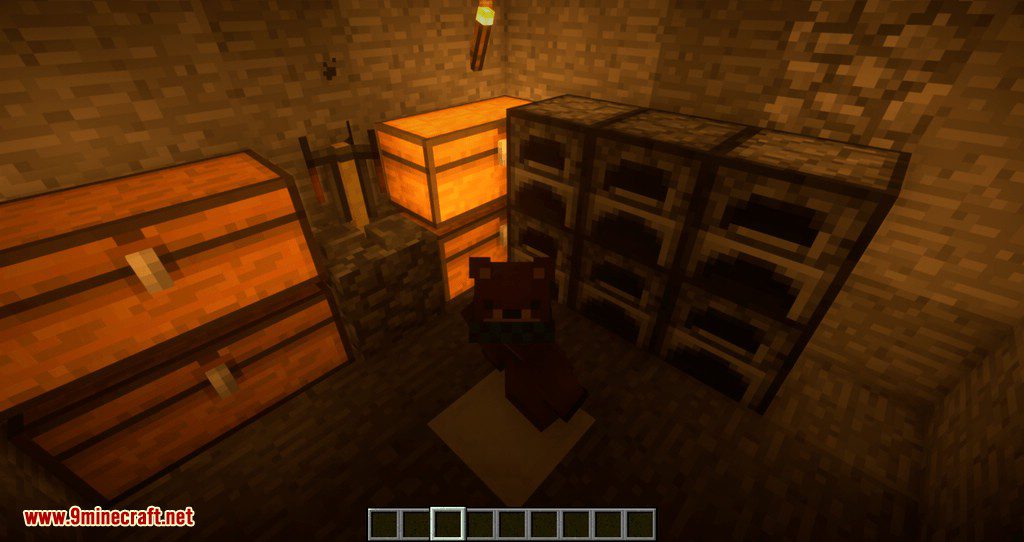
Floors
Colors
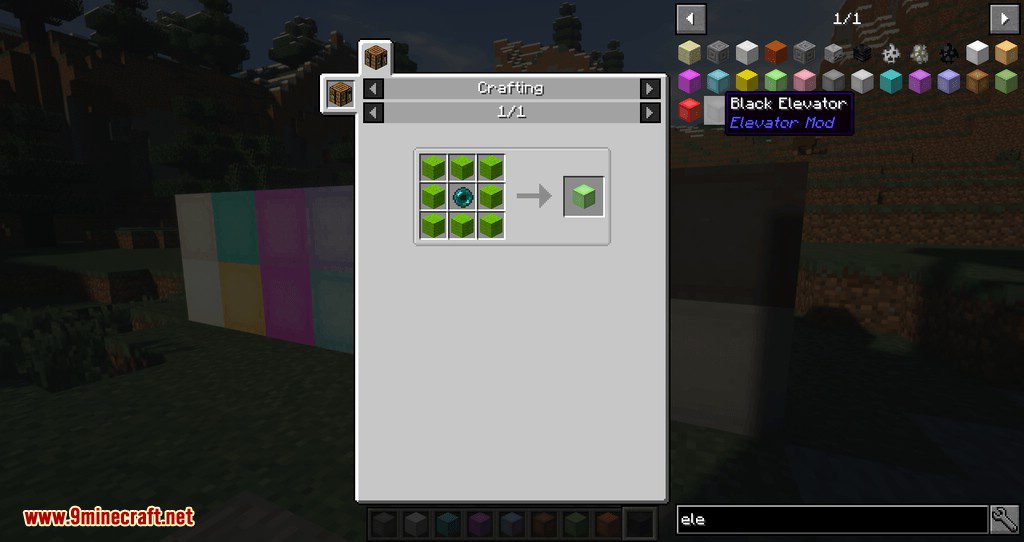
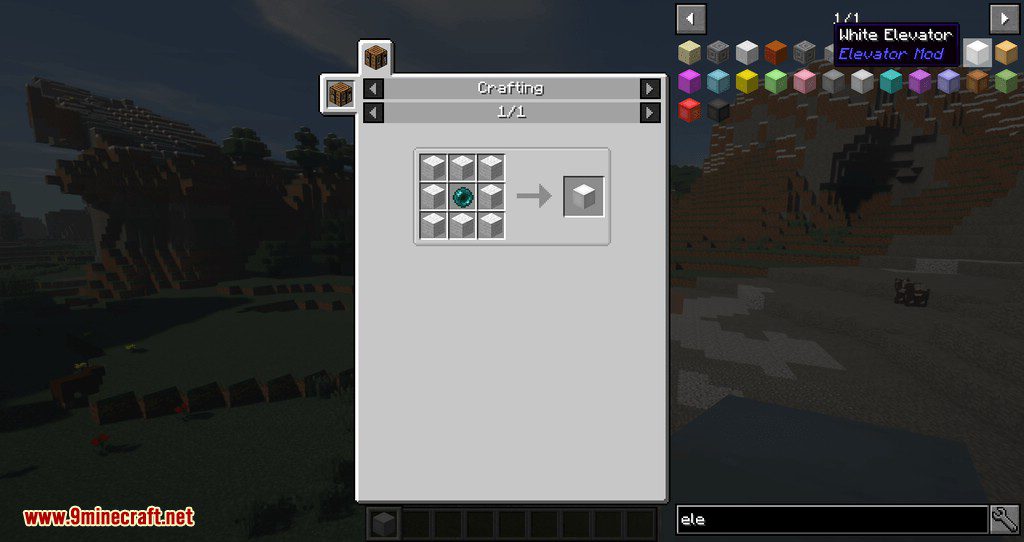
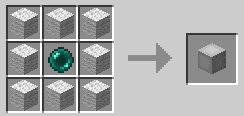
Crafting Recipes:
OpenBlocks Elevator Mod Download Links
For MCPE/Bedrock Edition
Quick facts
- Edition: Minecraft Java
- File type: .jar
- Minecraft version listed: 1.20.1
- How to install: Install the matching mod loader (Forge, Fabric or NeoForge) for your Minecraft version. → Download the .jar. → Put it in the .minecraft/mods folder and launch that loader profile.
- Where to get it: In MC Java Mods, or directly above on this page.
Install steps are the general flow for this file type — How to install Minecraft Java mods & modpacks walks through it step by step.
Verified by MCModsHub
- Downloads as 83590.mcaddon
- Download size: 762 KB
- Download link checked 26 Sept 2026 — working
- Mirrored on our own servers — the download does not depend on the original host
These come from our own check of the pack file, not from the source page.