Home›Java›Mods›Client Kits Mod (26.1.2, 1.20.1) – Use Commands to Save, Load, and Delete Inventory Kits
ModsJava
Client Kits Mod (26.1.2, 1.20.1) – Use Commands to Save, Load, and Delete Inventory Kits
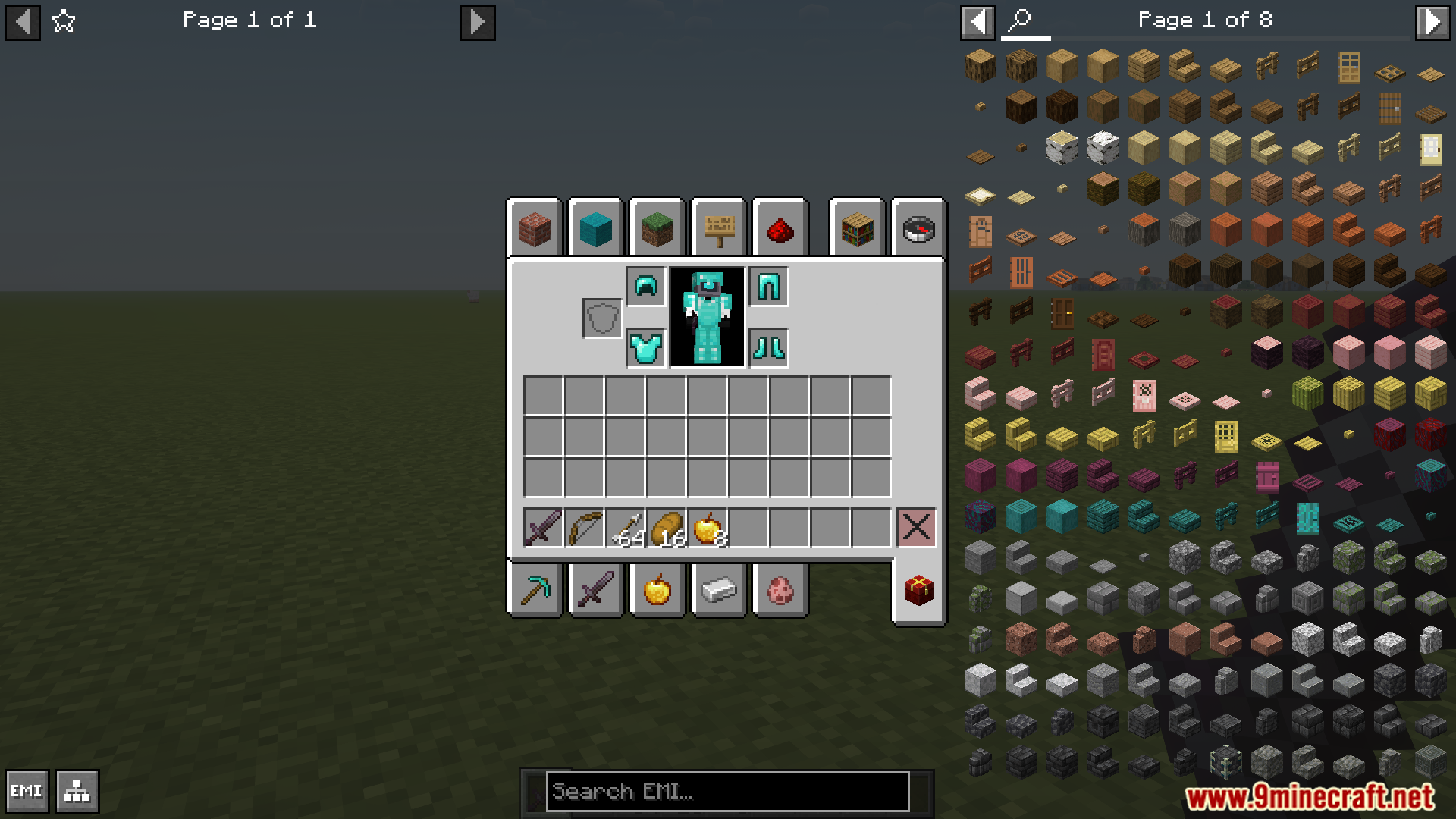
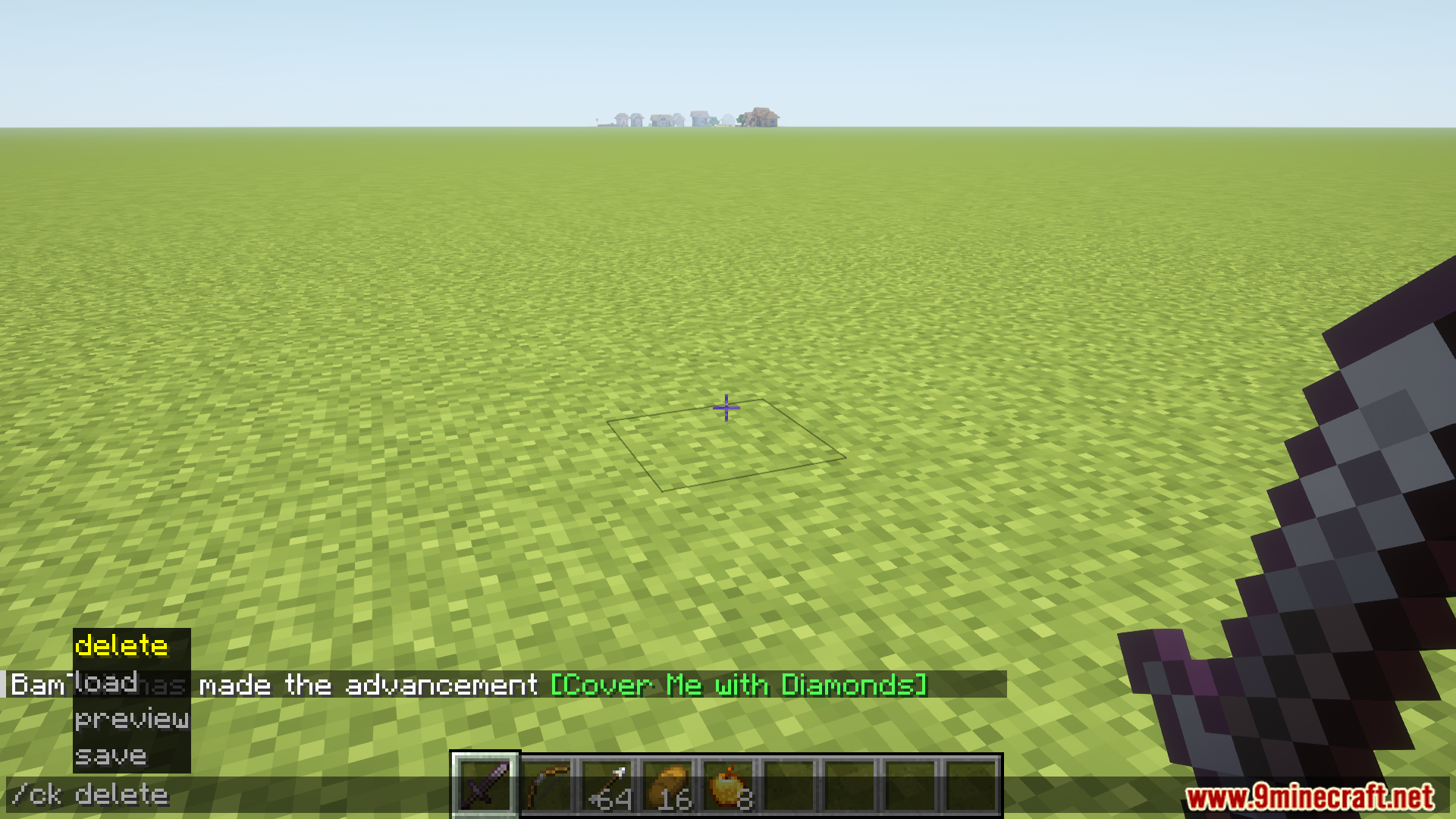
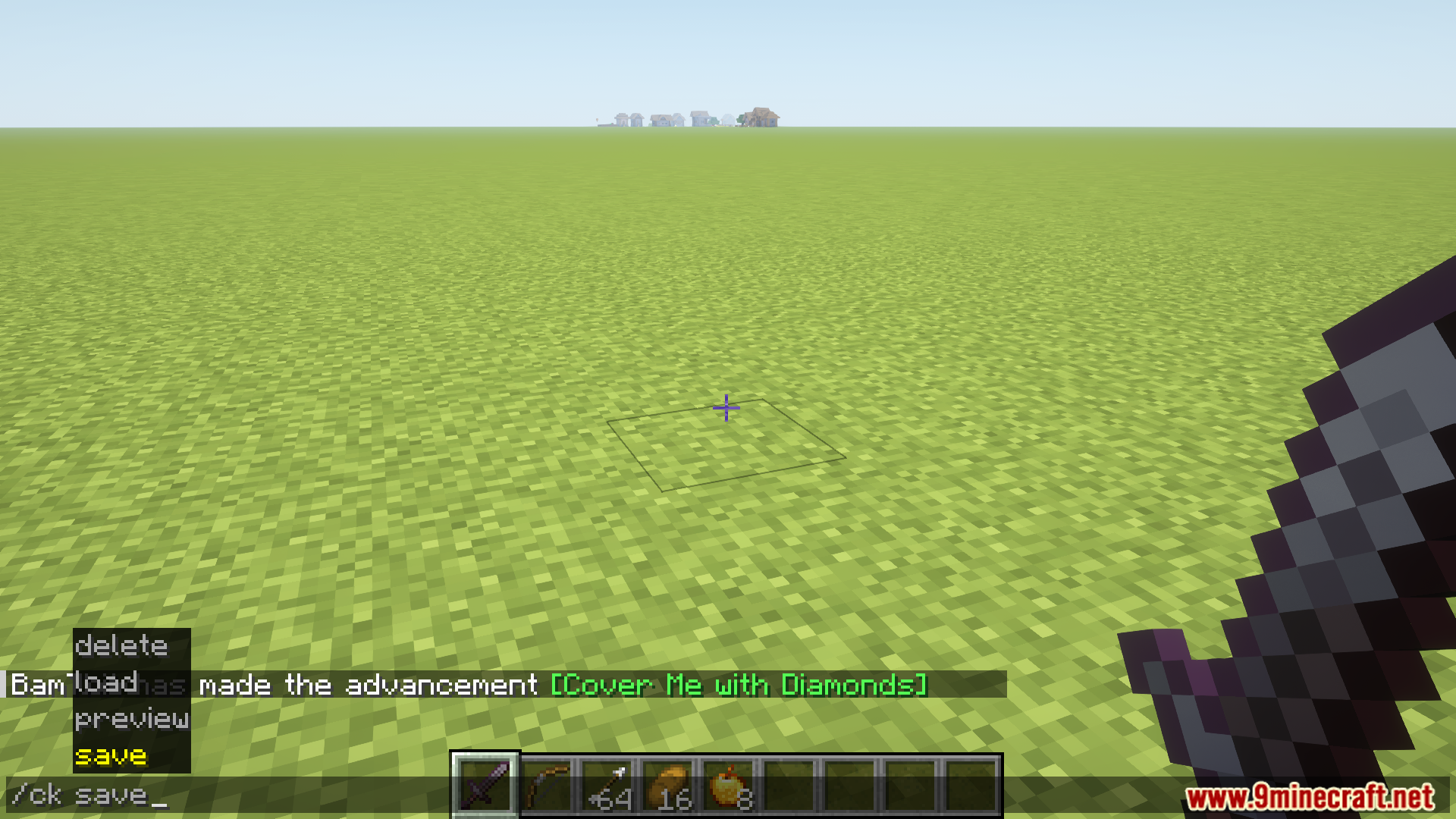
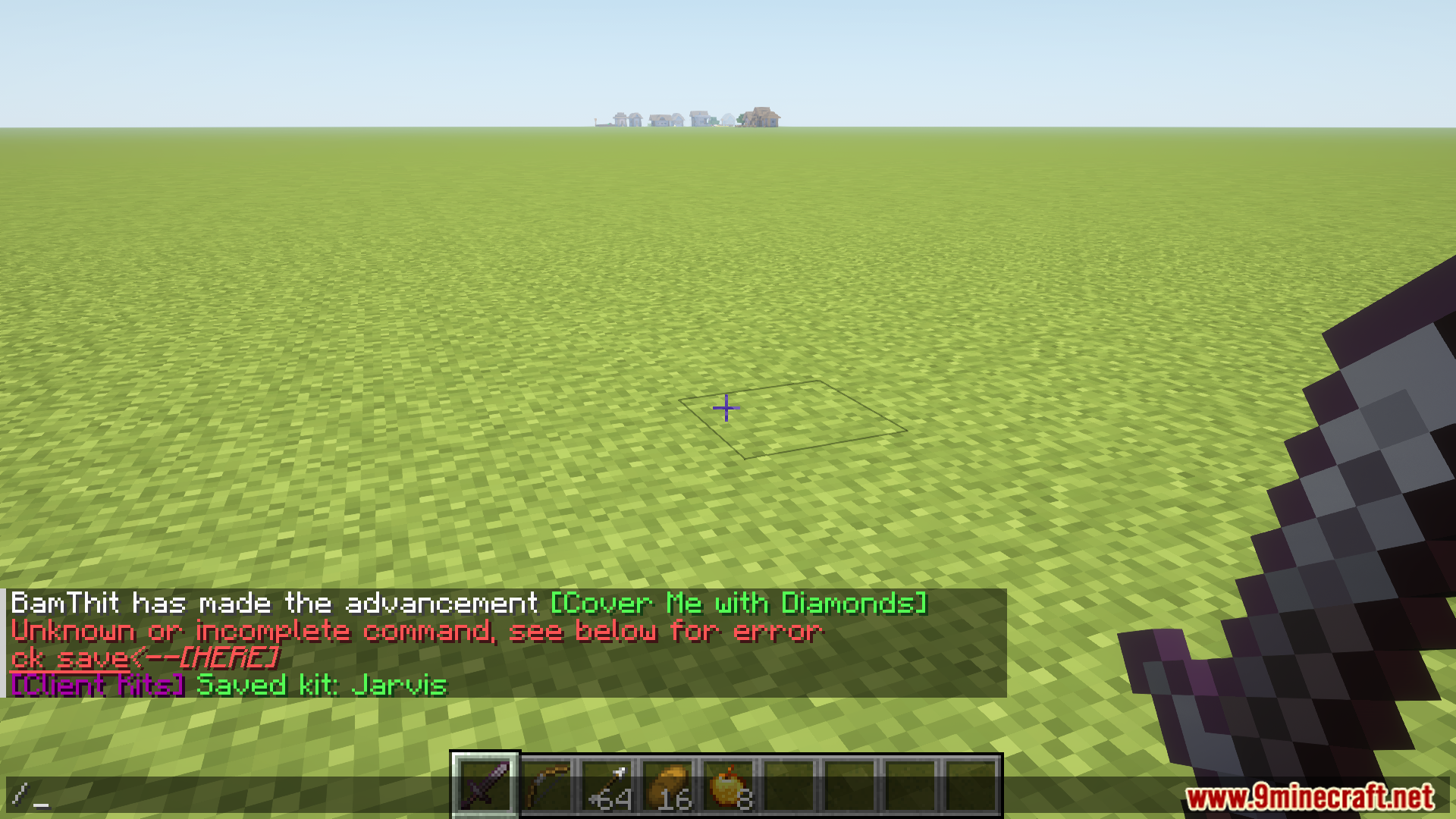
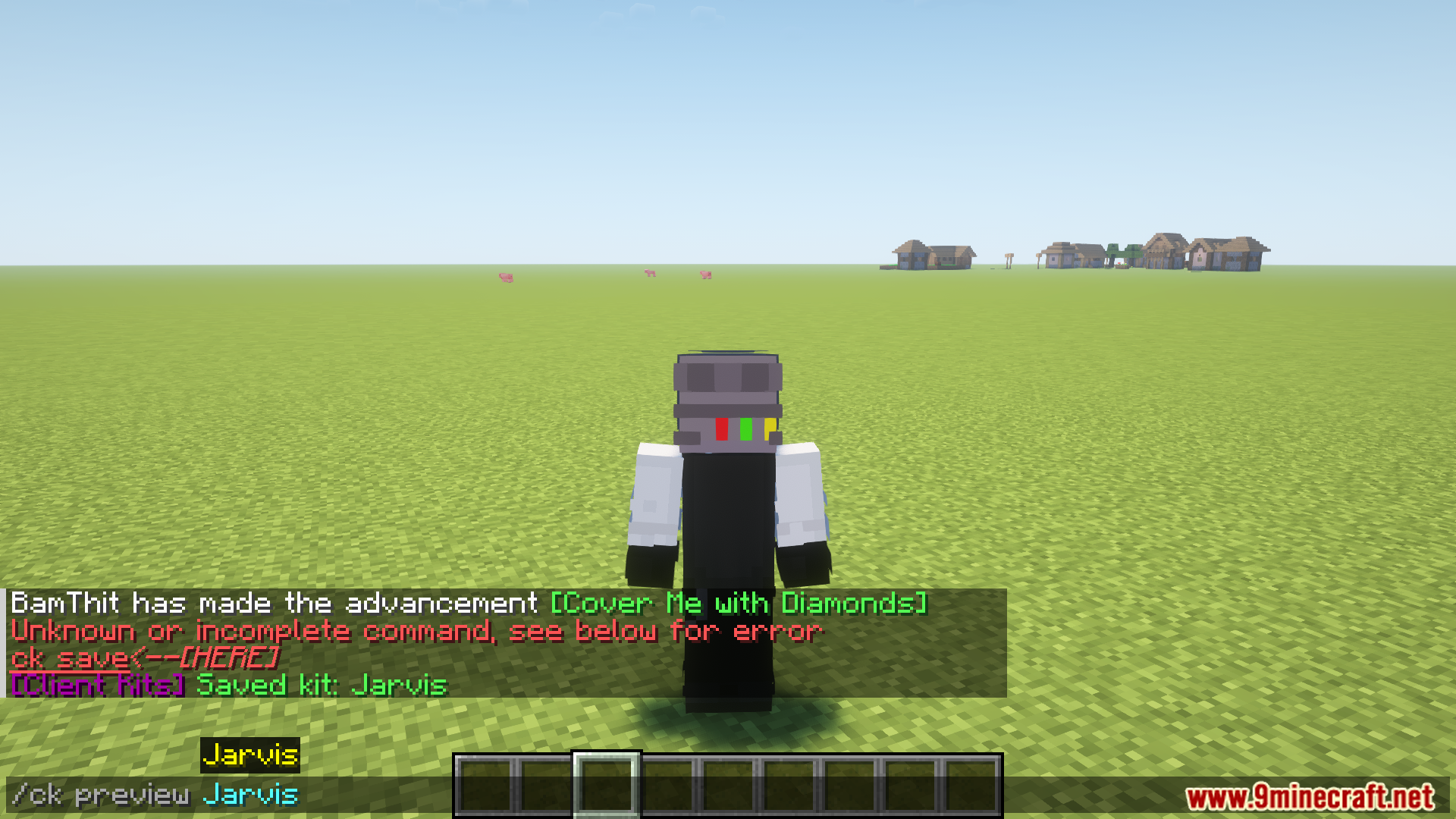
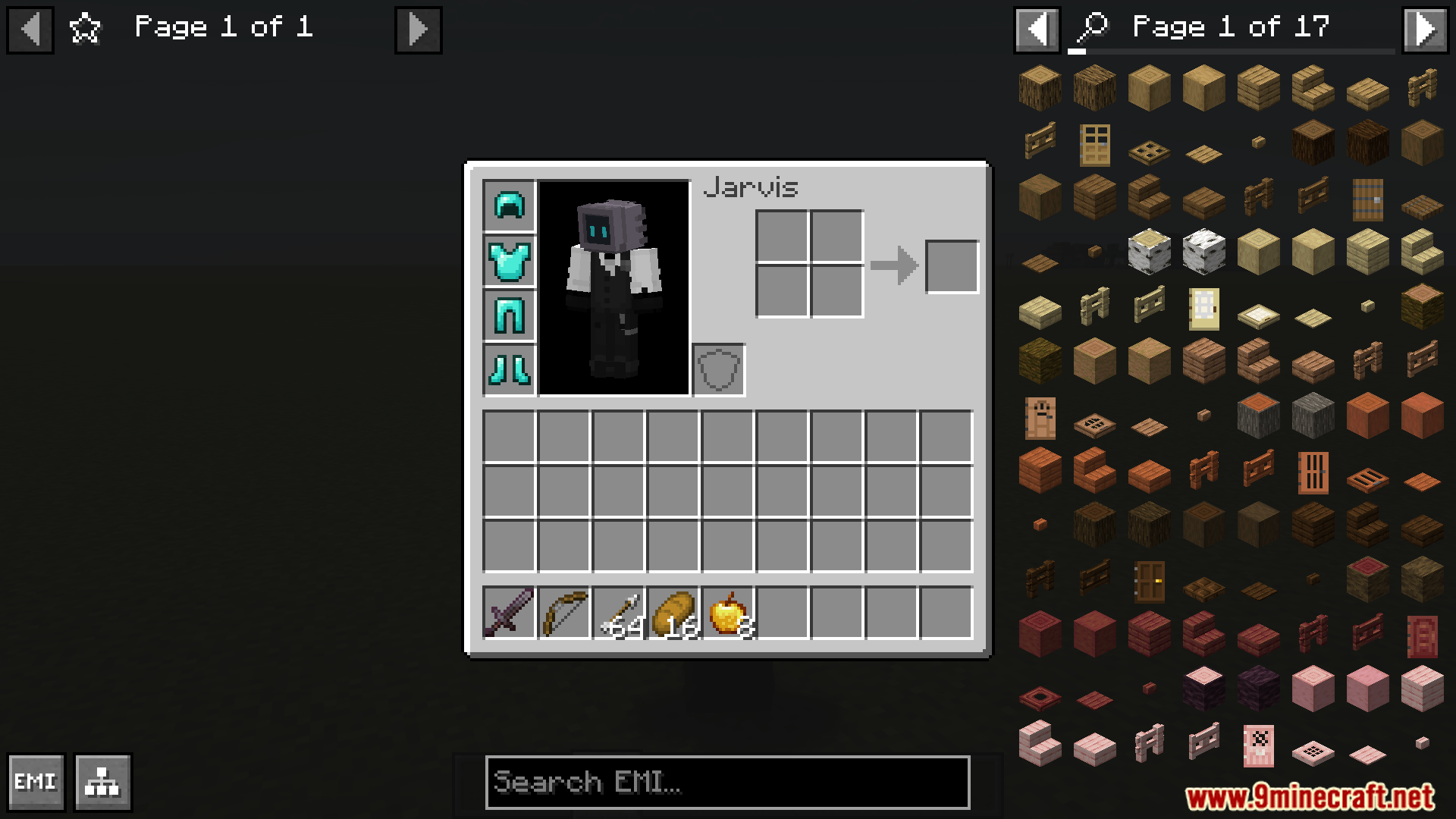
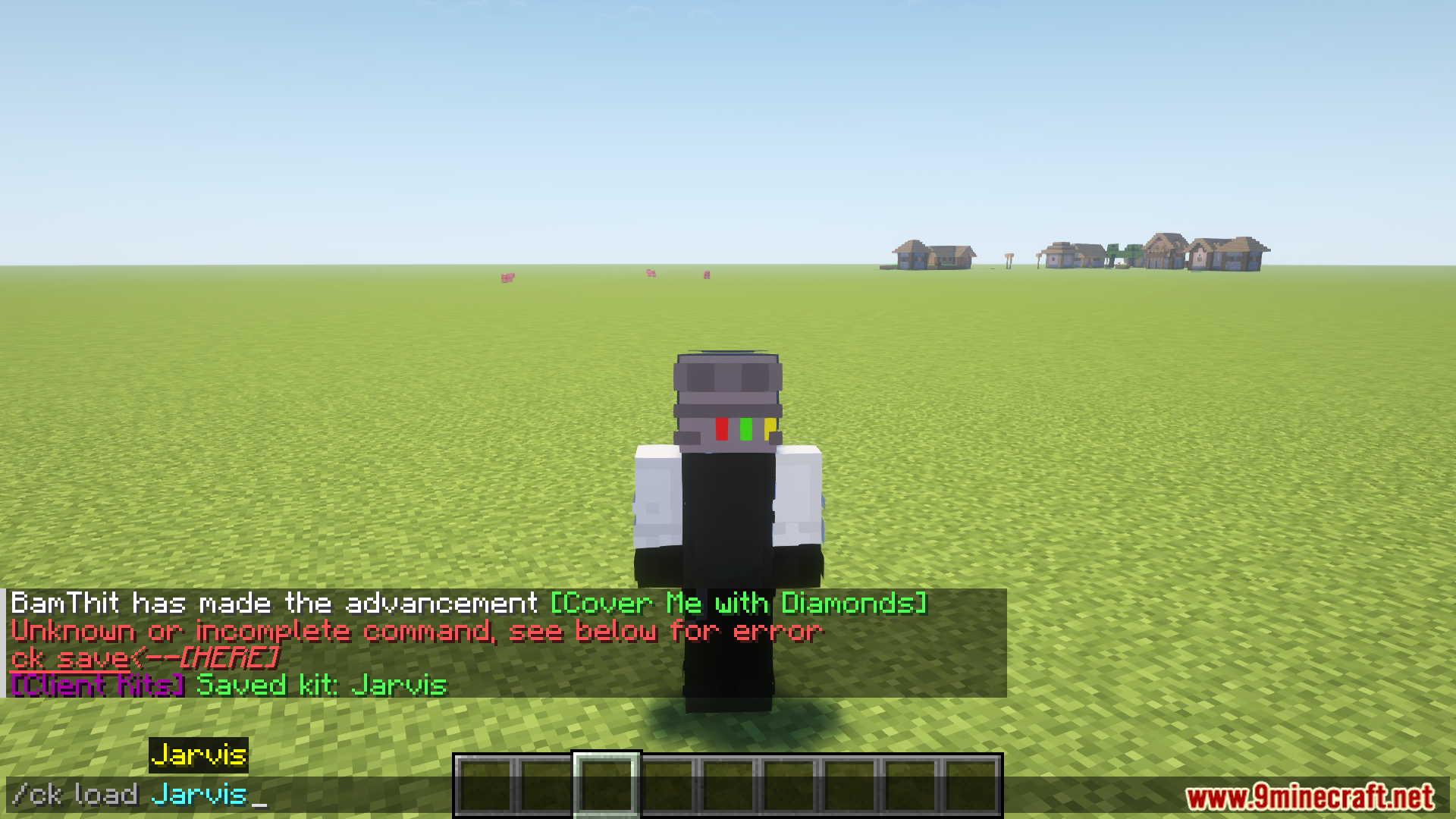
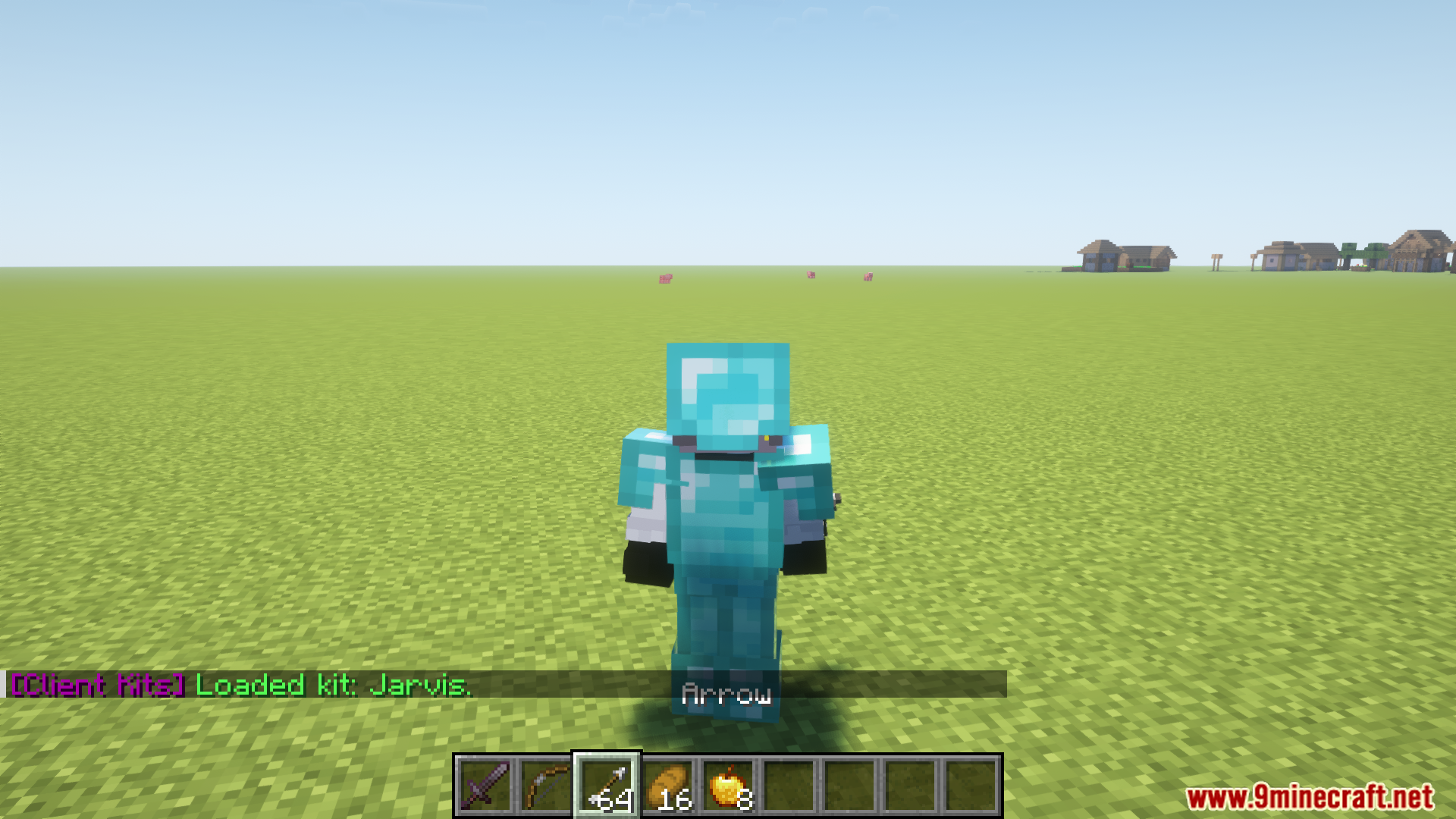
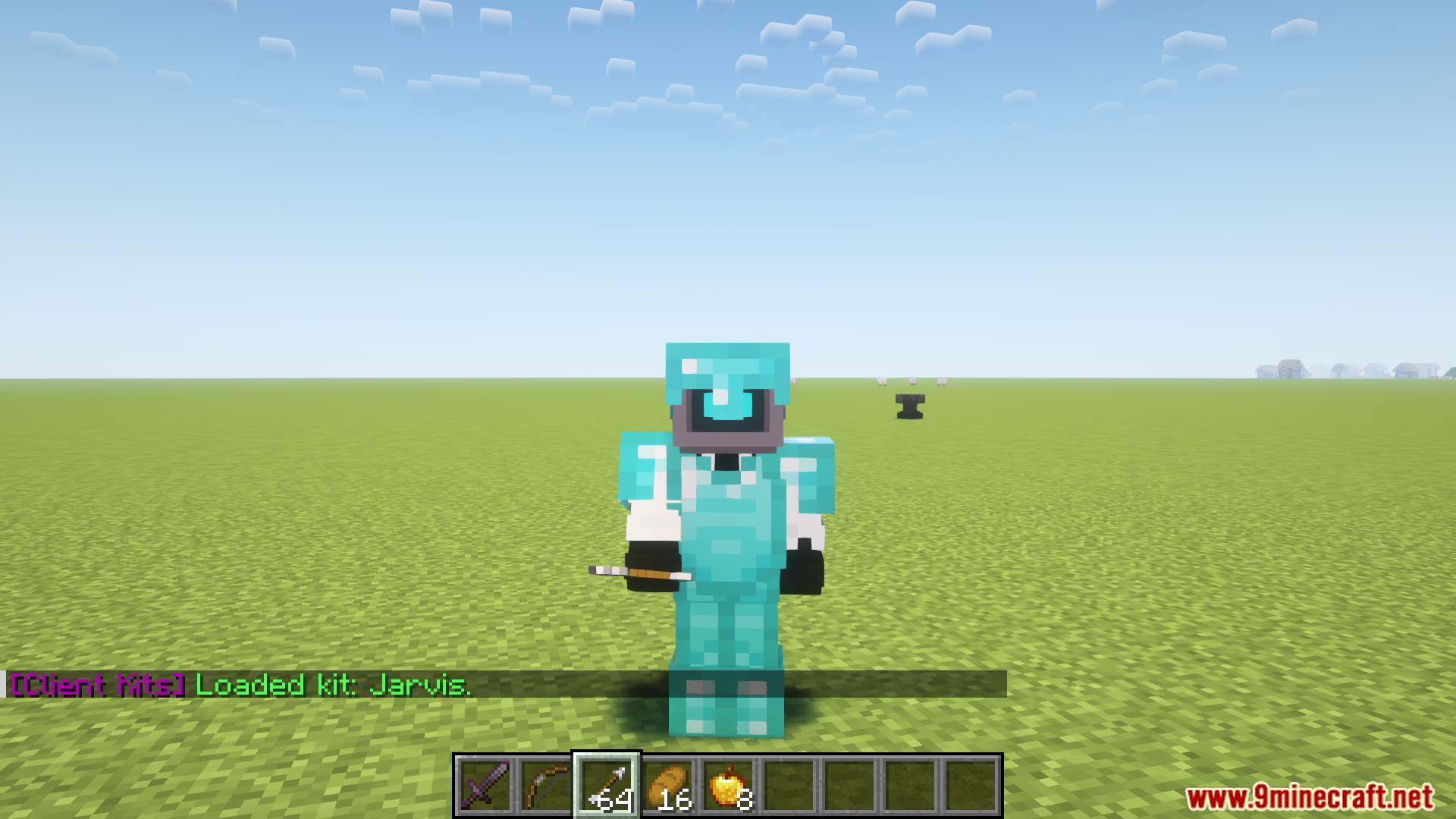
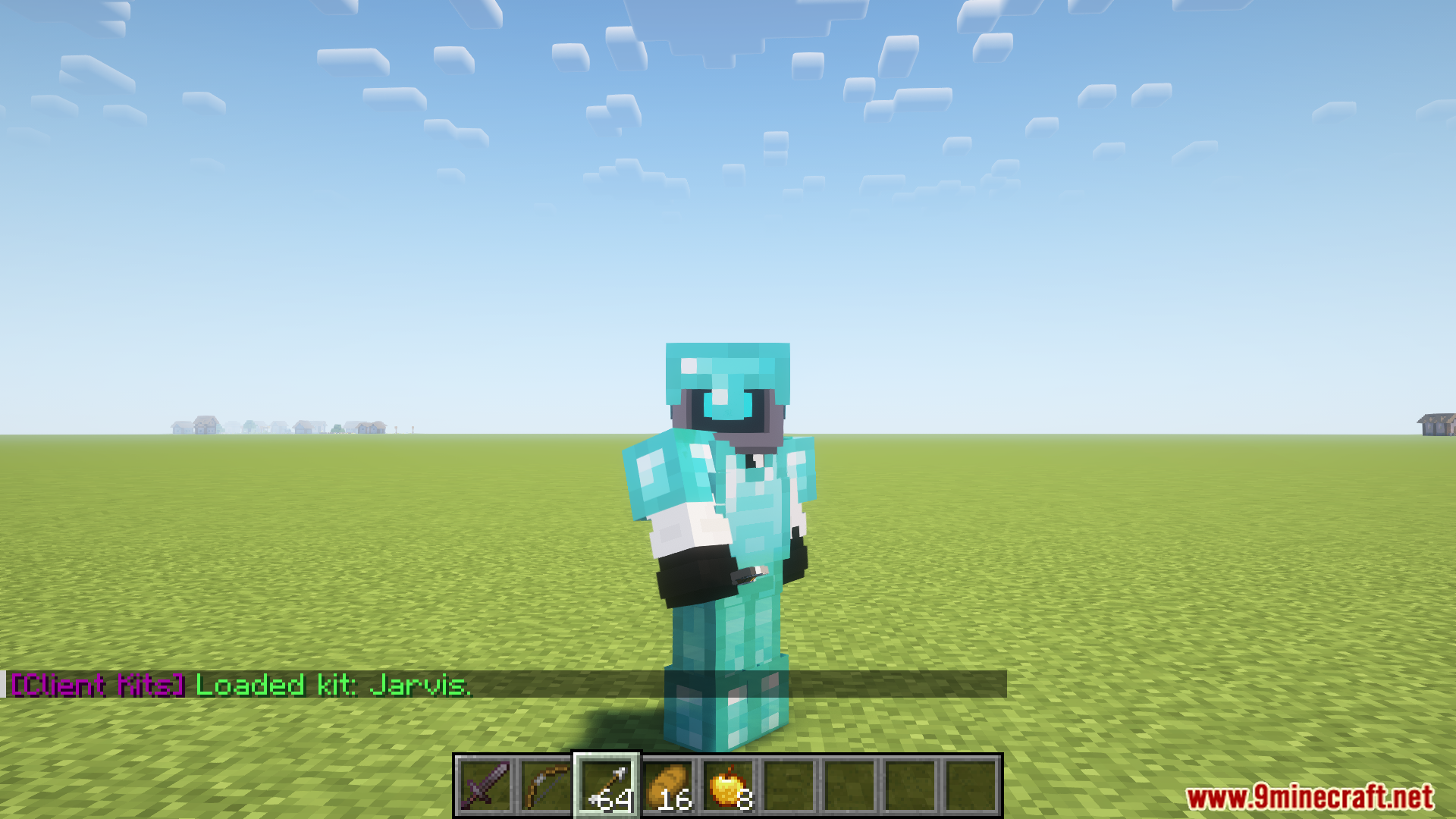
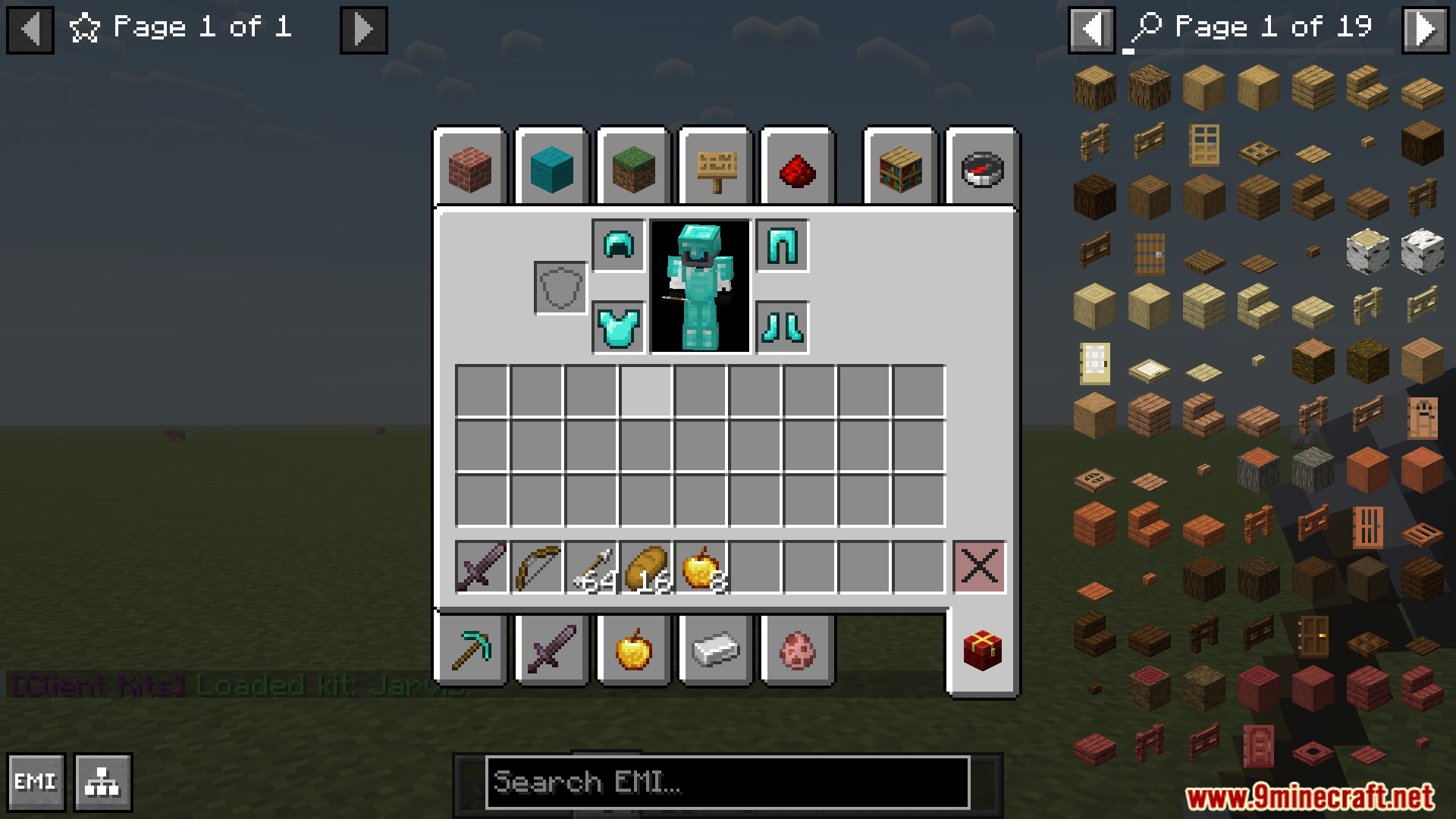
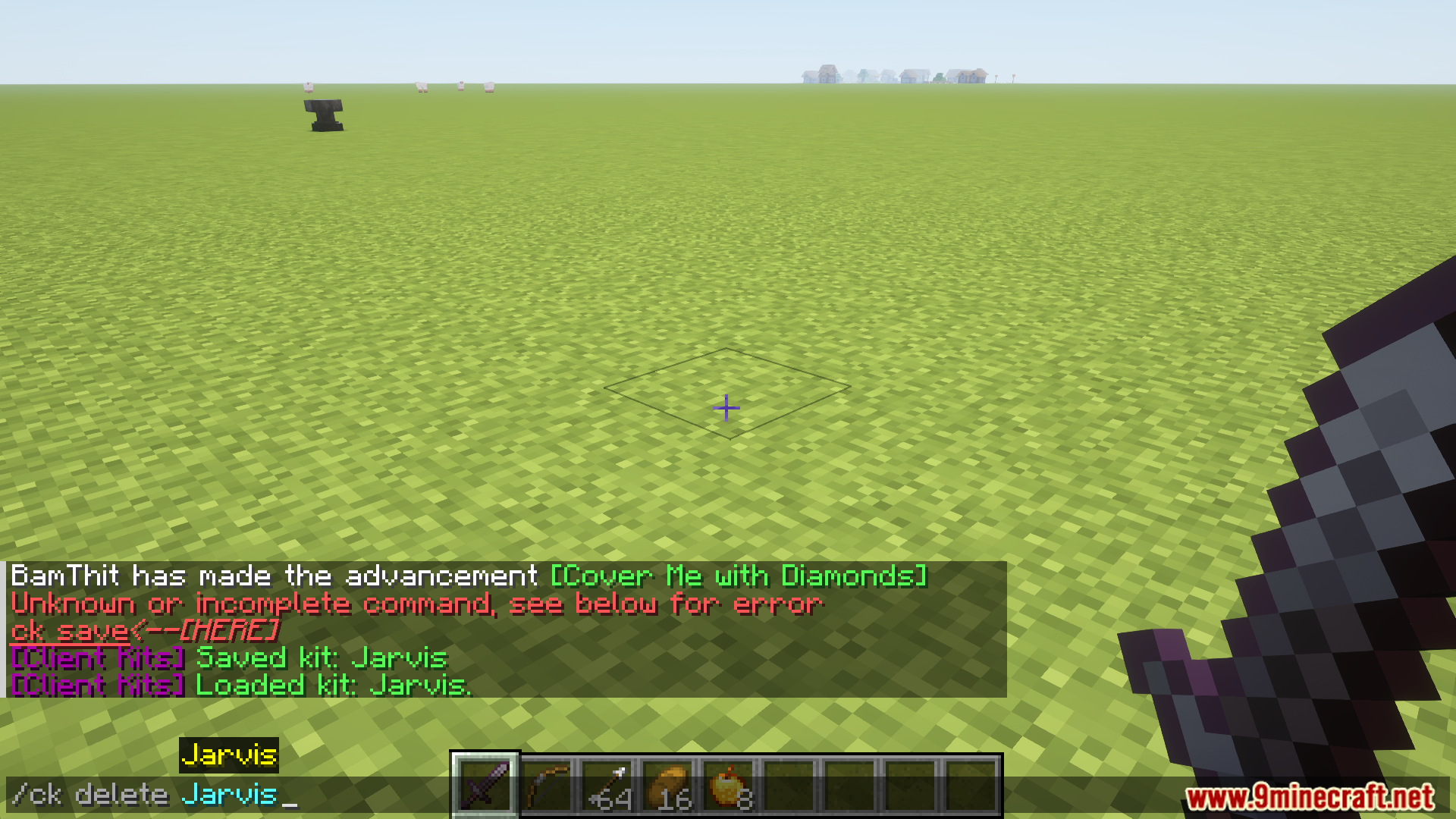
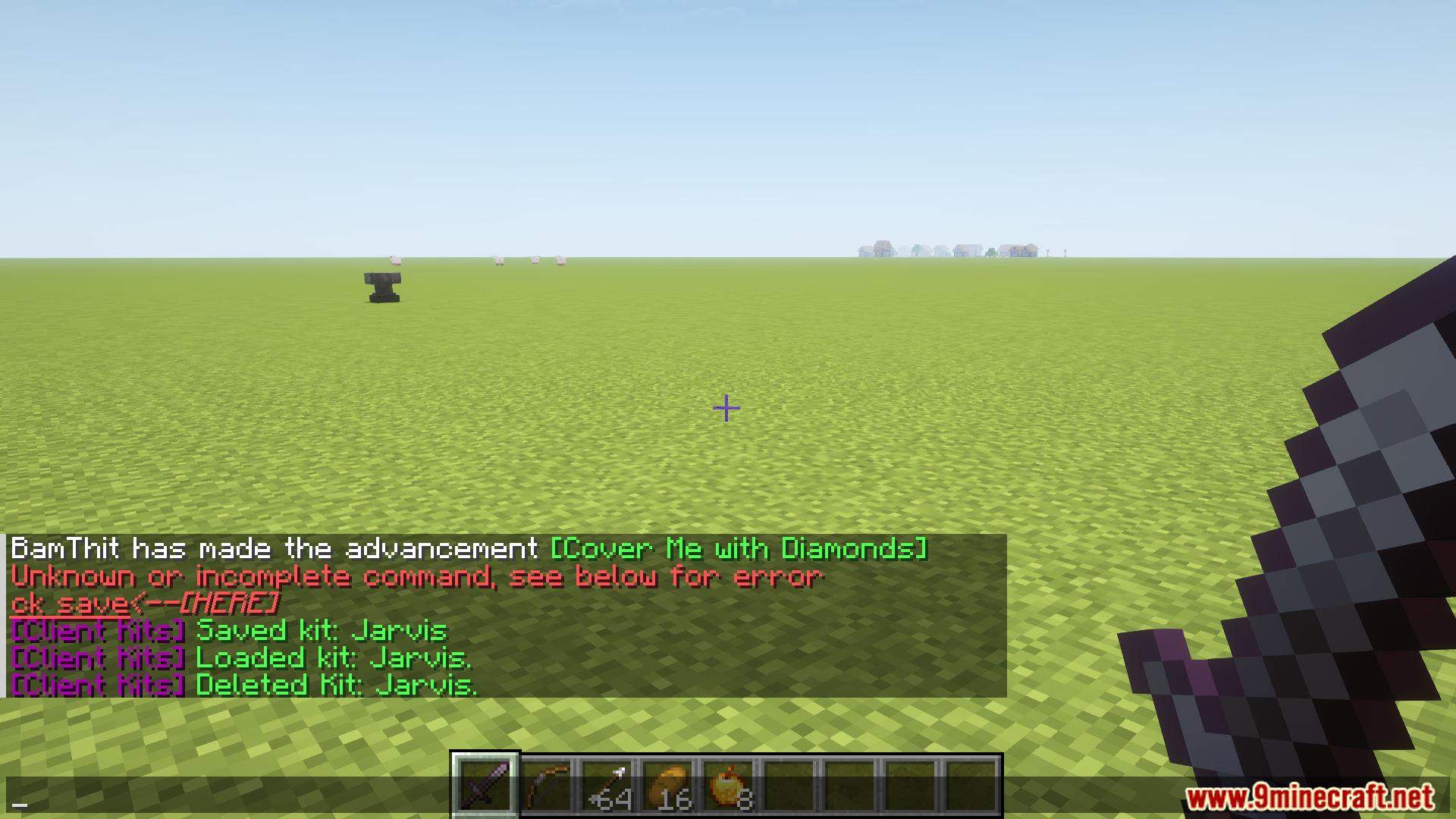
ClientKits mod allows saving, transferring, and managing inventory kits across single-player and multiplayer servers. Kits can be saved, loaded, previewed, or deleted with commands. Access to creative mode is required for loading kits, but other features are available regardless of game mode. Saved kits are stored in a designated configuration folder, facilitating easy sharing and backup creation.
Features:
- Save, load, preview, and delete inventory kits with intuitive commands.
- Requires creative mode access to load kits but supports saving, deleting, and previewing in any mode.
- Kits are stored in the .minecraft/config/ClientKits folder for sharing with other players.
- Deleted kits are permanently removed unless backups are created.
- Streamlined inventory management across singleplayer and multiplayer environments.
Screenshots:
Client Kits Mod Download Links
Quick facts
- Edition: Minecraft Java
- File type: .jar
- Minecraft version listed: 1.20.1
- How to install: Install the matching mod loader (Forge, Fabric or NeoForge) for your Minecraft version. → Download the .jar. → Put it in the .minecraft/mods folder and launch that loader profile.
- Where to get it: In MC Java Mods, or directly above on this page.
Install steps are the general flow for this file type — How to install Minecraft Java mods & modpacks walks through it step by step.
Verified by MCModsHub
- Downloads as 83596.mcaddon
- Download size: 22 KB
- Download link checked 26 Sept 2026 — working
- Mirrored on our own servers — the download does not depend on the original host
These come from our own check of the pack file, not from the source page.