Squat Grow Mod (26.2, 1.20.1) – Cheaty Way to Grow Plants
Squat Grow Mod introduces a very simple and somewhat "cheaty" way to grow plants. It’s easy: place a sapling or plant a seed, then start dancing around it…
⬇ Download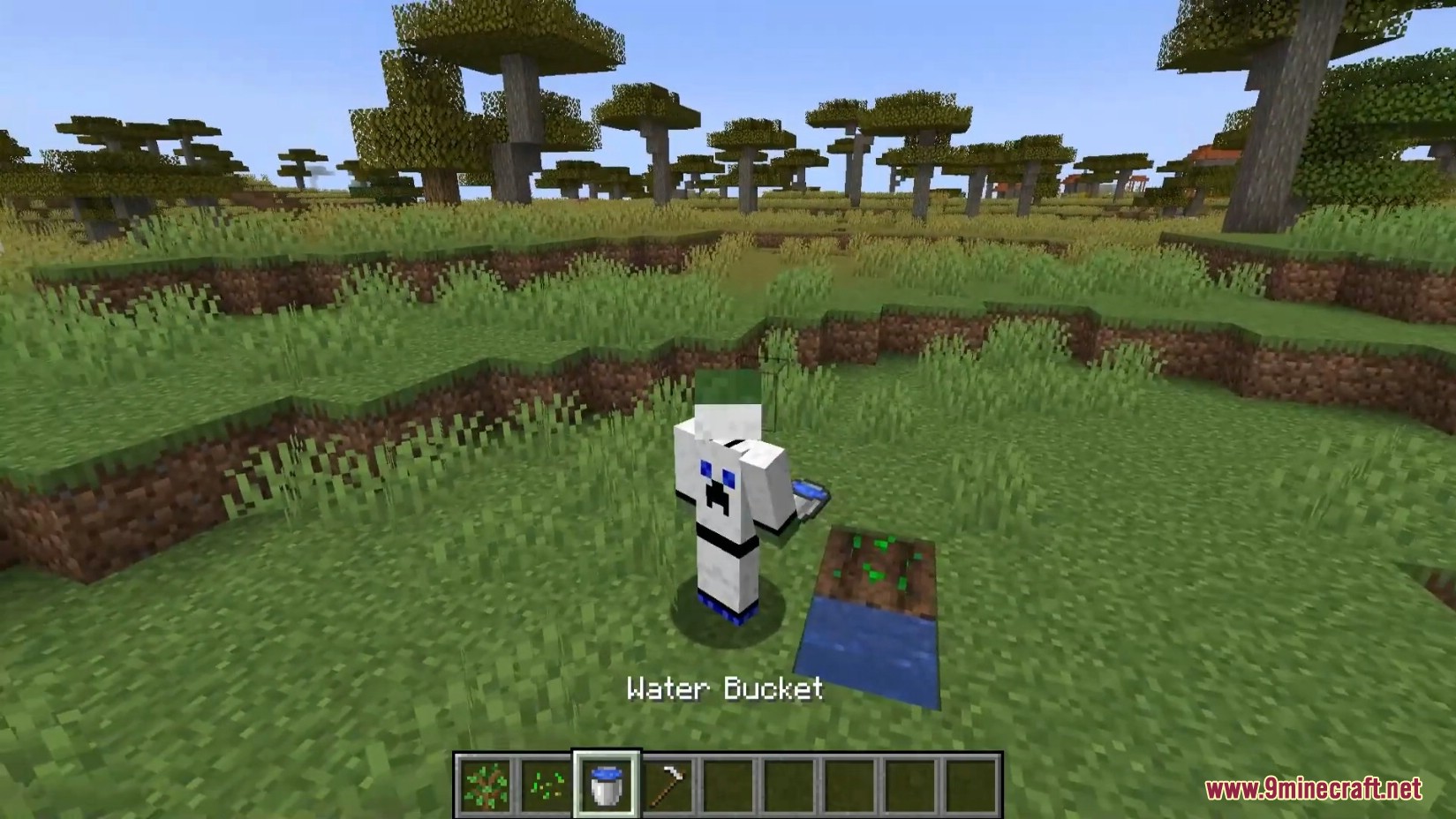
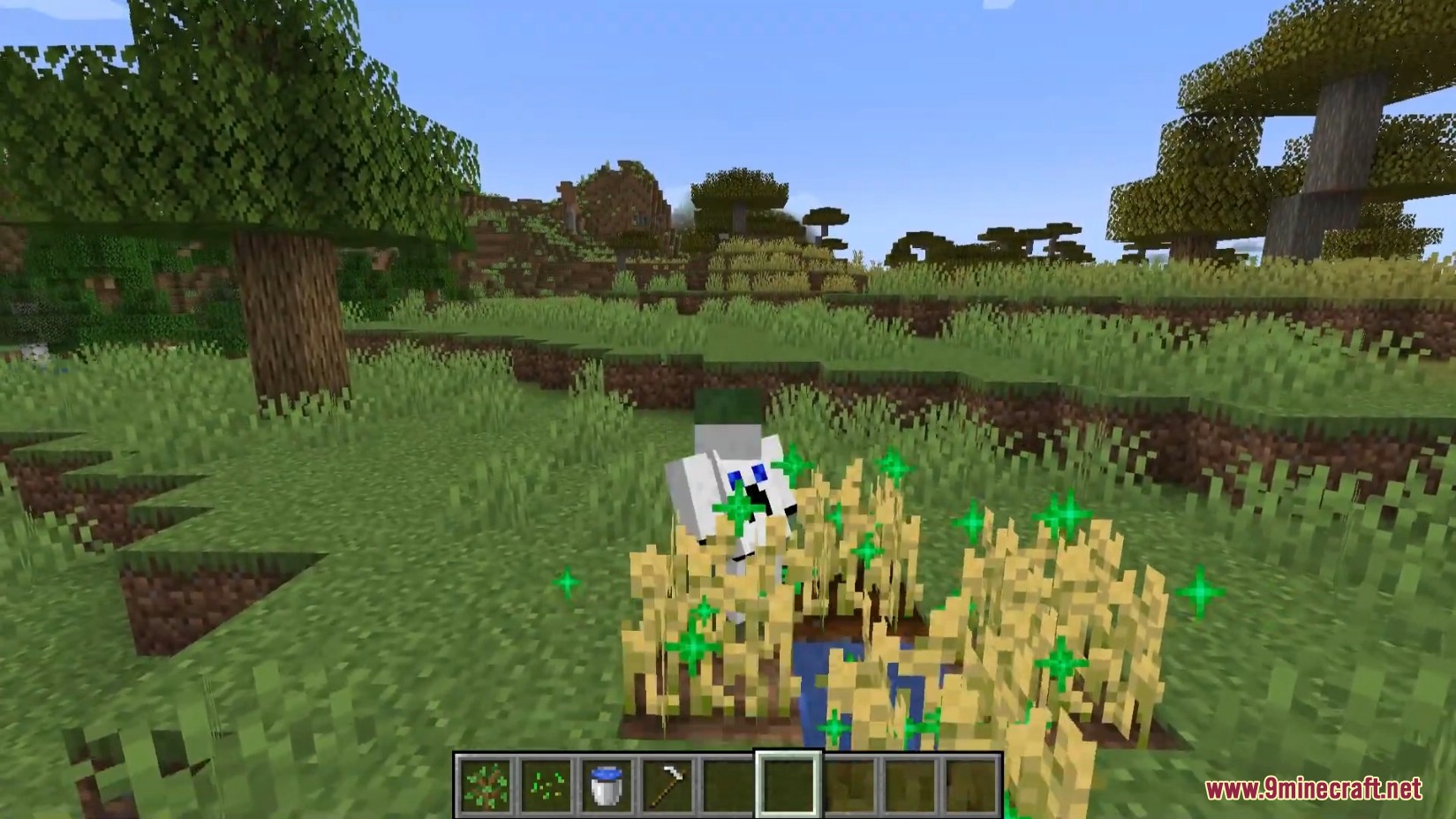
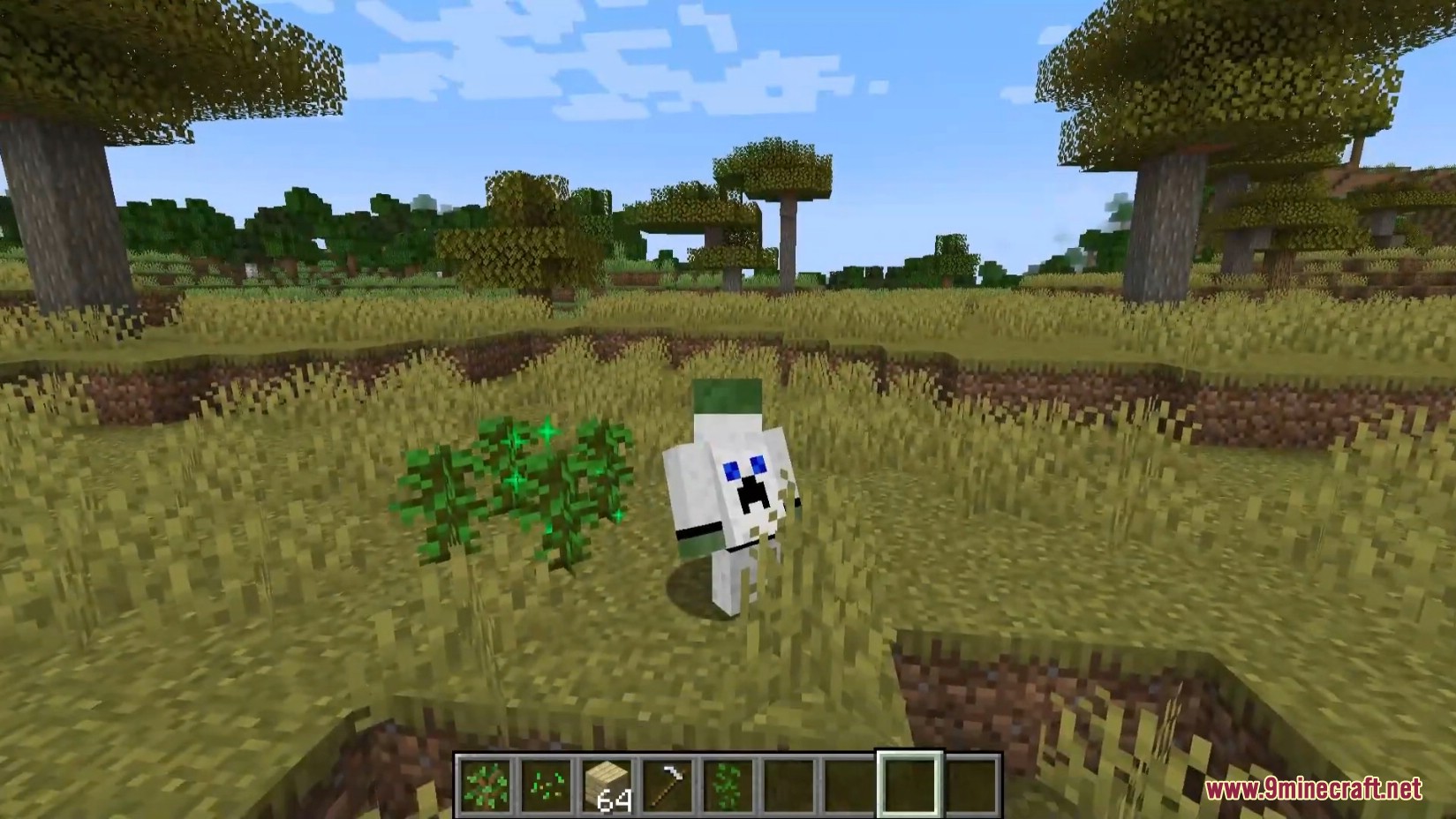
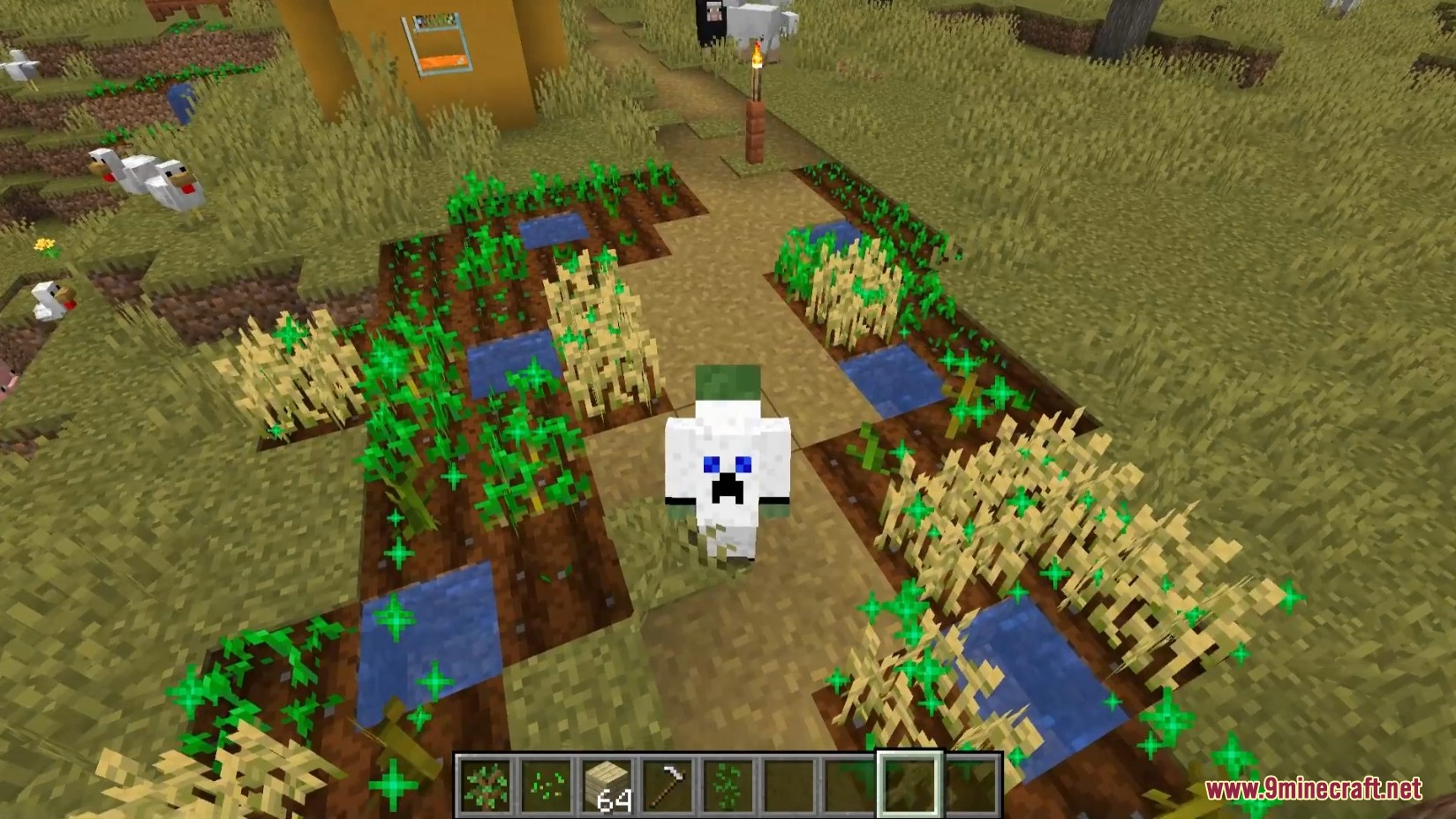
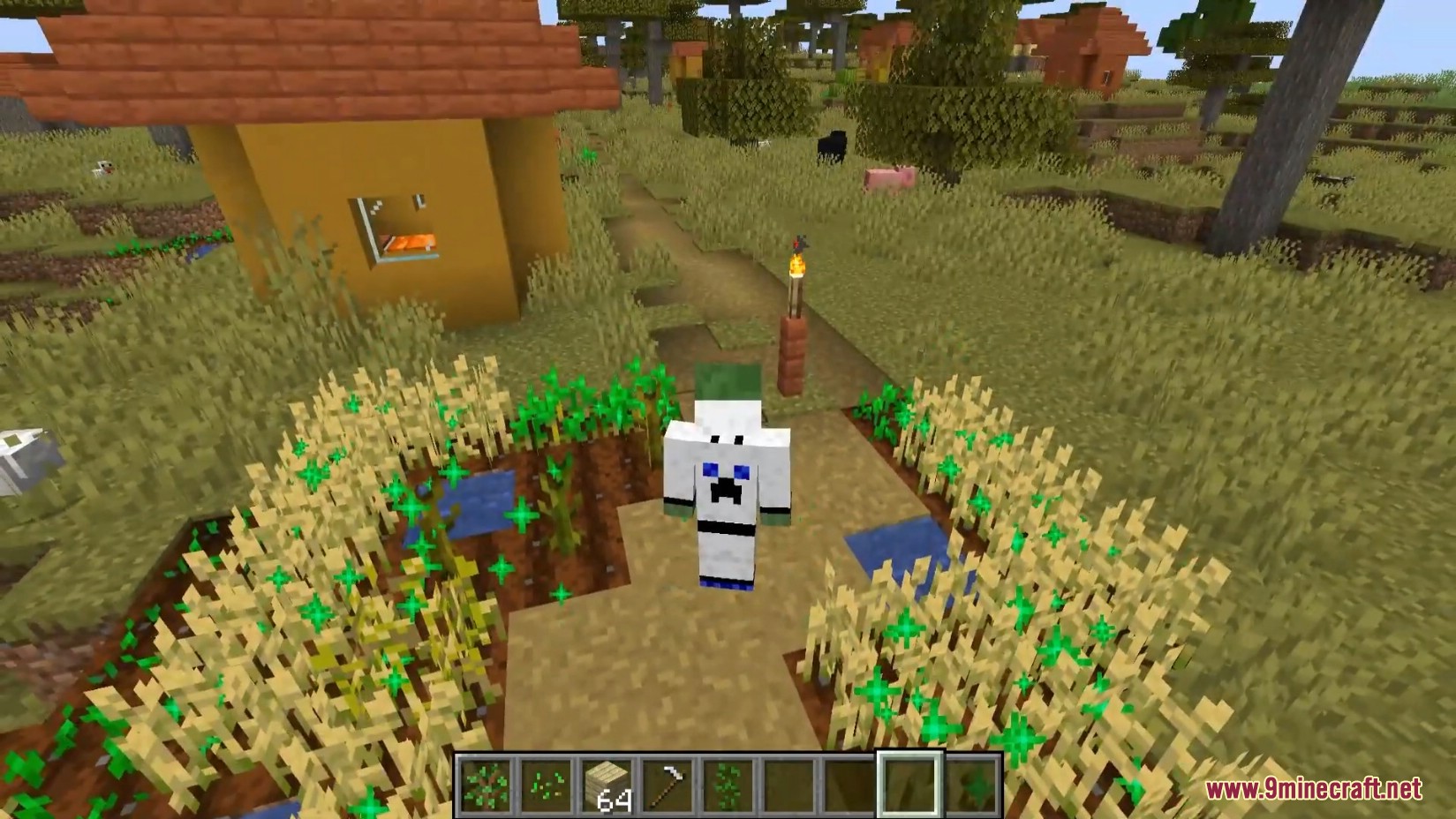
Squat Grow Mod introduces a very simple and somewhat “cheaty” way to grow plants. It’s easy: place a sapling or plant a seed, then start dancing around it and squatting with the Shift key-no need for bone meal anymore, since you’re using your own fertilizer!
Since mod publishing is taken seriously here, here’s a more detailed description. Pressing Shift once is equivalent to applying bone meal to nearby plants-this makes growing food incredibly fast and easy. Some players may recall similar mods from the past; the author humorously referred to the crouching near plants as “Twerking” (Twerk Sim 2K16 or TwerkItMeal).
Through configuration settings, you can:
- Add support for plants from other mods
- Disable seed growth
- Adjust the activation chance
- Increase the range (default is 16 blocks)
Features:
- Squat to Grow: Press the sneak key (Shift) near plants to accelerate their growth.
- Configurable Settings: Adjust growth chances, multipliers, and activation range (default is 16 blocks).
- Works with Applied Energistics 2 Crystals and Mystical Agriculture Crops.
- Special Actions: Convert dirt to grass by holding a grass block.
- Whitelist & Blacklist Options: Customize which plants can be affected.
Screenshots:
Squat Grow Mod Download Links
- Edition: Minecraft Java
- File type: .jar
- Minecraft version listed: 1.20.1
- How to install: Install the matching mod loader (Forge, Fabric or NeoForge) for your Minecraft version. → Download the .jar. → Put it in the .minecraft/mods folder and launch that loader profile.
- Where to get it: In MC Java Mods, or directly above on this page.
Install steps are the general flow for this file type — How to install Minecraft Java mods & modpacks walks through it step by step.
- Downloads as 83598.mcaddon
- Download size: 36 KB
- Download link checked 26 Sept 2026 — working
- Mirrored on our own servers — the download does not depend on the original host
These come from our own check of the pack file, not from the source page.