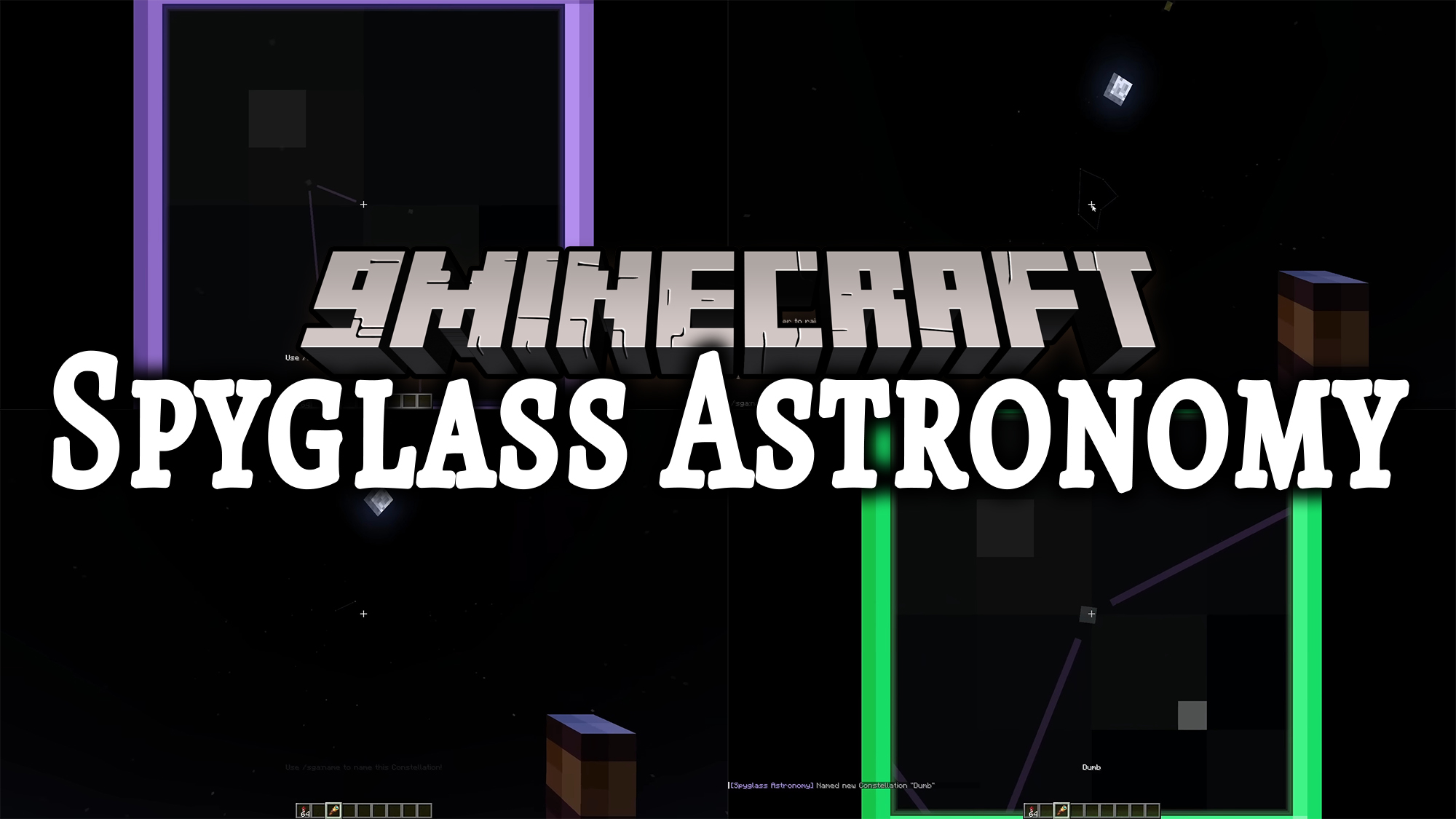
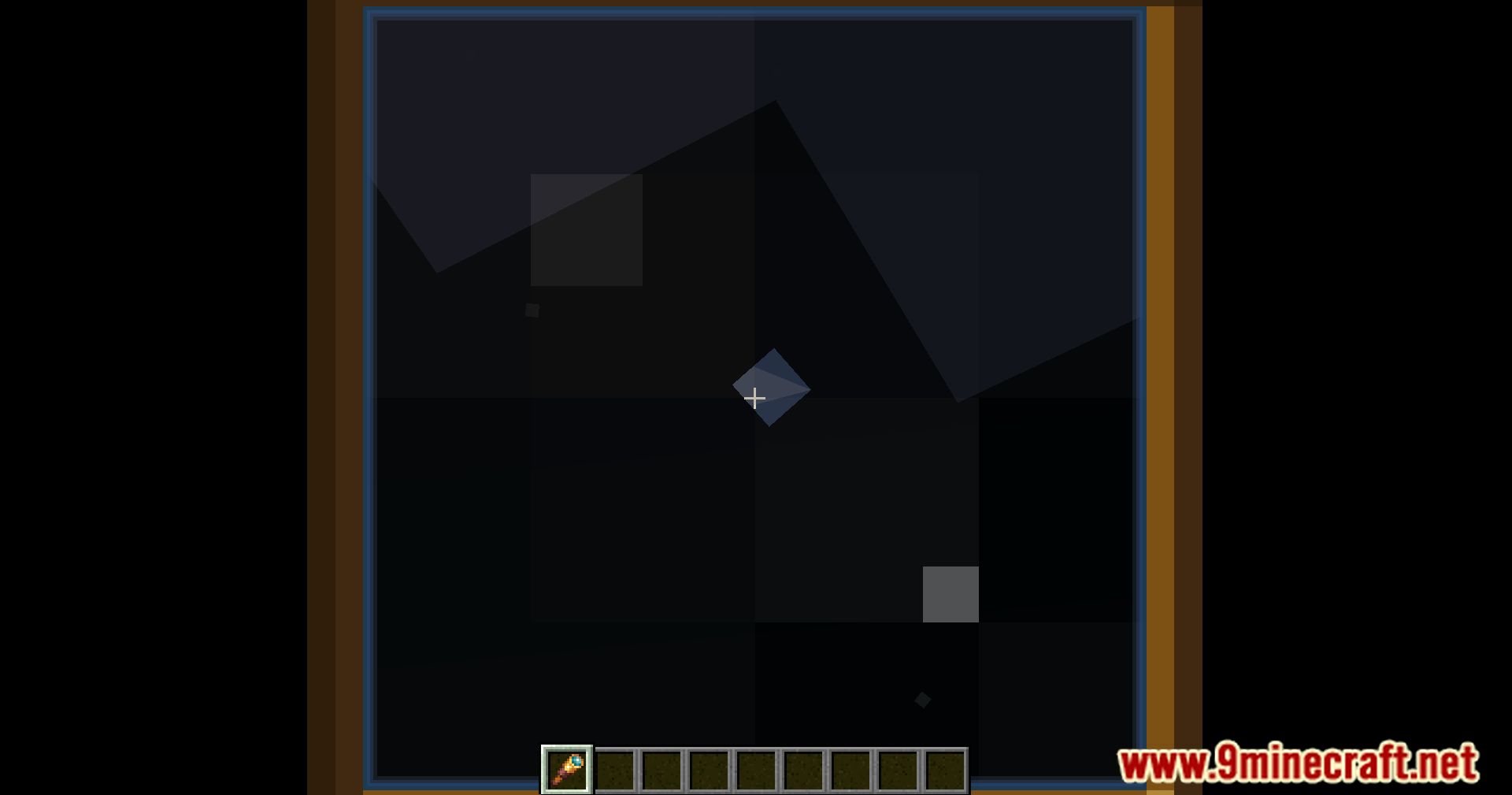
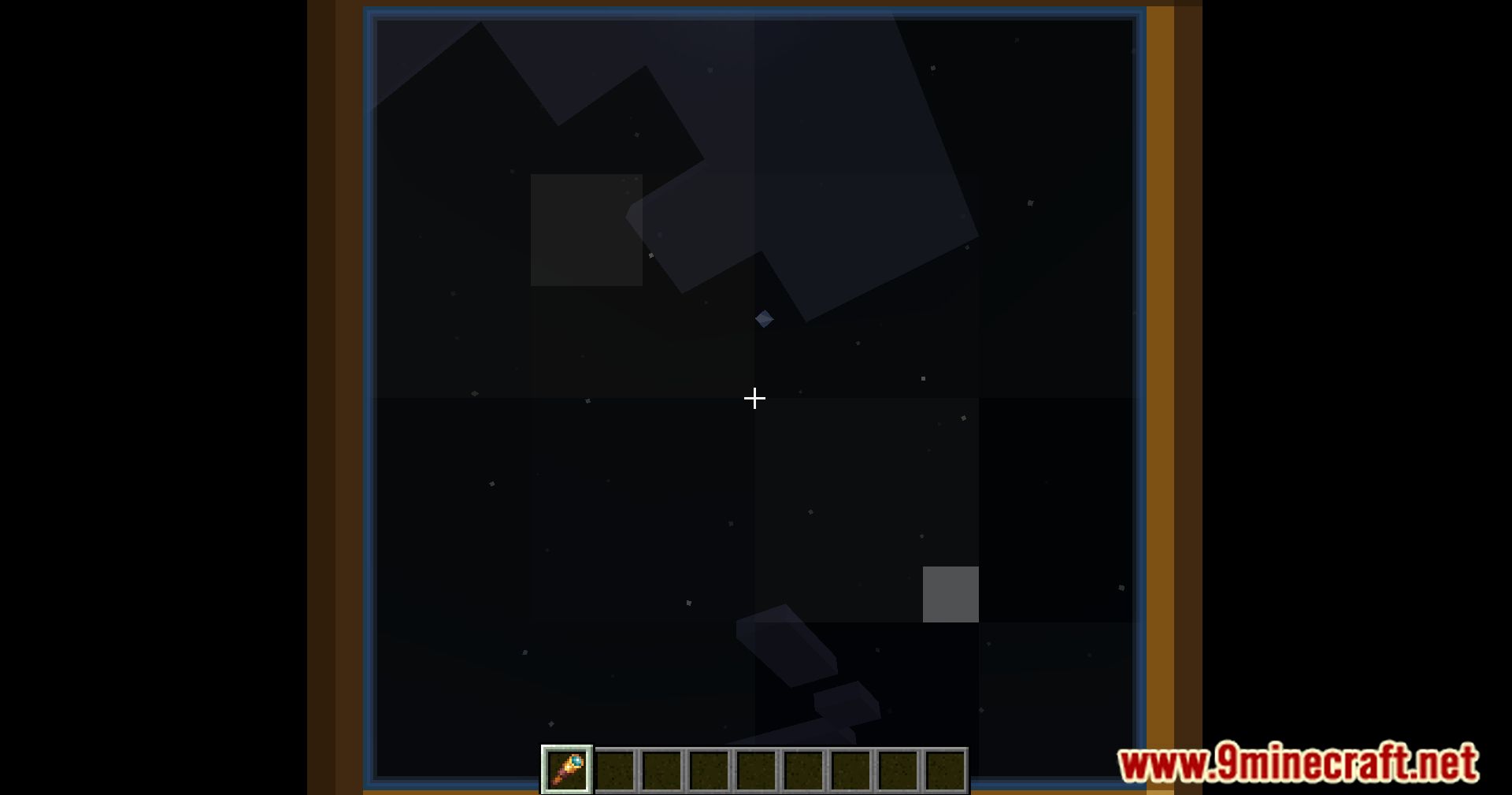
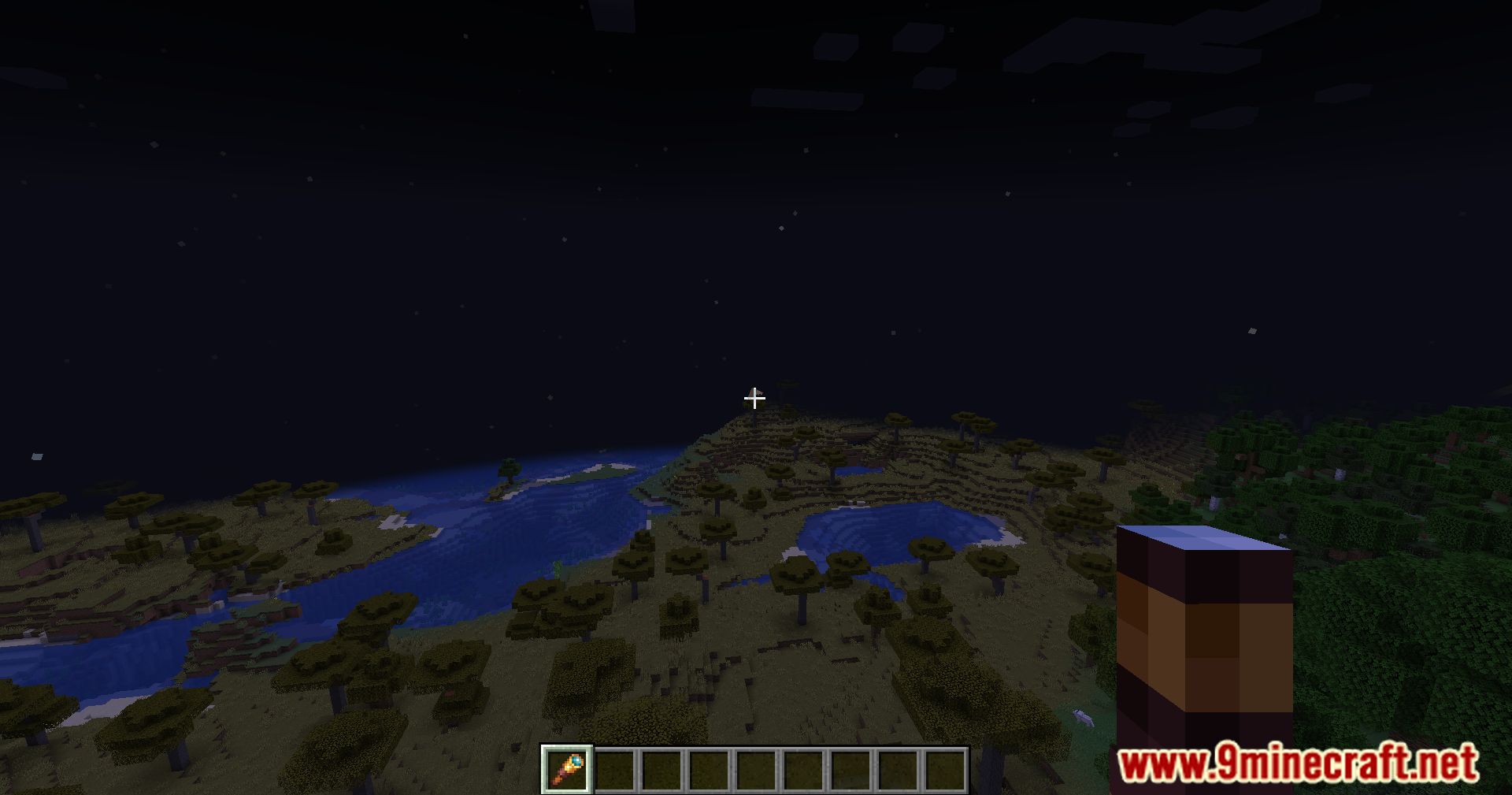
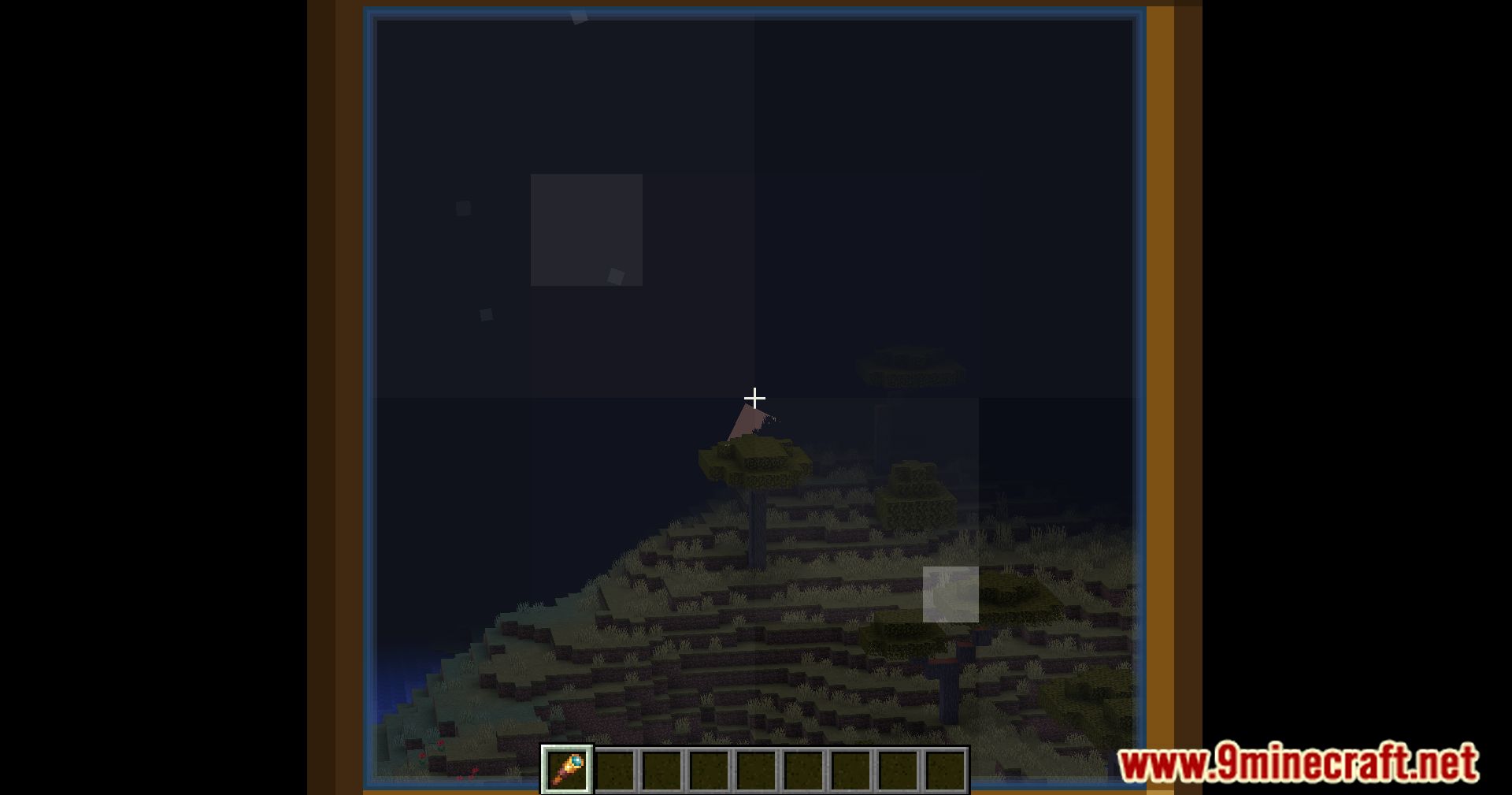
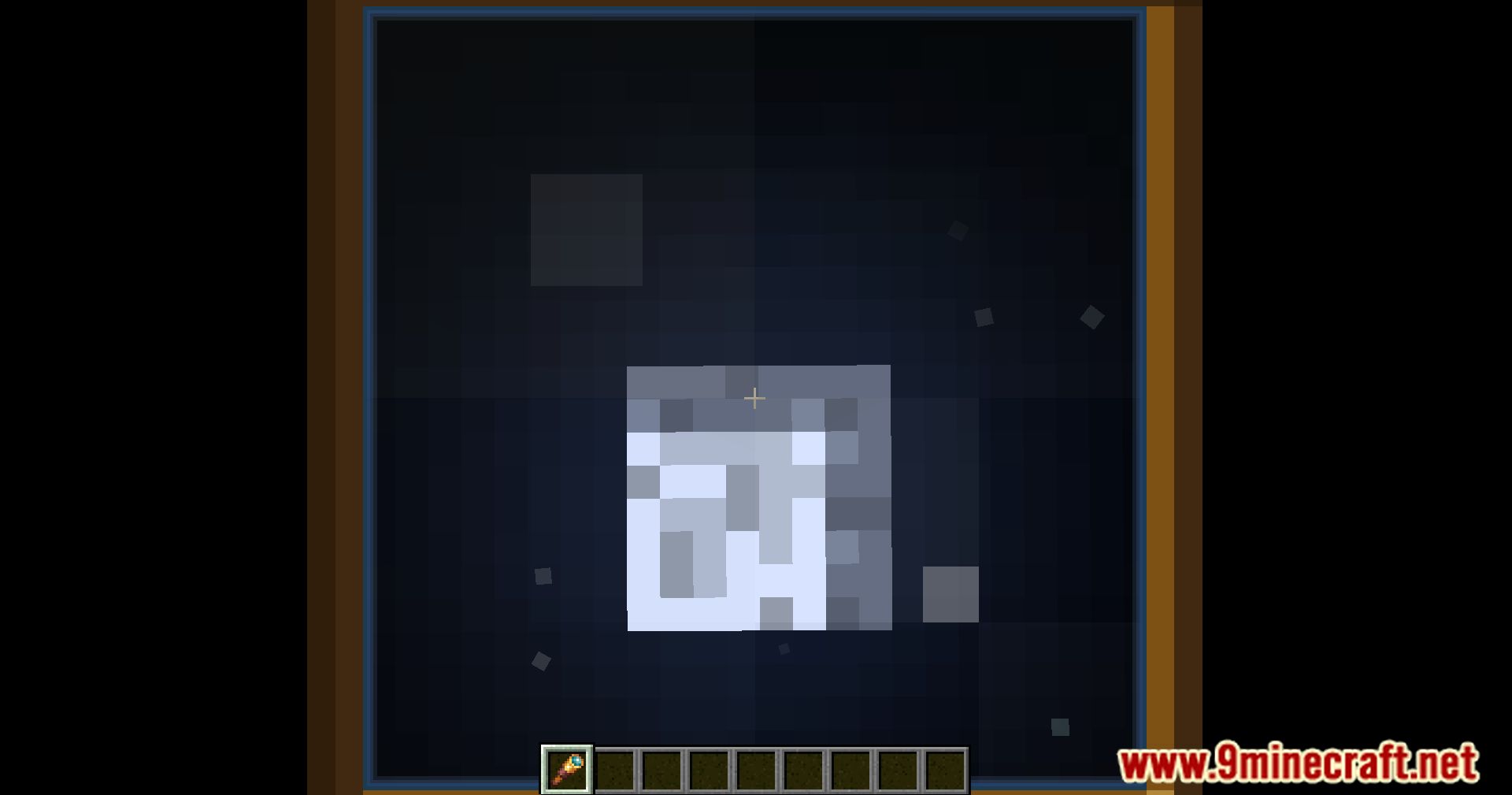
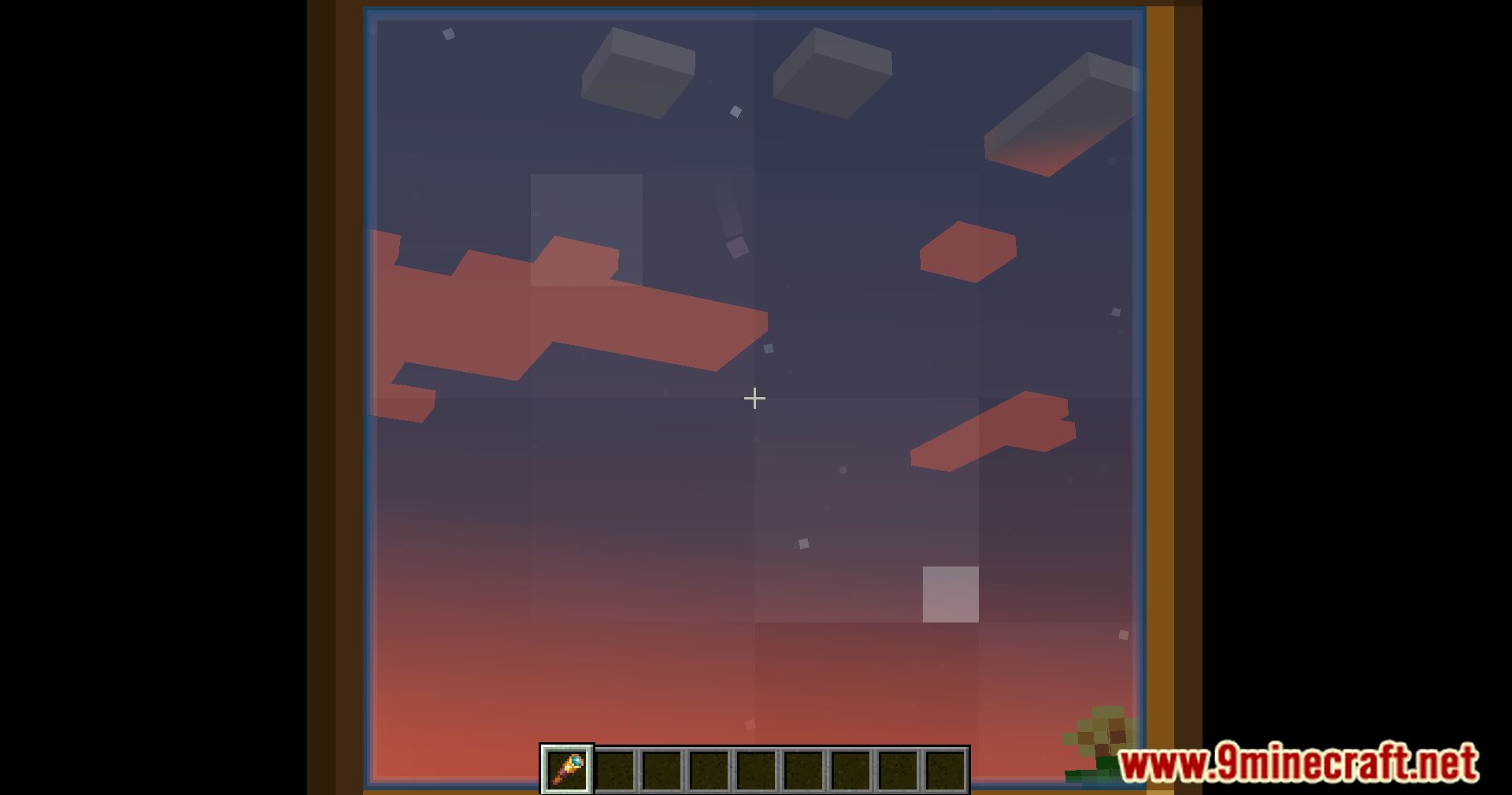
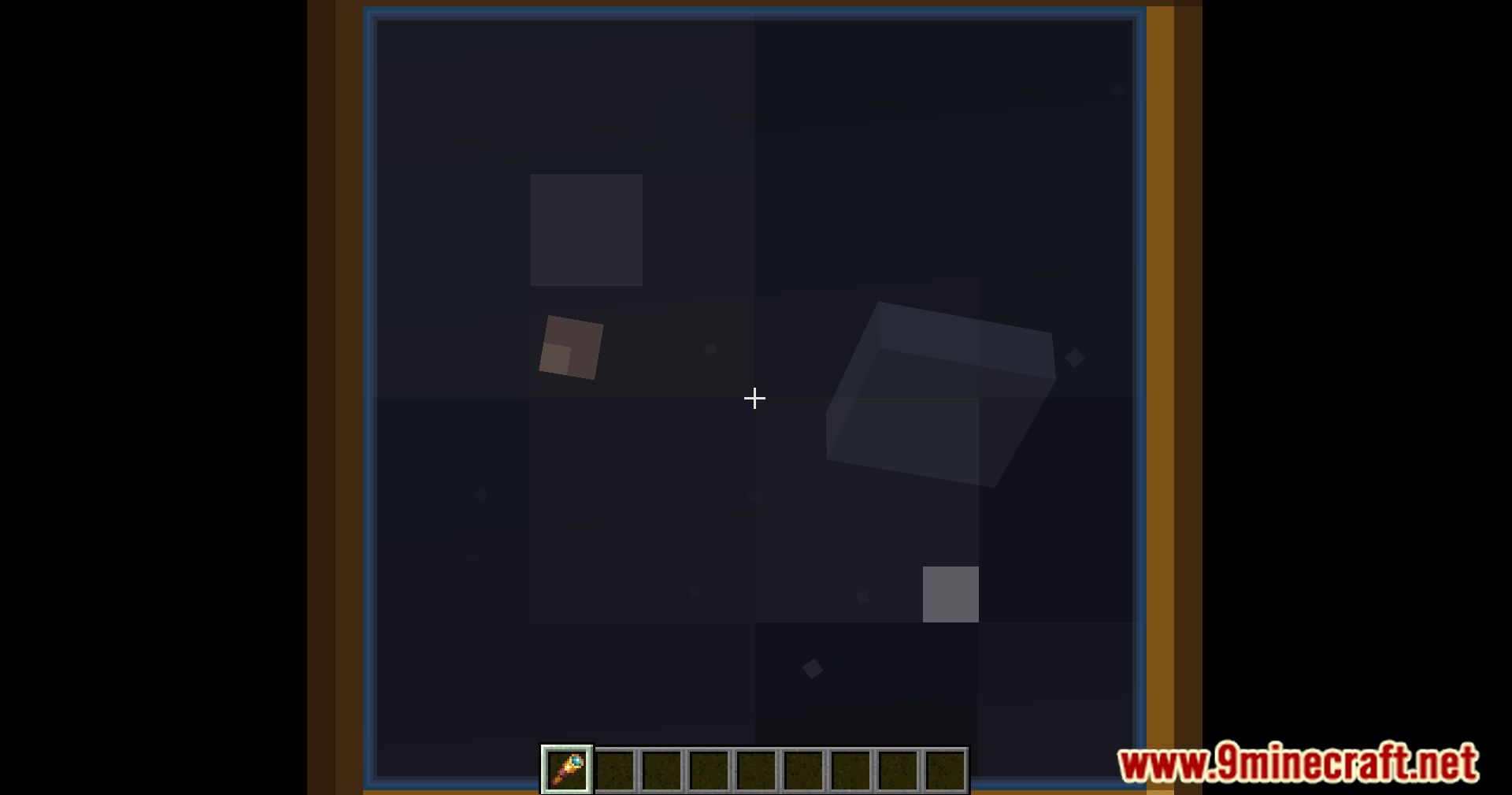
Spyglass Astronomy Mod brings a beautiful 3D stargazing experience, as if you were using a spyglass to explore the universe in-game. The mod runs entirely on the client side and does not affect the server.
Features:
- Planets and stars are procedurally generated based on your world, with high scientific accuracy and identical results for all players in the same world.
- You can draw your own constellations, name celestial bodies, and build lore in your own imaginative way.
- Observation Modes:
- You can switch between observation modes by holding zoom (like the vanilla spyglass) and pressing the middle mouse button:
- Vanilla mode – the default Minecraft spyglass view.
- Constellation mode (represented by amethyst) – allows you to draw and select constellations.
- Star mode (represented by emerald) – allows you to select stars or planets (in commands, comets are also treated as planets).
How to use:
Spyglass Modes
- There are three spyglass modes:
- Vanilla – Default spyglass view
- Constellation Mode (Amethyst)
- Star Mode (Emerald)
- While zoomed in, use the pick block key (
Middle Click) to switch between modes.
Constellation Mode
- Hold the attack button (
Left Click) to draw lines between stars. - You can create new constellations or select existing ones.
Star Mode
- Select individual stars and planets.
- Comets are treated as planets when using commands.
Commands and Interaction
- After selecting an object:
- Name it using
/sga:name <name> - View information with
/sga:info
- Name it using
- You can also get info without selecting an object by typing
/sga:infoand following the suggestions. - All available client-side commands can be discovered by typing
/sga:and checking the suggestions.
Multiplayer Sharing
- Share discoveries with other players using:
/sga:share– share the currently selected object/sga:share <object>– share a specific object
- The command gives you a share code that others can use, as long as they also have the mod installed.
- For better synchronization, you can use Spyglass Astronomy Sync, which must be installed on the server.
Additional Notes
- Older versions of this mod are not compatible with Spyglass Improvements.
- This mod includes its own scrollable spyglass zoom.
- Other mods, such as Zoomglass, can be used to add spyglass hotkeys.
- A separate client+server addon exists for bulk sharing, created by another developer.
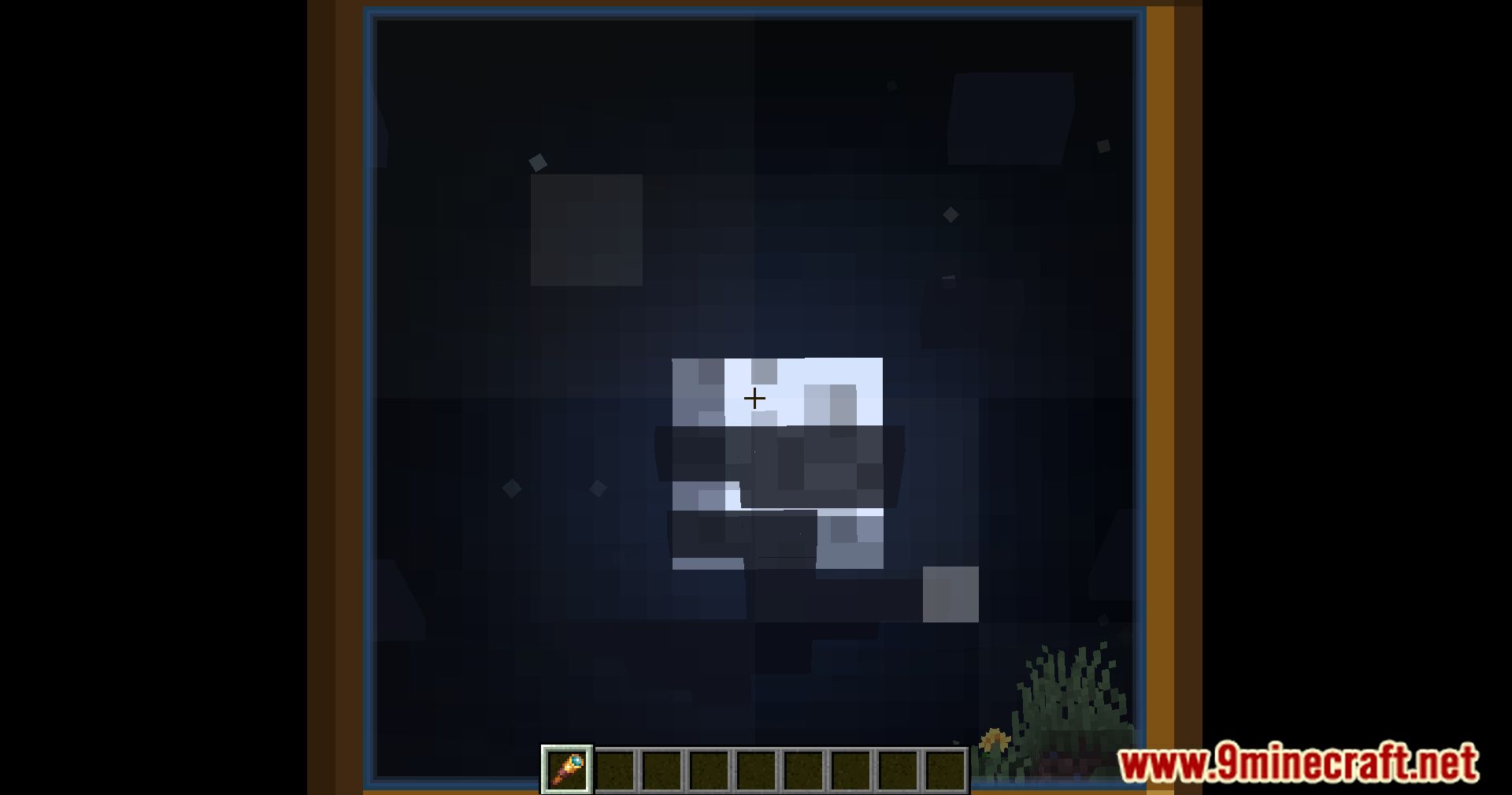
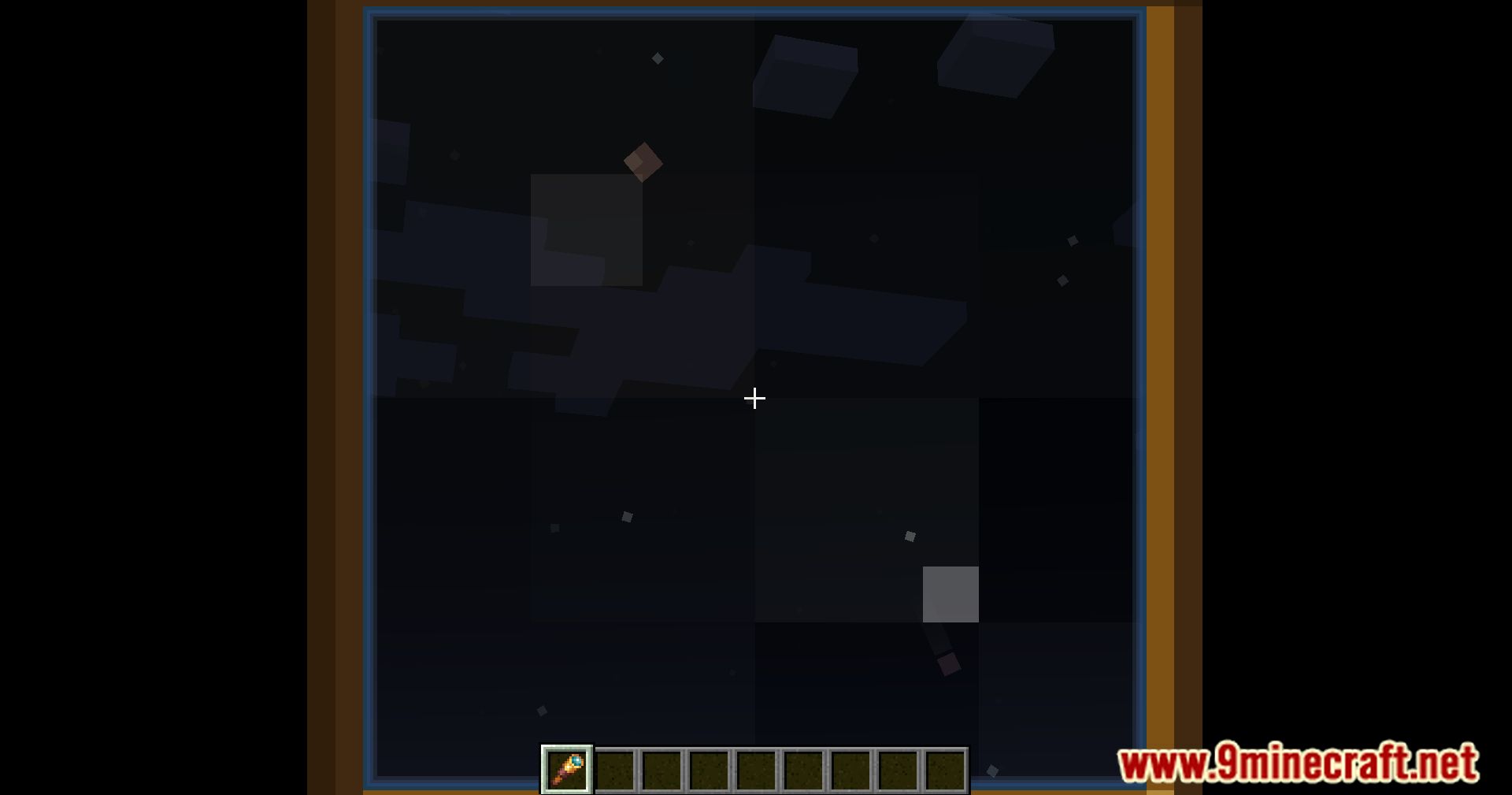
Screenshots:
Spyglass Astronomy Mod Download Links
Quick facts
- Edition: Minecraft Java
- File type: .jar
- Minecraft version listed: 1.20.1
- How to install: Install the matching mod loader (Forge, Fabric or NeoForge) for your Minecraft version. → Download the .jar. → Put it in the .minecraft/mods folder and launch that loader profile.
- Where to get it: In MC Java Mods, or directly above on this page.
Install steps are the general flow for this file type — How to install Minecraft Java mods & modpacks walks through it step by step.
Verified by MCModsHub
- Downloads as 83599.mcaddon
- Download size: 137 KB
- Download link checked 26 Sept 2026 — working
- Mirrored on our own servers — the download does not depend on the original host
These come from our own check of the pack file, not from the source page.