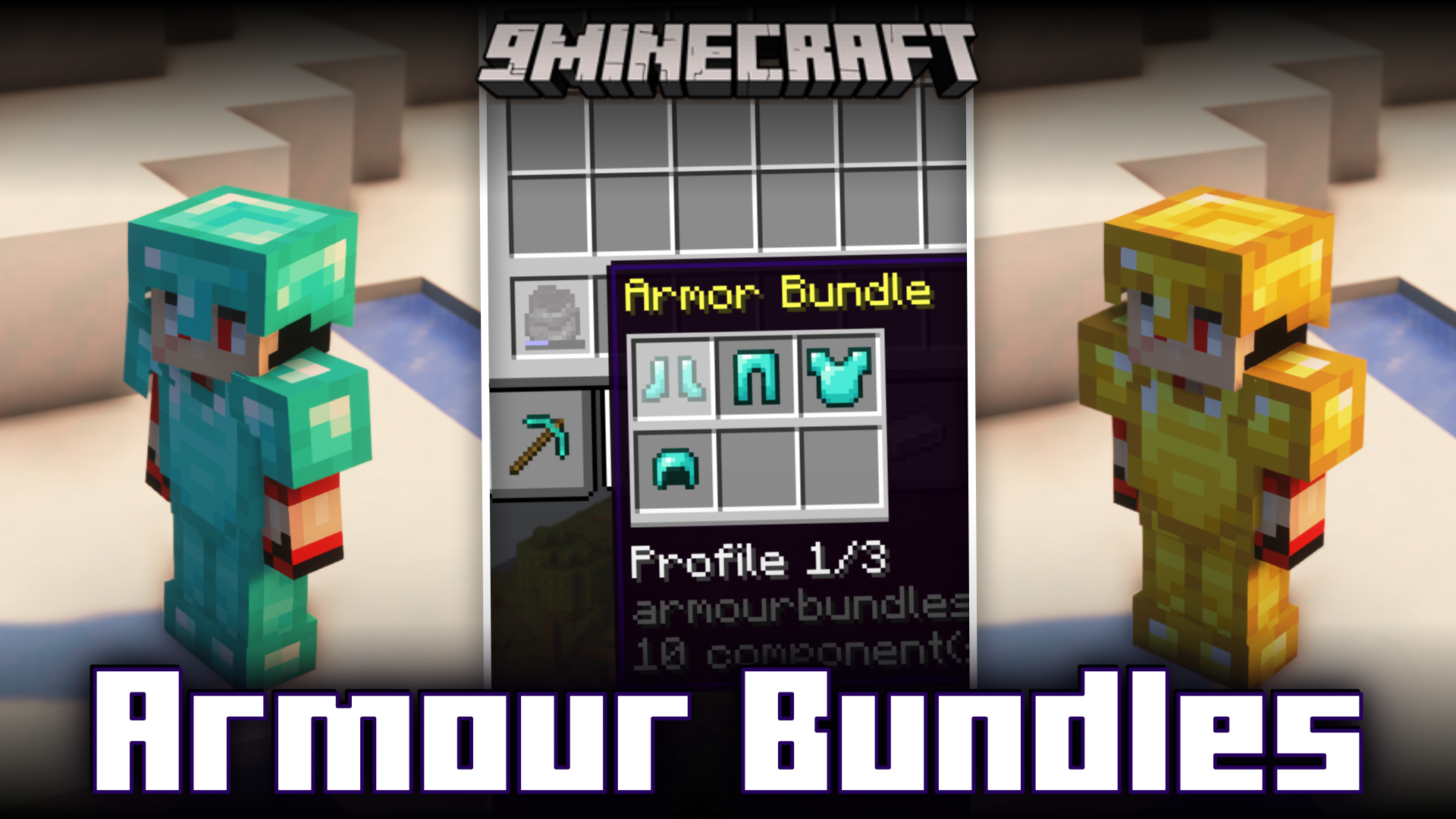
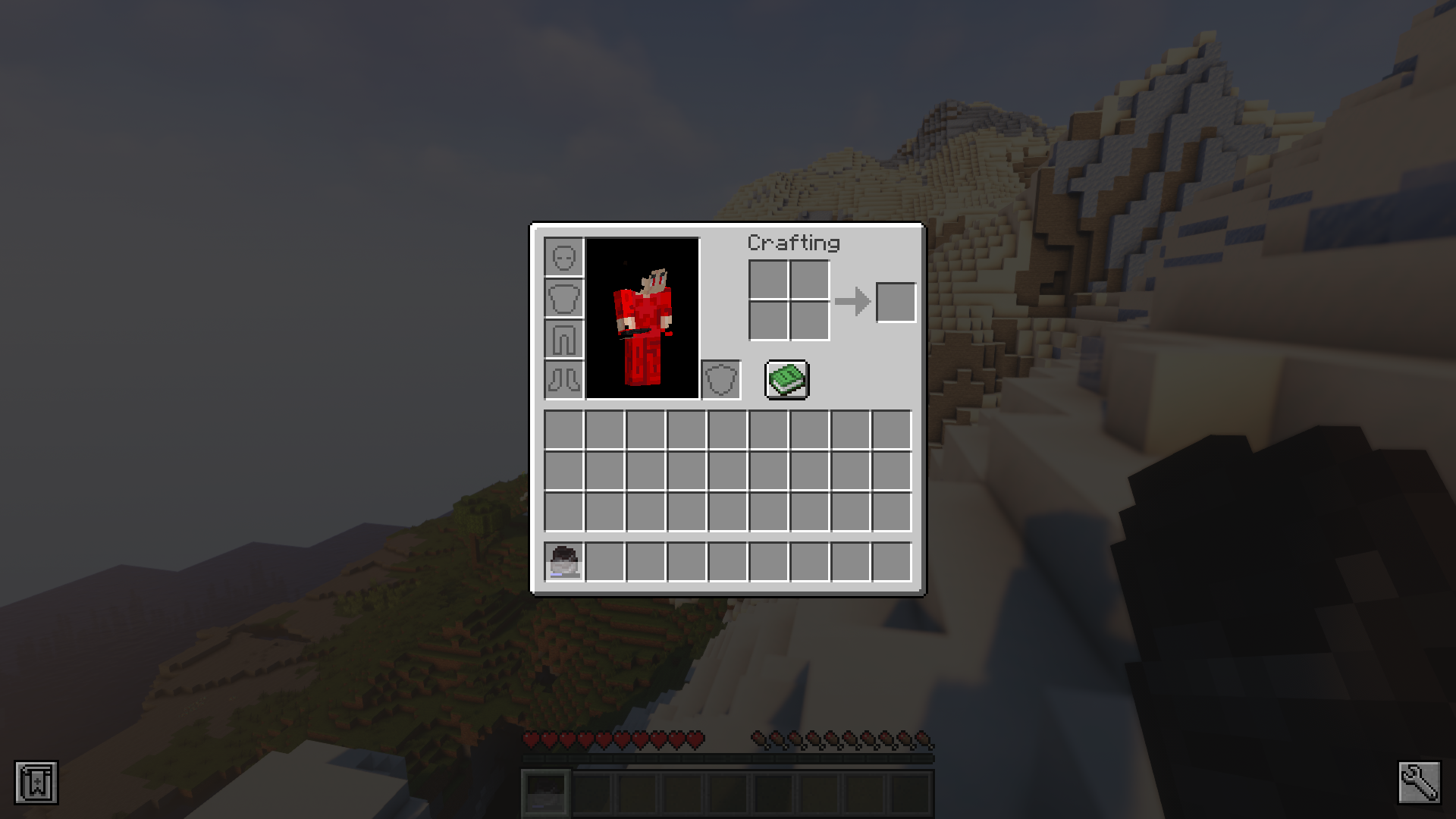
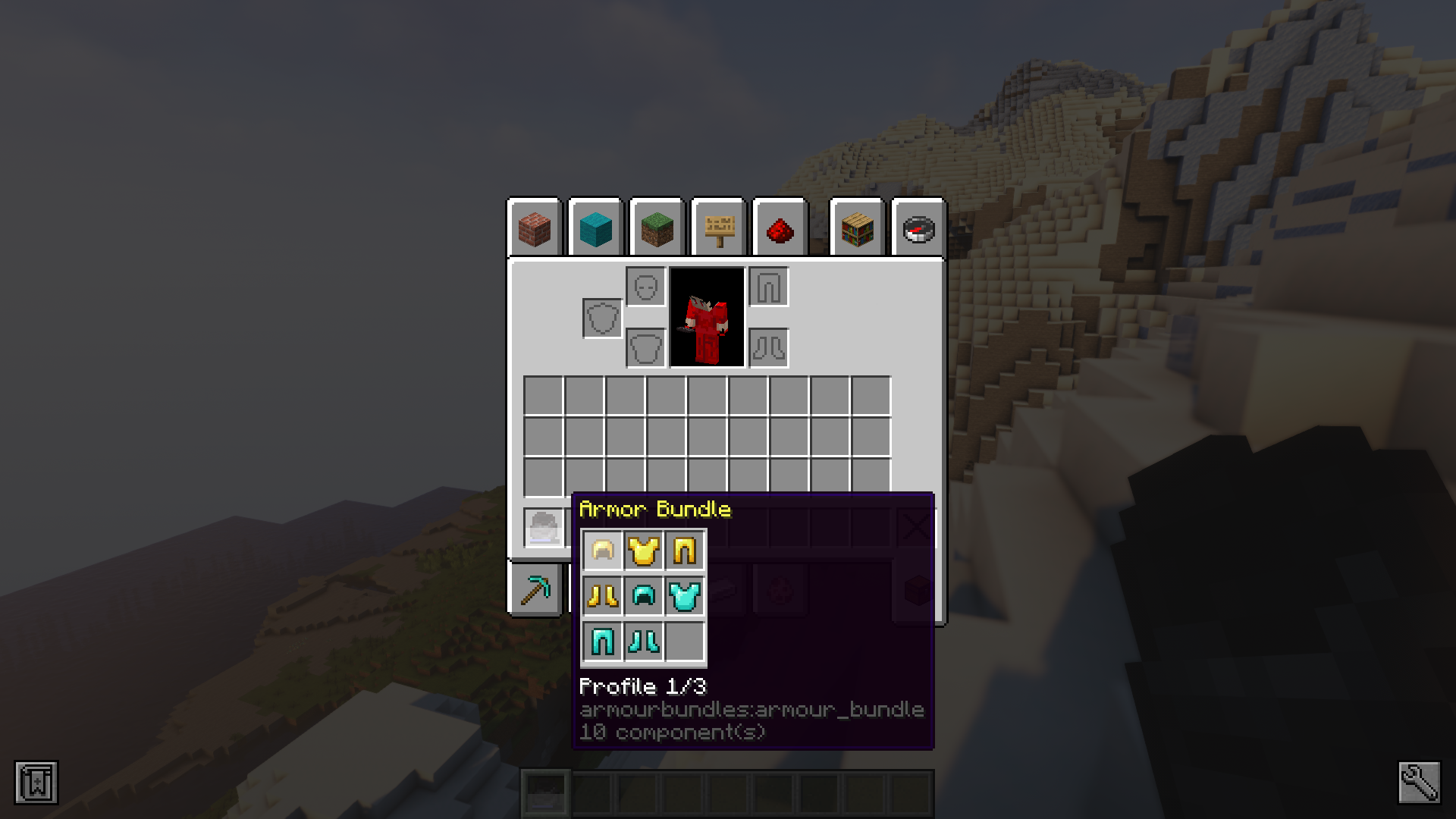



Ever been in a situation where you had to instantly switch between armor sets? Opening your inventory to manually change each piece of armor can be time consuming and in certain situations, might be slow enough to get you killed. Armour Bundles Mod is here for your assistance. This mod adds a new item called the “armor bundle”. This new bundle can store upto twelve different armor pieces and you will be able to switch between three different armor sets using simple keybinds. Step-by-step instructions on how to use the bundle and its crafting recipe are given below.
Features:
- To set a profile on an armor bundle, you crouch-right click with the item until the profile you want to set is selected.
- After the profile has been selected, right clicking with the bundle will set the profile to the armor you currently have equipped.
- Now you can use the keybindings to swap between profiles as long as the bundle is both in your inventory and contains the armor for said profile.
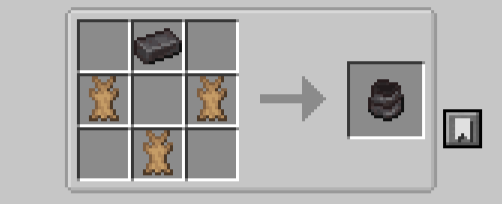
Crafting Recipes:
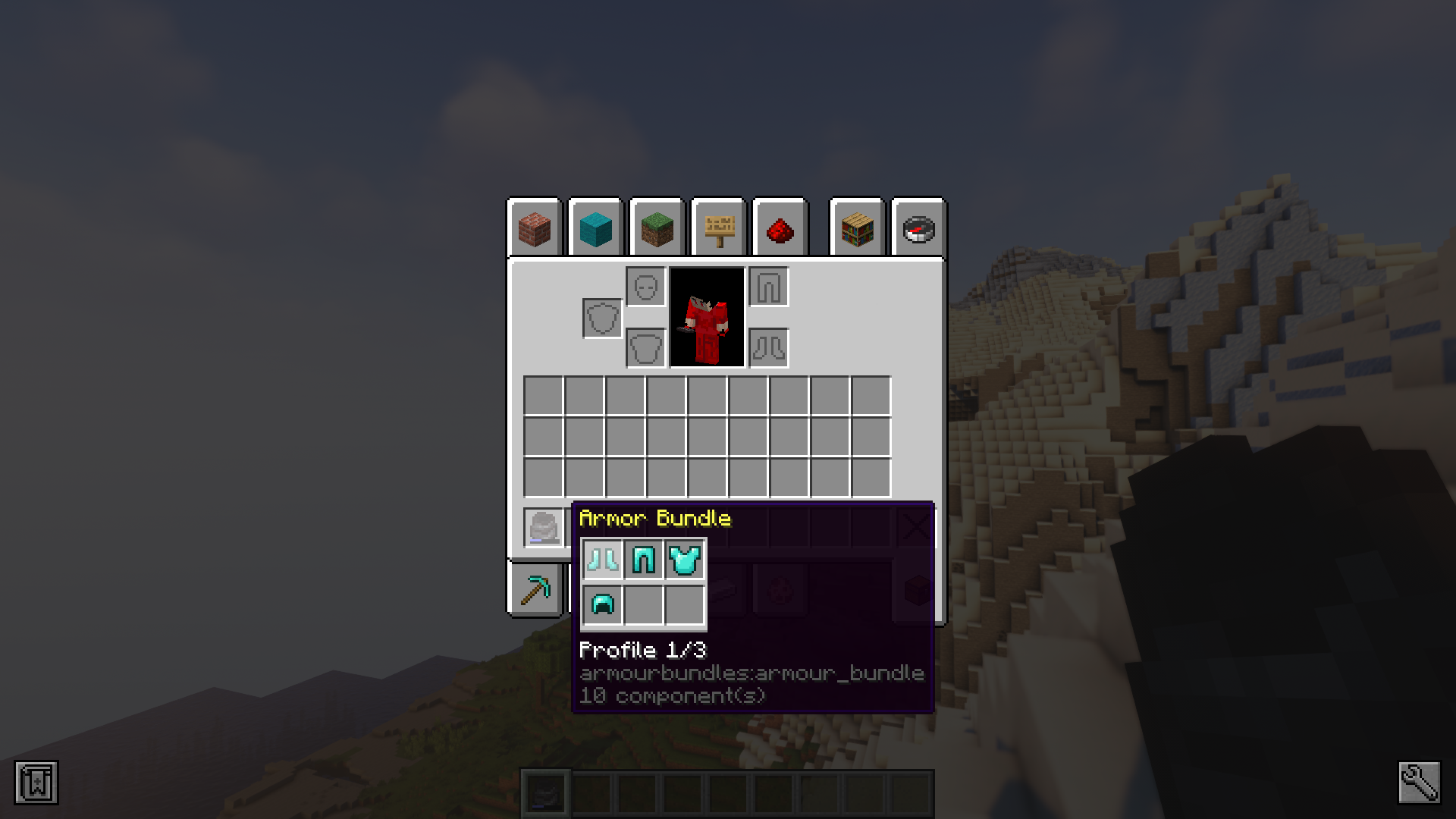
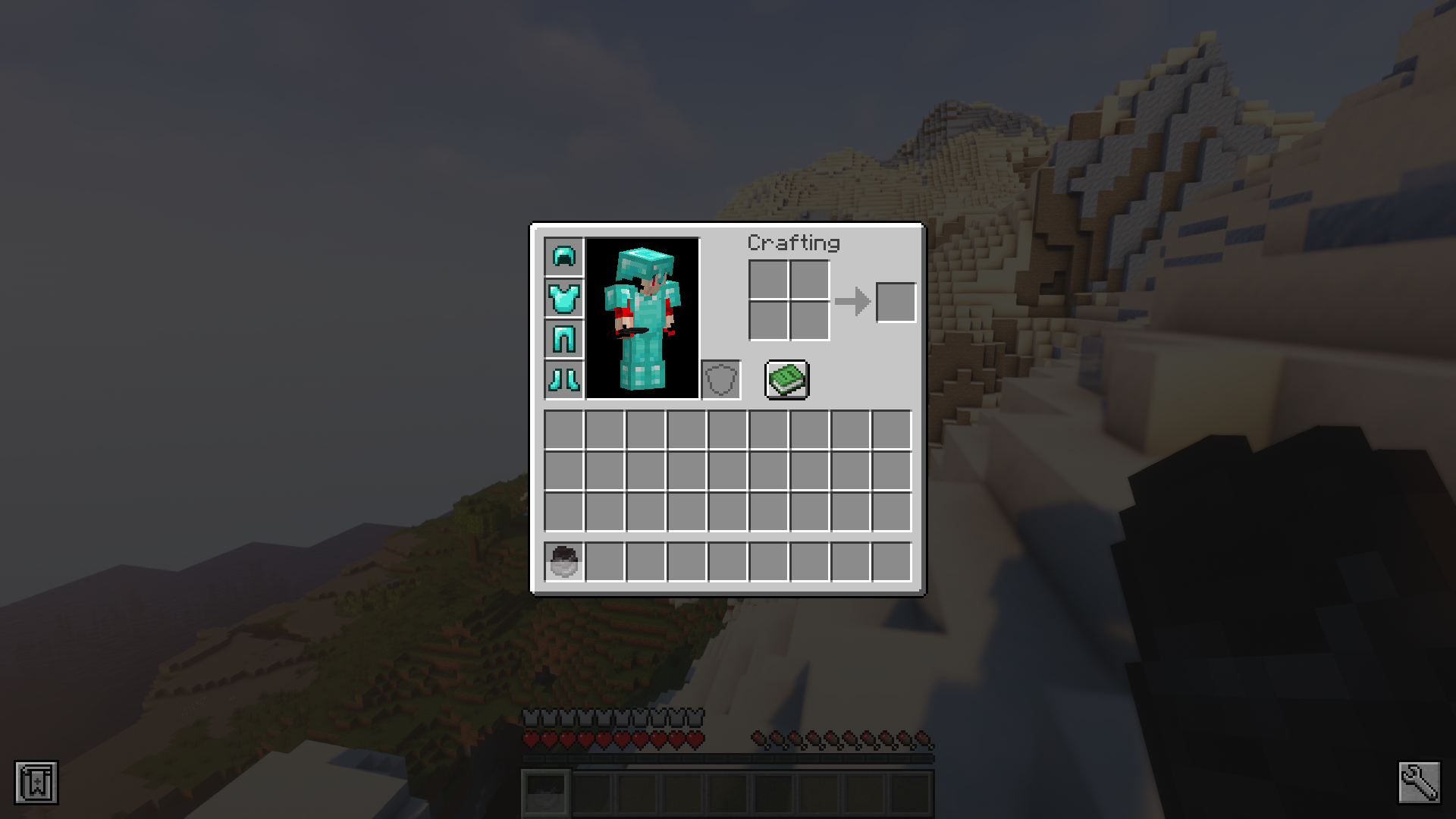
Screenshots:
Armour Bundles Mod Download Links
- Edition: Minecraft Java
- File type: .jar
- Minecraft version listed: 1.20.1
- How to install: Install the matching mod loader (Forge, Fabric or NeoForge) for your Minecraft version. → Download the .jar. → Put it in the .minecraft/mods folder and launch that loader profile.
- Where to get it: In MC Java Mods, or directly above on this page.
Install steps are the general flow for this file type — How to install Minecraft Java mods & modpacks walks through it step by step.
- Downloads as 83609.mcaddon
- Download size: 86 KB
- Download link checked 25 Sept 2026 — working
- Mirrored on our own servers — the download does not depend on the original host
These come from our own check of the pack file, not from the source page.