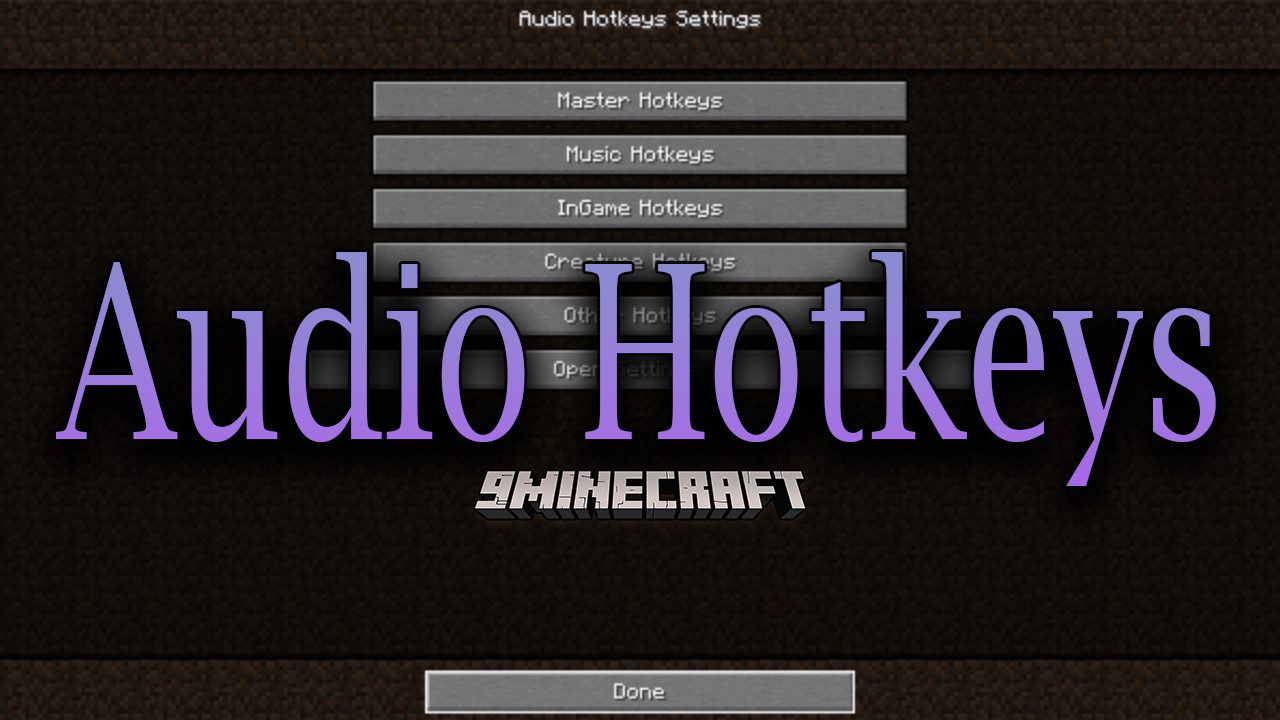
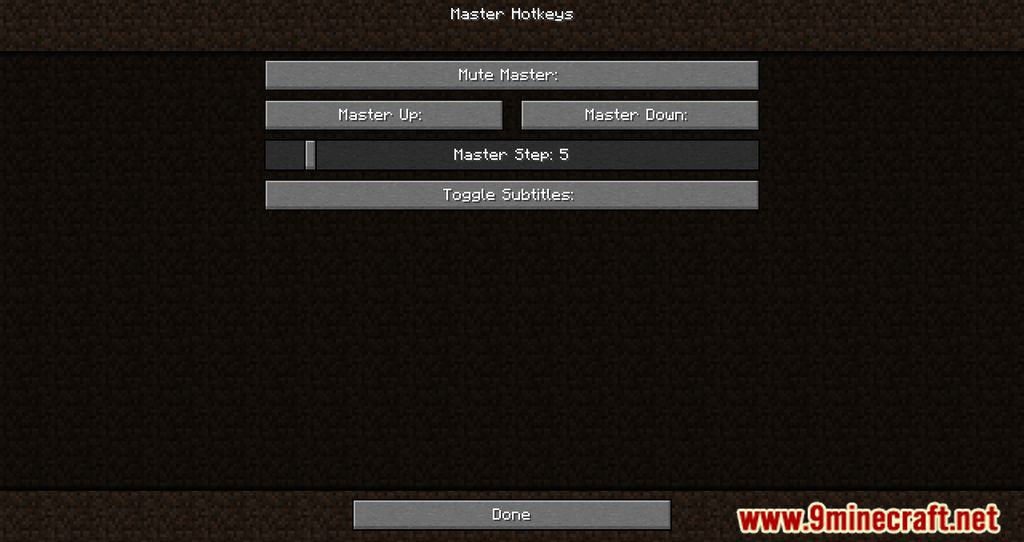
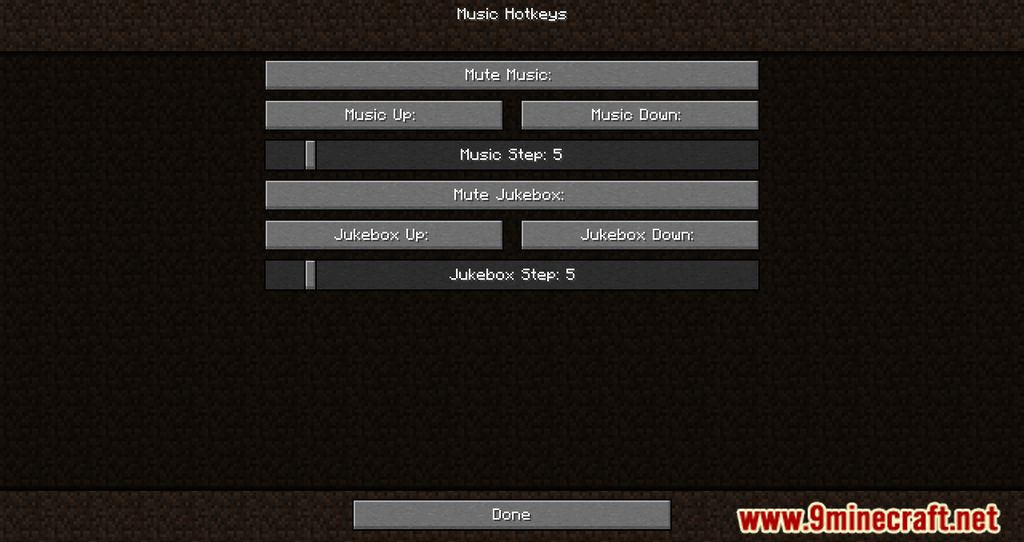
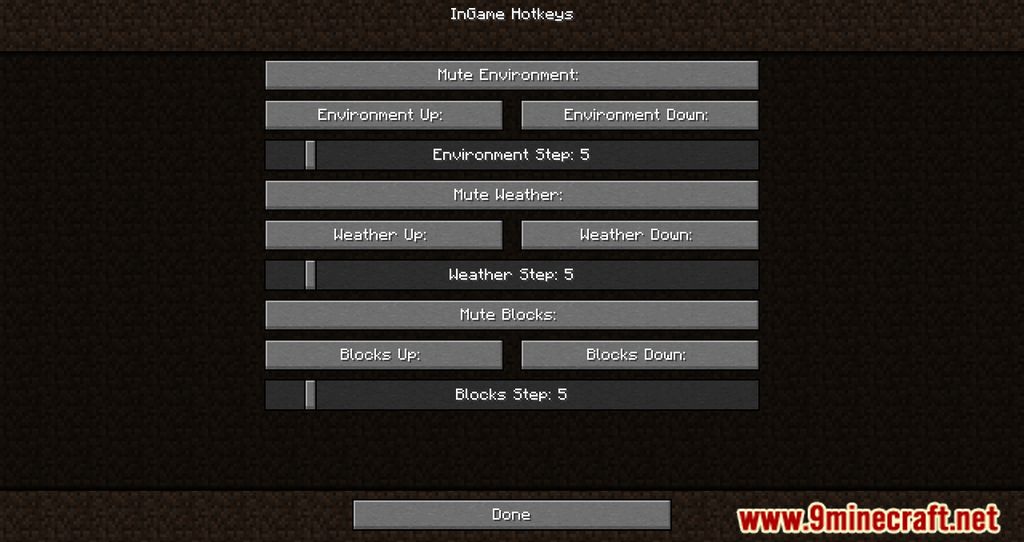
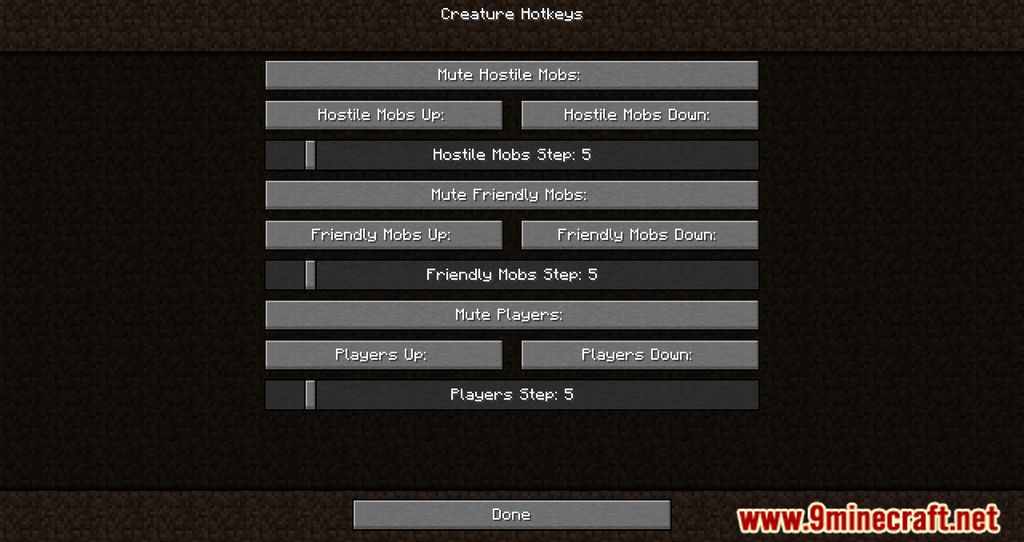
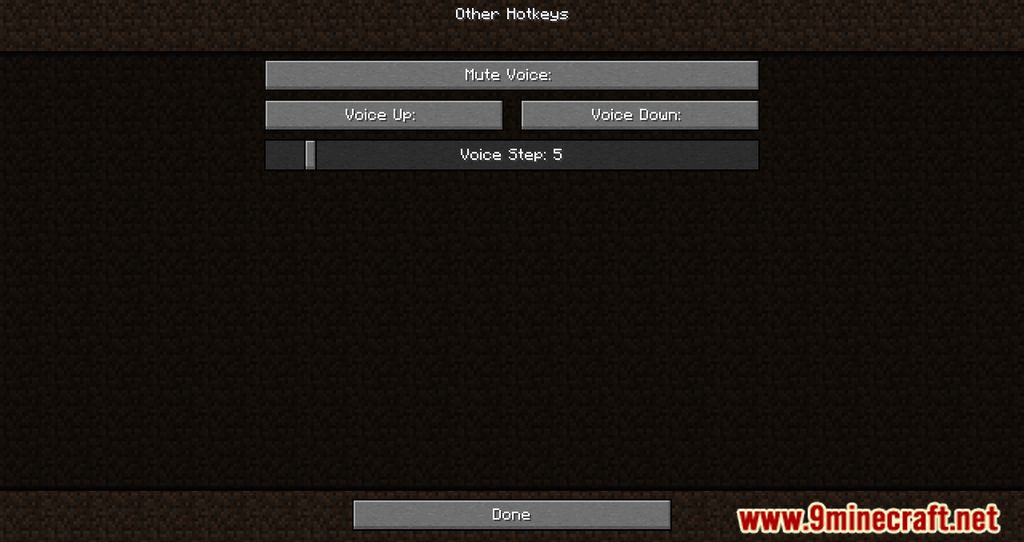
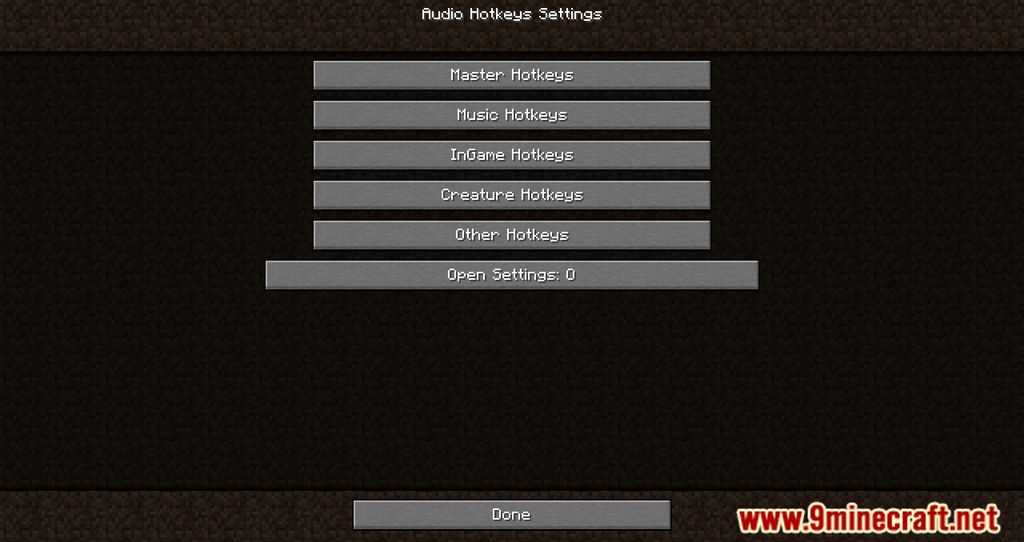
Audio Hotkeys Mod introduces an option where players can open the hotkey menu by pressing O, allowing them to set a hotkey for muting, and changing volume. In a standard setting, players would need to press Esc, go into the Audio settings and tweak the volume, however, this process can be quite tiresome as there are too many steps. At the same time, during multiplayer gameplay, it is going to be difficult to tweak these volumes as pressing Esc would not pause the game, thus risking players from being defeated by hostile entities and other players. With Audio Hotkeys, it would a lot easier as players can press one button to either Mute or change the current volume of the game. Facilitating this simple feature allows players to be more immersed in Minecraft and enjoy the game a lot more.
Features:
- Players can press O to change the hotkeys of muting, and changing audio.
Screenshots:
Audio Hotkeys Mod Download Links
- Edition: Minecraft Java
- File type: .jar
- Minecraft version listed: 1.20.1
- How to install: Install the matching mod loader (Forge, Fabric or NeoForge) for your Minecraft version. → Download the .jar. → Put it in the .minecraft/mods folder and launch that loader profile.
- Where to get it: In MC Java Mods, or directly above on this page.
Install steps are the general flow for this file type — How to install Minecraft Java mods & modpacks walks through it step by step.
- Downloads as 83614.mcaddon
- Download size: 51 KB
- Download link checked 25 Sept 2026 — working
- Mirrored on our own servers — the download does not depend on the original host
These come from our own check of the pack file, not from the source page.