ModsJava
Enchanting Plus Modern Edition Mod (26.1.2, 1.20.1) – Pick Your Own Enchantments
Java mod listed for Minecraft 1.20. Downloads from the MC Java Mods app on Android.
⬇ Download
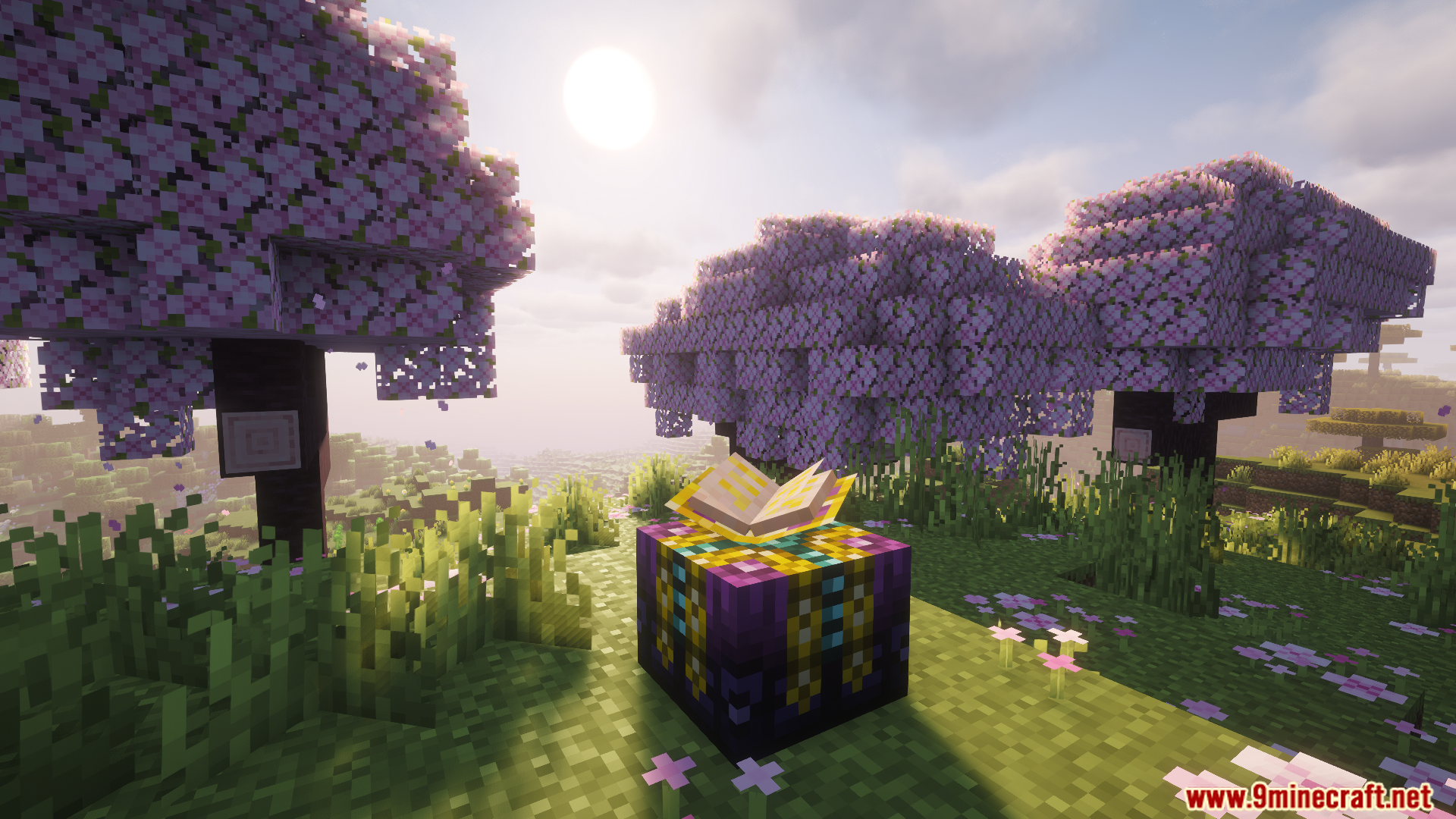
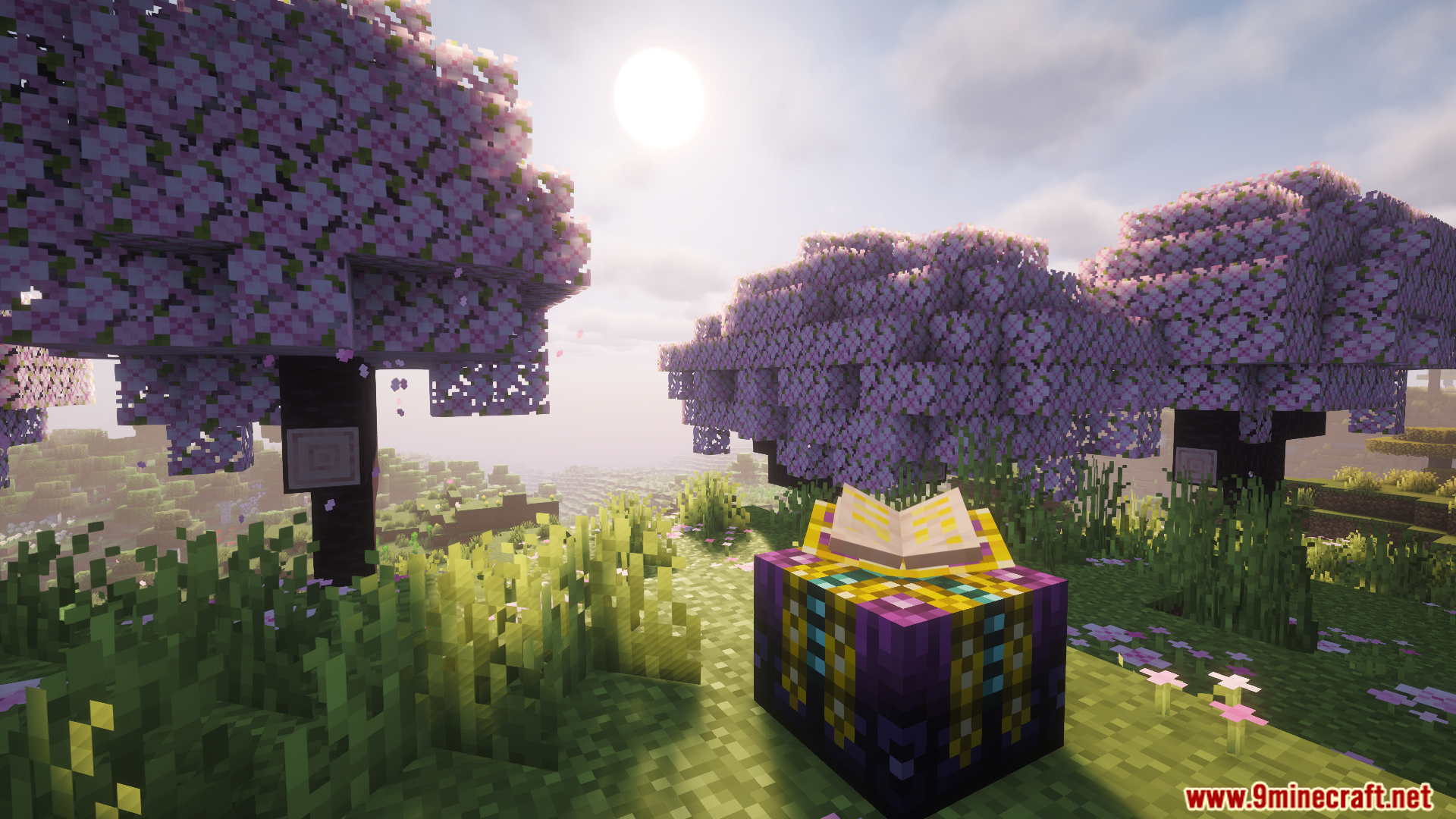
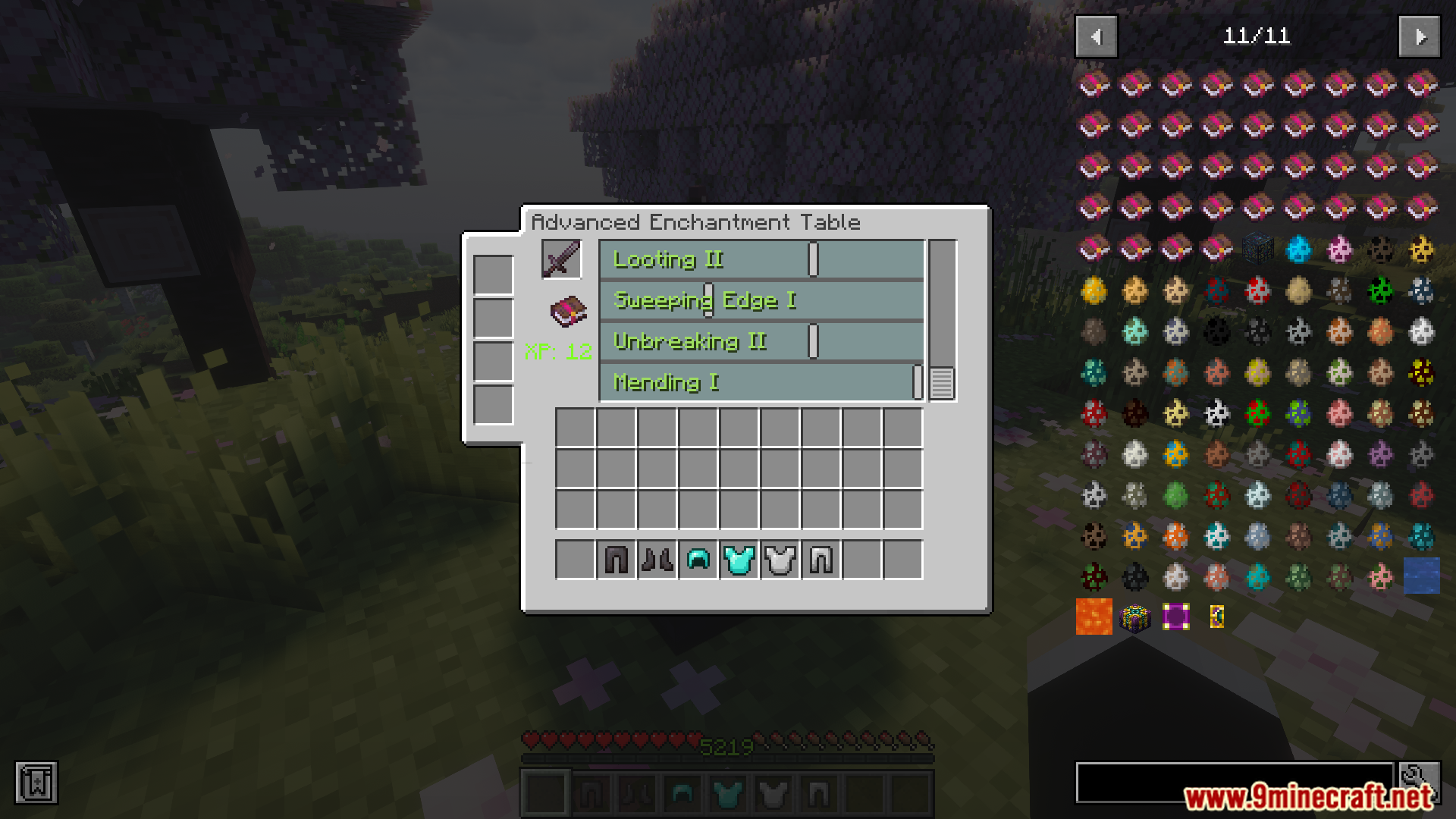
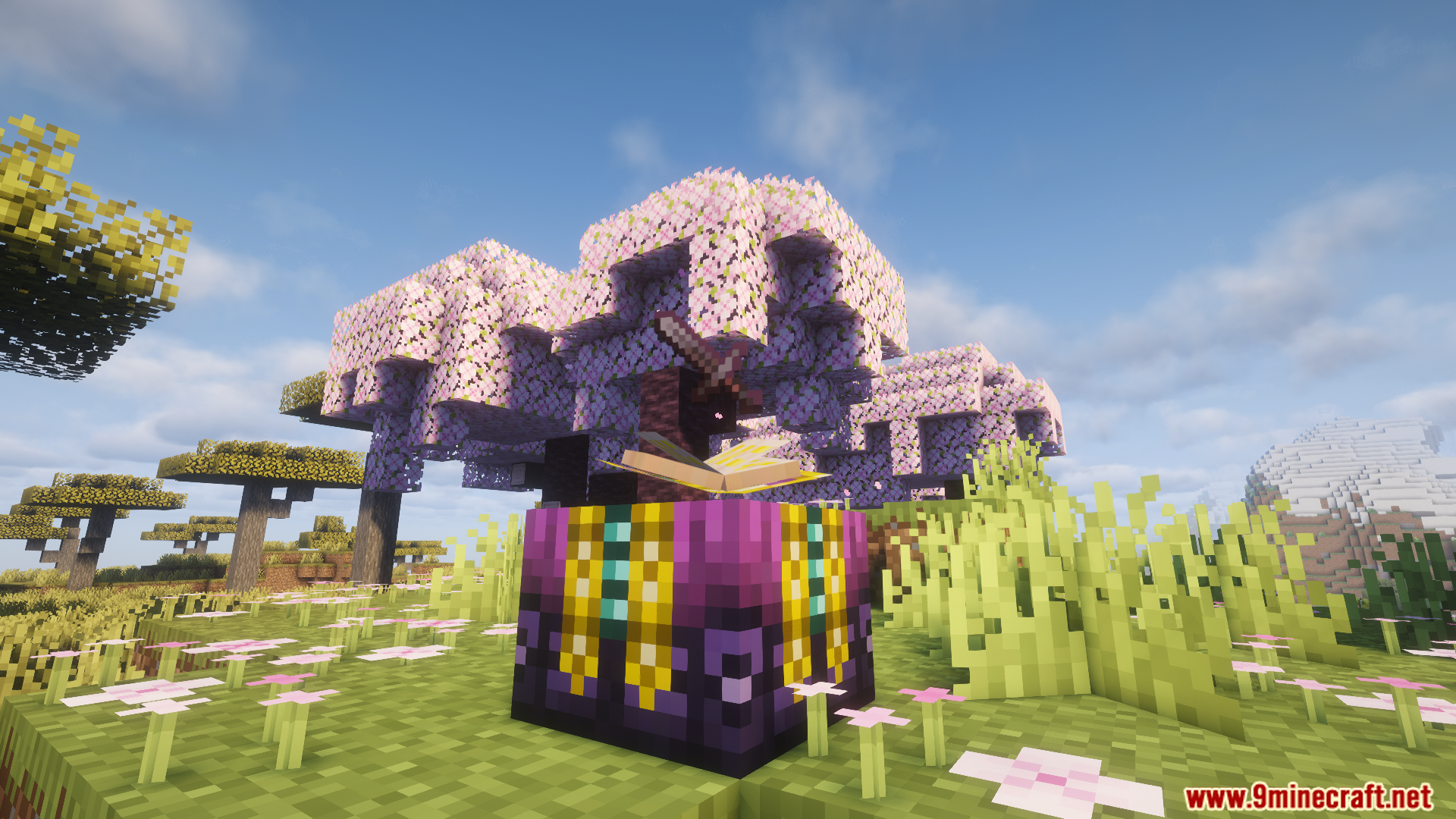
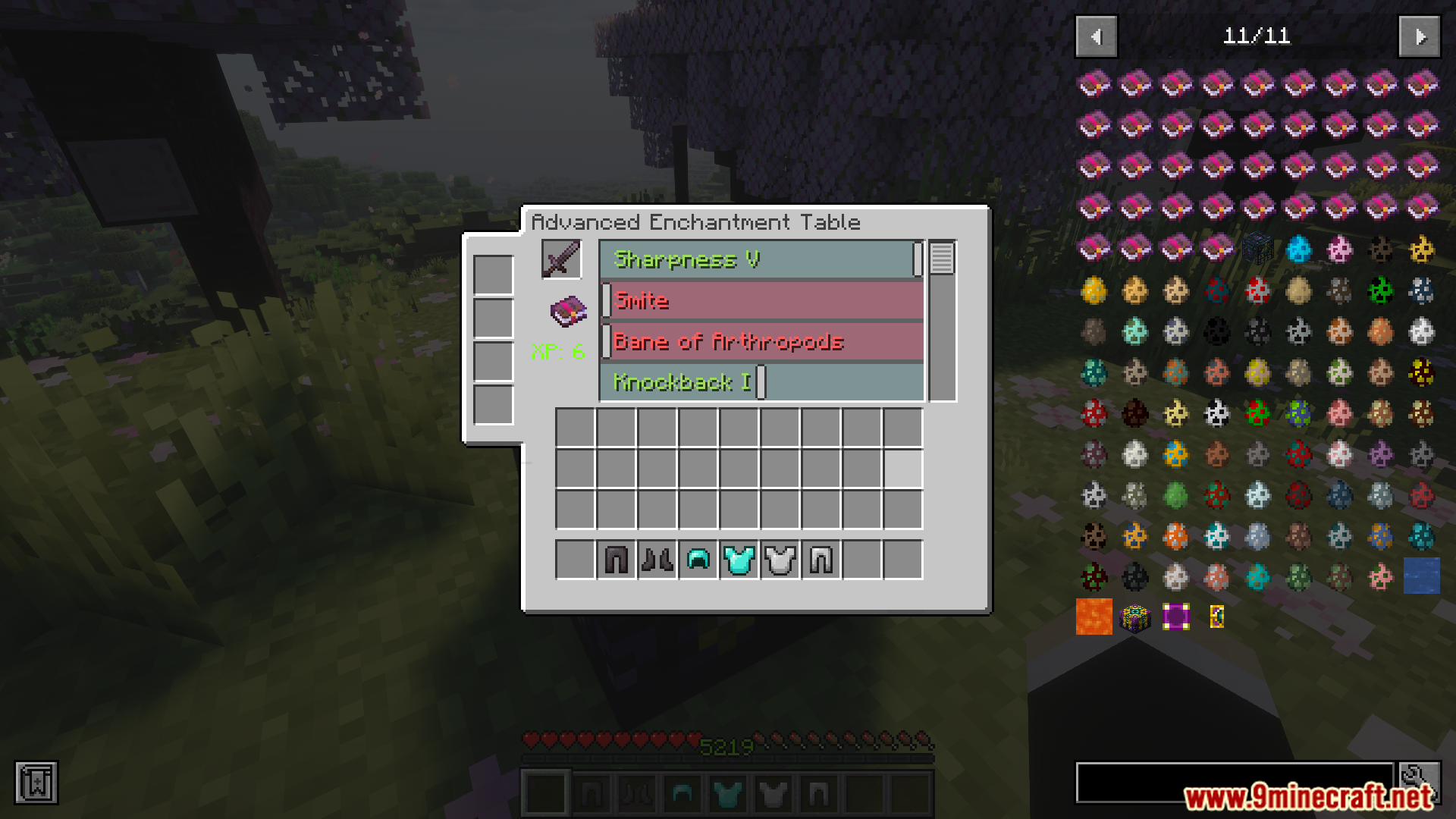
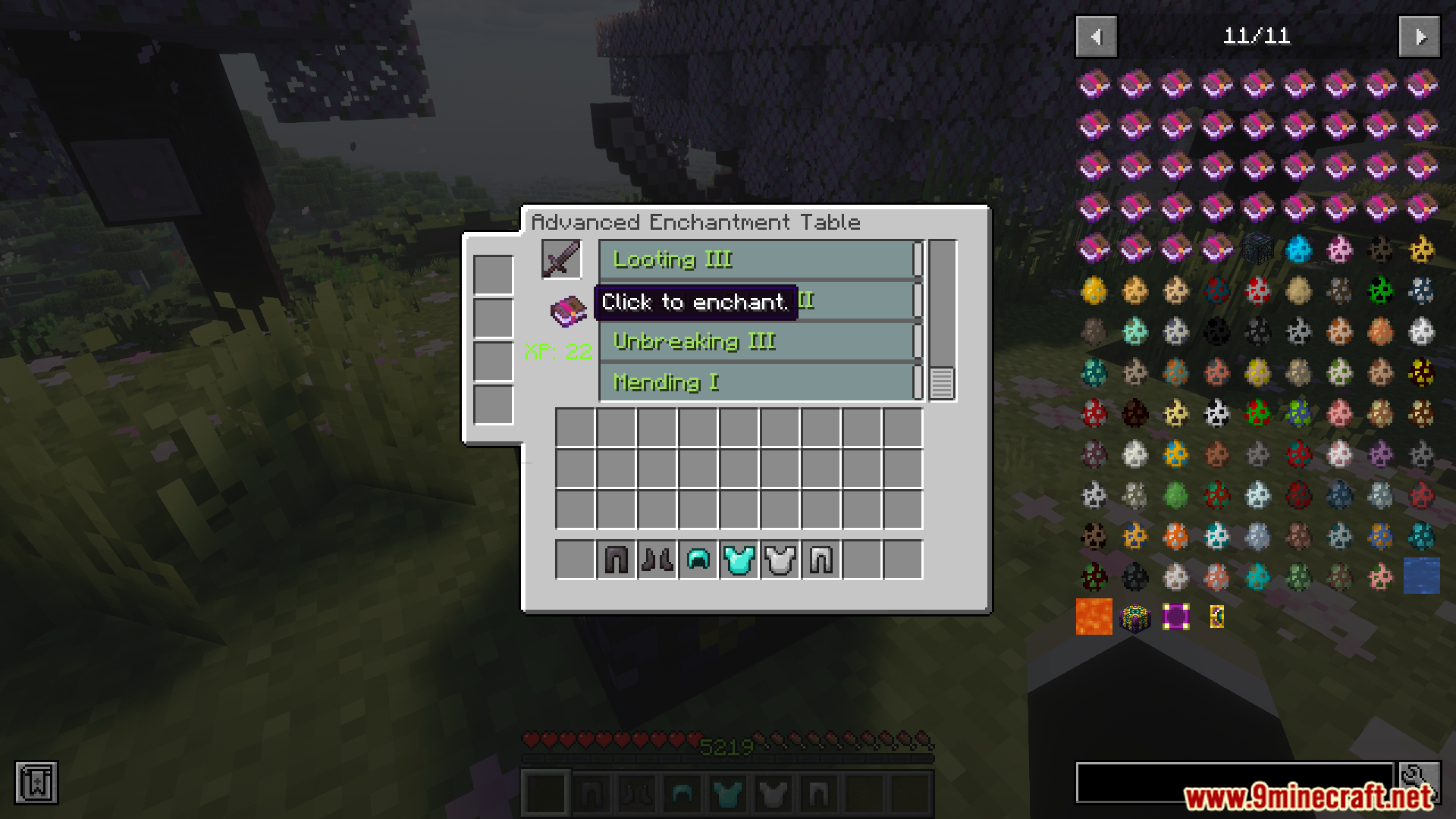
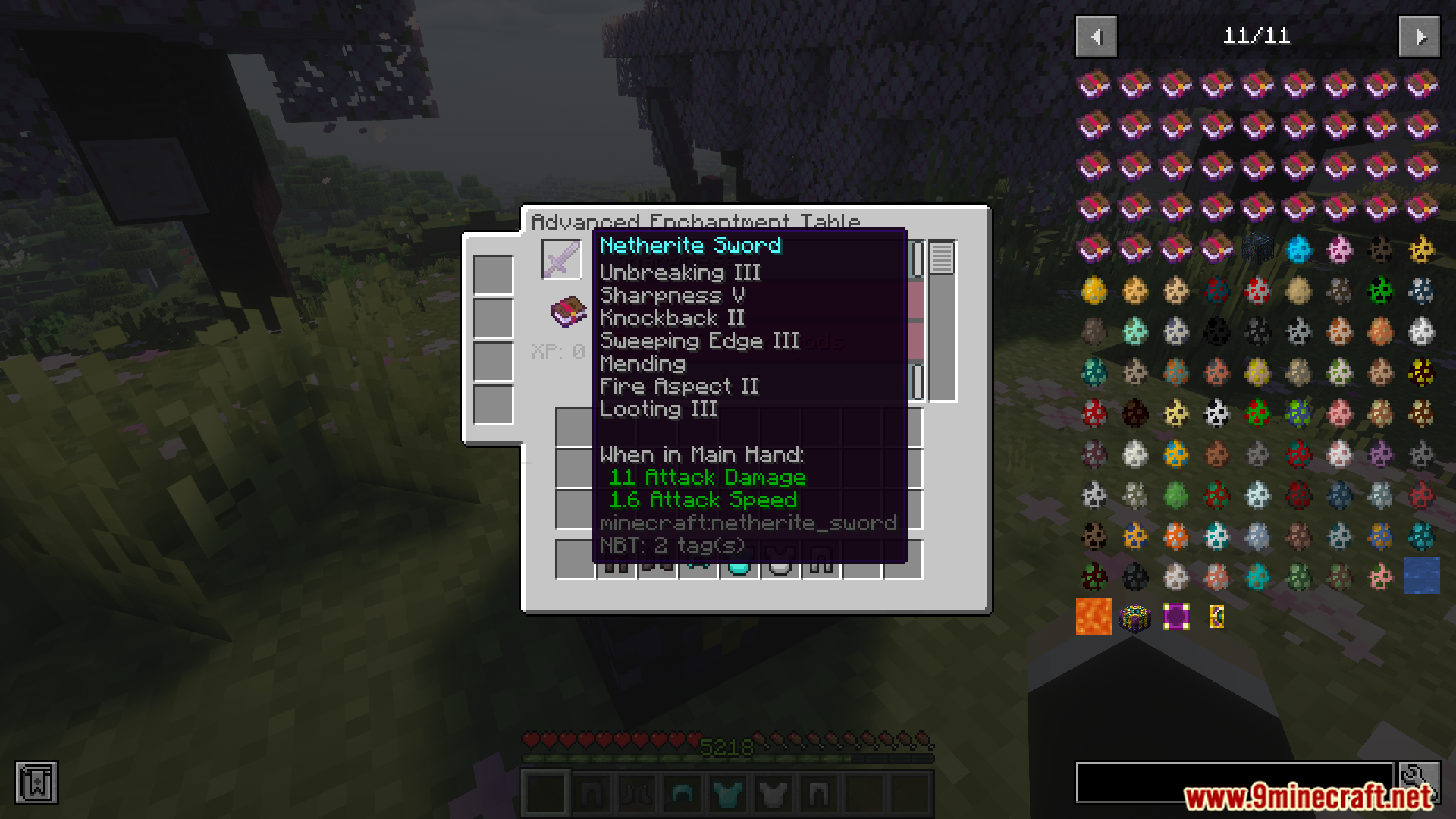
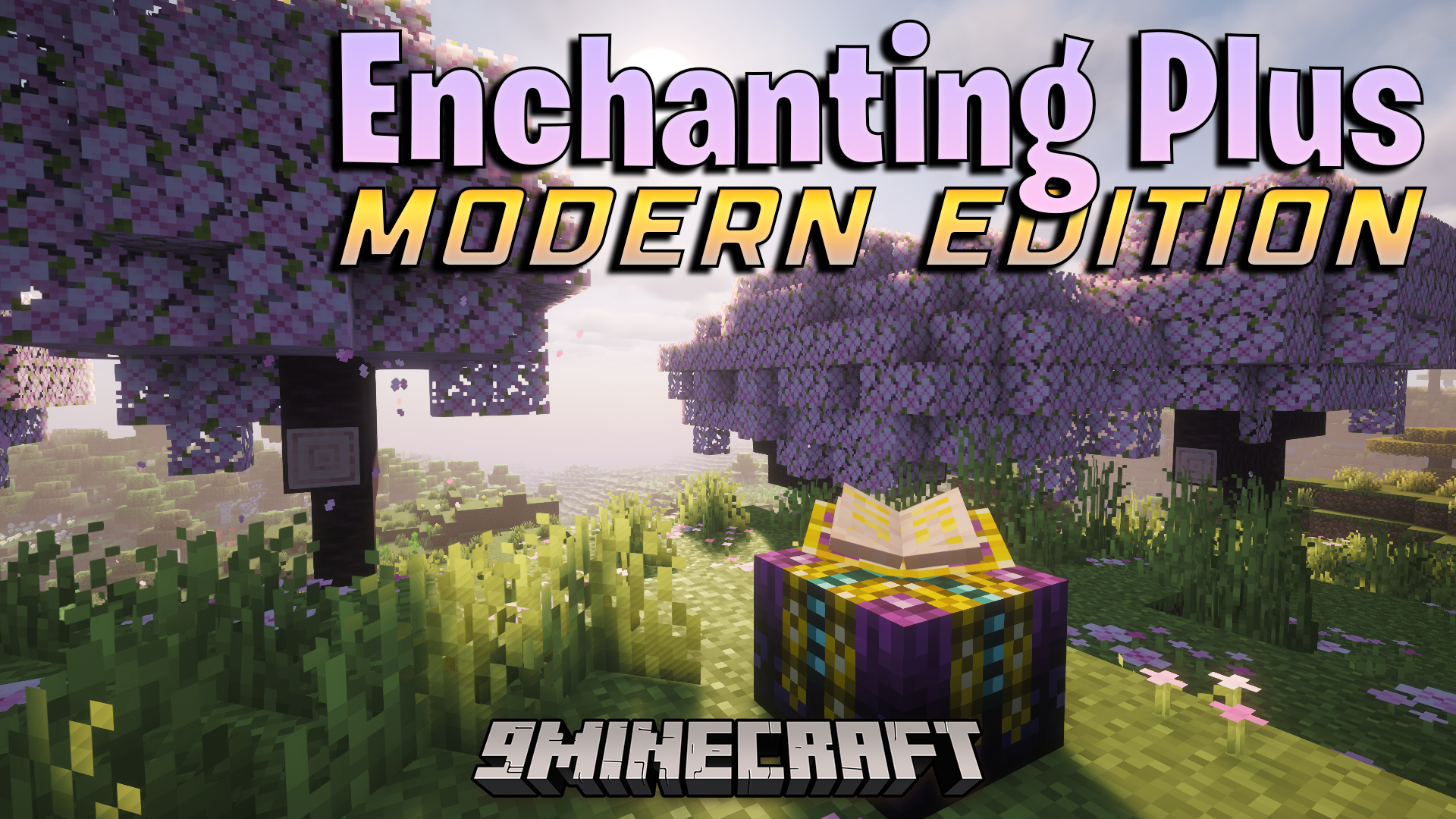
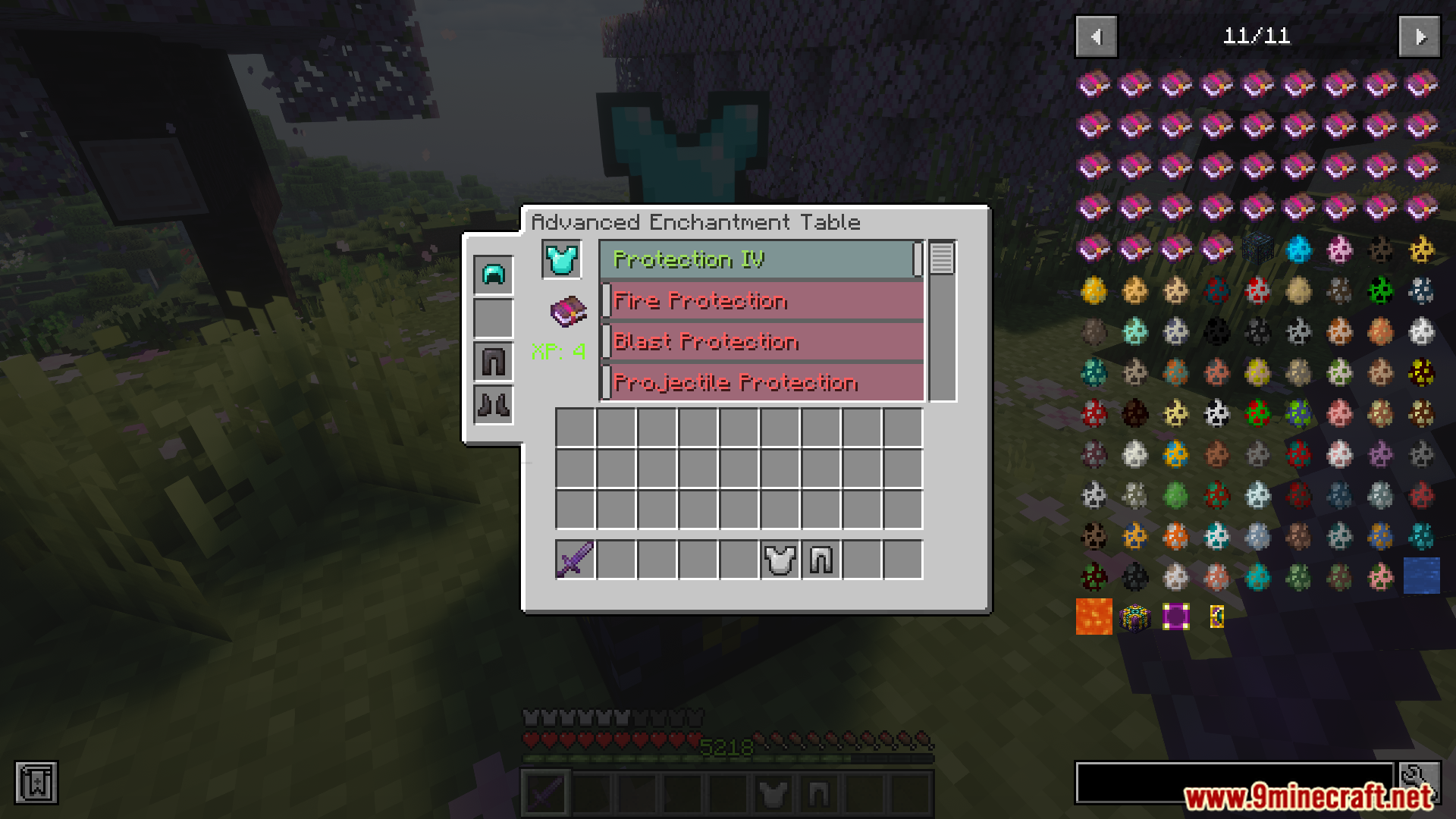
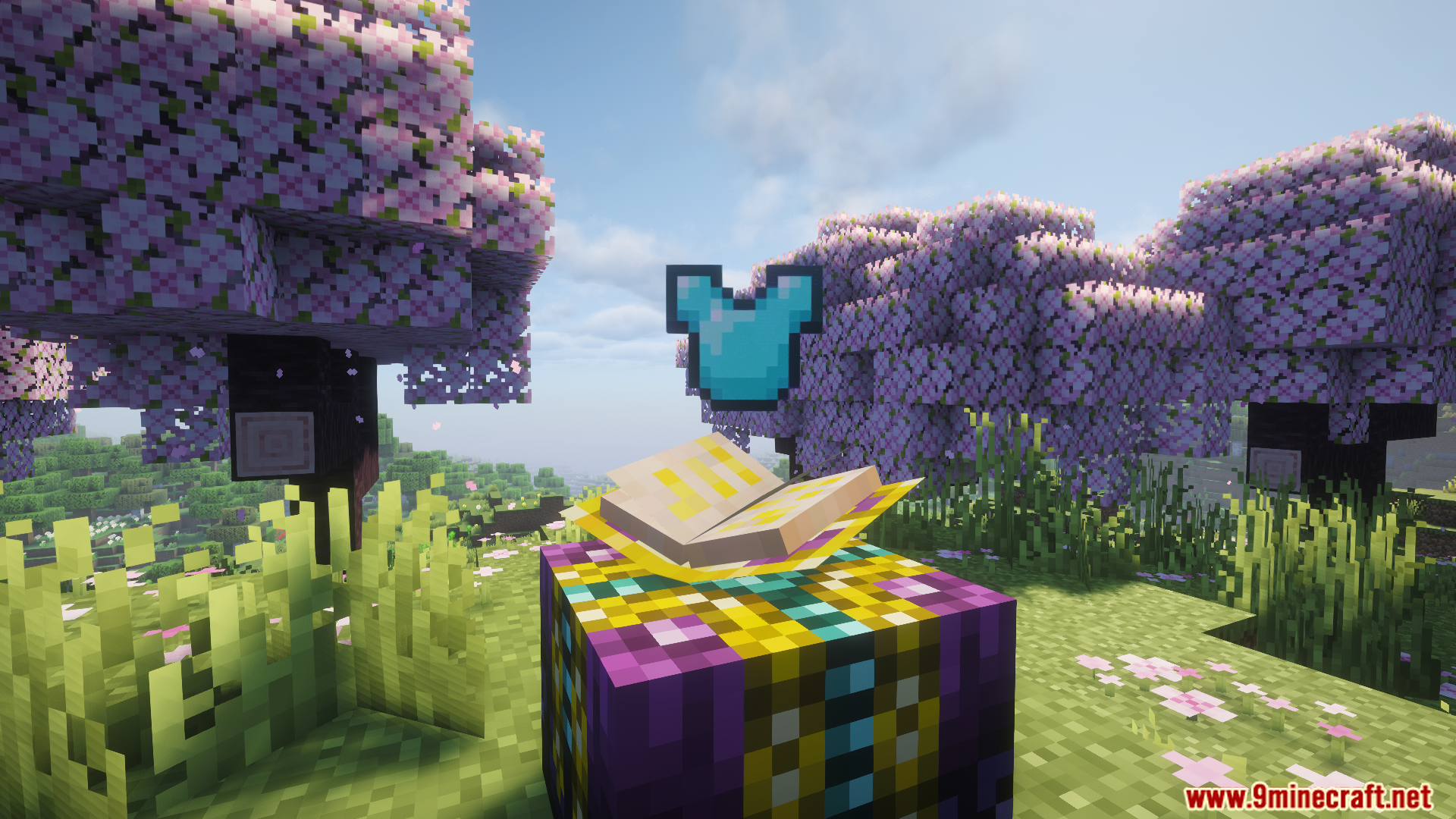
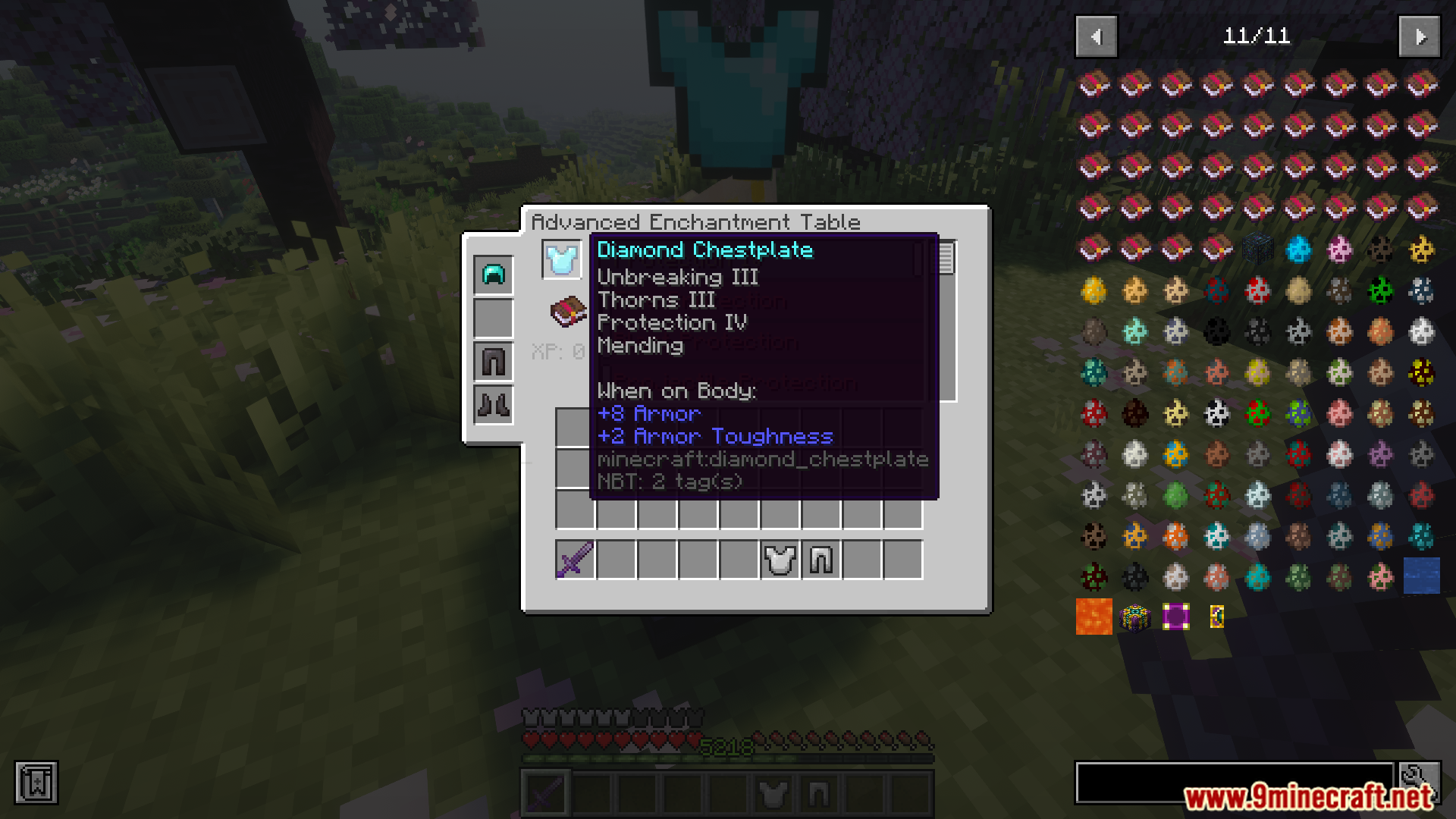
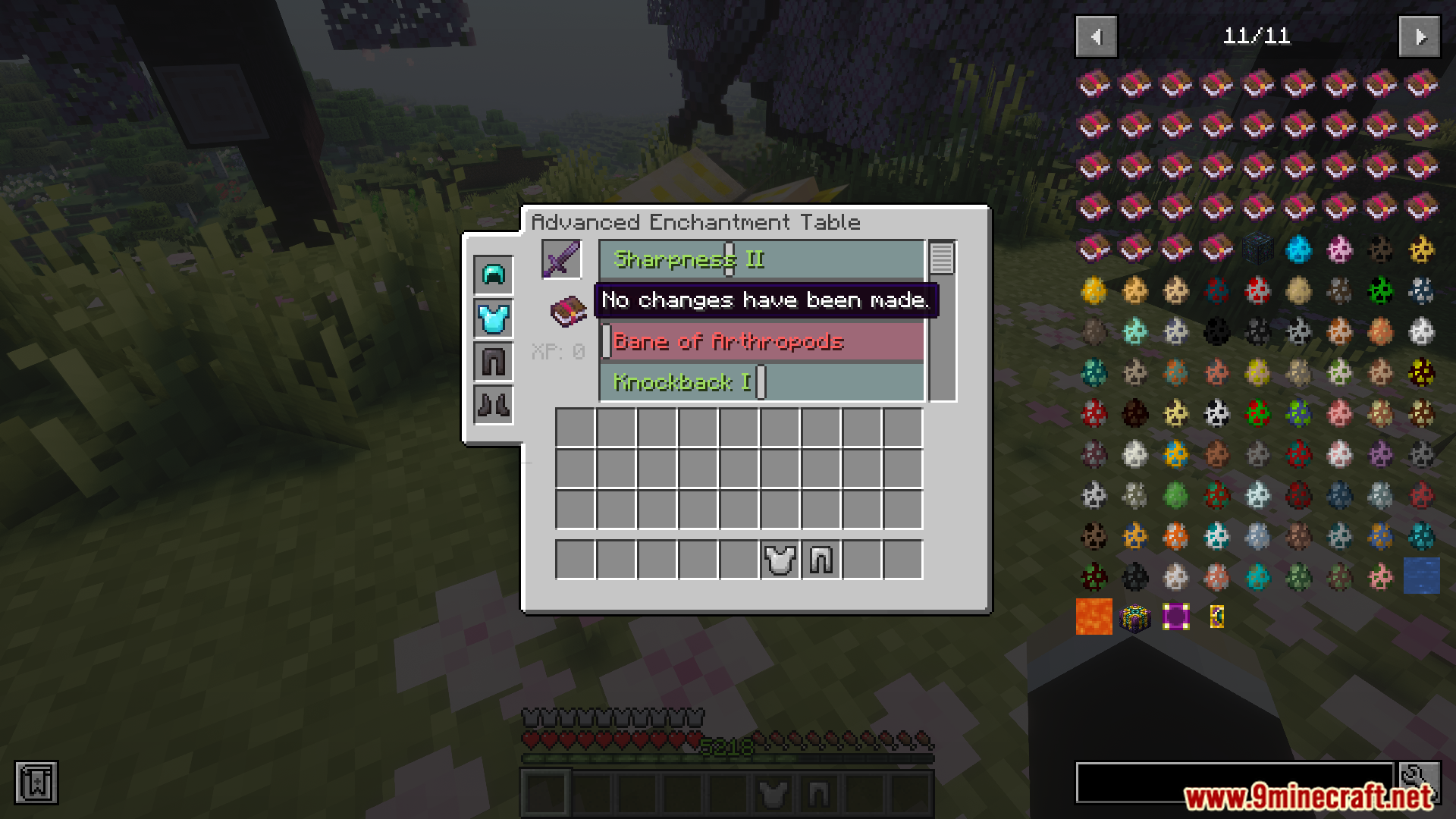
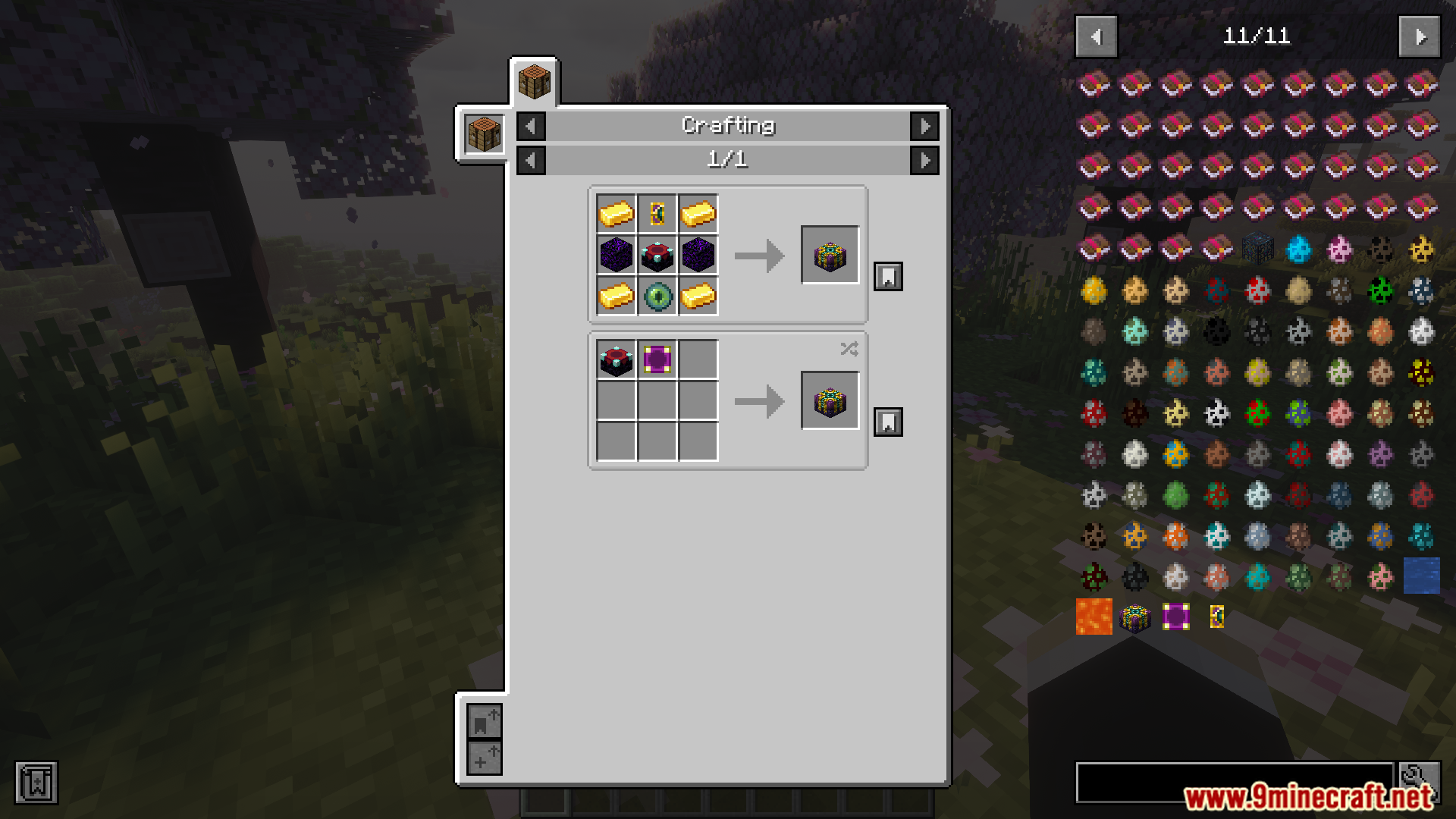
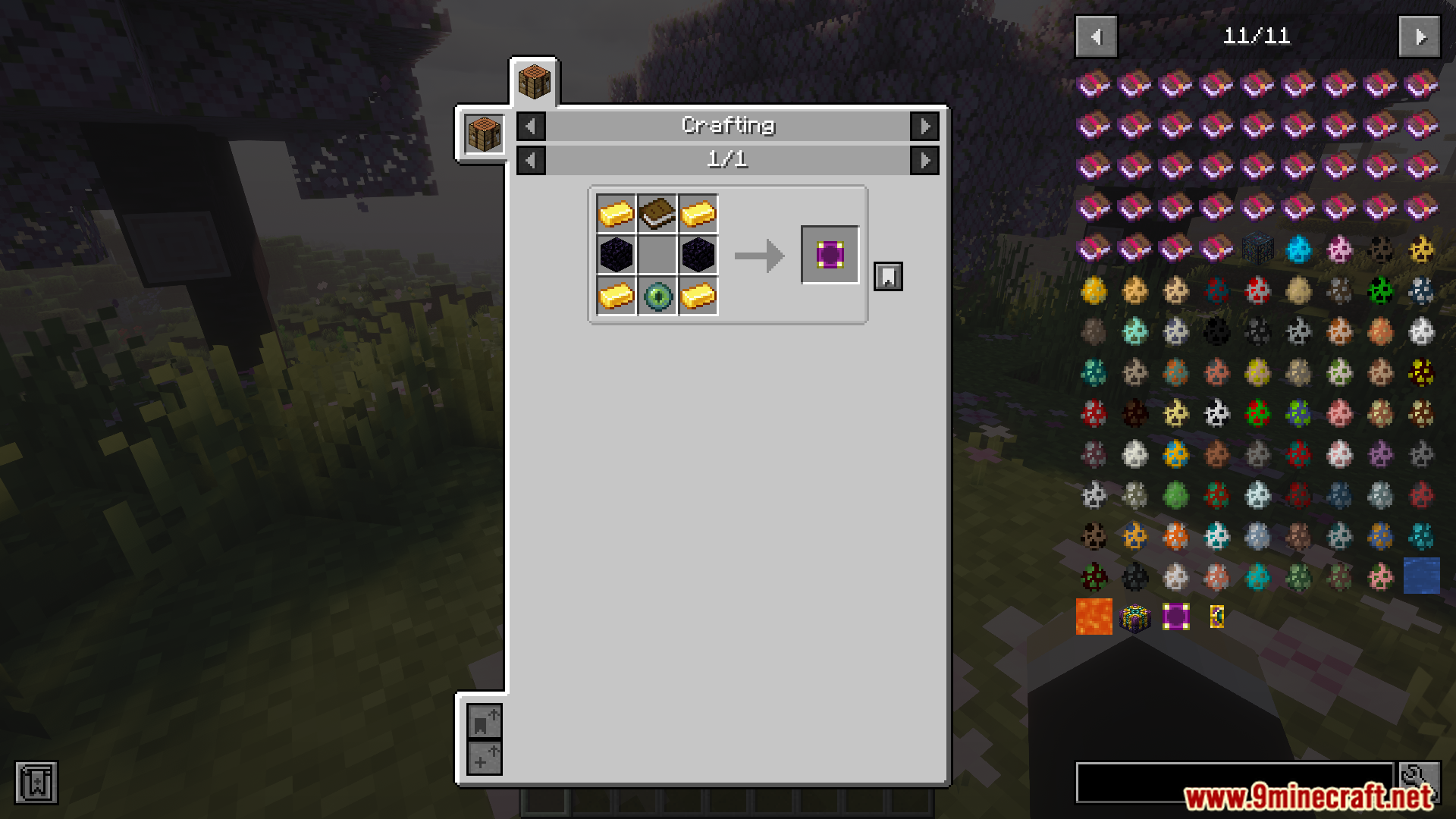
Enchanting Plus Modern Edition Mod lets you pick exactly what magic you want on your tools. It changes the normal table so you do not have to guess and hope for good results. You can see the items float above the table while you work.
Features:
- Choose what you want instead of random results.
- Look at a moving 3D magic book on your table.
- Watch your items float in the air above the enchanting table.
- Find brand new custom magic spells to put on your gear.
- Enchant new types of items that you could not enchant before.
- See your armor and items clearly inside the new menu screen.
- The book opens, turns pages, and moves around as you play.
Screenshots:
Enchanting Plus Modern Edition Mod Download Links
Quick facts
- Edition: Minecraft Java
- File type: .jar
- Minecraft version listed: 1.20.1
- How to install: Install the matching mod loader (Forge, Fabric or NeoForge) for your Minecraft version. → Download the .jar. → Put it in the .minecraft/mods folder and launch that loader profile.
- Where to get it: In MC Java Mods, or directly above on this page.
Install steps are the general flow for this file type — How to install Minecraft Java mods & modpacks walks through it step by step.
File checked by MCModsHub
- Downloads as 83616.mcaddon
- Download size: 170 KB
- Download link checked 24 Sept 2026 — working
- Mirrored on our own servers — the download does not depend on the original host
These come from our own check of the pack file, not from the source page.