Masonry Mod (26.1.2, 1.20.1) – New Building Blocks from Existing Materials
Java mod listed for Minecraft 1.20. Downloads from the MC Java Mods app on Android.
⬇ Download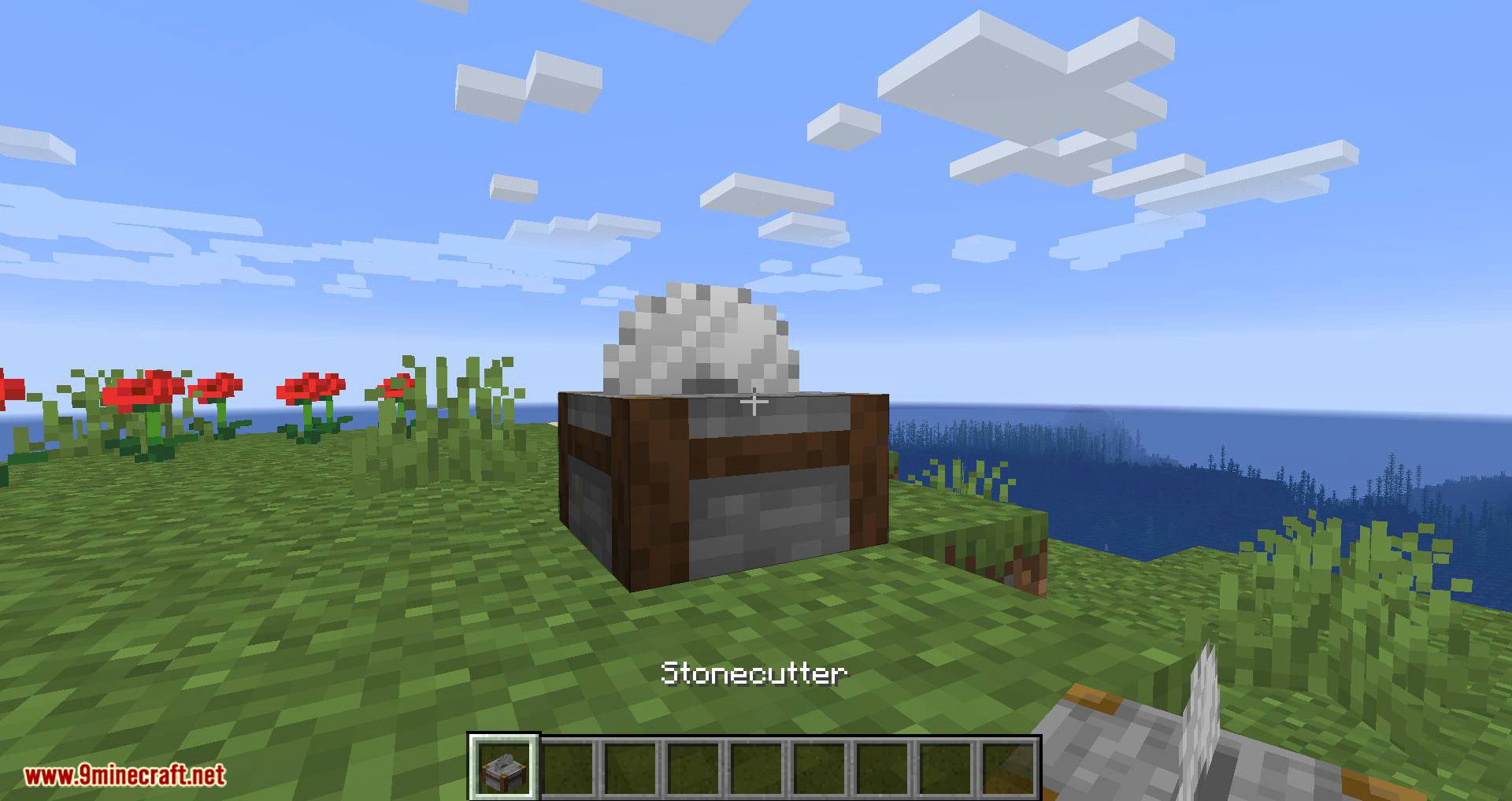
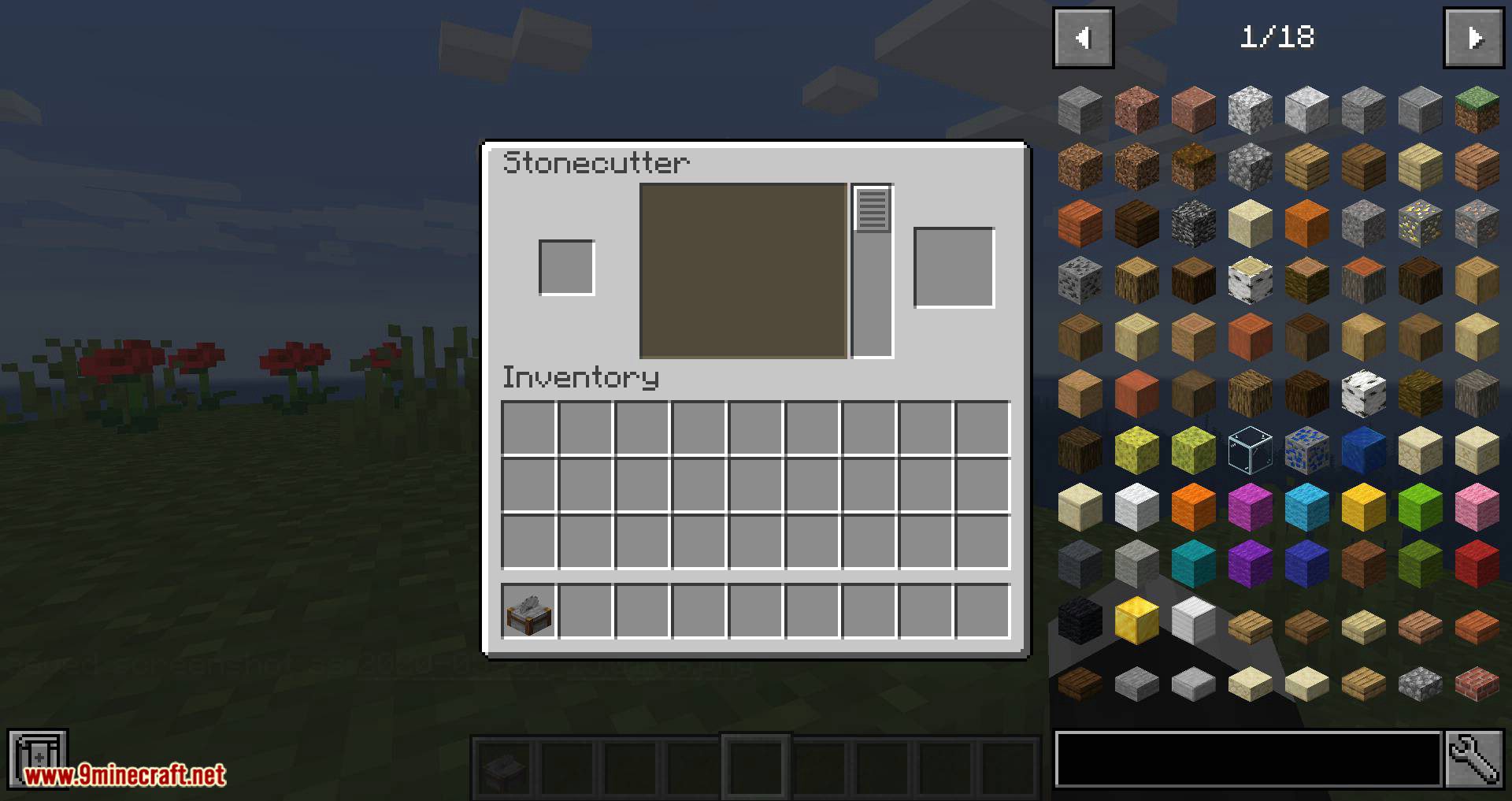
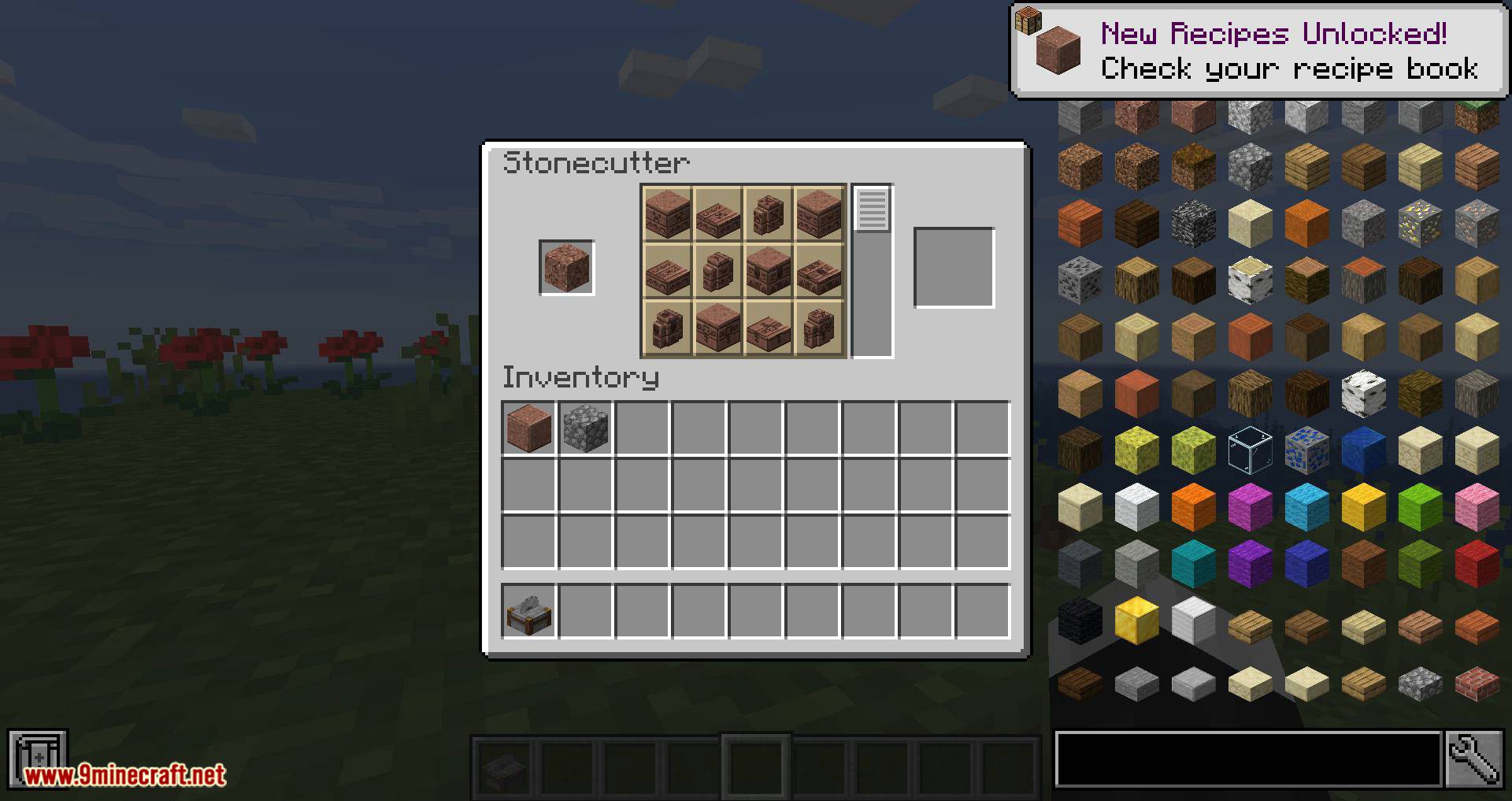
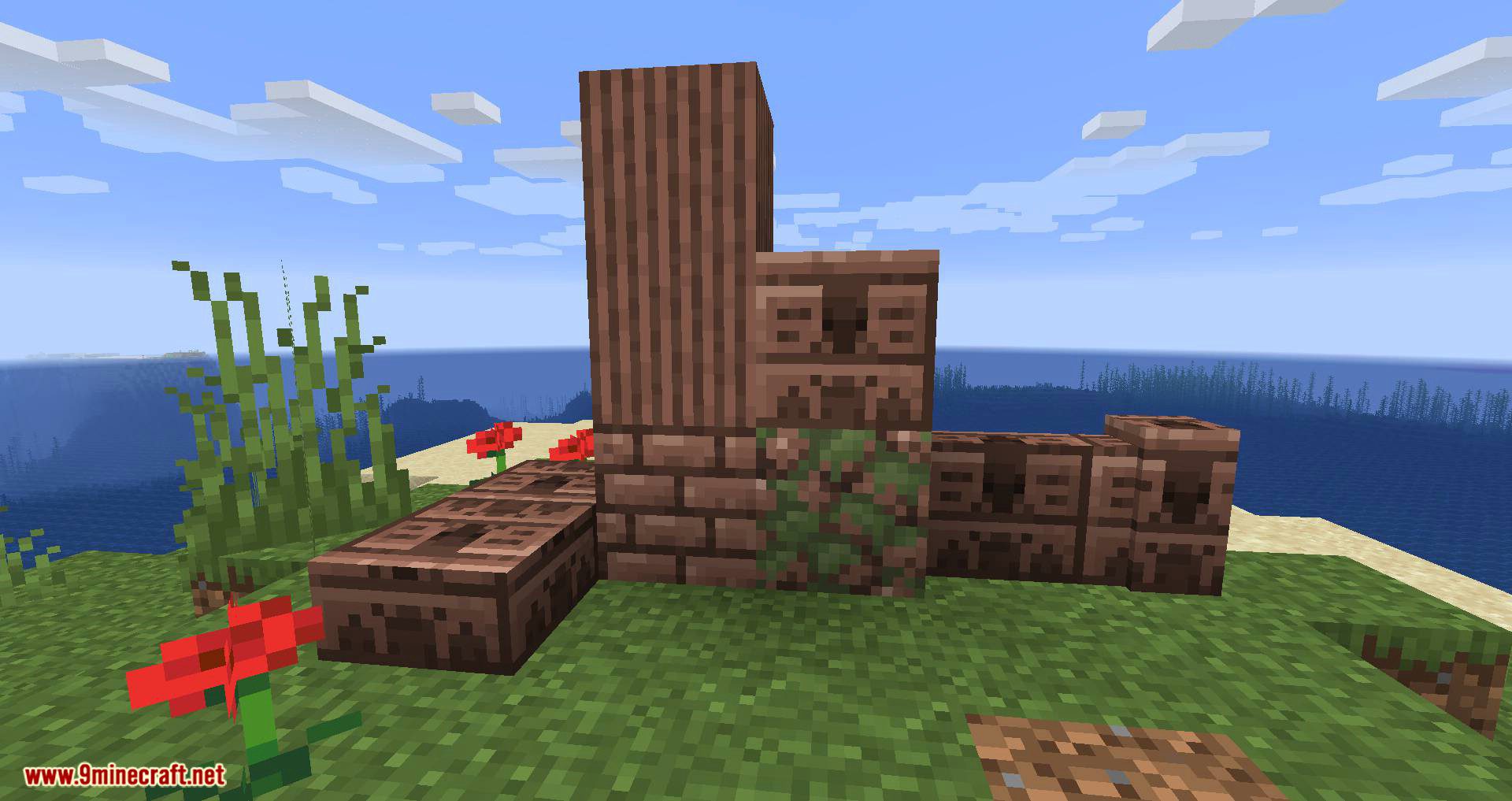
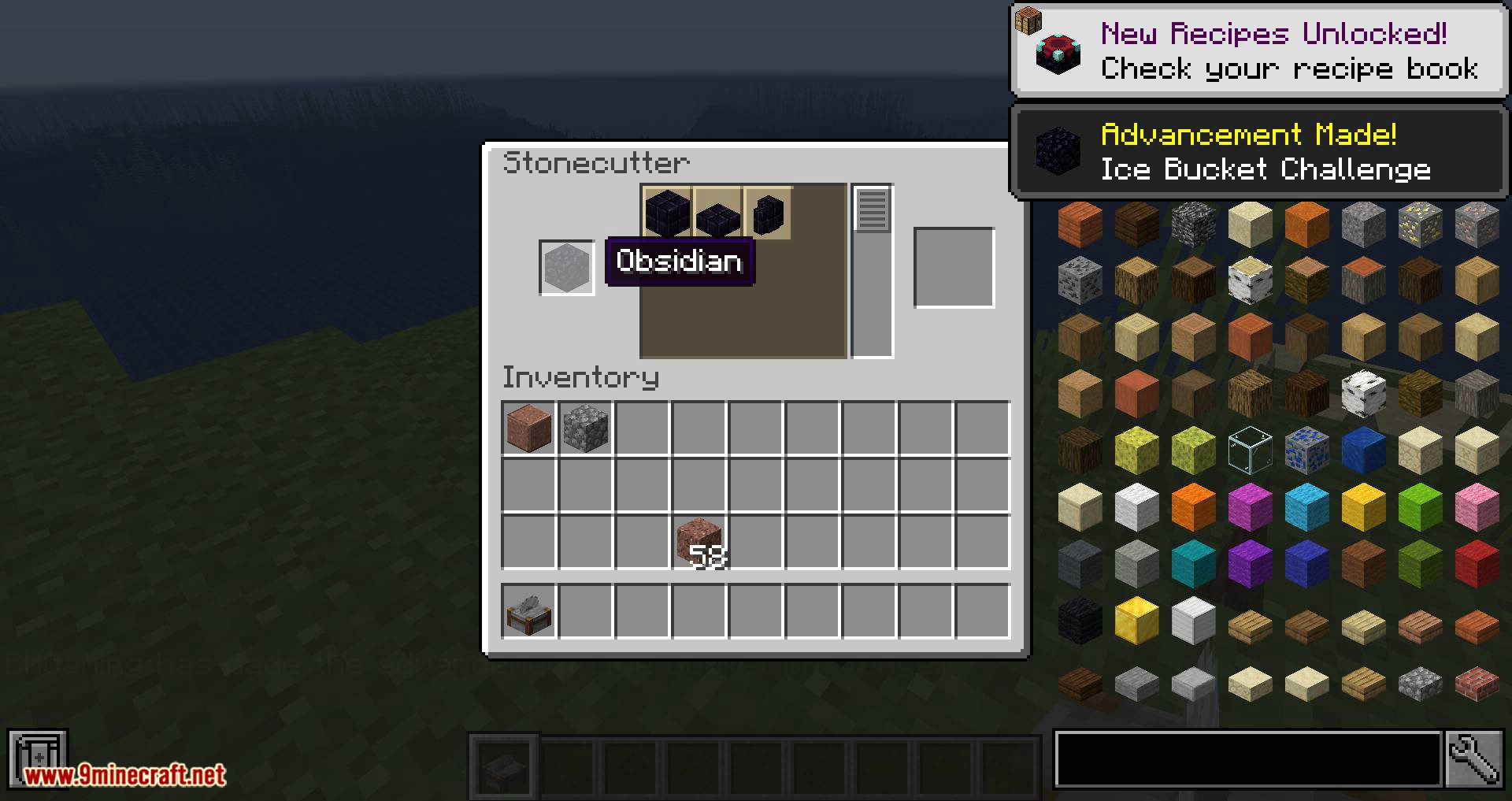
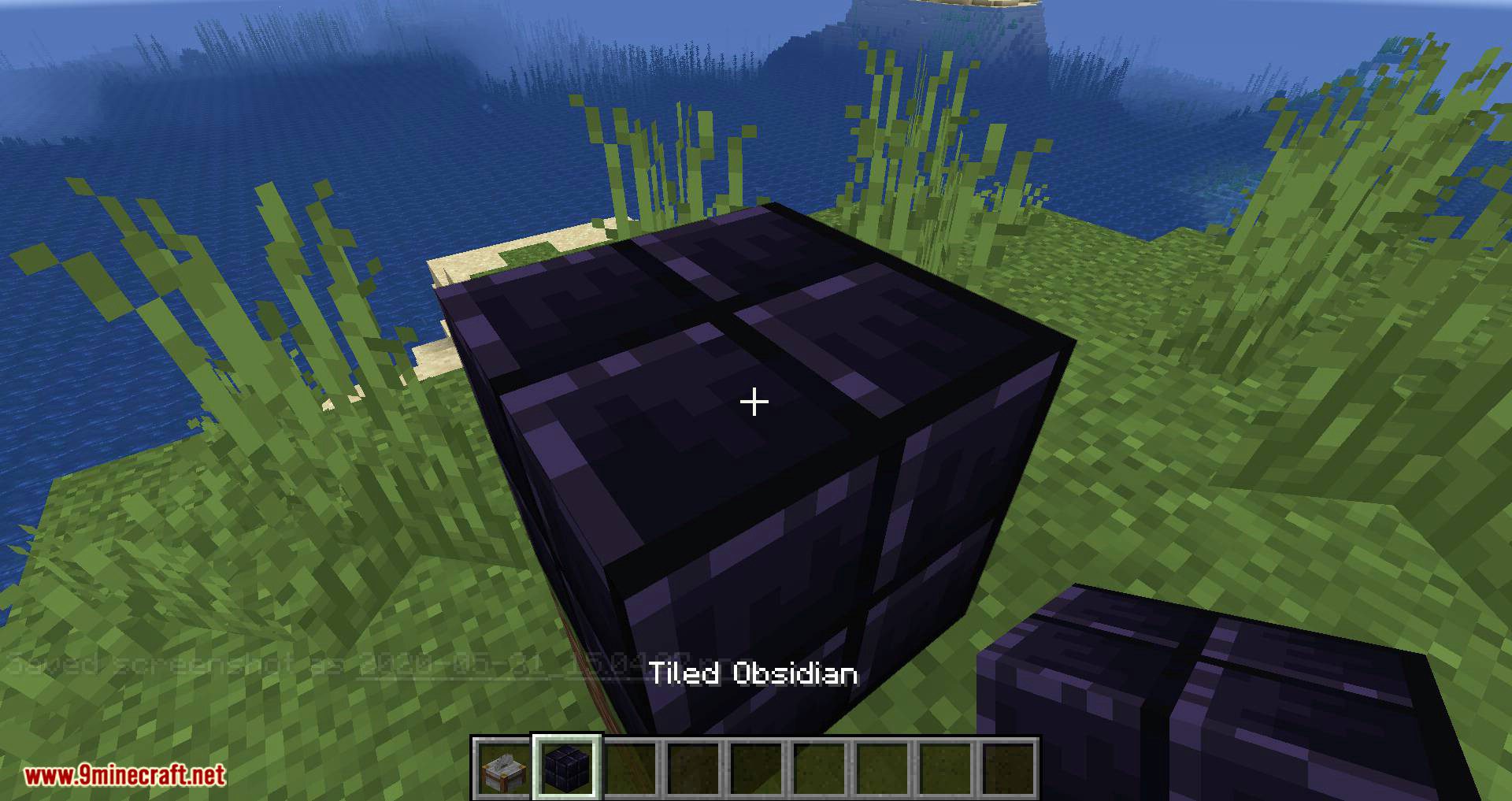
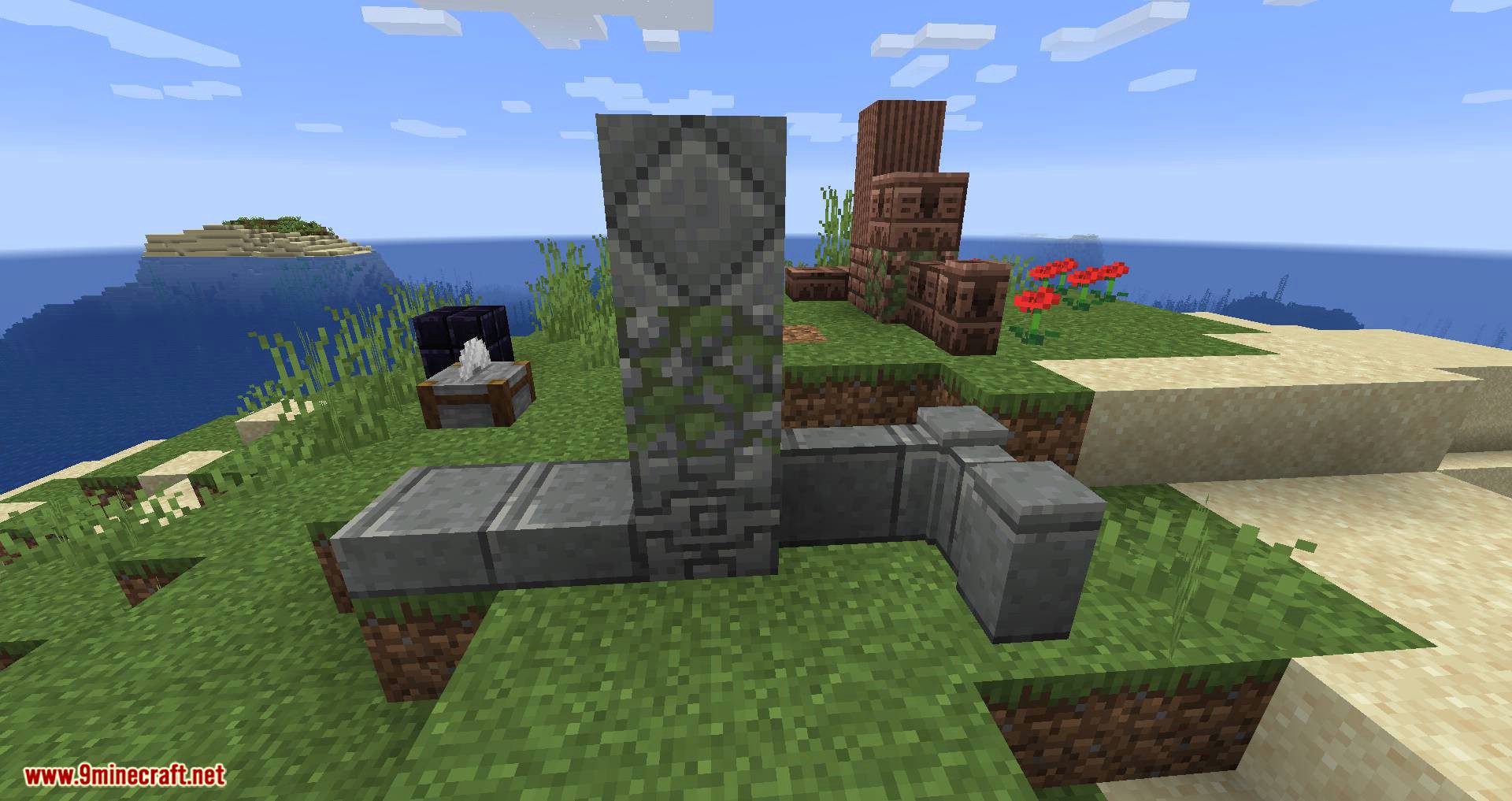
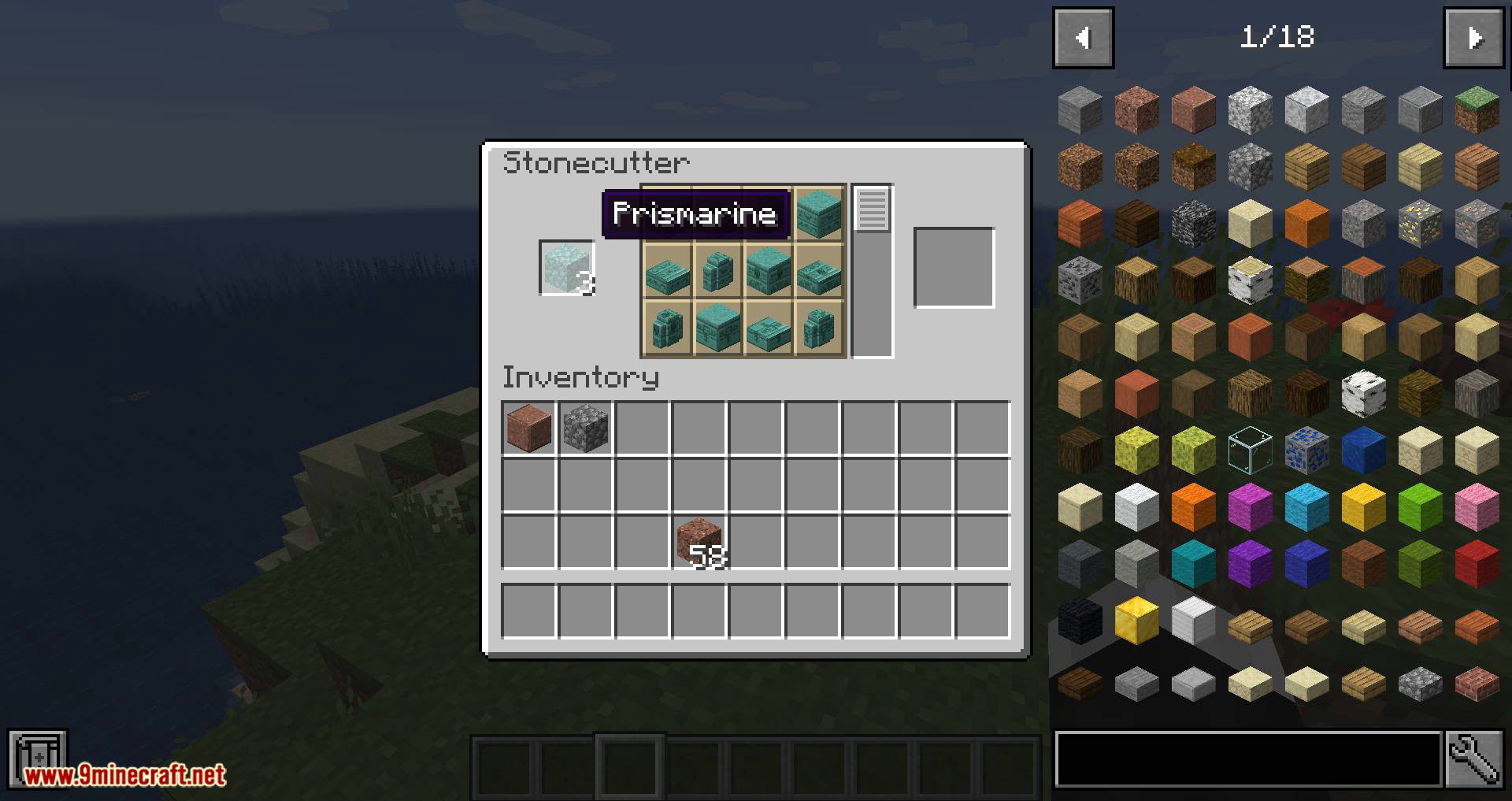
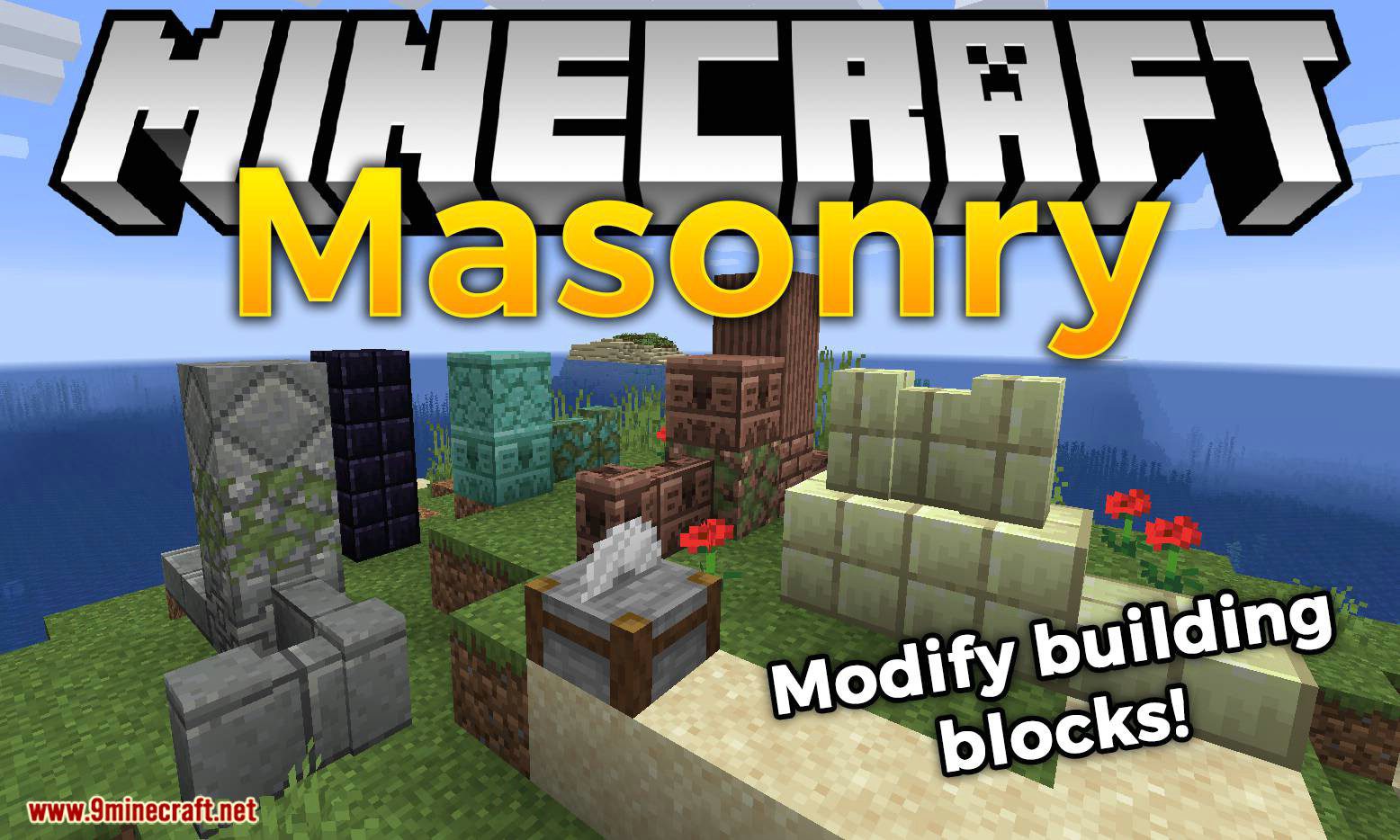
Masonry Mod is a mod focused on providing new decorative options for construction in Minecraft. While it doesn’t add furniture, it introduces new block designs that allow players to decorate their structures with fresh architectural elements. These new blocks are variants of default blocks and materials already present in Minecraft. Unlike traditional crafting, these block variants cannot be obtained through the crafting table. Instead, they are exclusively available through the Stonecutter. As seen in previews, this mod significantly expands the number of block styles, providing builders with a wide variety of new materials to enhance their creations.
Features:
Expanded Stonecutter Functionality:
- Allows players to carve new block variants from vanilla stone-like materials.
- Provides patterned and carved stone blocks for enhanced architectural designs.
New Decorative Blocks:
- Adds unique textures and processing options for standard stone materials.
- Introduces a wide range of new stone blocks, giving builders more creative freedom.
Screenshots:
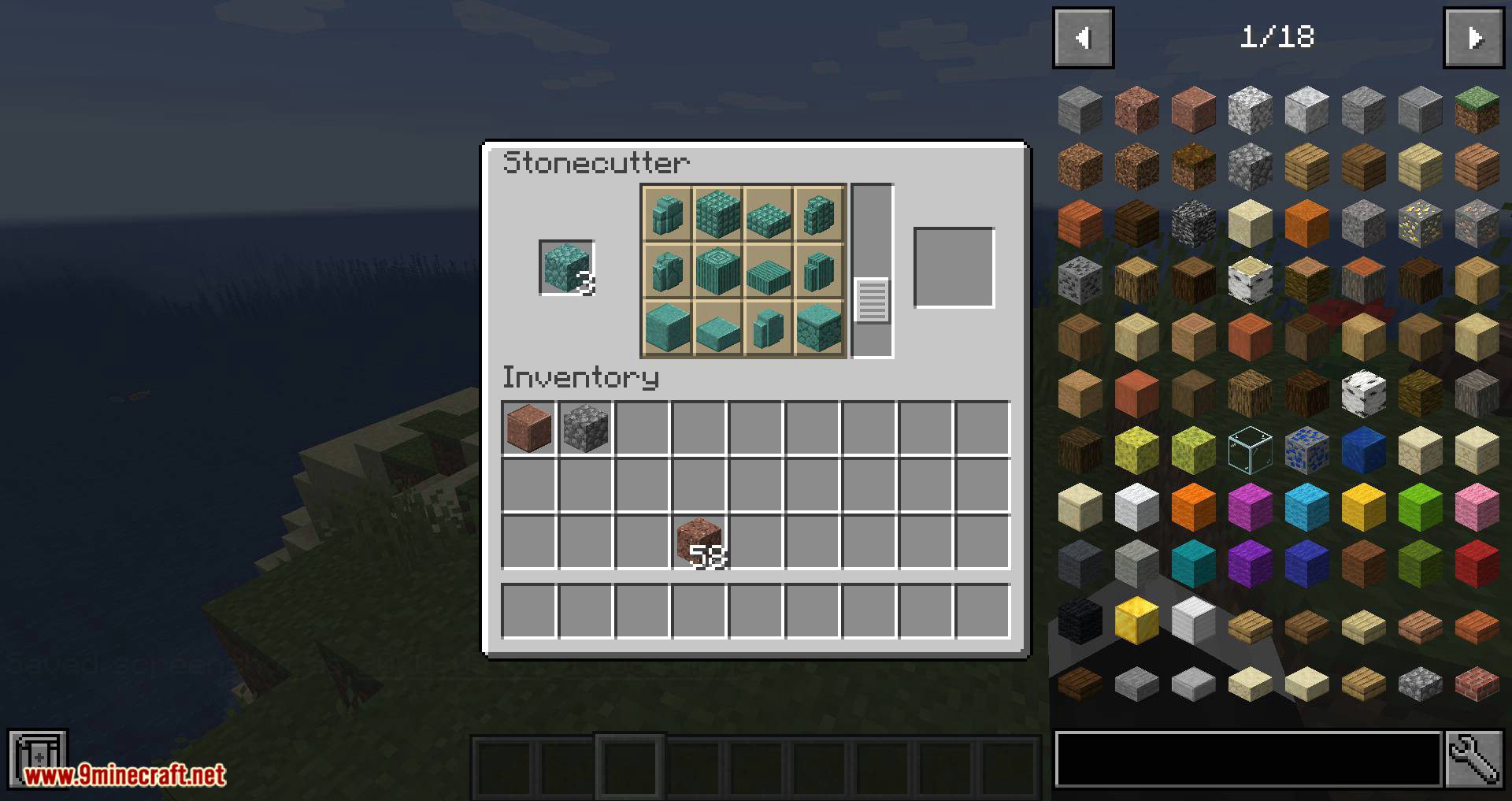
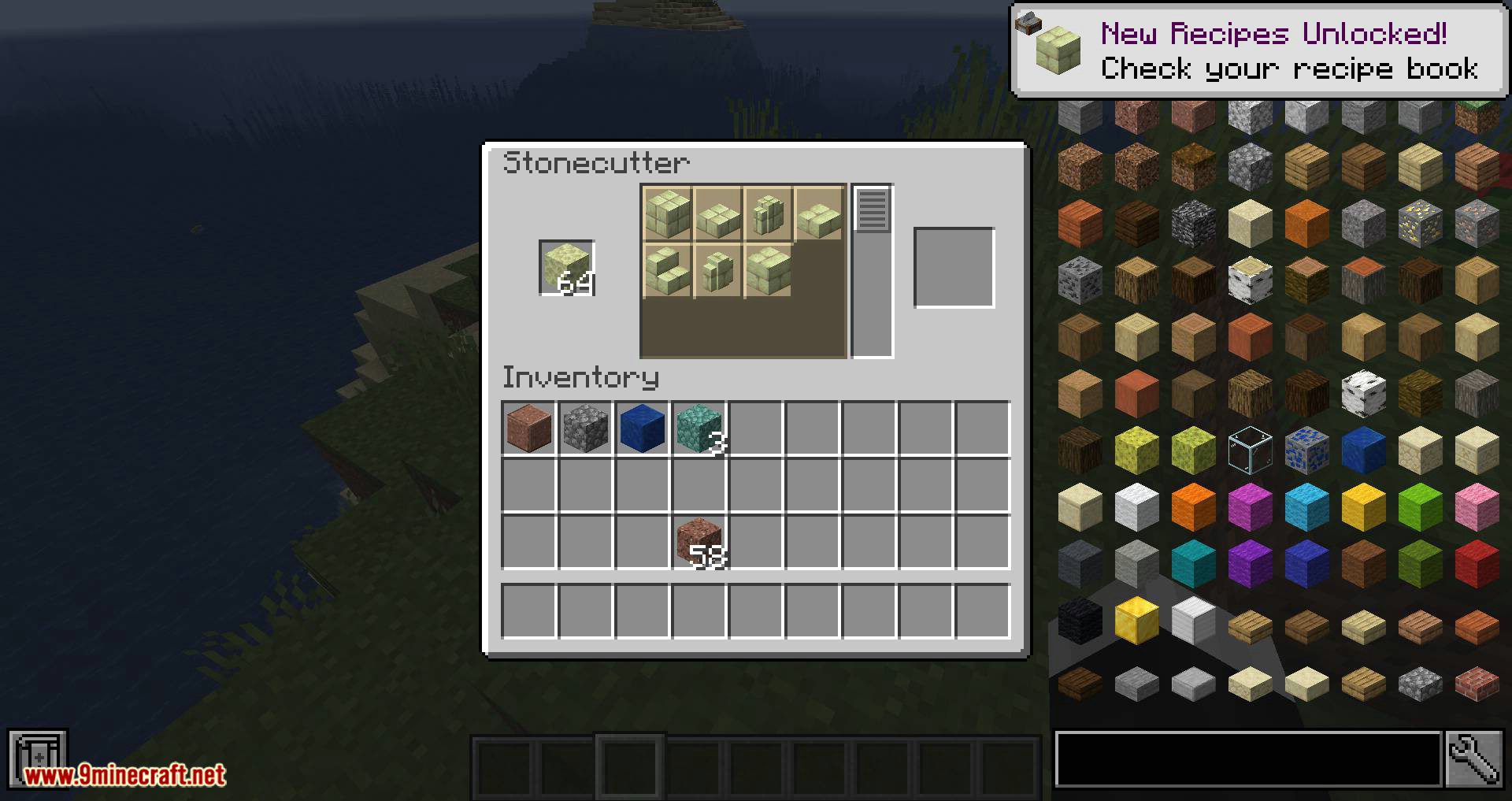
Masonry Mod Download Links
- Edition: Minecraft Java
- File type: .jar
- Minecraft version listed: 1.20.1
- How to install: Install the matching mod loader (Forge, Fabric or NeoForge) for your Minecraft version. → Download the .jar. → Put it in the .minecraft/mods folder and launch that loader profile.
- Where to get it: In MC Java Mods, or directly above on this page.
Install steps are the general flow for this file type — How to install Minecraft Java mods & modpacks walks through it step by step.
- Downloads as 83632.mcaddon
- Download size: 1.1 MB
- Download link checked 24 Sept 2026 — working
- Mirrored on our own servers — the download does not depend on the original host
These come from our own check of the pack file, not from the source page.