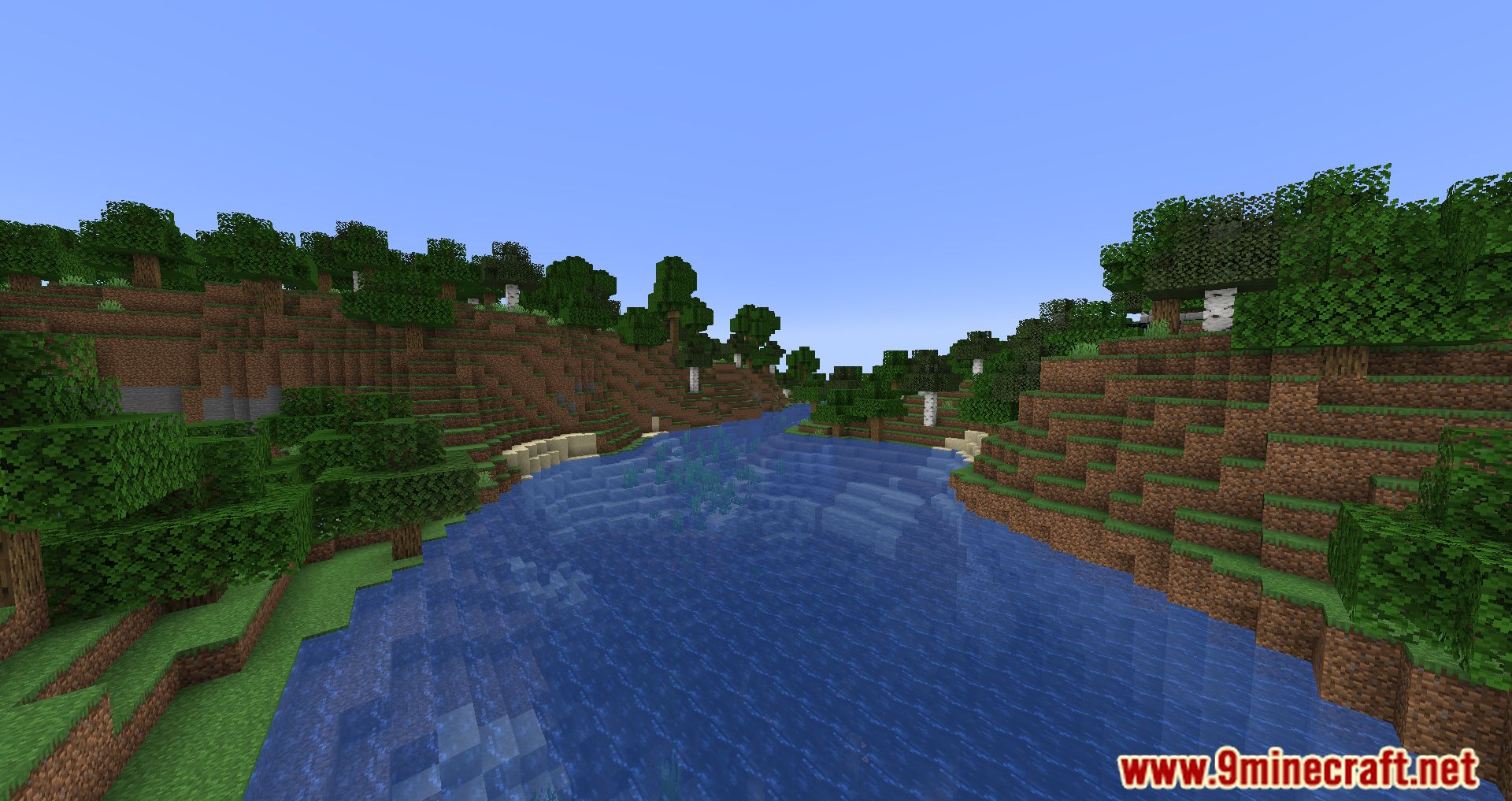
The Twitch Chat Bridge Mod bridges the gap between two beloved online worlds, this mod introduces a novel experience by intertwining Twitch’s dynamic chat environment with the in-game chatbox, all within the Fabric ecosystem. This mod showcases the power of innovation within the Minecraft modding community. By ingeniously merging two distinct online realms, the mod introduces a groundbreaking experience that bridges the gap between Twitch and Minecraft. It’s not just a mod; it’s a testament to the creativity and dedication of modders who continually push the boundaries of what’s possible in the gaming world.
Features:
- Twitch-Minecraft Fusion: “Twitch Chat” achieves what was once thought impossible – connecting the energetic conversations of Twitch streams with the heart of Minecraft. This feature is particularly notable for being available on the Fabric platform, filling a void in the modding scene.
- Lightweight Integration: The mod’s lightweight design ensures smooth and responsive integration between Twitch chat and the Minecraft chatbox. This ensures that players can experience the best of both worlds without compromising the performance of their gameplay.
- Community Interaction: Gaming is no longer confined to a single realm. With “Twitch Chat,” players can interact with their favorite Twitch streamers and fellow viewers without leaving the immersive Minecraft environment. Engage in conversations, share insights, and forge new connections with ease.
- Enhanced Livestream Experience: For Twitch streamers who also enjoy Minecraft, this mod takes interactivity to new heights. Streamers can keep a finger on the pulse of their chat while simultaneously navigating the Minecraft world, fostering real-time engagement with their audience.
- User-Friendly Integration: Setting up the mod is intuitive and user-friendly. Once installed, players can configure the mod to link their desired Twitch channel’s chat to the Minecraft chatbox. This hassle-free process ensures that players can quickly dive into the combined experience.
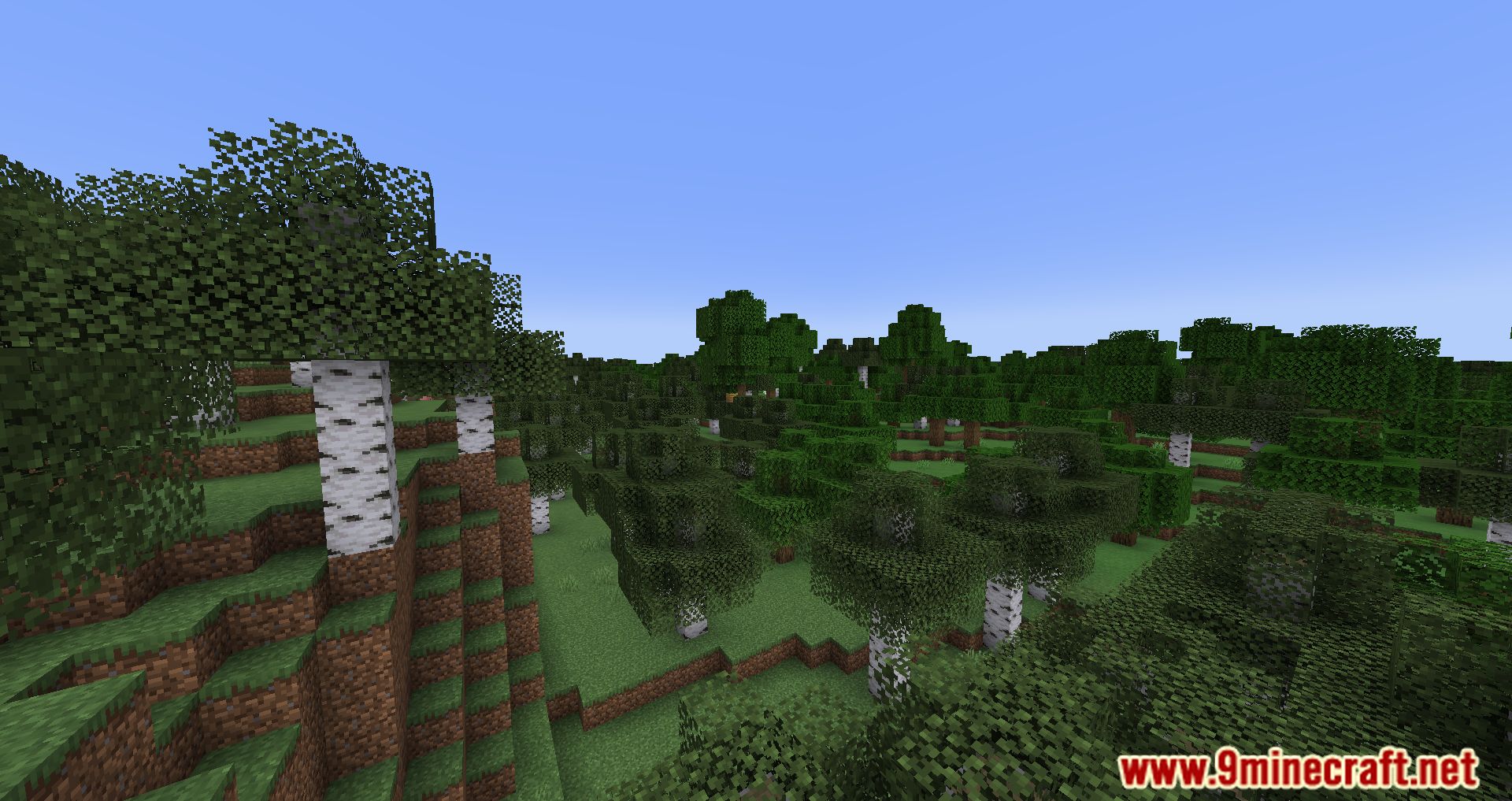
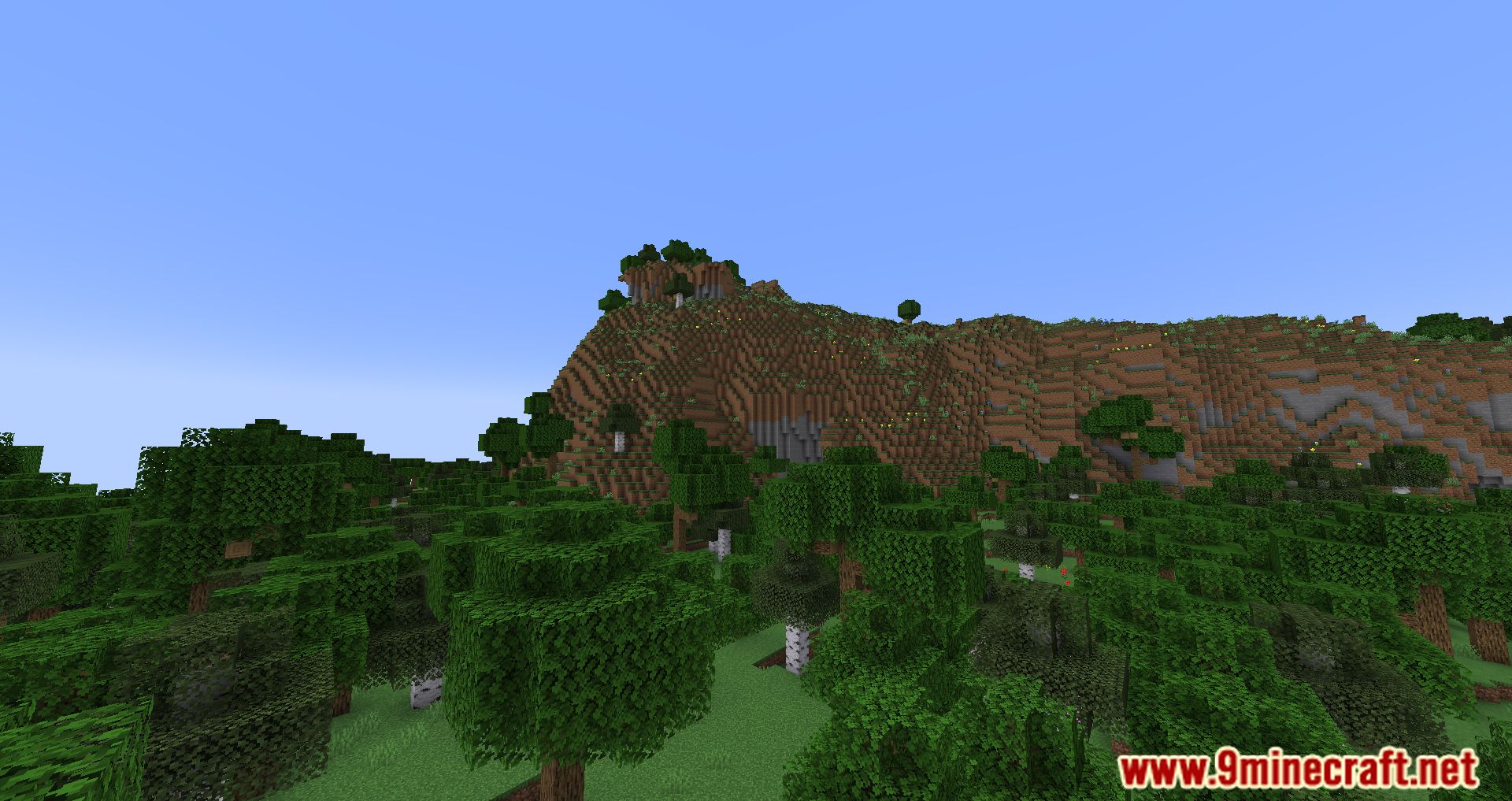
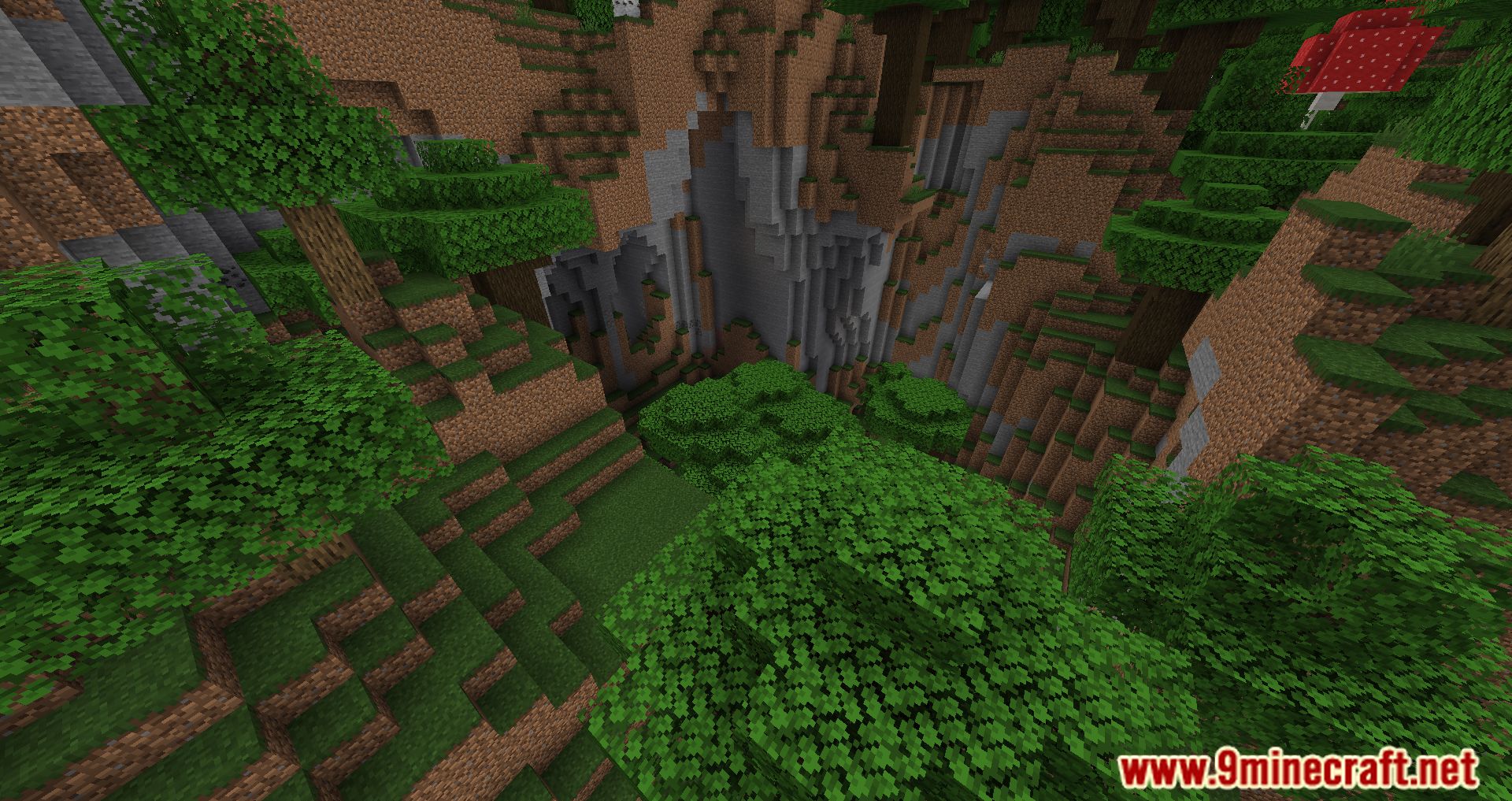
Screenshots:
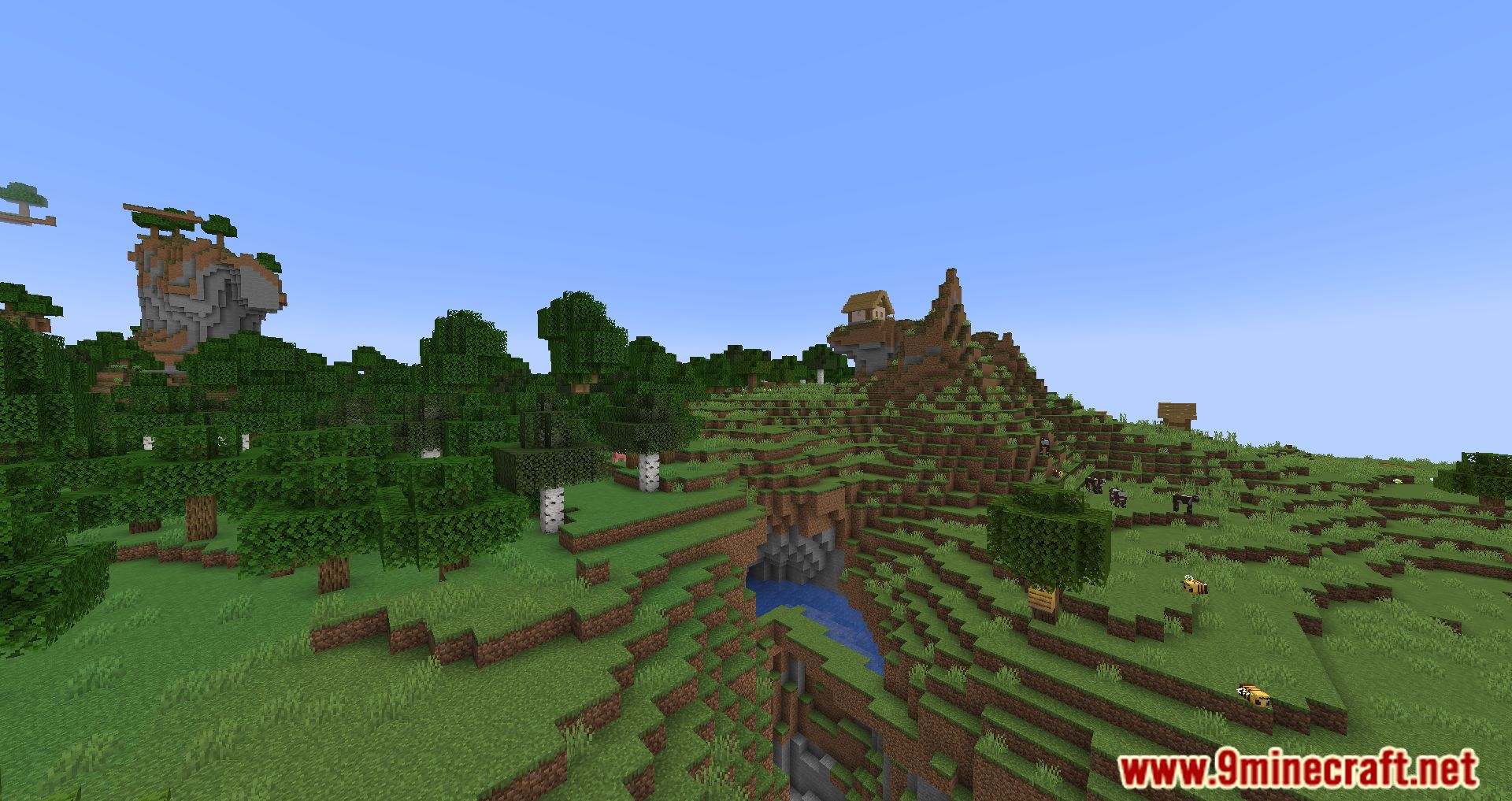
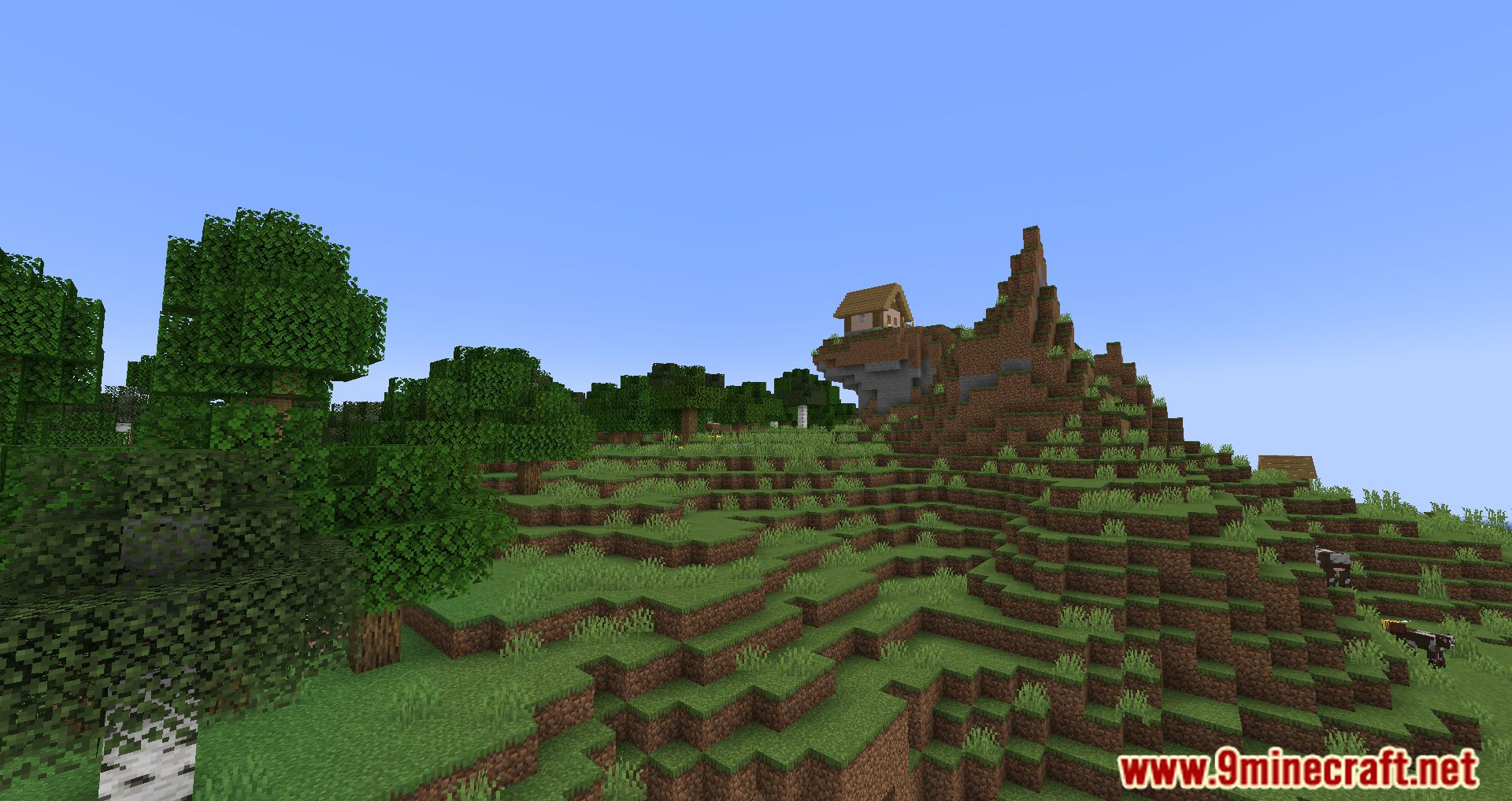
Usage:
- Get a Twitch oauth key here https://twitchapps.com/tmi/ and write it down somewhere.
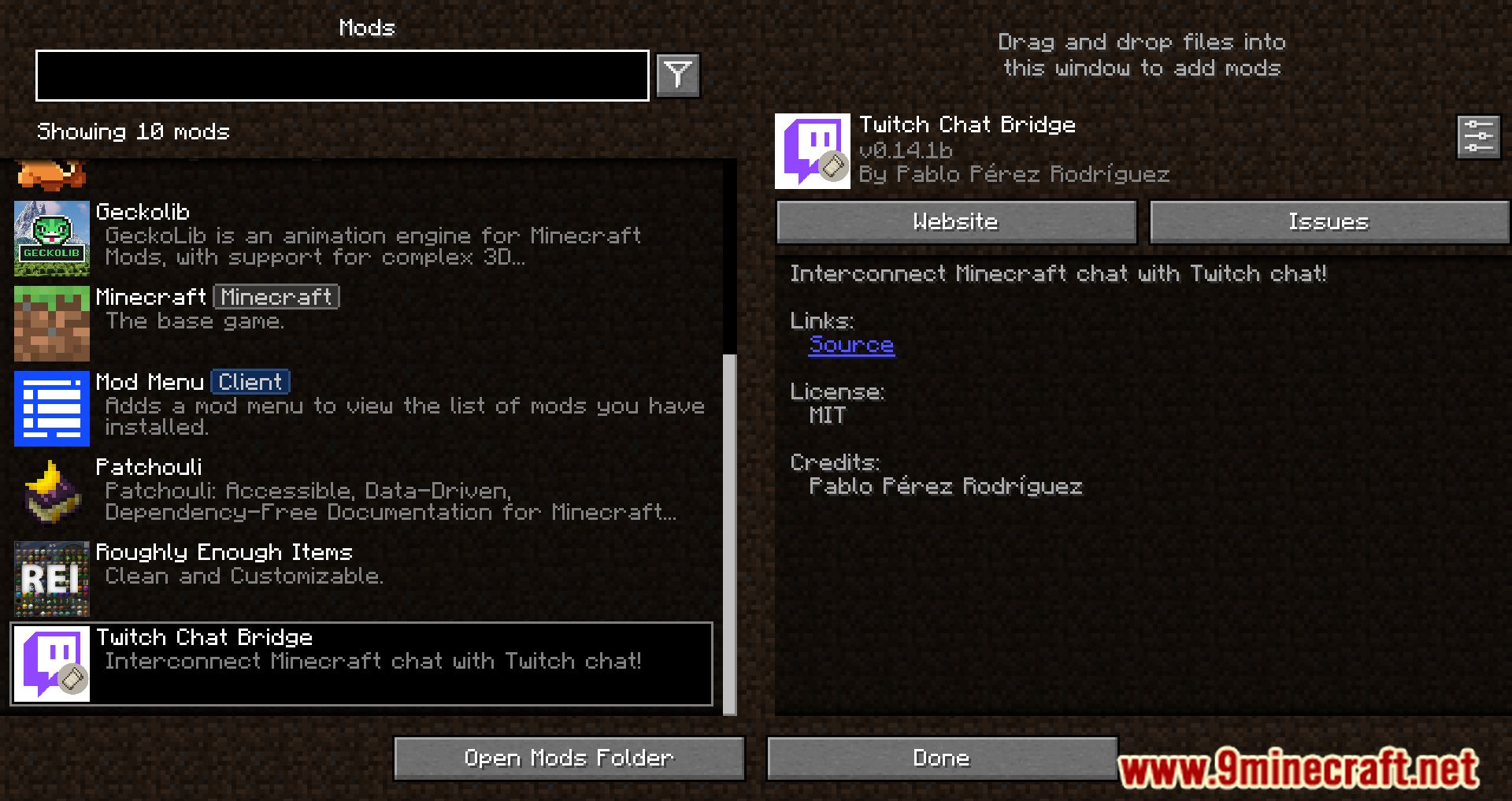
- Open the mod menu.
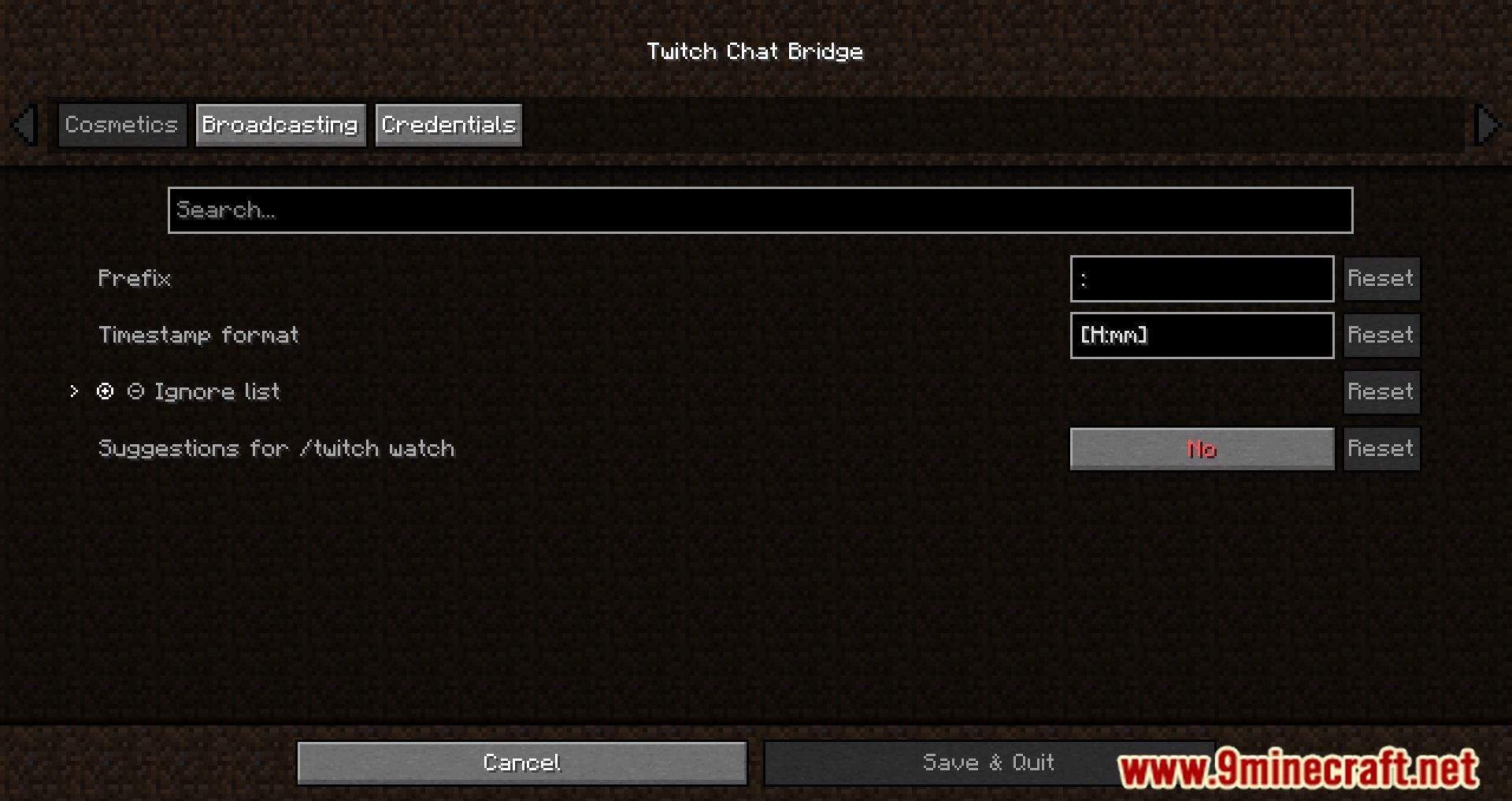
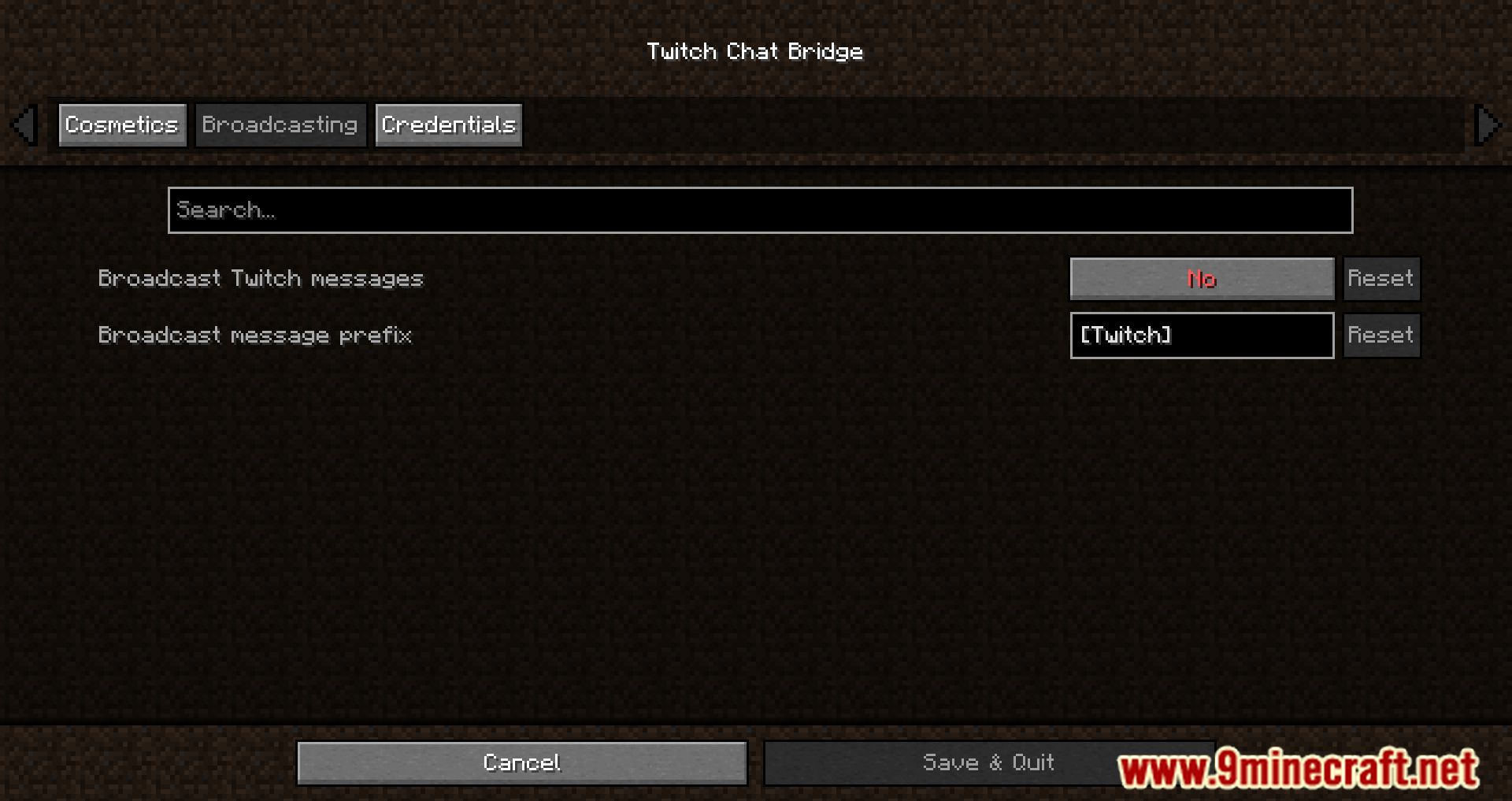
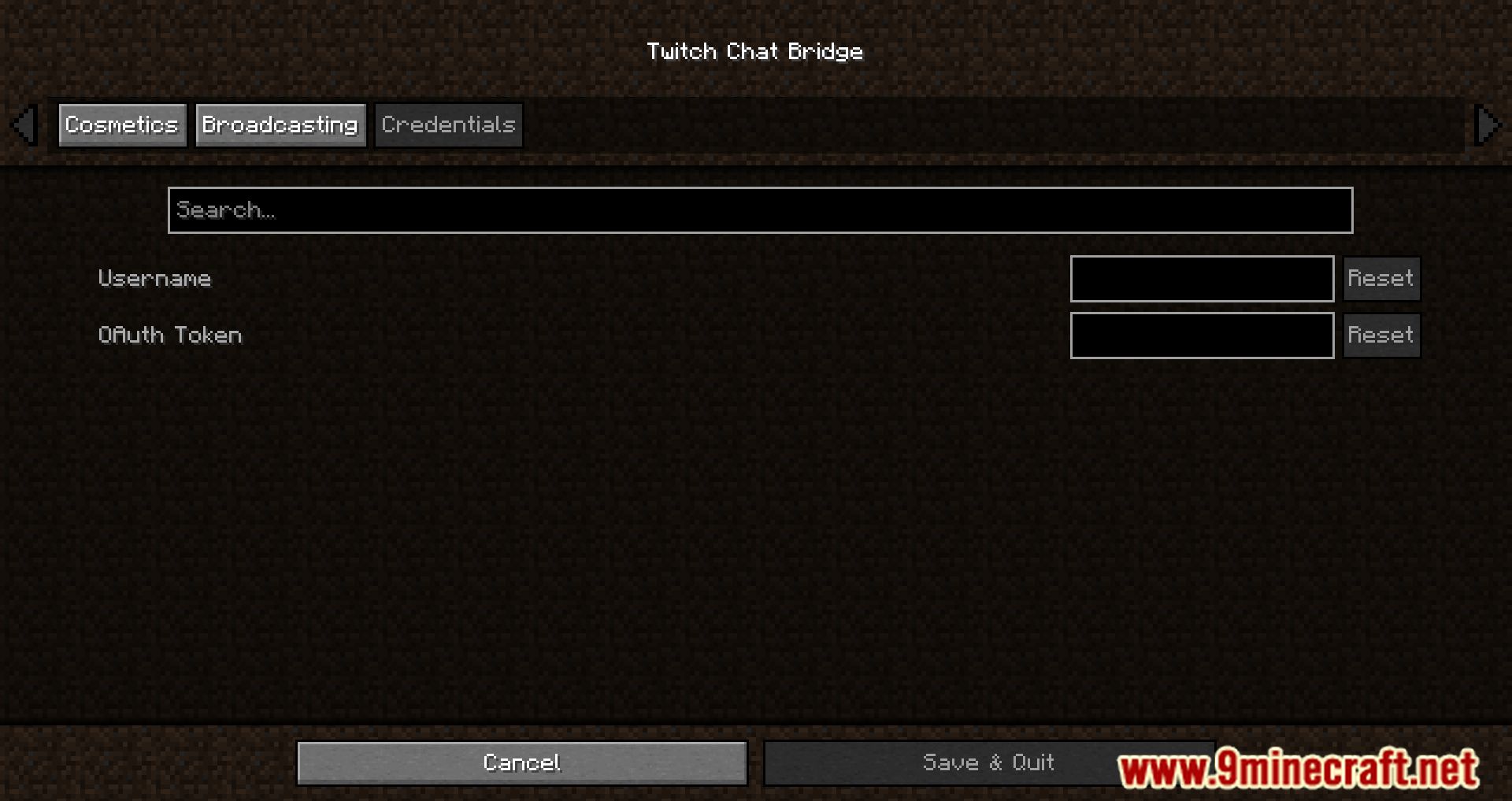
- Open this mod’s configuration inside that menu.
- Fill in your credentials in the credentials tab (your twitch username, oauth token).
- Go ingame and type /twitch watch CHANNEL (where CHANNEL should be the name of the Twitch channel you want to join).
- Type /twitch enable.
- Write your message with :MESSAGE!
Commands:
- /twitch watch CHANNEL – Changes the watched Twitch channel to CHANNEL
- /twitch enable – Starts the Twitch chat integration
- /twitch disable – Stops the Twitch chat integration
- /twitch broadcast true – Relays Twitch chat messages to the Minecraft server as player messages
- /twitch broadcast false – Keeps Twitch chat messages local to the Minecraft client
Twitch Chat Bridge Mod Download Links
- Edition: Minecraft Java
- File type: .jar
- Minecraft version listed: 1.21.11
- How to install: Install the matching mod loader (Forge, Fabric or NeoForge) for your Minecraft version. → Download the .jar. → Put it in the .minecraft/mods folder and launch that loader profile.
- Where to get it: In MC Java Mods, or directly above on this page.
Install steps are the general flow for this file type — How to install Minecraft Java mods & modpacks walks through it step by step.
- Downloads as 83646.mcaddon
- Download size: 154 KB
- Download link checked 24 Sept 2026 — working
- Mirrored on our own servers — the download does not depend on the original host
These come from our own check of the pack file, not from the source page.