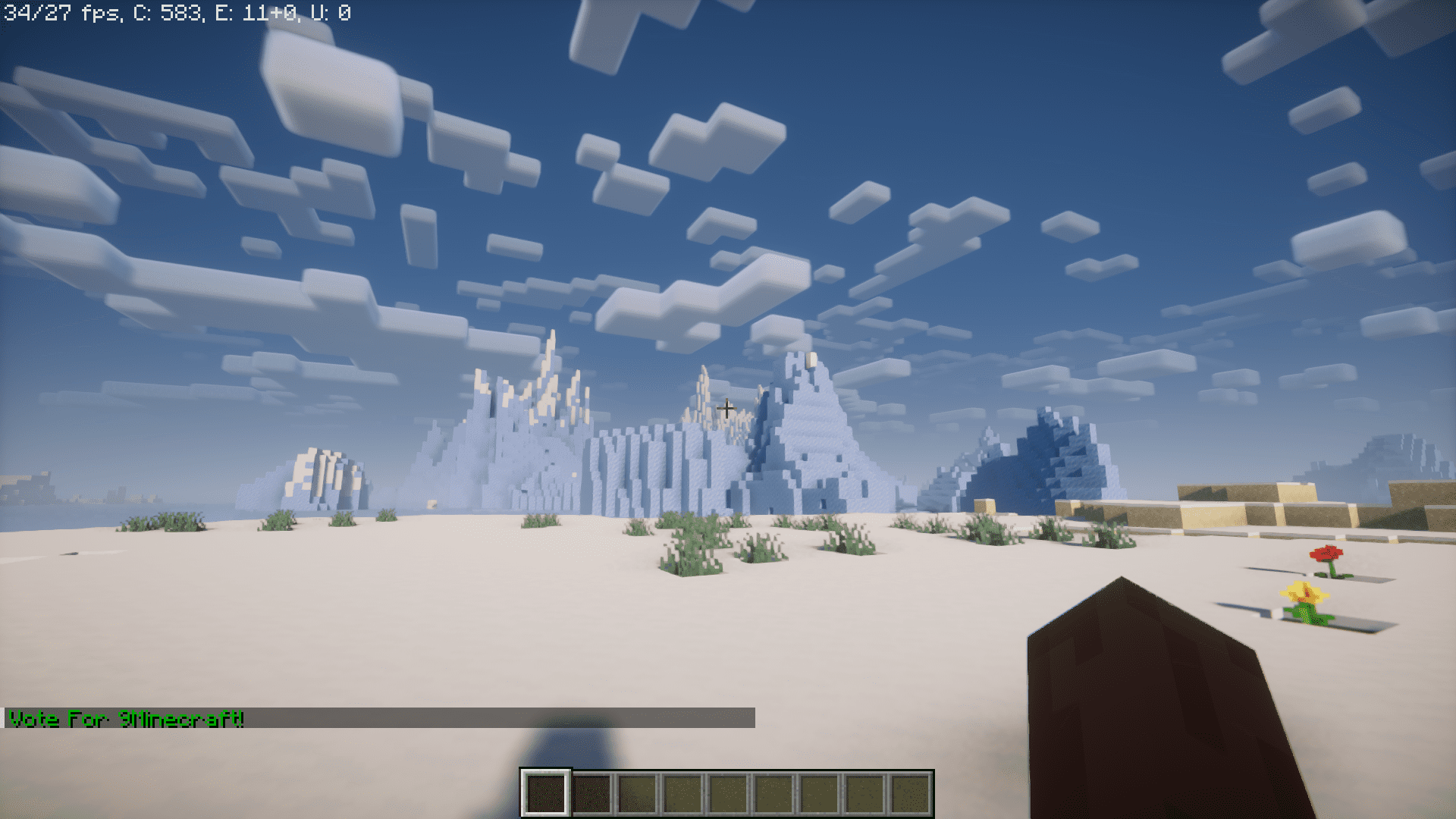
Vote Command Mod adds a /vote command into the game. This command can be used by server owners to display custom text messages or links that will appear when a player uses the command. The text to be displayed can be configured using the config file or by using the config options provided using the Mod Menu mod.
Screenshots:
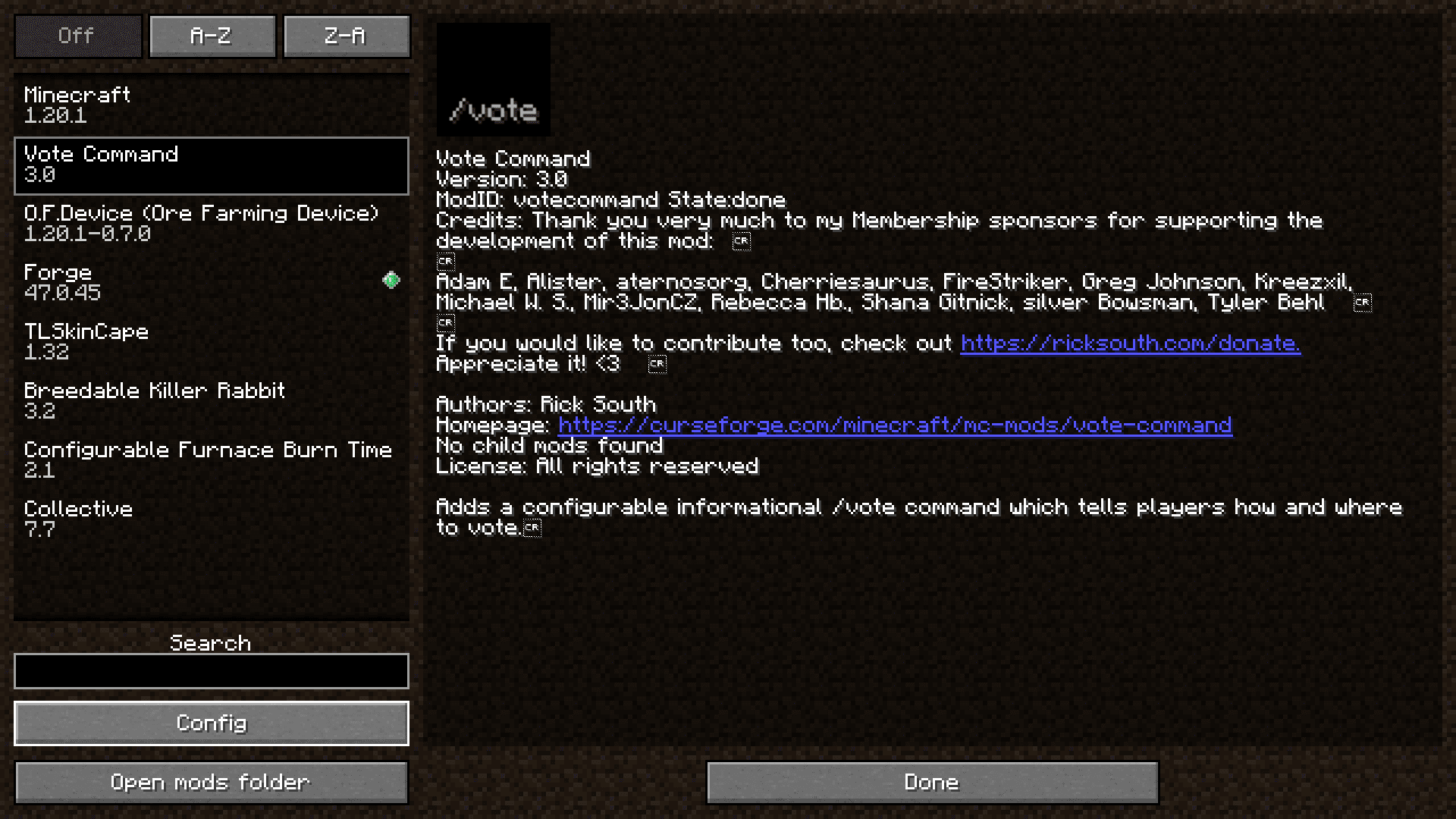
The mod list is viewed using the Mod Menu mod. The Vote Command mod is selected. Press the Config button on the lower-left side of the screen.
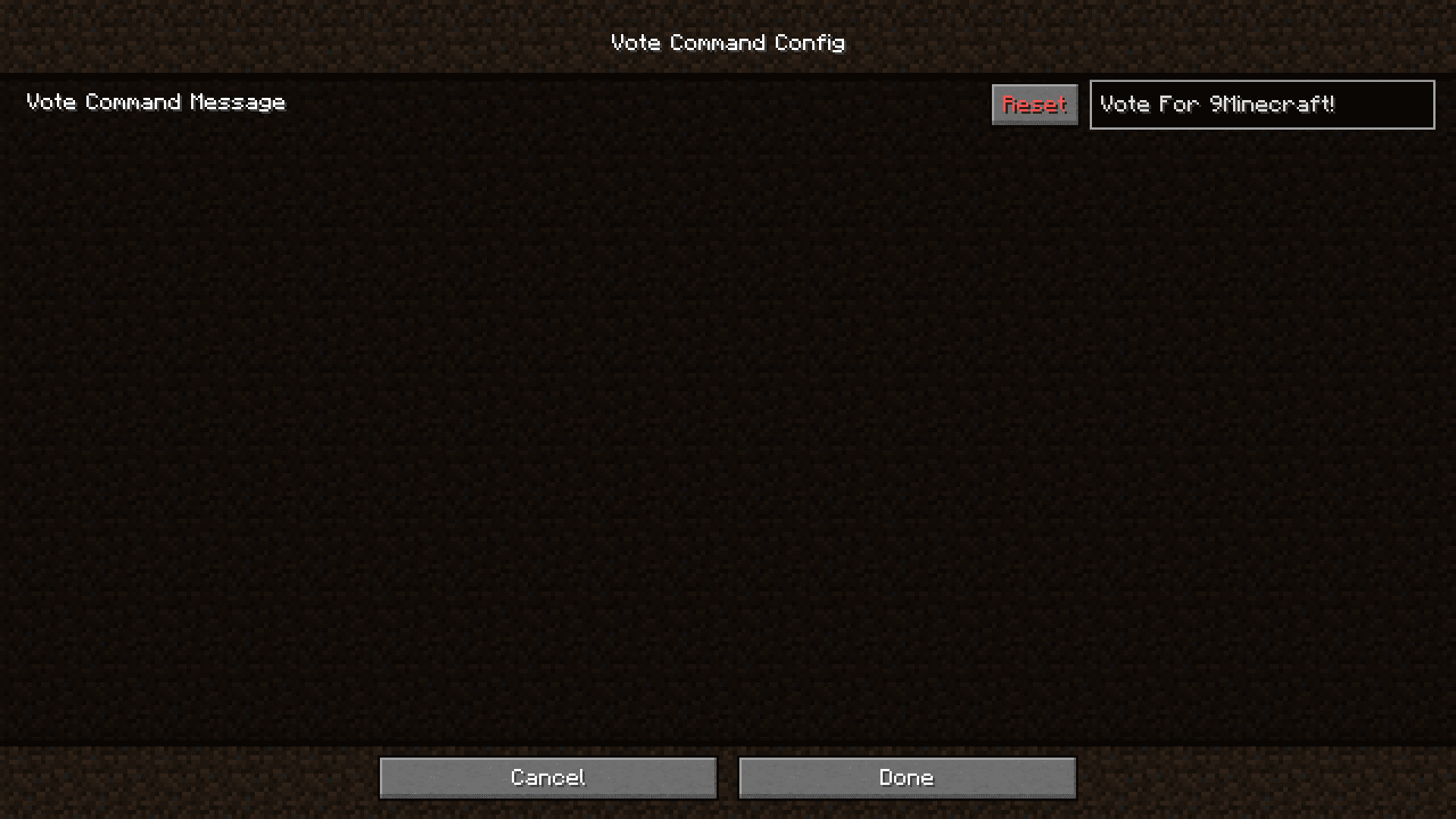
The config options contain a text box where you can add the text to be displayed when the /vote command is used.
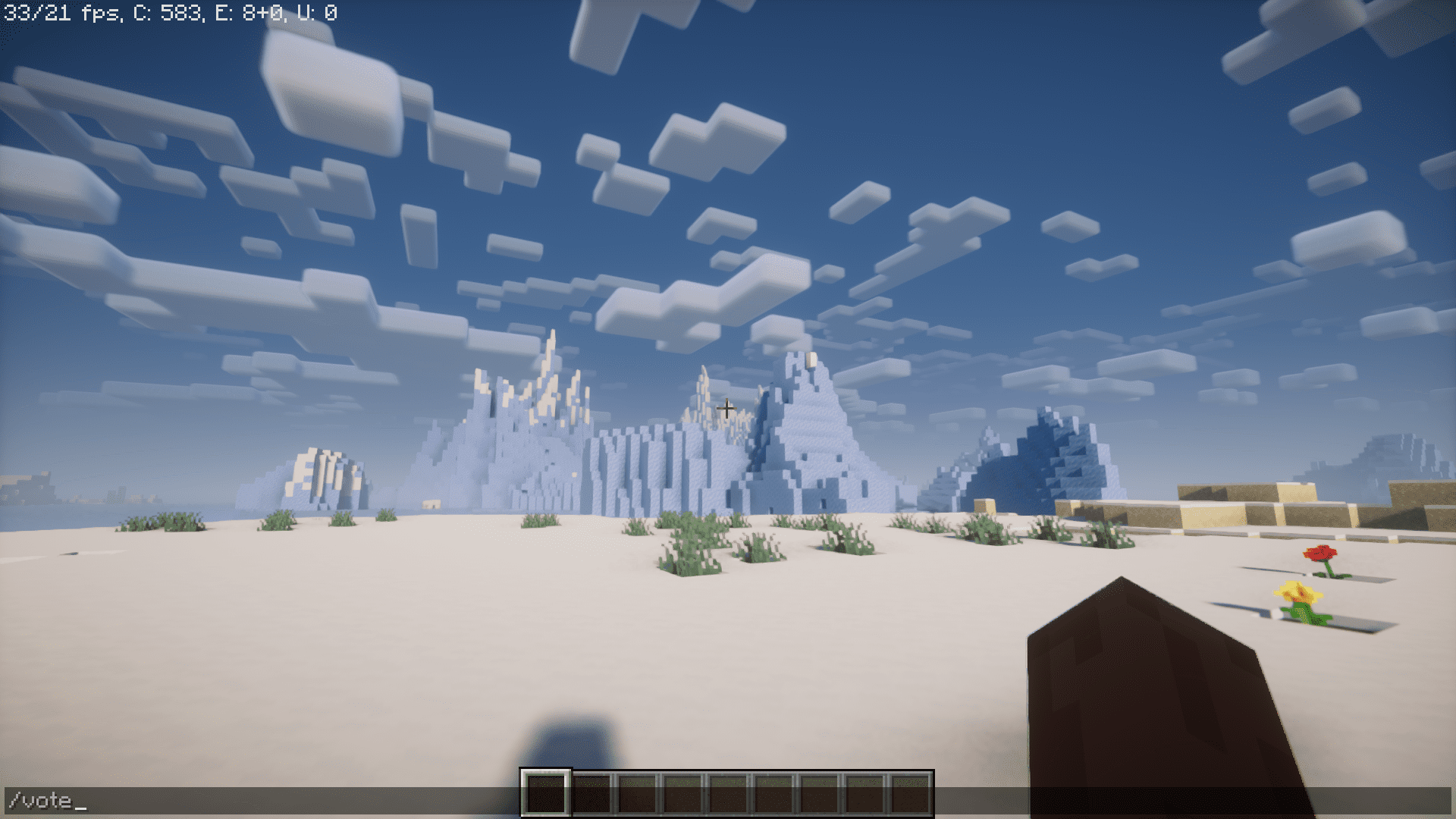
Using the command in-game.
The desired result is shown.
Vote Command Mod Download Links
- Edition: Minecraft Java
- File type: .jar
- Minecraft version listed: 1.20.1
- How to install: Install the matching mod loader (Forge, Fabric or NeoForge) for your Minecraft version. → Download the .jar. → Put it in the .minecraft/mods folder and launch that loader profile.
- Where to get it: In MC Java Mods, or directly above on this page.
Install steps are the general flow for this file type — How to install Minecraft Java mods & modpacks walks through it step by step.
- Downloads as 83650.mcaddon
- Download size: 28 KB
- Download link checked 24 Sept 2026 — working
- Mirrored on our own servers — the download does not depend on the original host
These come from our own check of the pack file, not from the source page.