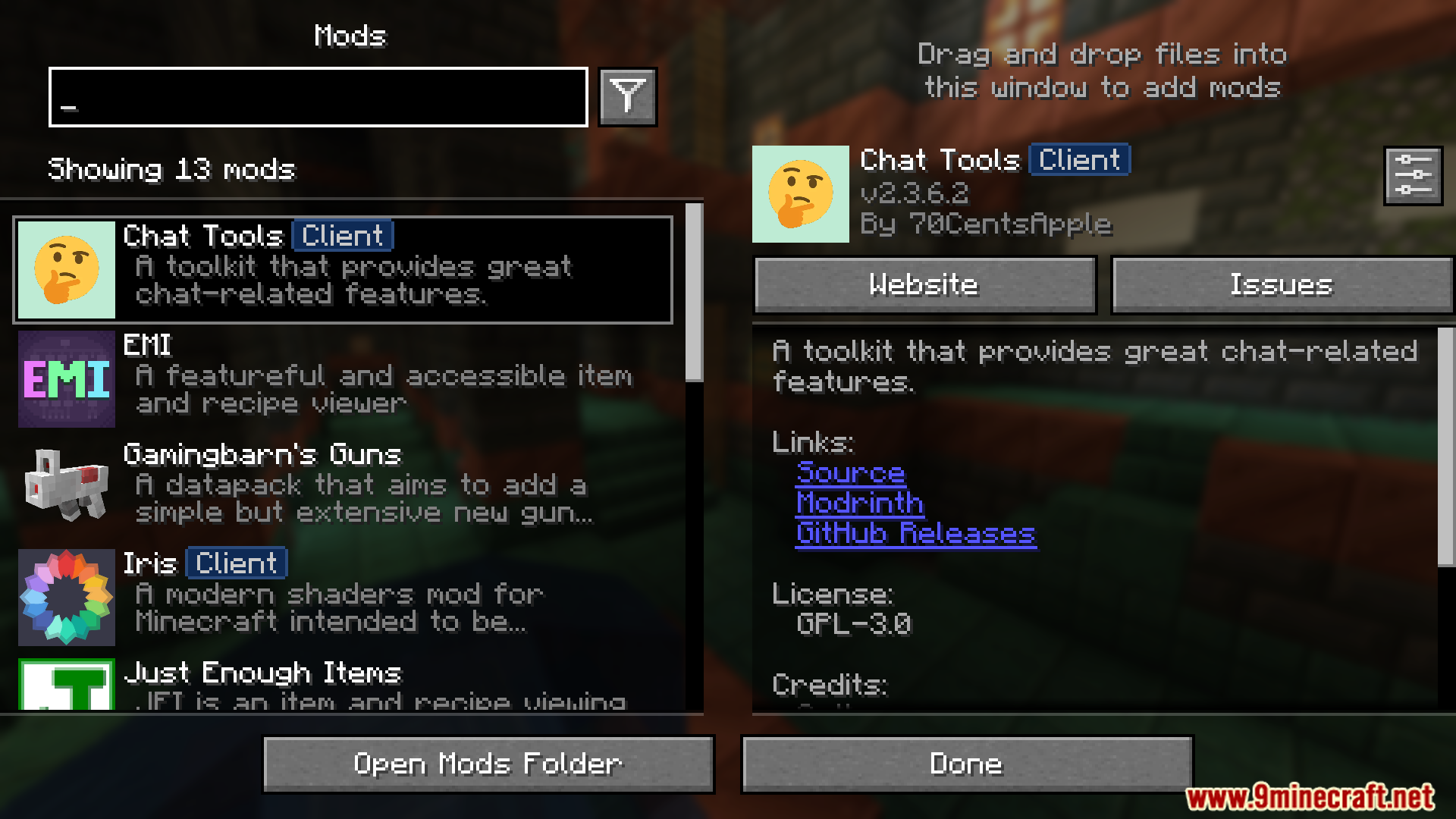


Chat Tools Mod enhances chat with advanced tools and customization options. It introduces message timestamps, translation, chat navigation, and customizable notifications.
Features:
Glossary & Technical Details
- Session Identifier (Chat Tools-specific term):
- In single-player: corresponds to the current save name.
- In multiplayer: corresponds to the server address.
- Related Regular Expressions use the matches() method.
- Pattern (General term):
- Refers to the Regular Expression pattern.
- Uses MULTILINE mode and matches via the find() method.
- Version Compatibility:
- Multiple Minecraft versions are supported via macro replacement.
- Behavior may slightly differ between Minecraft versions.
- Message Processing:
- All color codes (§.) are removed from player messages.
- Advanced Tooltips:
- Enable via F3 + H.
- Hover over config items to view keys, default values, and details.
Function Introduction
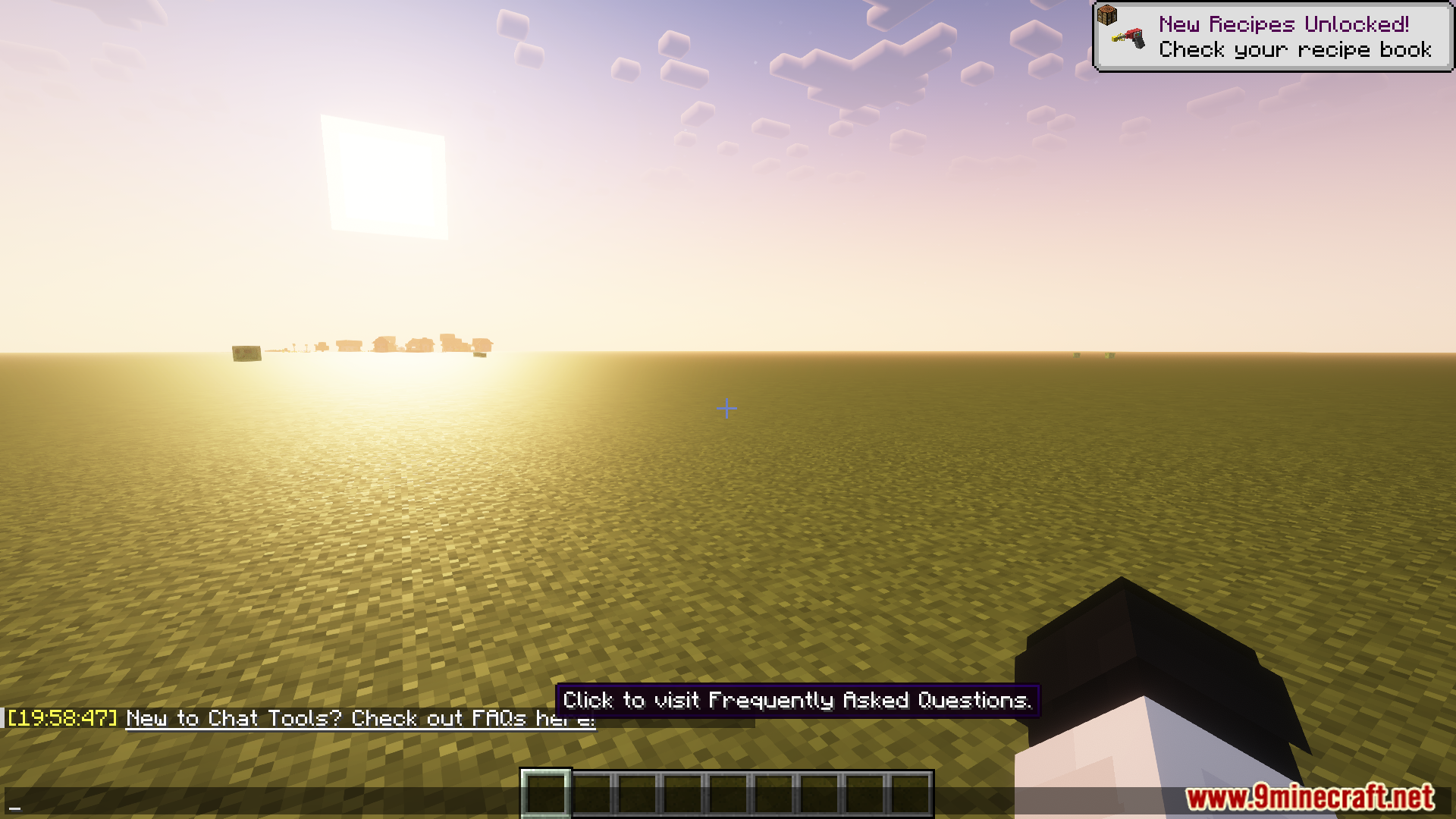
- For detailed explanations and examples, see the FAQ.
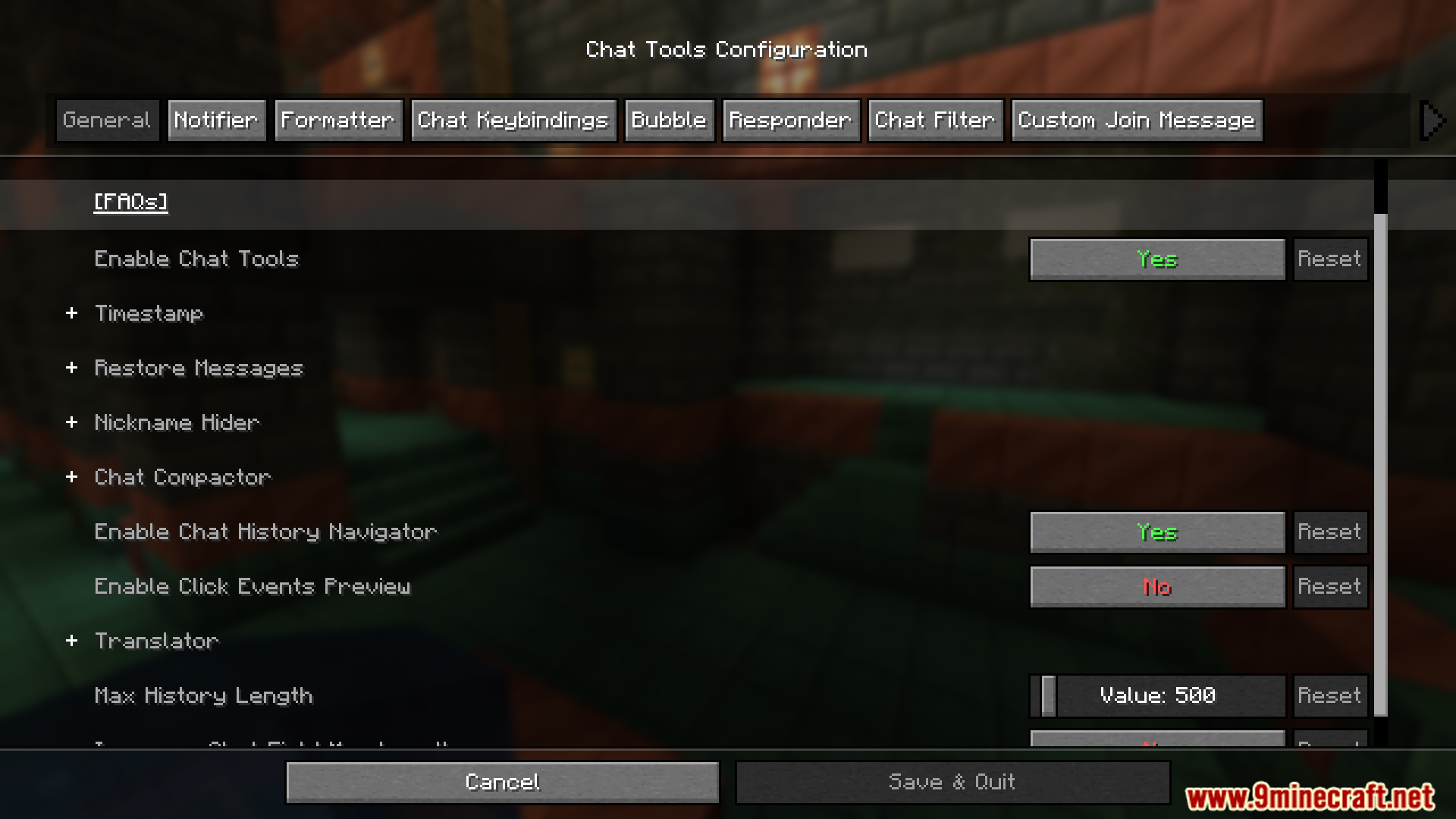
General Settings
- Show Timestamp
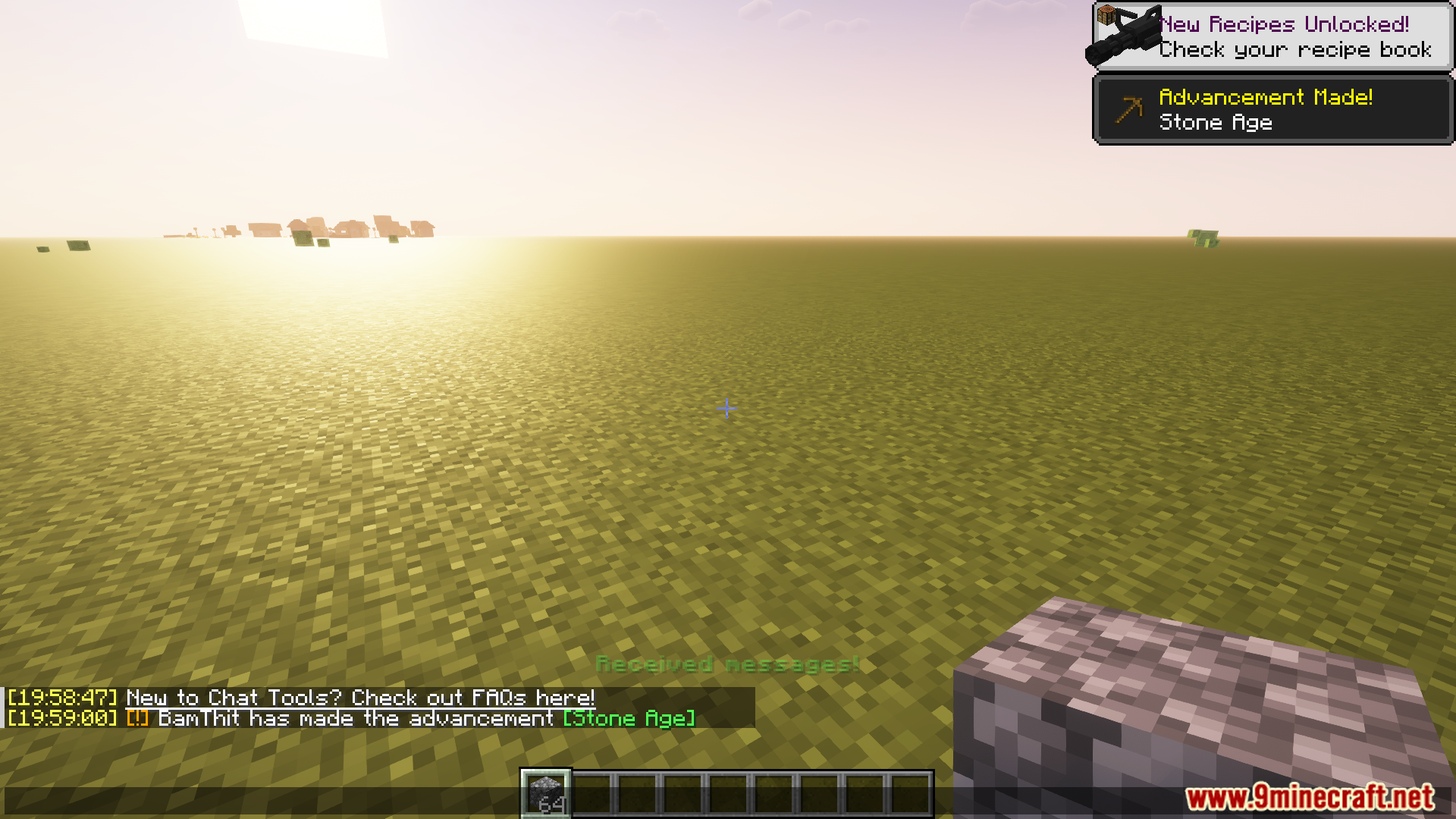
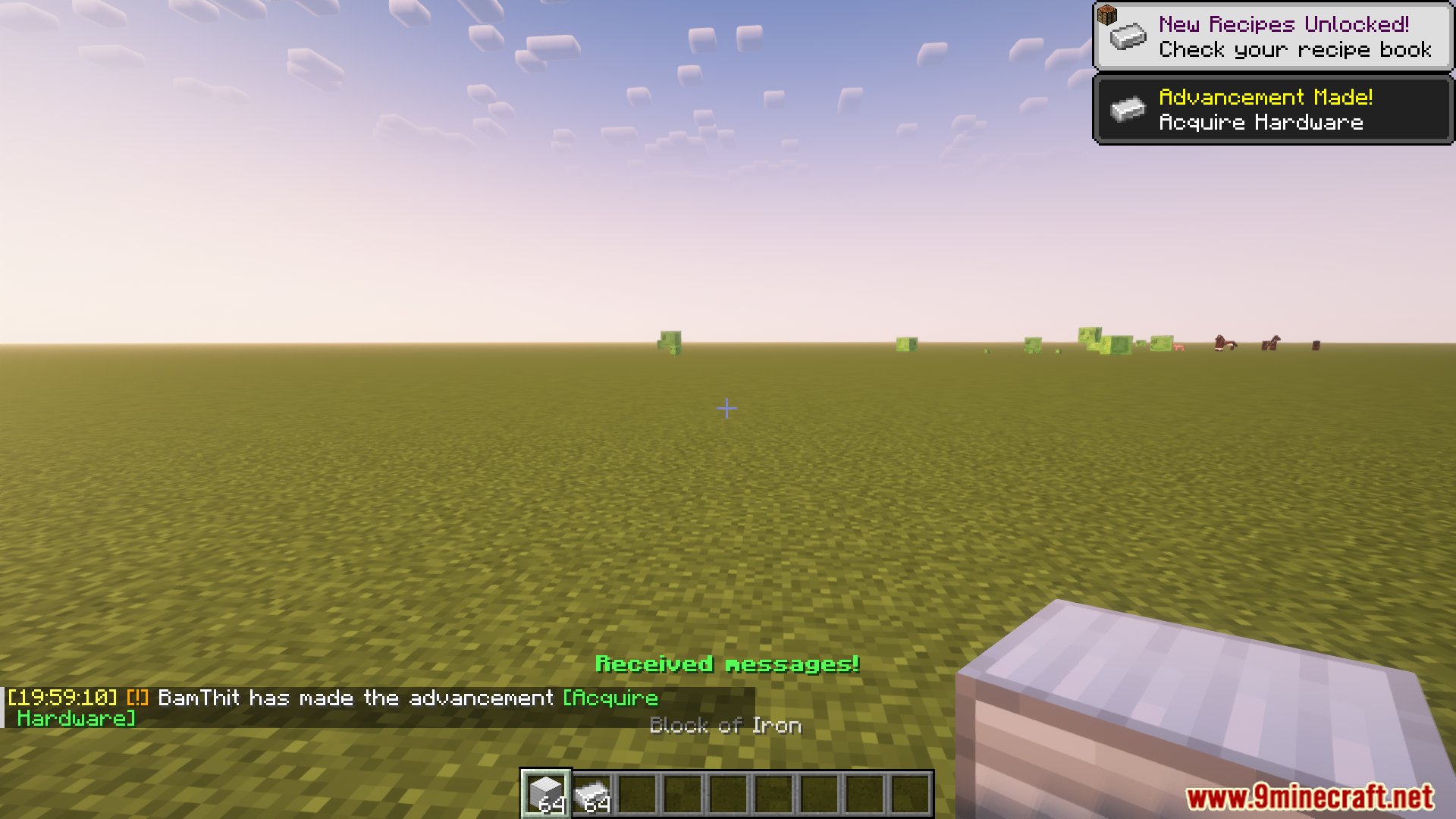
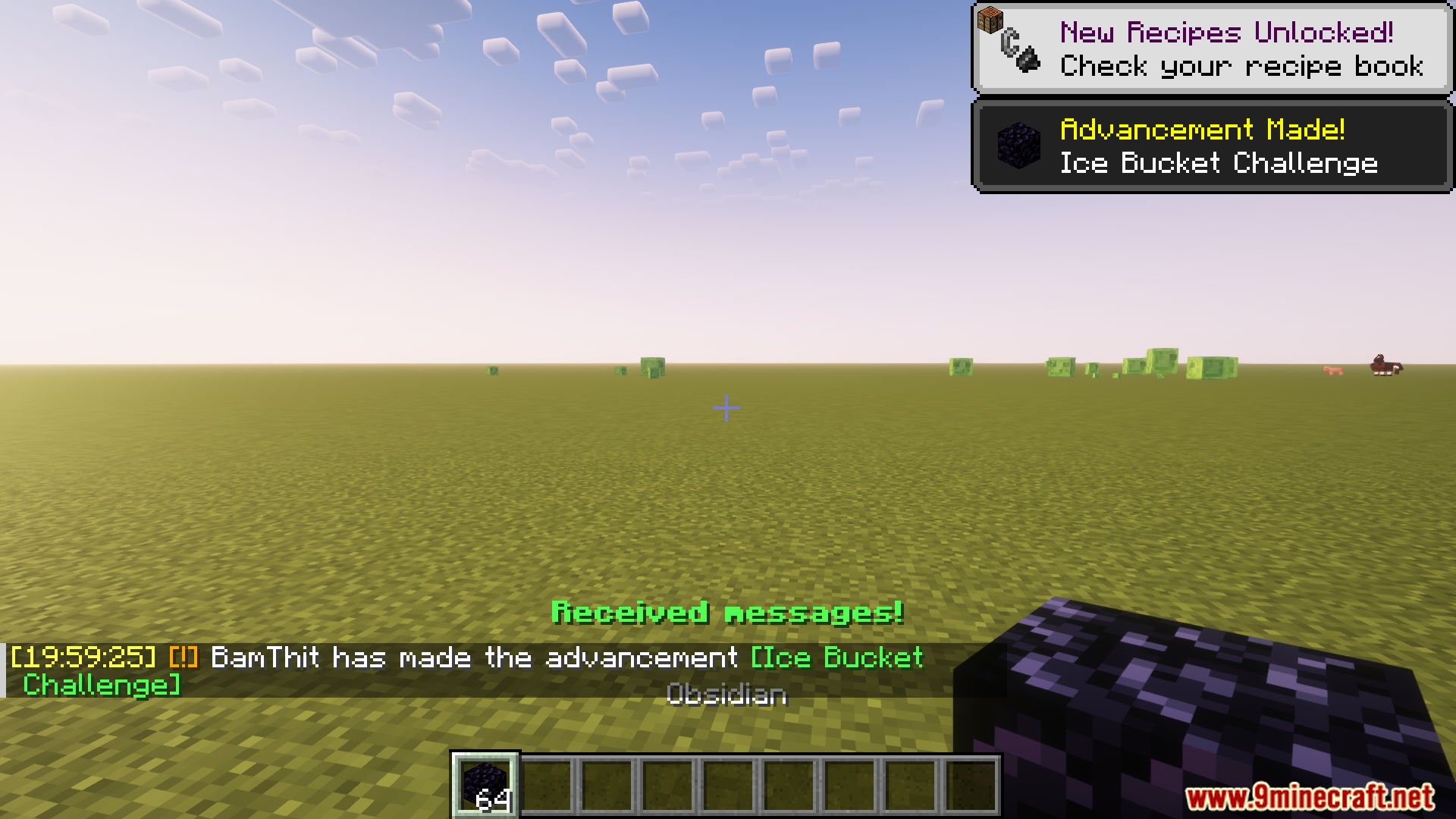
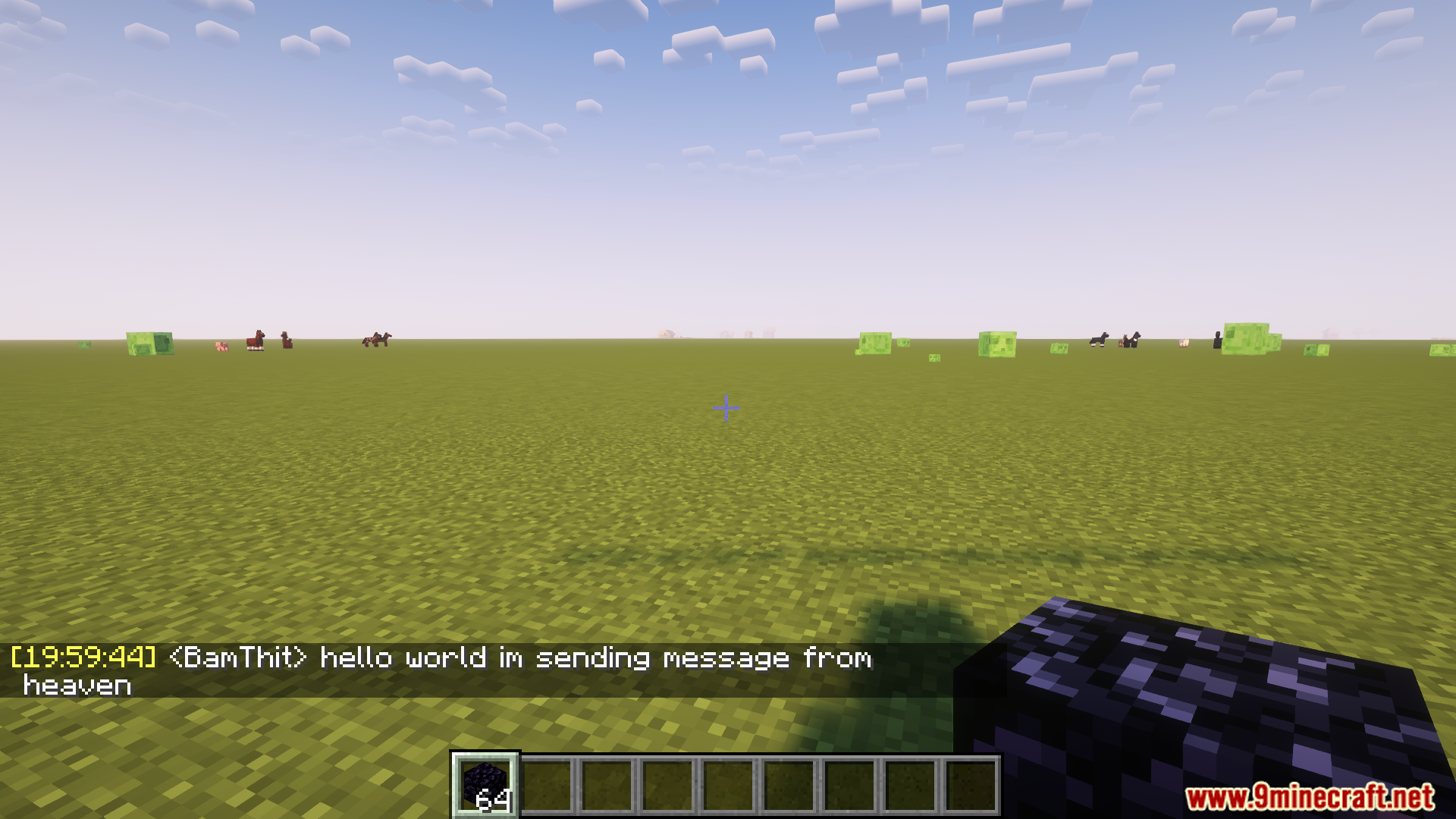
- Adds a timestamp to each chat message.
- Restore Messages
- Recovers messages from previous sessions.
- Nickname Hider
- Conceals your real nickname from your own view.
- Translator
- Press Shift + Tab in the chat bar to translate.
- Chat History Navigator
- Use Ctrl + F to navigate chat history.
- Max History Length
- Defines the maximum number of stored chat messages.
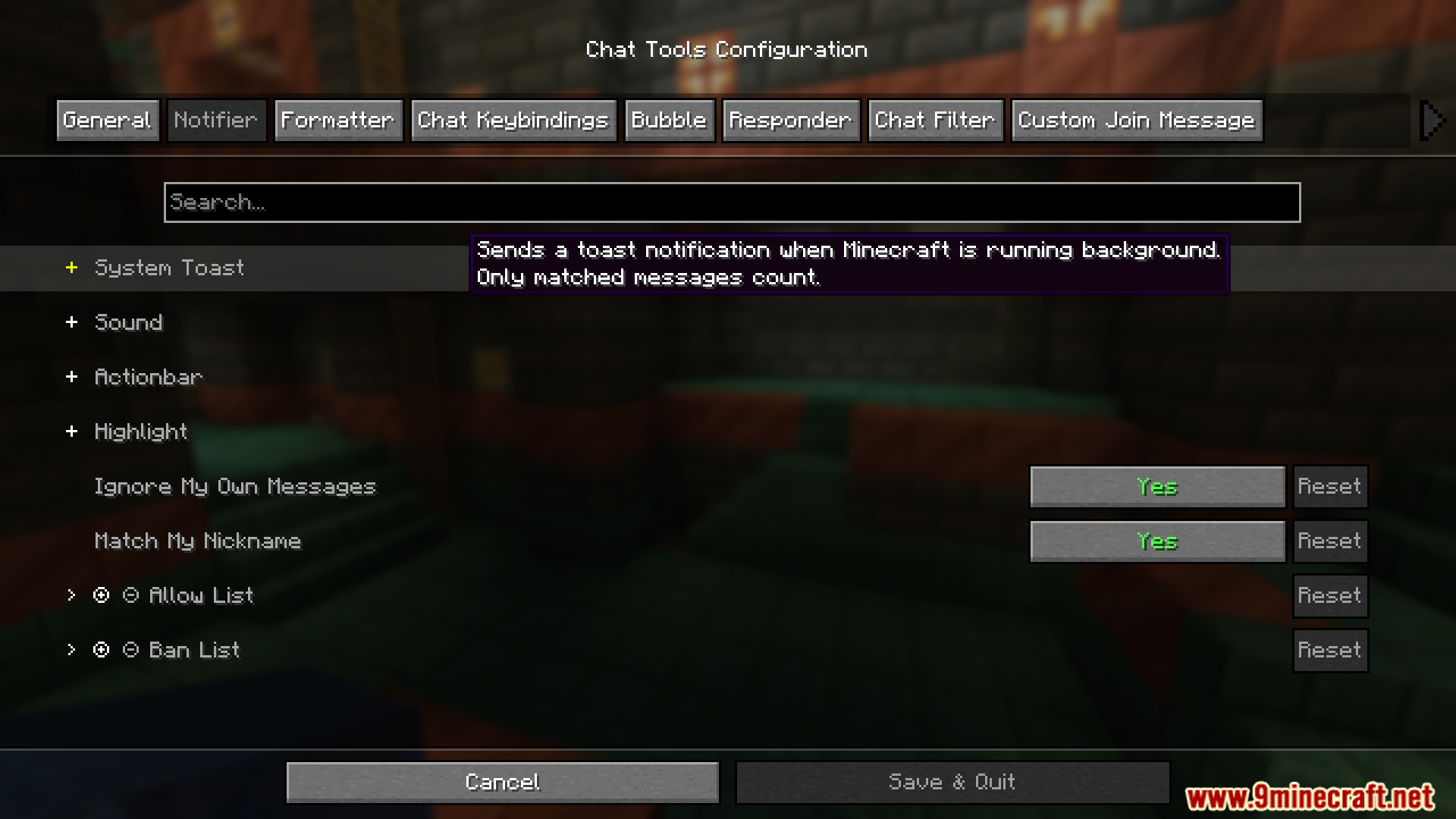
Notifier Settings
- Toast Notification
- Sound
- Supports custom sound effects.
- Actionbar
- Displays alerts in the action bar.
- Highlight
- Supports custom highlight prefixes.
- Allow List
- Messages matching this list are allowed.
- Ban List
- Messages matching this list are blocked.
- Has higher priority than the Allow List.
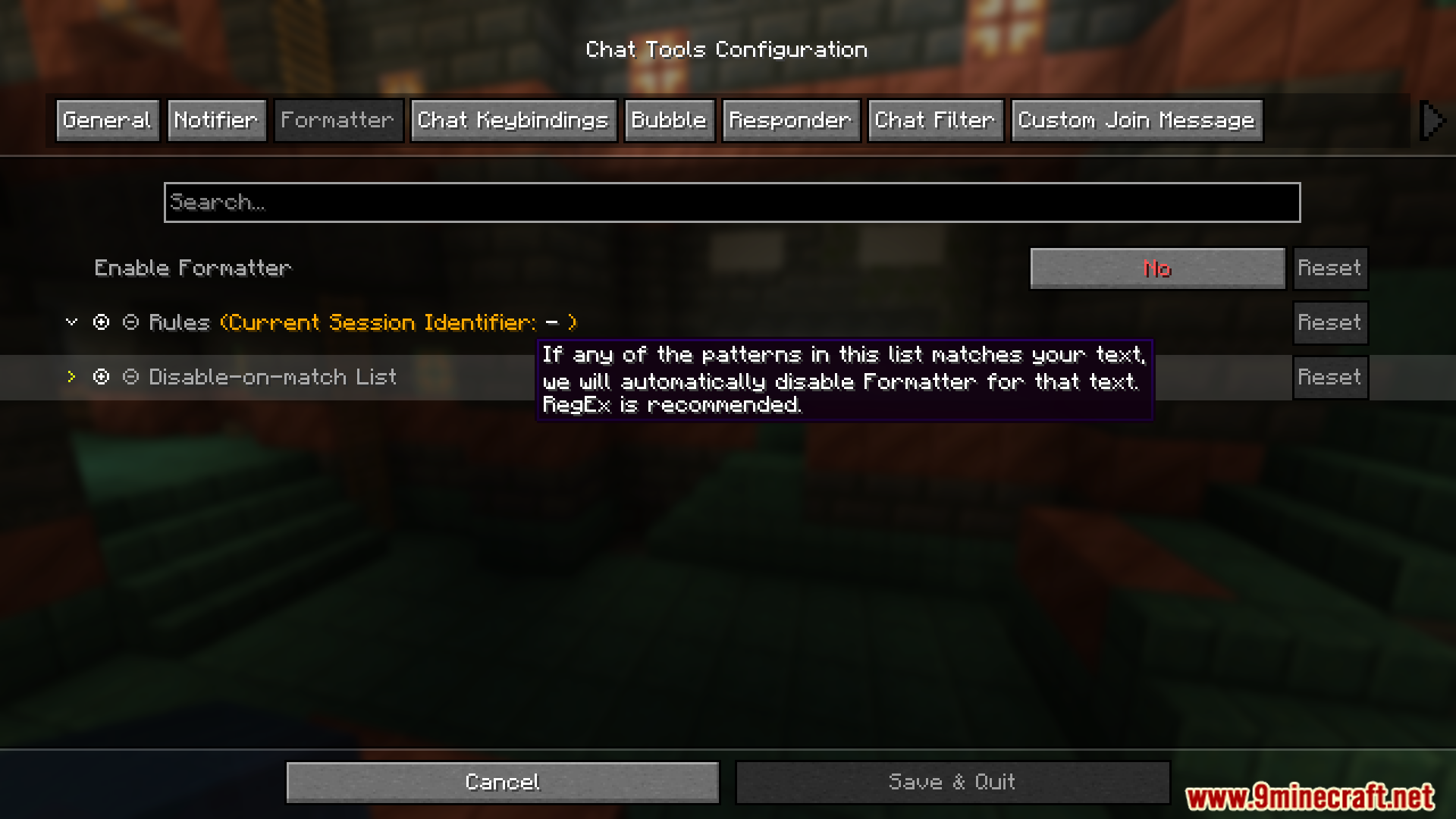
Formatter Settings
- Pattern-Based Formatting
- Automatically formats messages using defined styles.
- Supports server-specific rules.
- Examples
- &e{text} → Gold-colored message (if supported).
- &e{text} ~(ovo)~ → Adds a custom suffix.
- {pos} → Replaced with current coordinates.
- Auto-Disable Formatting
- Prevents formatting in specific cases.
- Common cases include:
- Item counts or “all” in Chest Shop trading.
- Commands starting with special characters.
- Default RegEx:
^d+$|^[.#%$/].*|ballb
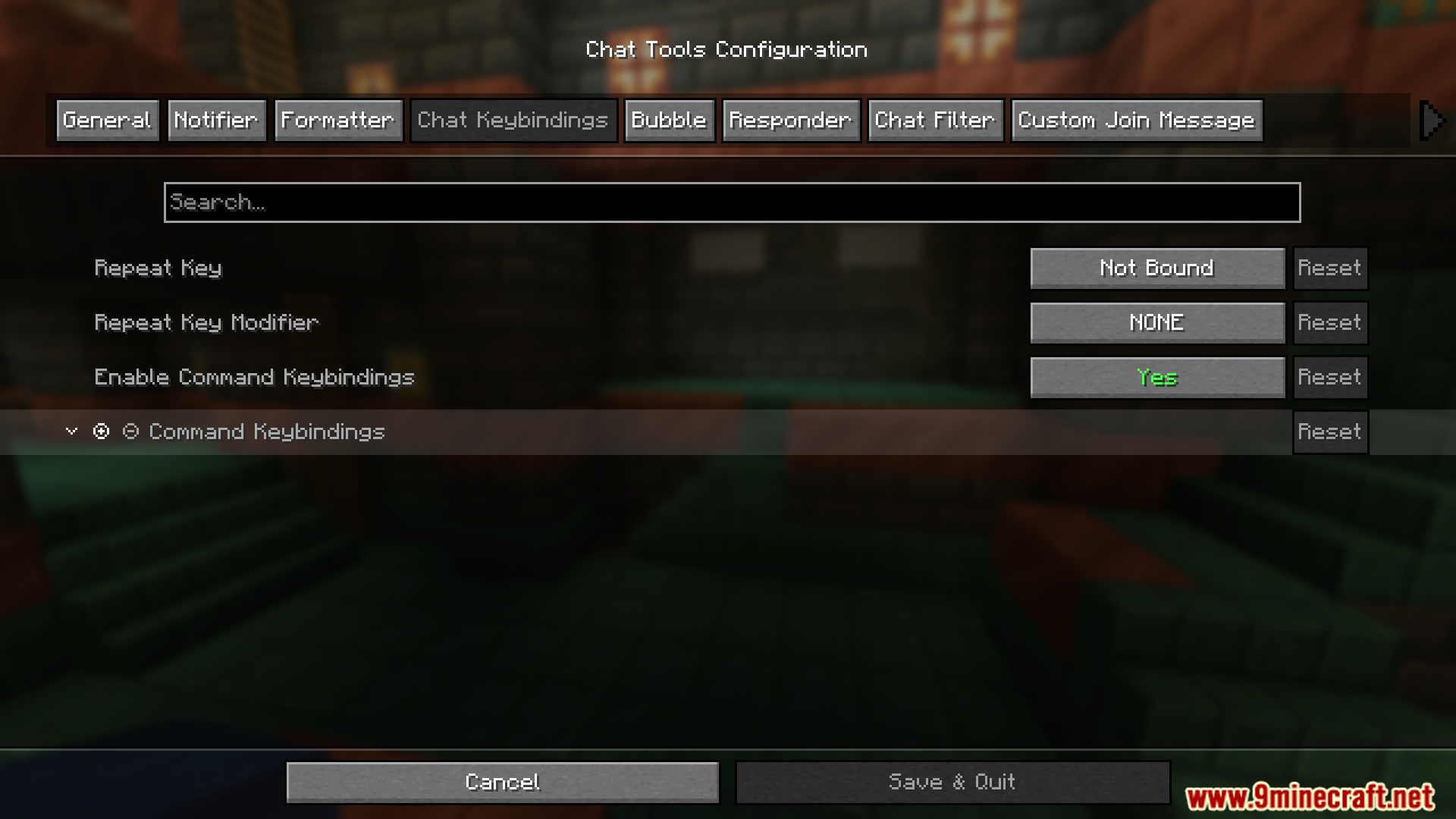
Chat Keybindings
- Trigger Last Command
- Repeat the previous command using a hotkey.
- Useful for parkour checkpoints or saved positions.
- Command Keybindings
- Bind hotkeys to frequently used commands.
Bubble Settings
- Enable Chat Bubbles
- Displays chat bubbles above your character.
- Bubble Rules
- Apply different rules per server.
Responder Settings
- Warning: Always check with server admins before use.
- Enable Responder
- Automatically replies to incoming messages.
- Responder Rules
- Server-specific responder behavior.
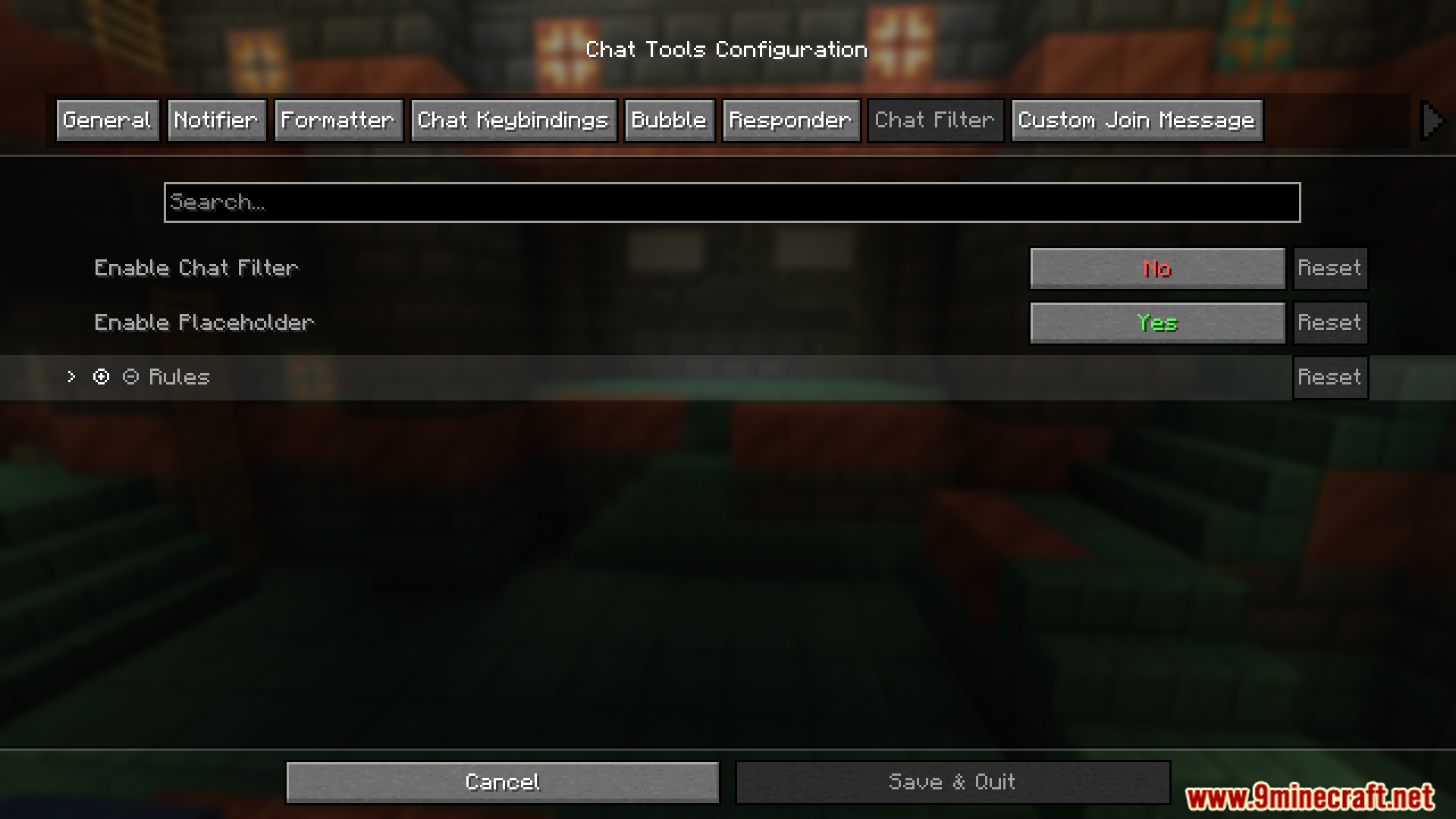
Chat Filter Settings
- Enable Chat Filter
- Filters incoming messages using defined rules.
- Filter Rules
- If any pattern matches, the message is filtered.
Commands:
/chattools on– Enable the mod./chattools off– Disable the mod./chattools opengui– Open the configuration page./chattools download– Download addons./chattools regex_checker <pattern> [<test_content>]– Without test content: check if the pattern is a valid regex. With test content: validate the pattern and test if it matches the content./chattools send_to_client text <text_JSON_component>– Send specific text to the client chat bar./chattools send_to_client actionbar <text_JSON_component>– Display specific text on the client actionbar./chattools config openfile– Open the configuration file (editing requires a game restart to apply changes)./chattools config get <key>– Retrieve the value of a specific configuration key for the current session./chattools config set <key> <value> [<save>]– Set the value of a specific configuration key. If save is set to true, the changes will also be saved to the file./chattools config toggle <key> [<save>]– Toggle the state of a boolean-type configuration key. If save is set to true, the changes will also be saved to the file.
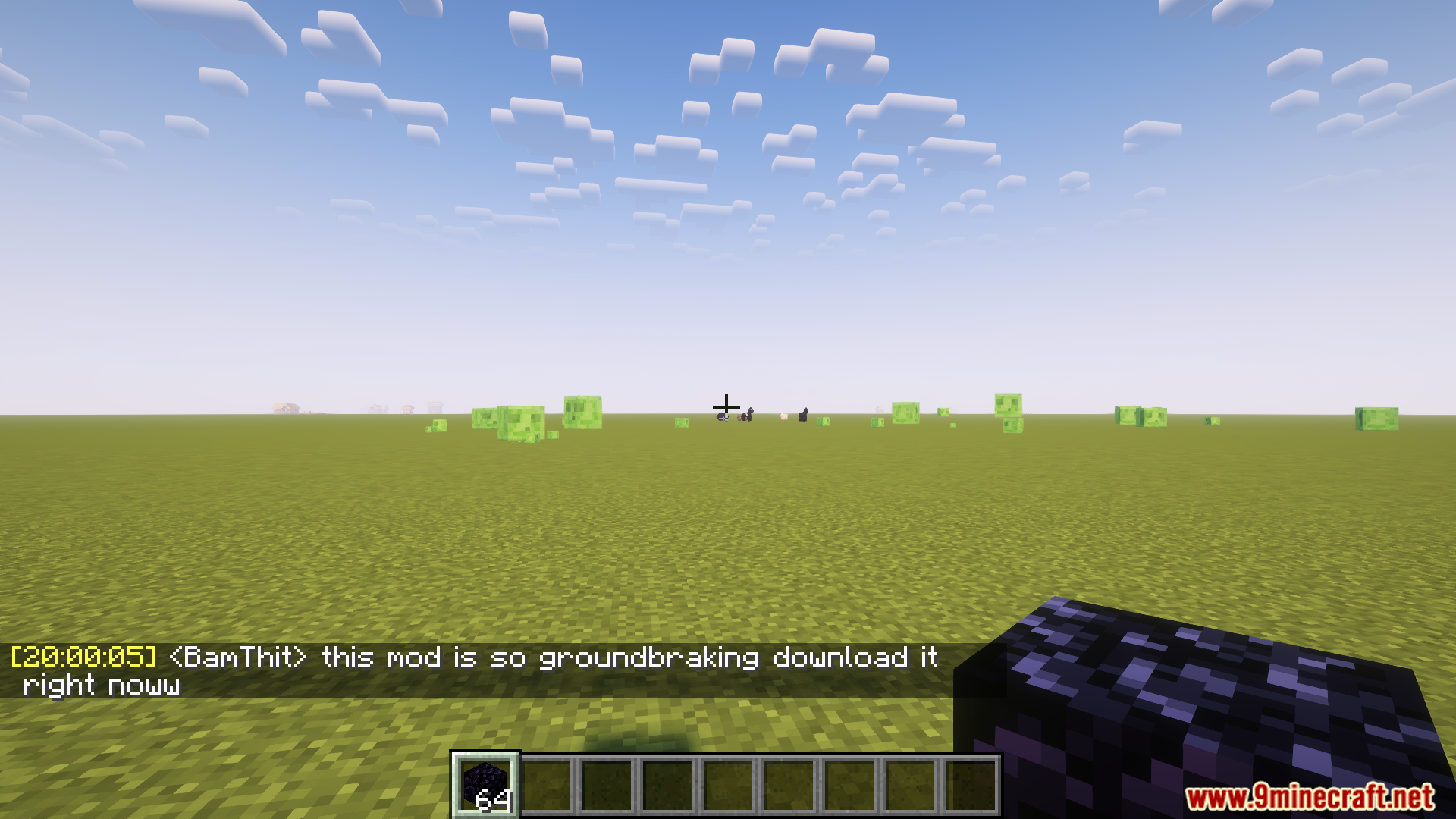
Screenshots:
Chat Tools Mod Download Links
Quick facts
- Edition: Minecraft Java
- File type: .jar
- Minecraft version listed: 1.20.1
- How to install: Install the matching mod loader (Forge, Fabric or NeoForge) for your Minecraft version. → Download the .jar. → Put it in the .minecraft/mods folder and launch that loader profile.
- Where to get it: In MC Java Mods, or directly above on this page.
Install steps are the general flow for this file type — How to install Minecraft Java mods & modpacks walks through it step by step.
Verified by MCModsHub
- Downloads as 83653.mcaddon
- Download size: 658 KB
- Download link checked 22 Sept 2026 — working
- Mirrored on our own servers — the download does not depend on the original host
These come from our own check of the pack file, not from the source page.