ModsJava
Framed Blocks Mod (26.1.2, 1.20.1) – Fancy Building Blocks
Java mod listed for Minecraft 1.20. Downloads from the MC Java Mods app on Android.
⬇ Download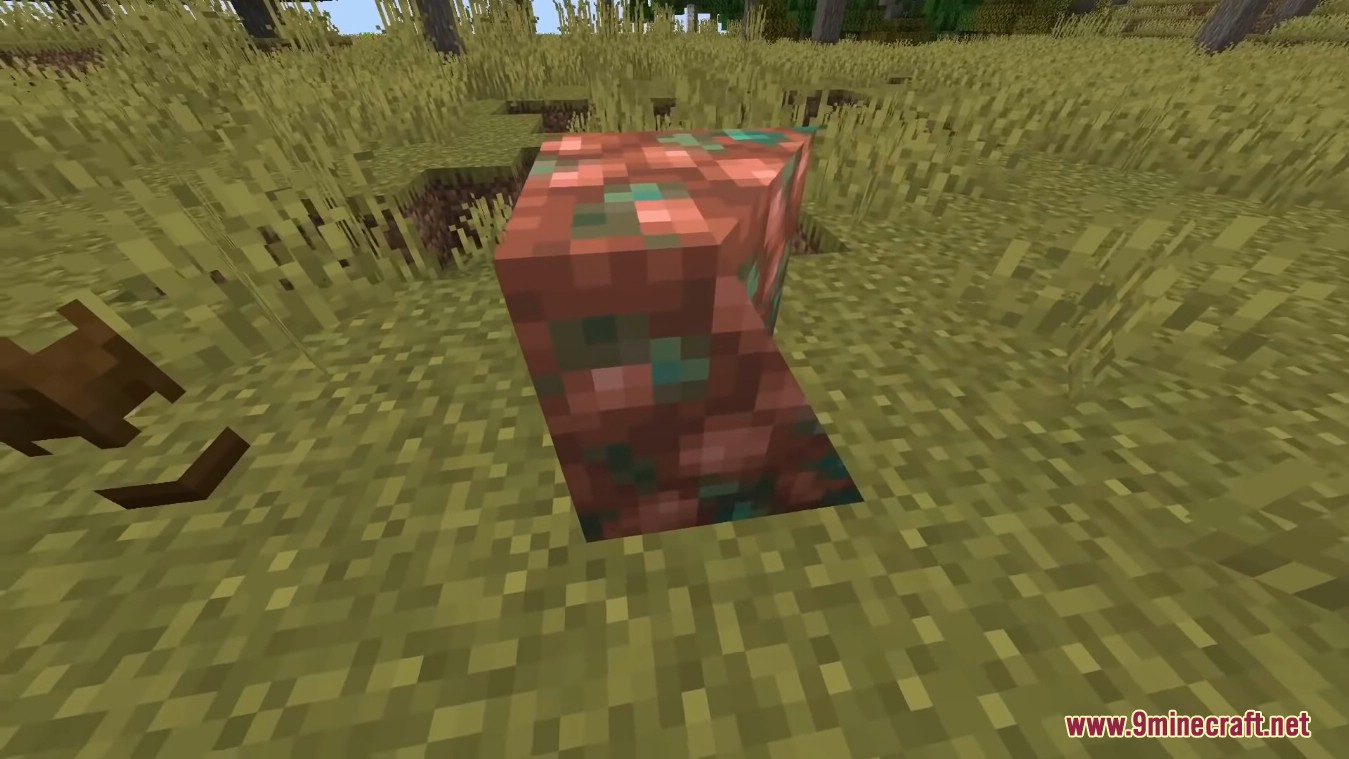
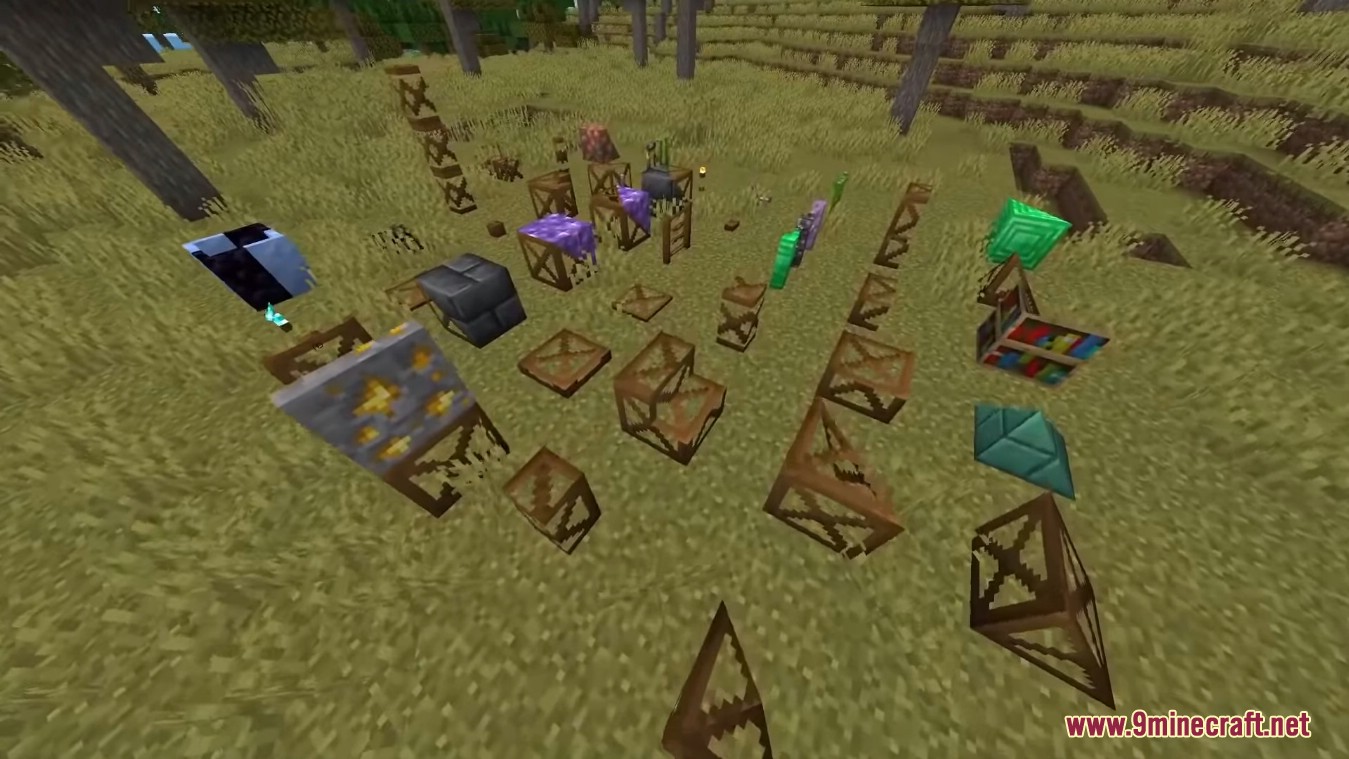
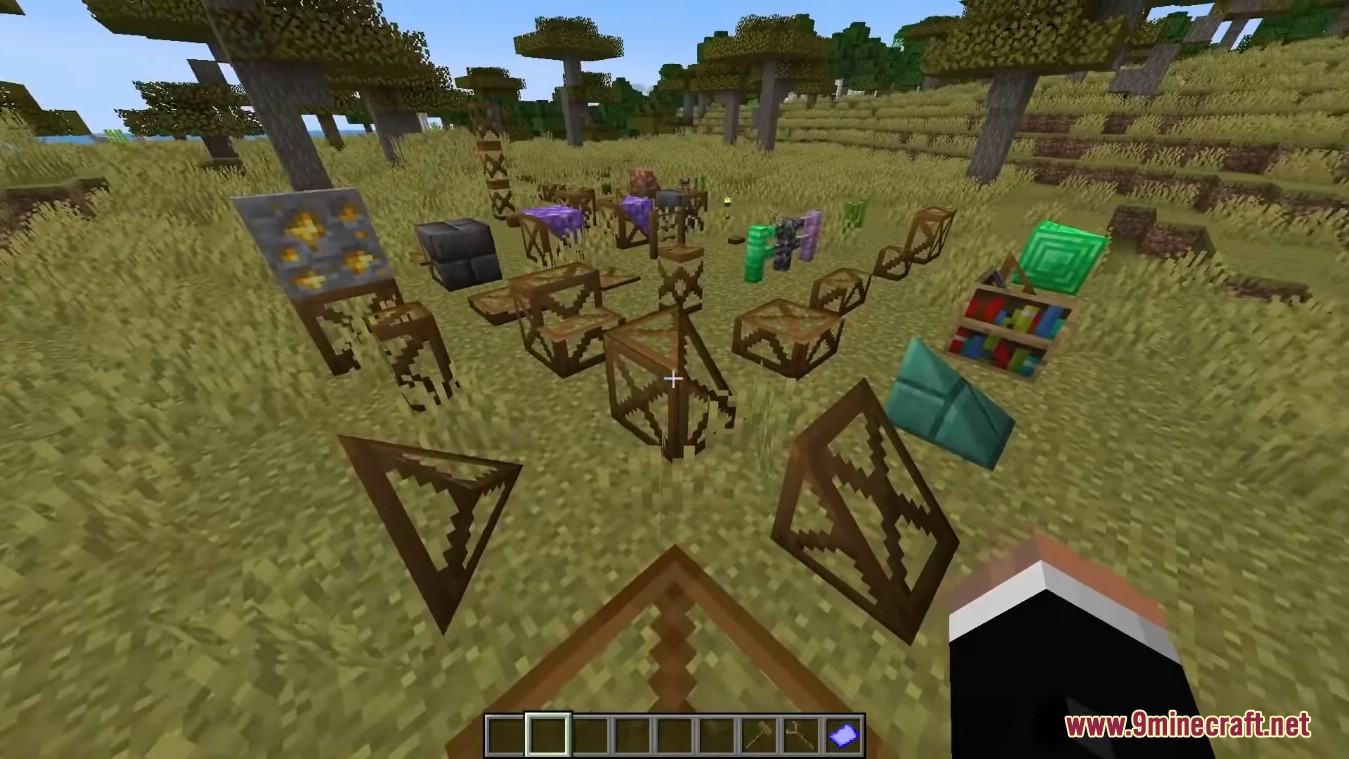
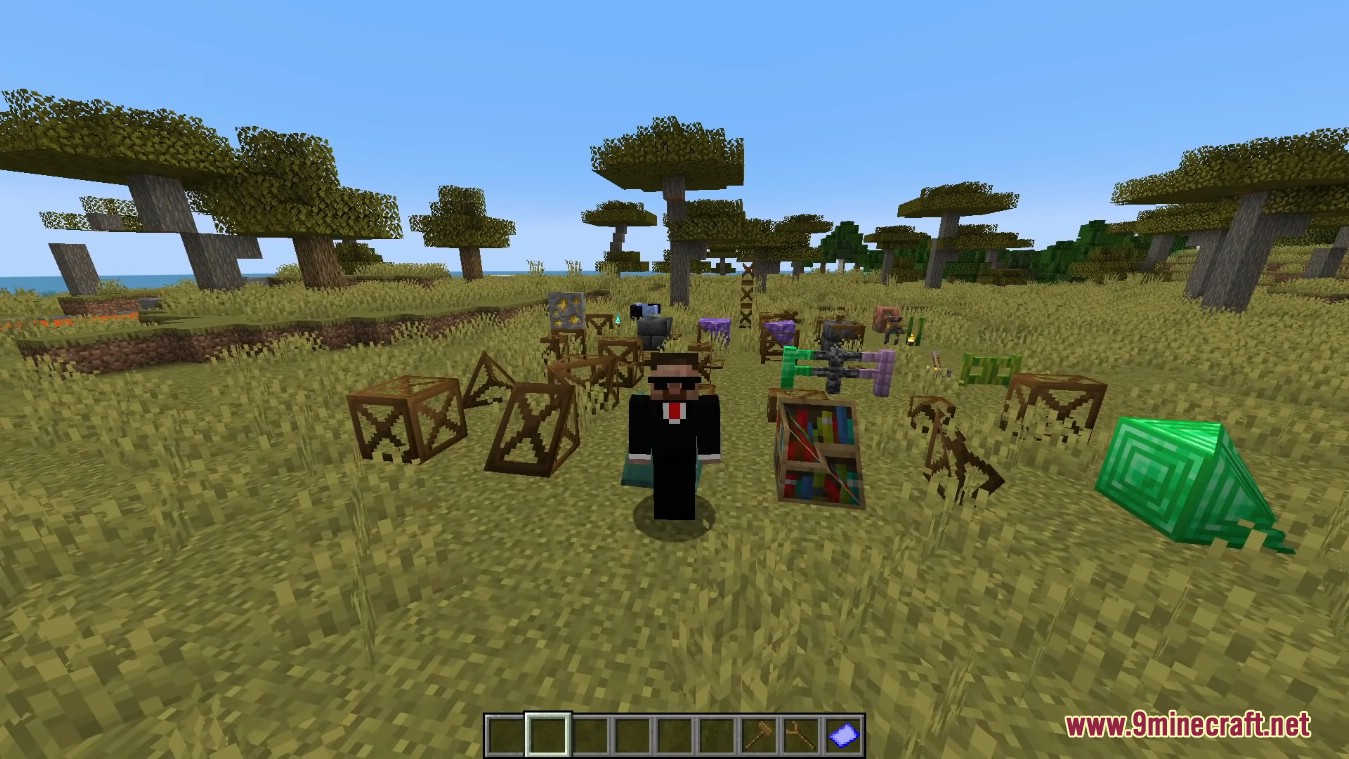
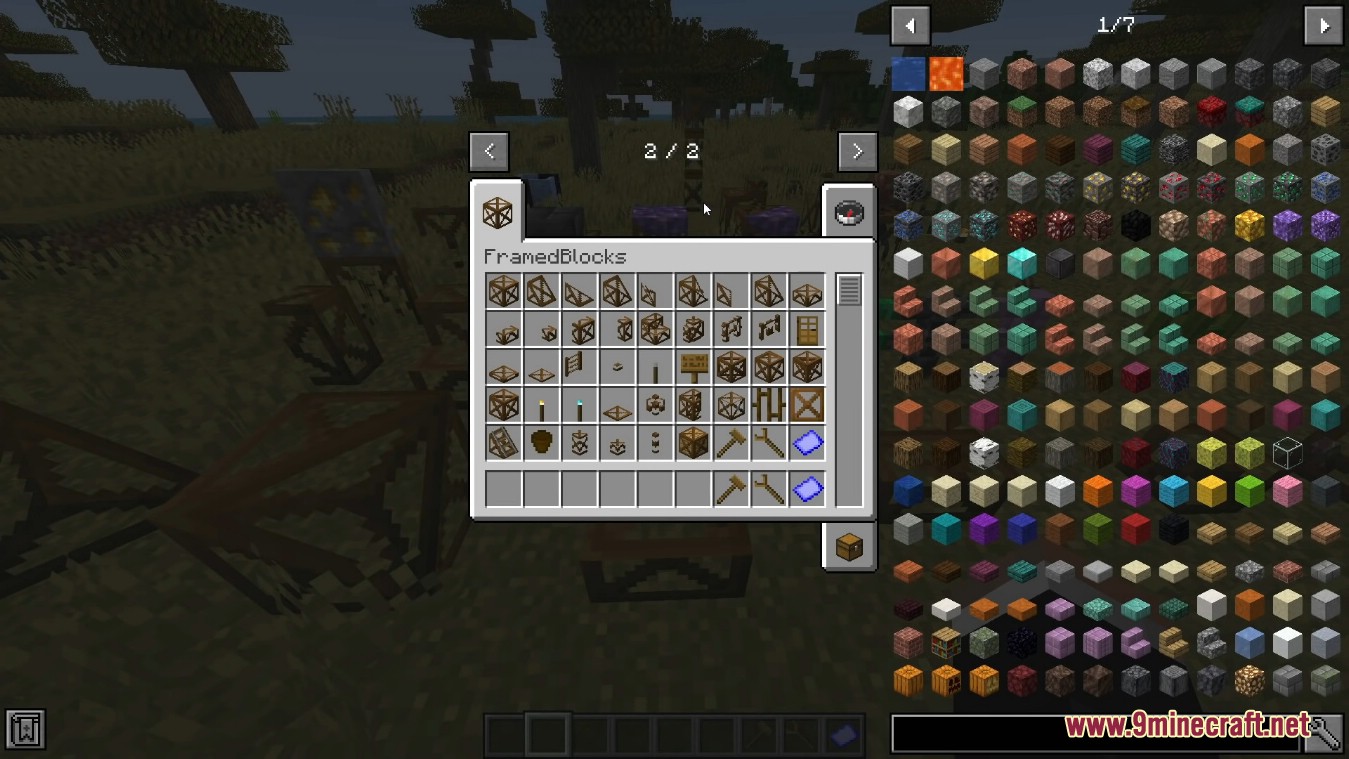
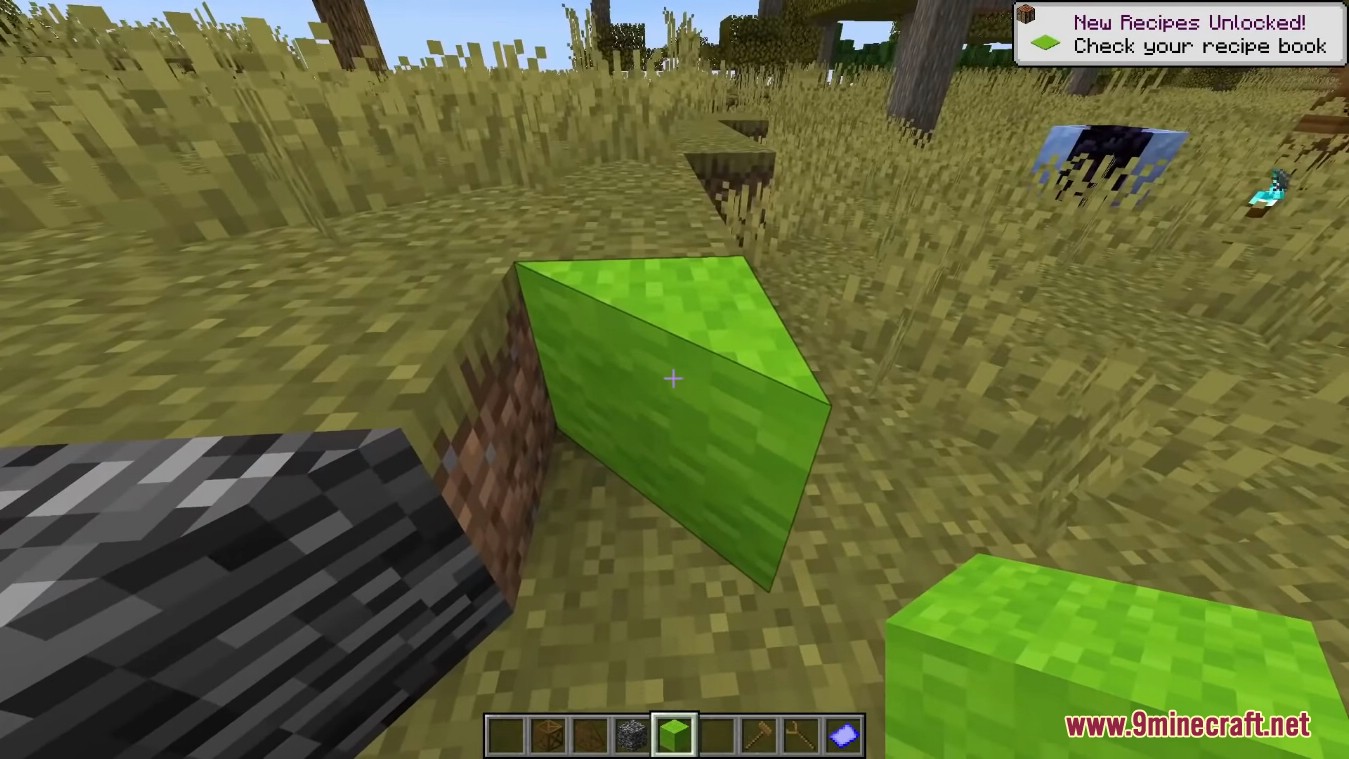
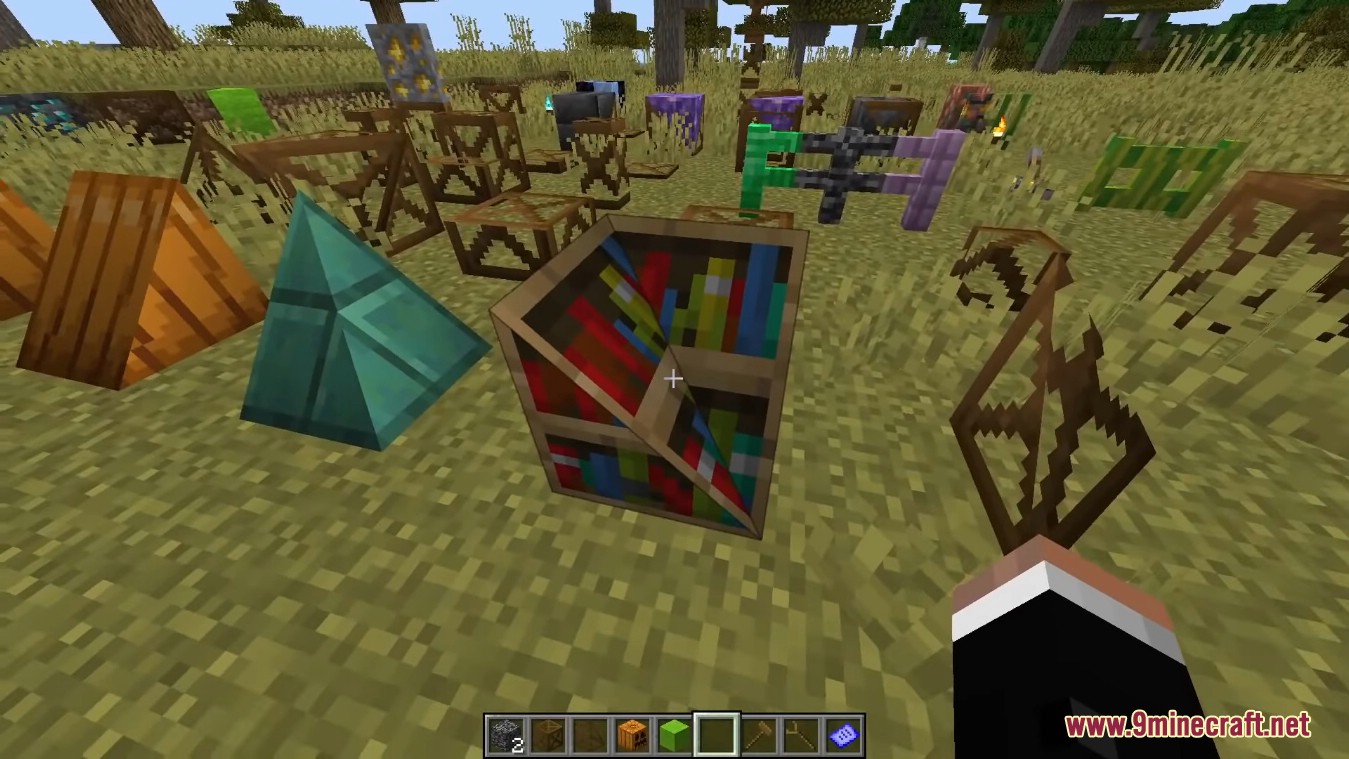
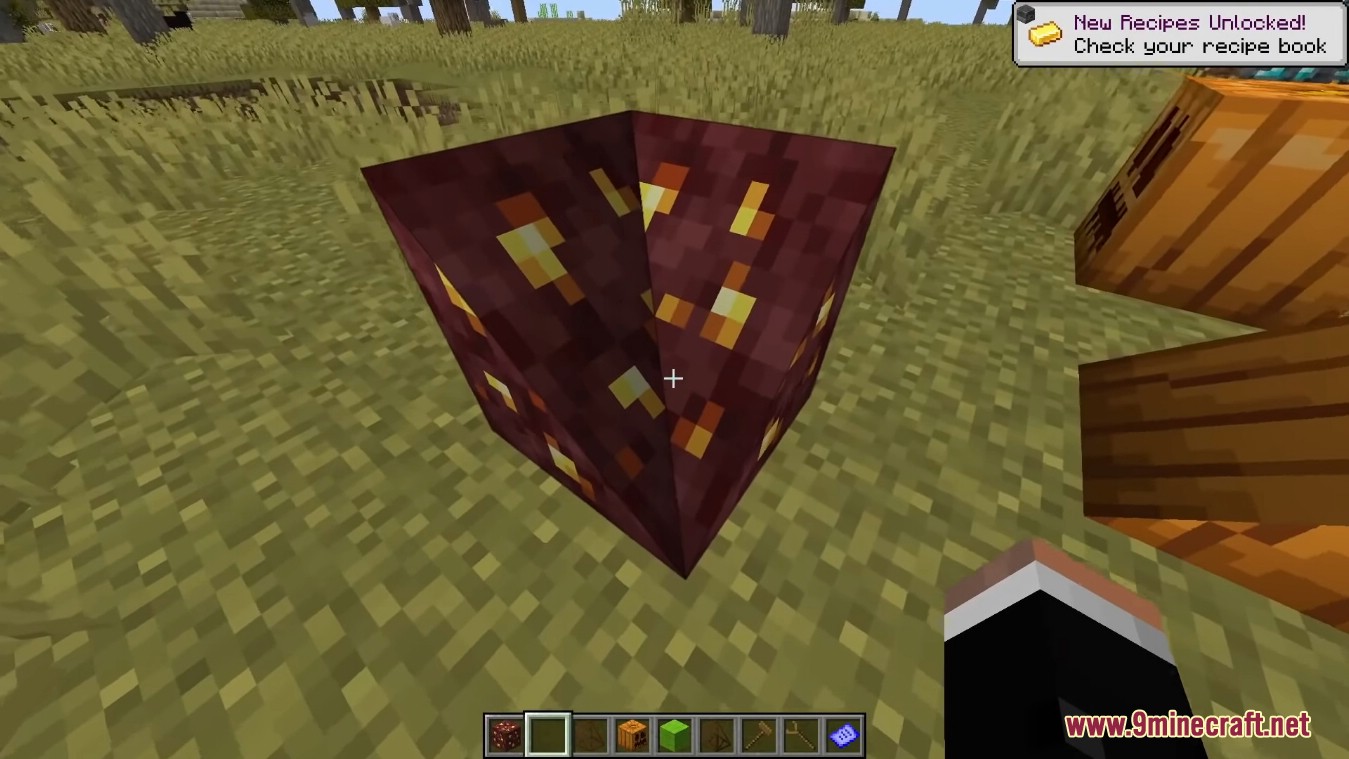
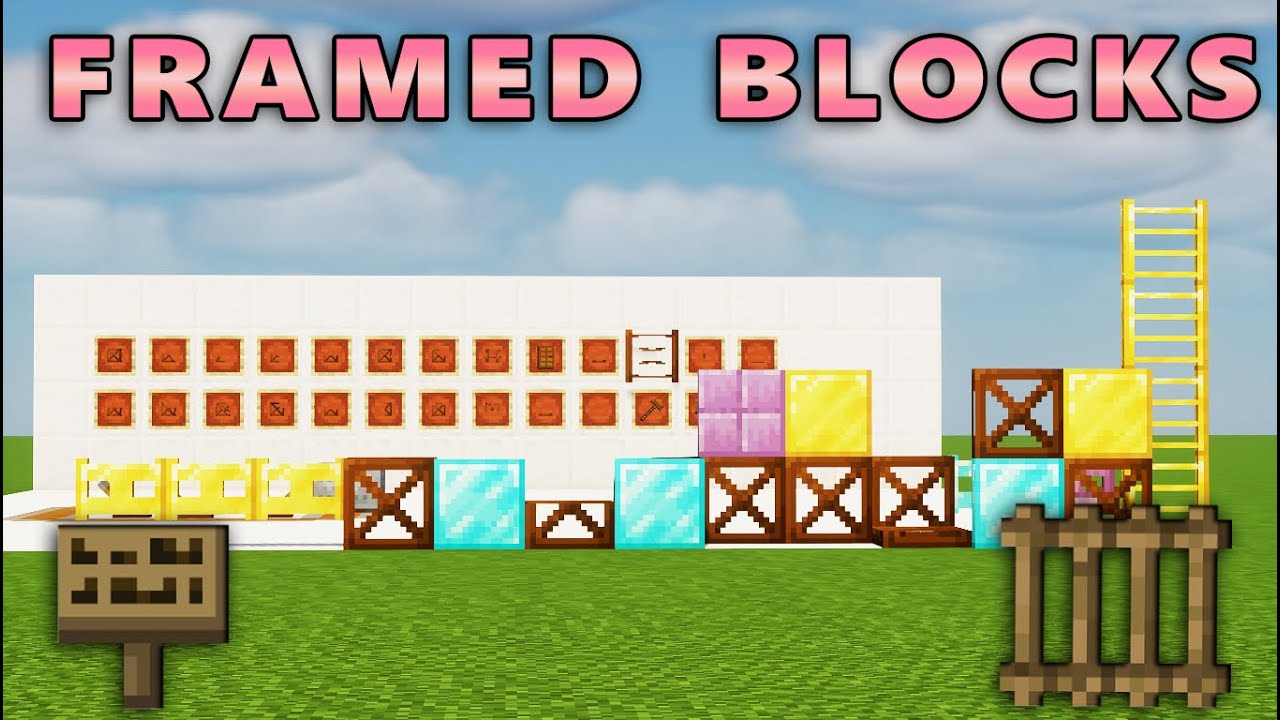
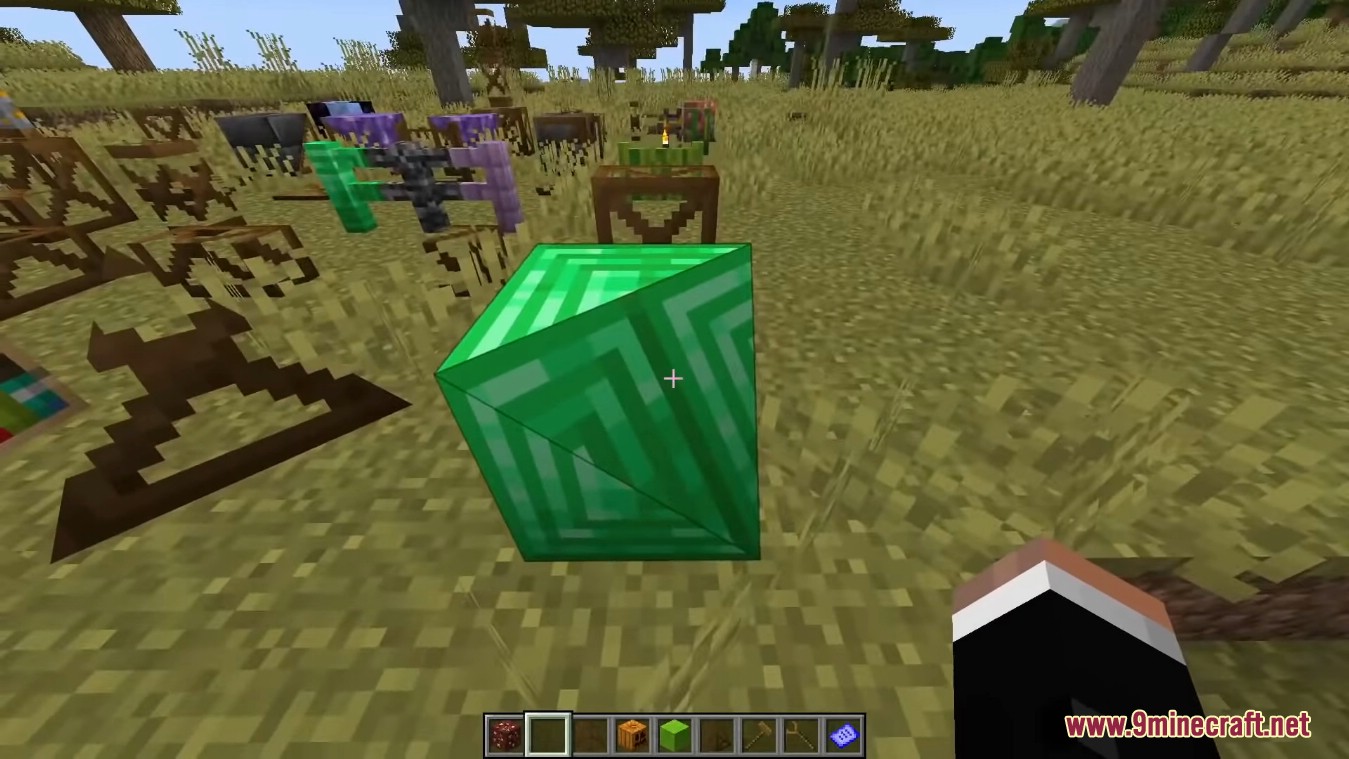
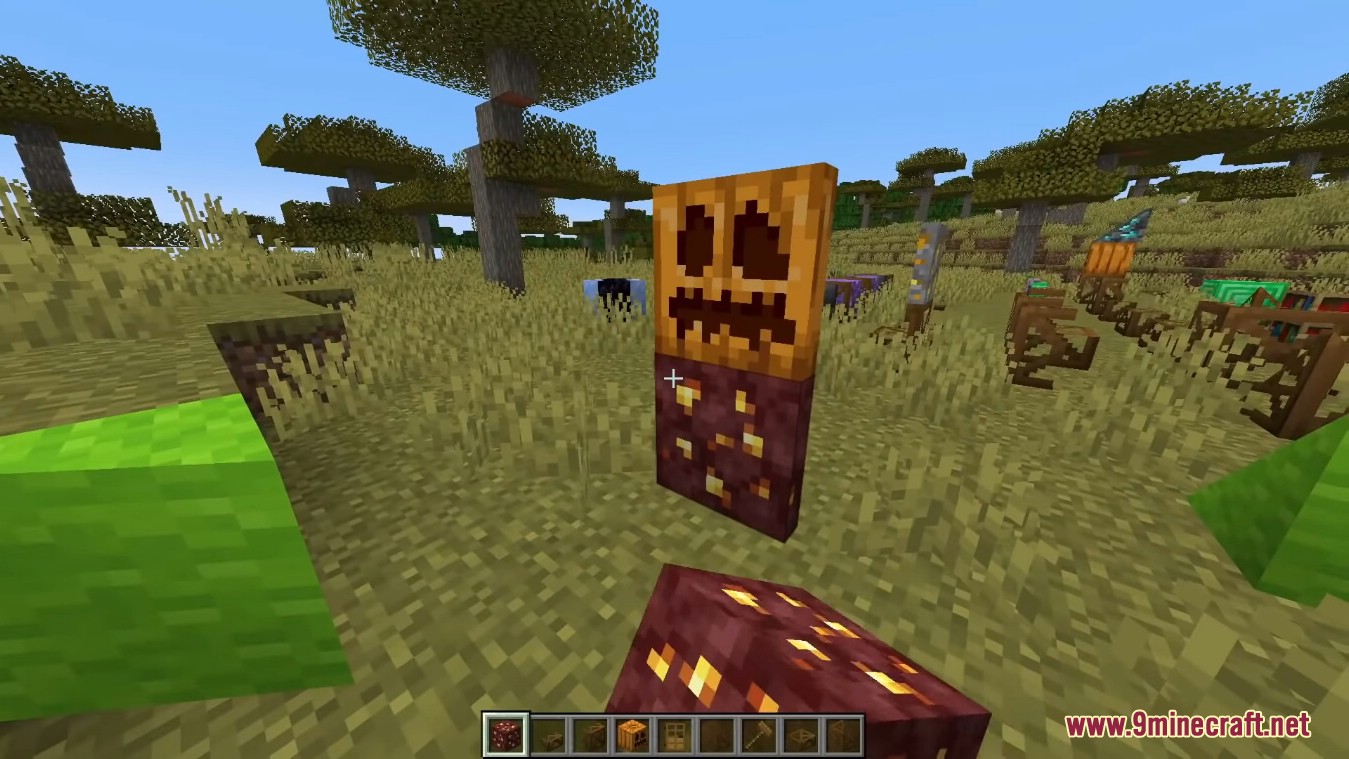
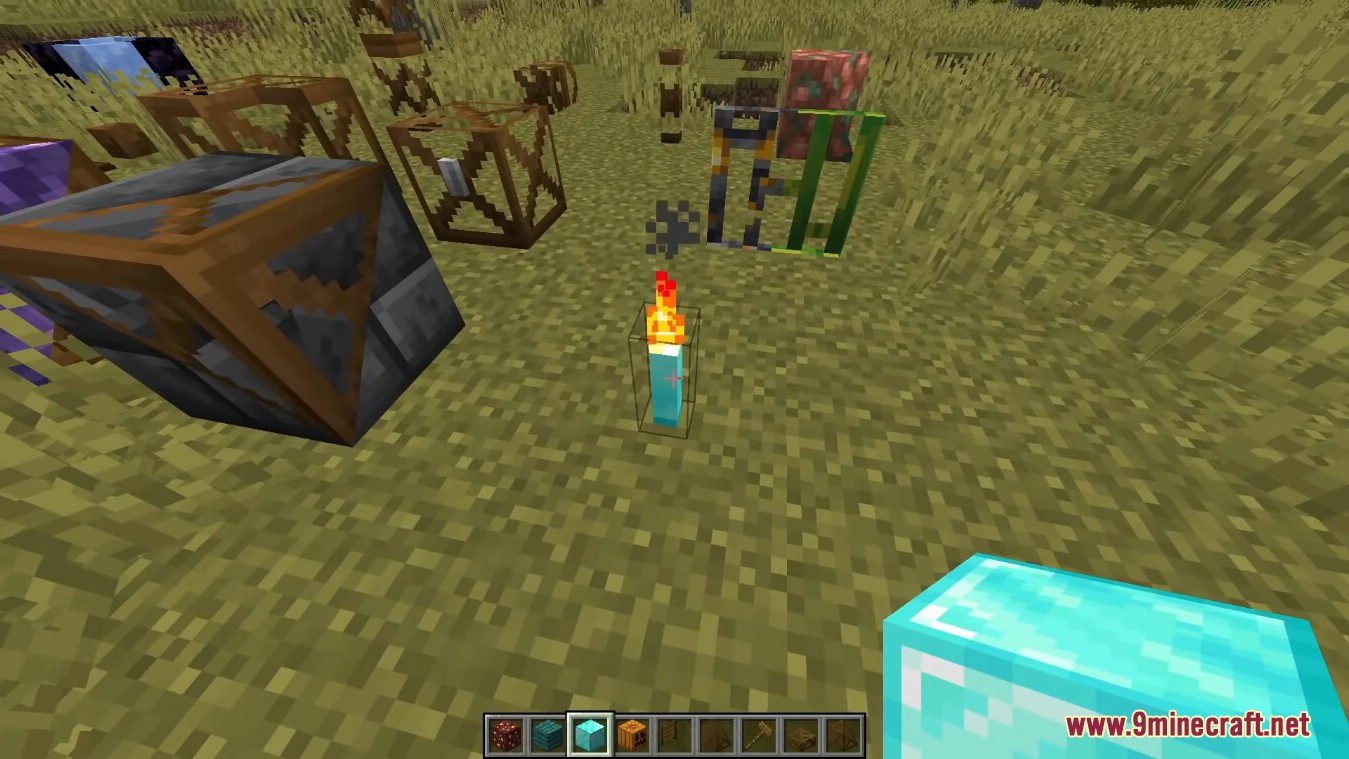
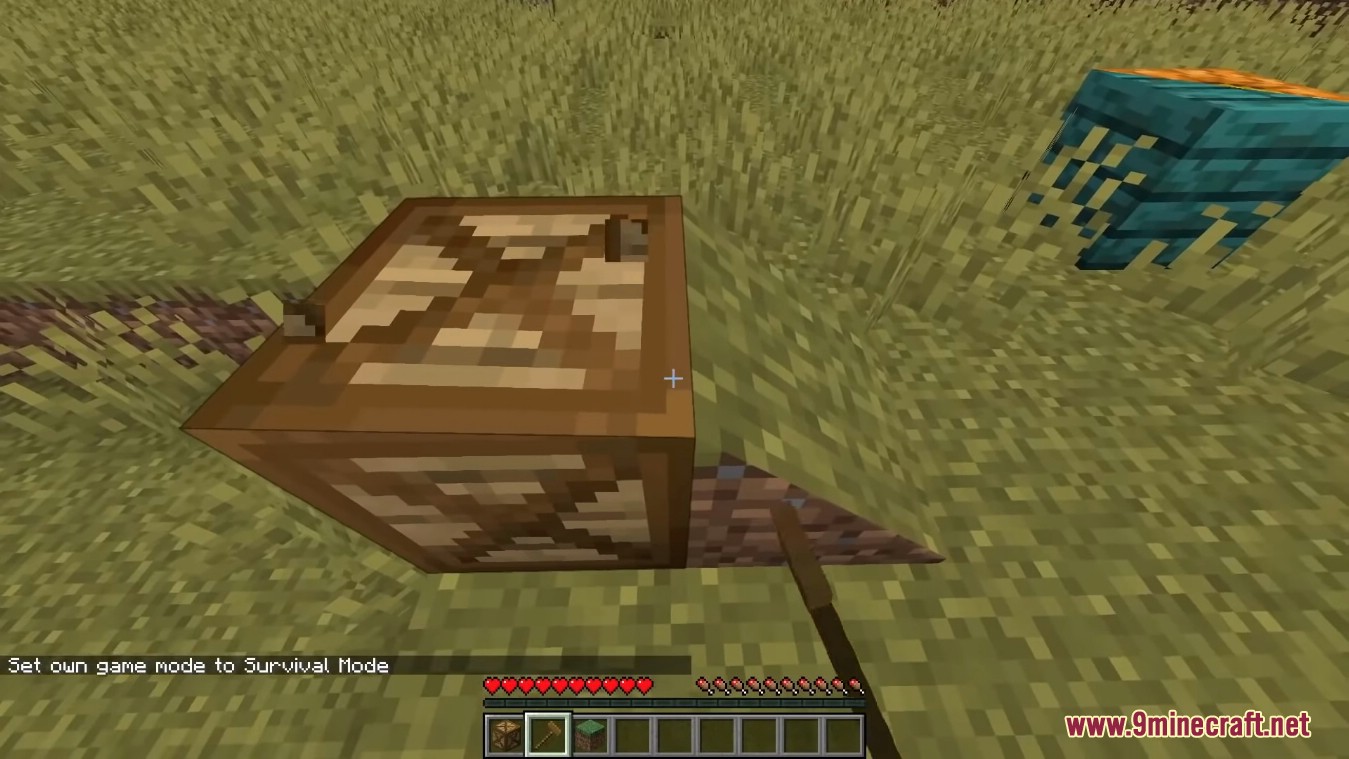
Framed Blocks Mod adds blocks of various shapes that can be made to look like almost any other block in the game.
Features:
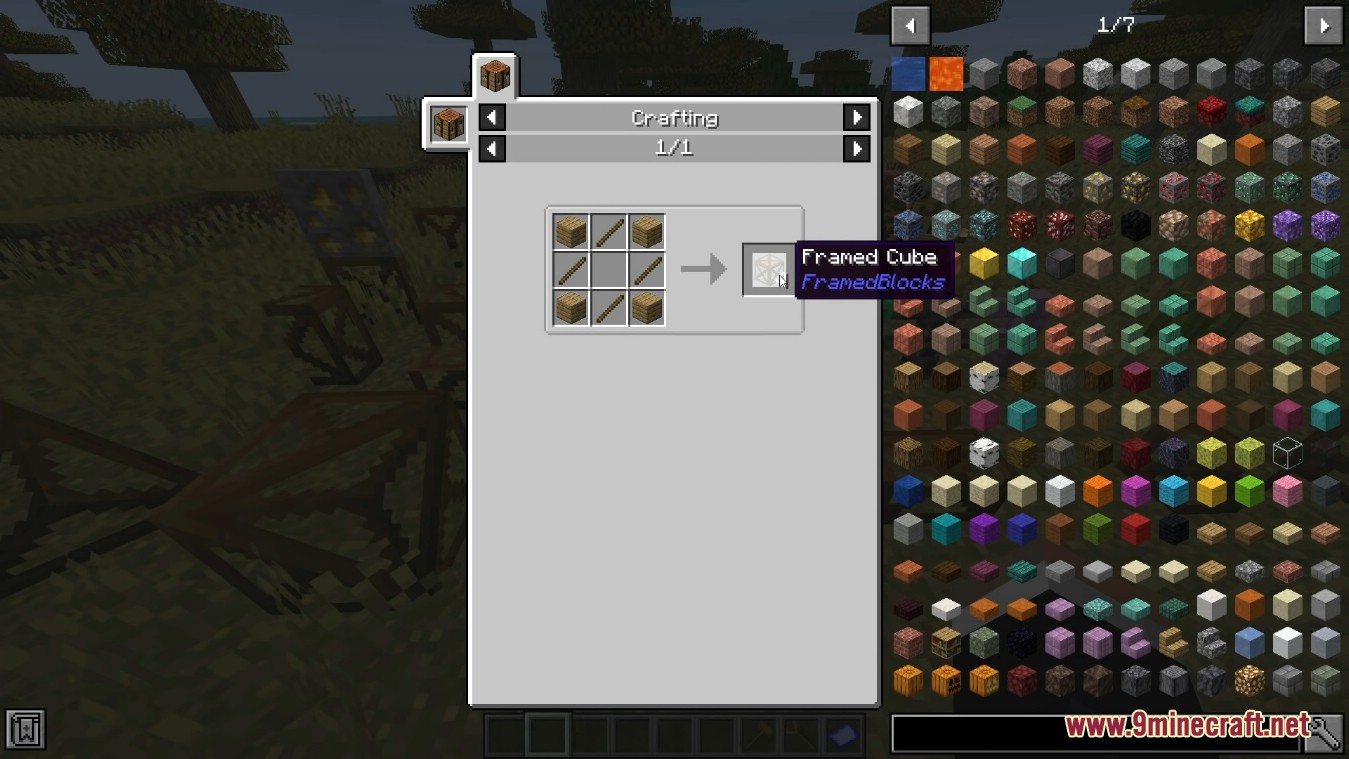
- Framed Cube
- Framed Slope (can also be placed vertically)
- Framed Corner Slope (can also be placed vertically)
- Framed Inner Corner Slope (can also be placed vertically)
- Framed Prism Corner
- Framed Inner Prism Corner
- Framed Threeway Corner
- Framed Inner Threeway Corner
- Framed Slab
- Framed Slab Edge
- Framed Slab Corner
- Framed Panel
- Framed Corner Pillar
- Framed Stairs
- Framed Wall
- Framed Fence
- Framed Fence Gate
- Framed Door
- Framed Trapdoor
- Framed Pressure Plate
- Framed Ladder
- Framed Button
- Framed Lever
- Framed Sign
- Framed Double Slab
- Framed Double Panel
- Framed Double Slope (can also be placed vertically)
- Framed Torch
- Framed Soul Torch
- Framed Floor Board
- Framed Lattice
- Framed Vertical Stairs (interacts with Stairs, Framed Stairs and Framed Half Stairs to create a corner)
- Framed Double Corner (can also be placed vcertically)
- Framed Double Prism Corner
- Framed Double Threeway Corner
- Framed Chest
- Framed Bars
- Framed Pane
- Framed Rail Slope
- Framed Flower Pot
- Framed Pillar (can be placed on all three axis)
- Framed Half Pillar (can be placed in all six directions)
- Framed Post (can be placed on all three axis)
- Framed Collapsible Block
- Framed Half Stairs
- Framed Bouncy Cube
- Framed Secret Storage
- Framed Prism
- Framed Sloped Prism
- Framed Slope Slab (hold sneak key to place upside down)
- Framed Elevated Slope Slab
- Framed Double Slope Slab
- Framed Inverted Double Slope Slab
- Framed Vertical Half Stairs
Screenshots:
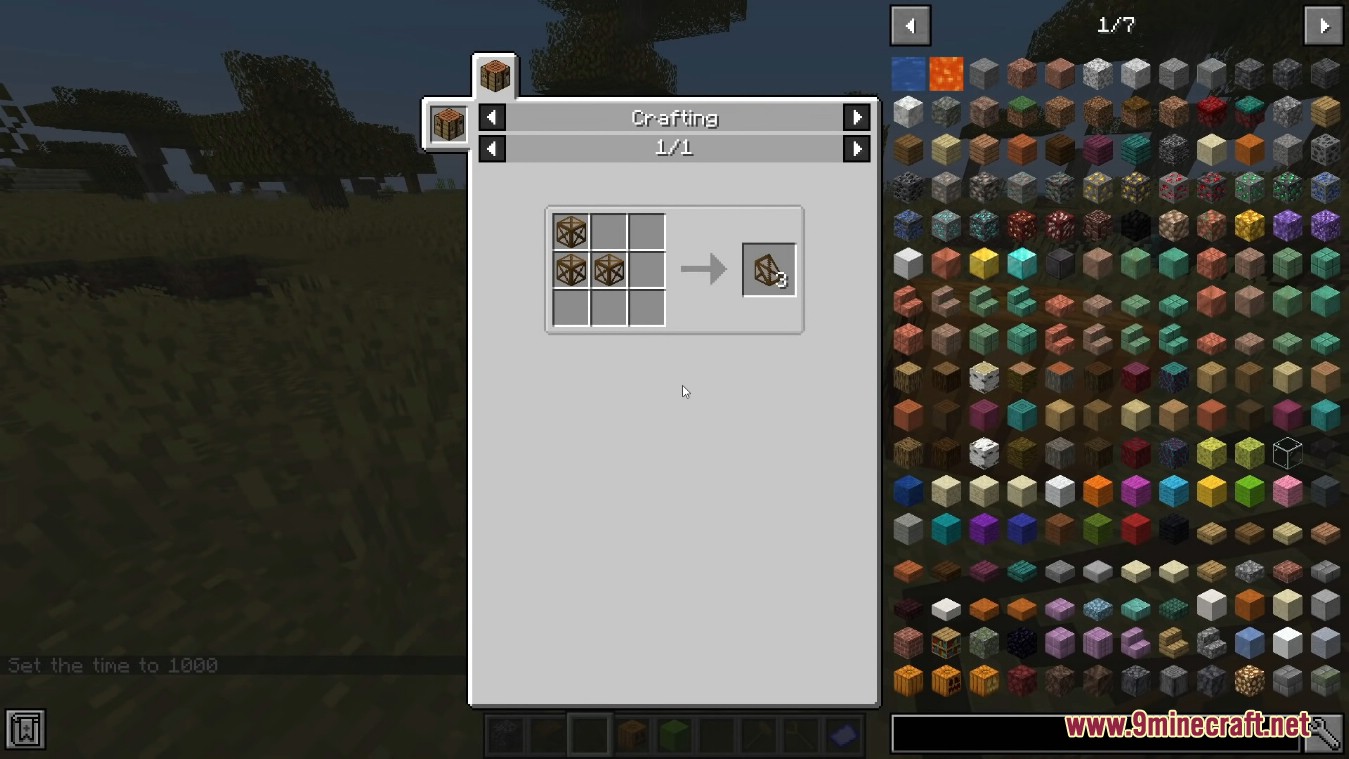
Crafting Recipes:
Framed Blocks Mod Download Links
Quick facts
- Edition: Minecraft Java
- File type: .jar
- Minecraft version listed: 1.20.1
- How to install: Install the matching mod loader (Forge, Fabric or NeoForge) for your Minecraft version. → Download the .jar. → Put it in the .minecraft/mods folder and launch that loader profile.
- Where to get it: In MC Java Mods, or directly above on this page.
Install steps are the general flow for this file type — How to install Minecraft Java mods & modpacks walks through it step by step.
File checked by MCModsHub
- Downloads as 83670.mcaddon
- Download size: 4.9 MB
- Download link checked 9 Oct 2026 — working
- Mirrored on our own servers — the download does not depend on the original host
These come from our own check of the pack file, not from the source page.