ModsJava
Custom End Crystals Mod (26.1.2, 1.20.1) – Change How Your End Crystals are Rendered
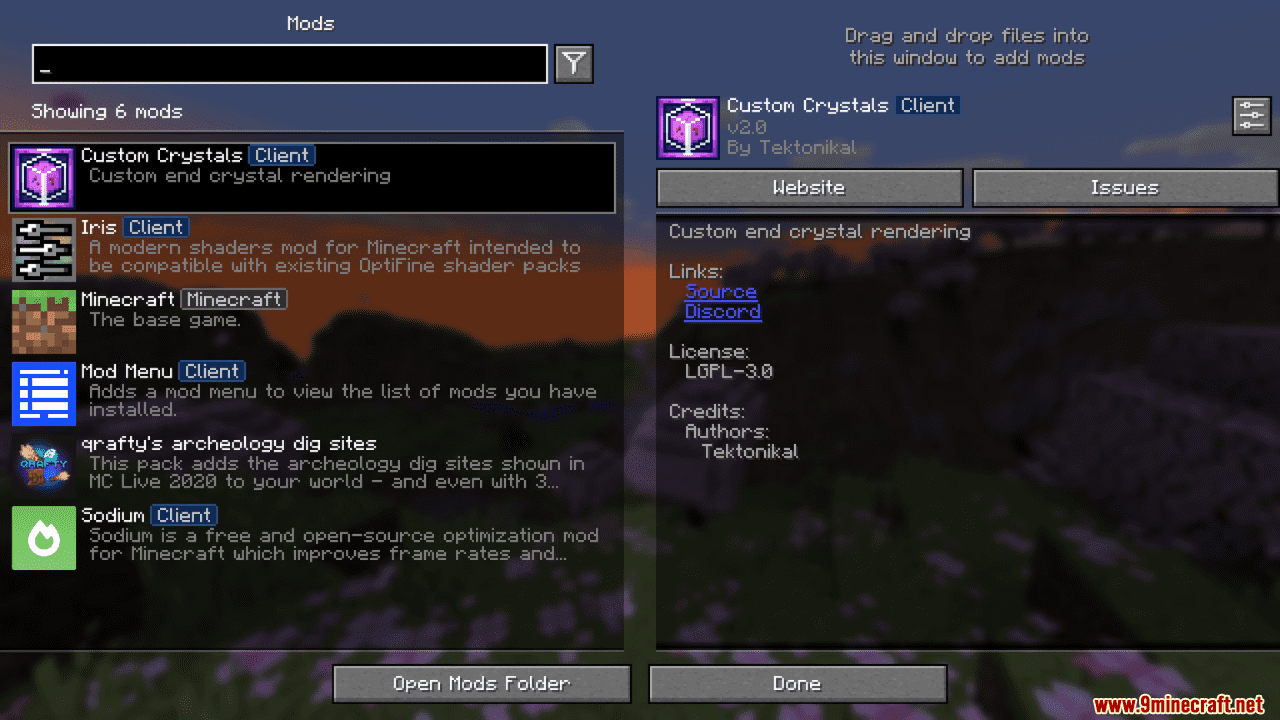
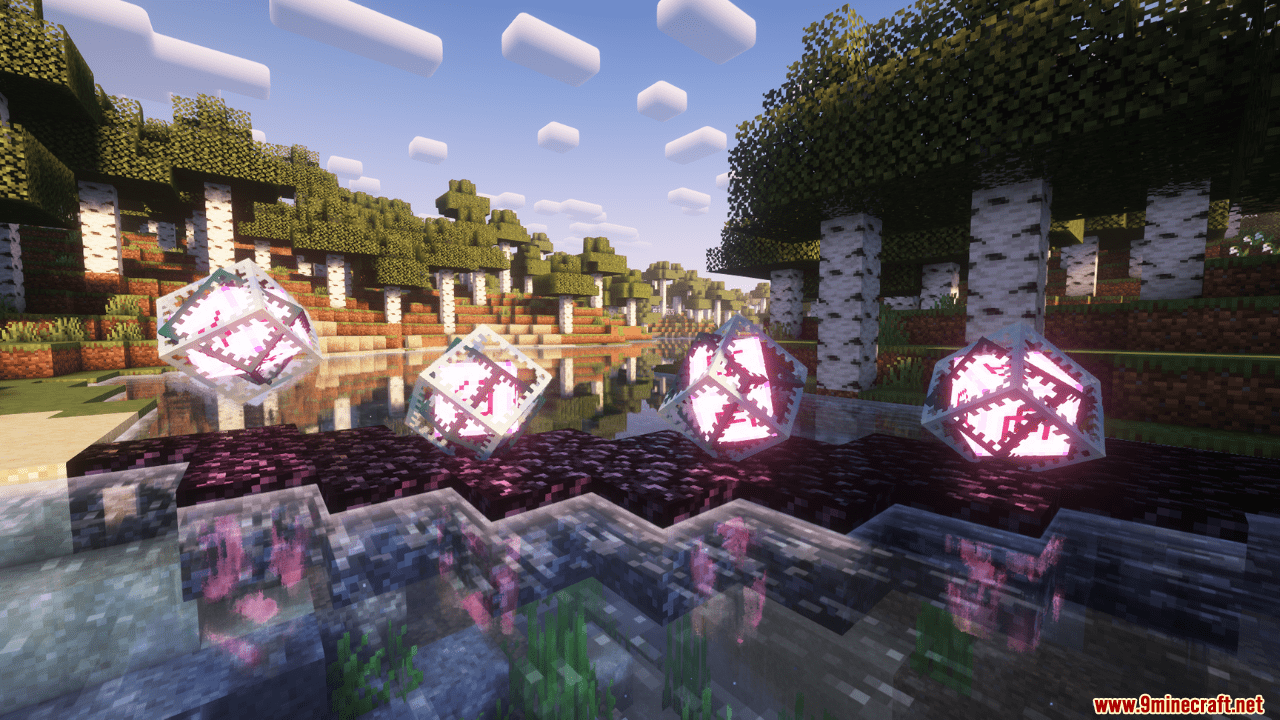
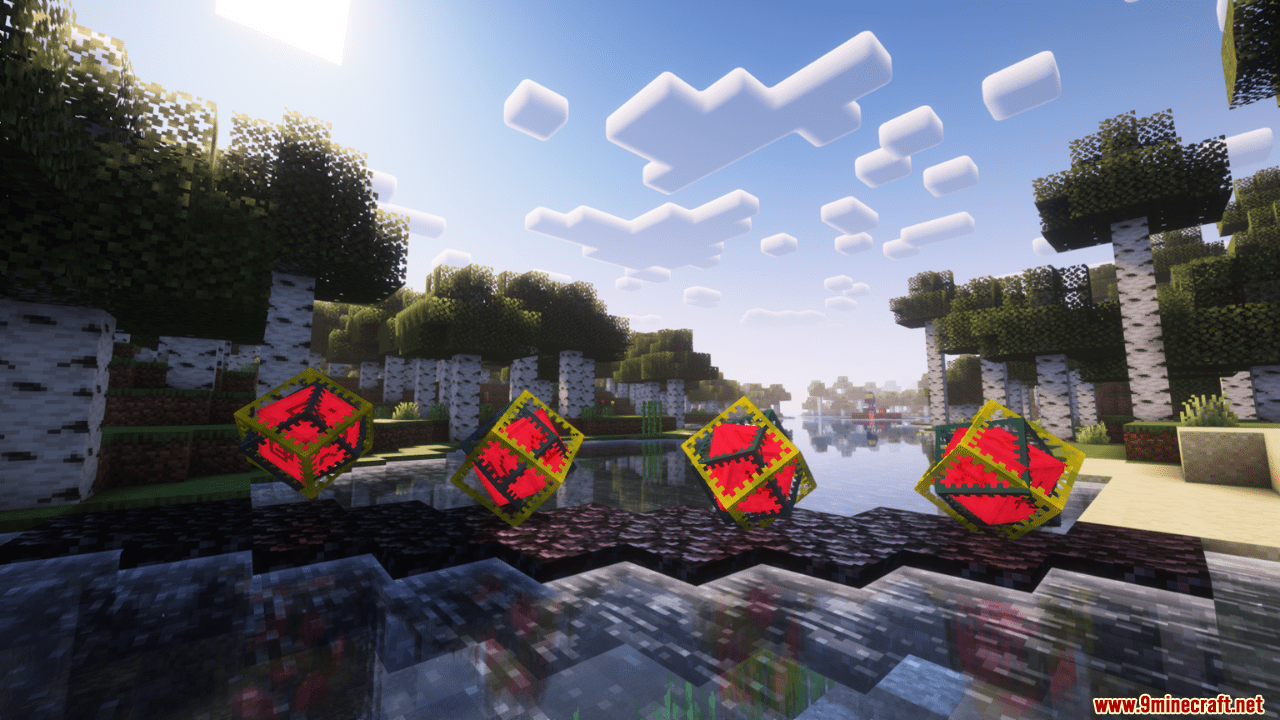
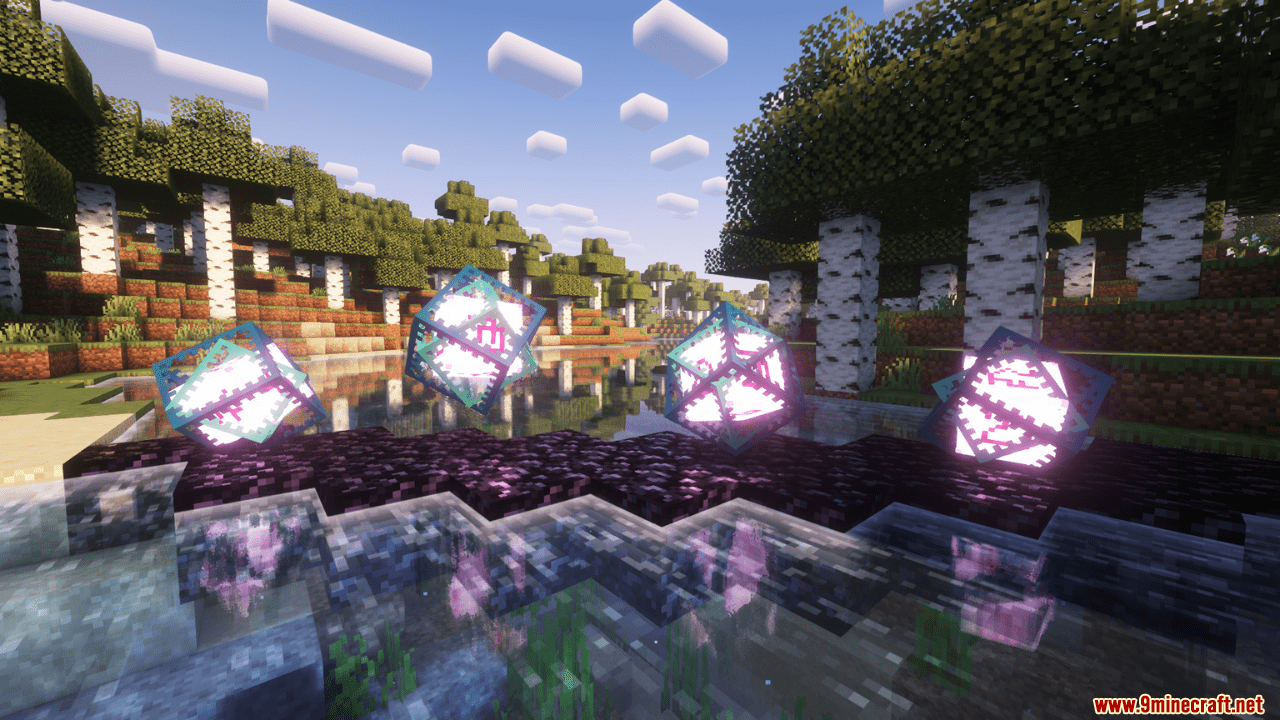
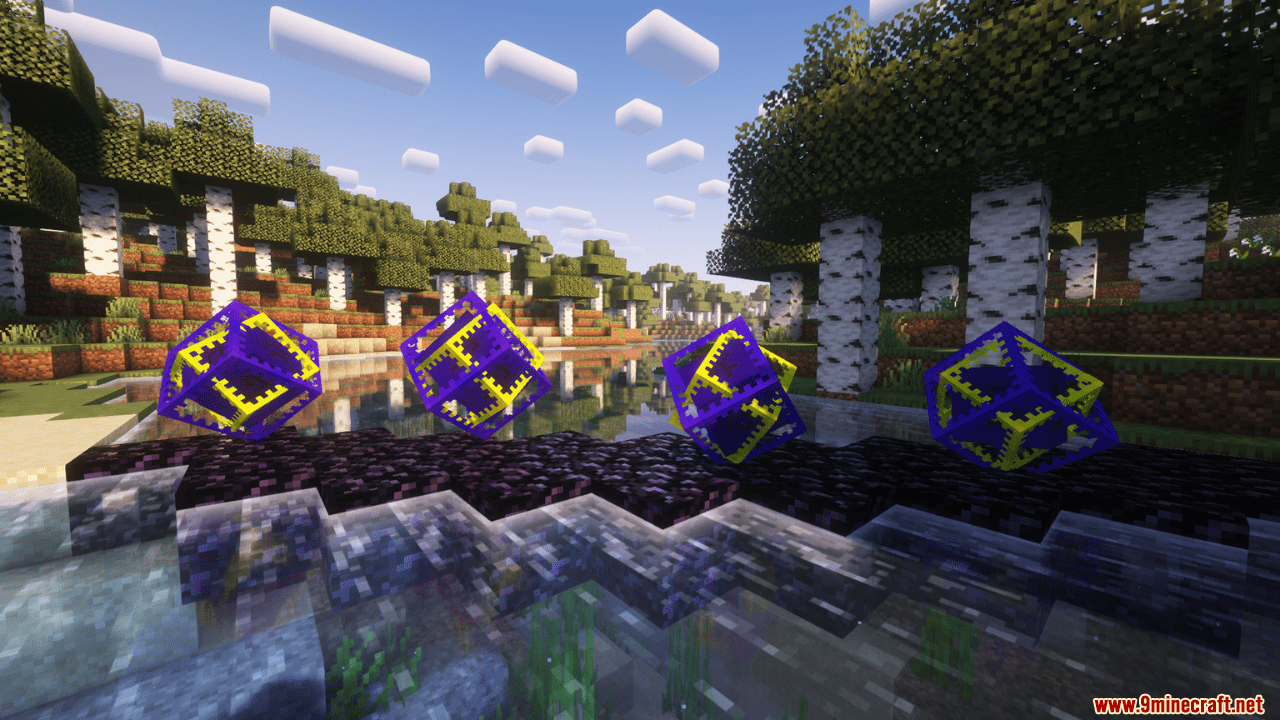
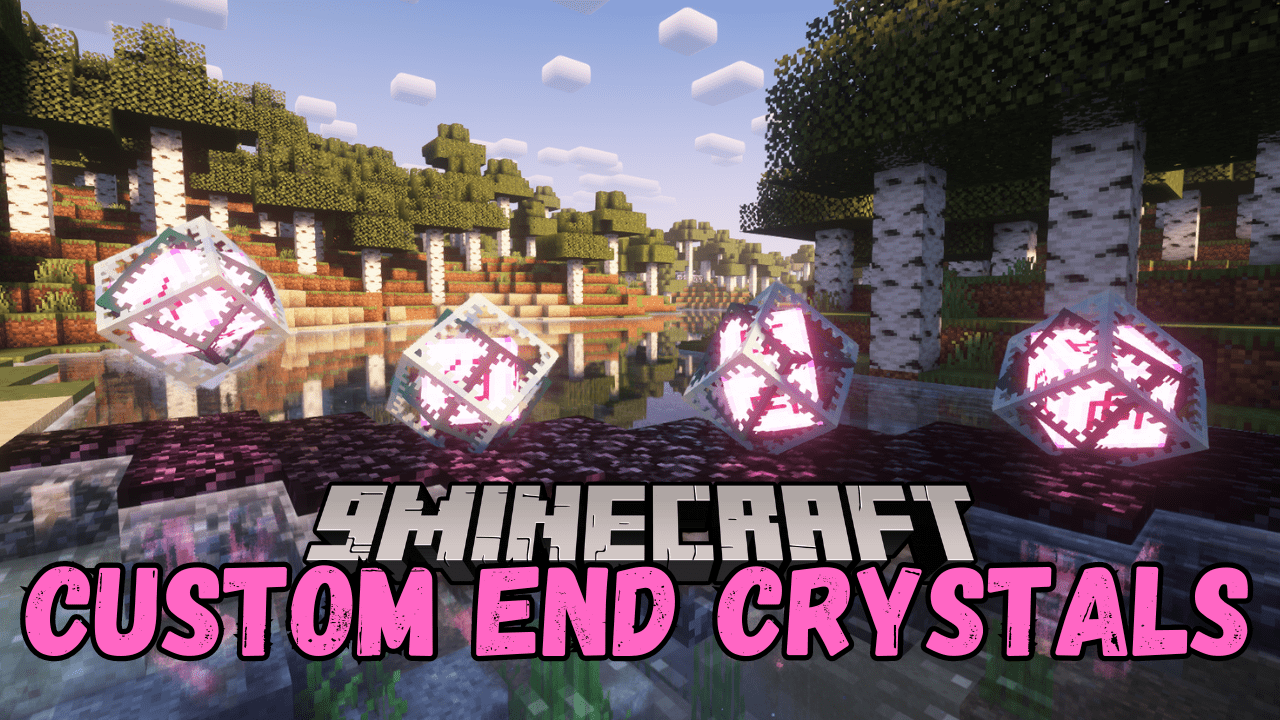
The Custom End Crystals Mod lets you change how your end crystals look in Minecraft. You can choose different styles and colors, and make them bounce, spin, and even glow at different light levels. With so many options, you can make your end crystals look super cool and unique.
Features:
- Change how your end crystals are rendered.
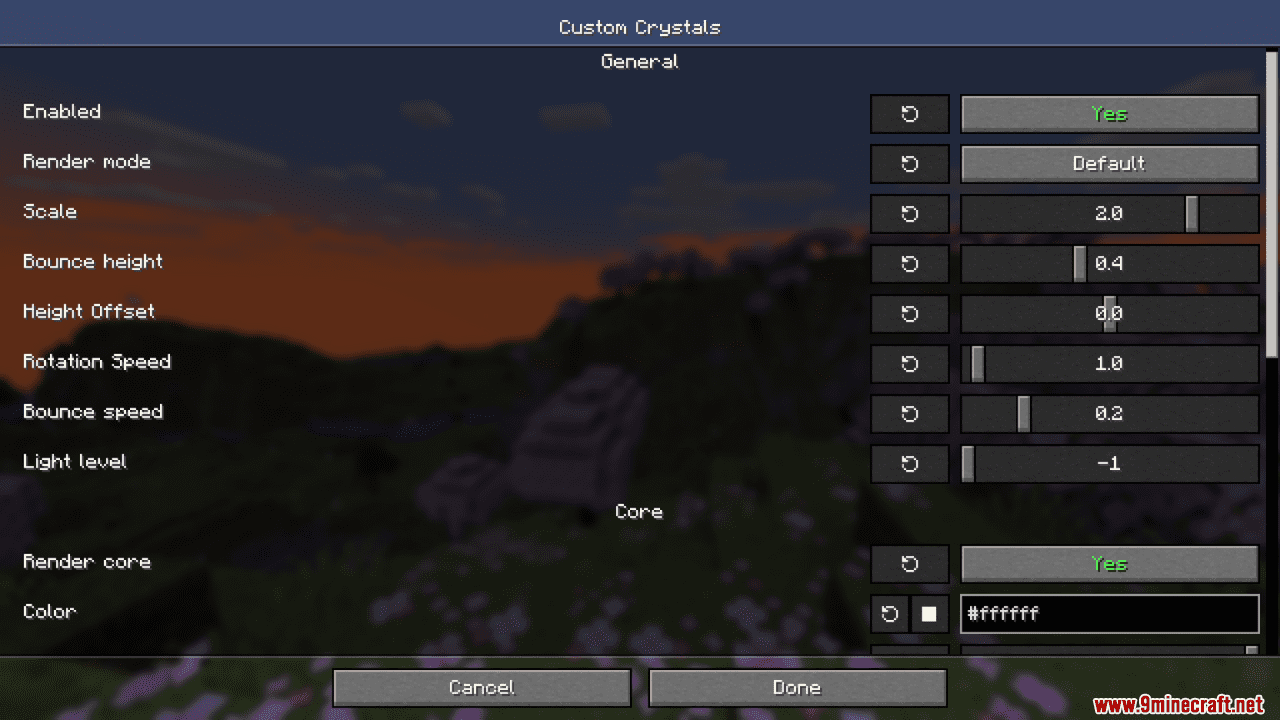
- Choose special rendering modes: Default, End Portal/End Gateway, Wireframe, and Culled.
- Adjust scale, bounce height, height offset, rotation speed, and bounce speed.
- Set the light level for the crystals.
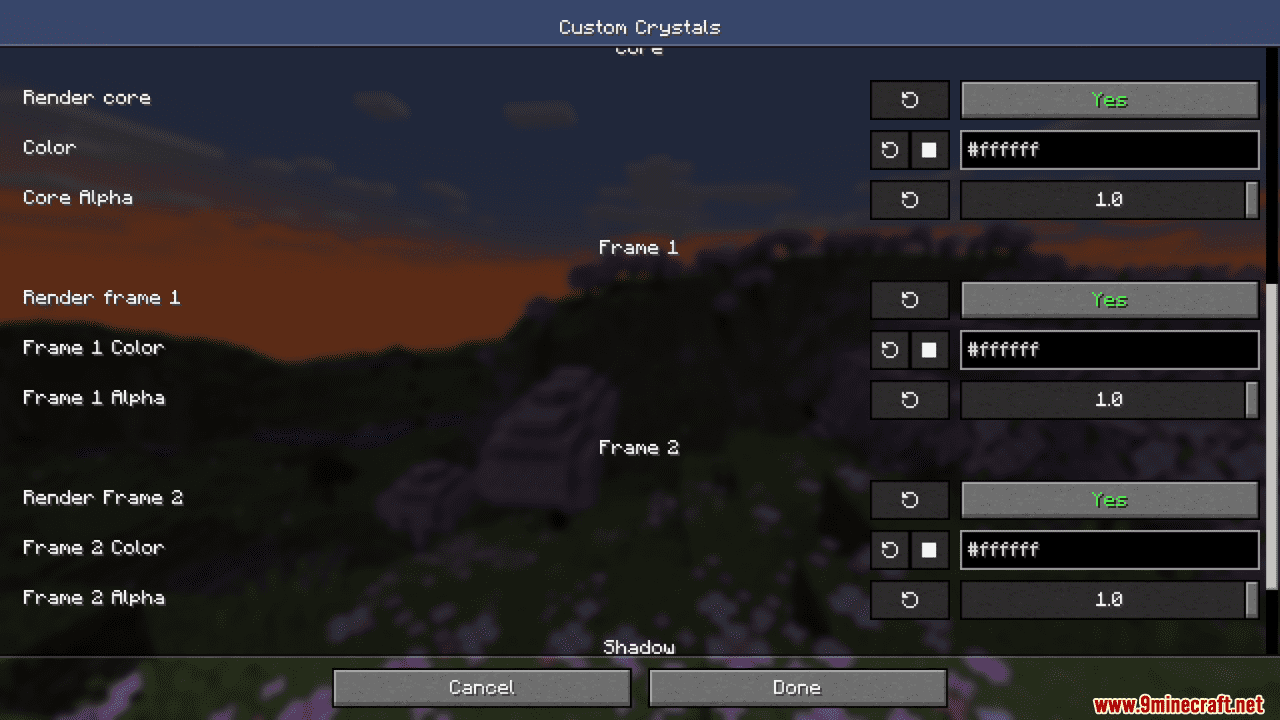
- Customize core: Render core, core color, and core alpha.
- Customize Frame 1: Render frame 1, frame 1 color, and frame 1 alpha.
- Customize Frame 2: Render frame 2, frame 2 color, and frame 2 alpha.
- Adjust shadow size and shadow alpha.
Screenshots:
Custom End Crystals Mod Download Links
Quick facts
- Edition: Minecraft Java
- File type: .jar
- Minecraft version listed: 1.20.1
- How to install: Install the matching mod loader (Forge, Fabric or NeoForge) for your Minecraft version. → Download the .jar. → Put it in the .minecraft/mods folder and launch that loader profile.
- Where to get it: In MC Java Mods, or directly above on this page.
Install steps are the general flow for this file type — How to install Minecraft Java mods & modpacks walks through it step by step.
Verified by MCModsHub
- Downloads as 83674.mcaddon
- Download size: 1.4 MB
- Download link checked 22 Sept 2026 — working
- Mirrored on our own servers — the download does not depend on the original host
These come from our own check of the pack file, not from the source page.