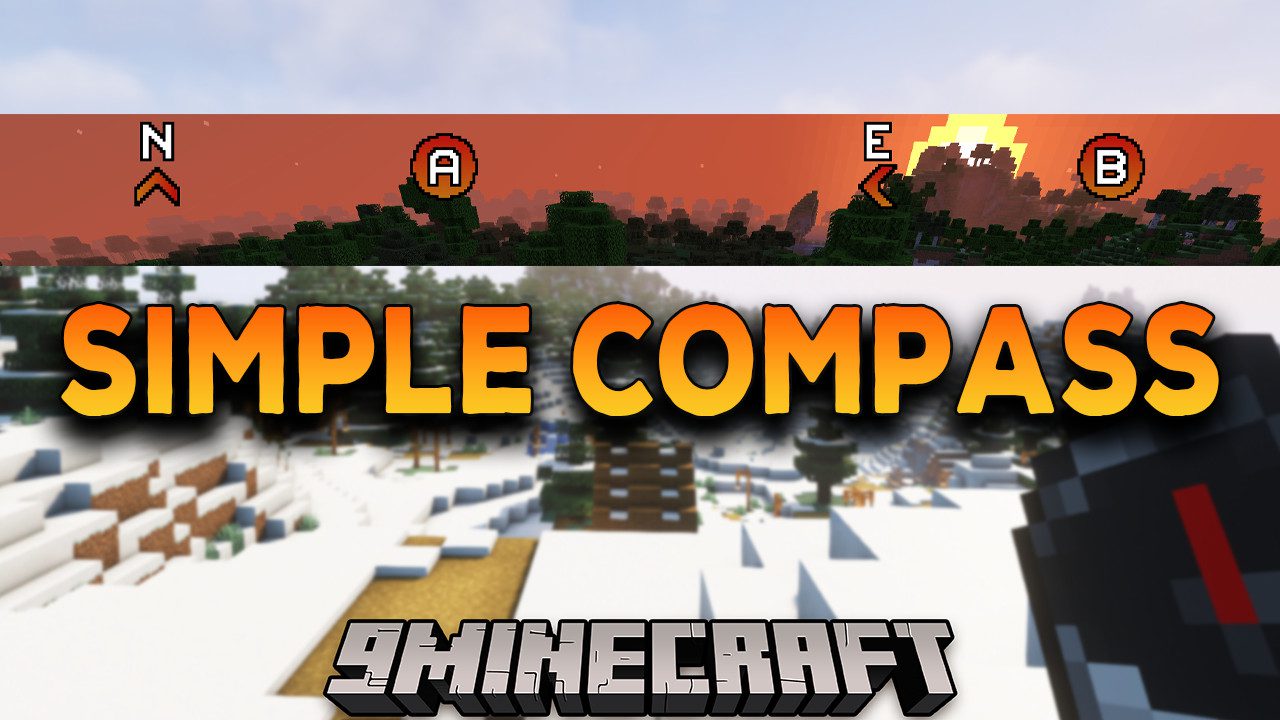
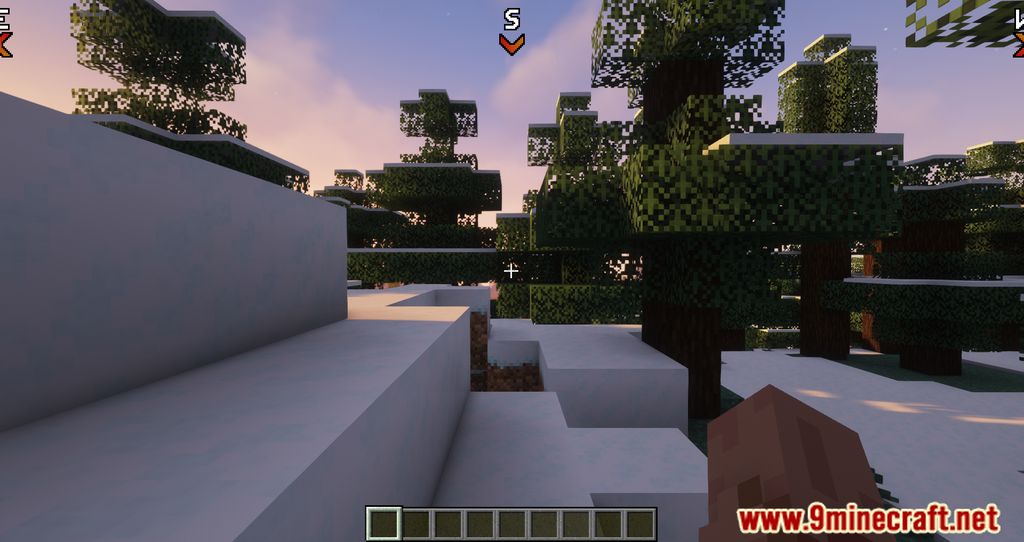
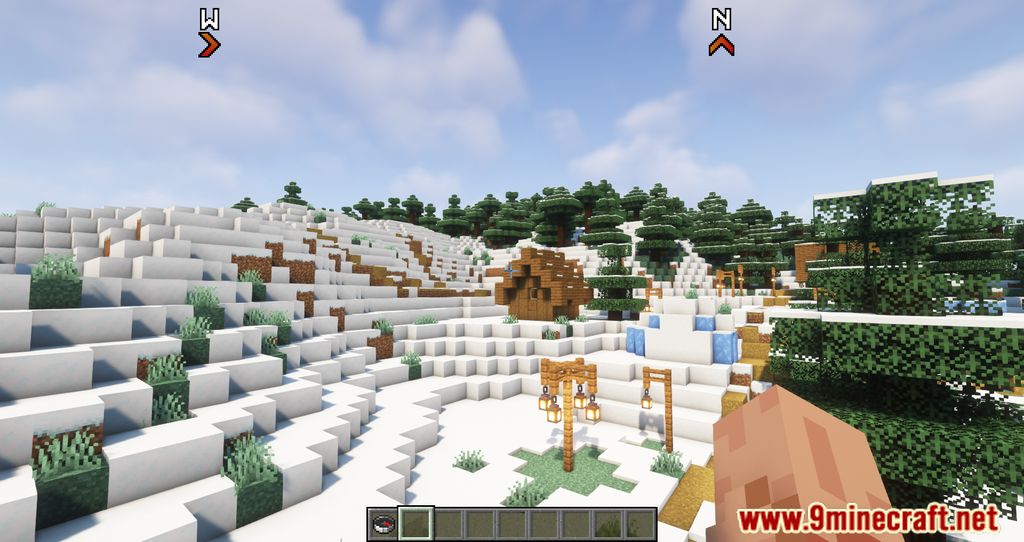
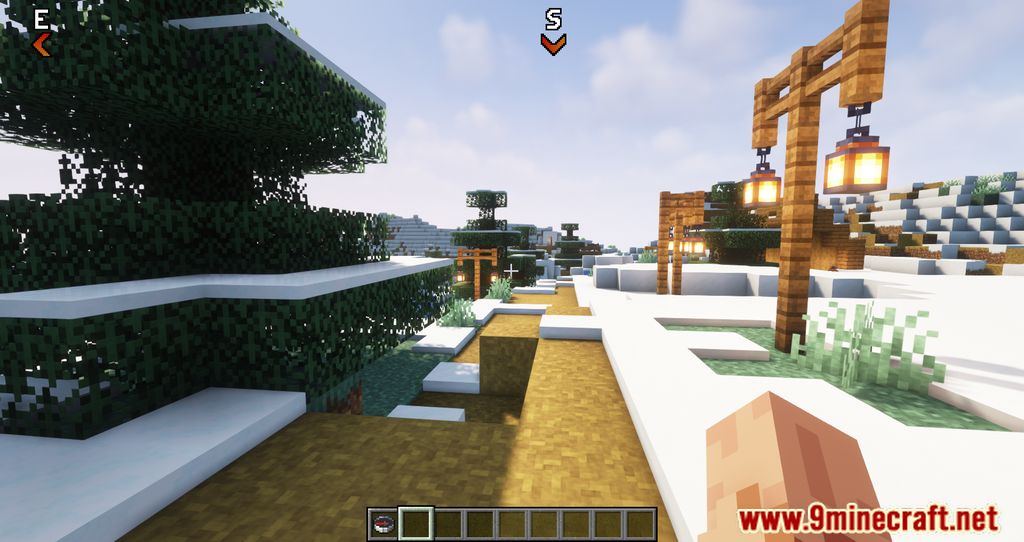
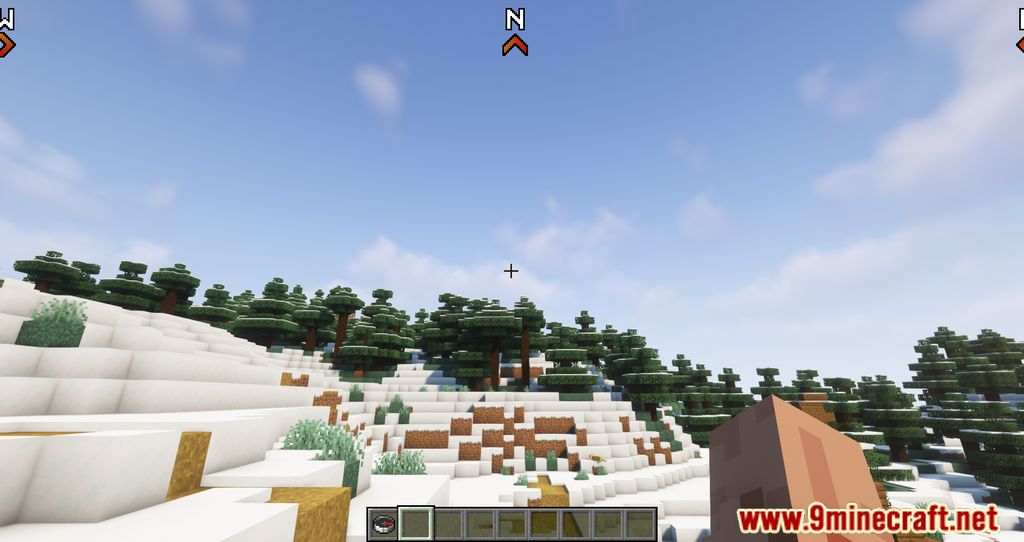
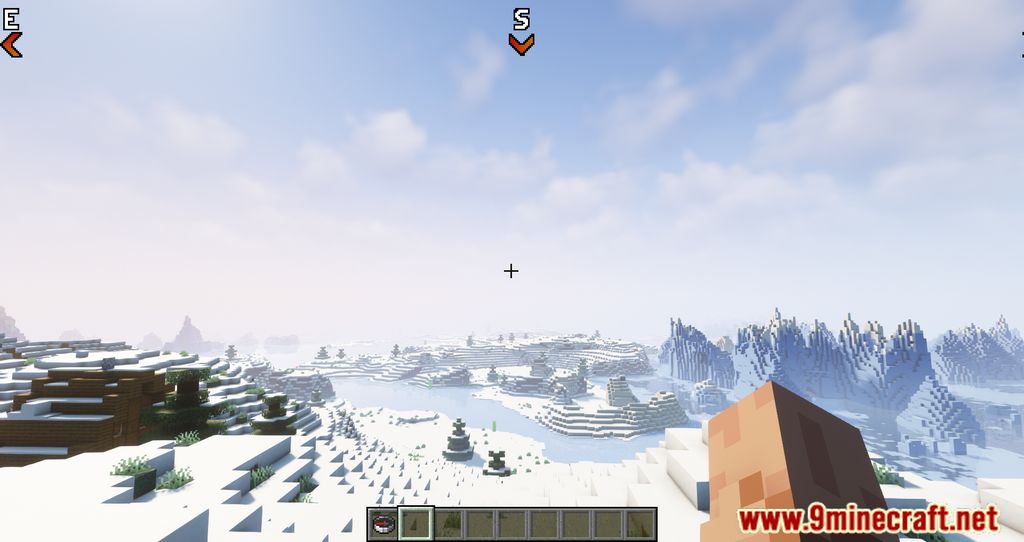
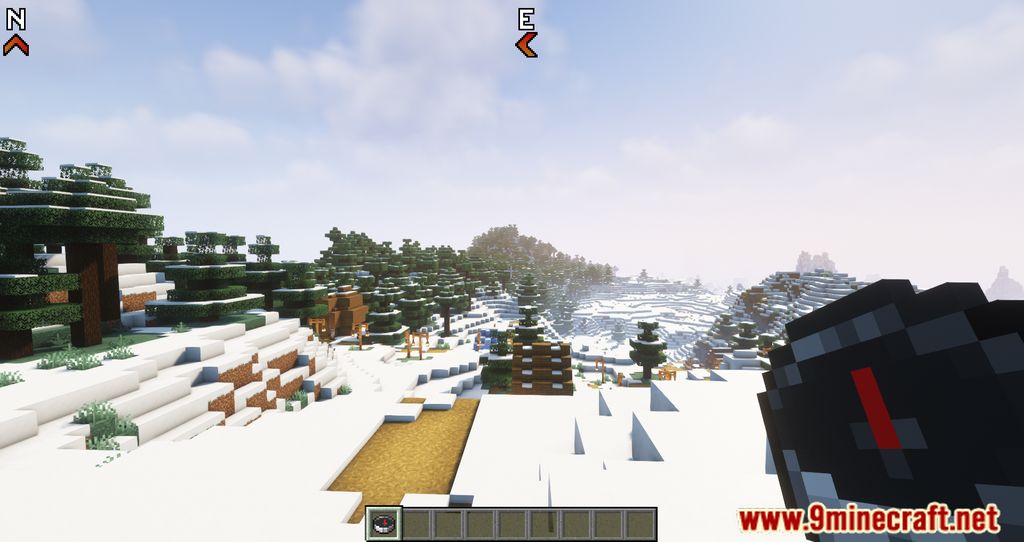
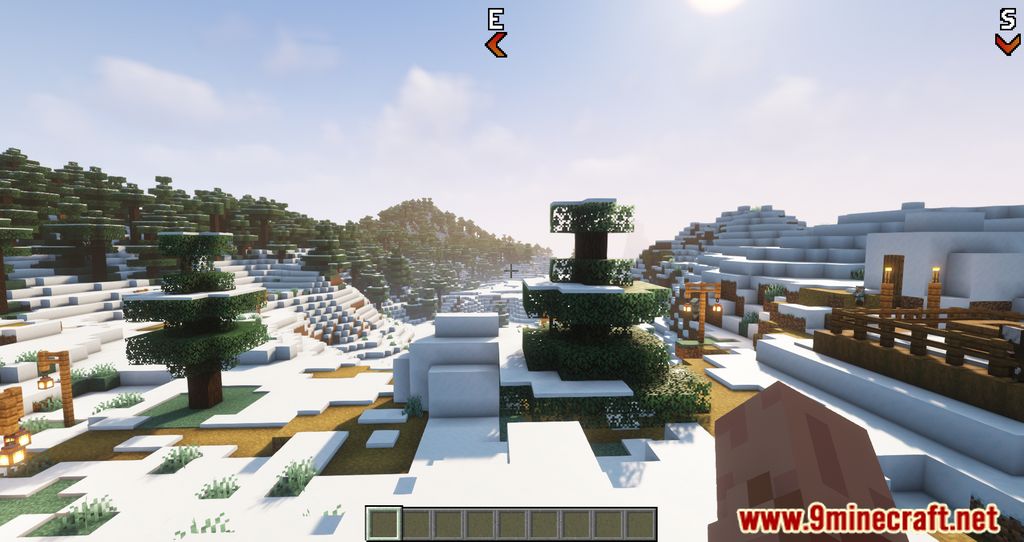
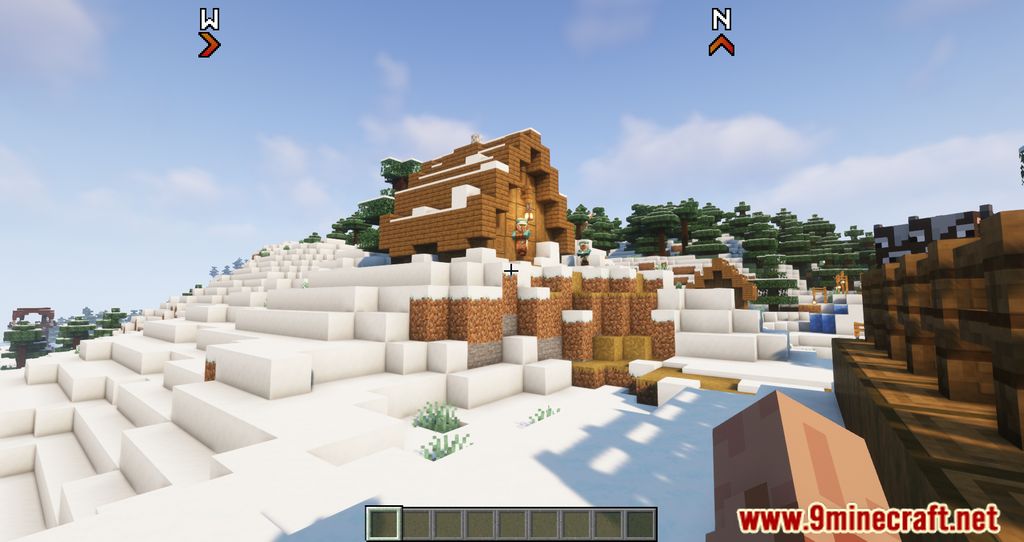
Simple Compass Mod introduces a new compass system, in which players can easily distinguish between different cardinal directions as they will be shown on the top part of the game. Normally, it would be quite challenging for new players to easily tell where to go as they are often unaware of which direction is which. The UI of Minecraft is quite simple as well, therefore, not many pieces of information on cardinal coordination are displayed. With just a simple implementation of this Mod, players can easily find their directions as the UI will guide the way. By pressing H, all four coordinations would be shown clearly on the screen for players to travel without having to worry about getting lost. At the same time, these coordinations would serve as a great way for players to conquer the world in four different directions.
Features:
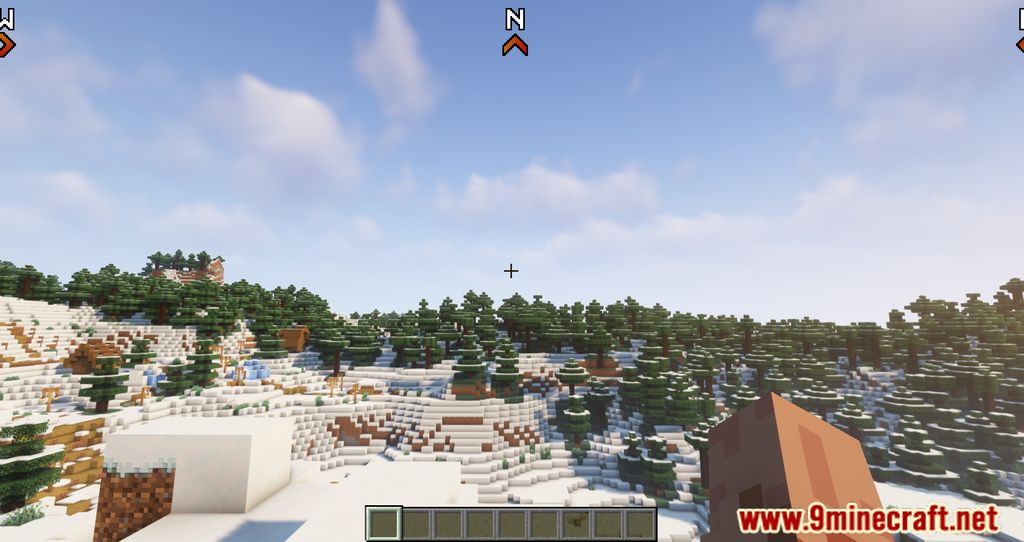
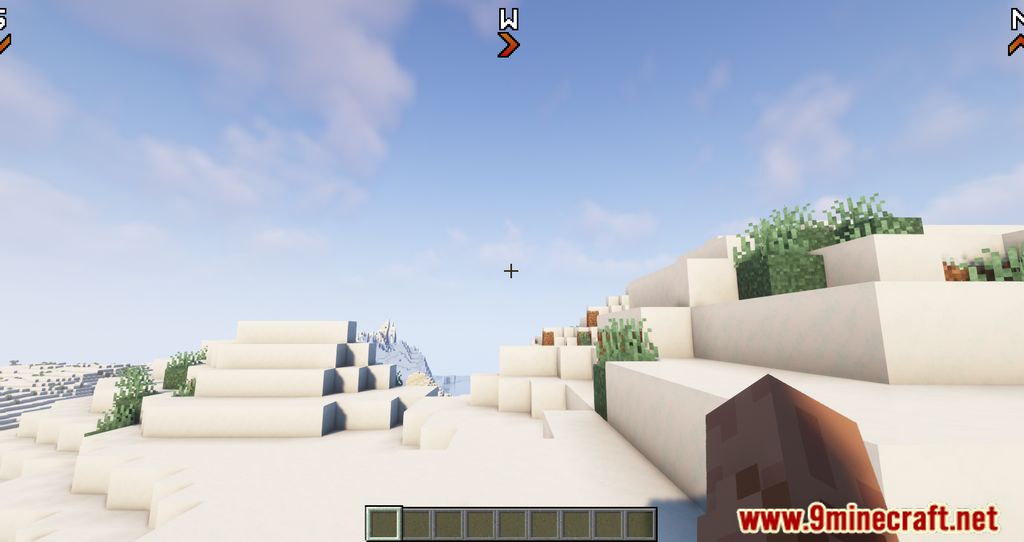
- There will be four coordinations being shown on the UI.
Screenshots:
Simple Compass Mod Download Links
- Edition: Minecraft Java
- File type: .jar
- Minecraft version listed: 1.20.1
- How to install: Install the matching mod loader (Forge, Fabric or NeoForge) for your Minecraft version. → Download the .jar. → Put it in the .minecraft/mods folder and launch that loader profile.
- Where to get it: Opens on the file's original source — not every file is mirrored on our own servers.
Install steps are the general flow for this file type — How to install Minecraft Java mods & modpacks walks through it step by step.
Simple Compass Mod (26.2, 1.20.1) – RPG-like Compass is a free Minecraft Java mod. Compatible with Minecraft 1.20.1. Download it and open it directly in the game.