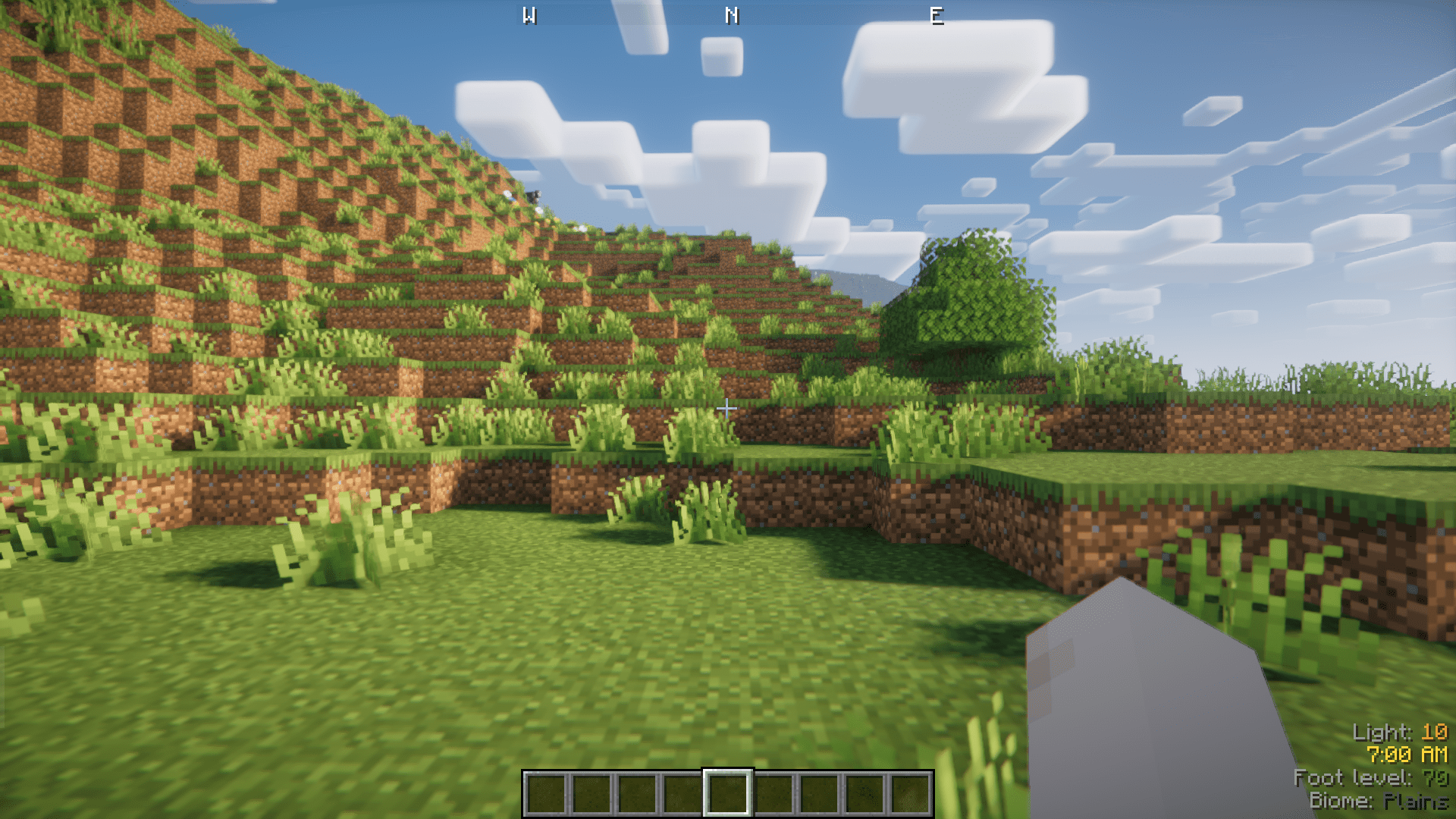
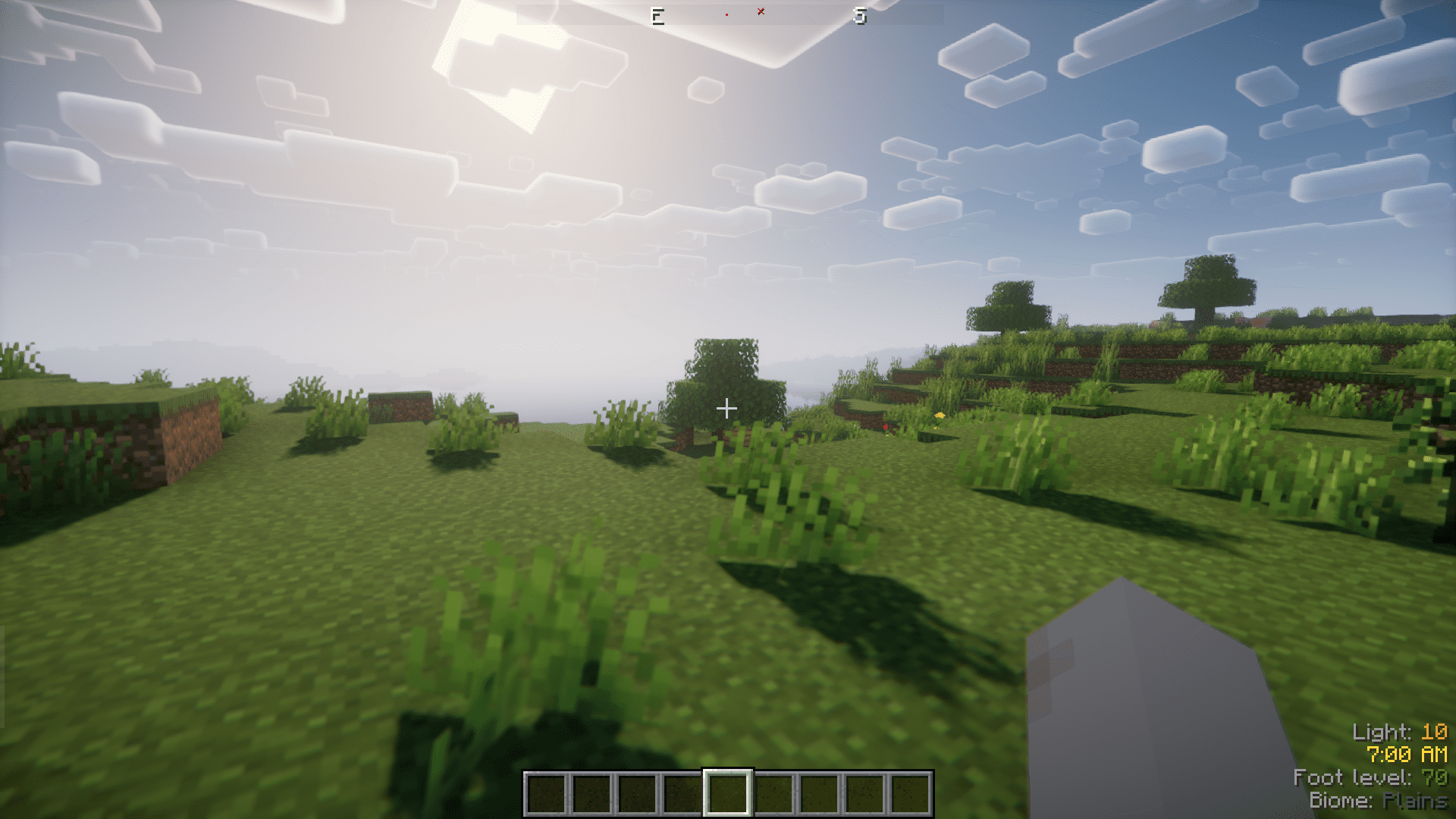
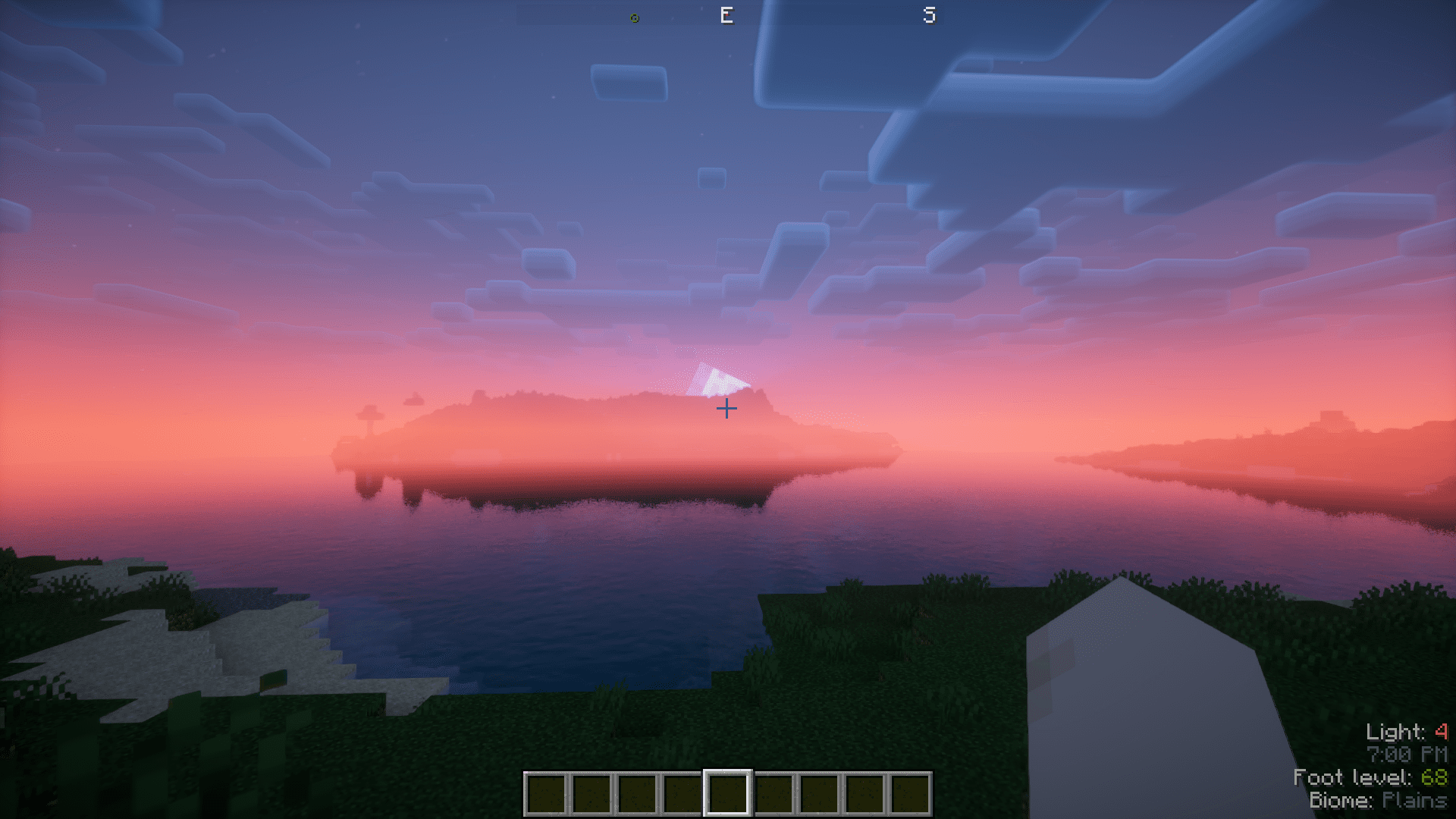
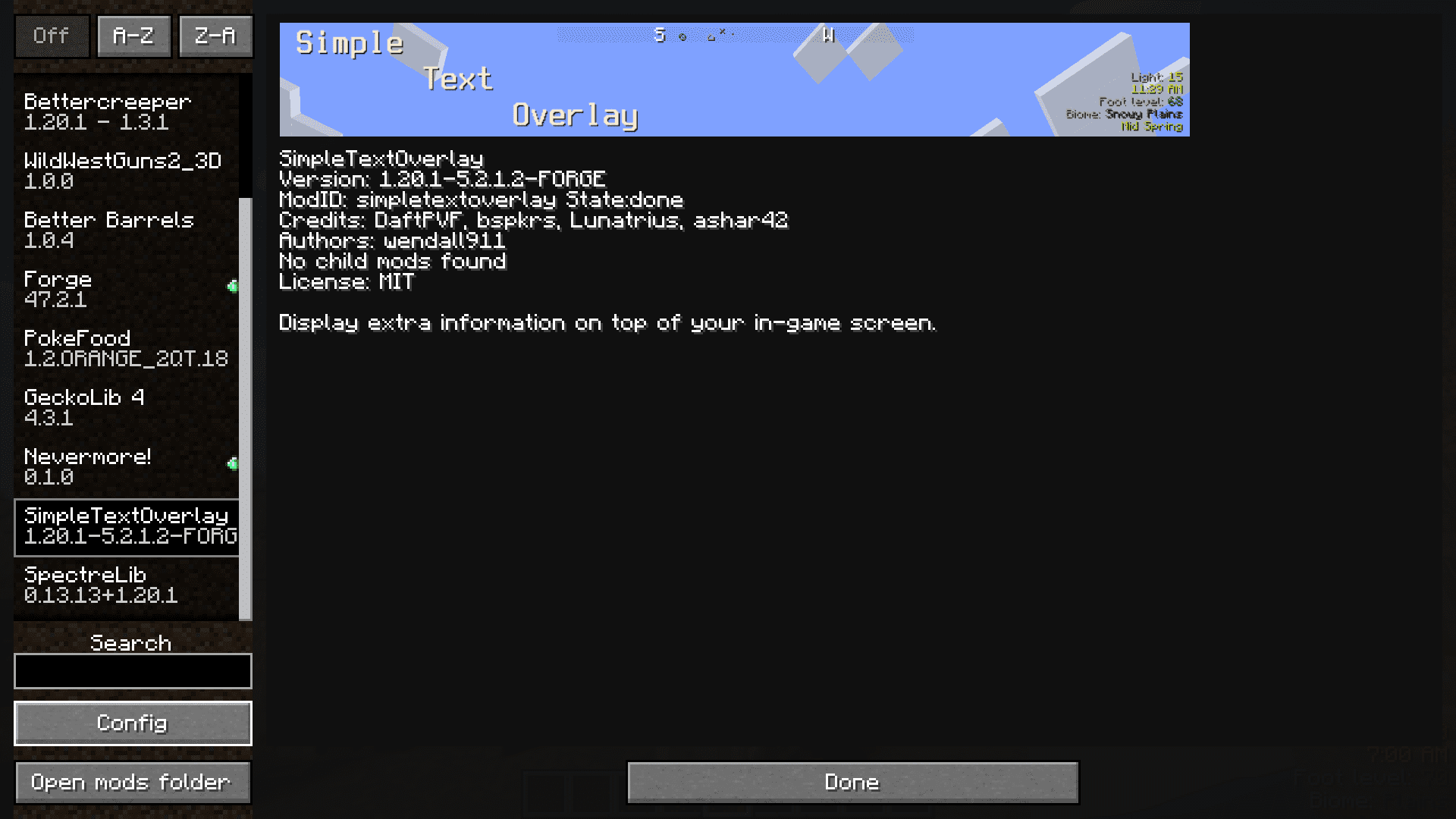
The in-game F3 screen gives us a lot of information about the current game performance and environment. But there’s a problem with the F3 screen – It gives too much information that it covers more than half your screen with text. Most of this information is unnecessary for a regular player. Simple Text Overlay Mod introduces a much more simpler and highly configurable information overlay. The current version of this mod shows information regarding Time, Light Level, Foot Level, Biome and Seasons(if you have the Serene Seasons mod installed). Still, some important information from the F3 screen, like the player’s coordinates are not shown in this mod’s overlay. But we hope to see that in a future update.
Features:
- Simple overlay that shows information regarding the Time, Light Level, Foot Level and Biome.
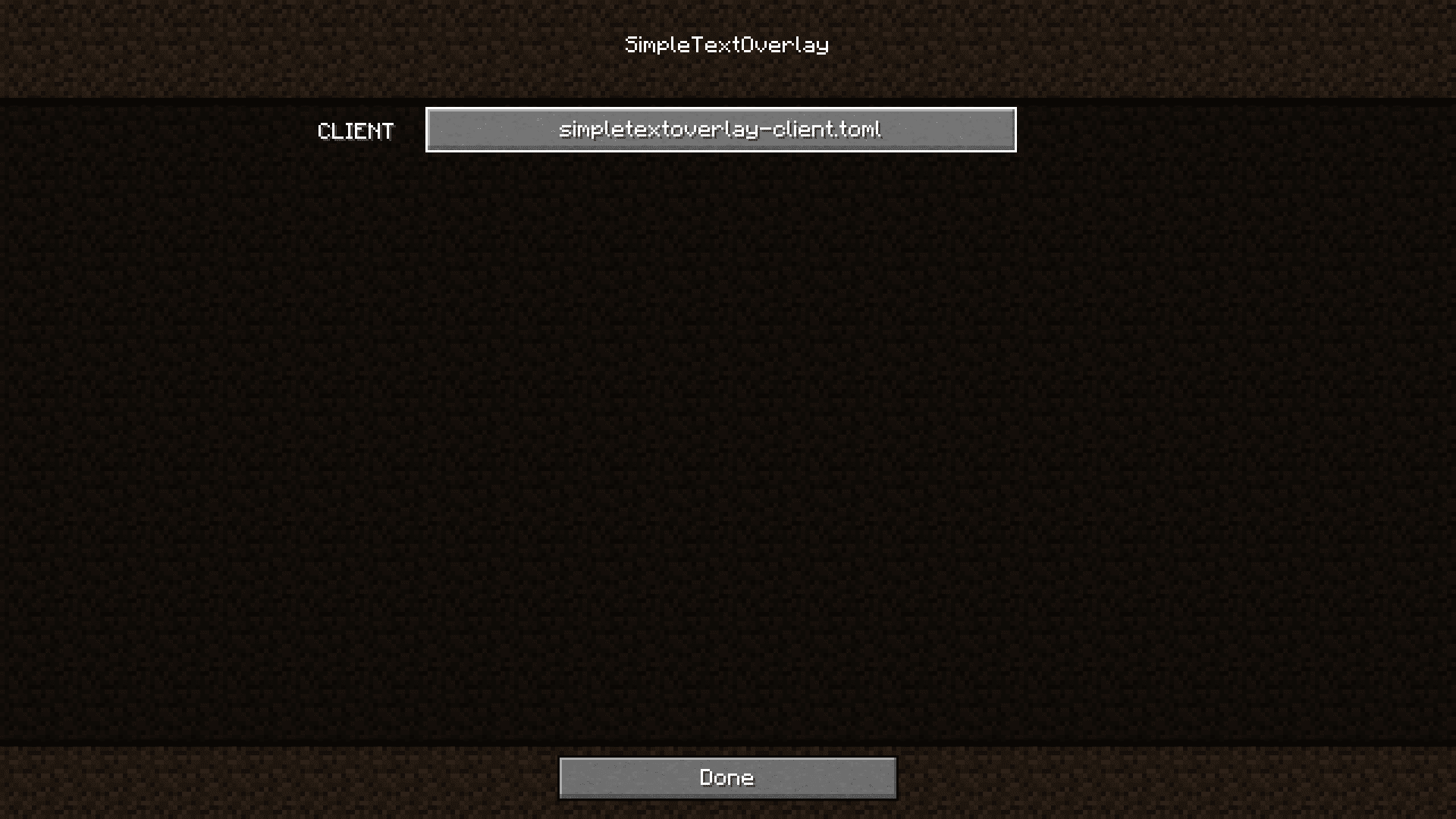
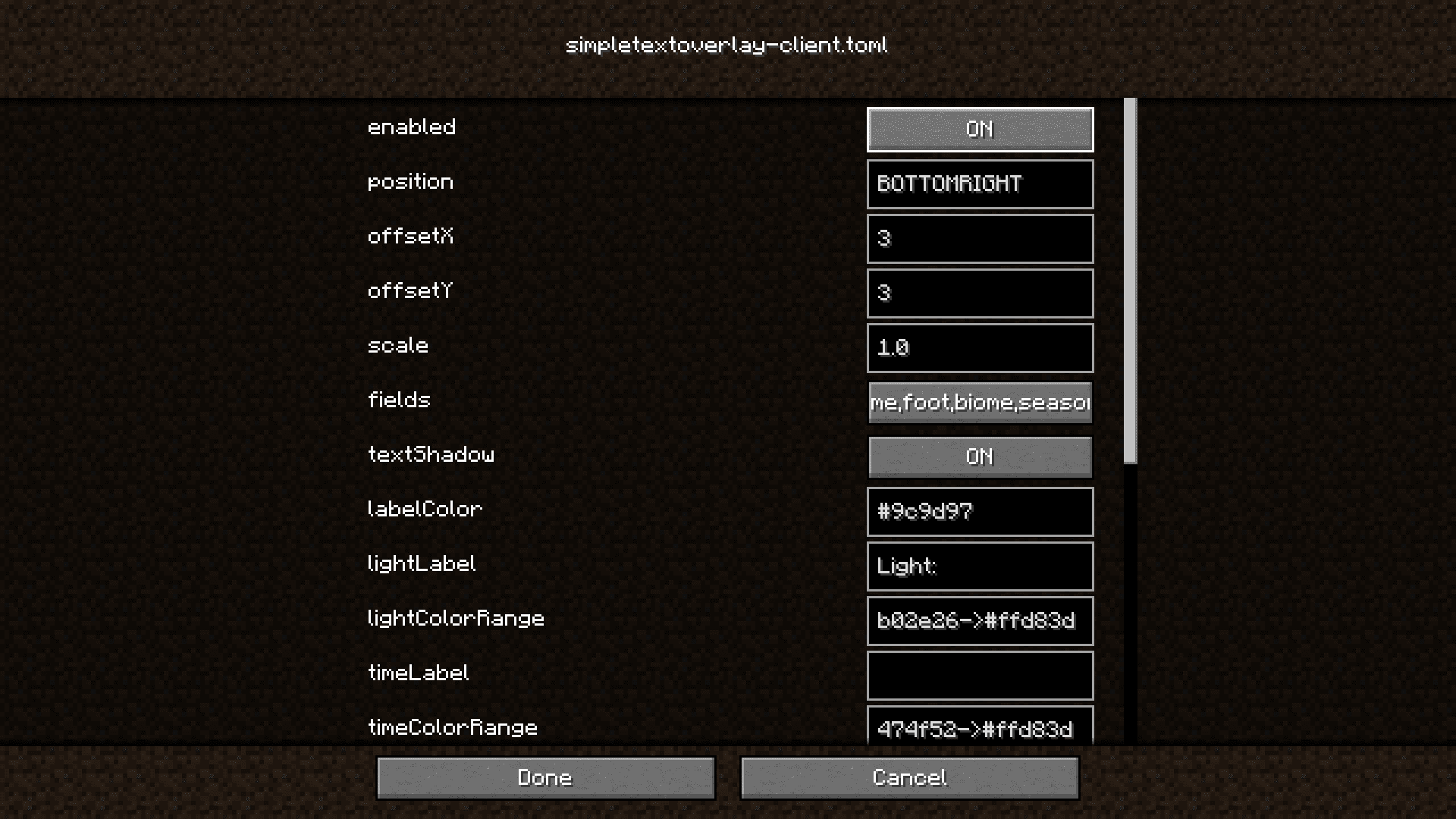
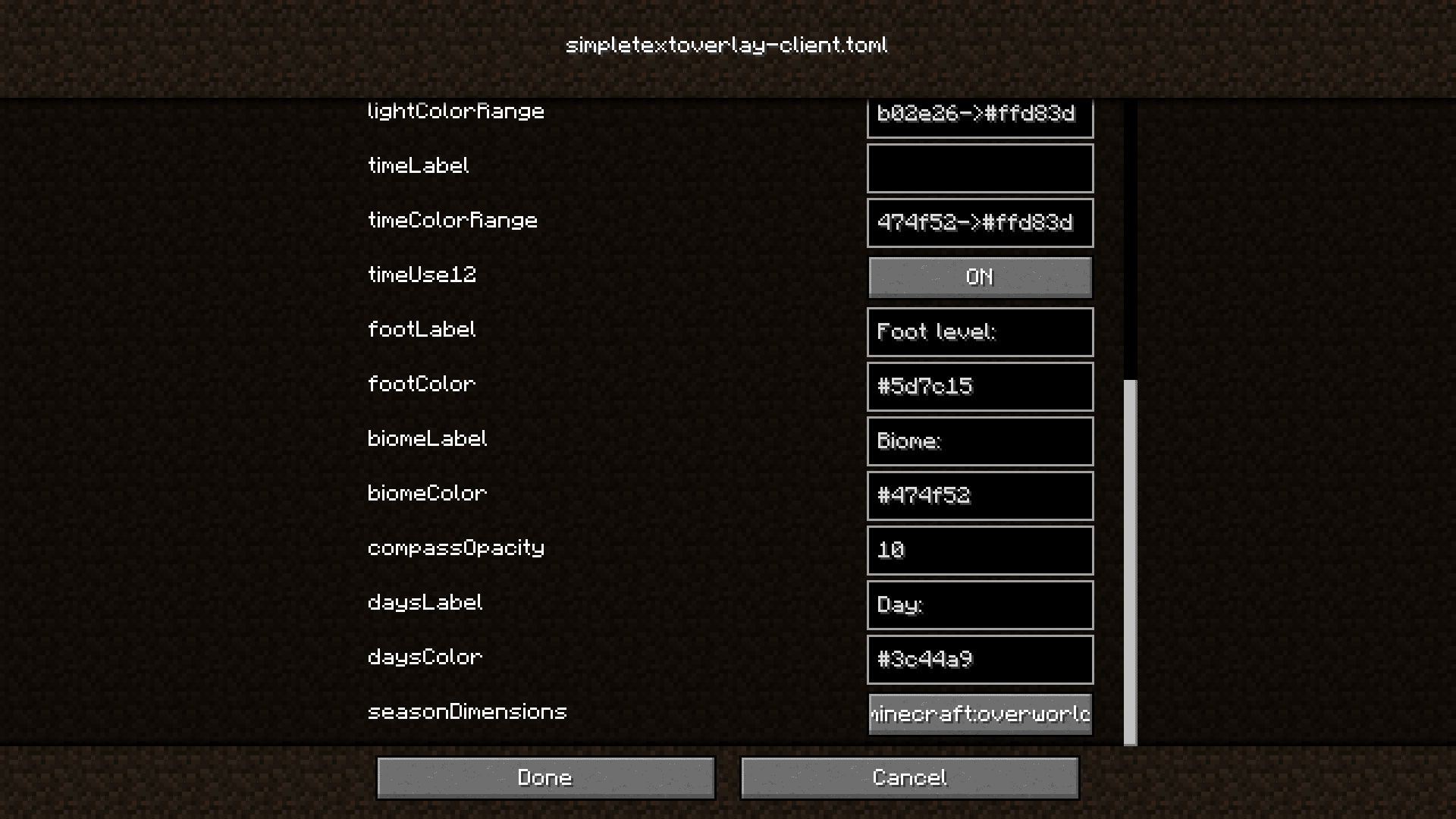
- Highly Configurable.
- Works with the Serene Seasons mod to show the current season.
- Compass on the top part of the screen.
Screenshots:
Simple Text Overlay Mod Download Links
- Edition: Minecraft Java
- File type: .jar
- Minecraft version listed: 1.20.1
- How to install: Install the matching mod loader (Forge, Fabric or NeoForge) for your Minecraft version. → Download the .jar. → Put it in the .minecraft/mods folder and launch that loader profile.
- Where to get it: Opens on the file's original source — not every file is mirrored on our own servers.
Install steps are the general flow for this file type — How to install Minecraft Java mods & modpacks walks through it step by step.
Simple Text Overlay Mod (26.2, 1.20.1) – Simple Information Overlay is a free Minecraft Java mod. Compatible with Minecraft 1.20.1. Download it and open it directly in the game.