ModsJava
Freecam Mod (26.2, 1.20.1) – Explore Through Solid Walls
Freecam Mod lets you separate your camera from your player's body. This allows you to fly around freely, even through blocks, to get a better look at your…
⬇ Download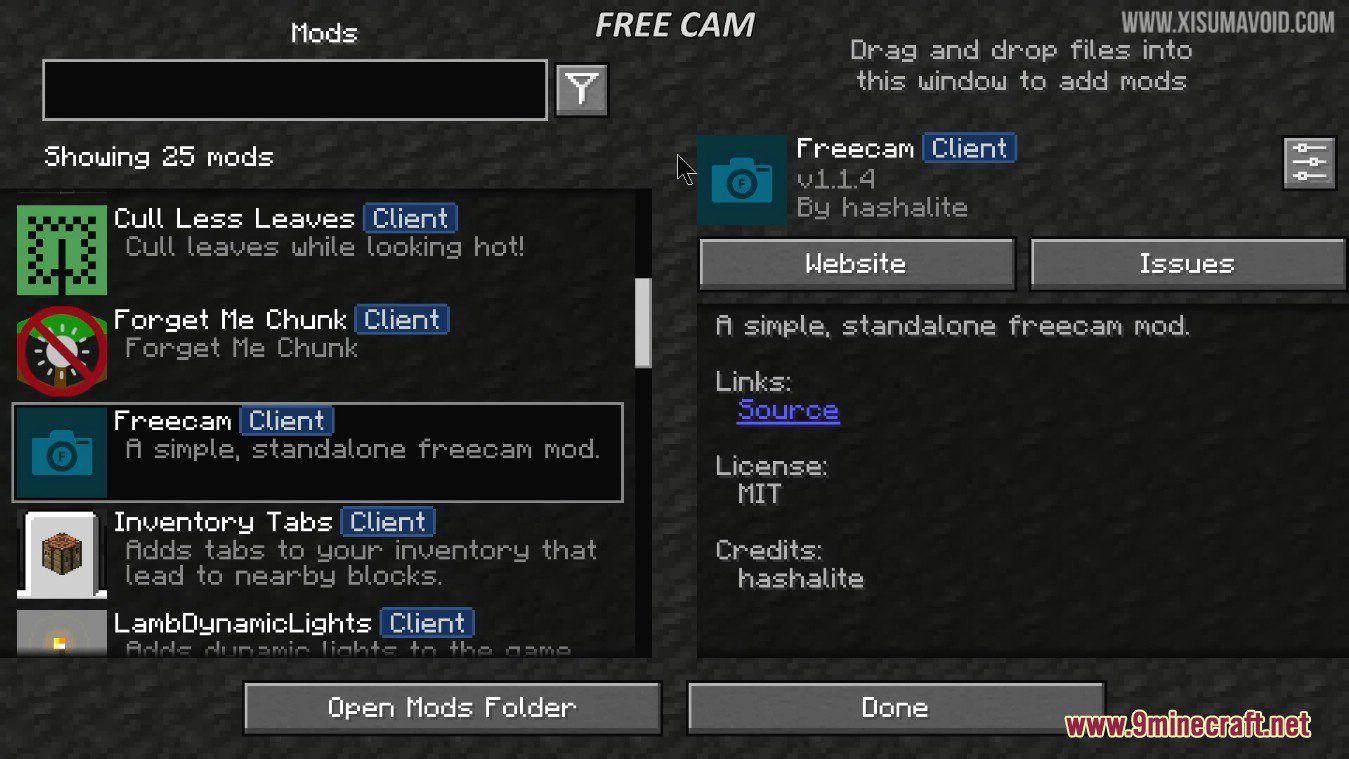
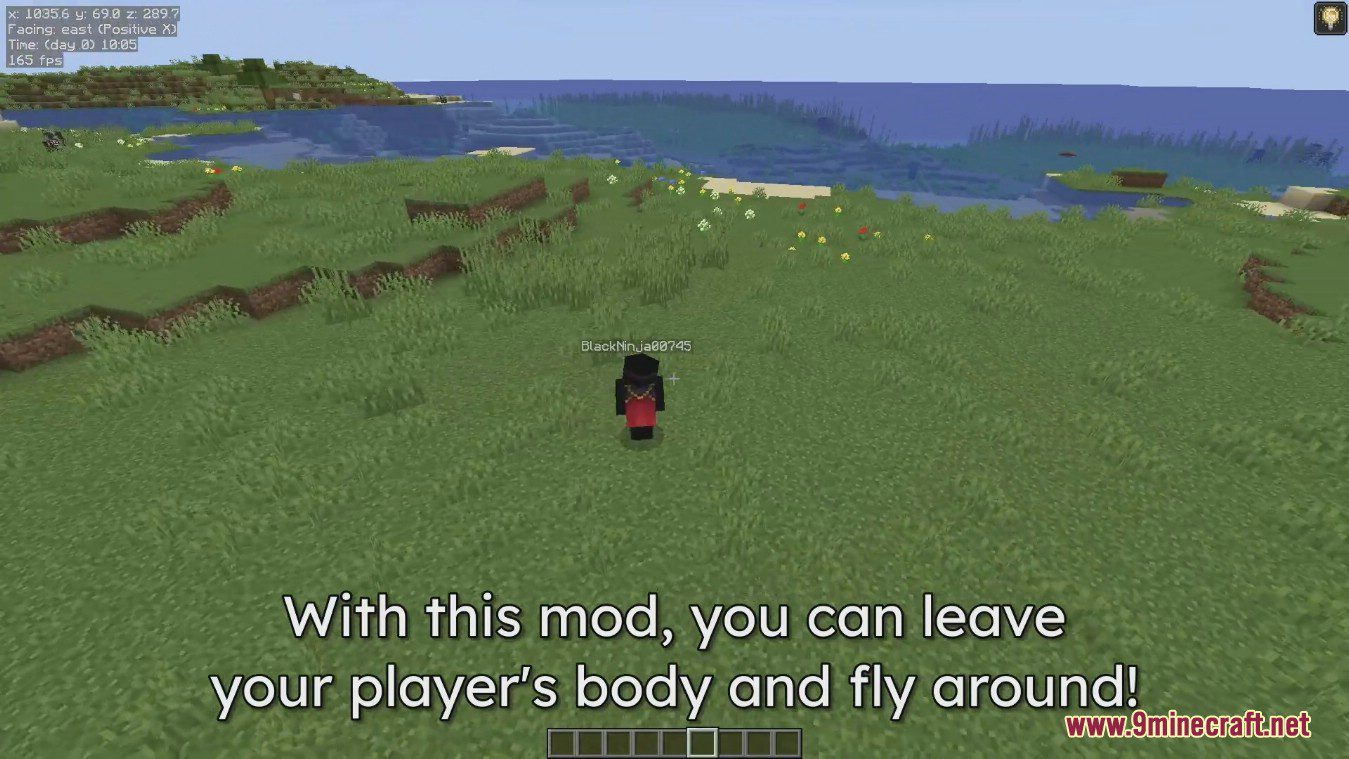
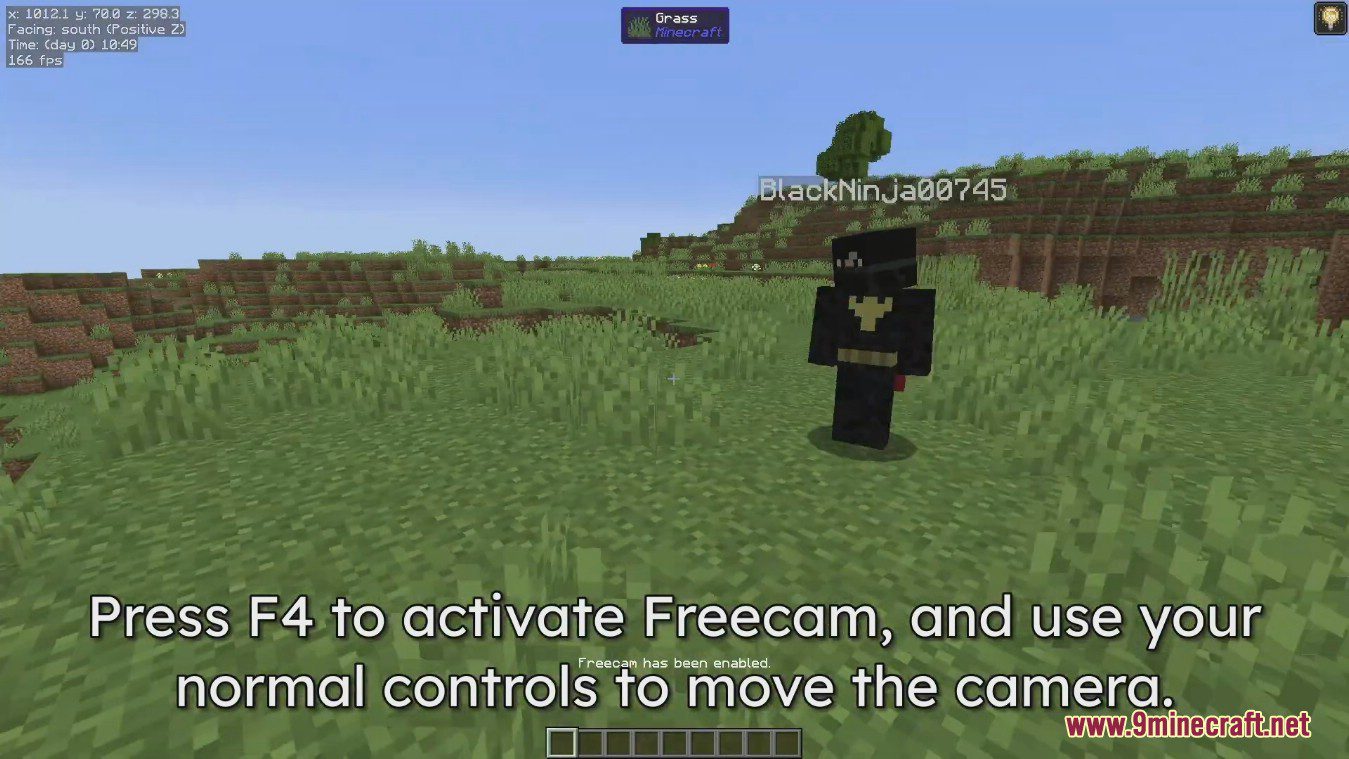
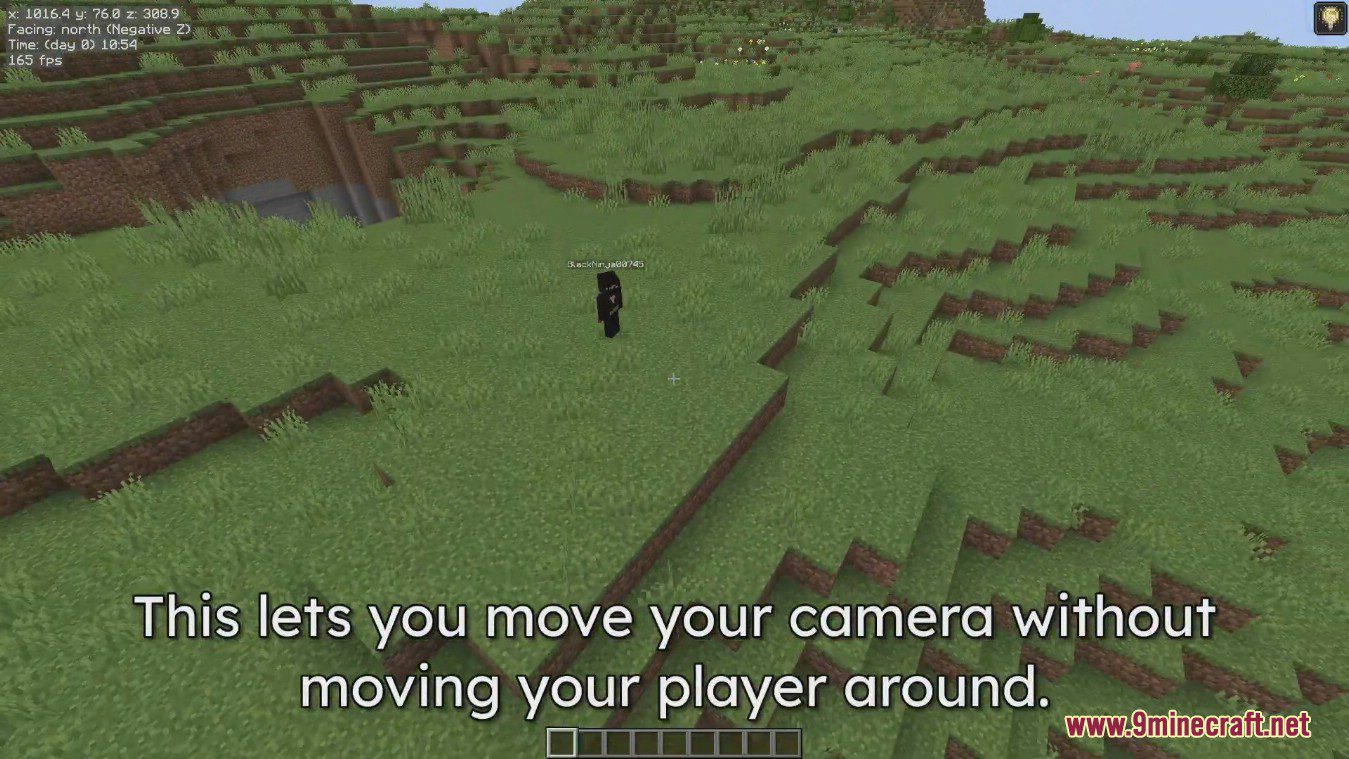
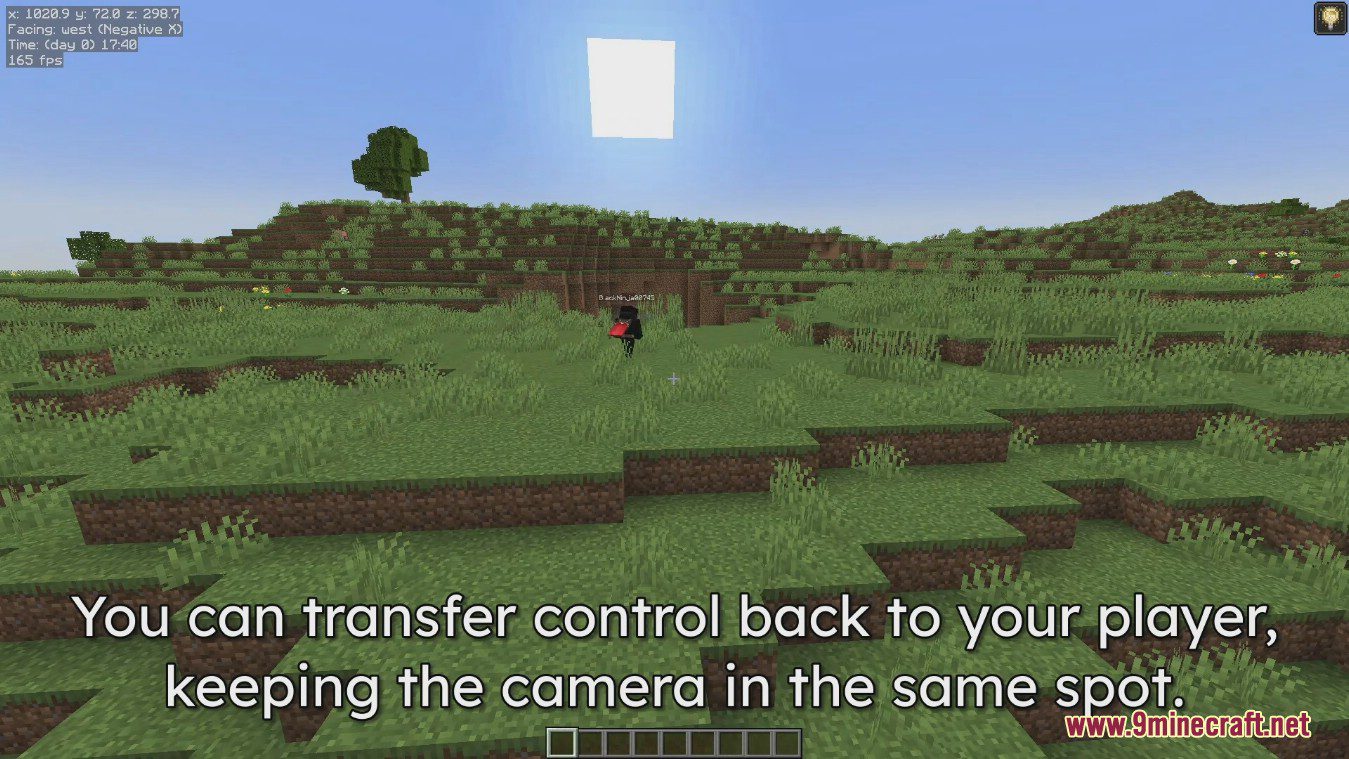
Freecam Mod lets you separate your camera from your player’s body. This allows you to fly around freely, even through blocks, to get a better look at your builds or explore your world. When you turn it off, you’ll pop right back to where your character was standing. The mod works in multiplayer, but be careful, as some servers might consider it cheating.
Features:
- Move your camera independently from your player.
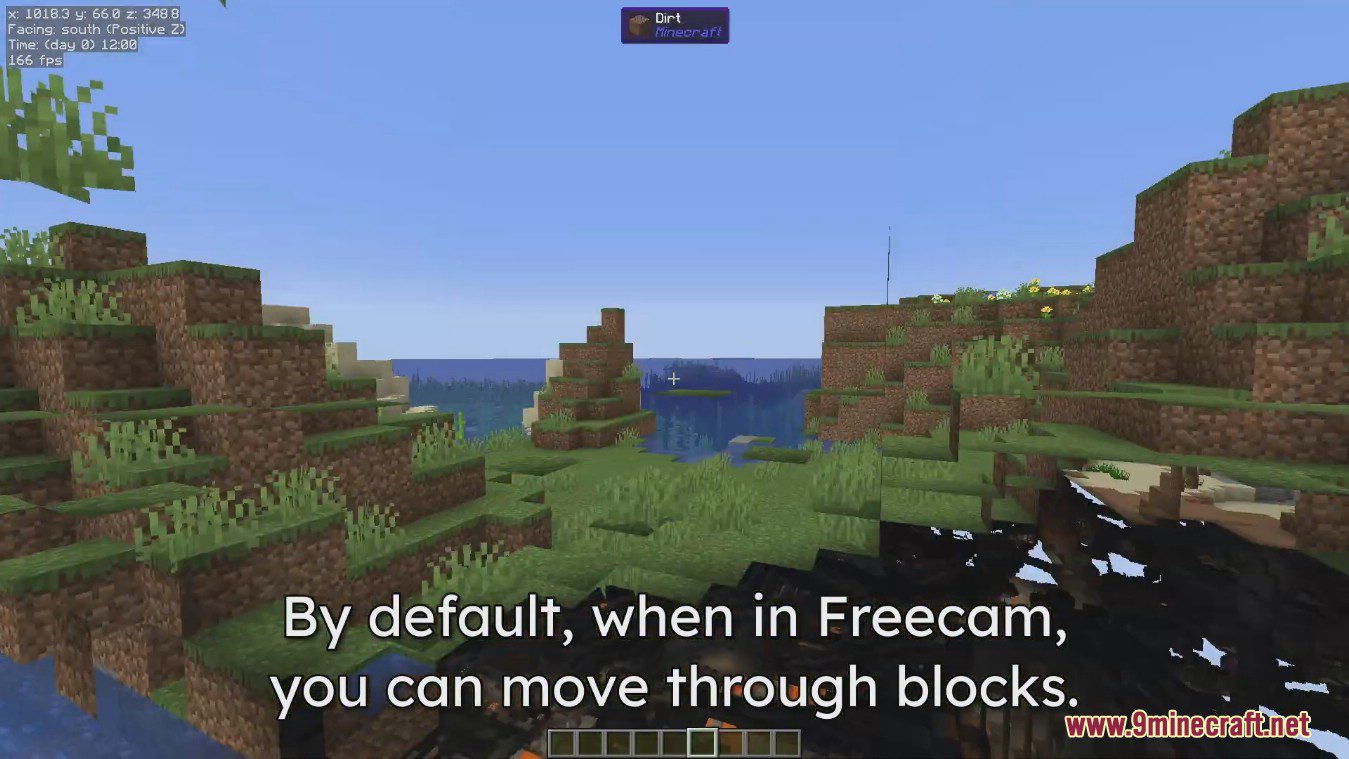
- Fly around your world and pass through solid blocks.
- Inspect large builds from any angle without moving your character.
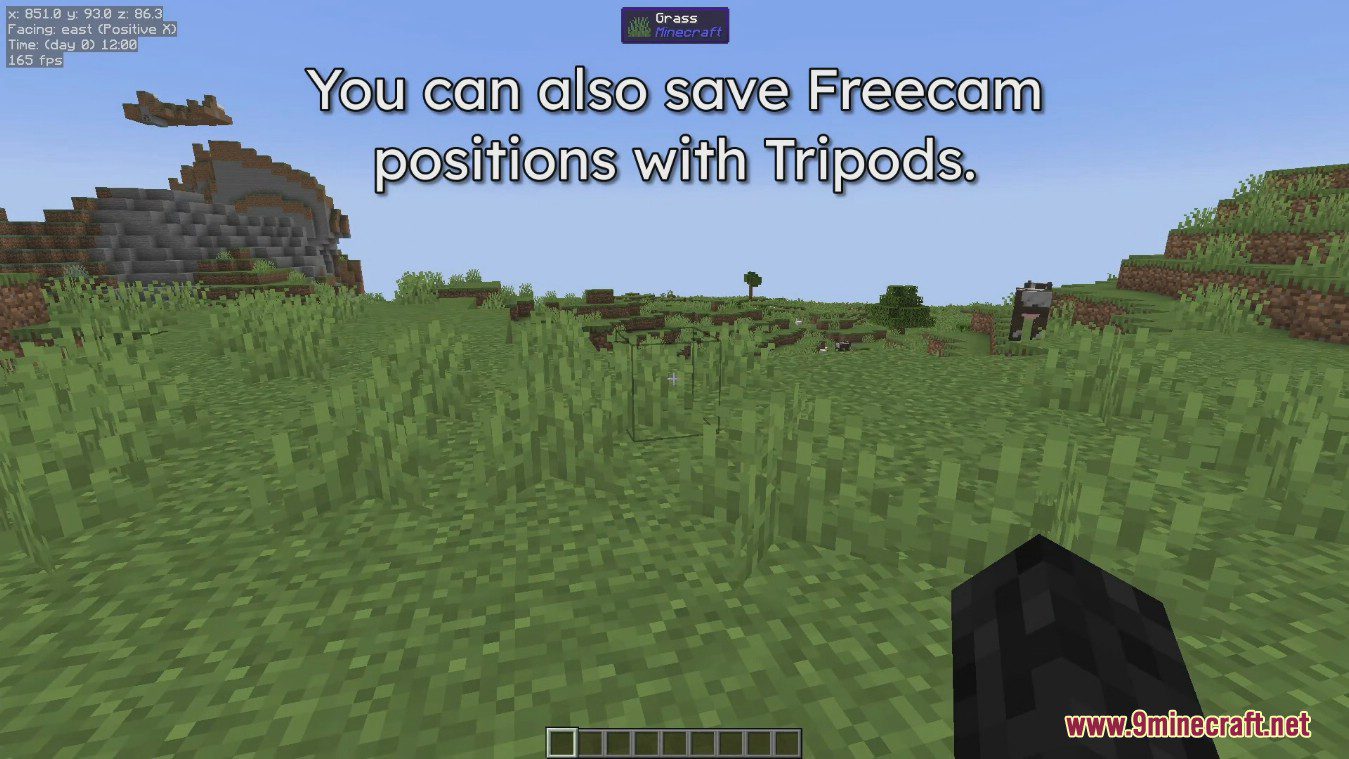
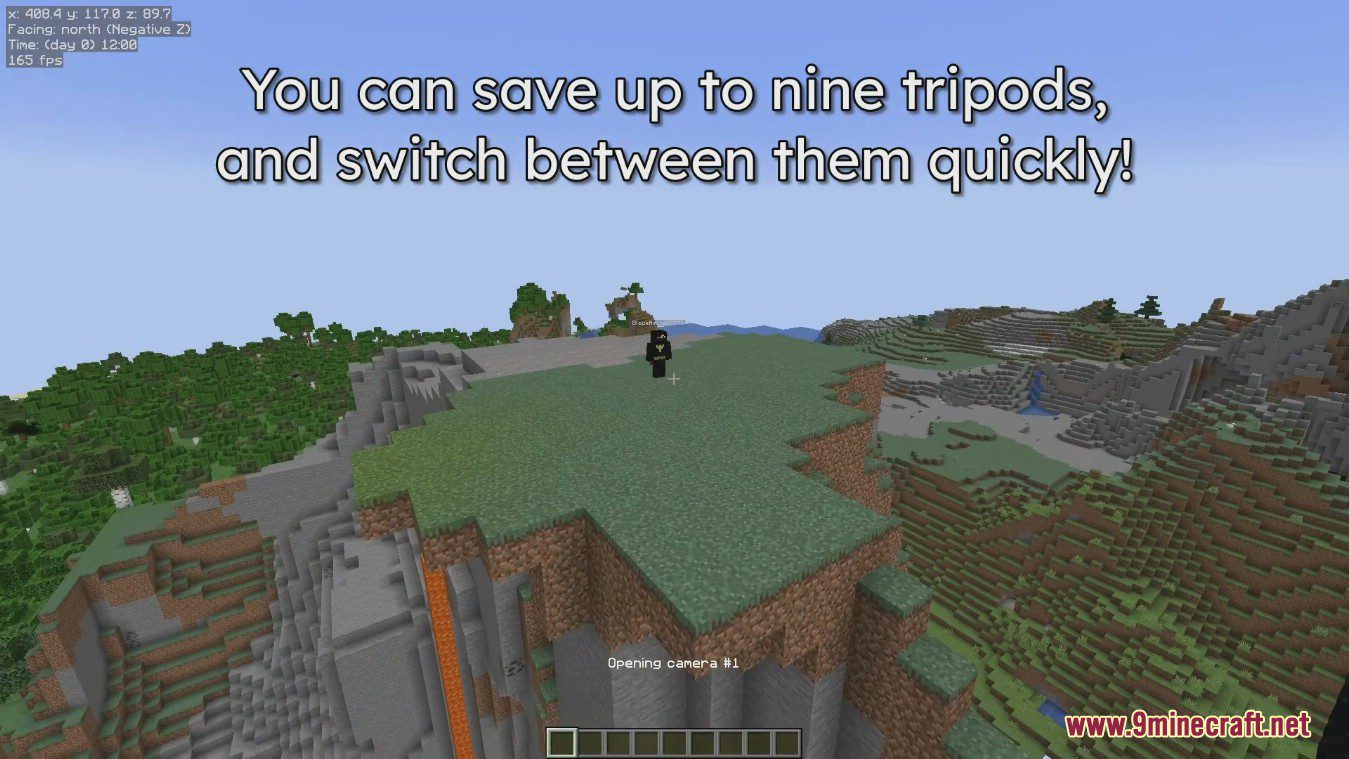
- Set up multiple fixed camera spots with the tripod system and switch between them.
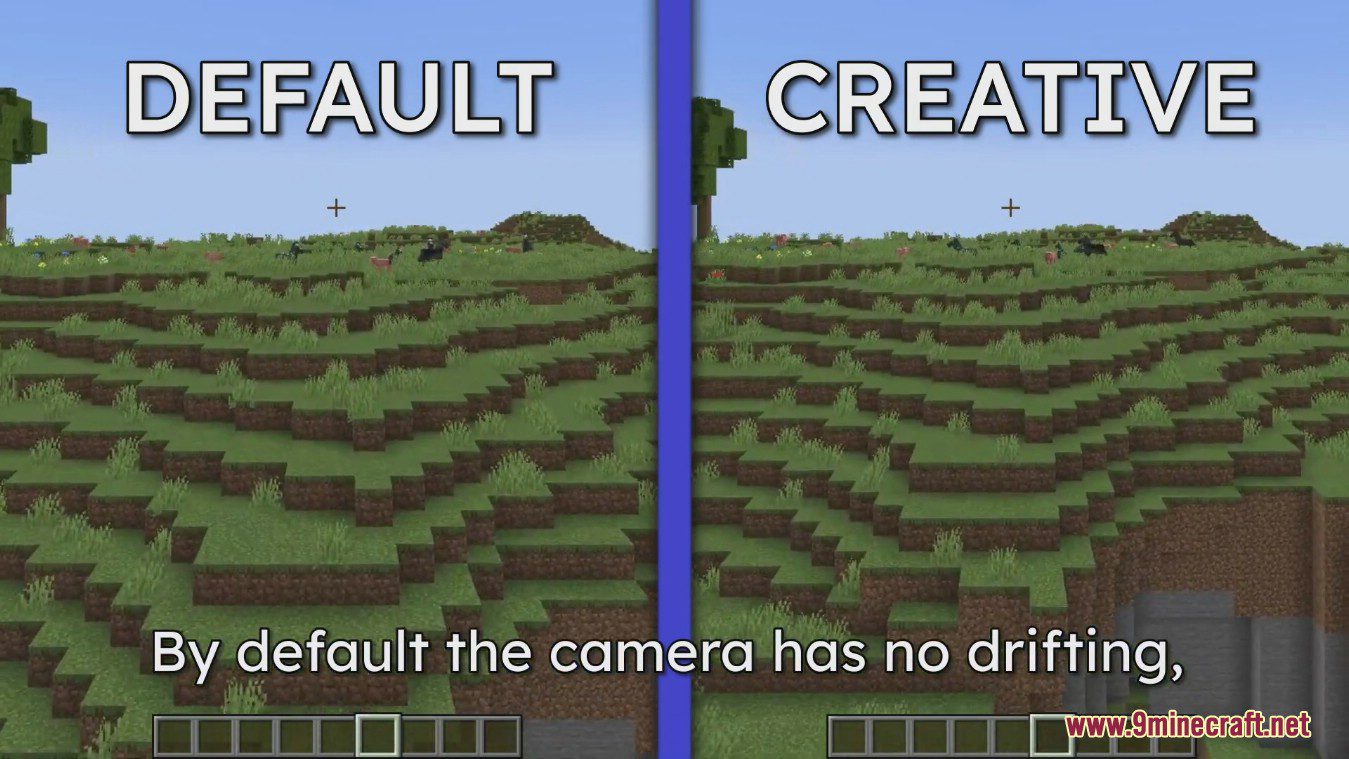
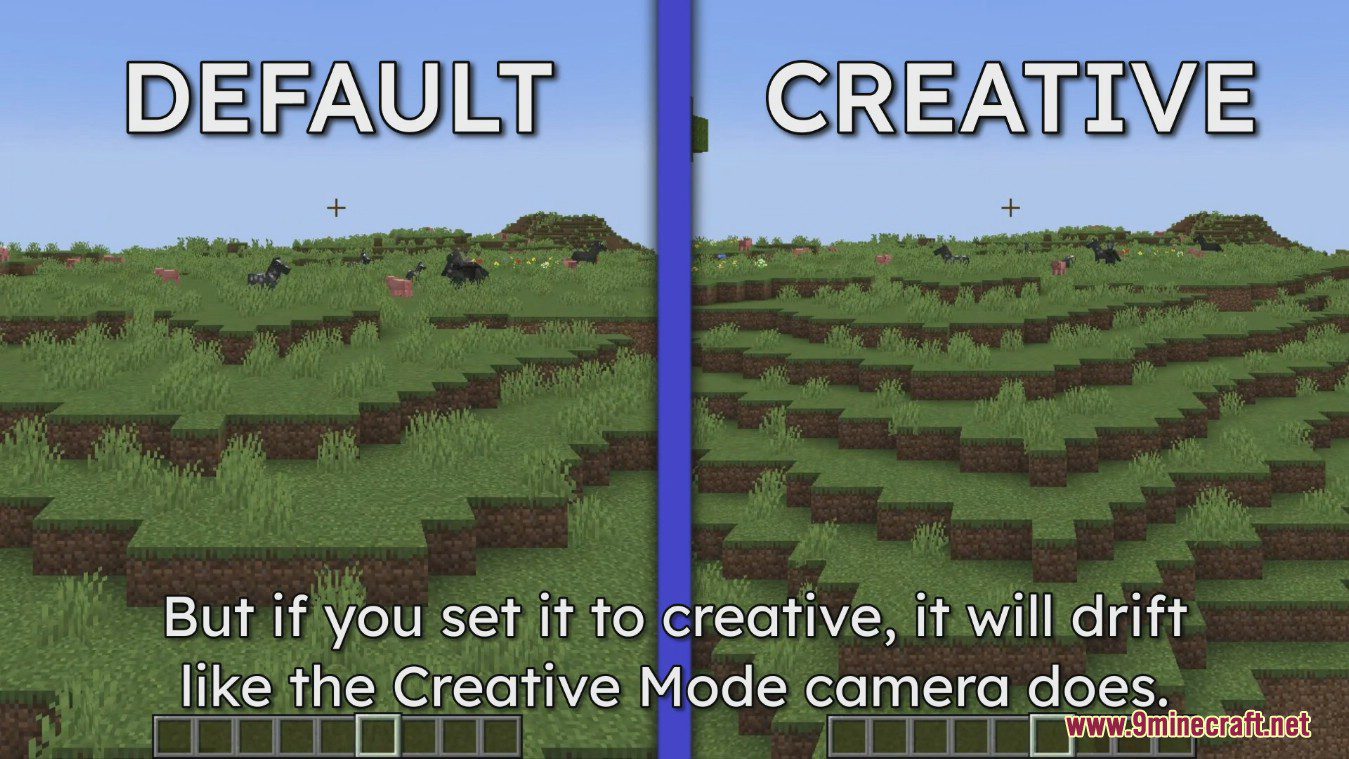
- Choose between different flight styles, like default or creative mode.
- Adjust your horizontal and vertical movement speed.
- Change camera perspectives and toggle full brightness for a clearer view.
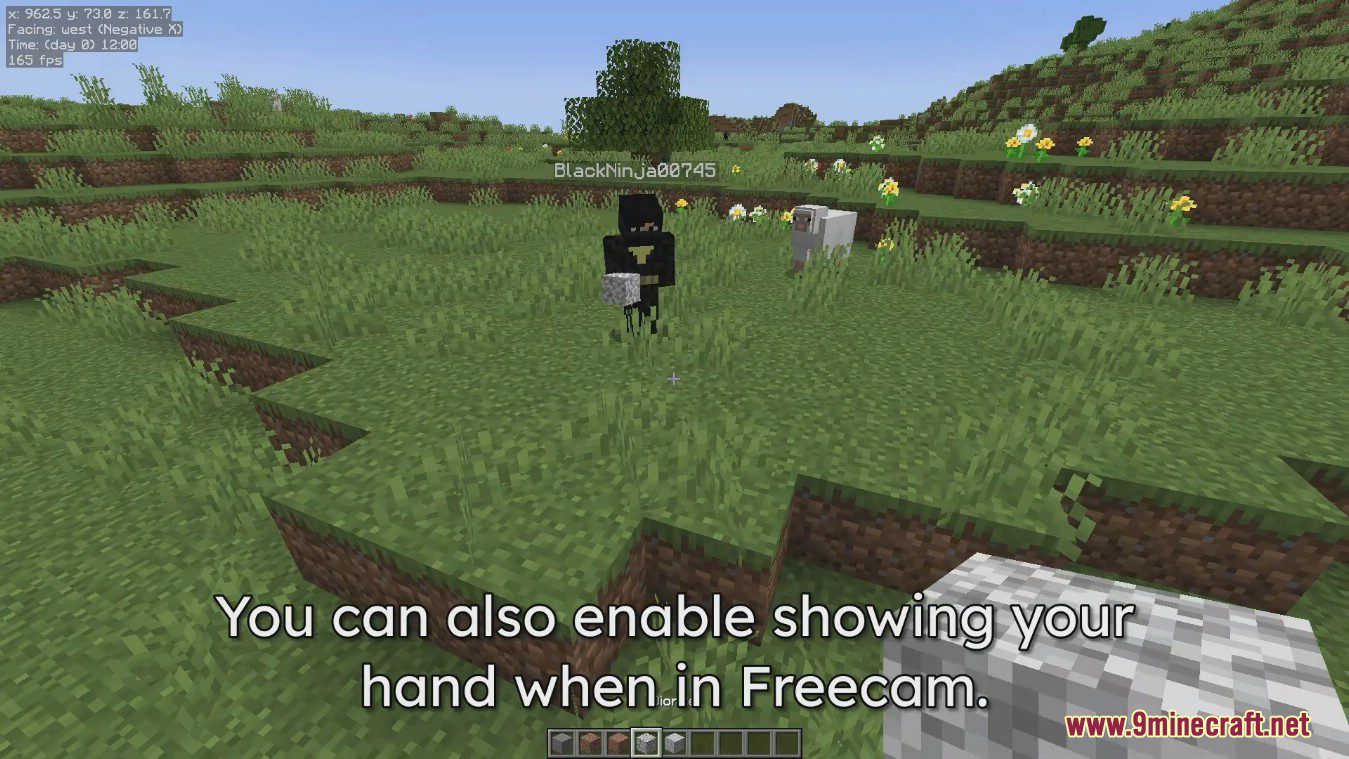
- Decide whether to show your player model while in freecam.
Configuration:
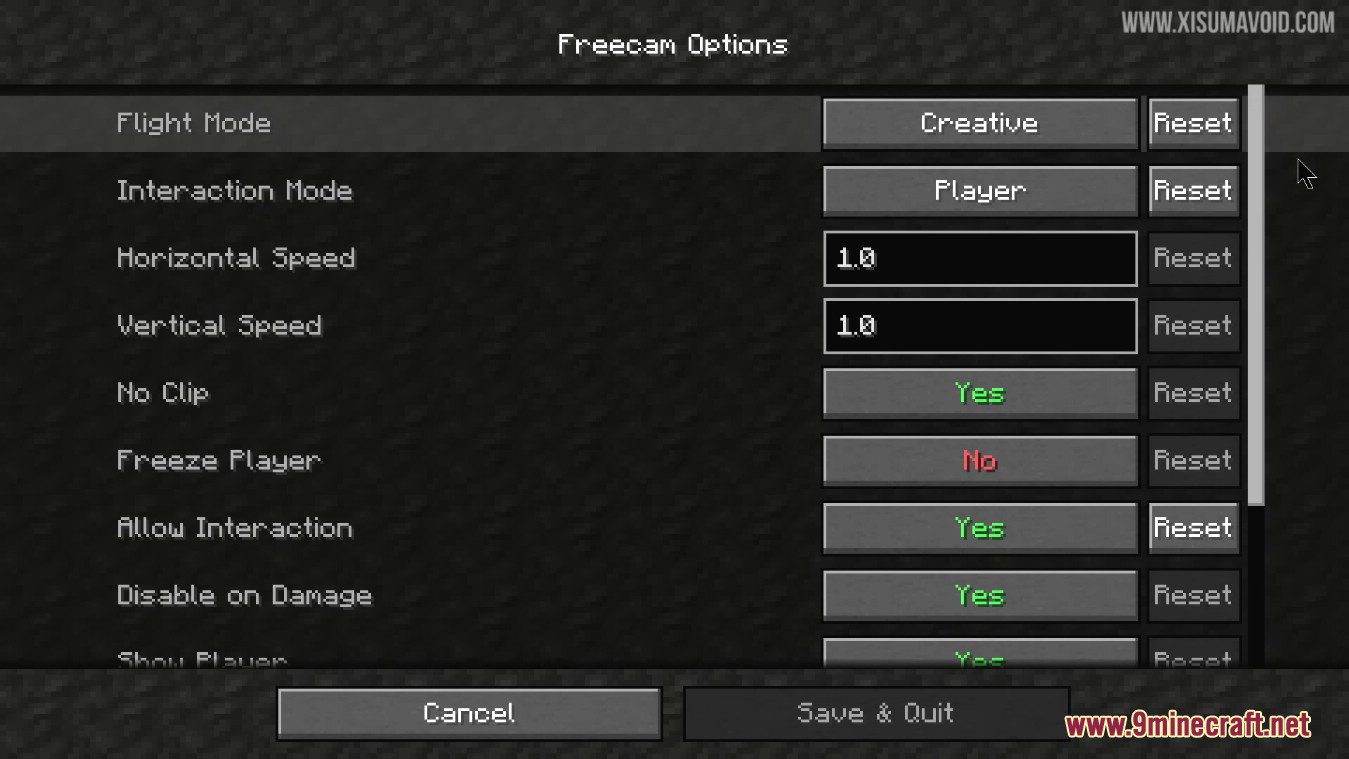
- Flight Mode: Choose between a static flight mode or standard creative flight.
- Interaction Mode: Decide whether your interactions (like placing blocks) come from the camera’s position or the player’s position.
- Speed Settings: Adjust the horizontal and vertical speed of the camera.
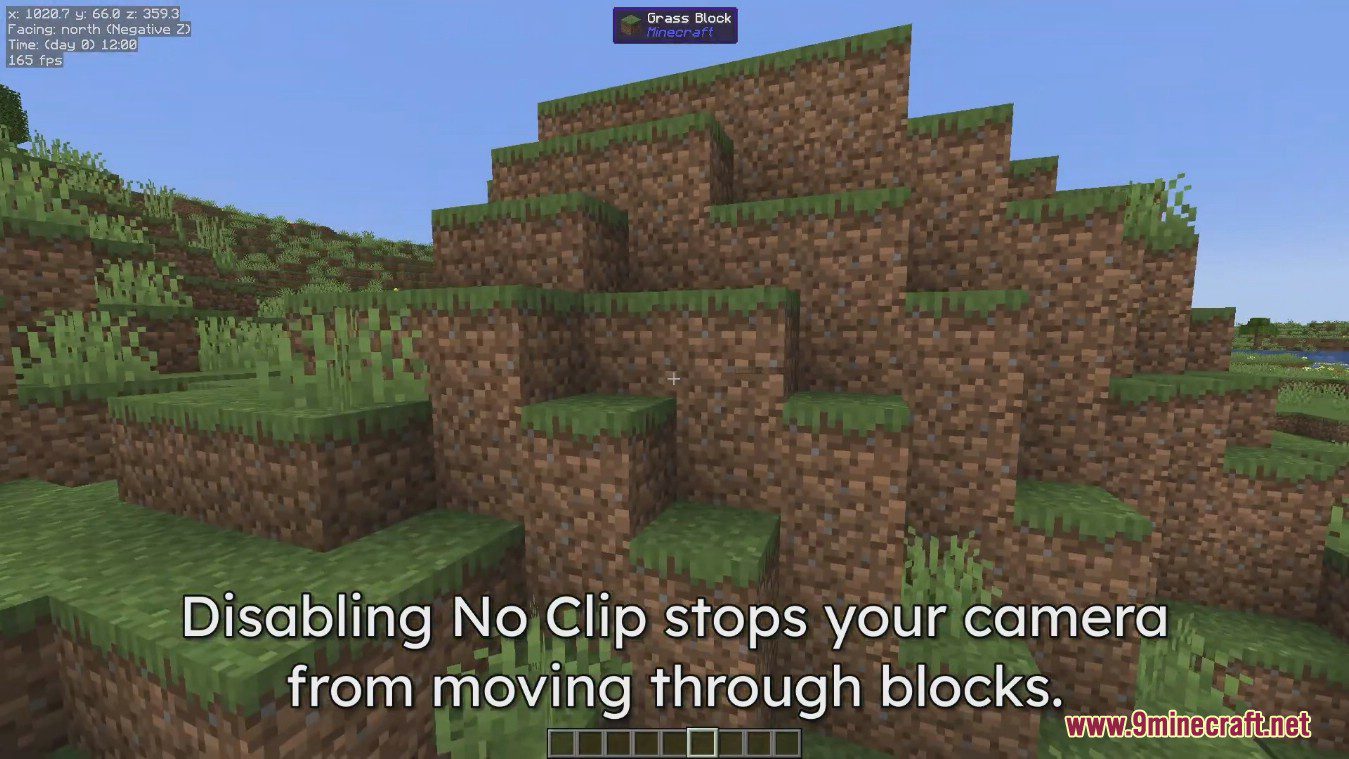
- No Clip: Turn on or off the ability to travel through blocks.
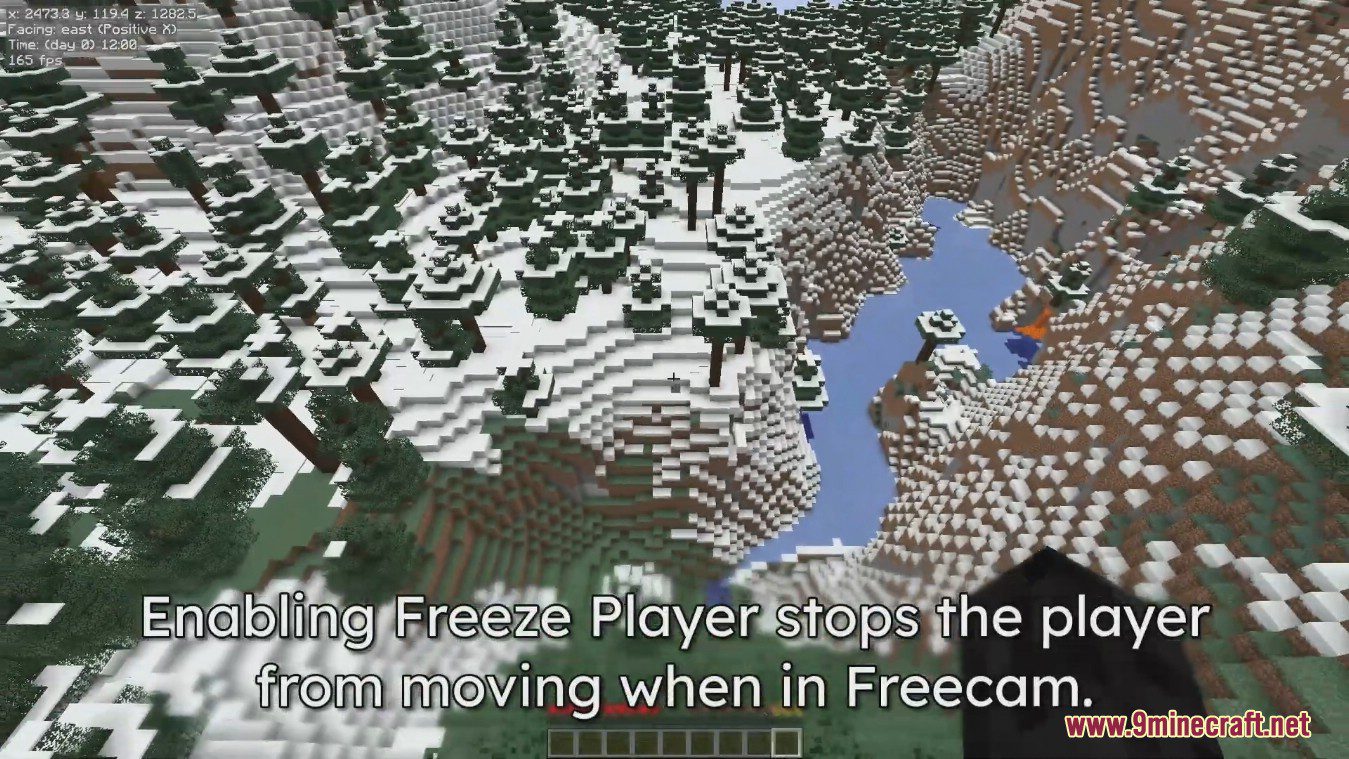
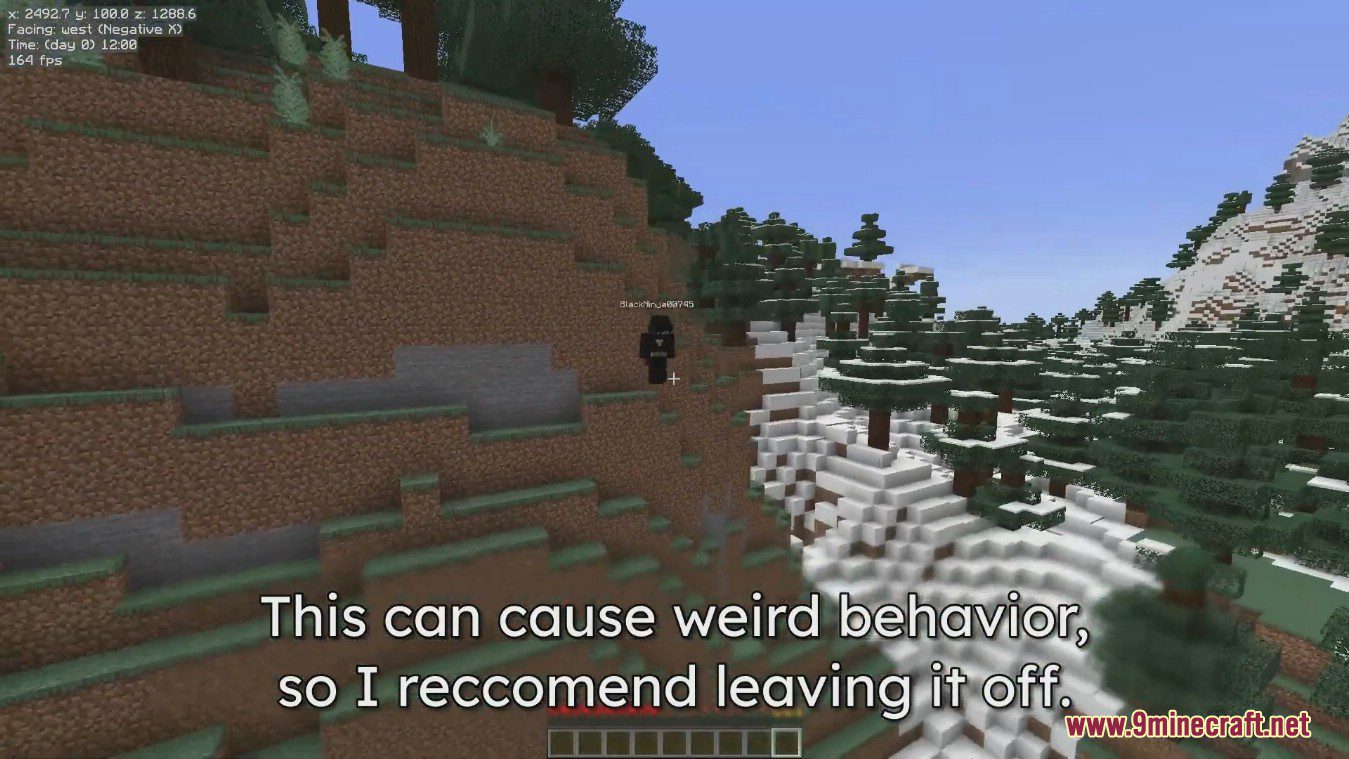
- Freeze Player: Lock your player in place so it doesn’t move while you use the freecam.
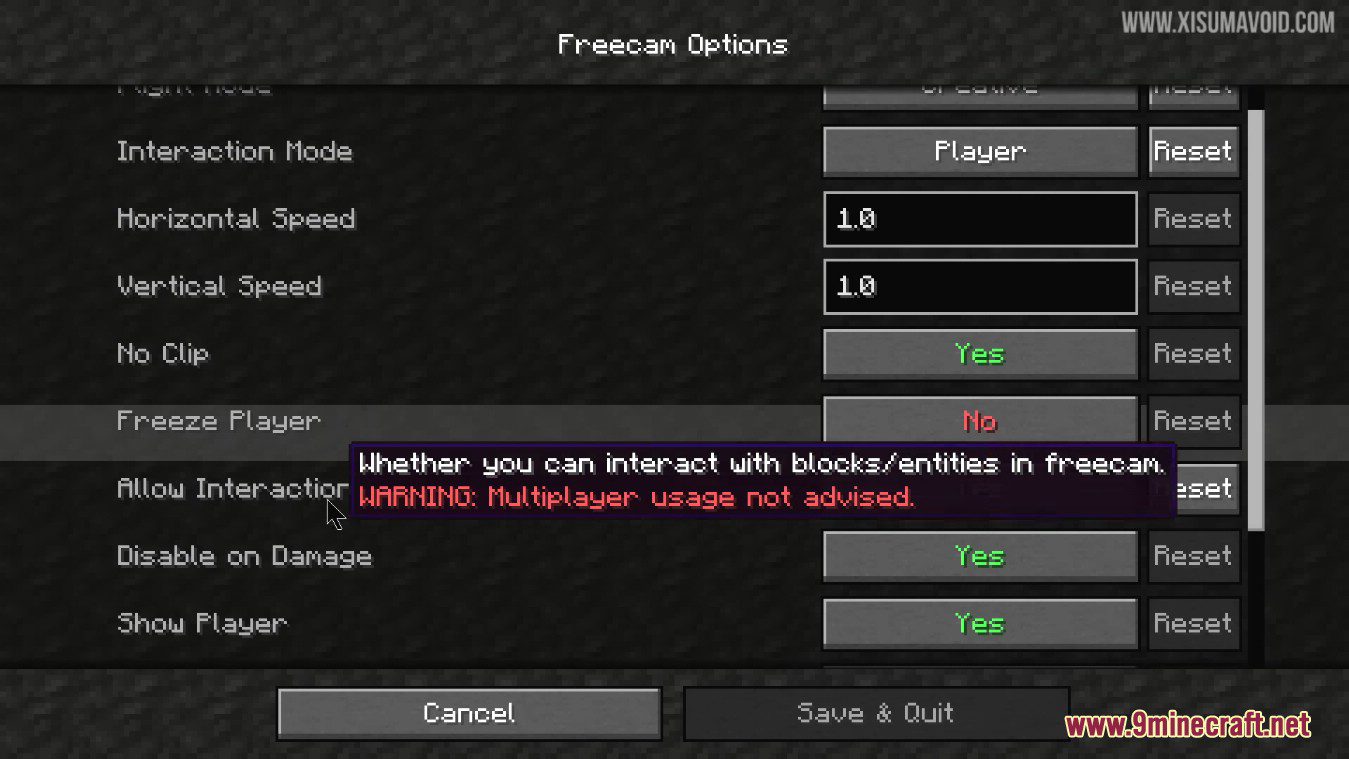
- Allow Interaction: Enable or disable the ability to interact with the world while in freecam.
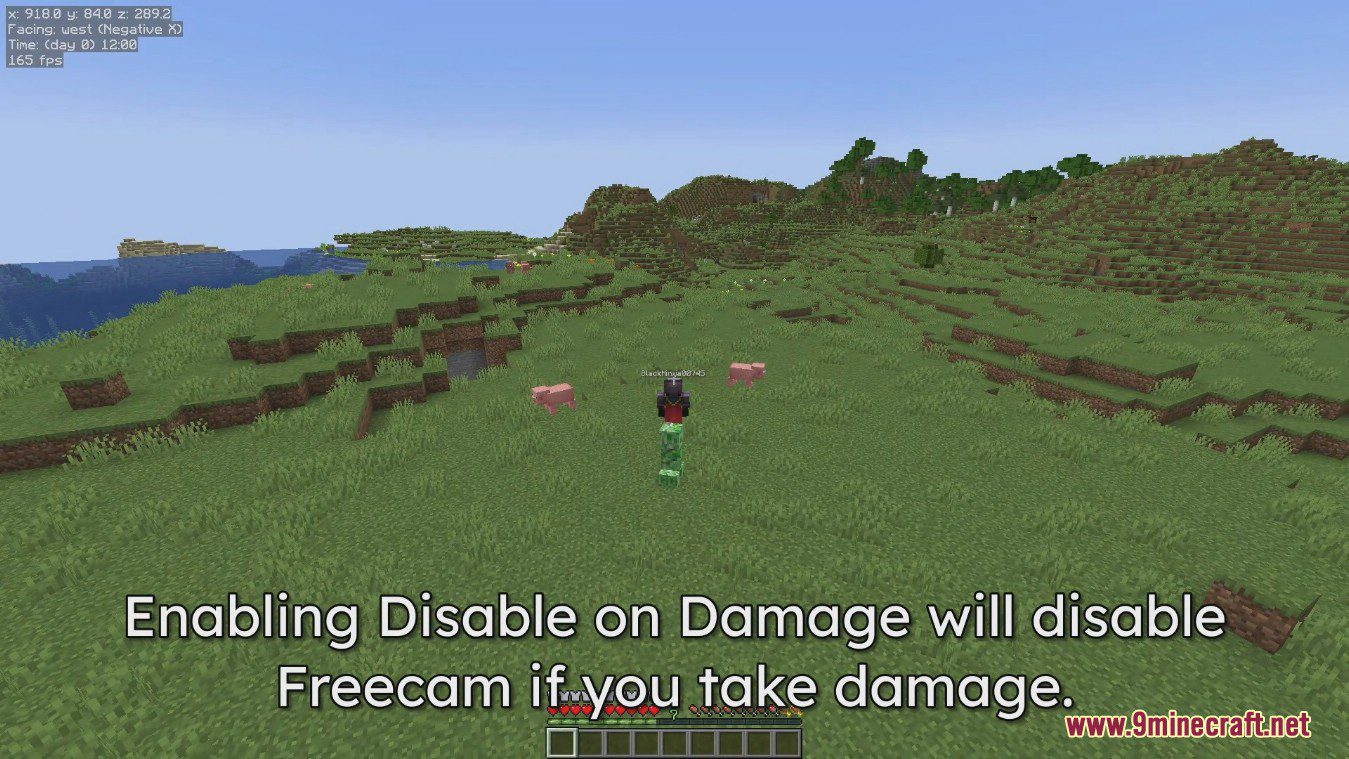
- Disable on Damage: Automatically turns off freecam if your player takes damage.
- Visuals: Choose to show or hide your player, your hand, and fog effects.
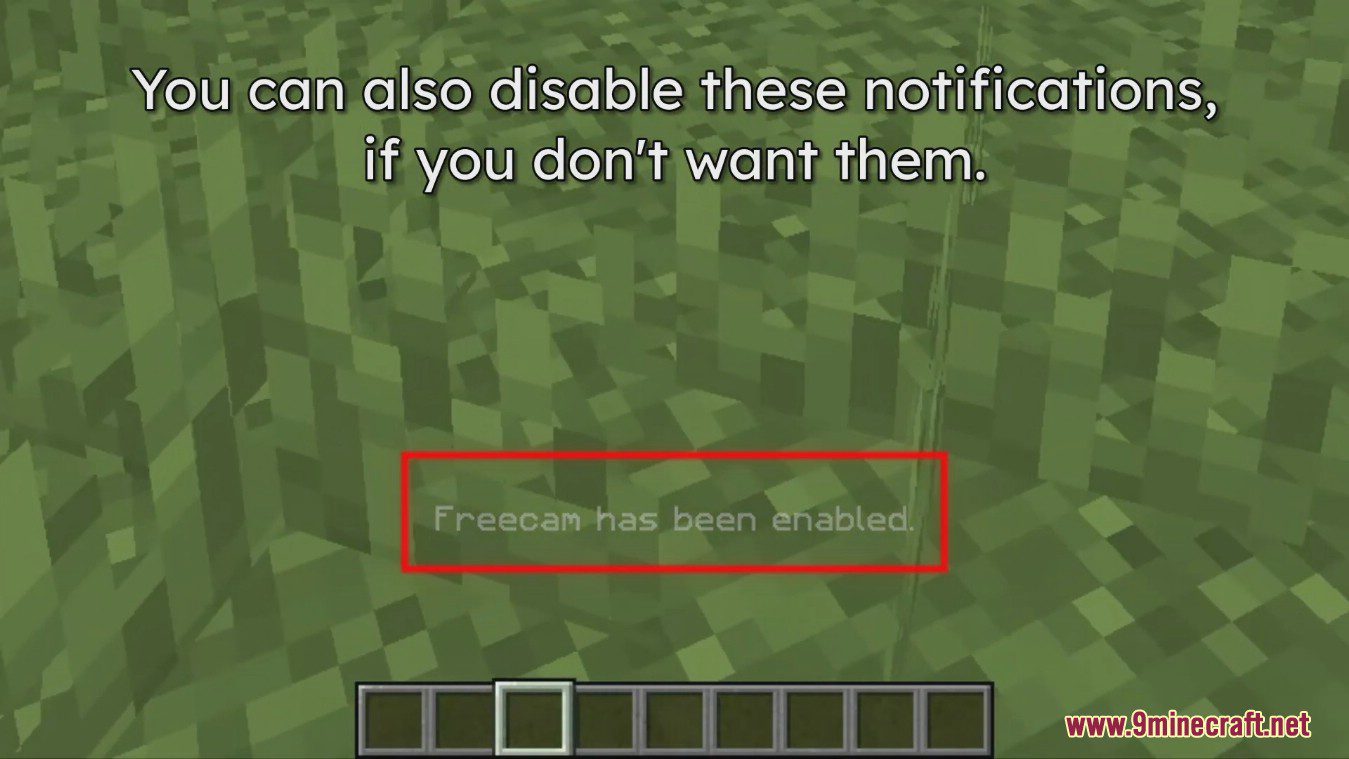
- Notifications: Get on-screen messages when you enable or disable freecam and tripod cameras.
How to Use:
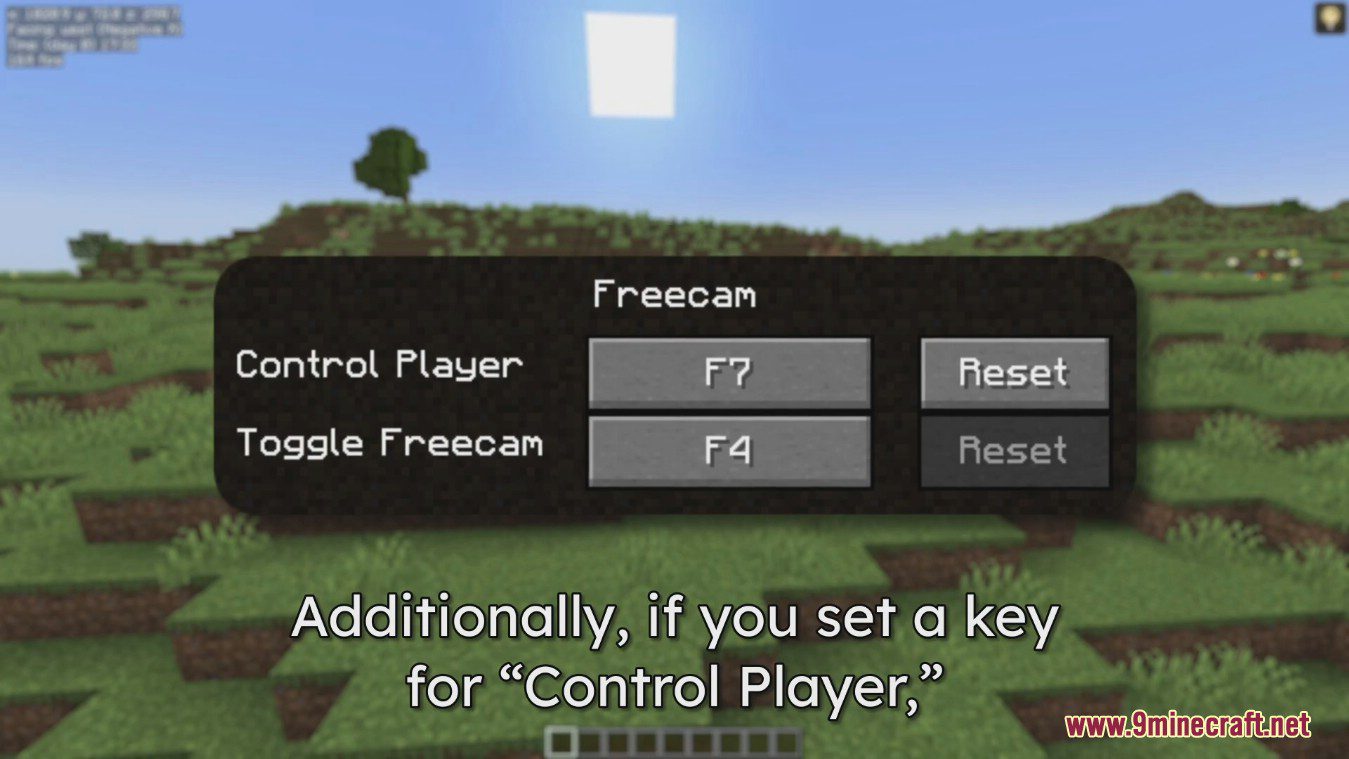
- Press F4 to turn freecam on or off.
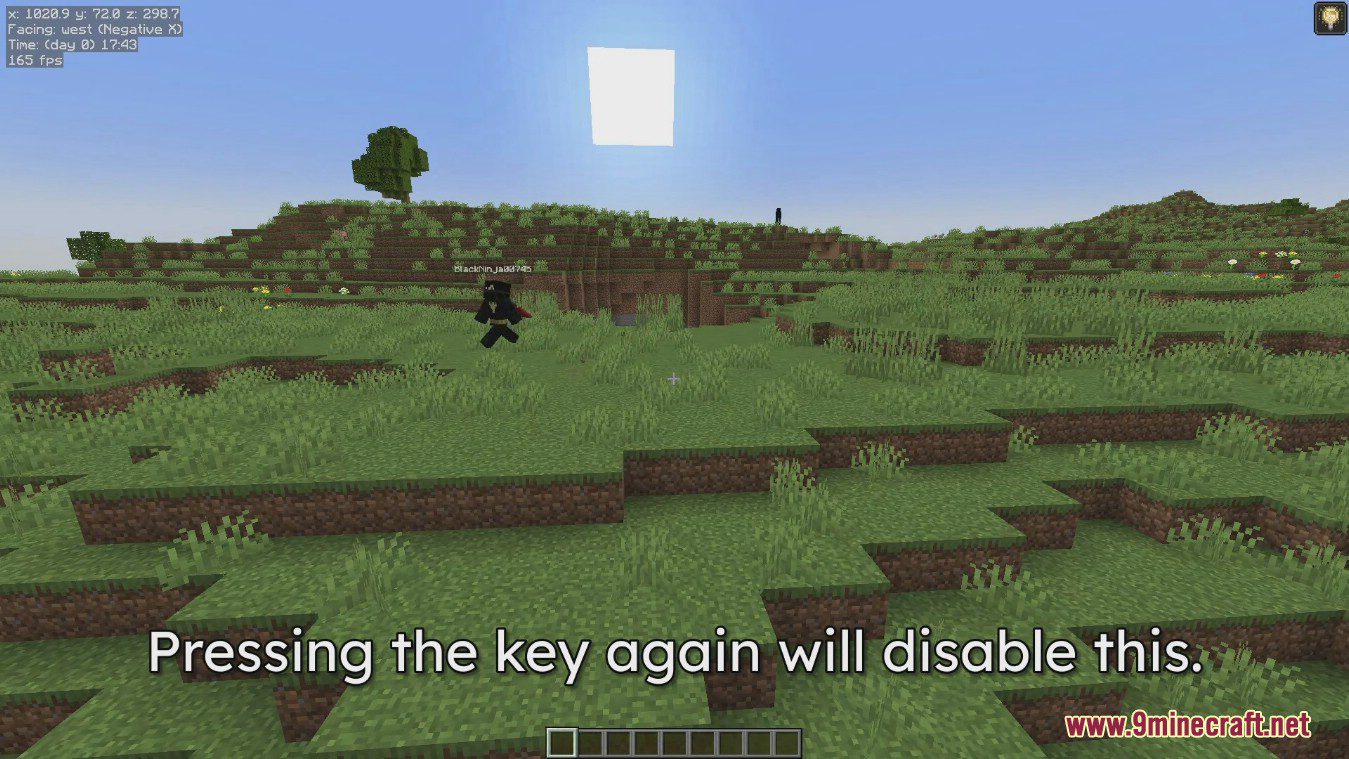
- You can set a key to control your player while the camera stays in its new position. This is unbound by default.
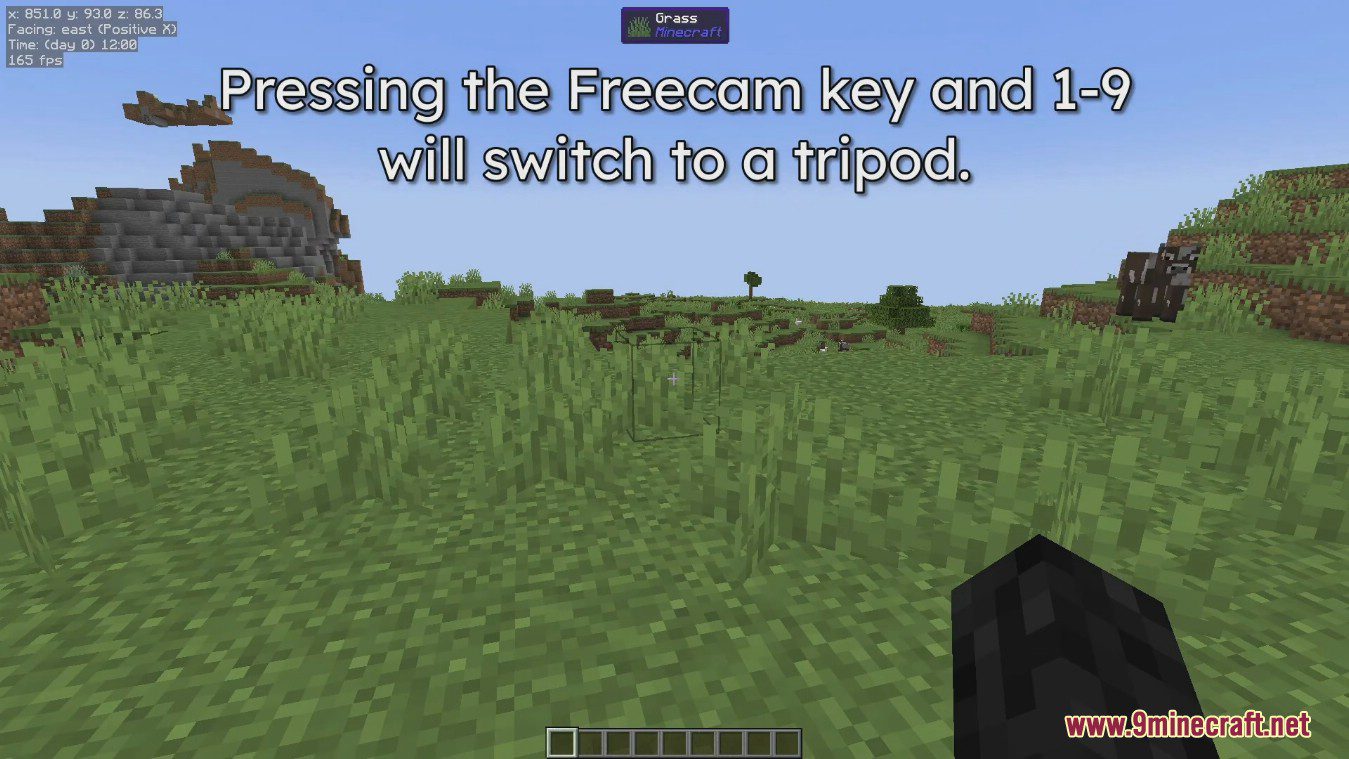
- To use the tripod feature, press F4 along with a number key (1-9). This saves your current camera position to that key.
- Press the same key combination again to switch back to that saved camera view.
Screenshots:
Freecam Mod Download Links
Quick facts
- Edition: Minecraft Java
- File type: .jar
- Minecraft version listed: 1.20.1
- How to install: Install the matching mod loader (Forge, Fabric or NeoForge) for your Minecraft version. → Download the .jar. → Put it in the .minecraft/mods folder and launch that loader profile.
- Where to get it: In MC Java Mods, or directly above on this page.
Install steps are the general flow for this file type — How to install Minecraft Java mods & modpacks walks through it step by step.
Verified by MCModsHub
- Downloads as 83689.mcaddon
- Download size: 1.3 MB
- Download link checked 25 Sept 2026 — working
- Mirrored on our own servers — the download does not depend on the original host
These come from our own check of the pack file, not from the source page.