
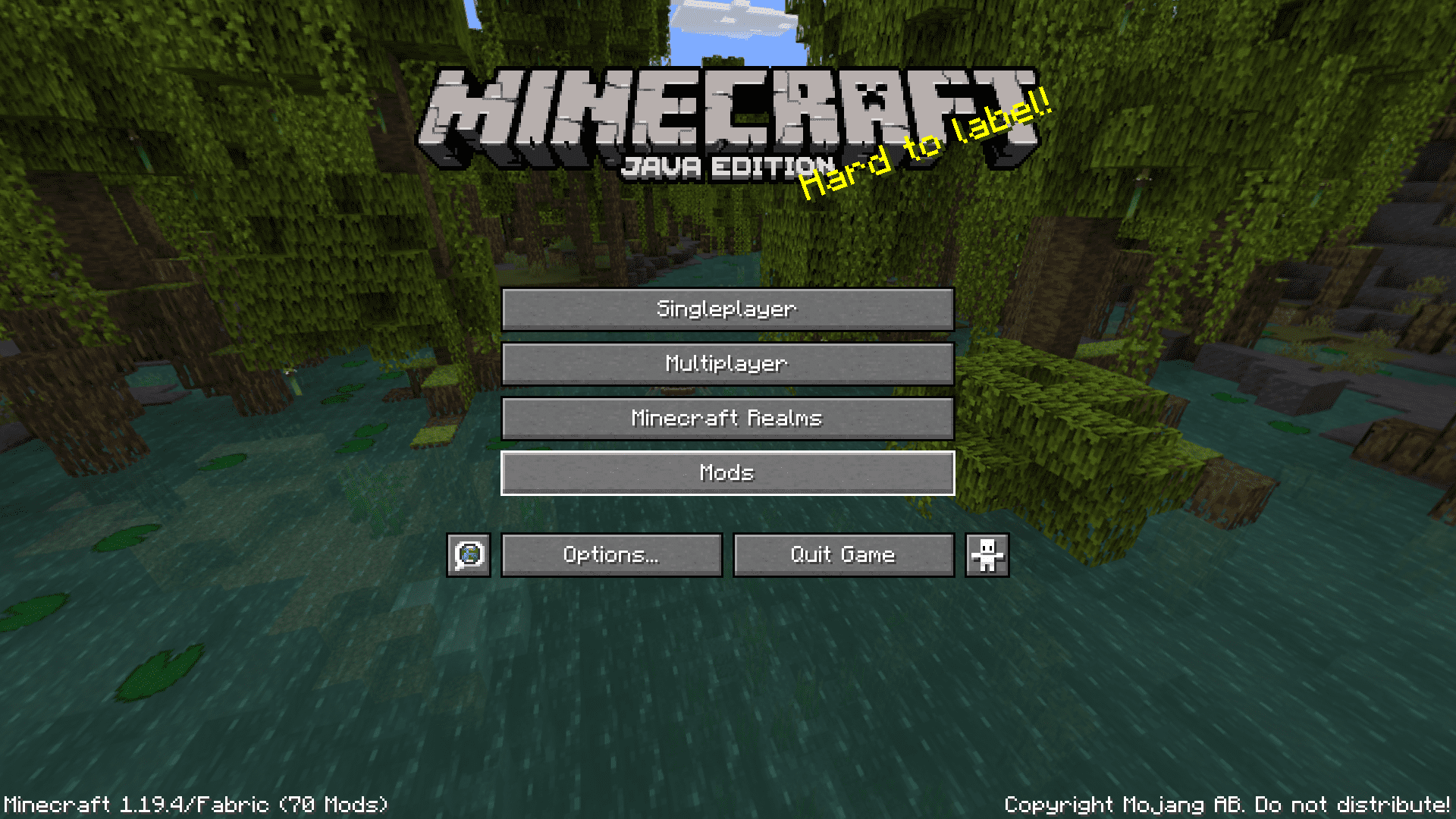
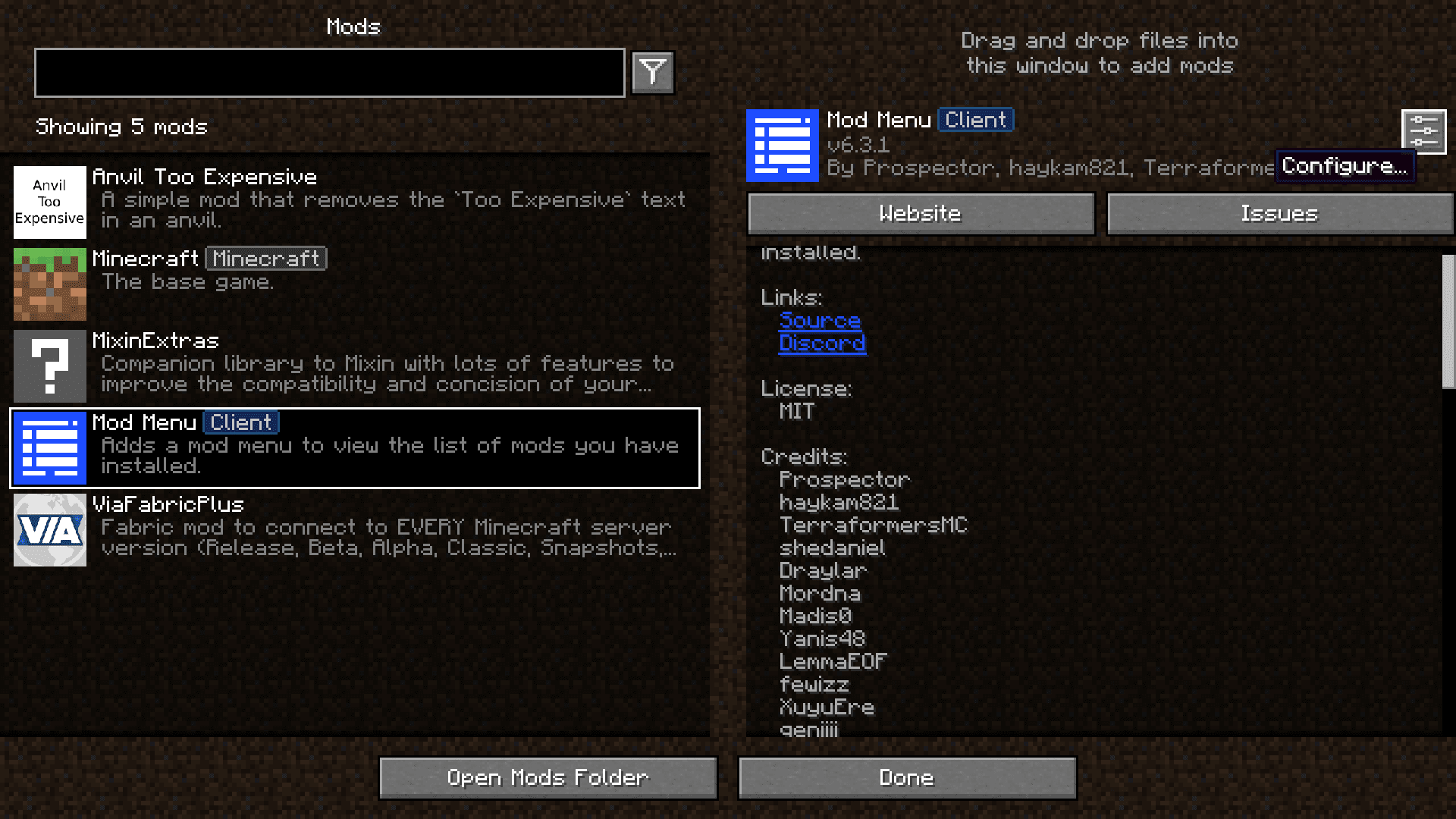
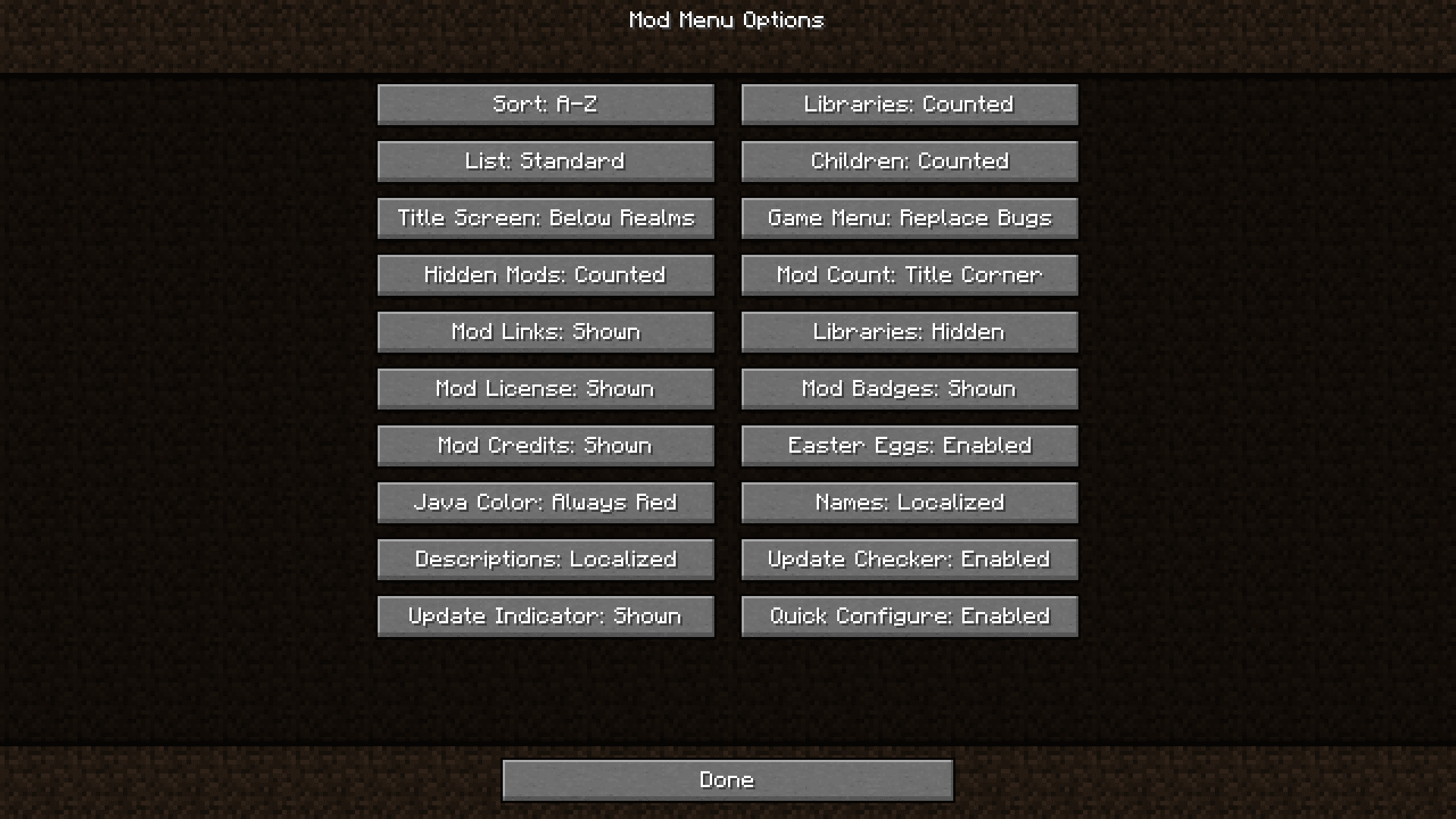
Mod Menu Mod adds a simple button to your main menu screen that lets you see a list of all your installed mods. You can easily view details for each mod and open their config screens with just a click, all without leaving the game. Before this, you had to go into your computer’s folders to manage your mods. Now, everything is right there on the title screen.
Features:
- Adds a new “Mods” button to the game’s main menu.
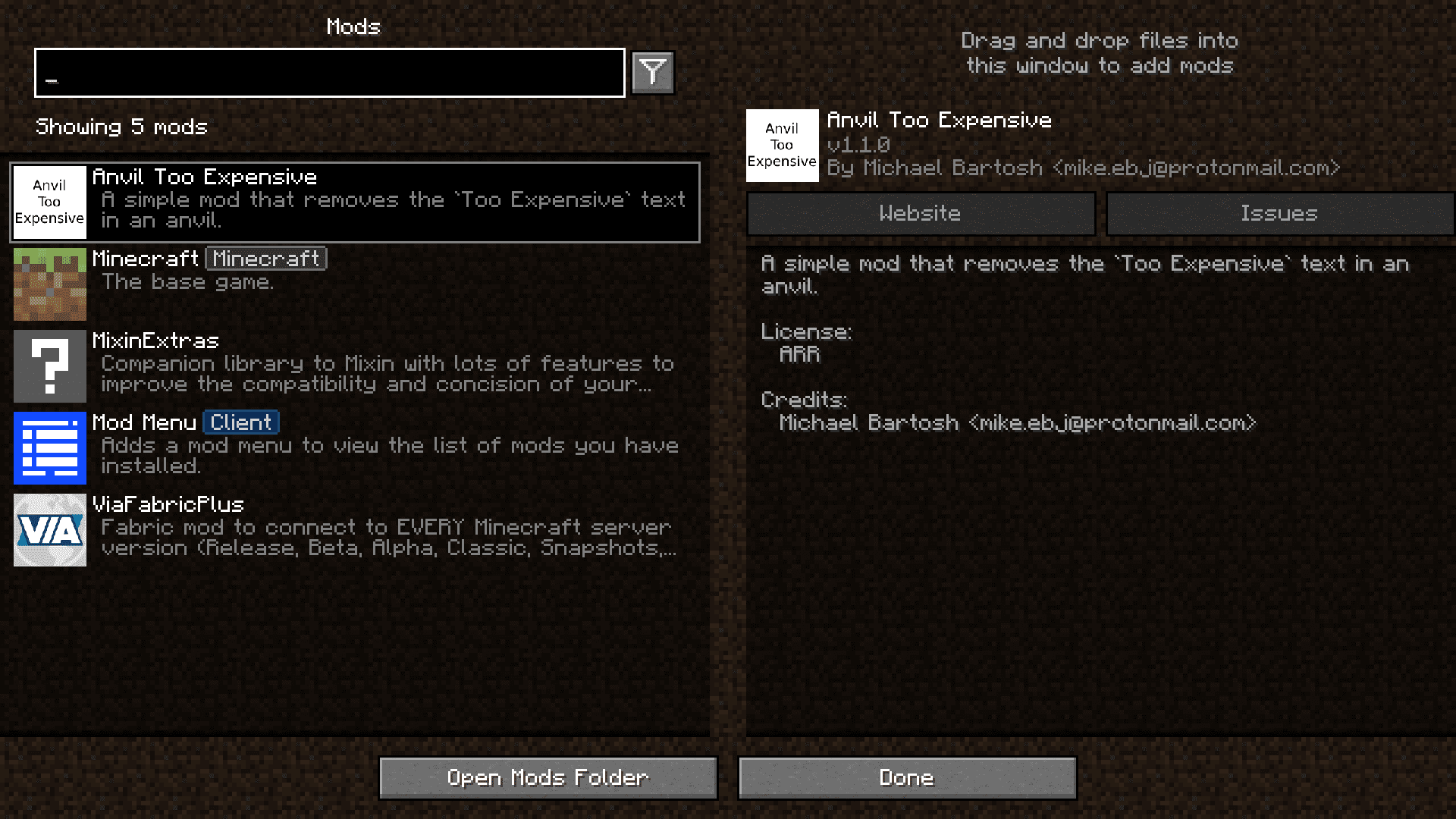
- Displays a clean, scrollable list of all installed mods.
- Lets you open a mod’s configuration screen directly from the menu if the mod supports it.
- Includes a search bar to quickly find a specific mod in your list.
- Filters out library mods by default, so you only see the main content mods.
- Checks for updates for your mods and tells you when a new version is available.
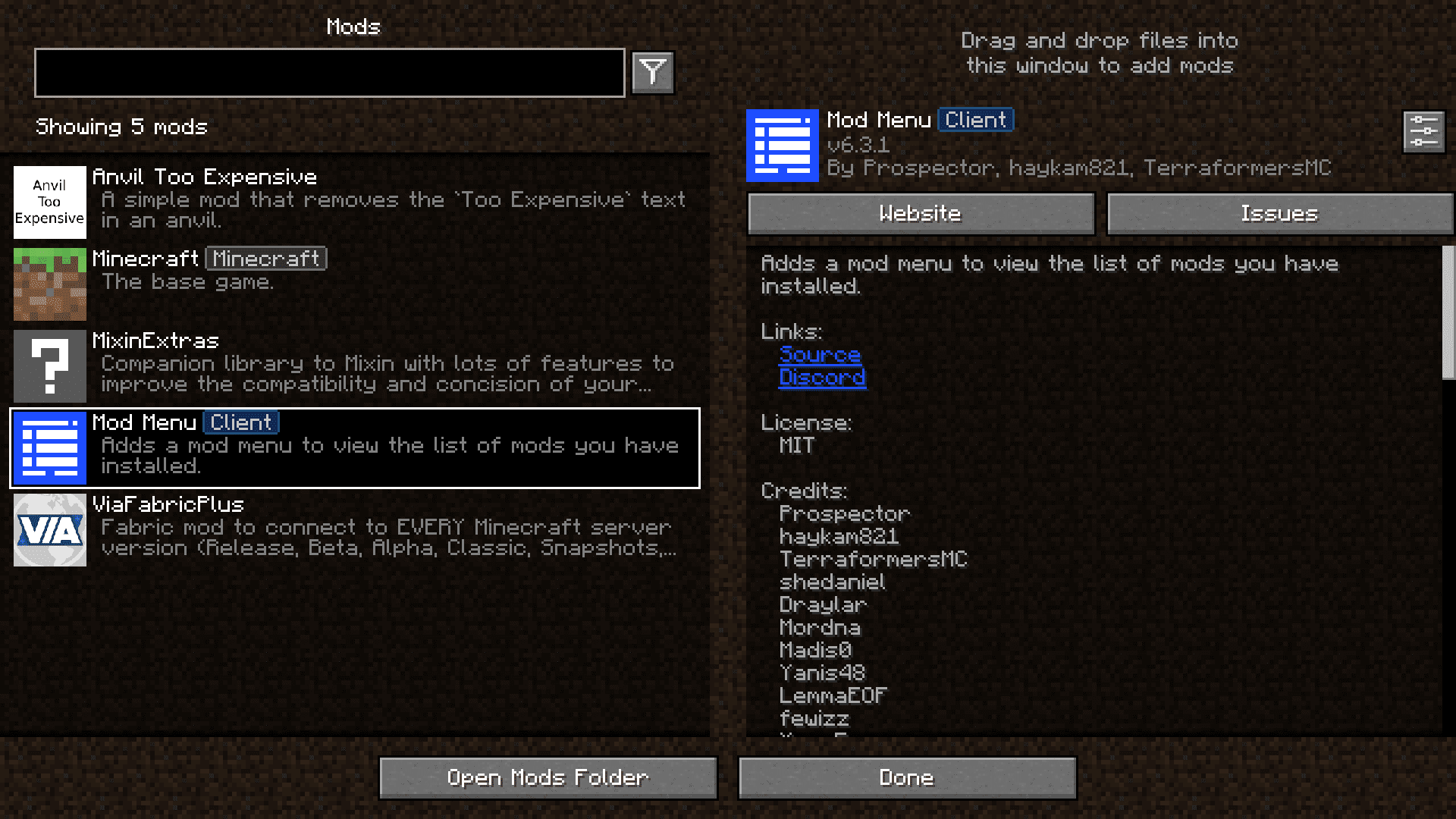
- Shows extra details for each mod, like its description, author, and helpful links.
Screenshots:
Mod Menu Mod Download Links
Quick facts
- Edition: Minecraft Java
- File type: .jar
- Minecraft version listed: 1.20.1
- How to install: Install the matching mod loader (Forge, Fabric or NeoForge) for your Minecraft version. → Download the .jar. → Put it in the .minecraft/mods folder and launch that loader profile.
- Where to get it: In MC Java Mods, or directly above on this page.
Install steps are the general flow for this file type — How to install Minecraft Java mods & modpacks walks through it step by step.
Verified by MCModsHub
- Downloads as 83692.mcaddon
- Download size: 837 KB
- Download link checked 23 Sept 2026 — working
- Mirrored on our own servers — the download does not depend on the original host
These come from our own check of the pack file, not from the source page.