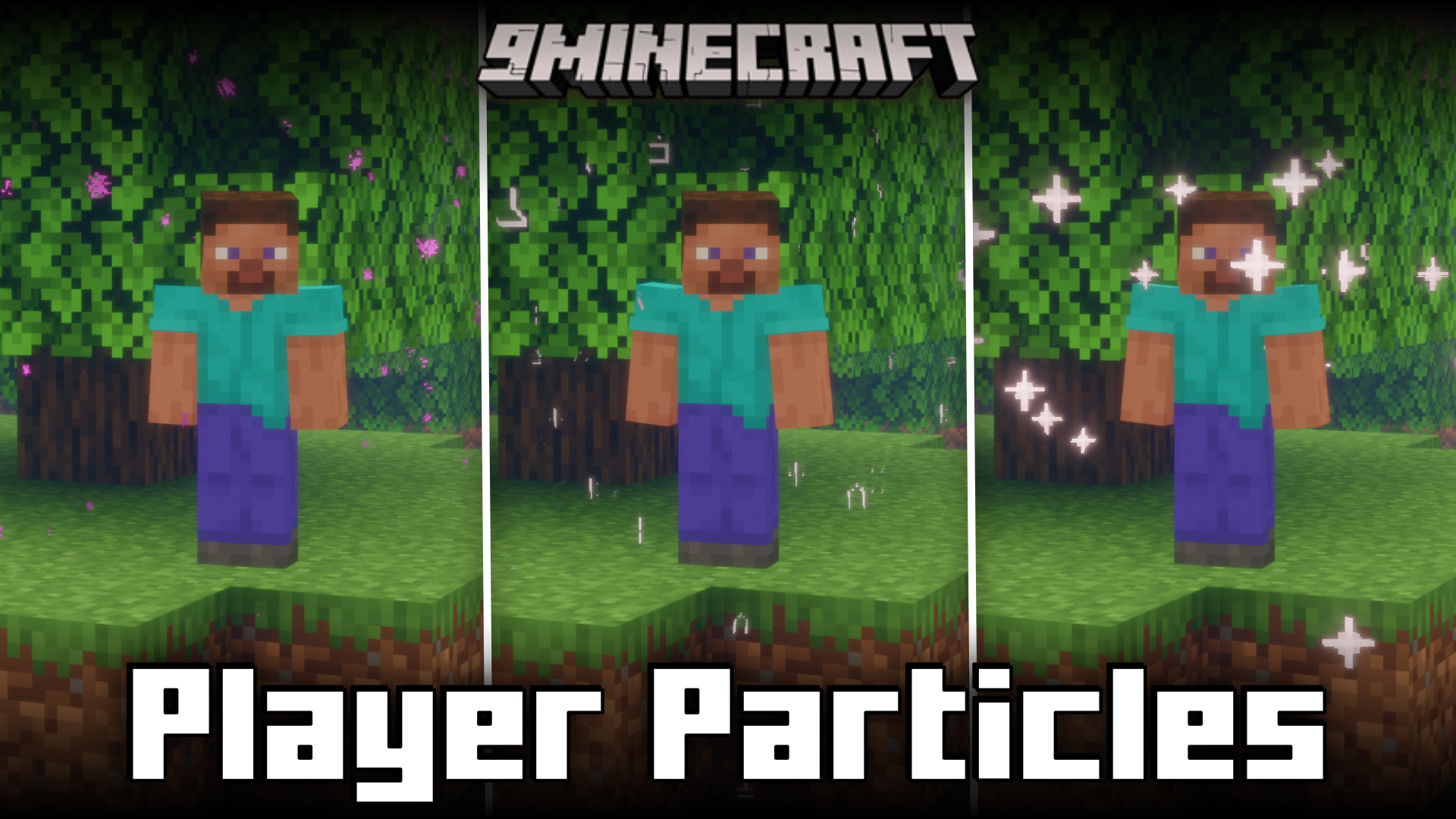
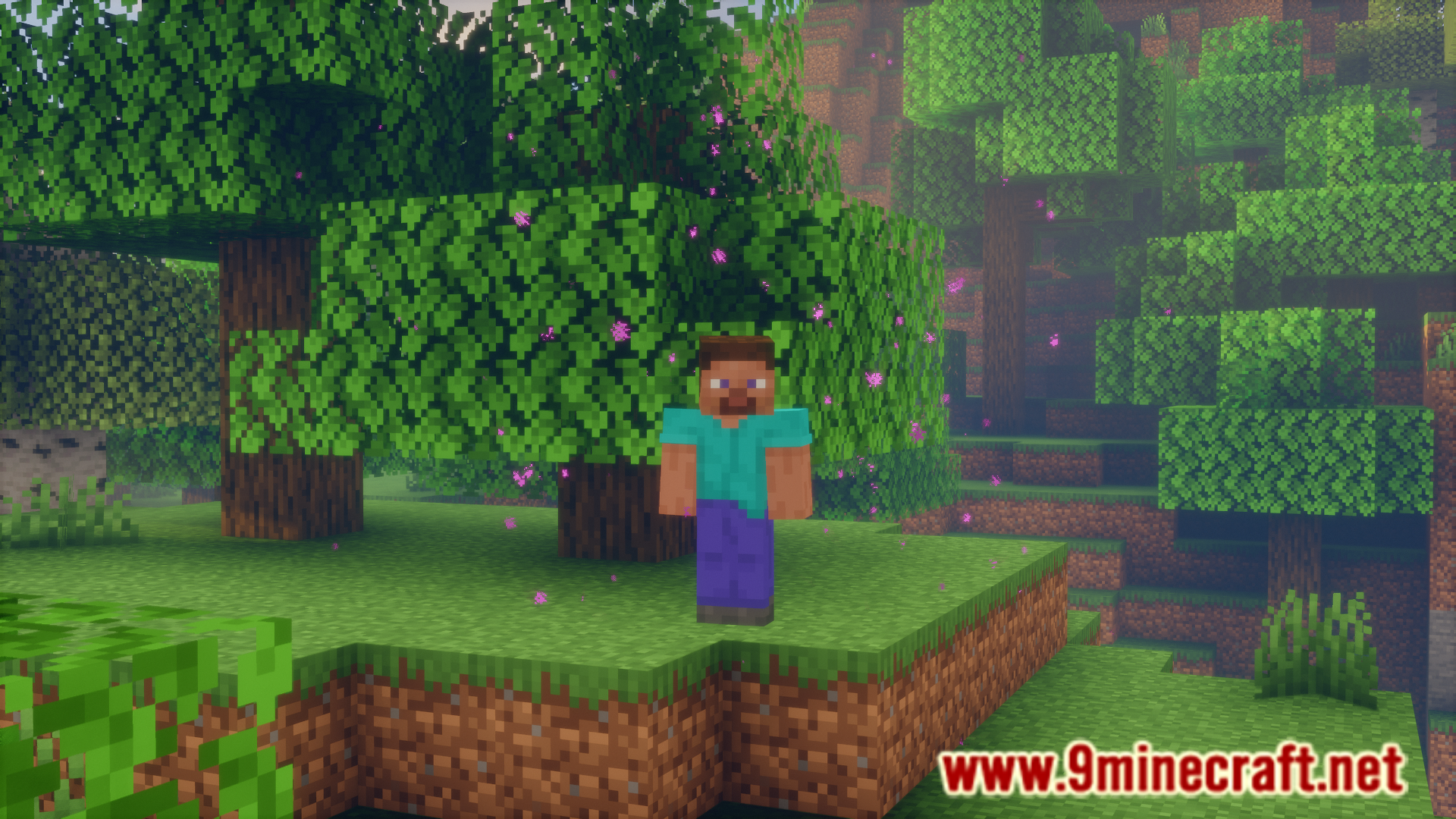
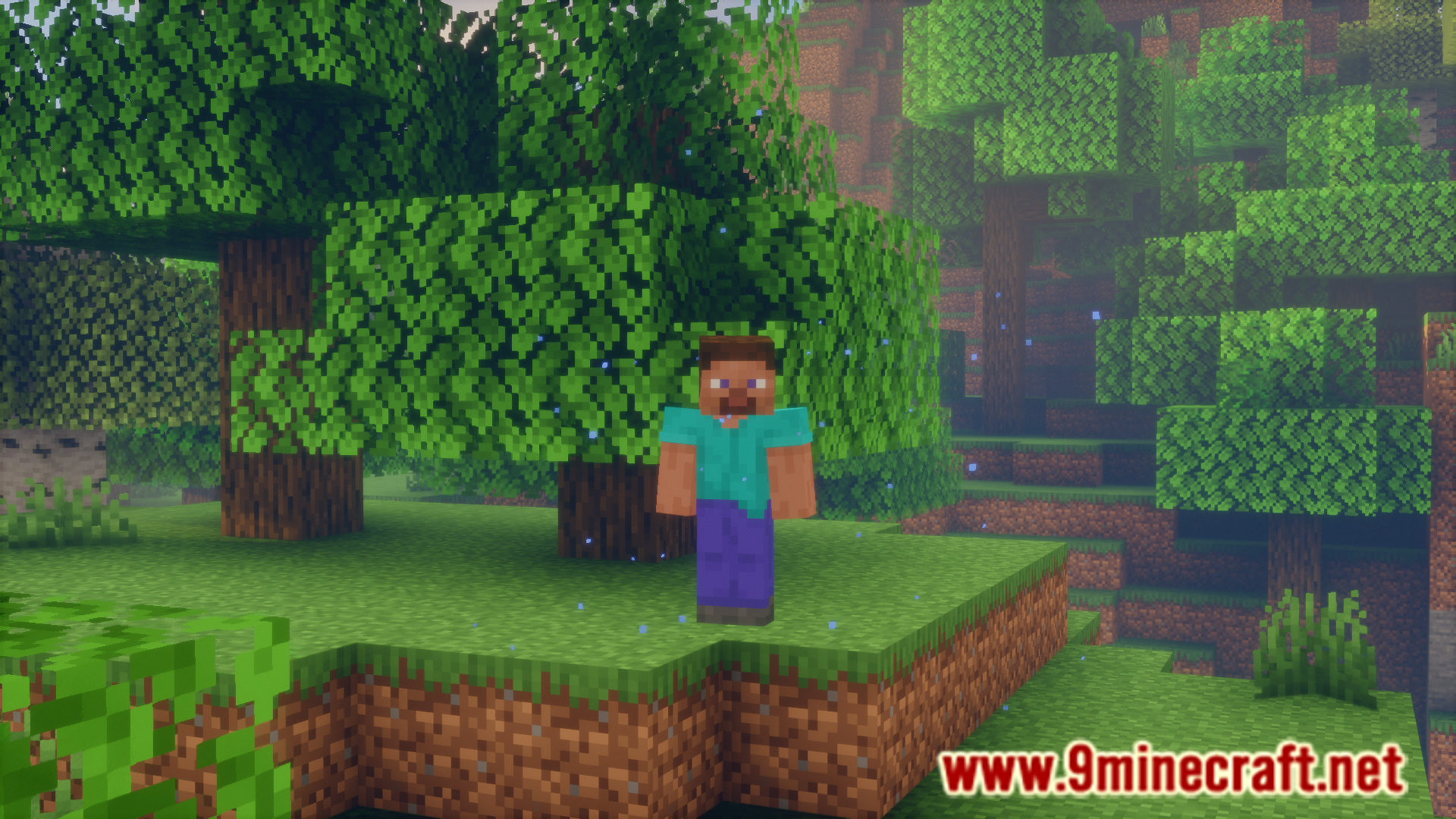
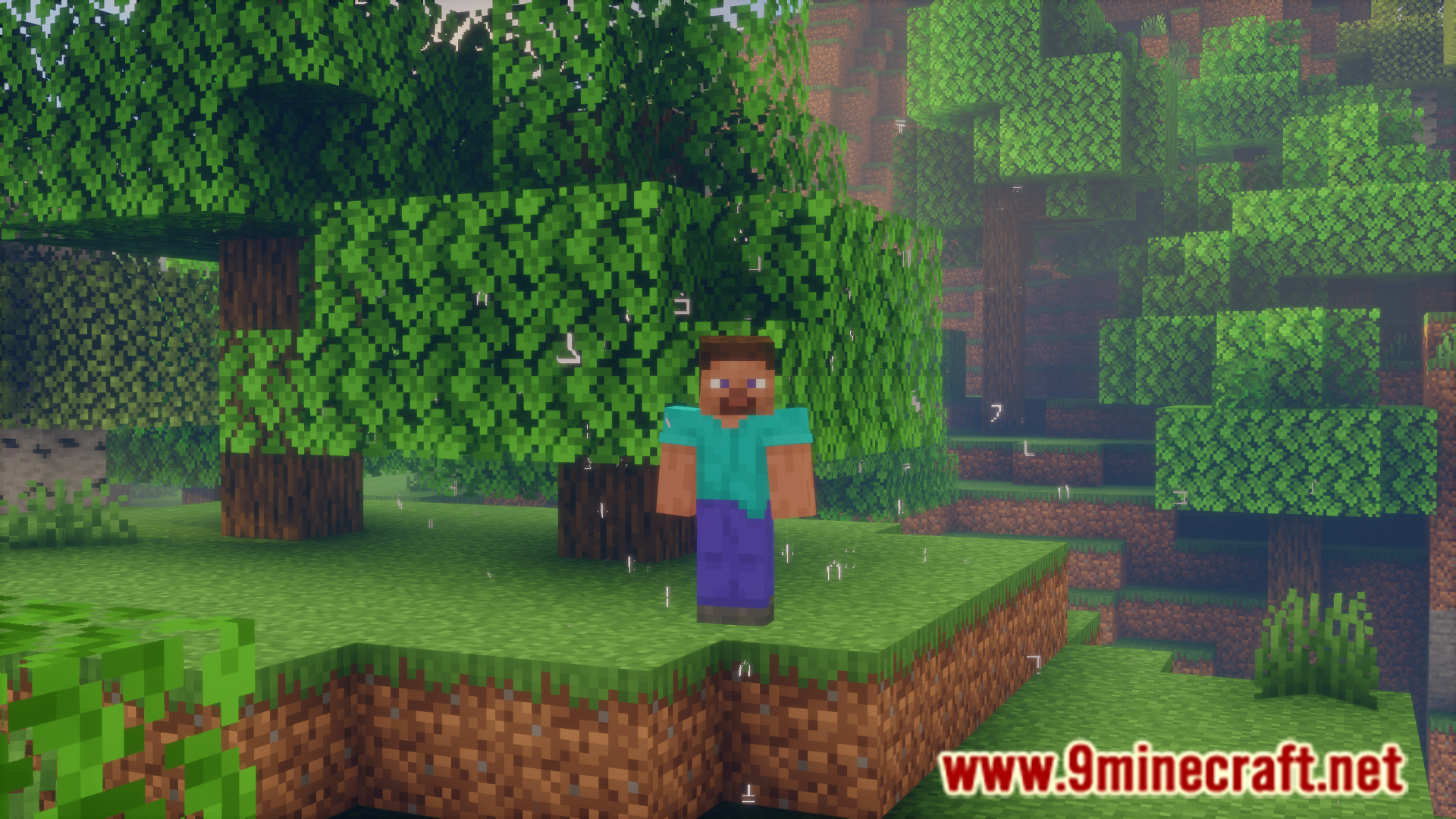
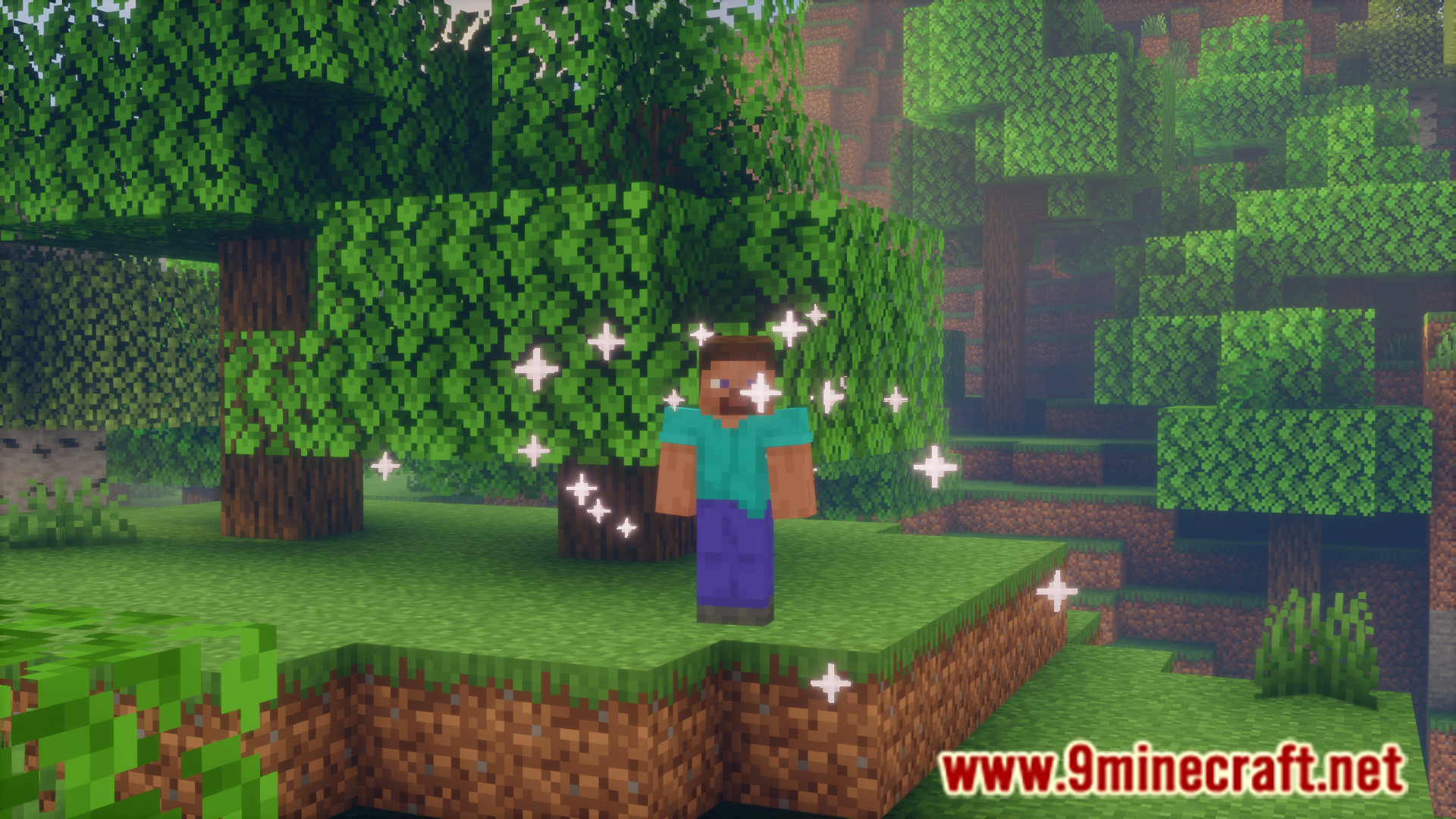
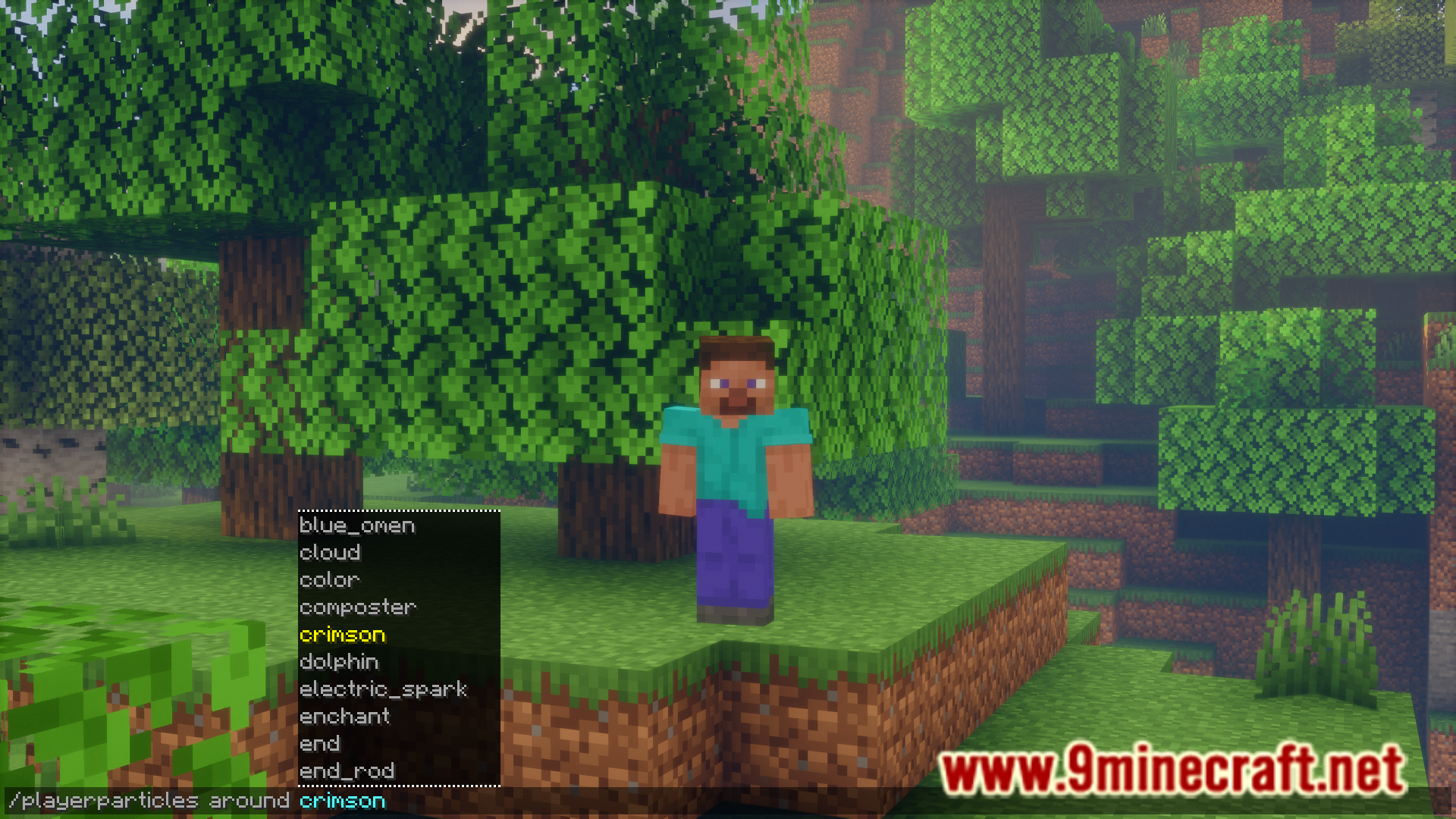
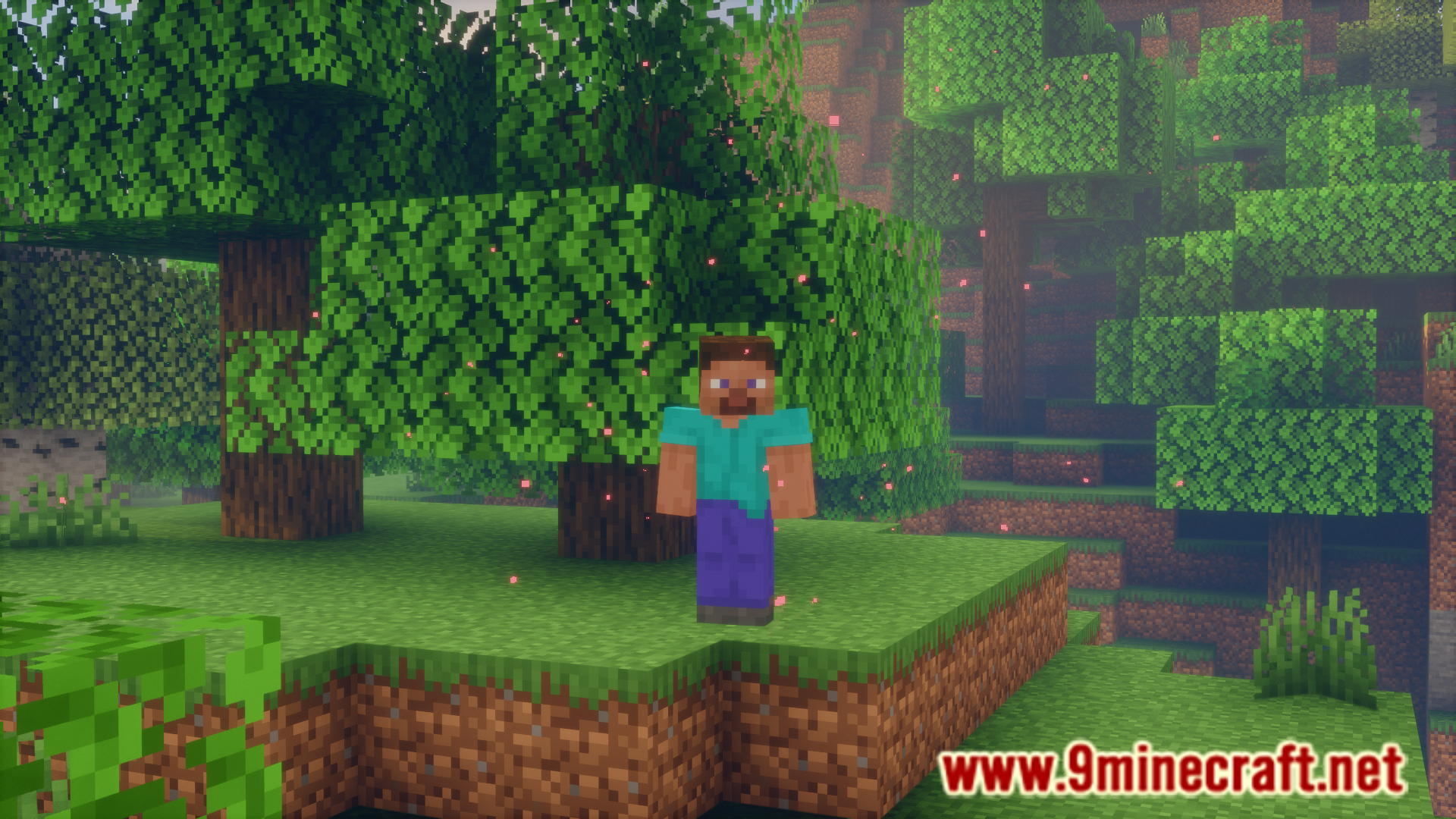
There are many different particle effects in the game. While many effects can be applied to the player with the help of potions, some others, like the enchantment table particles and smoke particles from campfires are block specific. Player Particles Mod allows you to apply almost any particle effect in the game onto the player. This is done using commands and they are listed below.
Features:
Commands:
- /playerparticles off – turns your particles off.
- /playerparticles on – turns your particles on.
- /playerparticles reset – resets your particles in all slots.
- /playerparticles <particle|reset> – sets a particle in one of your slots, or resets it.
is only necessary for some particles. - /playerparticles disable-all – disables rendering all (yours and others) player particles for you. Useful when player particles are laggy for you.
- /playerparticles enable-all – enables rendering all (yours and others) player particles for you.
At the moment, 3 particle slots are available:
- above – displays above you.
- around – displays around you.
- below – displays below you.
Screenshots:
Player Particles Mod Download Links
Quick facts
- Edition: Minecraft Java
- File type: .jar
- Minecraft version listed: 1.21.1
- How to install: Install the matching mod loader (Forge, Fabric or NeoForge) for your Minecraft version. → Download the .jar. → Put it in the .minecraft/mods folder and launch that loader profile.
- Where to get it: In MC Java Mods, or directly above on this page.
Install steps are the general flow for this file type — How to install Minecraft Java mods & modpacks walks through it step by step.
Verified by MCModsHub
- Downloads as 83697.mcaddon
- Download size: 206 KB
- Download link checked 24 Sept 2026 — working
- Mirrored on our own servers — the download does not depend on the original host
These come from our own check of the pack file, not from the source page.