
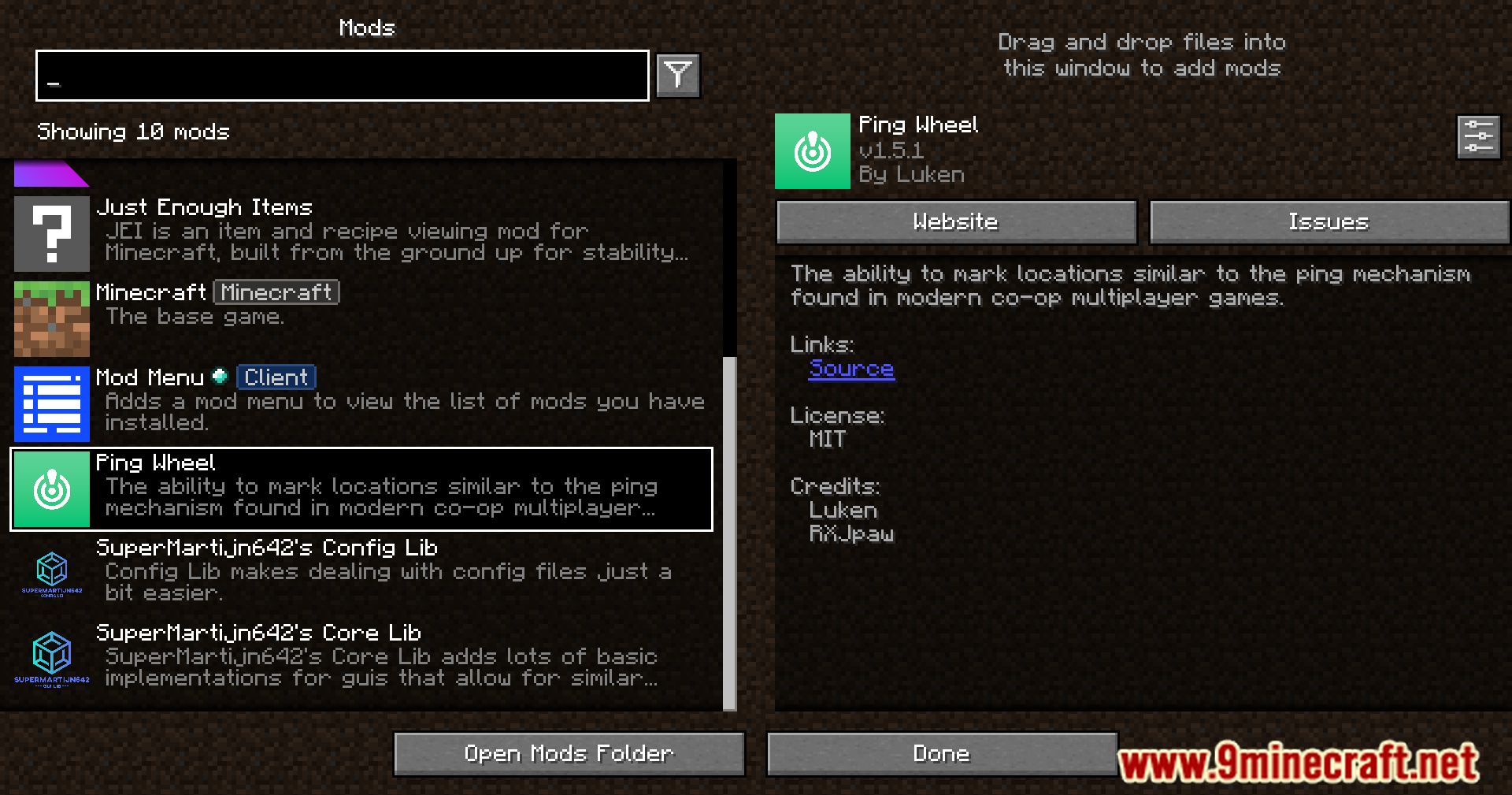
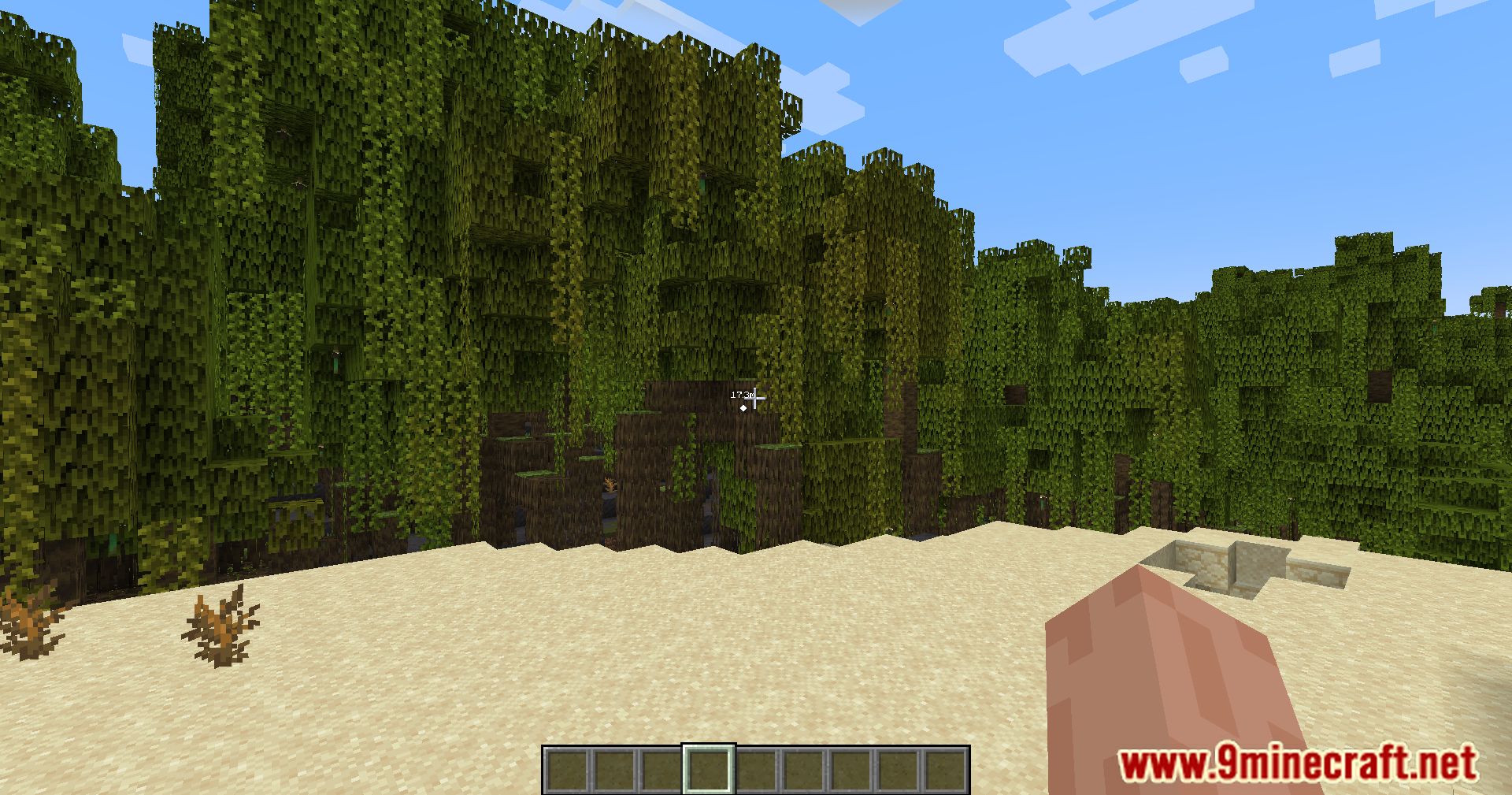
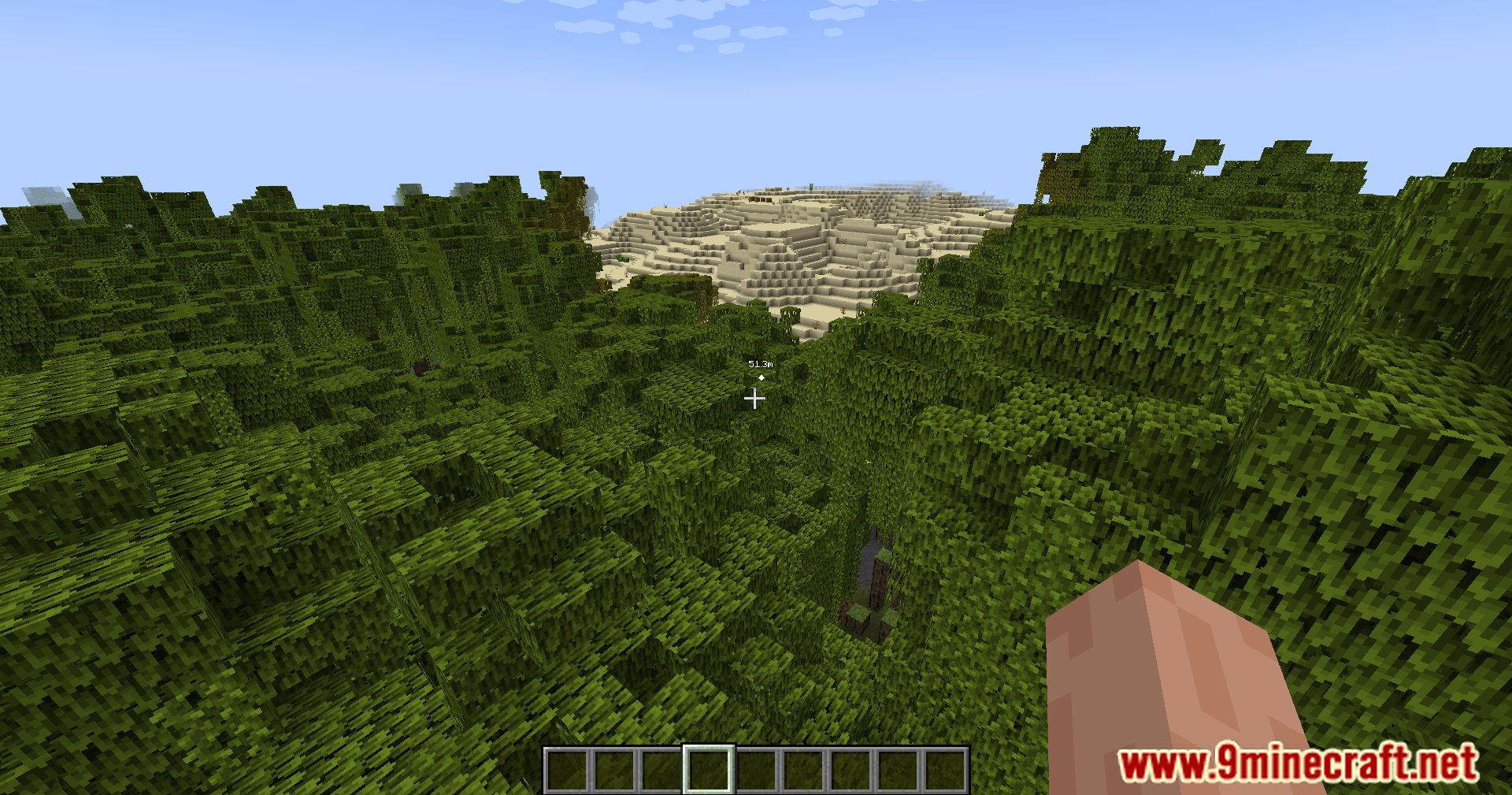
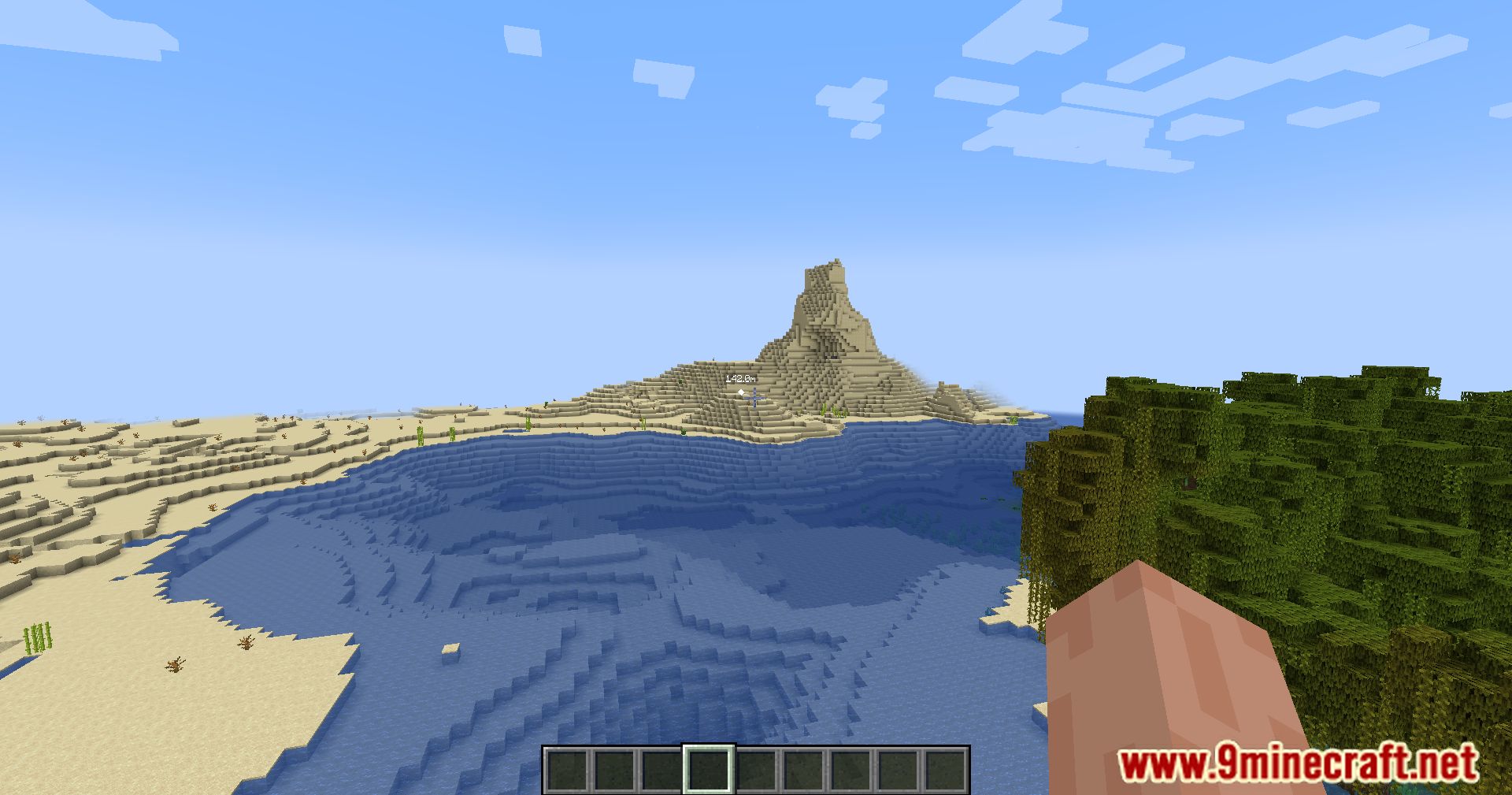
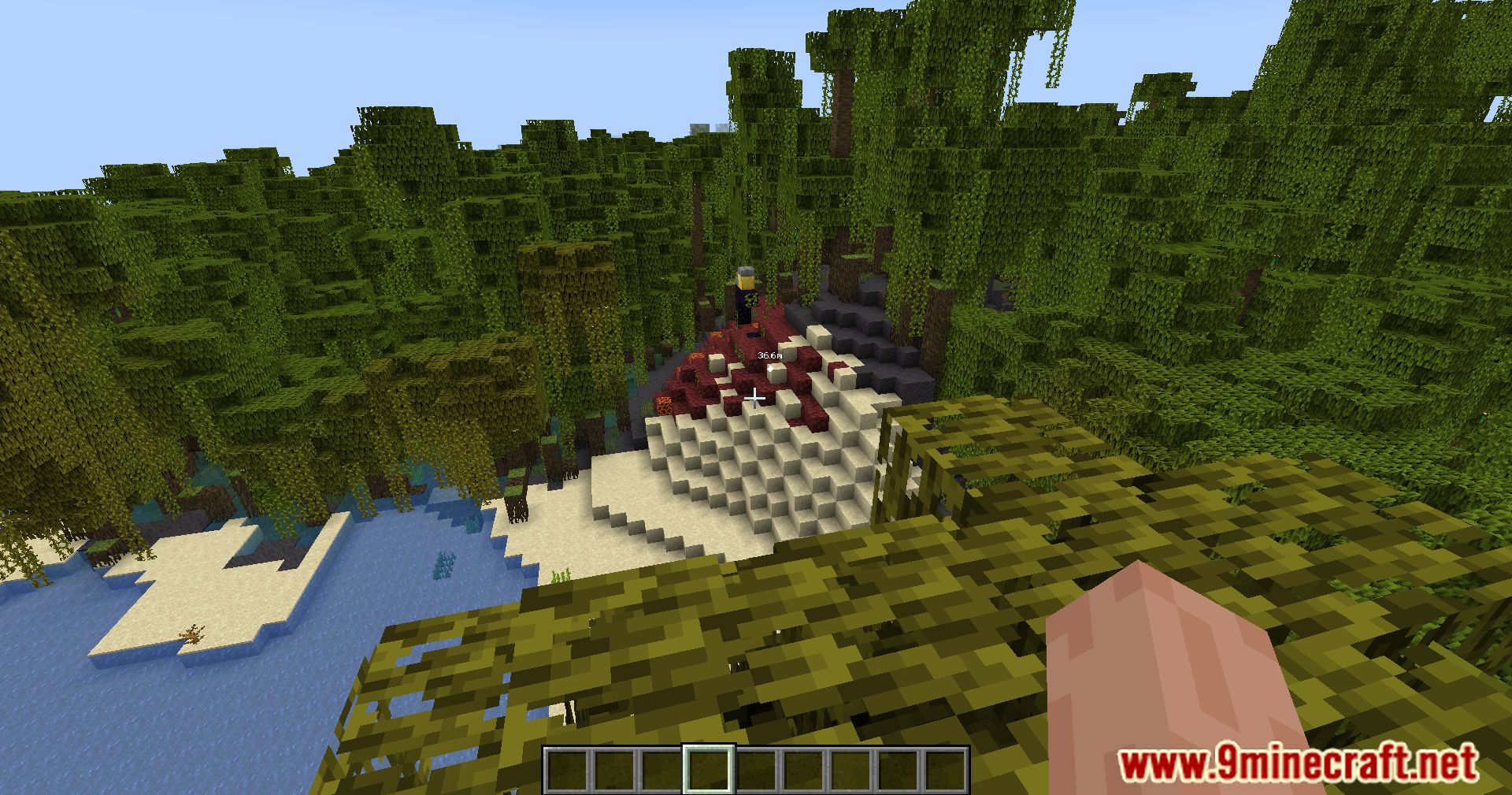
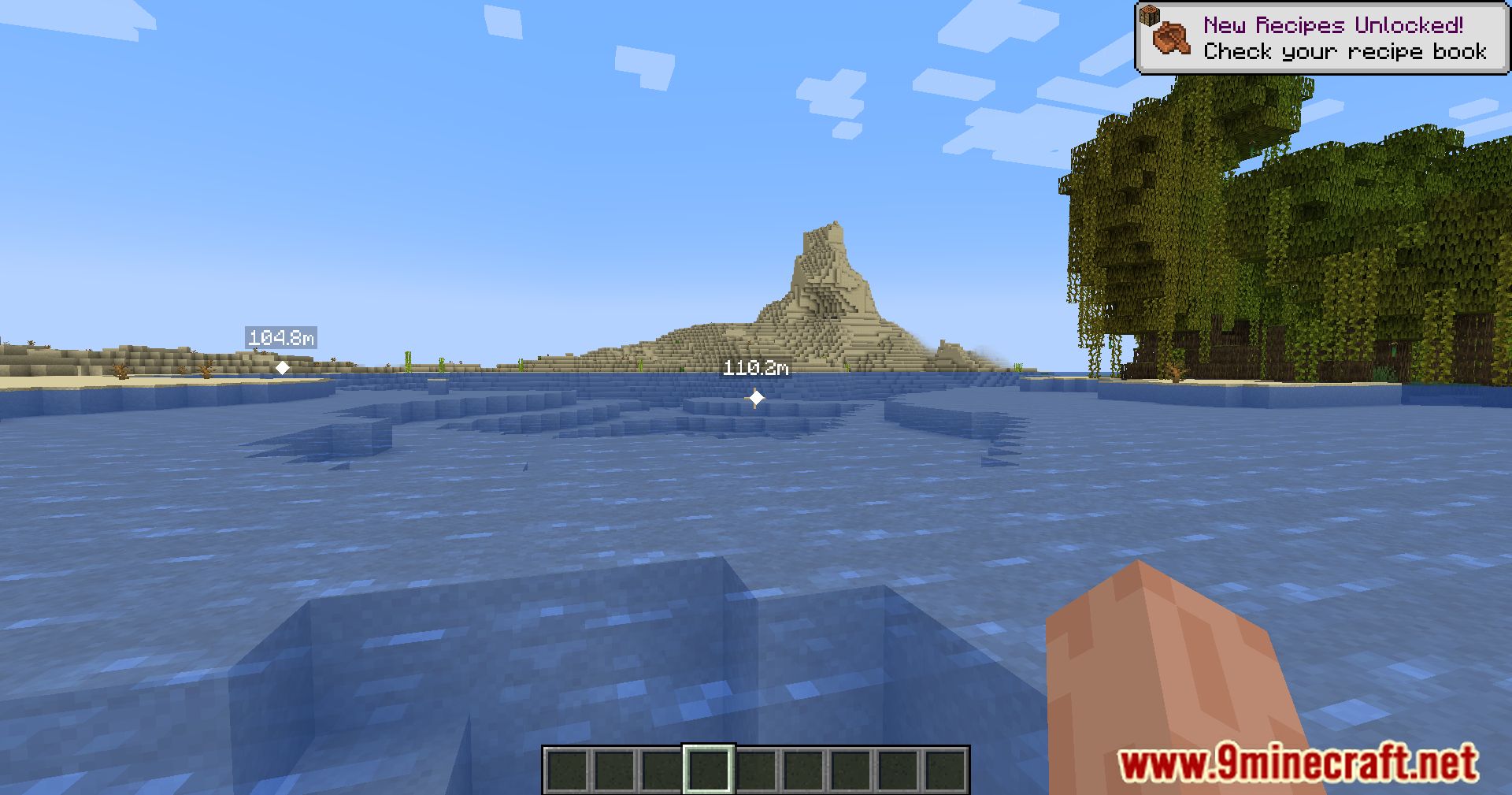
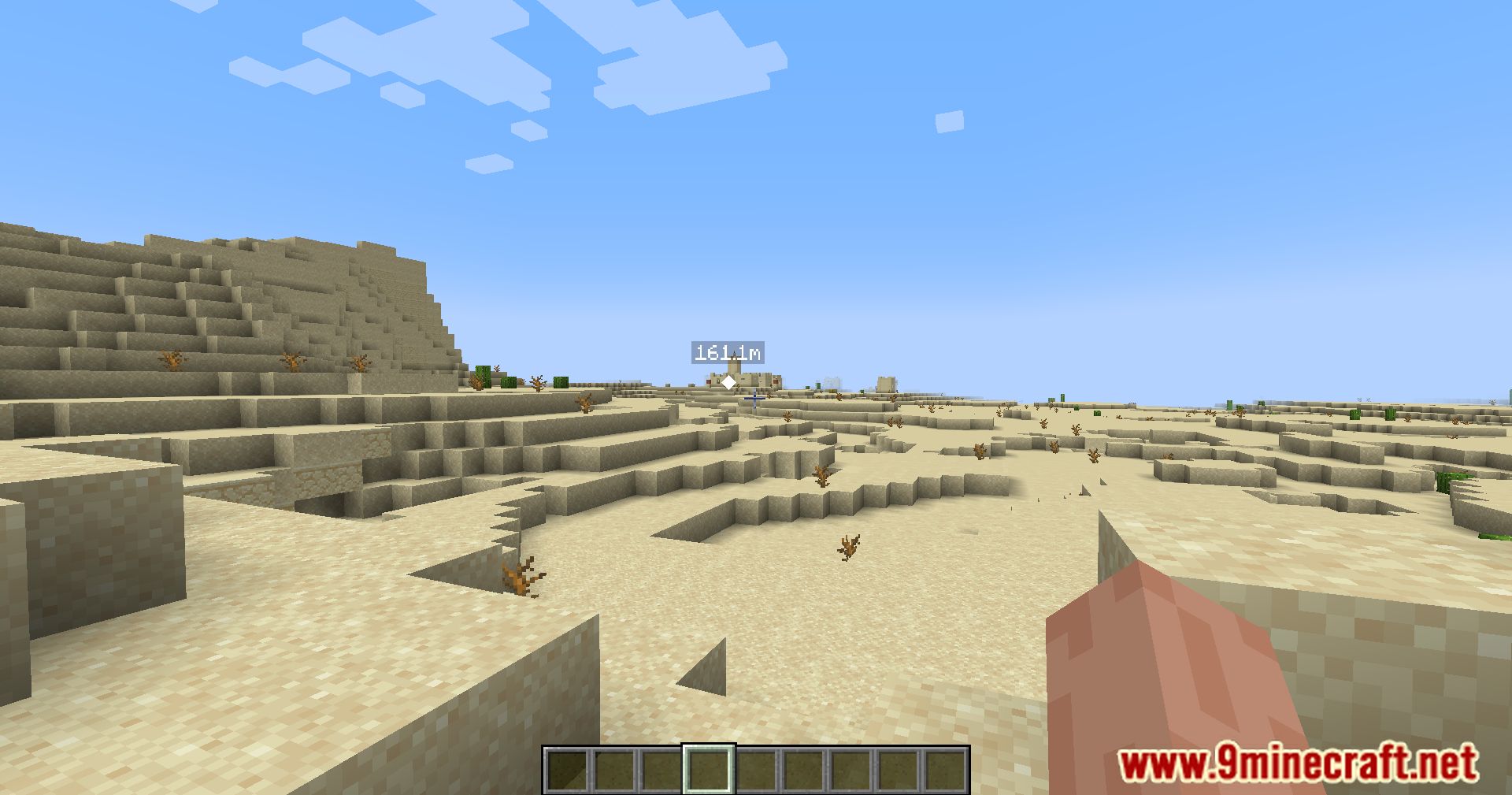
Ping Wheel Mod is perfect for servers-it allows players to place markers in the game world that are visible to all users. For example, you can highlight a large cave, an interesting structure, or simply leave a marker indicating where a house should be built. Everyone in the game world will be able to see this marker and easily navigate to it without any trouble.
Features:
- Players can mark in-game locations or entities using a simple pinging mechanism.
- The default keybind is “Mouse5” (Forward), but you can adjust it to your preference.
- Hold Left Alt to see player names on pings for better coordination.
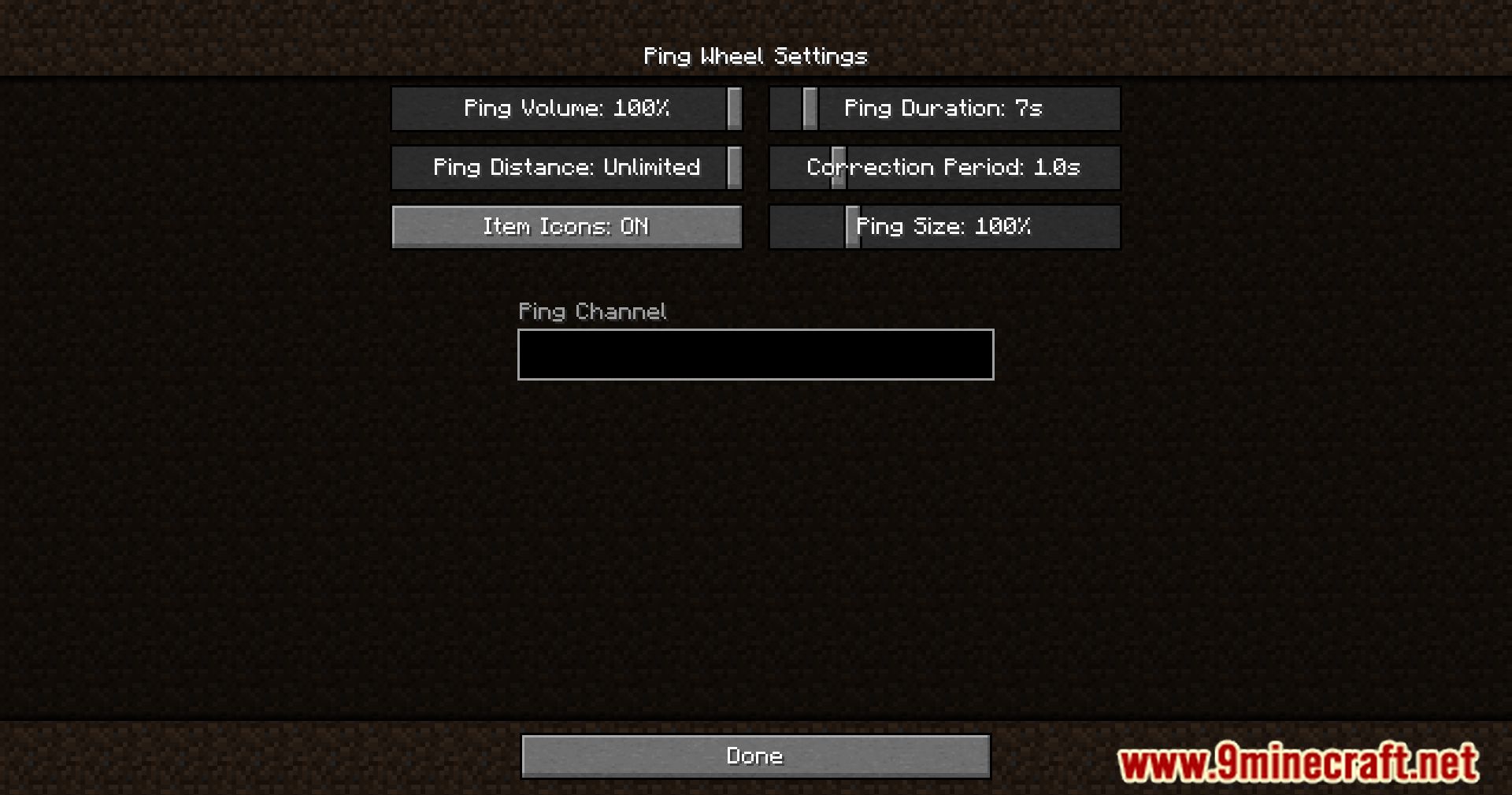
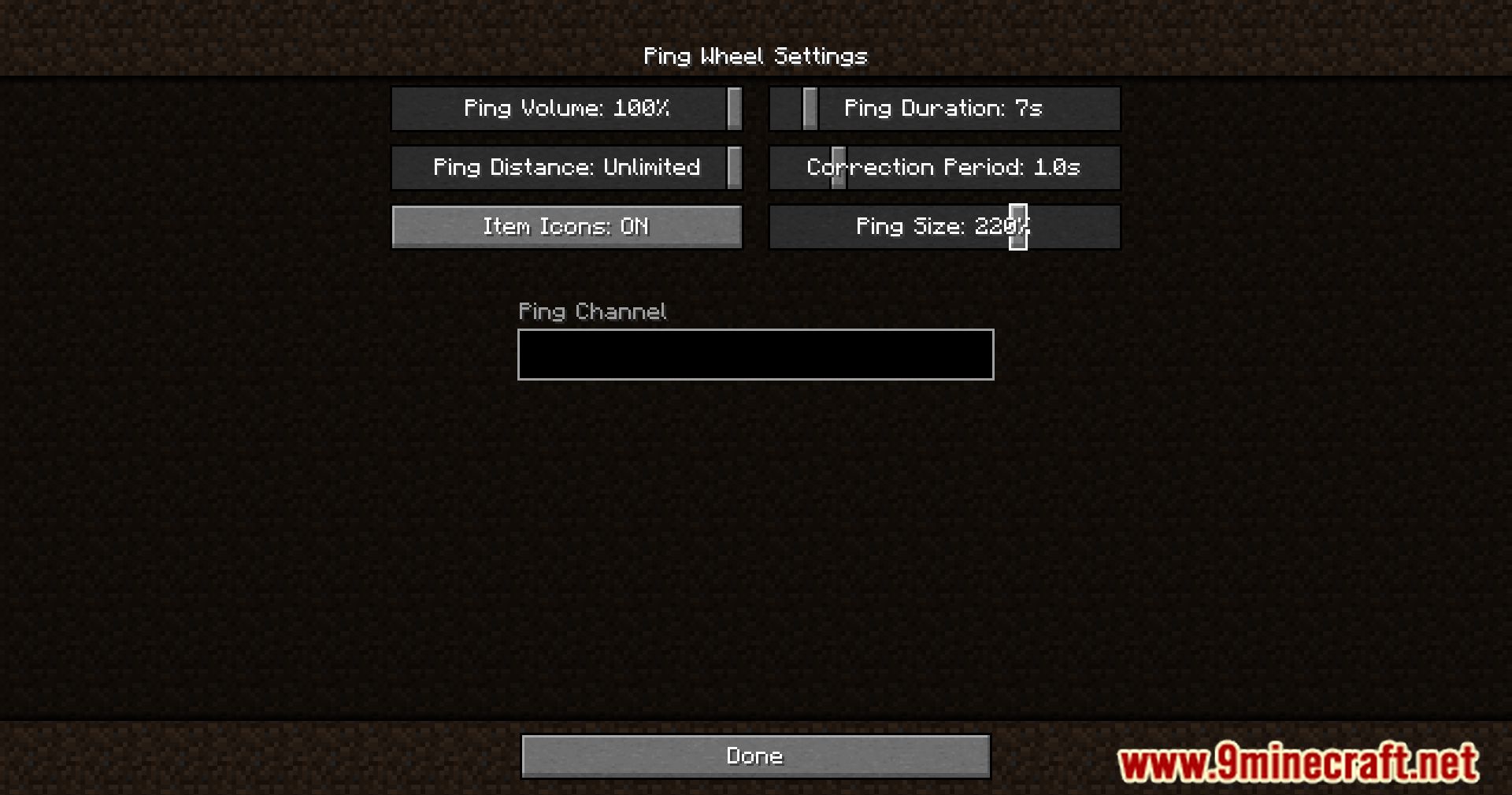
- Item Icons on Pings: When enabled, the ping markers reflect the item texture or model for added clarity.
- Customize settings via /pingwheel config or the Mod Menu.
- The mod can be used on Bukkit servers with its official plugin.
Screenshots:
Ping Wheel Mod Download Links
Quick facts
- Edition: Minecraft Java
- File type: .jar
- Minecraft version listed: 1.20.1
- How to install: Install the matching mod loader (Forge, Fabric or NeoForge) for your Minecraft version. → Download the .jar. → Put it in the .minecraft/mods folder and launch that loader profile.
- Where to get it: In MC Java Mods, or directly above on this page.
Install steps are the general flow for this file type — How to install Minecraft Java mods & modpacks walks through it step by step.
Verified by MCModsHub
- Downloads as 83700.mcaddon
- Download size: 150 KB
- Download link checked 25 Sept 2026 — working
- Mirrored on our own servers — the download does not depend on the original host
These come from our own check of the pack file, not from the source page.