Trailer Shaders (26.3, 1.20.1) – High FPS Bloom and Custom RGB
Java shader pack listed for Minecraft 1.20–26.x. Downloads from the MC Java Mods app on Android.
⬇ Download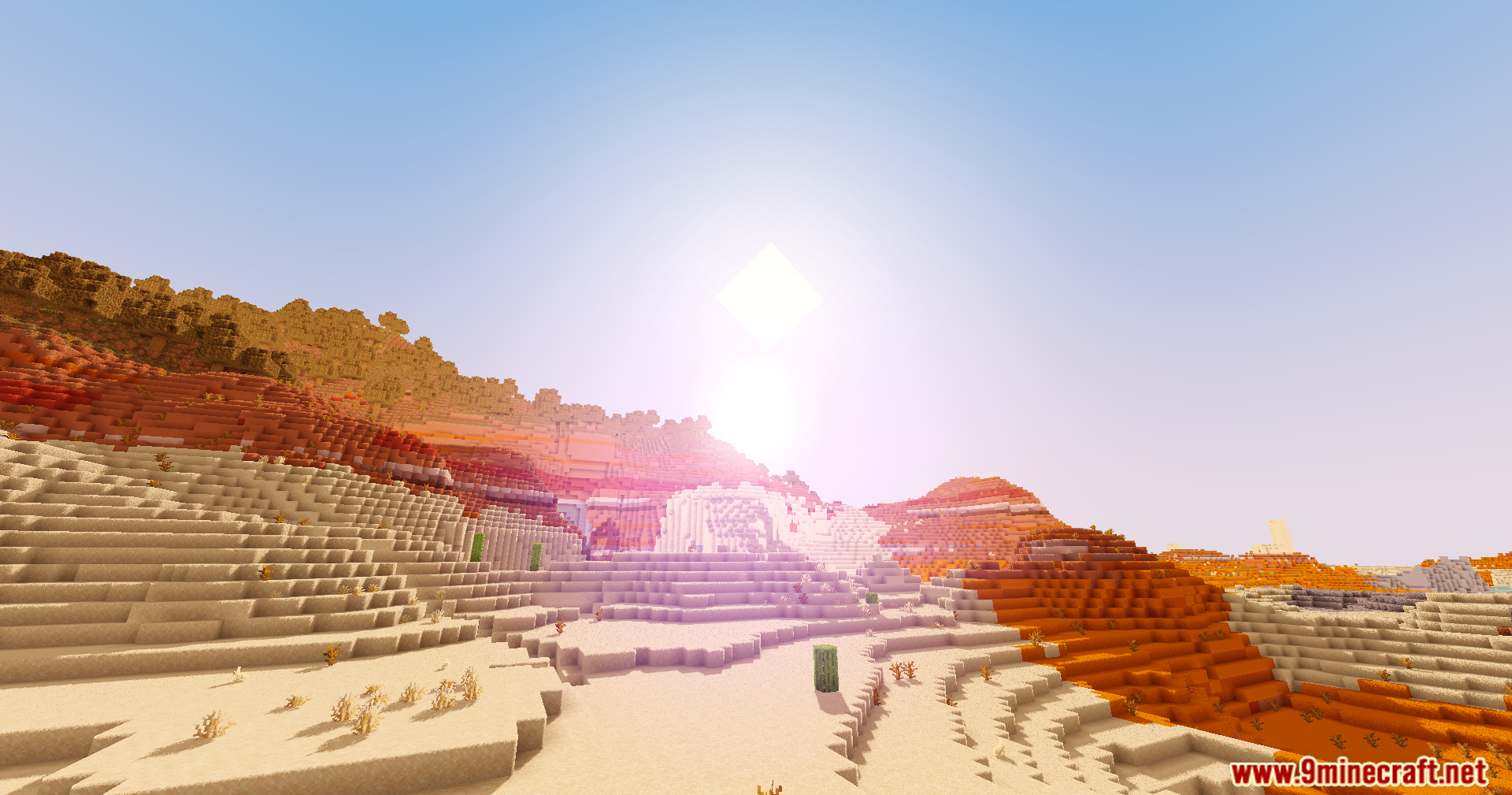
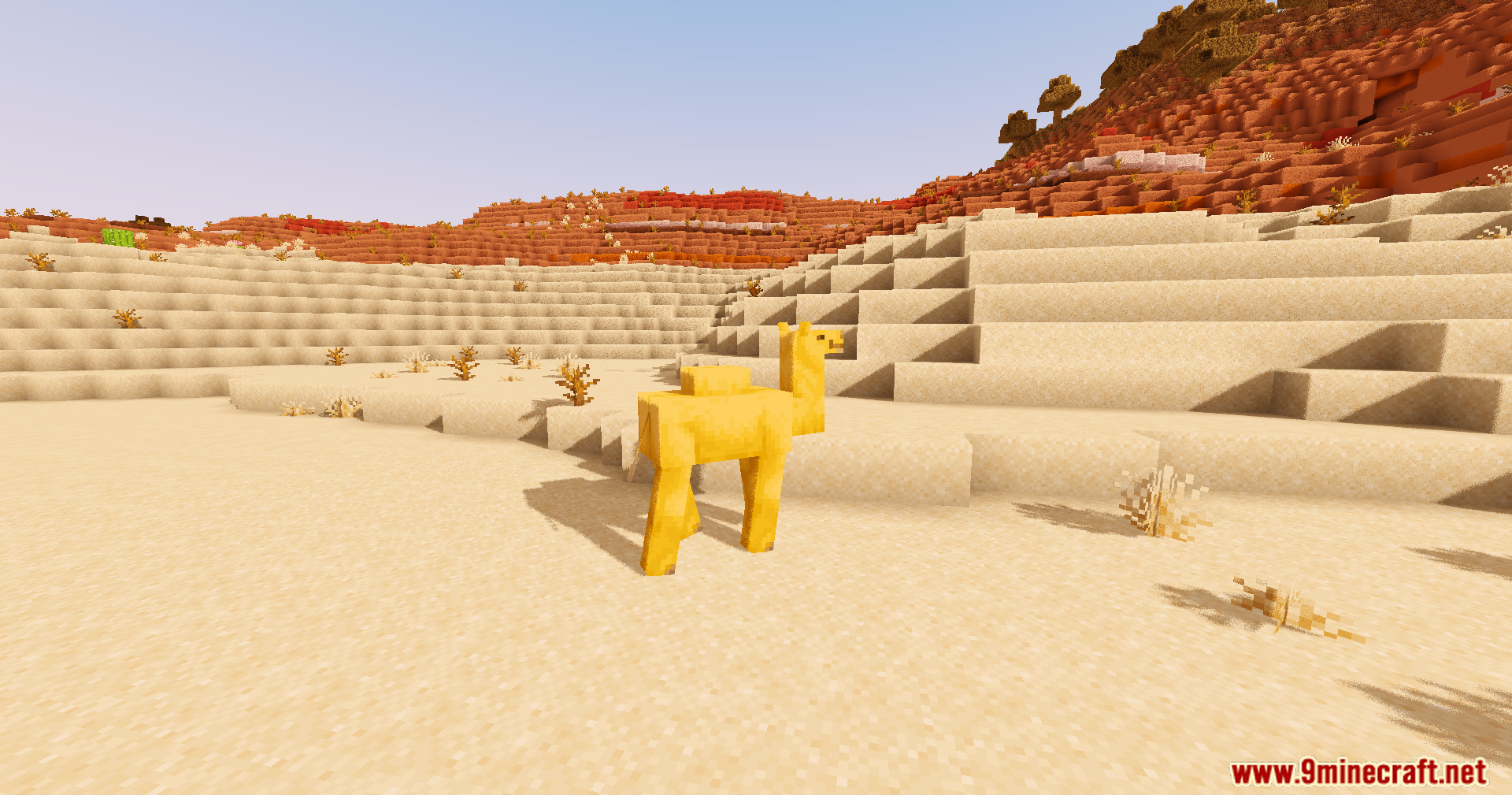
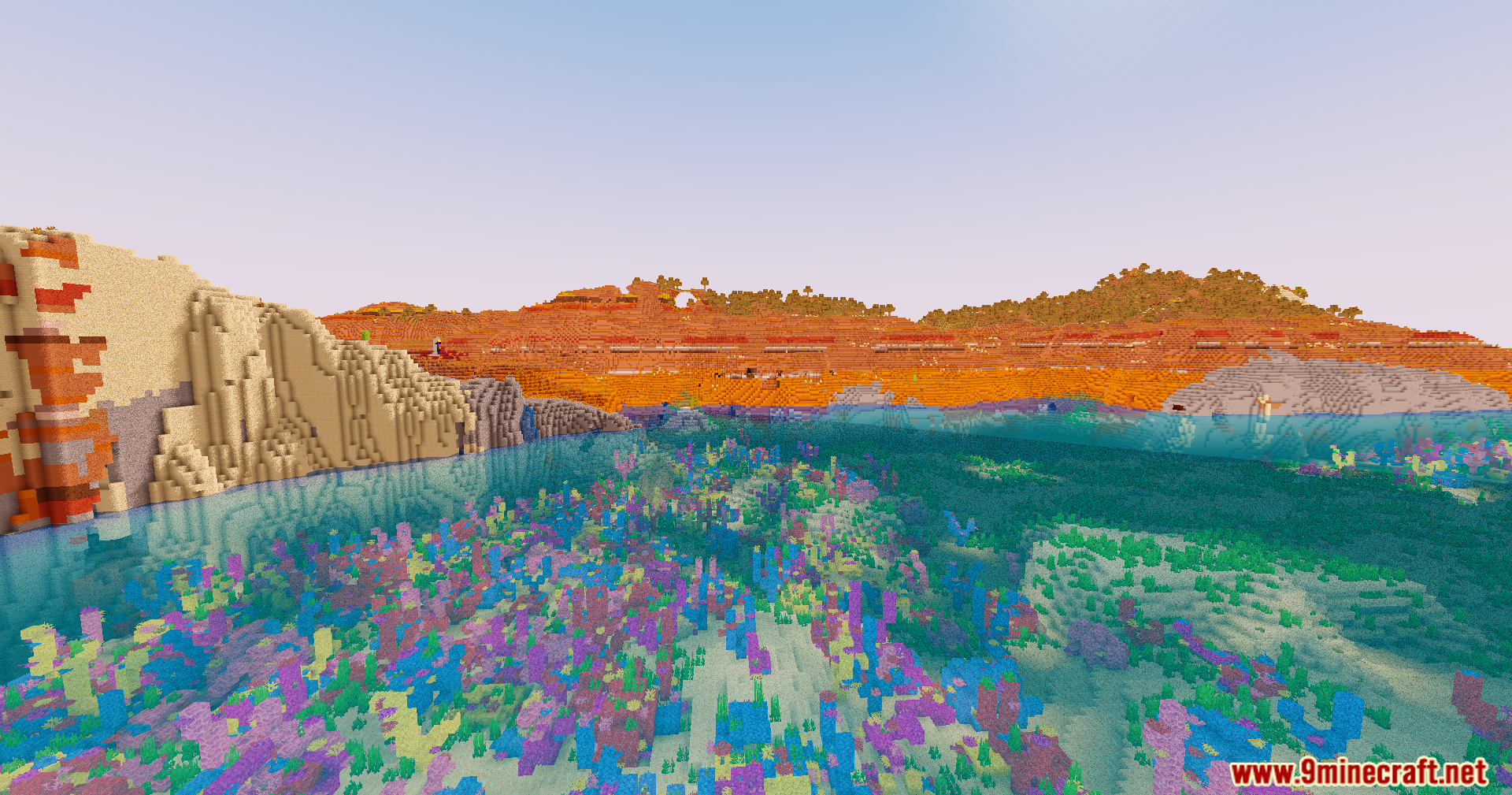
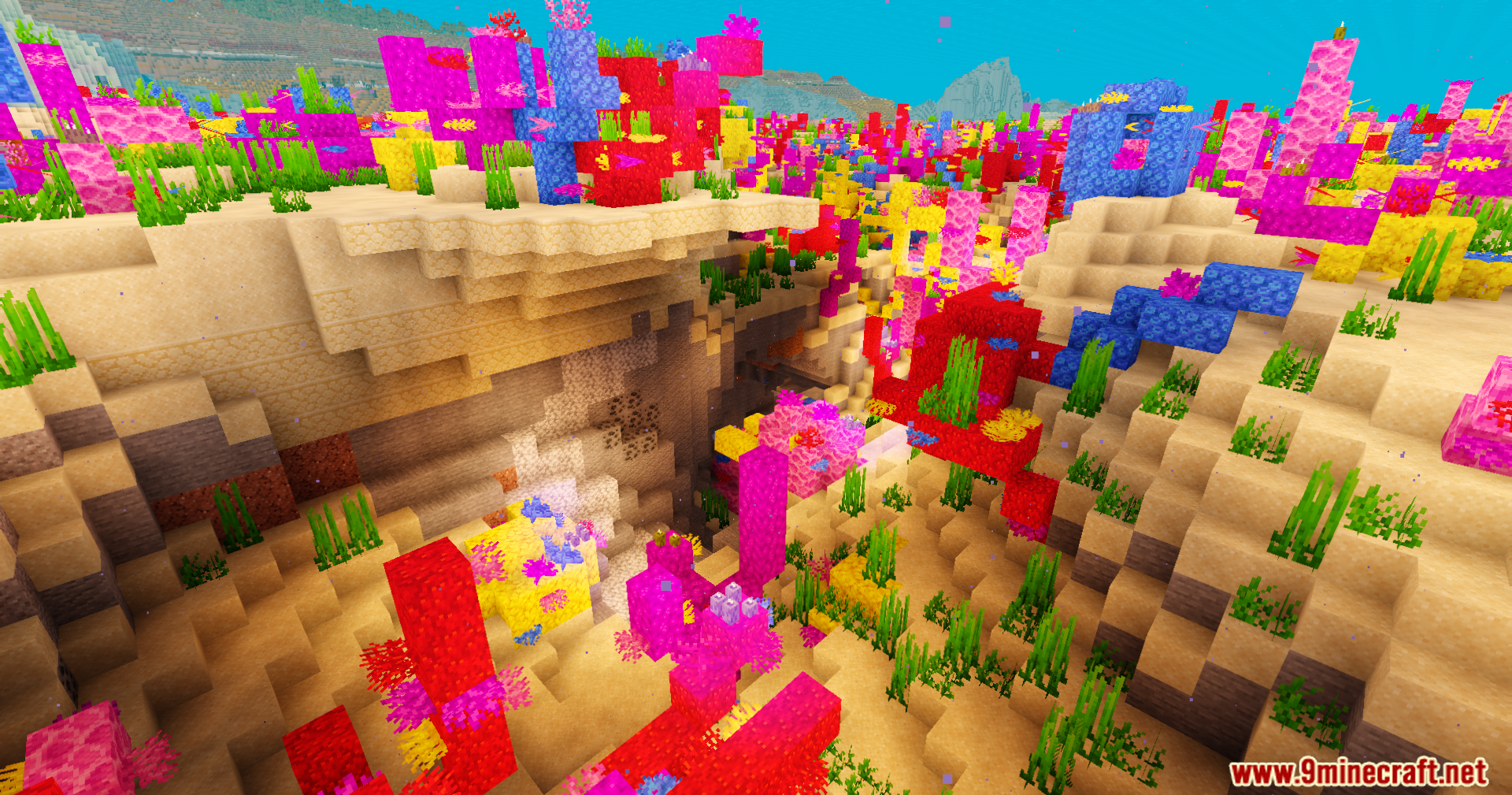
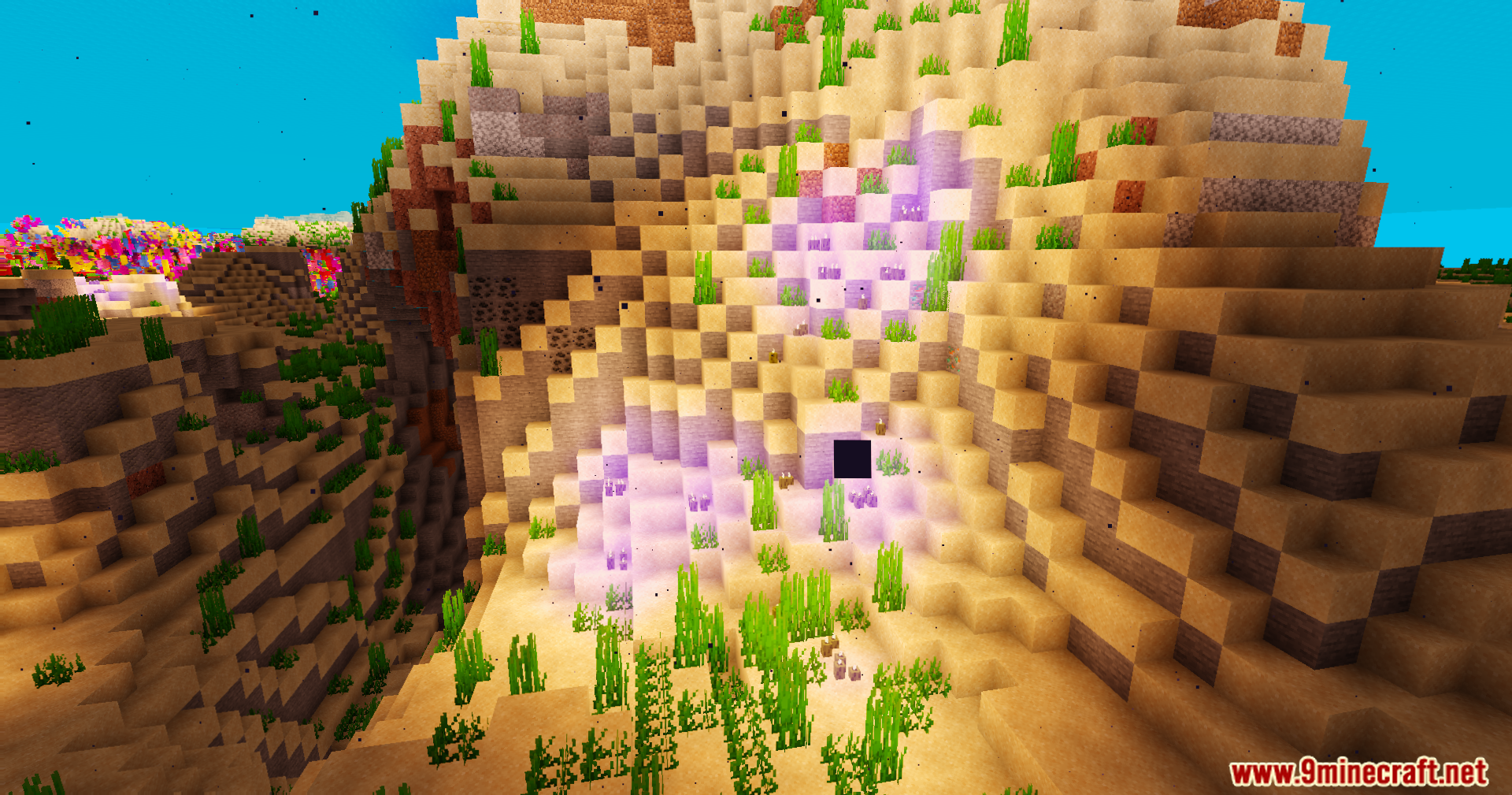
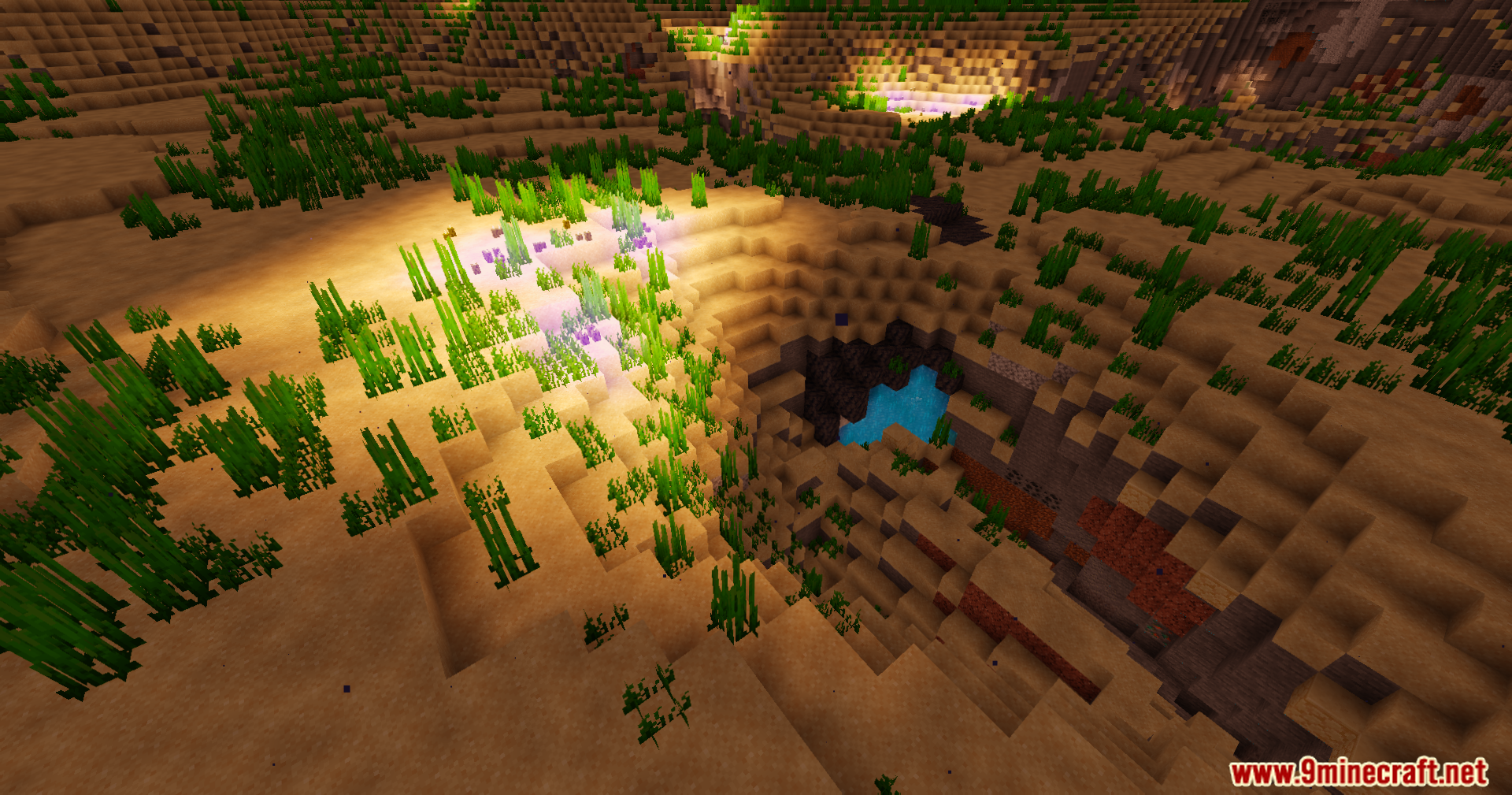
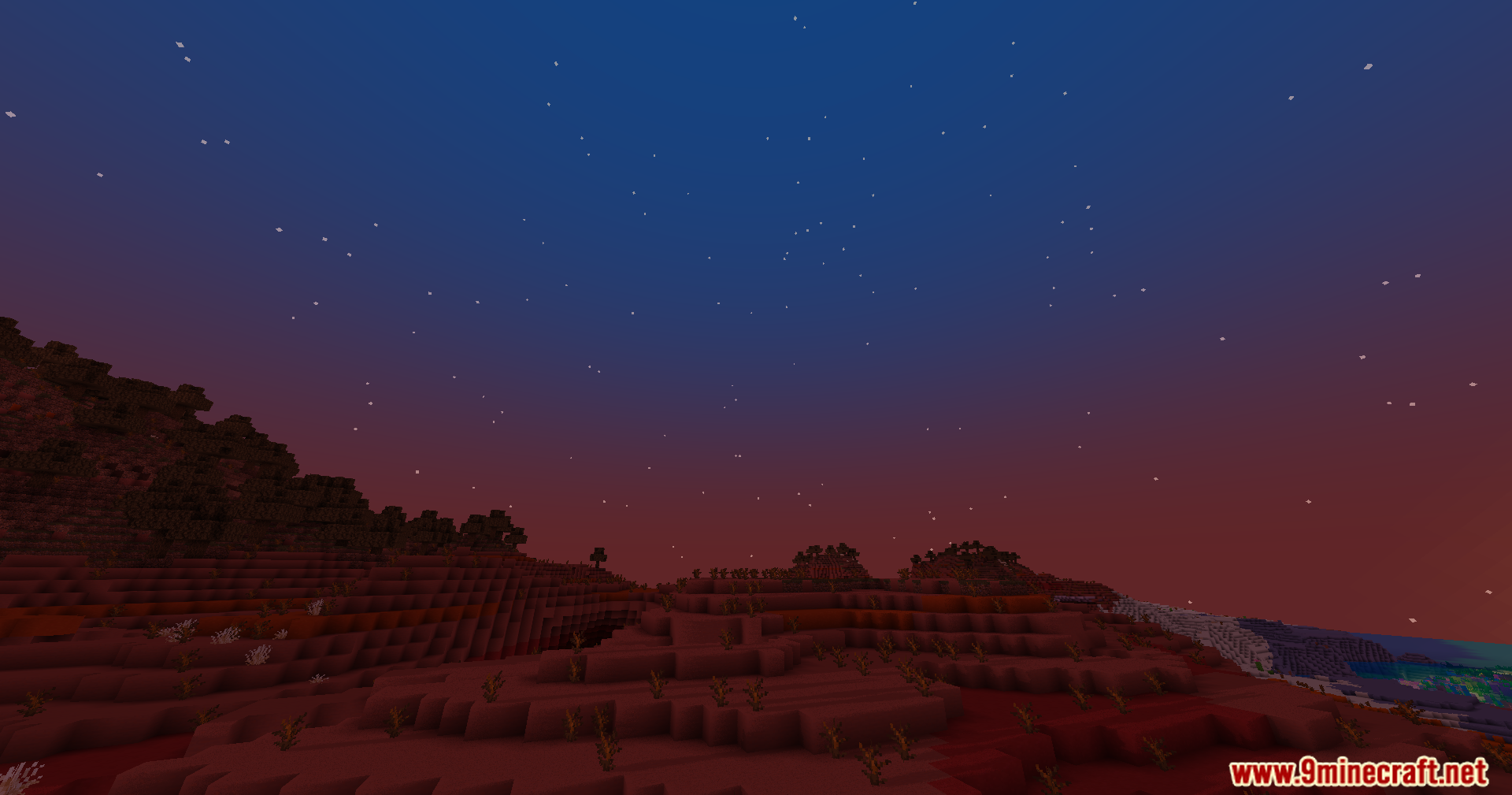
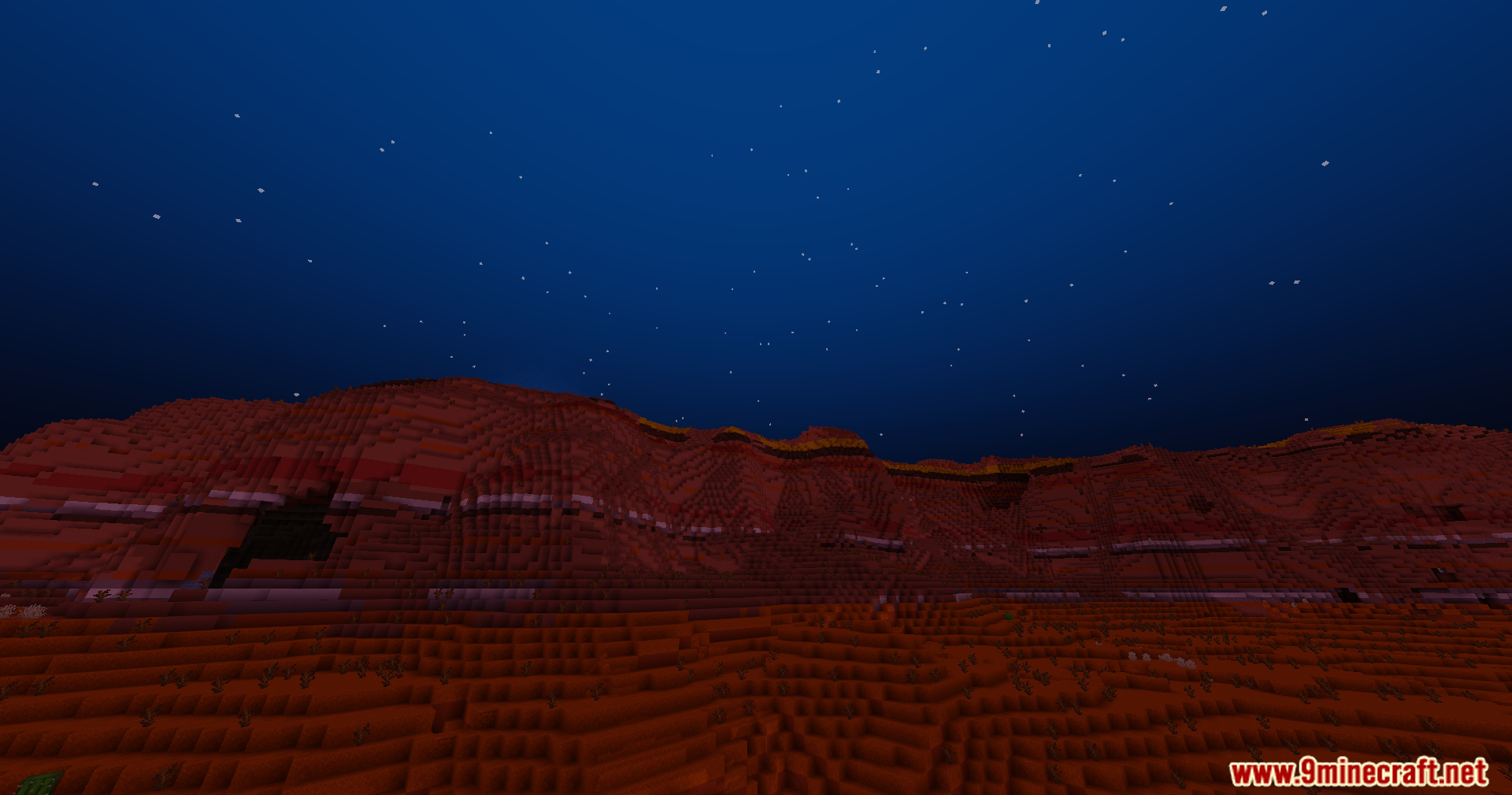
Trailer Shaders transforms the look of your game to match the bright, clean style of official Minecraft videos. This shader adds soft shadows and a glowing bloom effect while keeping your game running fast on normal computers. It includes simple color controls that let you change the red, green, and blue light levels. You can use these settings to build a deep blue night sky, warm orange sunsets over the badlands, or a unique purple glow inside dark caves. The soft lighting also makes underwater coral reefs look bright and colorful.
Features:
- Bloom Effect: Adds a soft, cinematic glow to light sources. This can be easily turned on or off in the shader settings.
- Custom Color Control: Lets you adjust the red, green, and blue light levels to create a custom look for your world.
- Get the clean, vibrant visual style seen in official Minecraft trailers.
- Designed to run well and keep FPS high, even on less powerful computers.
- Makes underwater scenes, like coral reefs, appear more colorful and lively.
- Create unique atmospheres, such as deep blue night skies, warm sunsets, or even purple caves.
- Changes the game’s shadows to be soft and smooth across the landscape.
Shader Trailer
Configuration:
- Bloom Effect: You can turn the soft light glow on or off in the shader settings.
- Color Settings: Go into the settings to change the red, green, and blue colors. This lets you set the perfect mood for your game.
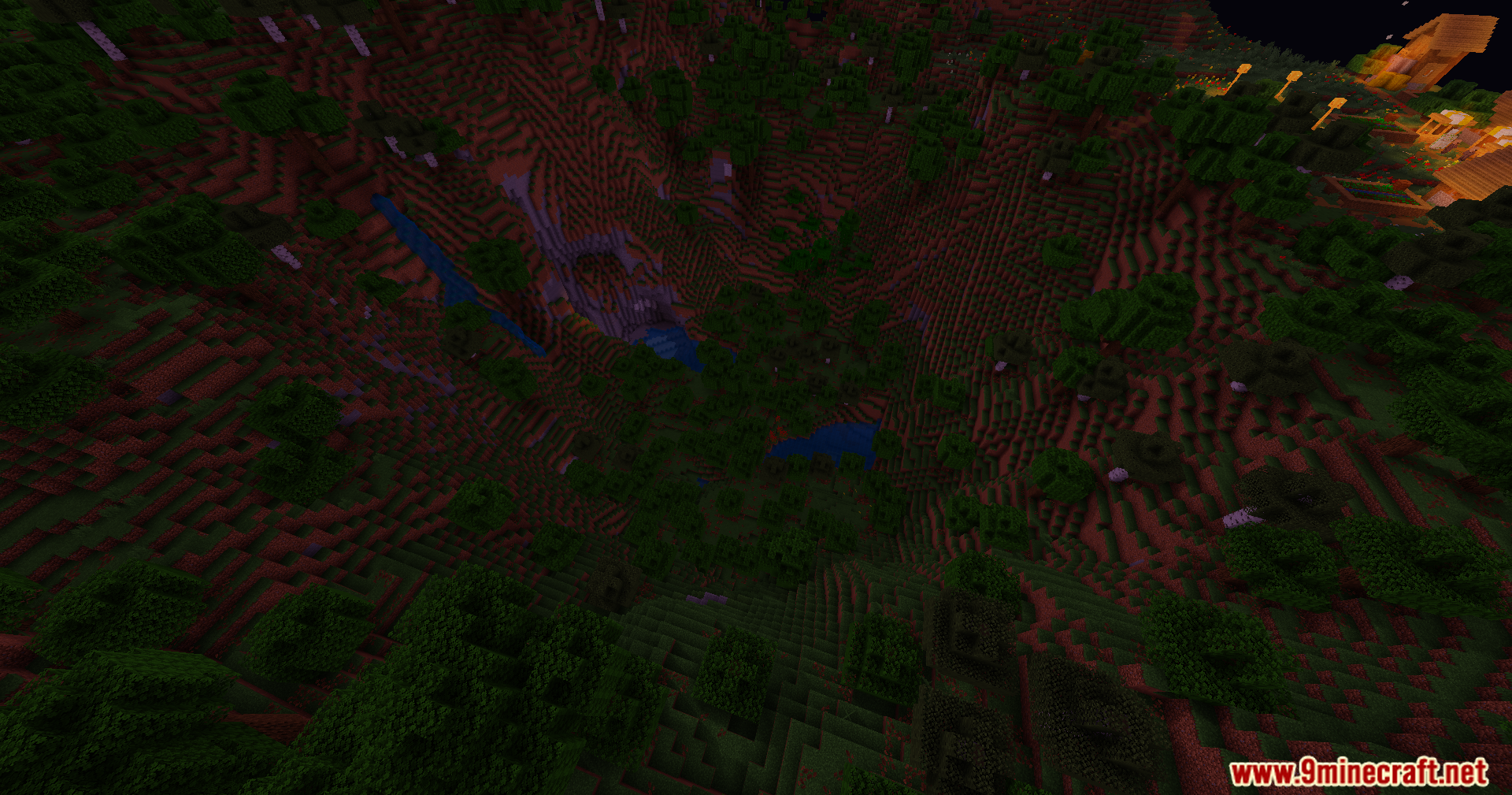
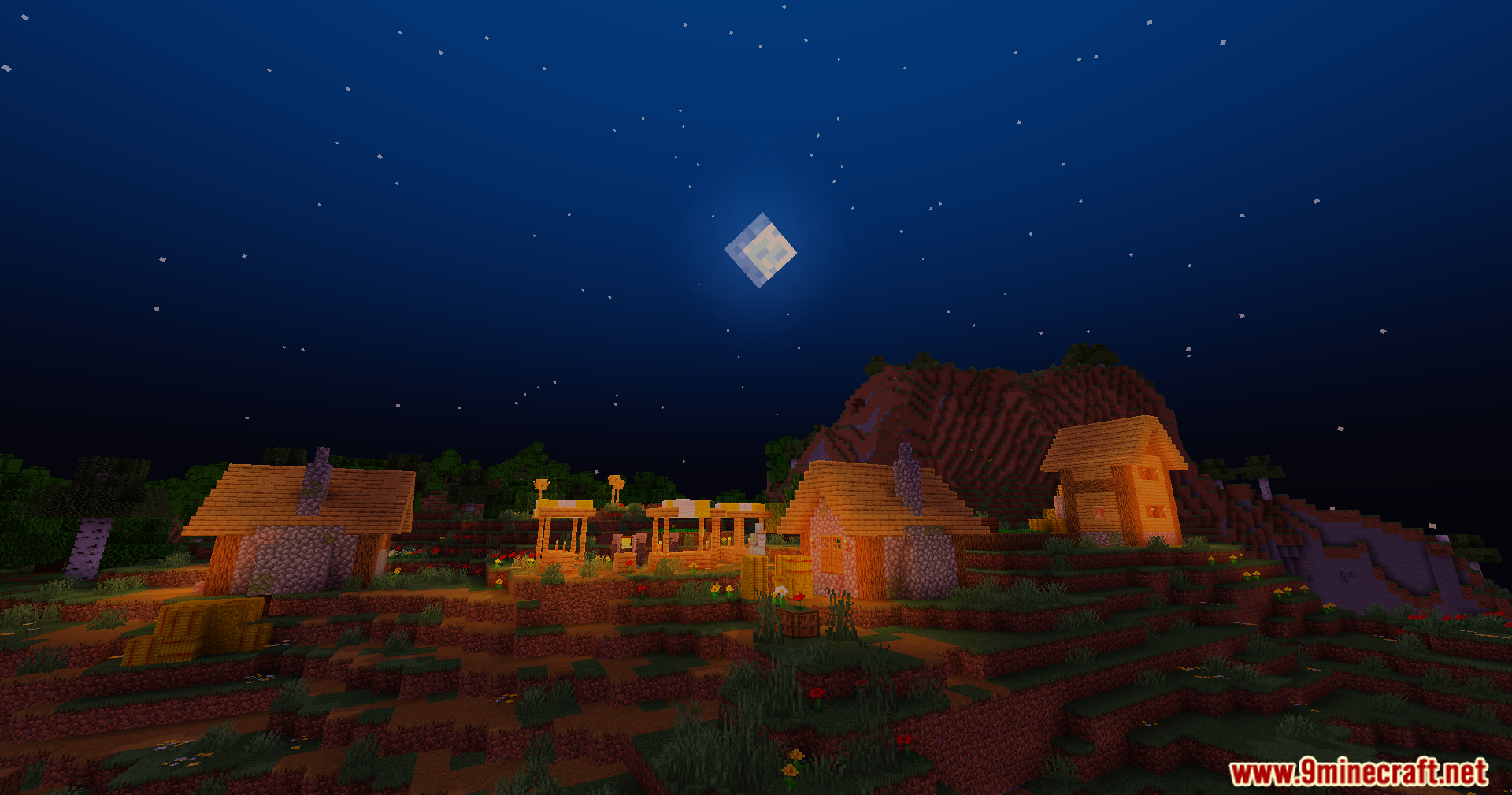
Screenshots:
Trailer Shaders Download Links
- Edition: Minecraft Java
- File type: .zip (resource pack)
- Minecraft versions listed: 26.3, 1.20.1
- How to install: Download the .zip resource pack — do not unzip it. → Put it in .minecraft/resourcepacks. → Enable it in Options → Resource Packs.
- Where to get it: In MC Java Mods, or directly above on this page.
Install steps are the general flow for this file type — see the MC Java Mods guides for the full walkthrough.
Trailer Shaders (26.3, 1.20.1) – High FPS Bloom and Custom RGB is a free Minecraft Java shader. Compatible with Minecraft 26.3, 1.20.1. Download it and open it directly in the game.