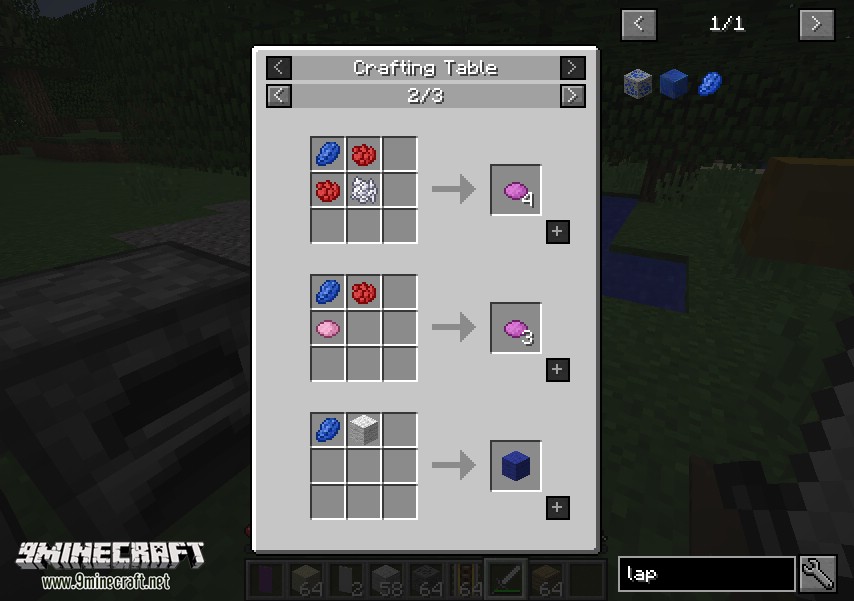
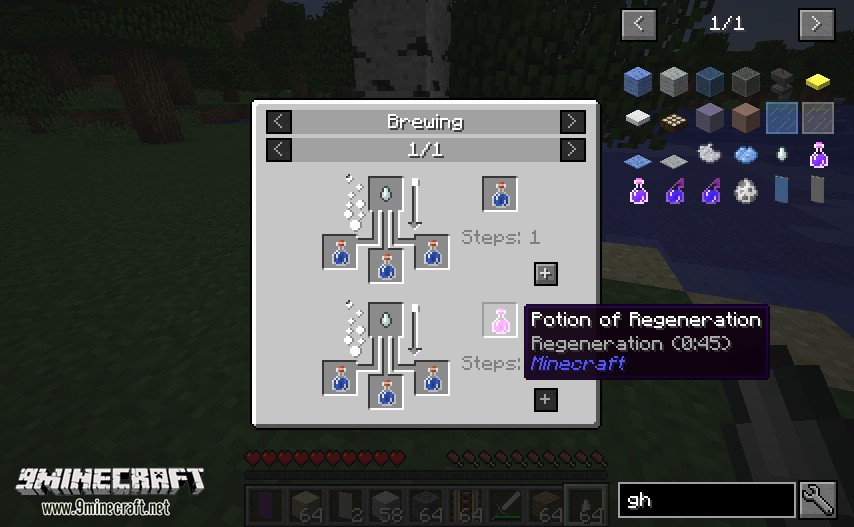
Just Enough Items Mod is a mod that allows us to do many interesting things. For example, you can press a button and switch between creative and survival modes. You can obtain any block or item from the game and any installed mod, even if you are playing in survival mode. With this mod installed, you can see the recipes for any block, item, or element that exists by default in Minecraft, or those added to the game by other mods. The mod also includes an internal search engine that allows us to search for any element by its name or unique identifier, whether it exists by default in Minecraft or is an element added by a mod. You can also see how any functional block in Minecraft works or those added by mods. To see how an item in the inventory is crafted, you just need to hover the mouse over it and press the “R” key, while if you want to see how it works, you need to press the “U” key. It is possible that after installing the mod and entering a game, the graphical interface of the mod does not appear. If this happens, you just need to press the “O” key, which allows you to show or hide the mod interface whenever you want, and the interface will appear on the screen.
This mod is an Item and Recipe viewing mod for Minecraft with a focus on stability, performance, and ease of use. Apparently, it is quite similar to Not Enough Items – a famous one. You may recognize this mod as being not enough items. And these mods are very similar in their design and function.
How to use:
Basic Controls:
Inventory: (Minecraft Options -> Controls)
- Show Recipes: Hover over item + R
- Show Uses: Hover over item + U
- Toggle Item List Overlay: Control + O
Item List:
- Show Recipes Click Item or type R
- Show Uses : Right-Click Item or type U
- Next/Previous page: Scroll Wheel
Search:
- Select Search Bar: Click or Control + F
- Clear Search: Right Click
- Previous Search: Up Arrow
- Search by Mod Name: Type @ in front of a word (like “@thaum”)
- Multiple terms work together (like “wand @thaum”)
Recipe View:
- Next/Previous page: Scroll Wheel
- Show all Recipes: Click the recipe category’s name
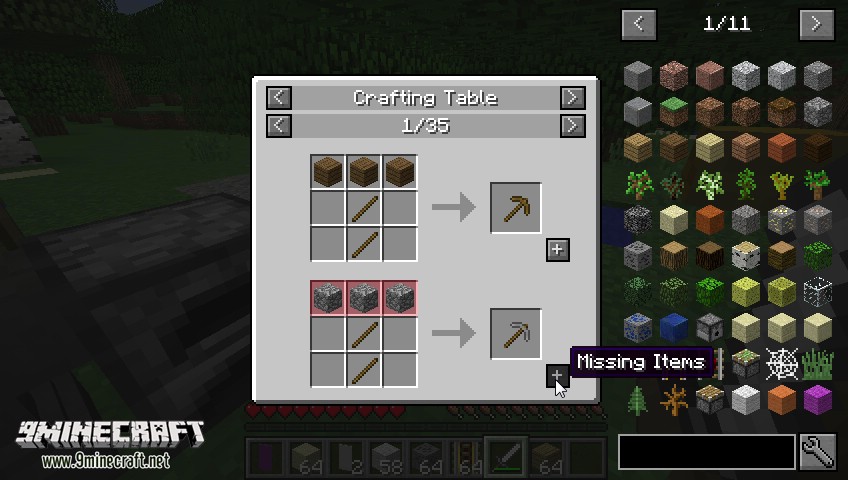
- Move items into crafting area: Click the [+] button. Shift-Click to move multiple sets of items.
Advanced Controls:
Advanced Search:
- Search by Tooltip Only: Type # in front of a word
- Search by OreDict name: Type $ in front of a word
- Search by Creative Tab: Type % in front of a word
- Multiple Searches: Separate terms with | characters, like “wrench|hammer”
With Cheat Mode Active:
- Get a full stack of Items: Click Item
- Get one Item: Right-Click Item
- Delete Item: Drop an Item into the Item List
With Item List Edit Mode Active:
(These controls are shown in-game on the item tooltip)
- Hide Item: Control-Click Item
- Hide Items and Sub-Items: Control-Right-Click Item
- Hide all Items from a mod: Control-Shift-Click Item
Screenshots:
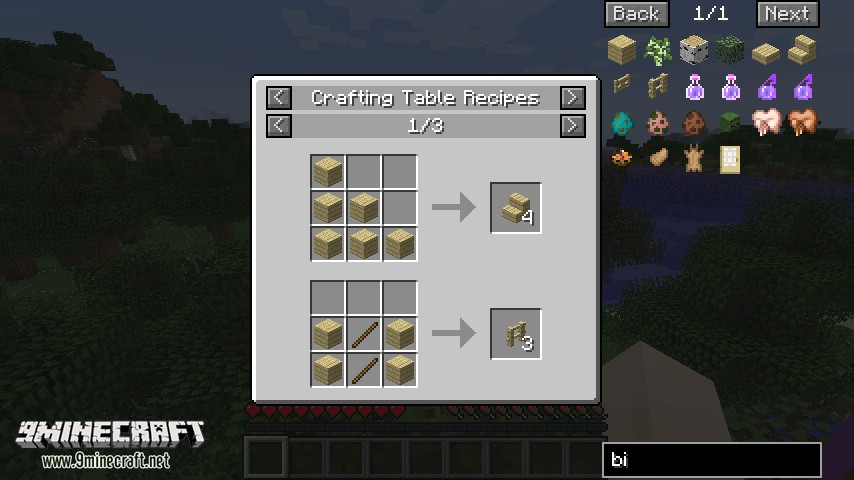
JEI Small Screen
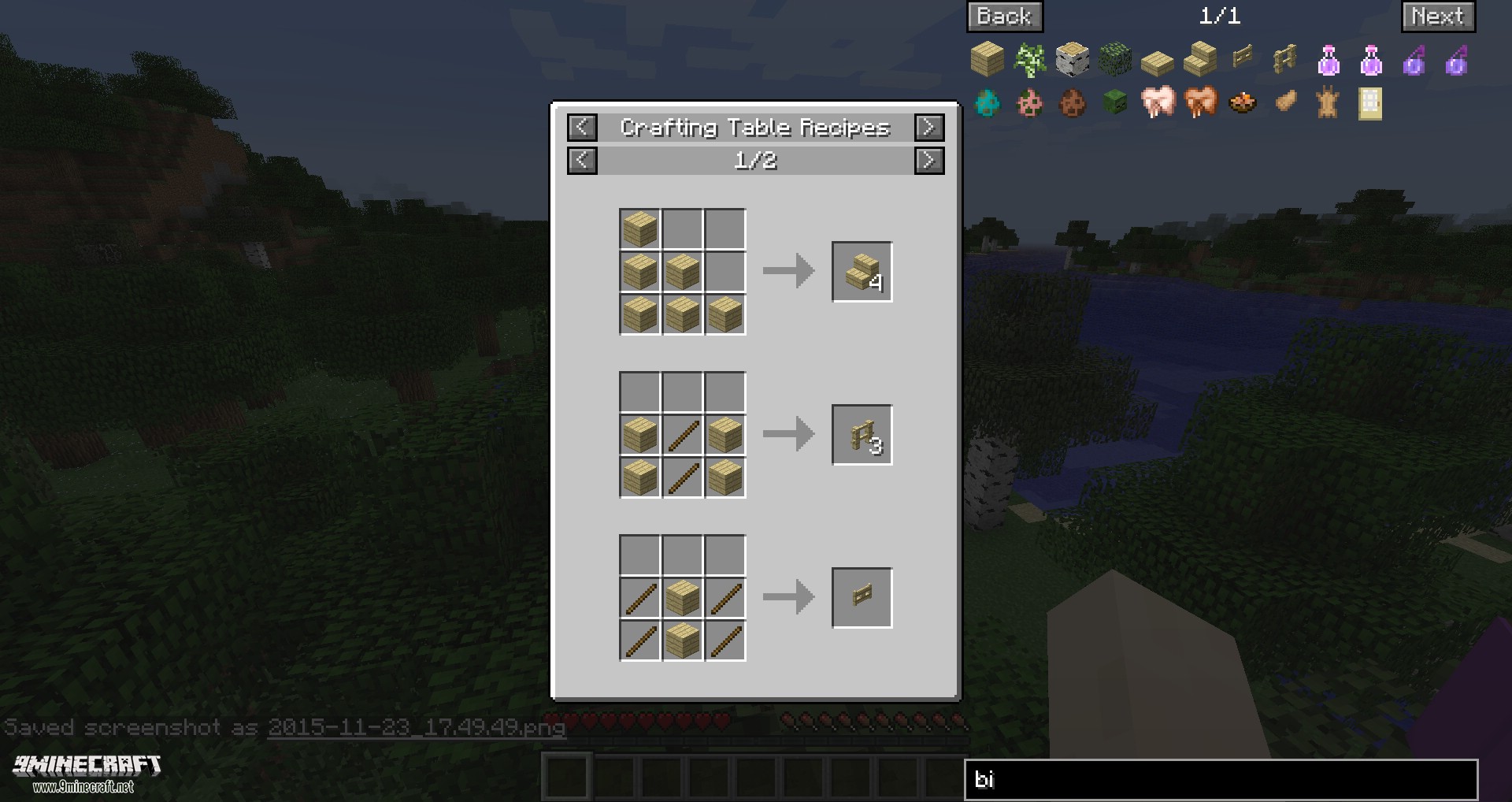
JEI Screen Large
Just Enough Items Mod Download Links
- Edition: Minecraft Java
- File type: .jar
- Minecraft version listed: 1.20.1
- How to install: Install the matching mod loader (Forge, Fabric or NeoForge) for your Minecraft version. → Download the .jar. → Put it in the .minecraft/mods folder and launch that loader profile.
- Where to get it: In MC Java Mods, or directly above on this page.
Install steps are the general flow for this file type — How to install Minecraft Java mods & modpacks walks through it step by step.
- Downloads as 83758.mcaddon
- Download size: 1.8 MB
- Download link checked 25 Sept 2026 — working
- Mirrored on our own servers — the download does not depend on the original host
These come from our own check of the pack file, not from the source page.