
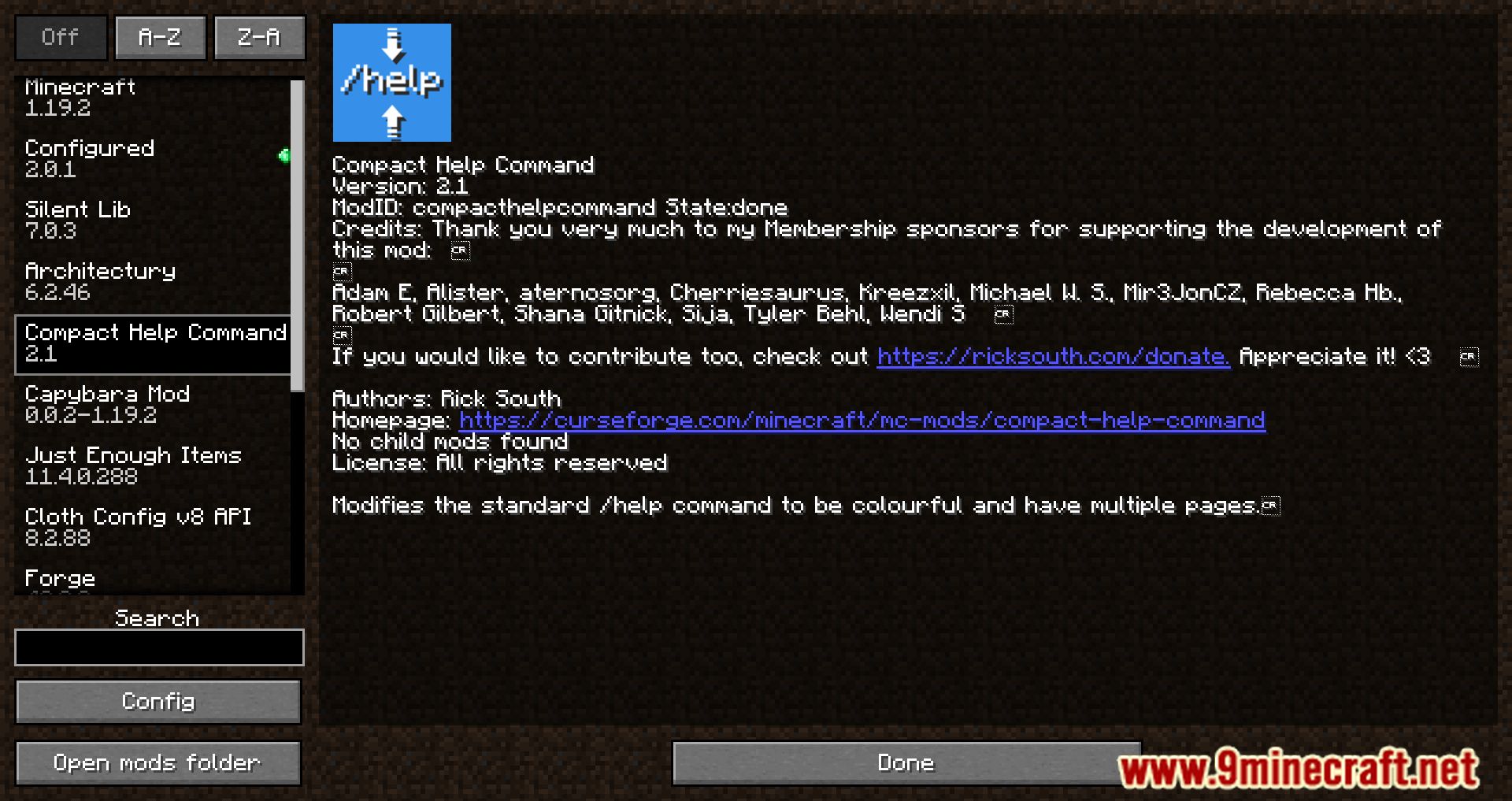
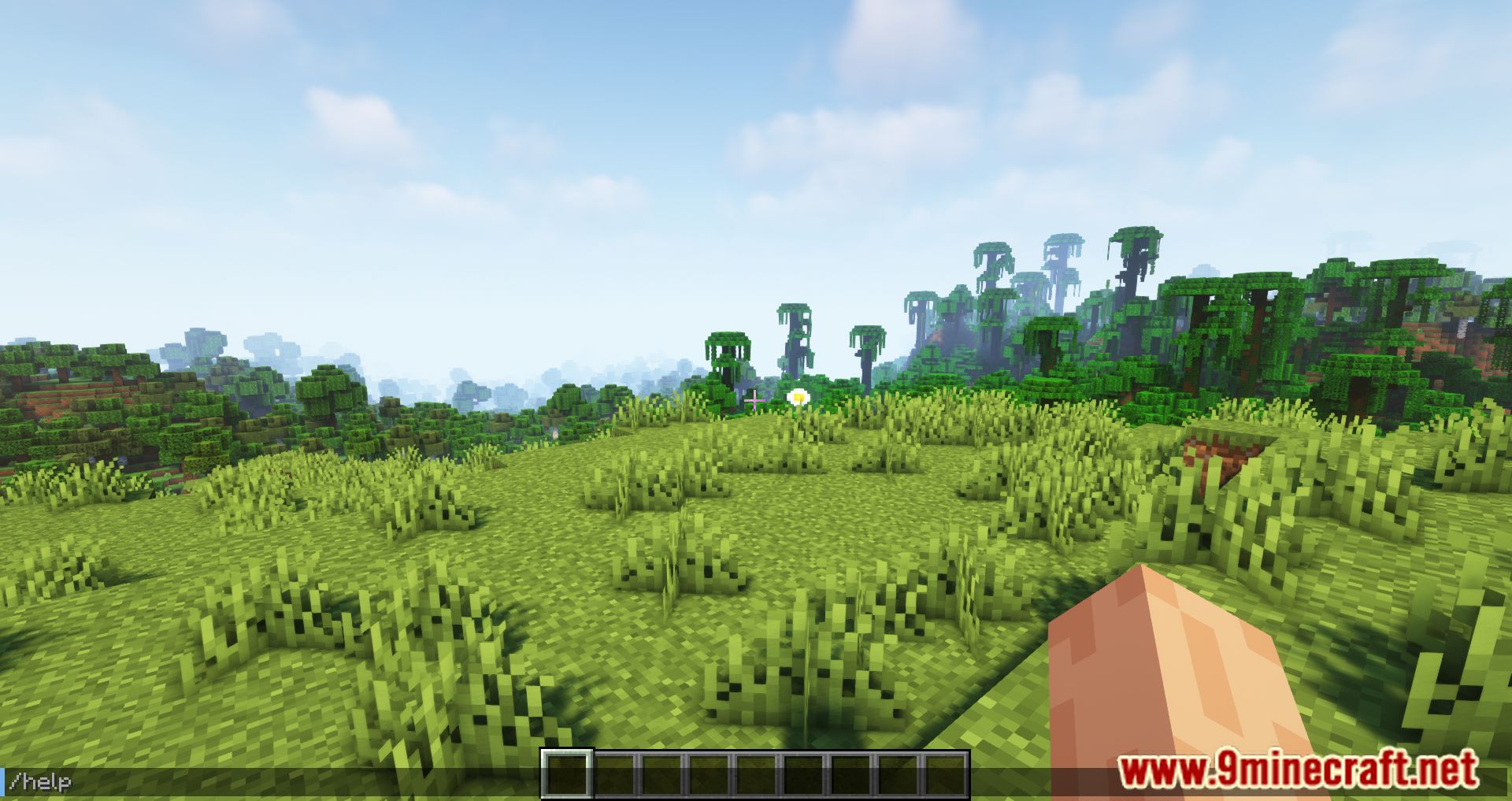
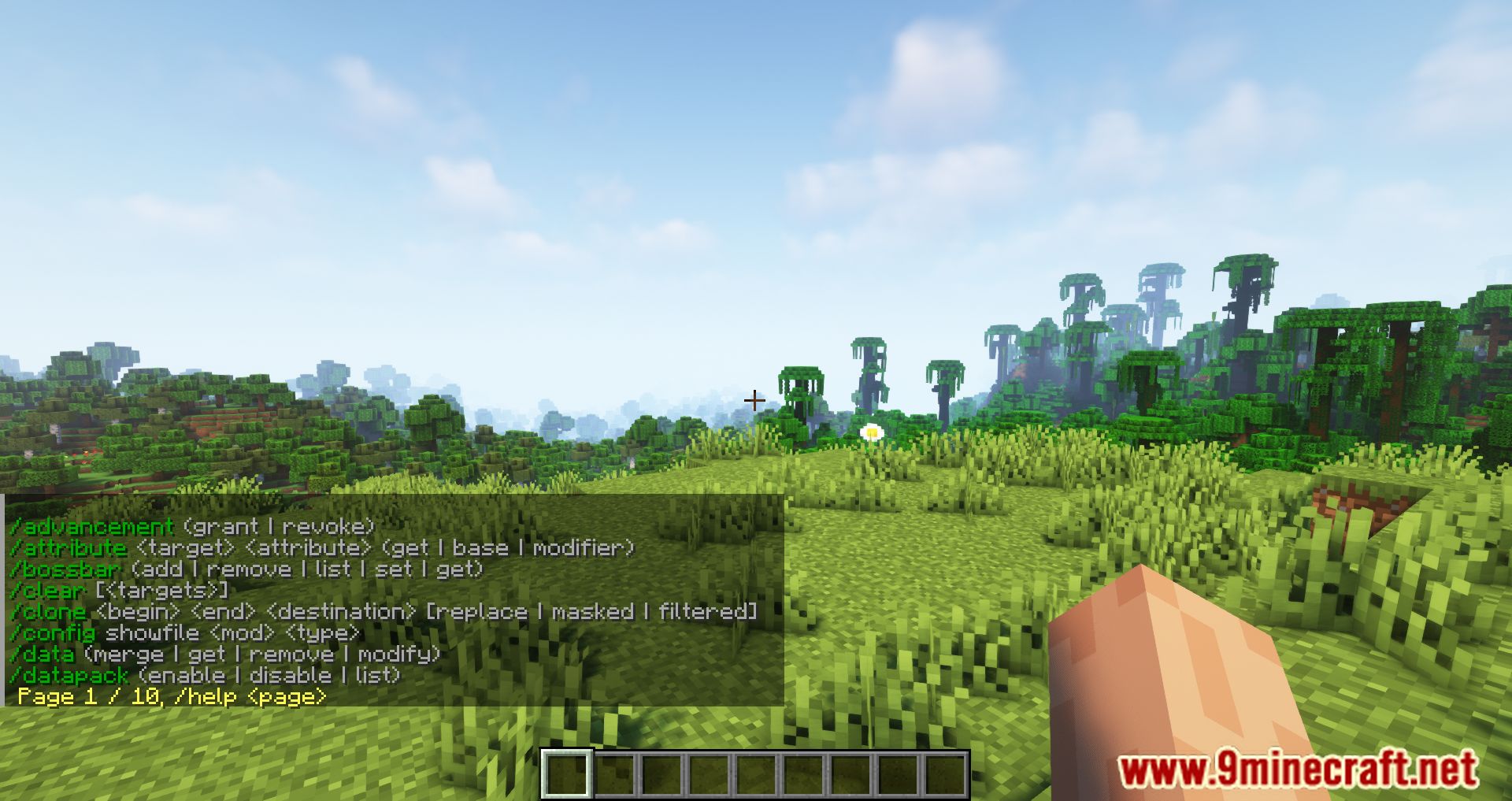
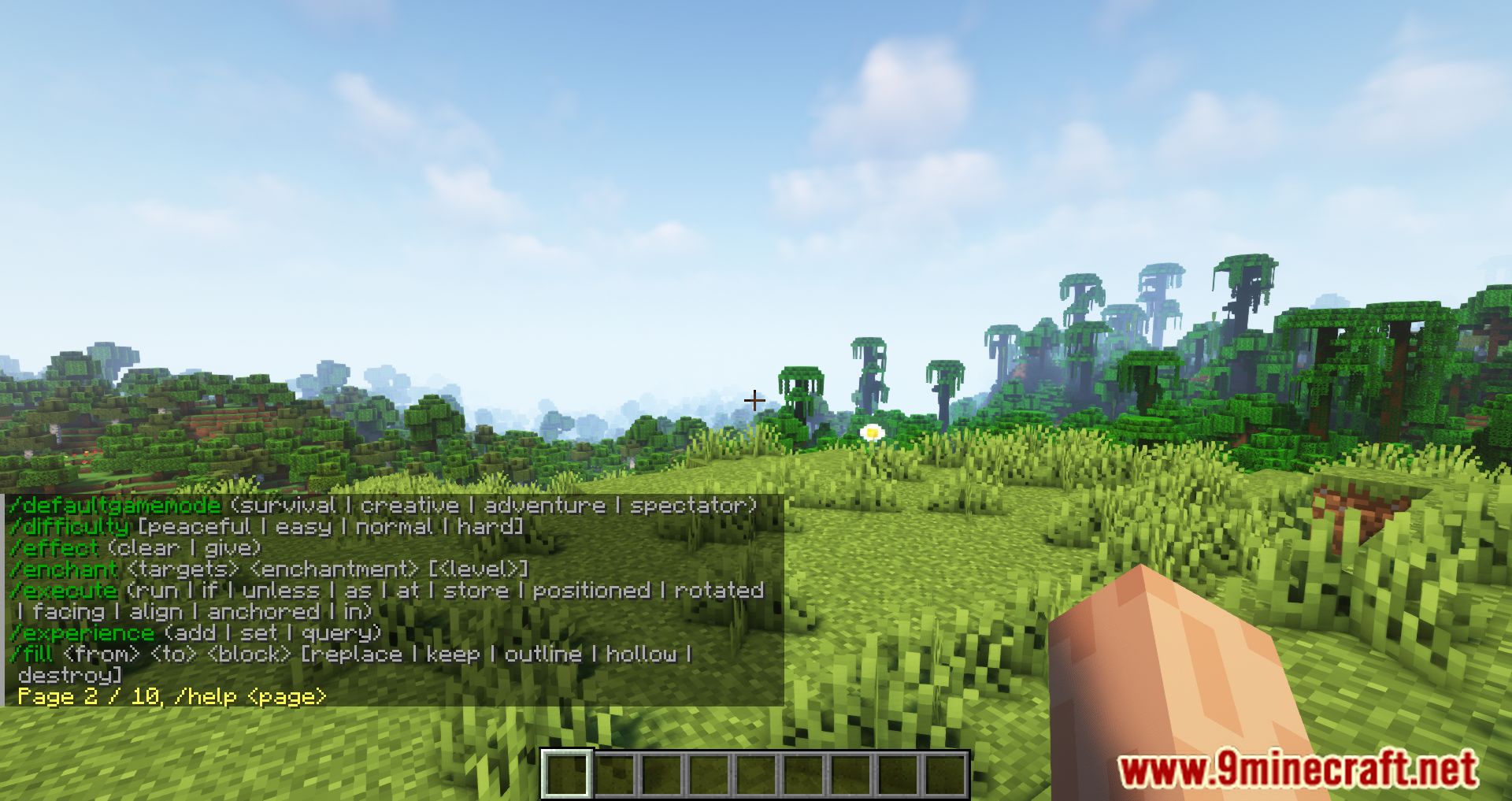
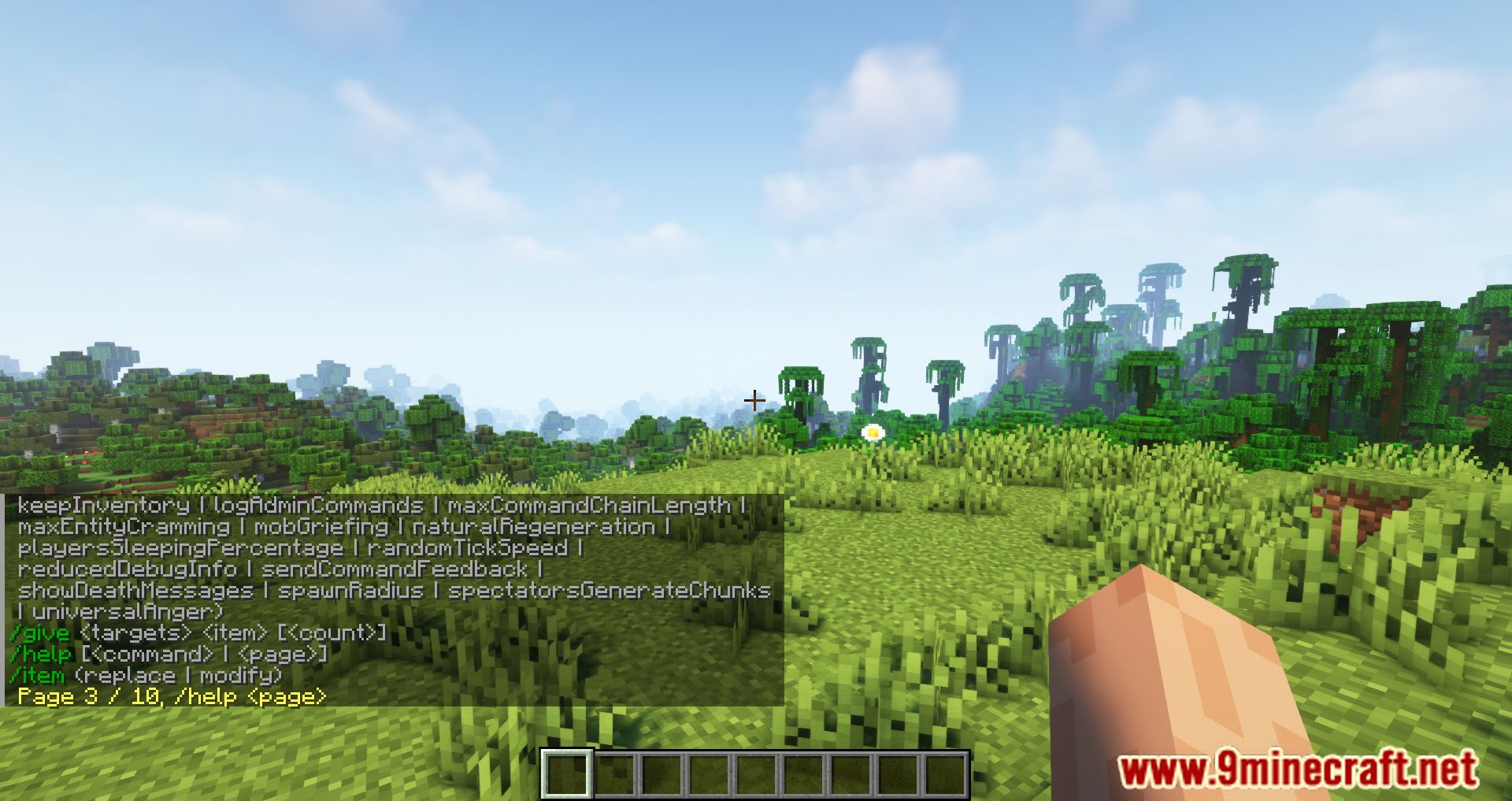
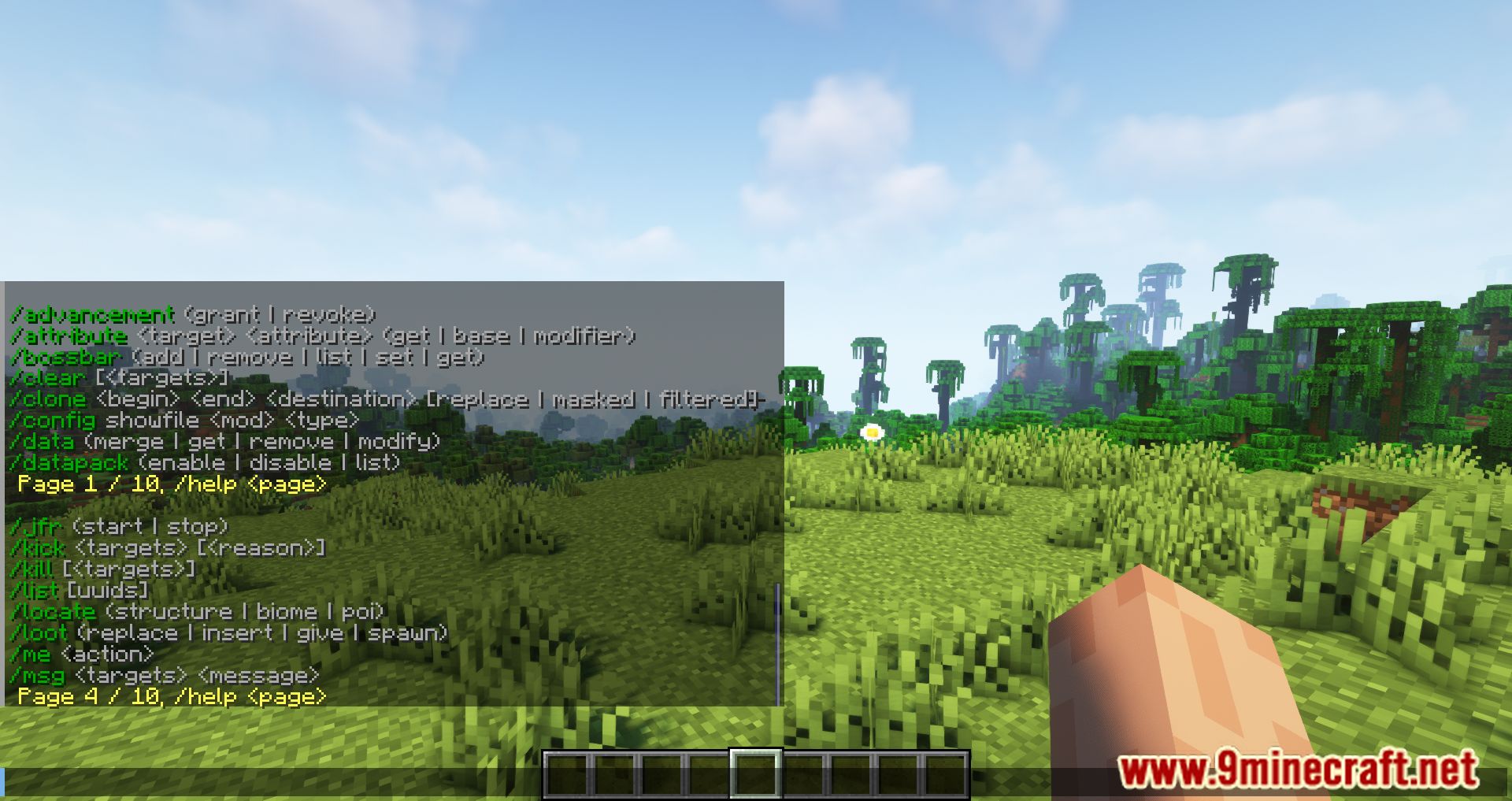
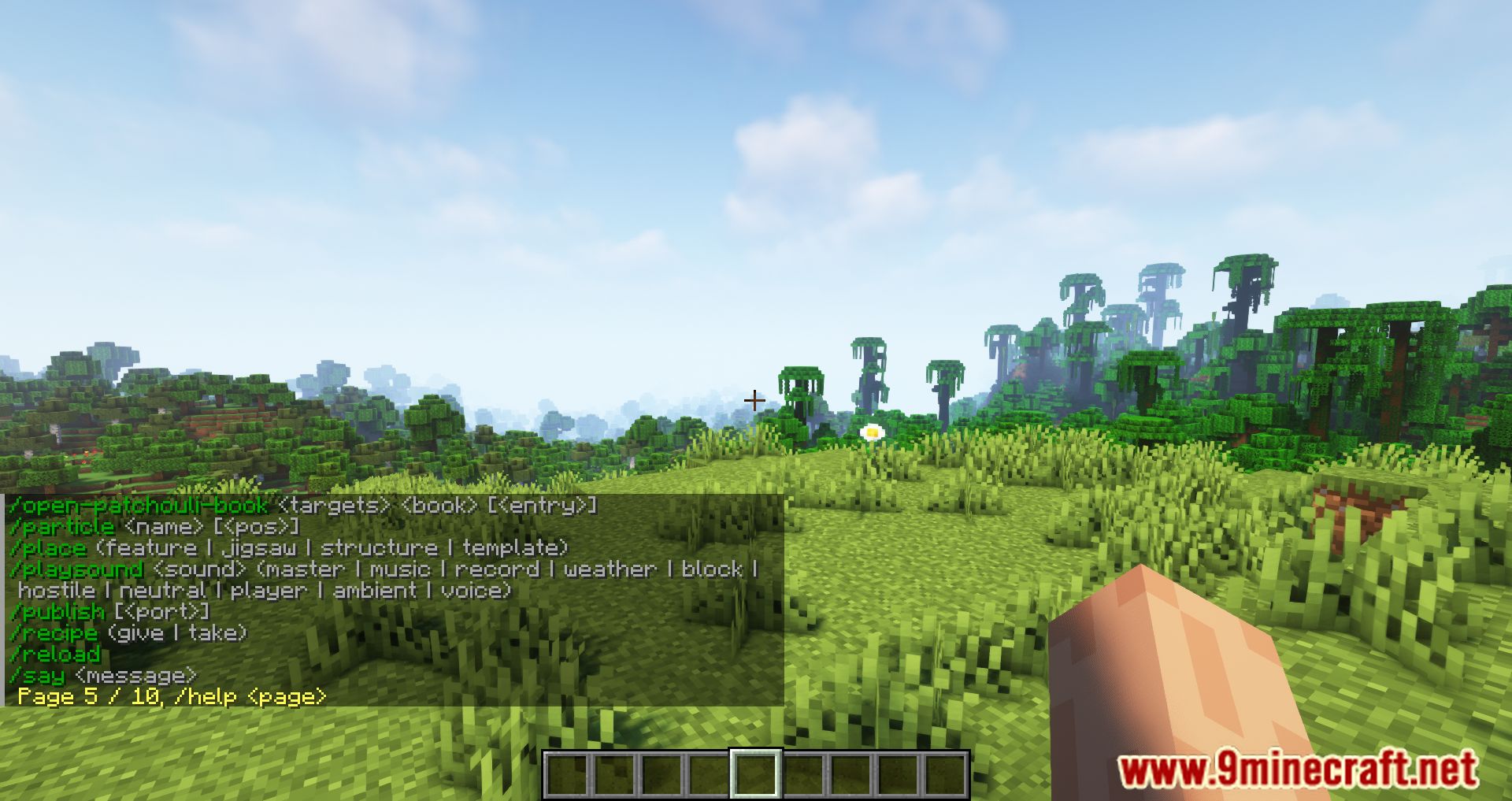
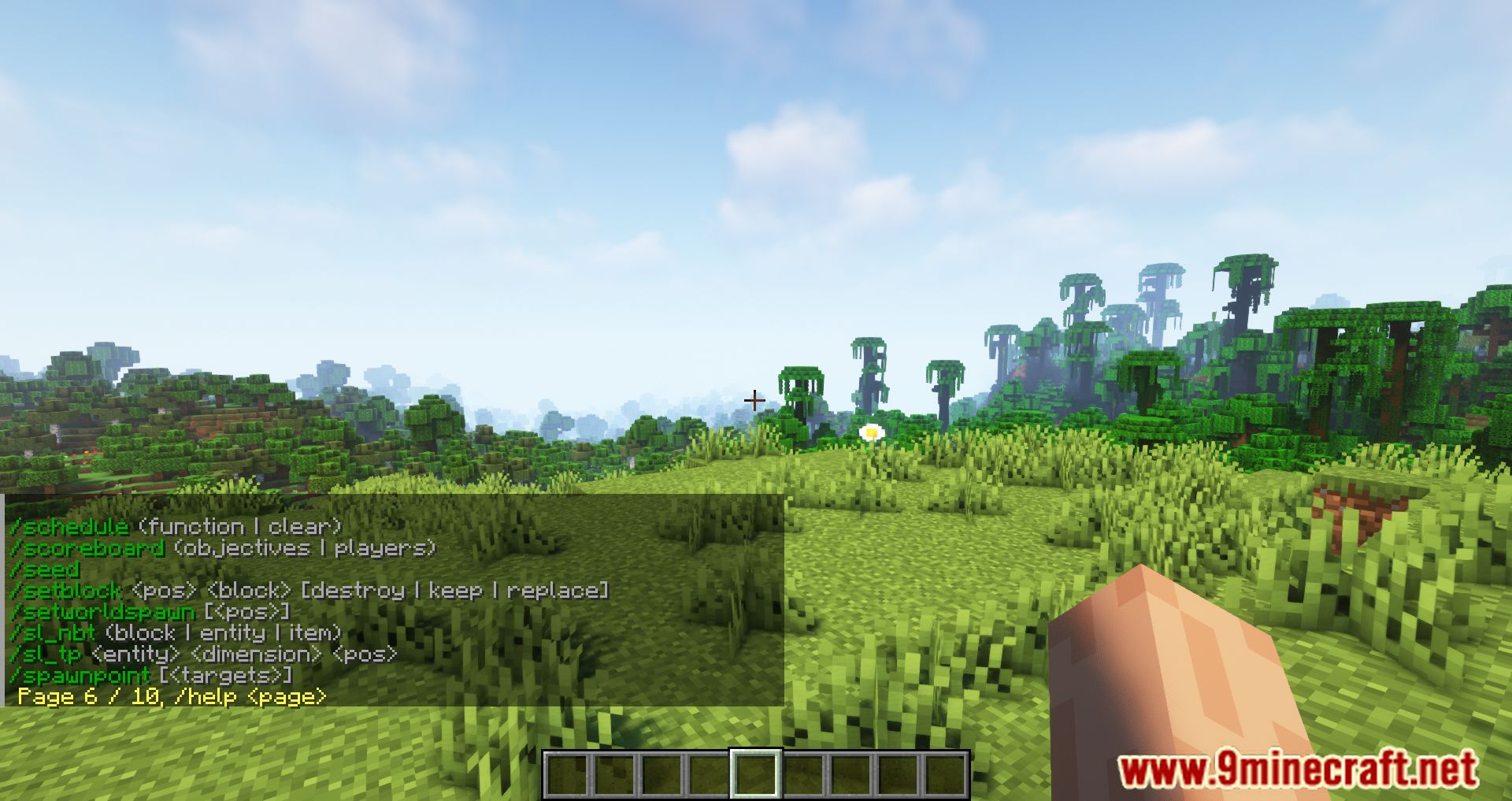
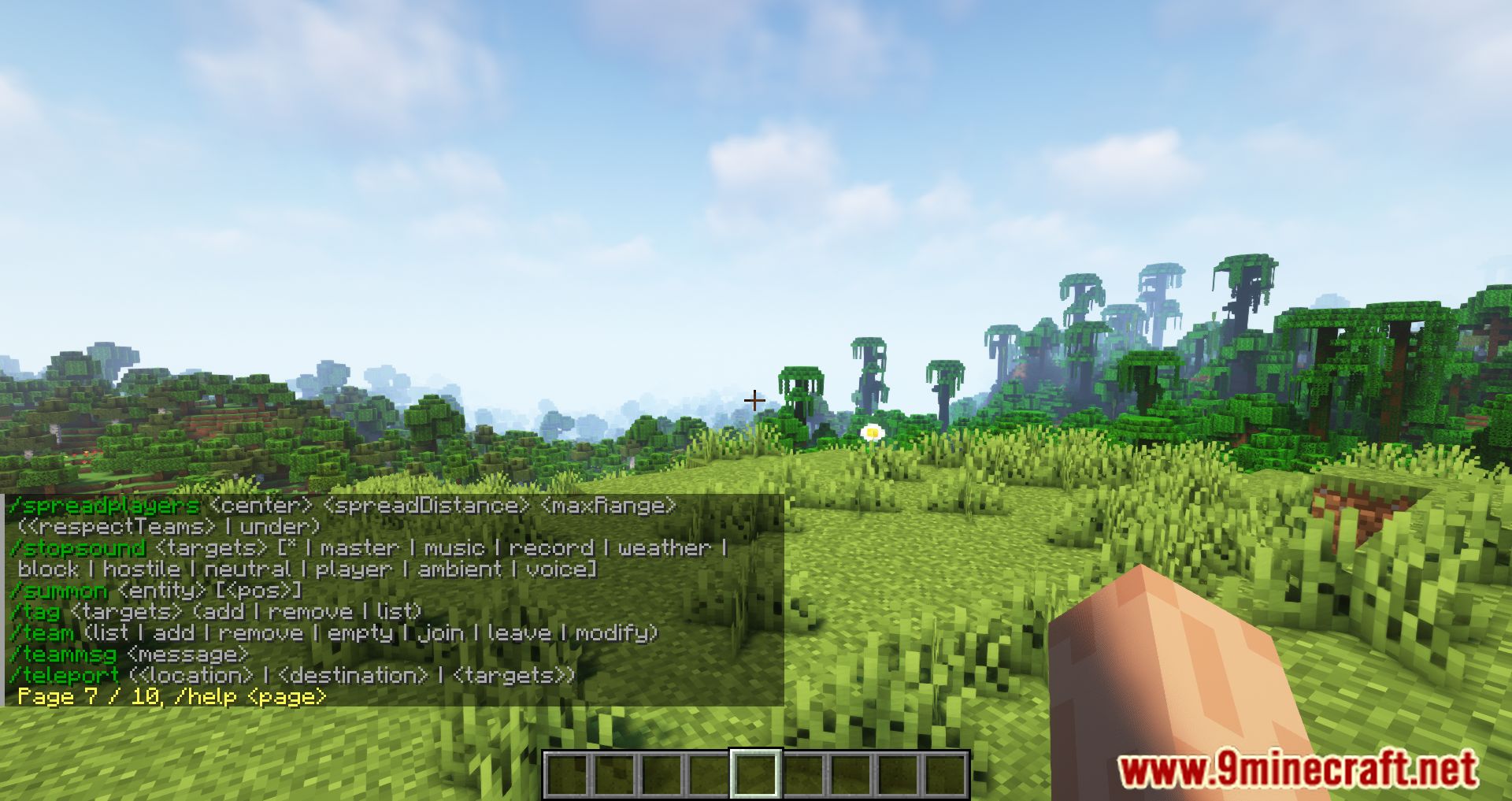
Compact Help Command Mod is a Minecraft mod designed to improve the in-game /help command. Without this mod, the /help command often displays a long, unsorted list of commands, which can be overwhelming, especially when many mods are installed. This mod organizes the commands into pages, making them easier to navigate. It also adds color coding for better readability, and you can customize the number of commands shown per page and the colors used.
Features:
- Sorted & Paginated Help Output:
- Organizes the
/helpcommand into alphabetical pages. - Use
/helpto browse commands cleanly.
- Organizes the
- Color-Coded Text:
- Commands and subcommands are displayed in customizable colors for better readability.
- Improved
/help <command>:- Shows specific command info in a cleaner format.
- Configurable Settings:
amountCommandsPerPage: Default = 8; range from 1 to 50.commandColour & subcommandColour: Choose from 16 Minecraft color codes.addVerticalBarSpacing: Adds spacing around | in subcommands for clarity.
Screenshots:
Compact Help Command Mod Download Links
Quick facts
- Edition: Minecraft Java
- File type: .jar
- Minecraft version listed: 1.20.1
- How to install: Install the matching mod loader (Forge, Fabric or NeoForge) for your Minecraft version. → Download the .jar. → Put it in the .minecraft/mods folder and launch that loader profile.
- Where to get it: In MC Java Mods, or directly above on this page.
Install steps are the general flow for this file type — How to install Minecraft Java mods & modpacks walks through it step by step.
Verified by MCModsHub
- Downloads as 83772.mcaddon
- Download size: 40 KB
- Download link checked 24 Sept 2026 — working
- Mirrored on our own servers — the download does not depend on the original host
These come from our own check of the pack file, not from the source page.