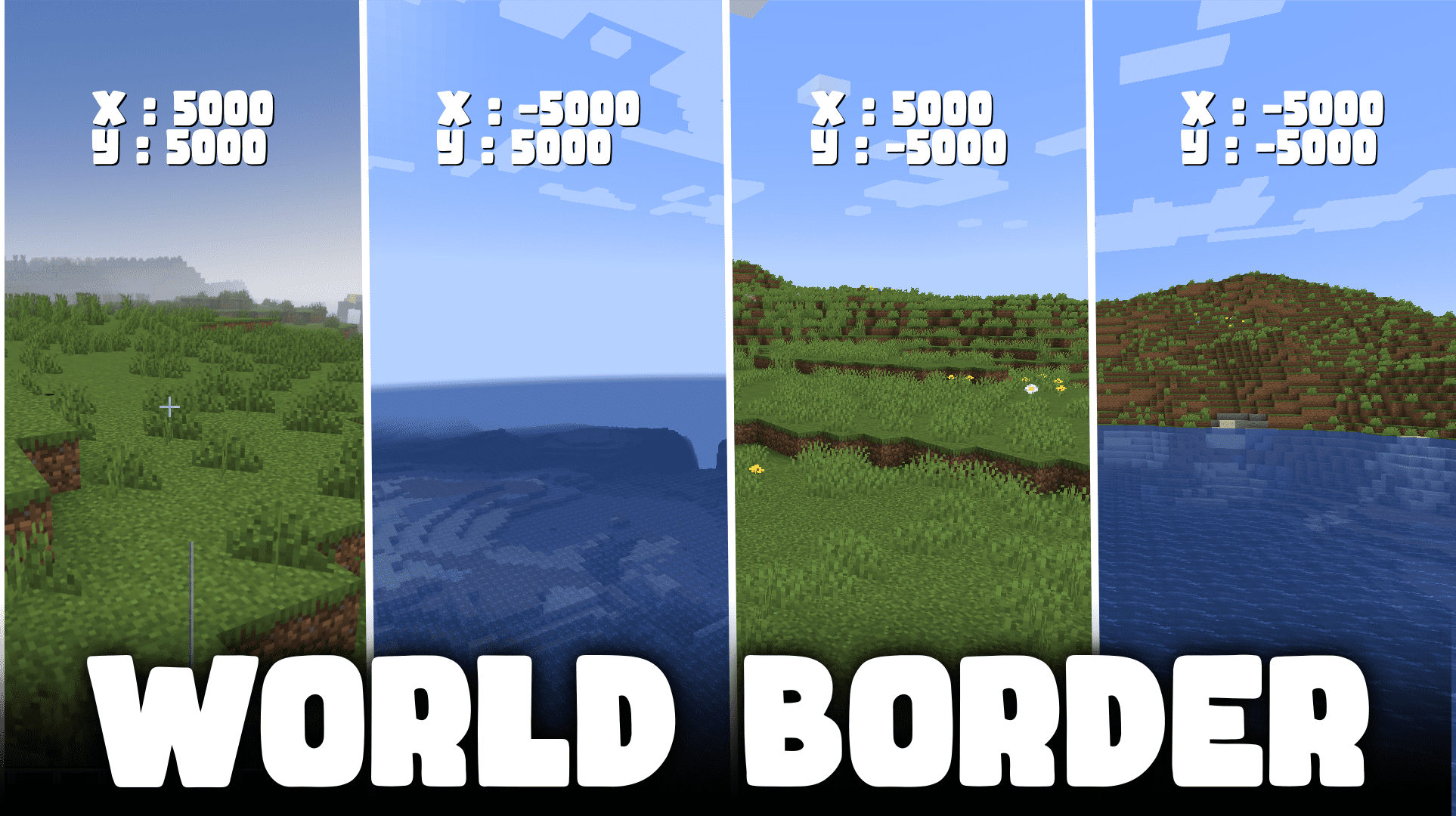
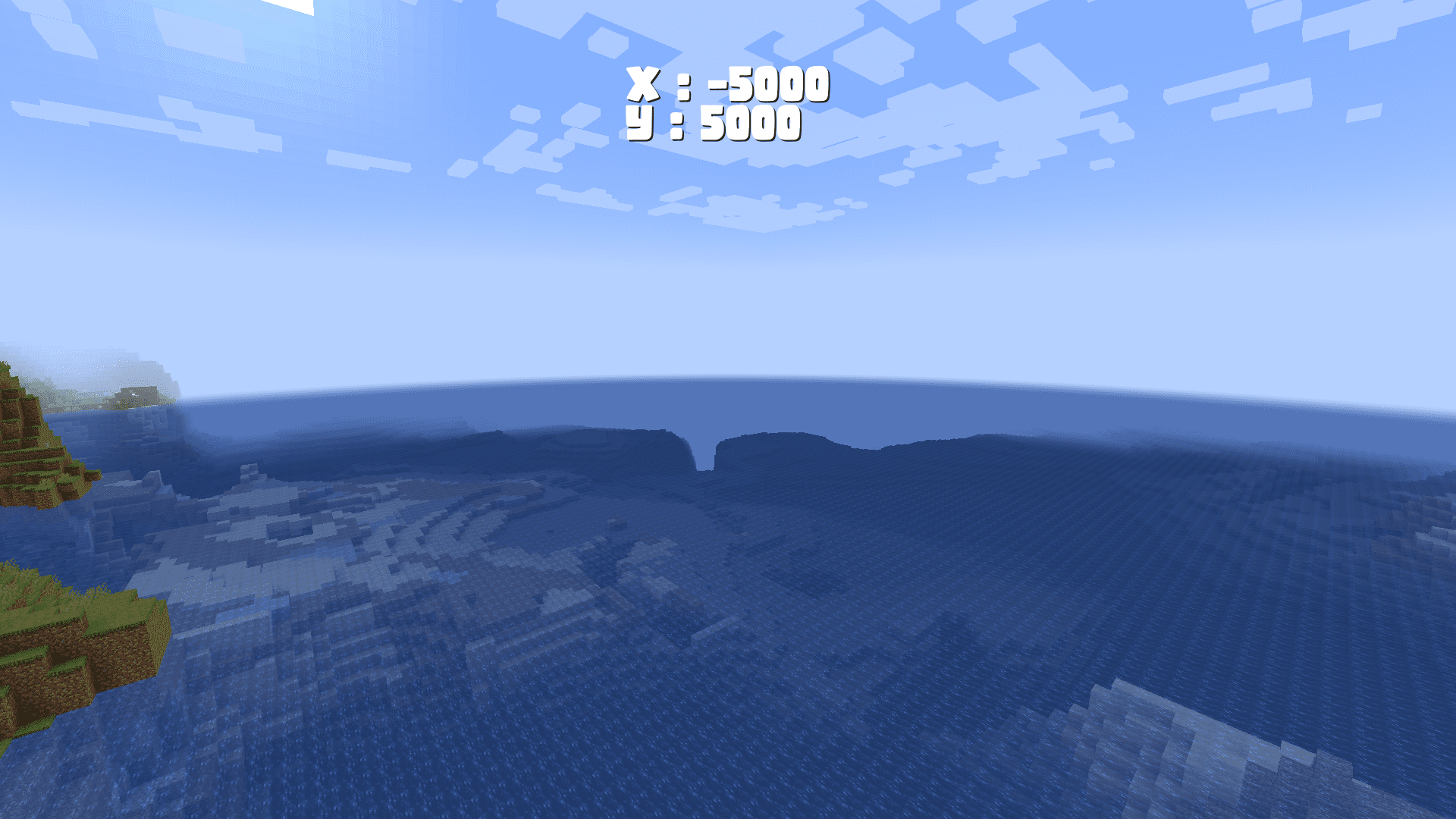
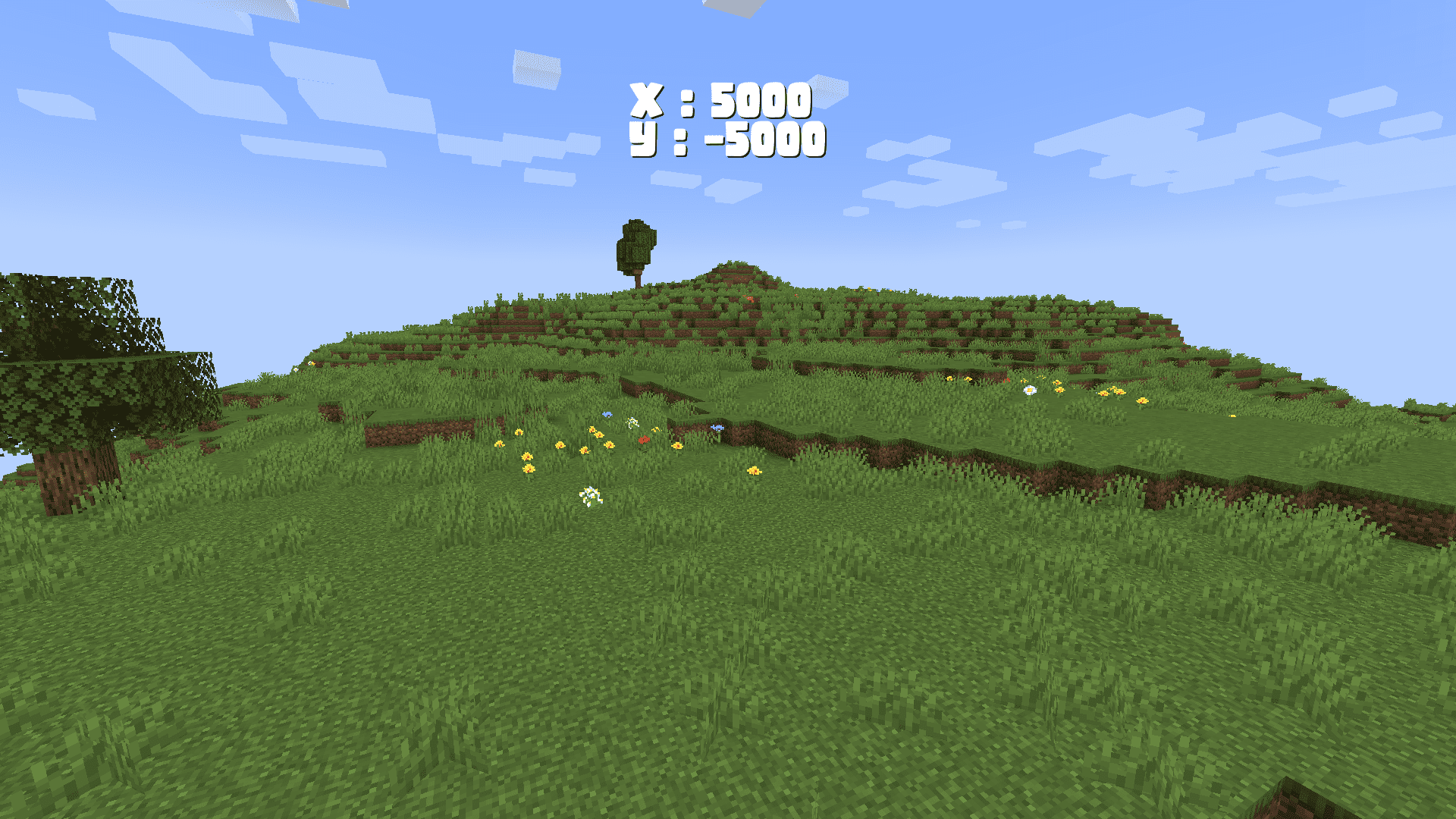
World Border Mod is a mod that offers a customizable and minimalistic solution for establishing a world border in Minecraft. It enables the creation of size limits for the game world, preventing excessively large file sizes and fostering a tighter-knit player community. The mod introduces the option to seamlessly wrap around the world upon reaching its border, with teleportation between positive and negative coordinates. This innovative feature allows for endlessly looping worlds while maintaining size constraints.
Features:
Smart Features:
- The mod automatically sends out in-game messages if you are close to the world border, or if you cross it. Note that the World Borders are invisible.
- While looping back in the Nether, the mod makes sure that you are not teleported into lava or anything that can hurt the player.
Border Type Configuration:
- enableCustomOverworldBorder (default = true): Enabling this option uses the overworldBorderCoords to set the border.
- enableCustomNetherBorder (default = false): When enabled, uses the netherBorderCoords to set the border.
- enableCustomEndBorder (default = true): Enabling this option uses the endBorderCoords to set the border.
Looping Around the World:
- shouldLoopToOppositeBorder (default = true): Enabling this option teleports the player from the positive to the negative x/z coordinate (and vice versa) when hitting a world border.
- distanceTeleportedBack (default = 10, min 0, max 1000): This value determines the number of blocks the player is teleported inside after hitting the border.
Custom Messages:
- nearBorderMessage (default = “You’re getting close to the world border!”): This message alerts players when they are within a certain distance of the world border.
- hitBorderMessage (default = “You’ve hit the world border, and were teleported inside!”): Sent to players when they hit the world border.
- loopBorderMessage (default = “You’ve hit the world border, and have looped around the world!”): If looping is enabled, this message informs players about their successful loop around the world.
Border Coordinate Configuration:
- overworldBorderPositiveX, overworldBorderNegativeX, overworldBorderPositiveZ, overworldBorderNegativeZ: These coordinates allow you to set the overworld border’s limits in the positive and negative x/z directions.
- netherBorderPositiveX, netherBorderNegativeX, netherBorderPositiveZ, netherBorderNegativeZ: Similarly, these coordinates determine the nether border’s boundaries.
- endBorderPositiveX, endBorderNegativeX, endBorderPositiveZ, endBorderNegativeZ: Lastly, these coordinates define the end border’s limits.
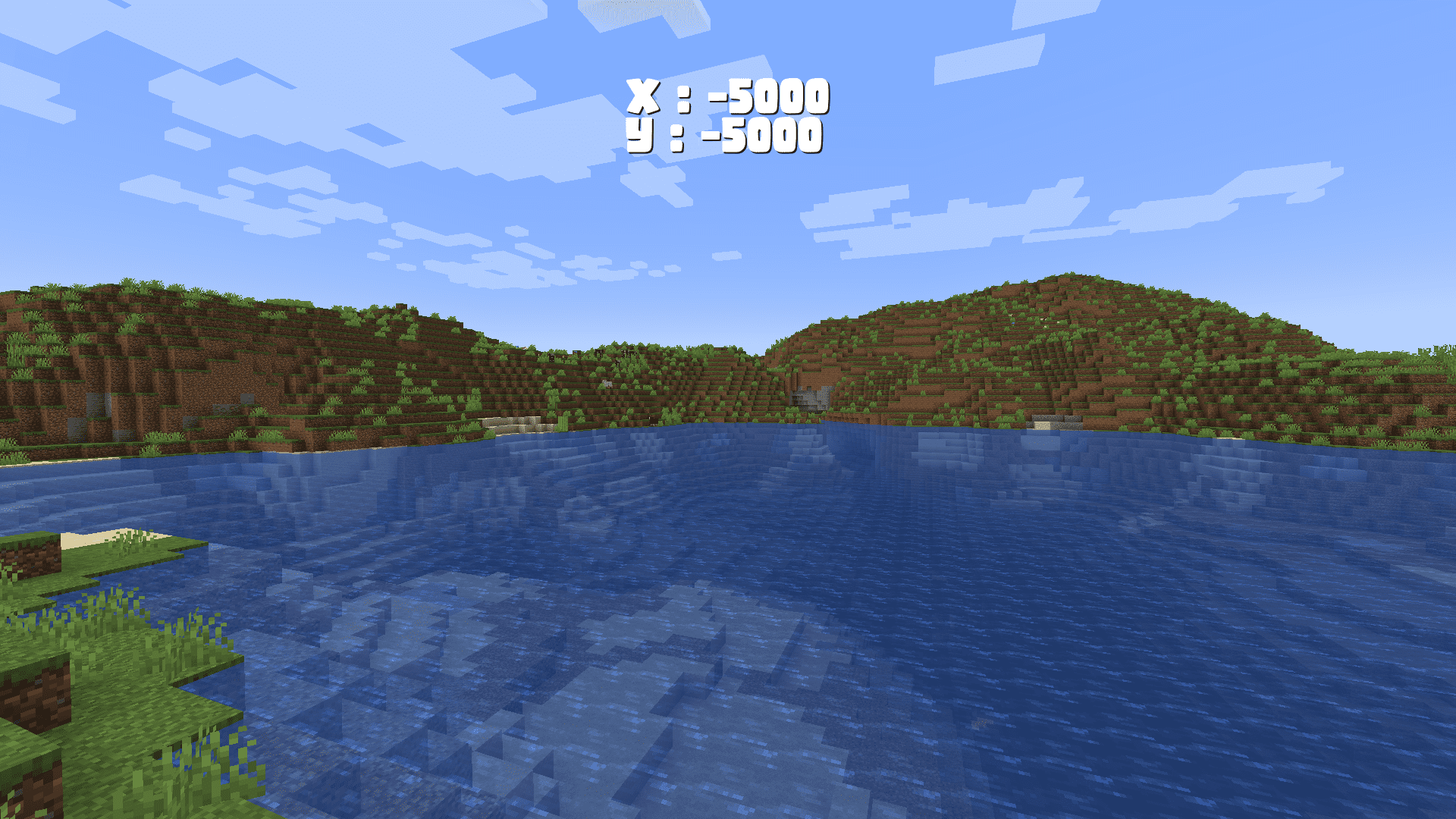
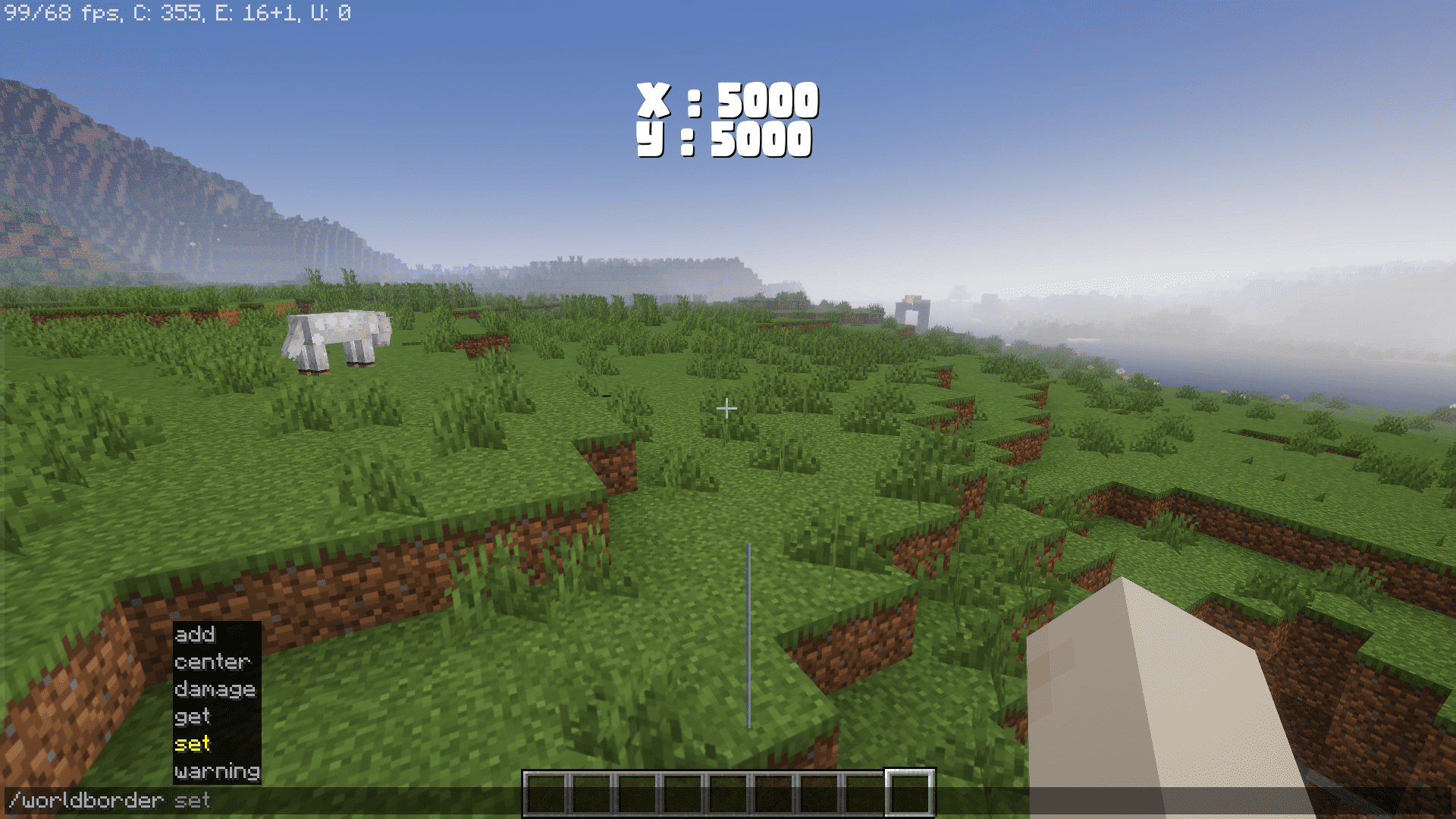
Screenshots:
World Border Mod Download Links
- Edition: Minecraft Java
- File type: .jar
- Minecraft version listed: 1.20.1
- How to install: Install the matching mod loader (Forge, Fabric or NeoForge) for your Minecraft version. → Download the .jar. → Put it in the .minecraft/mods folder and launch that loader profile.
- Where to get it: In MC Java Mods, or directly above on this page.
Install steps are the general flow for this file type — How to install Minecraft Java mods & modpacks walks through it step by step.
- Downloads as 83774.mcaddon
- Download size: 40 KB
- Download link checked 26 Sept 2026 — working
- Mirrored on our own servers — the download does not depend on the original host
These come from our own check of the pack file, not from the source page.