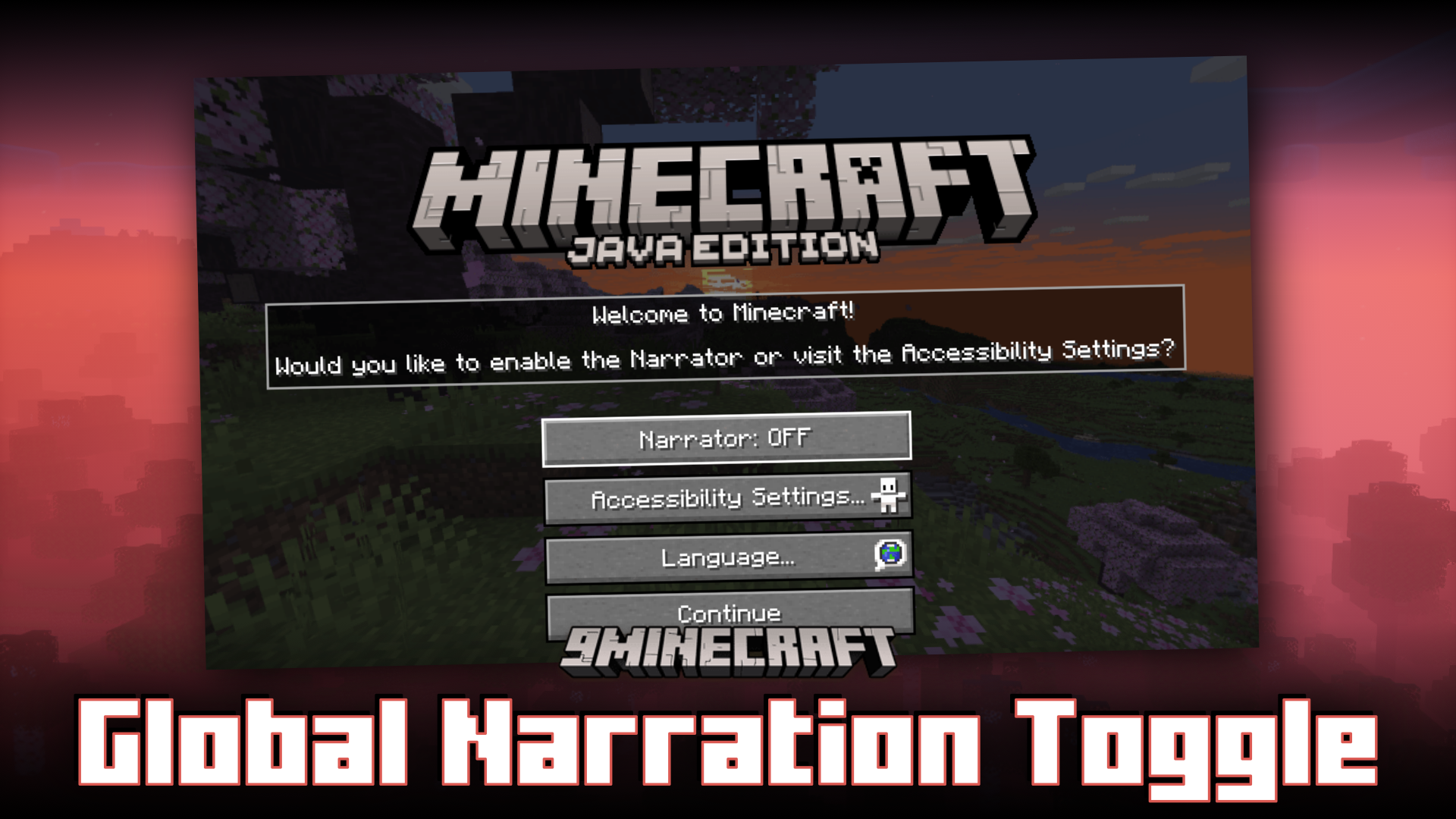
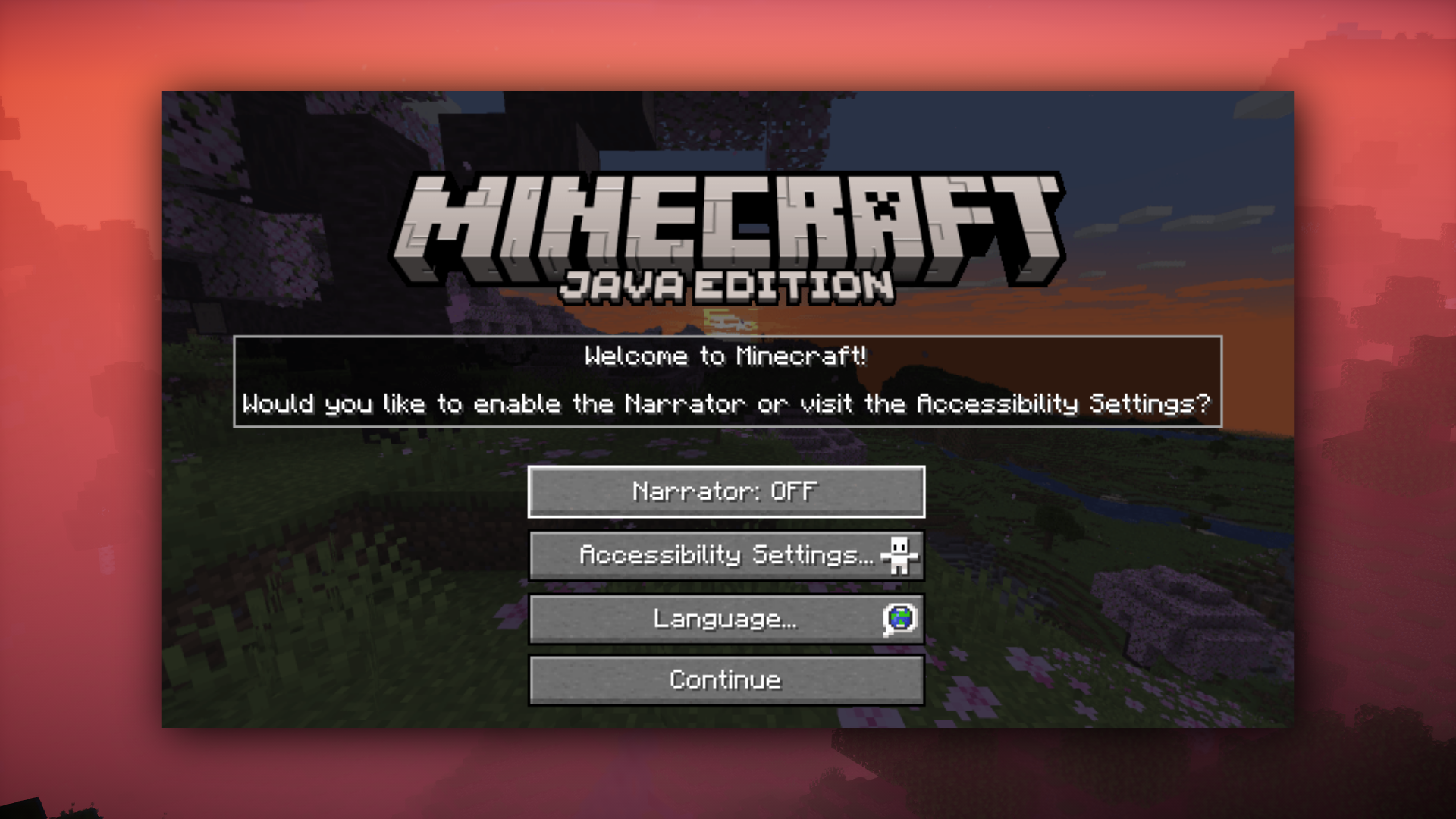
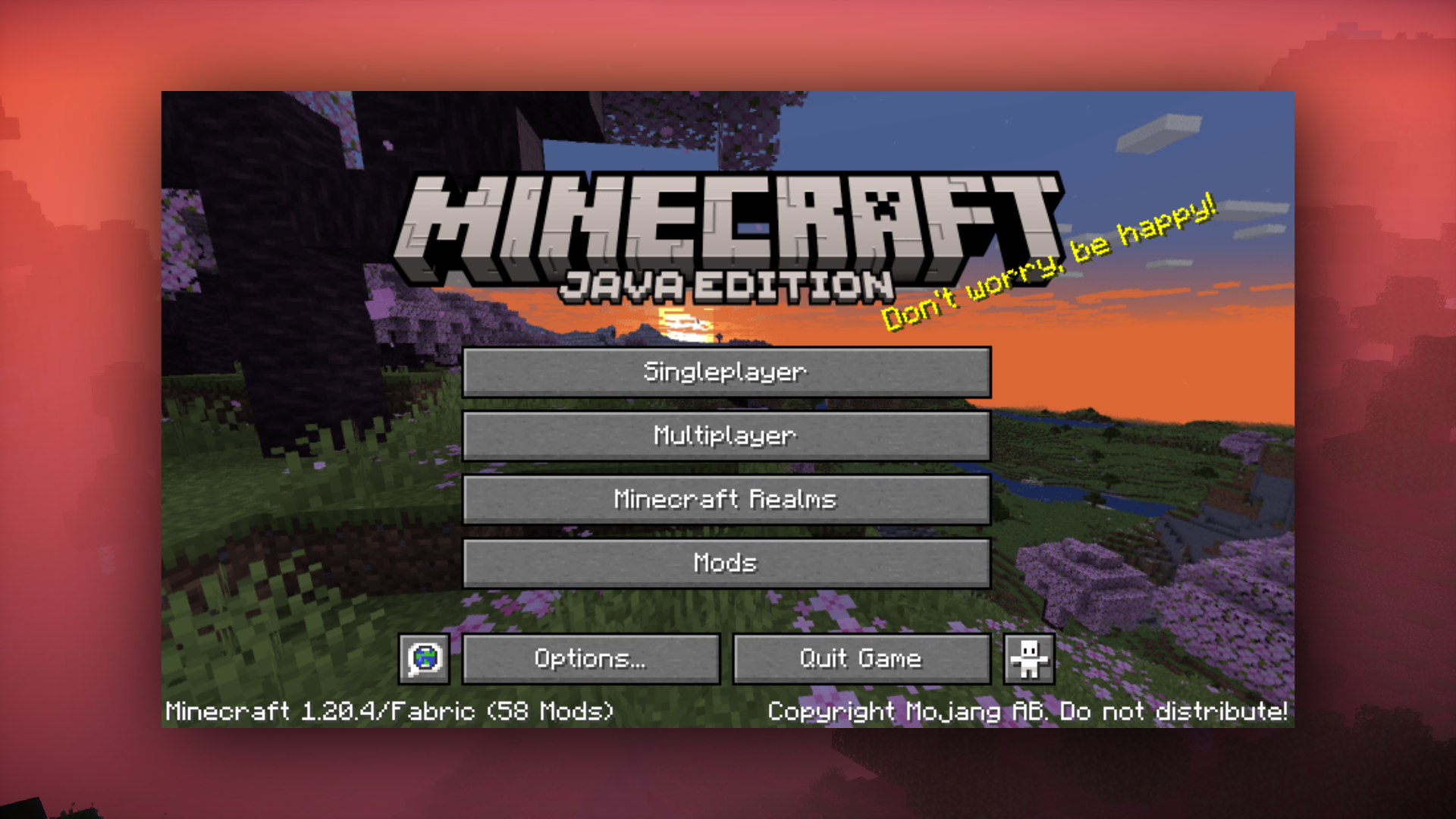
The narrator is a vanilla game feature that reads out the chat and system messages to help visually impaired players play the game better. Most players do not need this setting, but some players actually do. Global Narration Toggle Mod aims to make it easy for those players with visual difficulties to enable the narrator at the very beginning of their game by giving them an option to do so upon game launch. This mod works by checking for the narration setting in the global .minecraft folder. If it is disabled there, the accessibility onboarding screen won’t be shown when the game starts in a new instance. When the narrator is enabled in any instance, the global setting is updated as well. Anyone who needs it, has access to it on start-up. For others, it’ll be a one-time setting. The options file is updated automatically from in-game.
Features:
- This is a client-side mod that makes the start-up experience better, for everyone. While most don’t need the narrator, some do. Disabling it entirely is not a good solution. How this mod works, is it checks for the narration setting in the global .minecraft folder. If it’s disabled there, the accessibility onboarding screen won’t be shown when the game starts in a new instance.
- When the narrator is enabled in any instance, the global setting is updated as well. Anyone who needs it, has access to it on start-up. For others, it’ll be a one-time setting. The options file is updated automatically from in-game.
- The .minecraft folder in ./AppData/Roaming/ is used. If it doesn’t exist, the folder will be created with an options.txt file containing only ‘narrator:0’. This still allows any new instances to be created, or the current to be used.
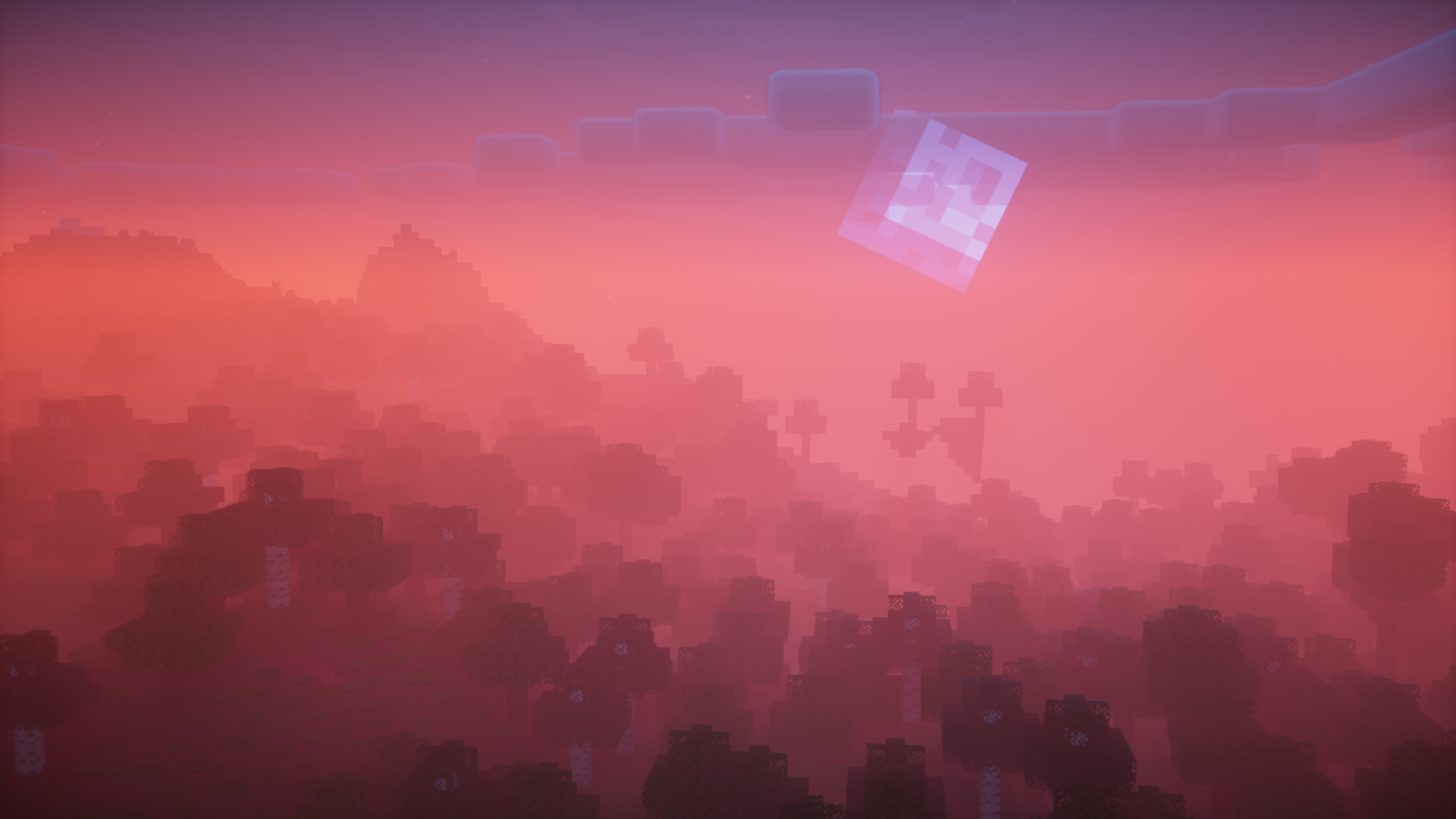
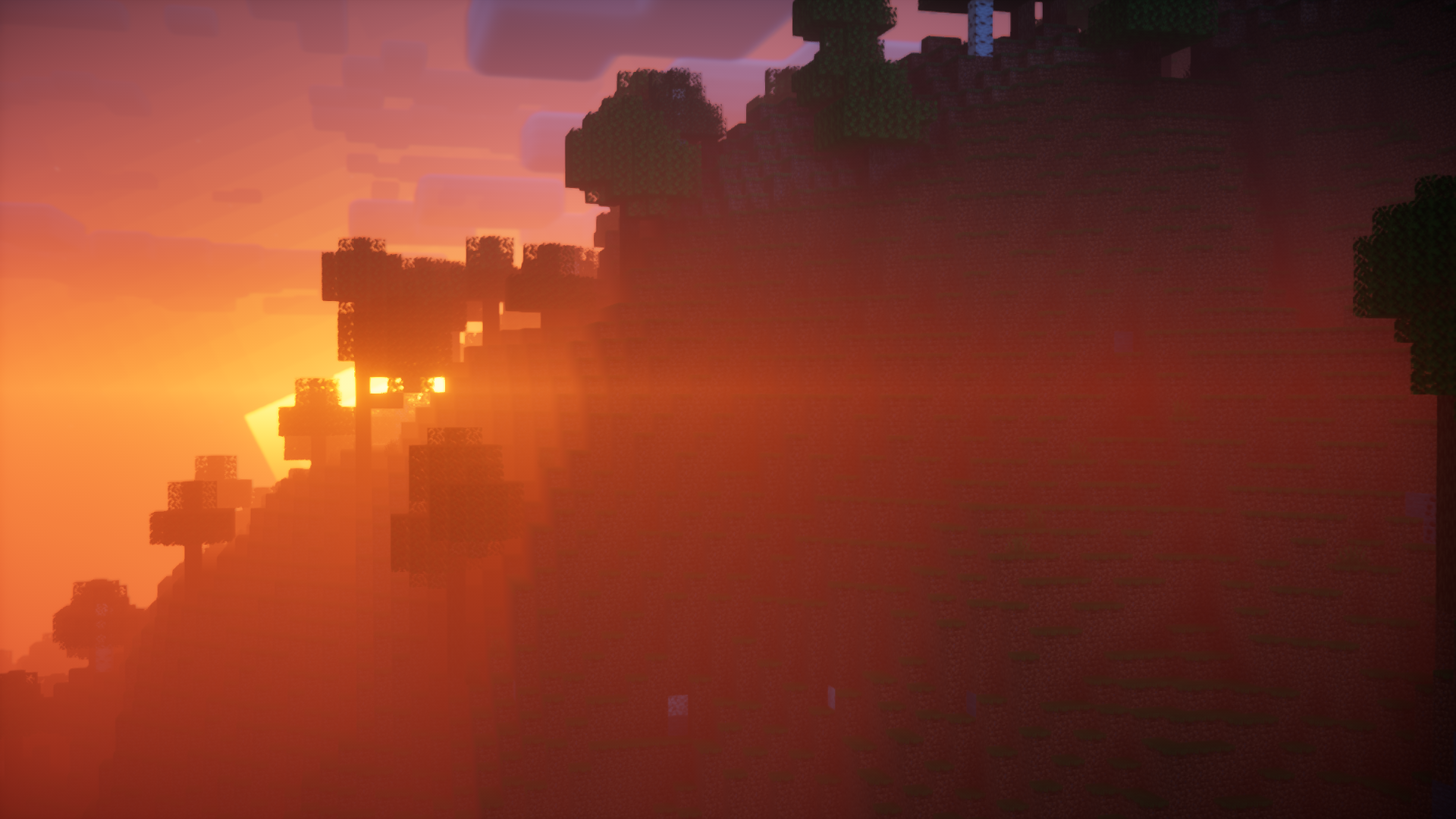
Screenshots:
Global Narration Toggle Mod Download Links
- Edition: Minecraft Java
- File type: .jar
- Minecraft version listed: 1.20.1
- How to install: Install the matching mod loader (Forge, Fabric or NeoForge) for your Minecraft version. → Download the .jar. → Put it in the .minecraft/mods folder and launch that loader profile.
- Where to get it: In MC Java Mods, or directly above on this page.
Install steps are the general flow for this file type — How to install Minecraft Java mods & modpacks walks through it step by step.
- Downloads as 83780.mcaddon
- Download size: 38 KB
- Download link checked 26 Sept 2026 — working
- Mirrored on our own servers — the download does not depend on the original host
These come from our own check of the pack file, not from the source page.