
ShadersJava
Night Mode Shaders (26.3, 1.20.1) – Adjustable Environment Tint
Java shader pack listed for Minecraft 1.20. File opened and checked on 11 Oct 2026; downloads from the MC Java Mods app on Android.
⬇ Download
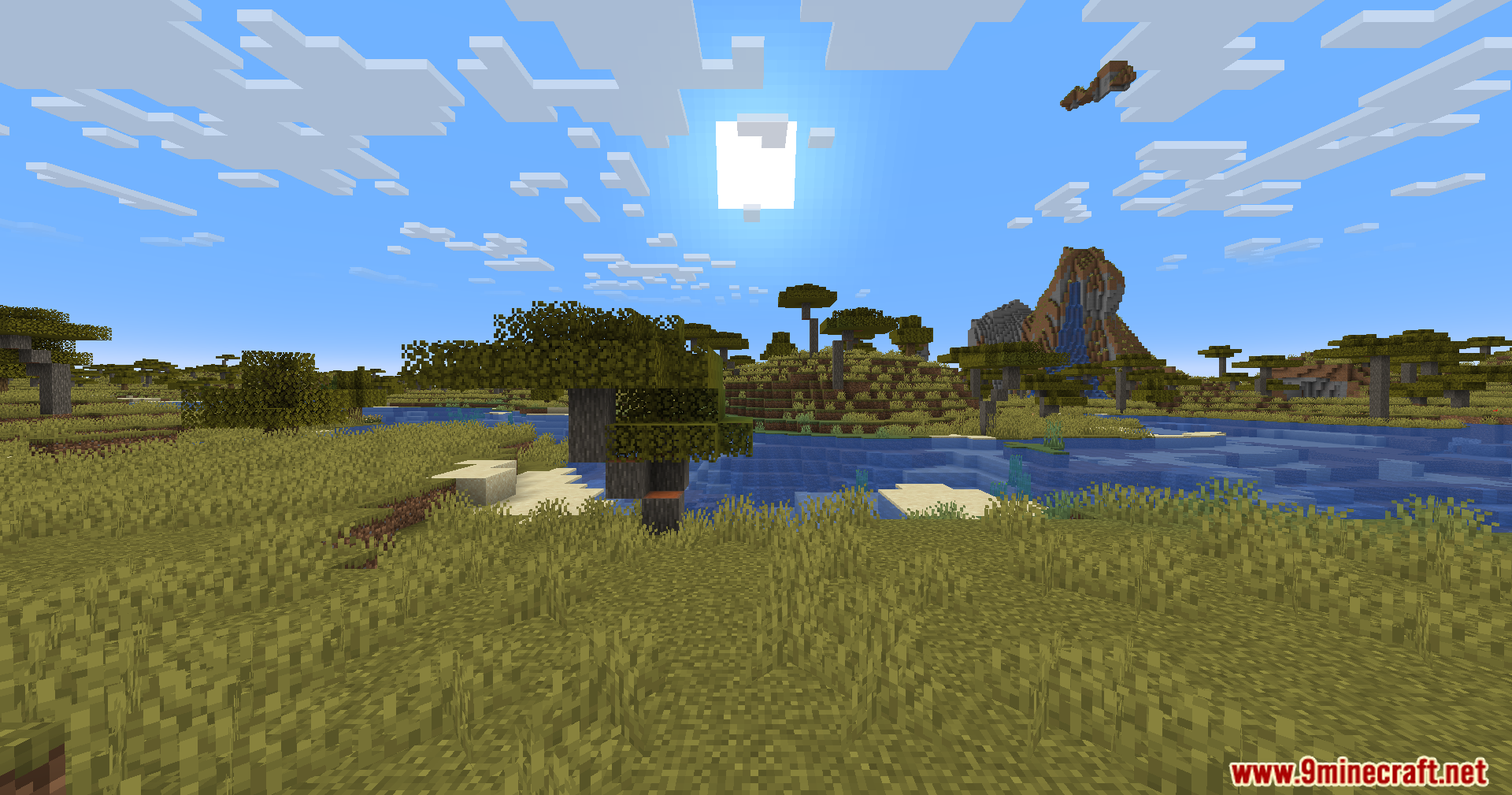
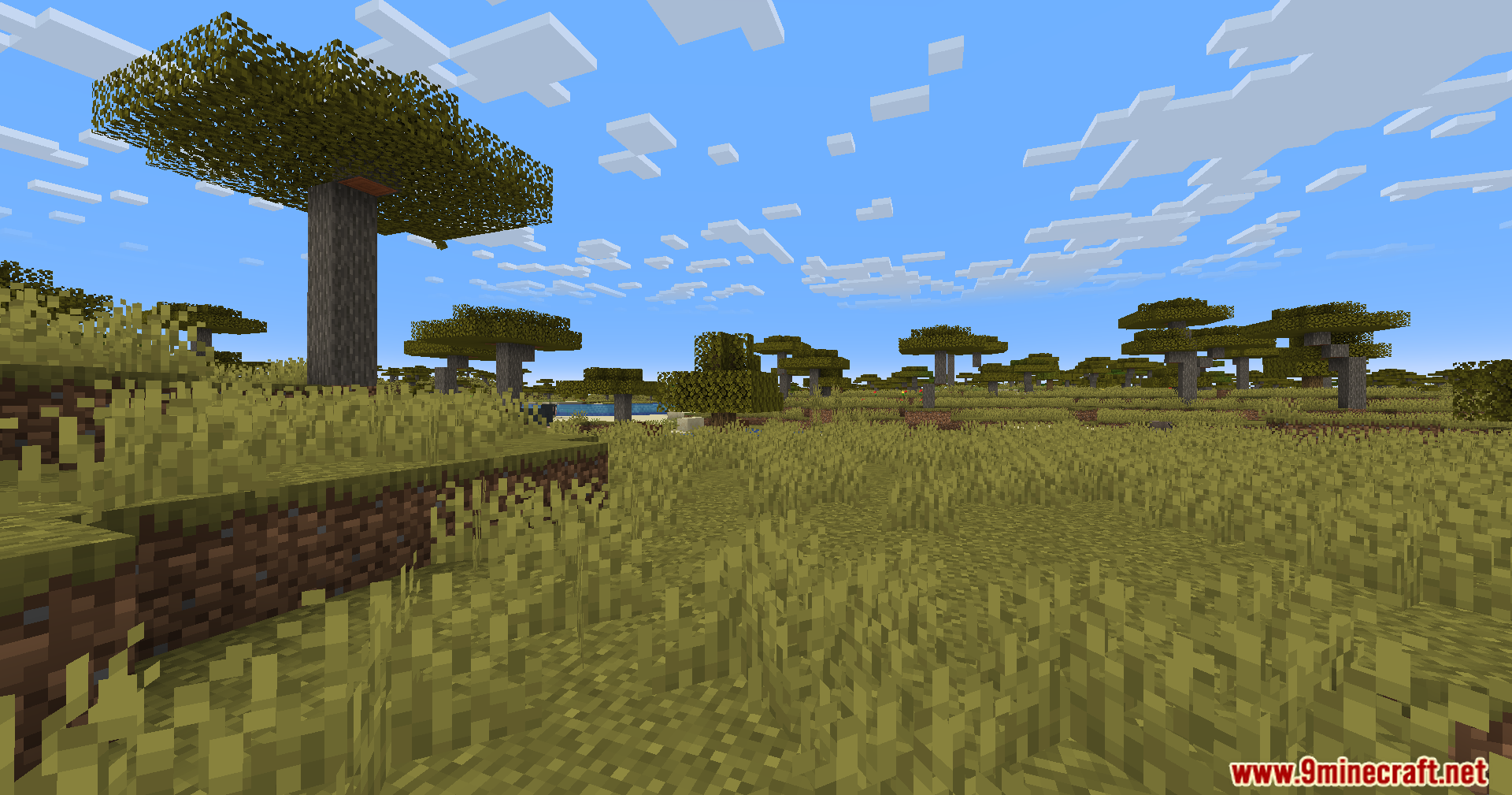
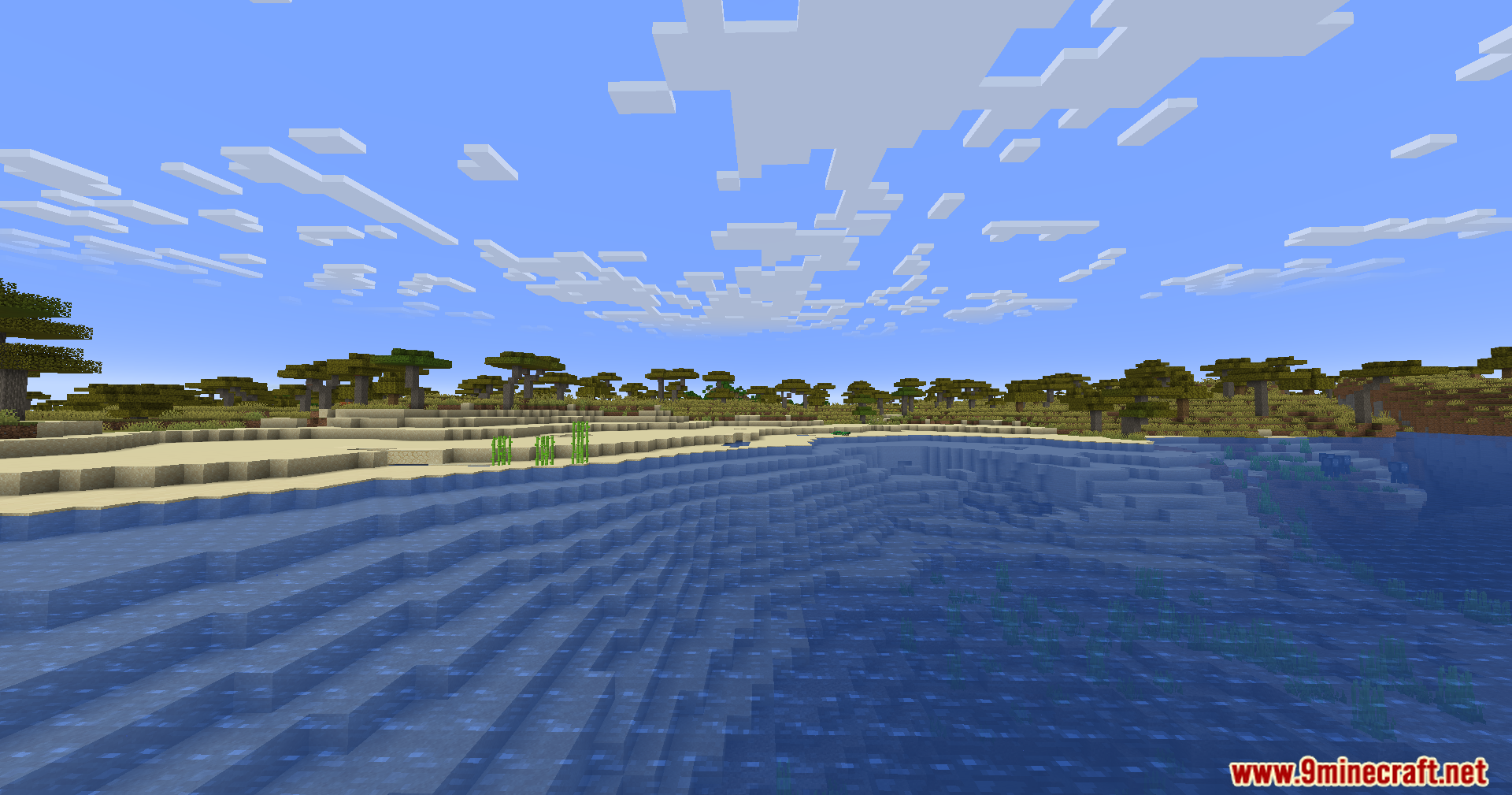
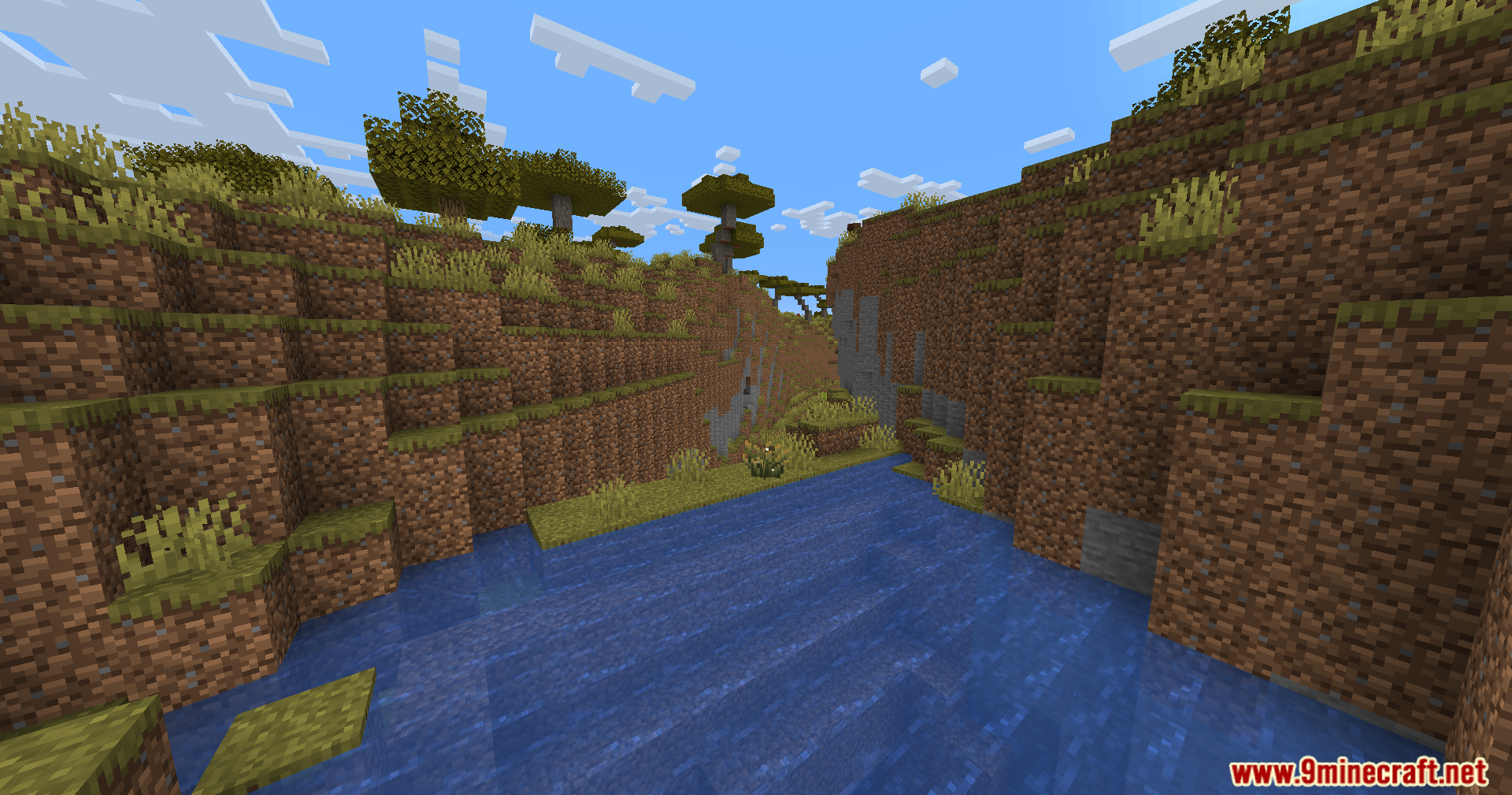
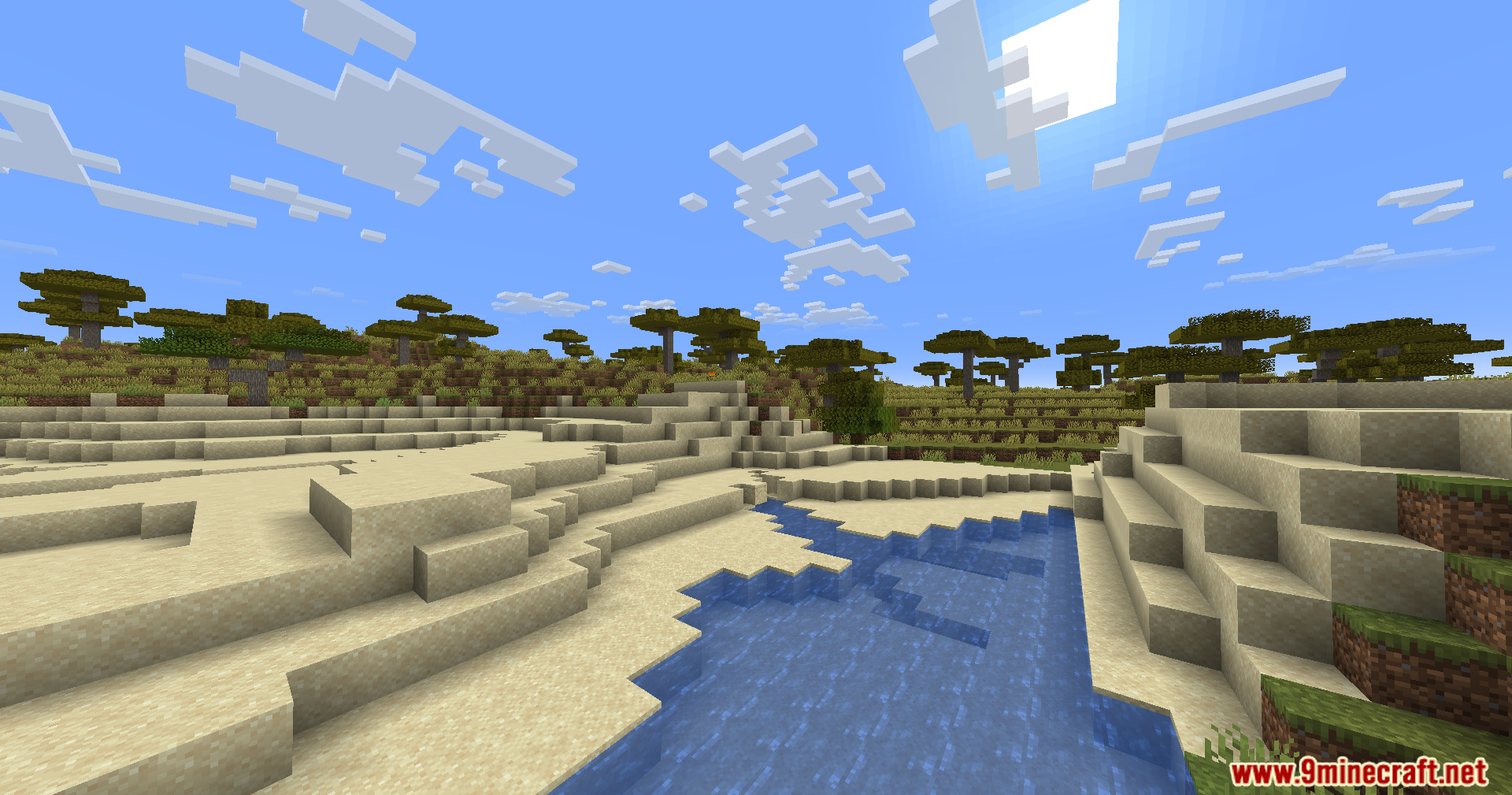
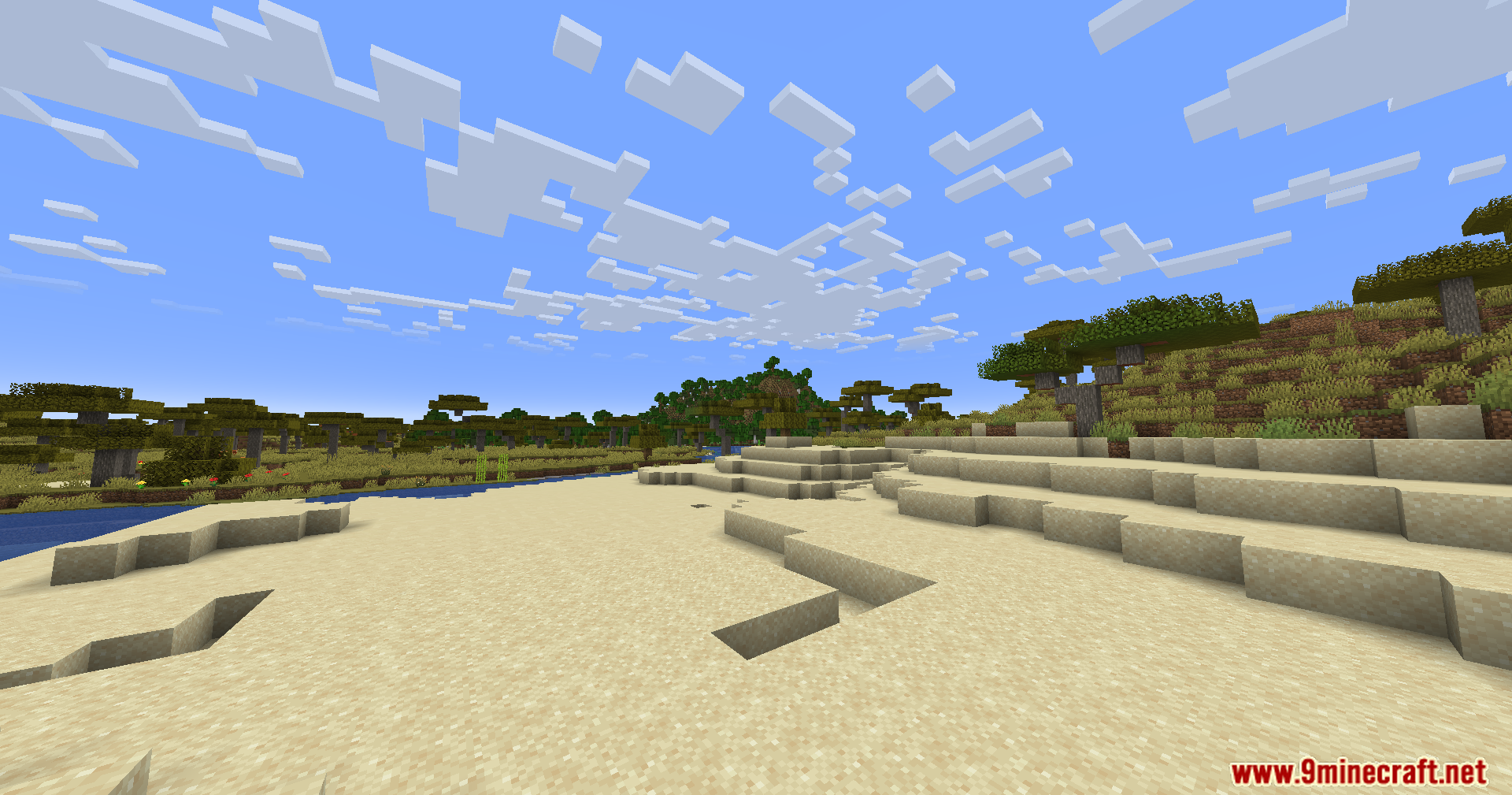
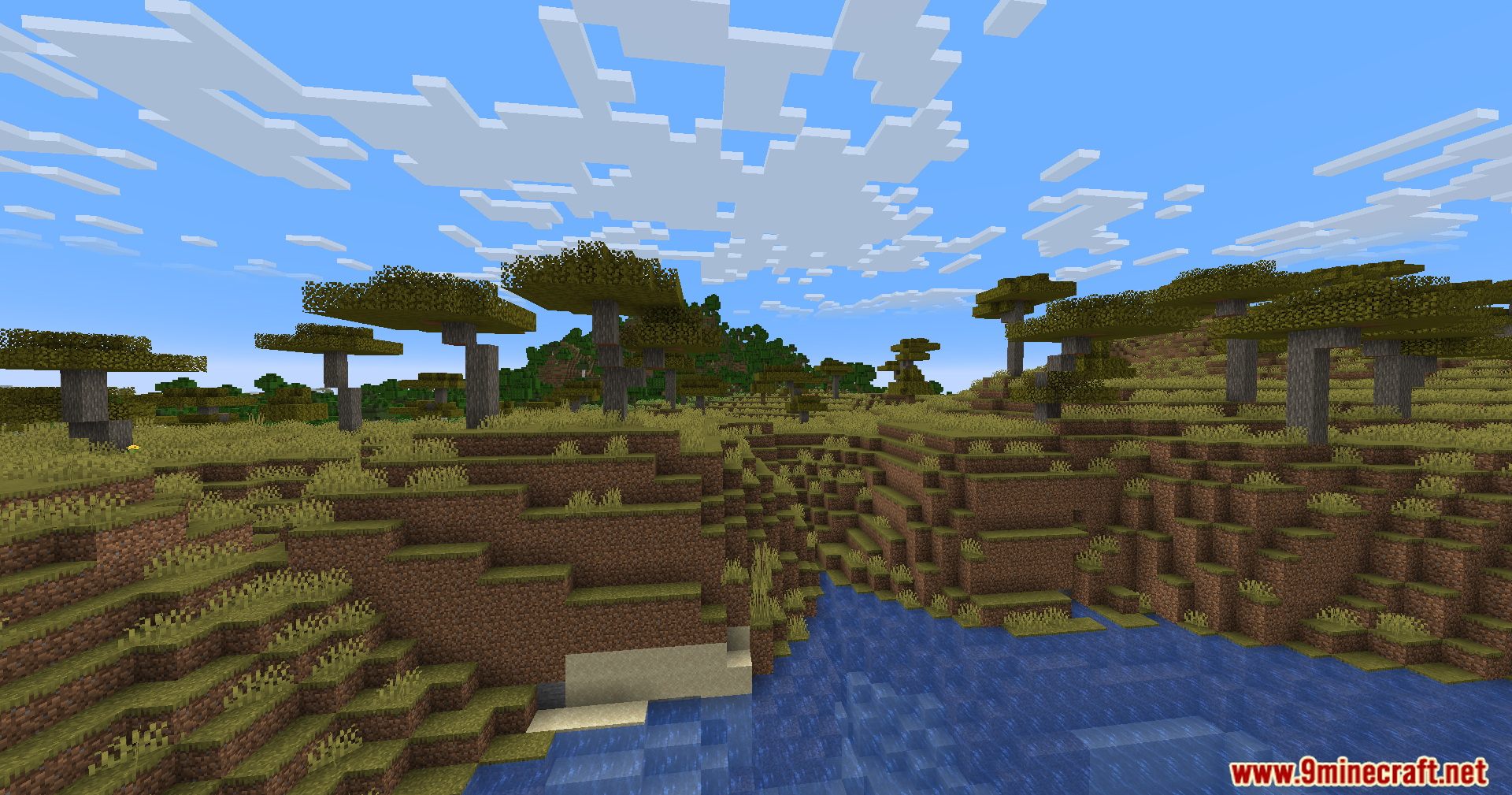
Night Mode Shaders adds a customizable orange color filter to the game world. The filter affects environmental visuals such as blocks and mobs, while leaving the GUI and items unchanged. Its intensity is controlled through a slider located in the Accessibility Settings, replacing the Enchantment Glint strength slider.
Features:
- Adds an orange color filter to the game world
- Filter affects blocks and mobs only, not GUI or items
- Intensity controlled via Accessibility Settings slider
- Requires Fabulous! graphics mode
Screenshots:
Night Mode Shaders Download Links
Screenshots:


Quick facts
- Edition: Minecraft Java
- File type: .zip (resource pack)
- Minecraft version listed: 1.20.1
- How to install: Download the .zip resource pack — do not unzip it. → Put it in .minecraft/resourcepacks. → Enable it in Options → Resource Packs.
- Where to get it: In MC Java Mods, or directly above on this page.
Install steps are the general flow for this file type — see the MC Java Mods guides for the full walkthrough.
Night Mode Shaders (26.3, 1.20.1) – Adjustable Environment Tint is a free Minecraft Java shader. Compatible with Minecraft 1.20.1. Download it and open it directly in the game.