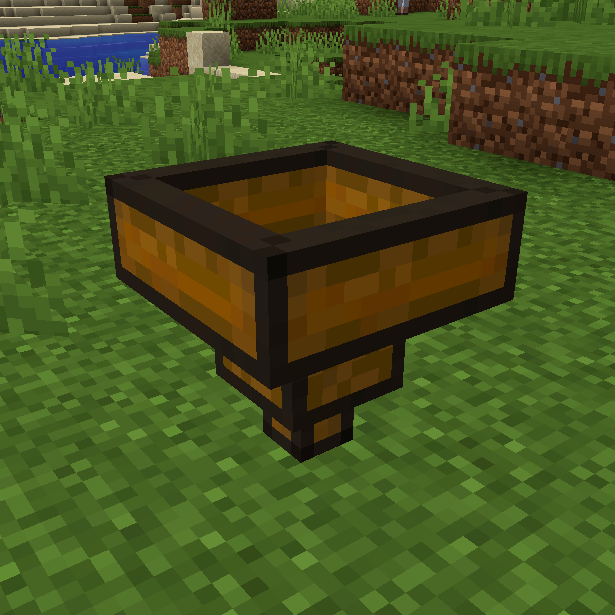
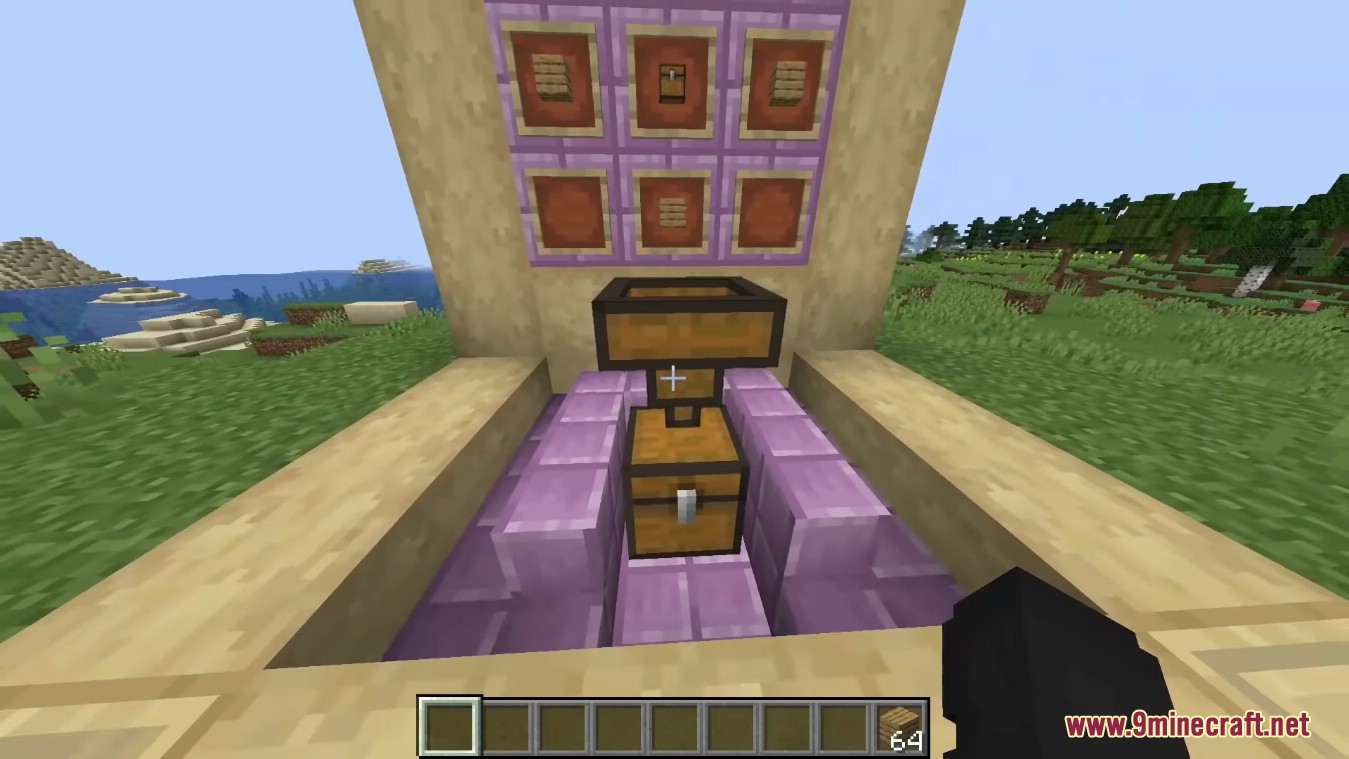
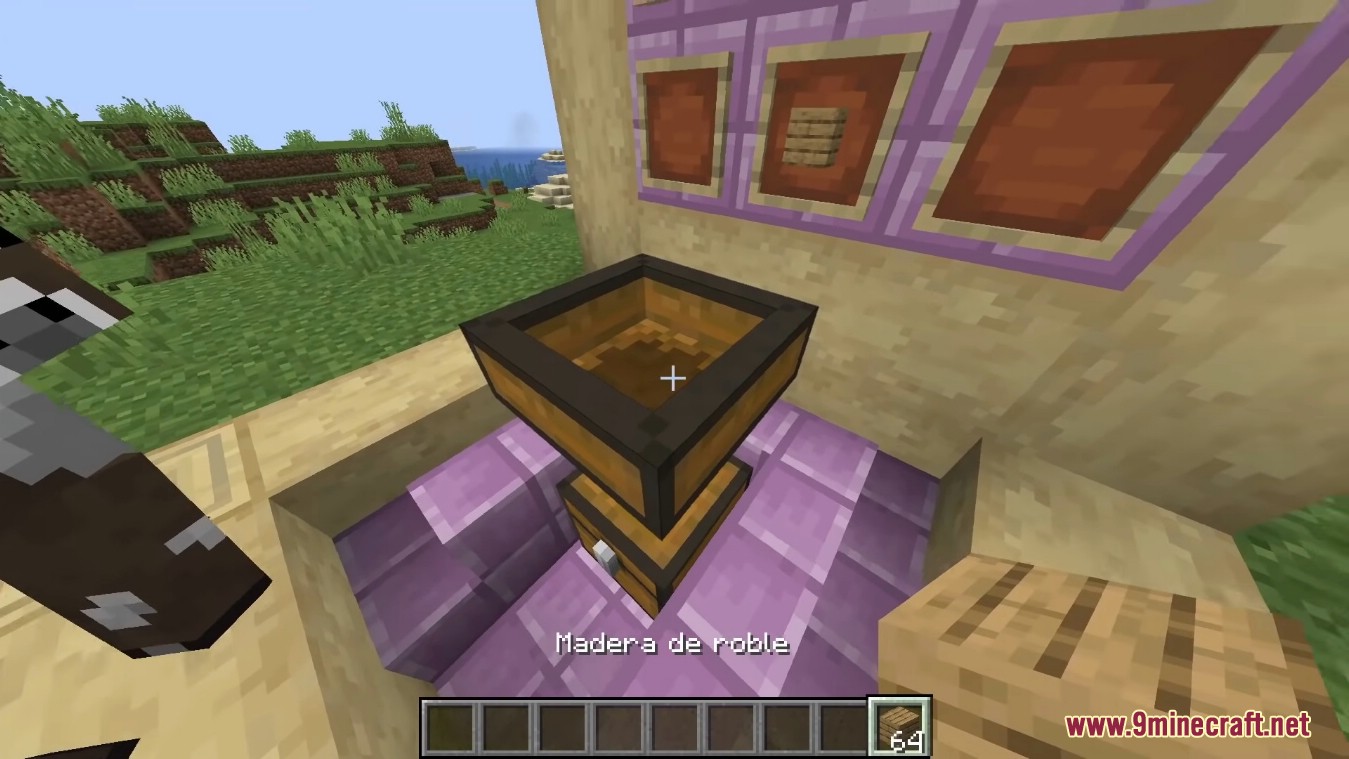
Wooden Hopper Mod adds a Wooden Hopper to the game. It acts like a vanilla hopper but is only half as fast as a vanilla hopper (16 ticks instead of 8, configurable) and has only one slot.
Features:
- The Wooden Hopper acts like a vanilla hopper but:
- It is only half as fast as a vanilla hopper (16 ticks instead of 8) (configurable).
- It has only one slot.
Screenshots:
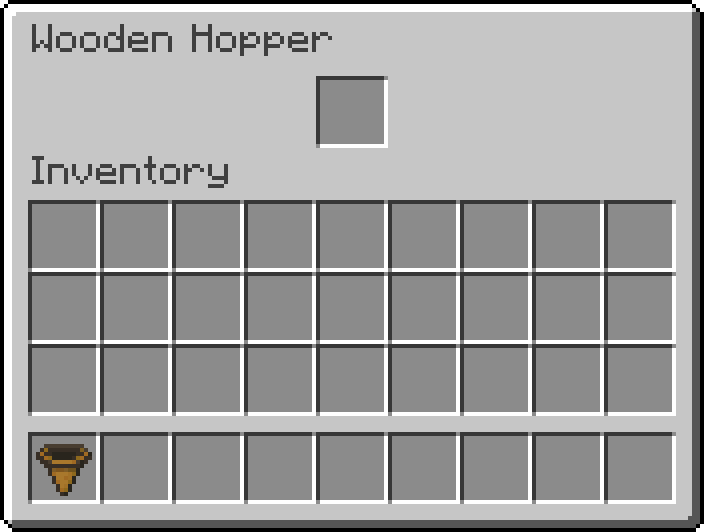
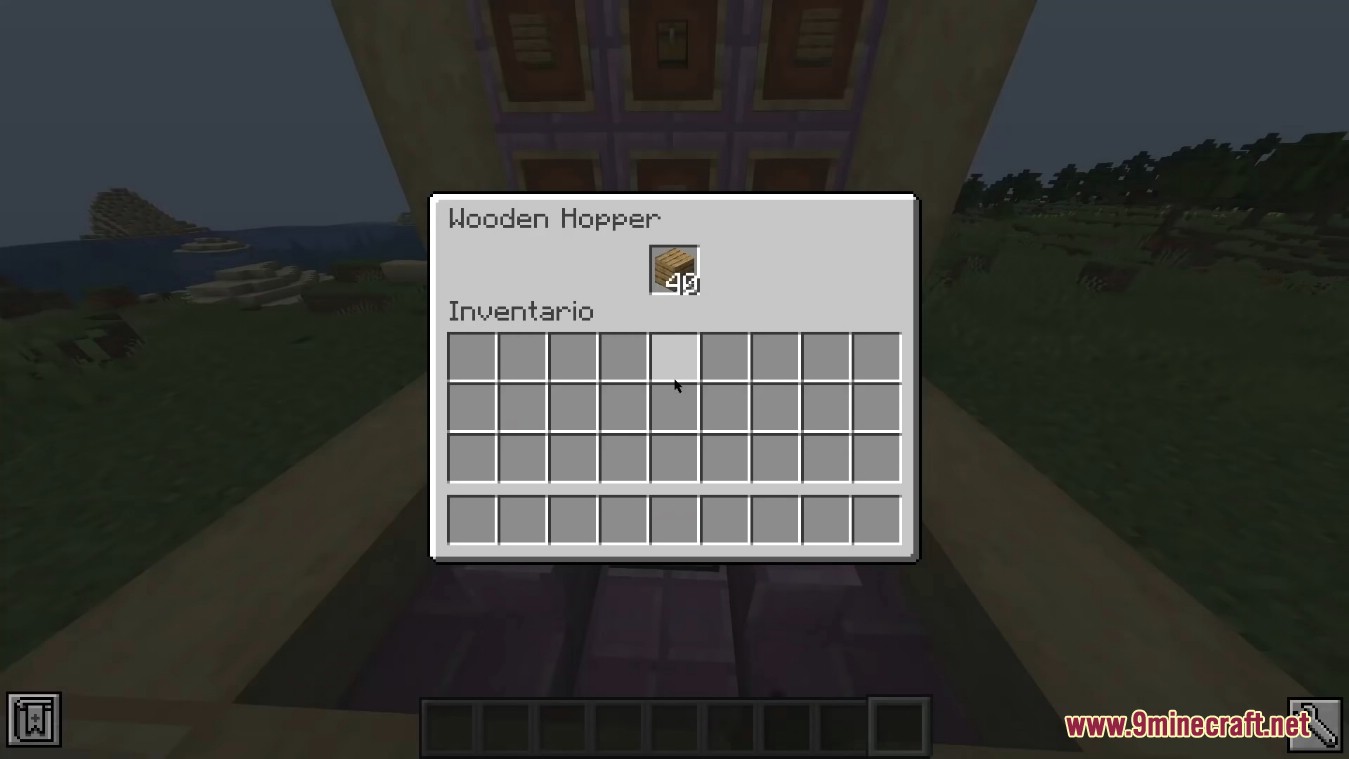
The interface of the Wooden Hopper looks like the interface of a vanilla hopper. But instead of having five slots it has only one.
Crafting Recipes:
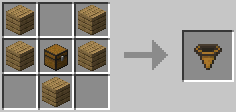
To craft the Wooden Hopper you need five Planks (“minecraft:planks”) and one Chest (“forge:chests/wooden”). Collecting a Chest unlocks the recipe in vanilla recipe book.
Configs:
woodenHopperCooldown
You can set the cooldown of the Wooden Hopper with the config option woodenHopperCooldown. This value sets the time (in ticks) between two operations of a Wooden Hopper.
Examples:
- 8 – same time as a vanilla hopper
- 16 – twice the time of a vanilla hopper (default value)
woodenHopperPullItemsFromWorldEnabled
You can enable/disable pulling item entities lying above the Wooden Hopper with the config option woodenHopperPullItemsFromWorldEnabled. The tooltip informs the player about the missing functionality when it is disabled.
Values:
- true – enabled (default value)
- false – disabled
woodenHopperPullItemsFromInventoriesEnabled
You can enable/disable pulling items from inventories above the Wooden Hopper with the config option woodenHopperPullItemsFromInventoriesEnabled. This also includes the inventories of other Wooden Hoppers. This config options has no effect on the pushing mechanism. The tooltip informs the player about the missing functionality when it is disabled.
Values:
- true – enabled (default value)
- false – disabled
Wooden Hopper Mod Download Links
- Edition: Minecraft Java
- File type: .jar
- Minecraft version listed: 1.20.1
- How to install: Install the matching mod loader (Forge, Fabric or NeoForge) for your Minecraft version. → Download the .jar. → Put it in the .minecraft/mods folder and launch that loader profile.
- Where to get it: In MC Java Mods, or directly above on this page.
Install steps are the general flow for this file type — How to install Minecraft Java mods & modpacks walks through it step by step.
- Downloads as 83792.mcaddon
- Download size: 48 KB
- Download link checked 23 Sept 2026 — working
- Mirrored on our own servers — the download does not depend on the original host
These come from our own check of the pack file, not from the source page.