OptiFine HD (26.3, 1.20.1) – Run Faster, FPS Boost, Shaders Support
Java mod listed for Minecraft 1.20. File opened and checked on 2 Oct 2026; downloads from the MC Java Mods app on Android.
⬇ Download
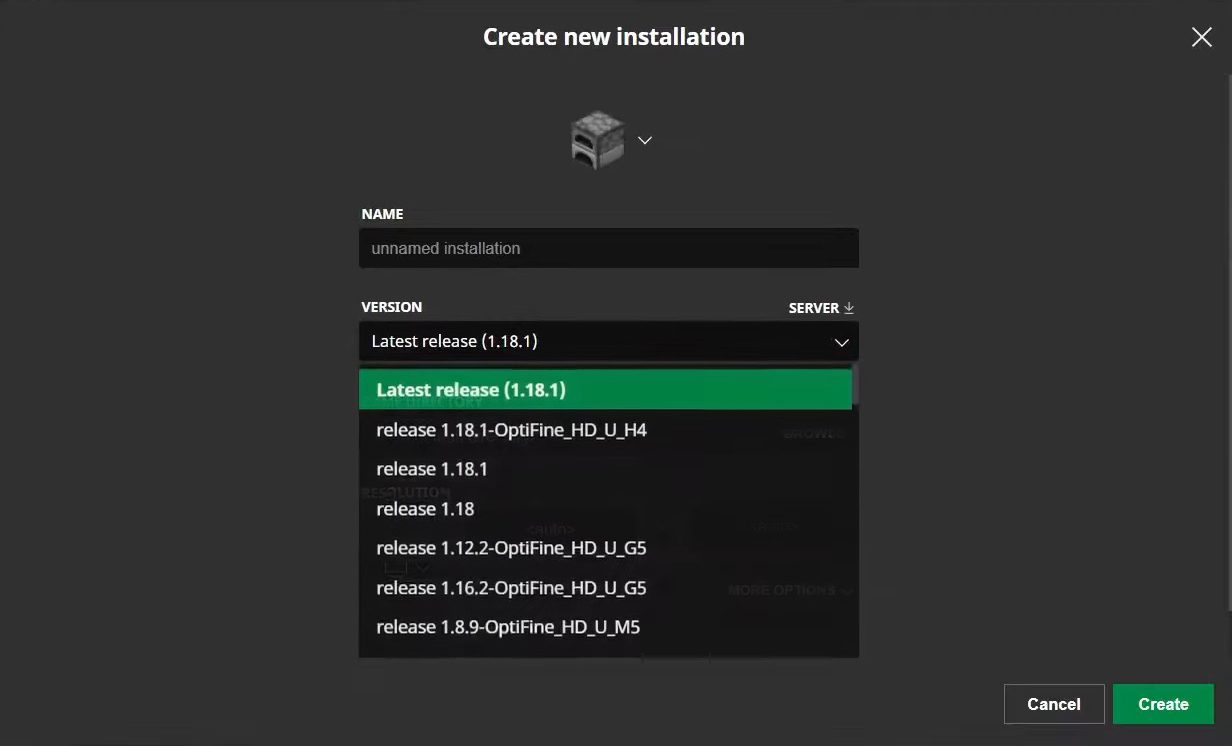
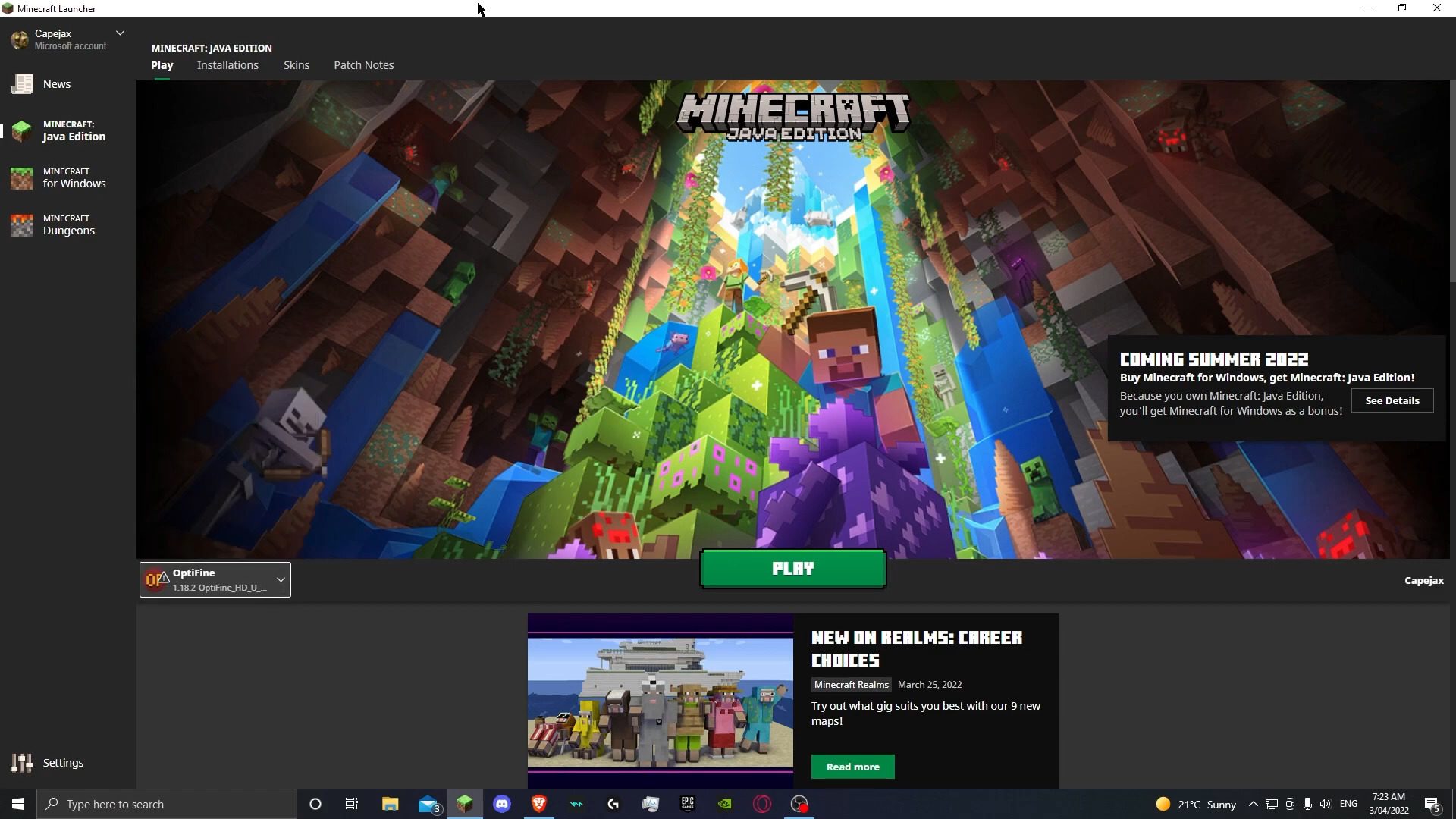
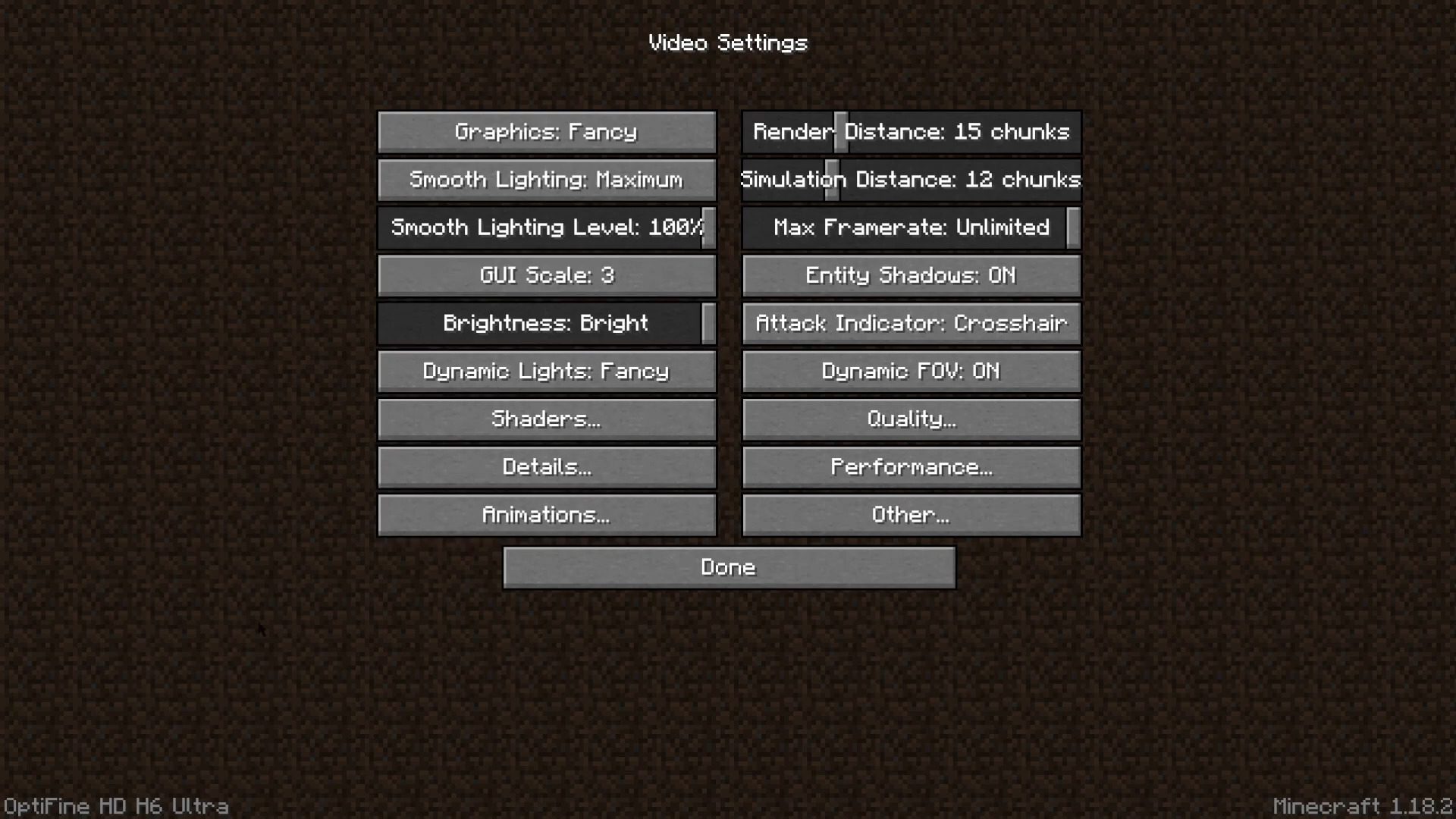
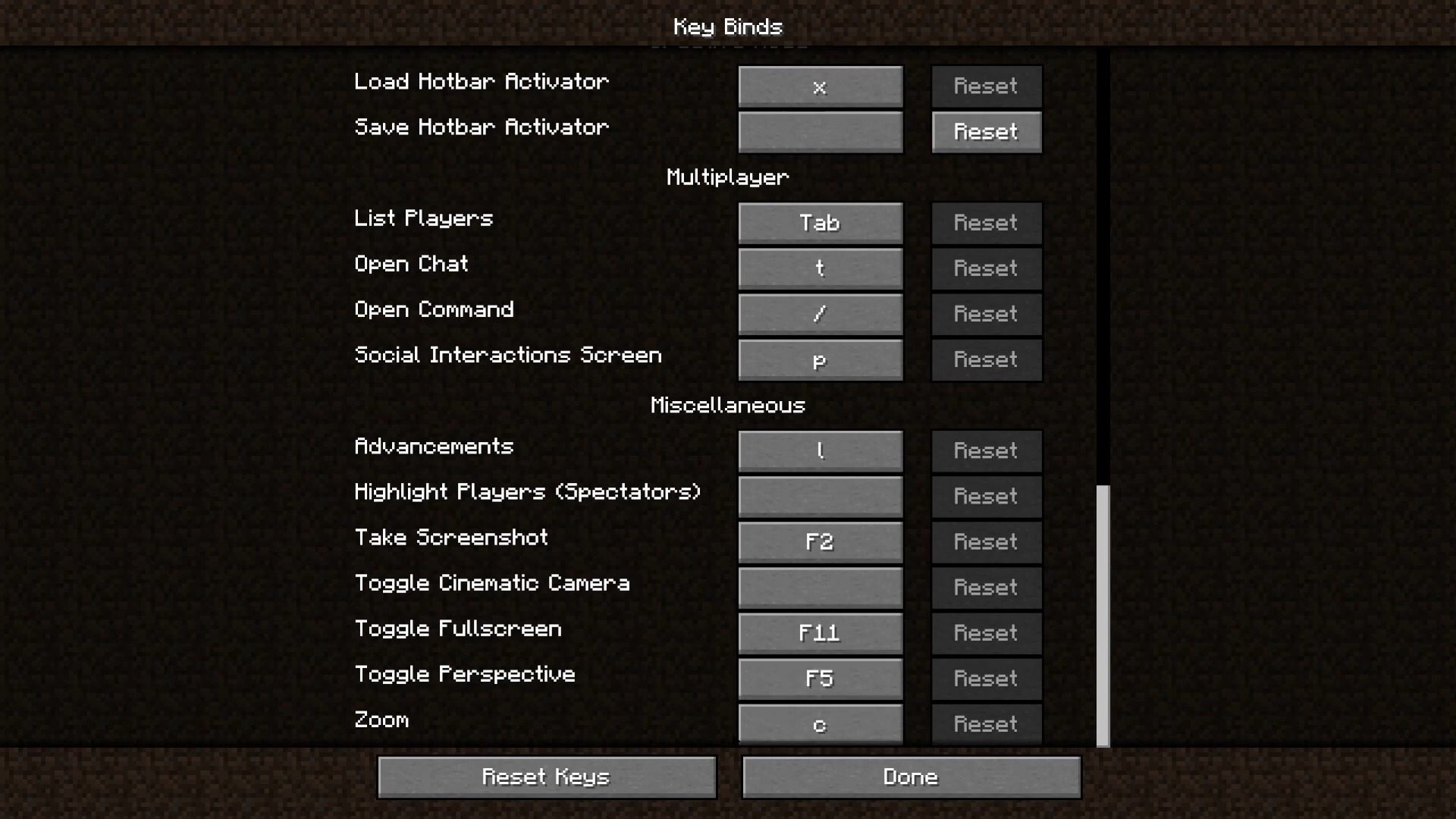
OptiFine HD is a mod that helps you to adjust Minecraft effectively. It makes Minecraft run more smoothly and use less resources. Besides, it enables you to run resource (texture) pack HD without installing more other mods. Usually it can double or triple your FPS. Although it was originally designed to optimize game performance and enable the installation of higher resolution textures, it has become an essential tool for installing shaders. In addition to a series of pre-established optimizations, this tool allows us to disable certain graphical options that cannot be turned off without it. This helps reduce graphic elements that consume more resources. One interesting feature of this tool is that its benefits are noticeable whether you have a low-end, mid-range, or high-end computer.
Features:
FPS Boost
- Doubles FPS for smoother gameplay
- Reduces lag spikes and enhances performance
HD Textures Support
- Supports HD textures and fonts without MCPatcher
- Custom terrain and item textures
- Animated terrain and item textures
- Custom HD font character widths
- Custom colors and block color palettes
- Custom lighting
- Unlimited texture size
Shaders Support
- Based on Shaders Mod by Karyonix
Dynamic Lights
- Handheld and dropped light-emitting items illuminate surroundings
- Not related to the Dynamic Lights mod
Variable Render Distance
- Ranges from Tiny to Extreme (2x Far) in 16m steps
- Sun, moon, and stars visible in Tiny and Short distances
Configurable Smooth Lighting
- Adjustable from 1% (no shadows) to 100% (full shadows)
Performance: VSync
- Synchronizes framerate with monitor refresh rate for smoother gameplay
Smart Advanced OpenGL
- Fast: Faster rendering, some artifacts
- Fancy: Slower, no visual artifacts
Fog Control
- Options: Fancy, Fast, OFF
- Fog start: Near, Far
Mipmaps
- Smooths distant textures for better visuals
- Levels: OFF, 1, 2, 3, Max
- Types: Nearest, Linear
Anisotropic Filtering
- Restores details in mipmapped textures
- Levels: OFF, 2, 4, 8, 16 (hardware-dependent)
Antialiasing
- Smooths jagged lines and color transitions
- Levels: OFF, 2, 4, 6, 8, 12, 16 (hardware-dependent)
Better Grass
- Matches grass block side textures to surrounding terrain
Better Snow
- Matches transparent block textures to surrounding snow
Clear Water
- Transparent water with good underwater visibility
Random Mobs
- Uses random mob textures if available in texture pack
Connected Textures
- Connects textures for glass, glass panes, sandstone, and bookshelf blocks
Natural Textures
- Removes gridlike patterns using rotated/flipped block variants
FPS Control
- Smooth FPS: Stabilizes FPS by flushing graphics driver buffers
- Smooth Input: Fixes stuck keys, slow input, and sound lag
Chunk Loading Control
- Load Far: Loads chunks at Far distance
- Preloaded Chunks: Defines area where no new chunks load
- Chunk Updates per Frame: Speeds up world loading
- Dynamic Updates: Loads more chunks when player is still
Configurable Details
- Clouds: Default, Fast, Fancy
- Cloud Height: 0% to 100%
- Trees: Default, Fast, Fancy
- Grass: Default, Fast, Fancy
- Water: Default, Fast, Fancy
- Rain and Snow: Default, Fast, Fancy
- Sky: ON, OFF
- Stars: ON, OFF
- Sun & Moon: ON, OFF
- Depth Fog: ON, OFF
- Weather: ON, OFF
- Swamp Colors: ON, OFF
- Smooth Biomes: ON, OFF
- Custom Fonts: ON, OFF
- Custom Colors: ON, OFF
- Show Capes: ON, OFF (supports HD capes)
Configurable Animations
- Water Animated: OFF, Dynamic, ON
- Lava Animated: OFF, Dynamic, ON
- Fire Animated: OFF, ON
- Portal Animated: OFF, ON
- Redstone Animated: OFF, ON
- Explosion Animated: OFF, ON
- Flame Animated: OFF, ON
- Smoke Animated: OFF, ON
- Void Particles: OFF, ON
- Water Particles: OFF, ON
- Rain Splash: OFF, ON
- Portal Particles: OFF, ON
- Dripping Water/Lava: OFF, ON
- Terrain Animated: OFF, ON
- Items Animated: OFF, ON
Fast Texturepack Switching
- Switch texture packs without leaving the world
Fullscreen Resolution
- Configurable fullscreen resolution
Debug
- Fast Debug Info: Removes lagometer from debug screen
- Debug Profiler: Removes profiler from debug screen
Time Control
- Default, Day Only, Night Only (Creative mode only)
Autosave
- Configurable autosave interval
- Fixes the Lag Spike of Death
Screenshots:
How to use:
Please visit the following link for full instructions: How To Use OptiFine – Full Wiki Guide & Tutorial
OptiFine HD Download Links
- Edition: Minecraft Java
- File type: .jar
- Minecraft version listed: 1.20.1
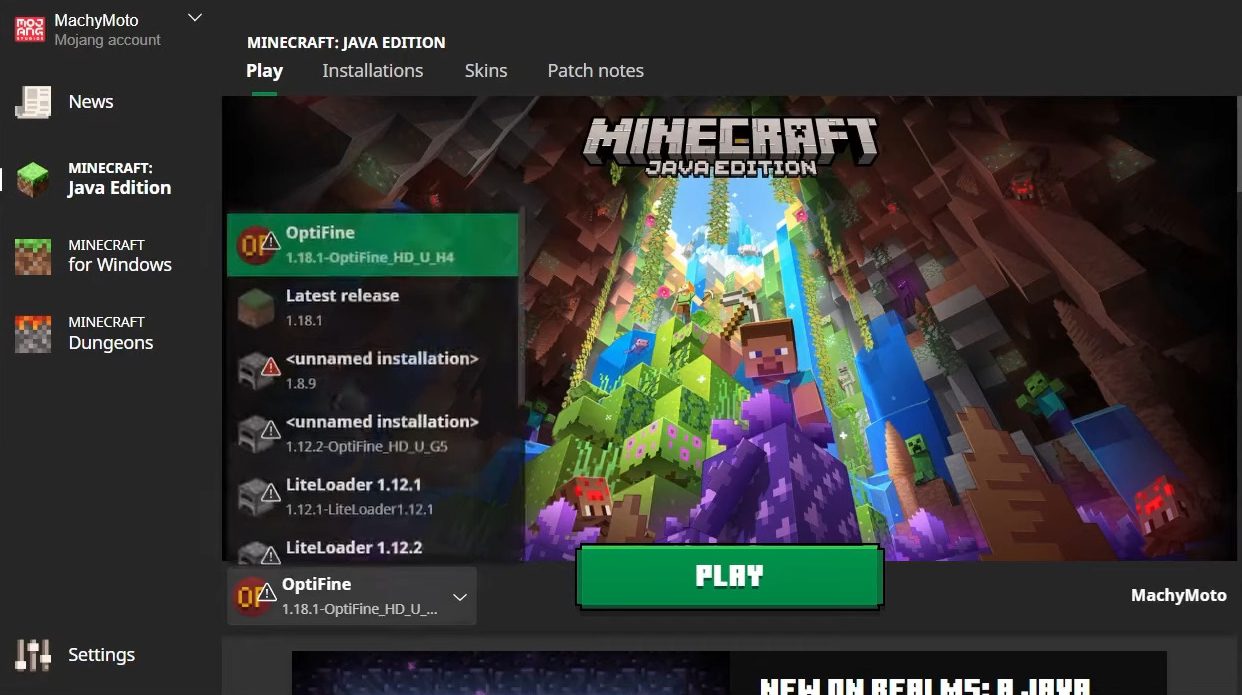
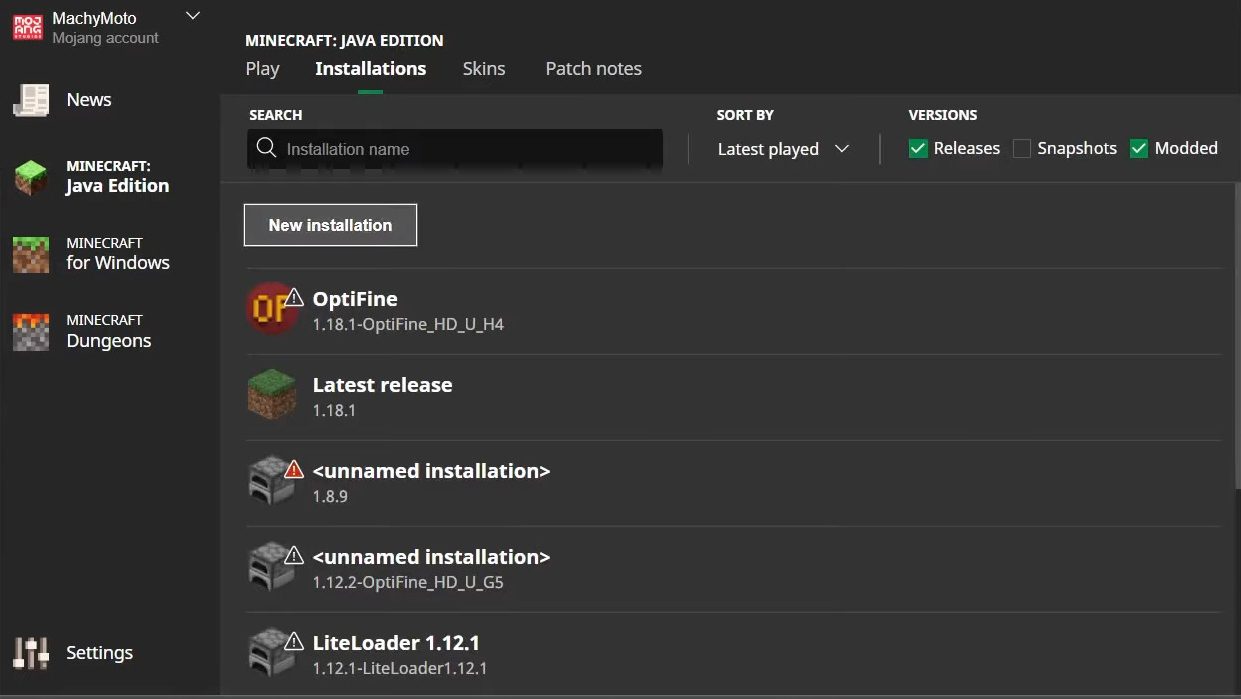
- How to install: Install the matching mod loader (Forge, Fabric or NeoForge) for your Minecraft version. → Download the .jar. → Put it in the .minecraft/mods folder and launch that loader profile.
- Where to get it: In MC Java Mods, or directly above on this page.
Install steps are the general flow for this file type — How to install Minecraft Java mods & modpacks walks through it step by step.
OptiFine HD (26.3, 1.20.1) – Run Faster, FPS Boost, Shaders Support is a free Minecraft Java mod. Compatible with Minecraft 1.20.1. Download it and open it directly in the game.