
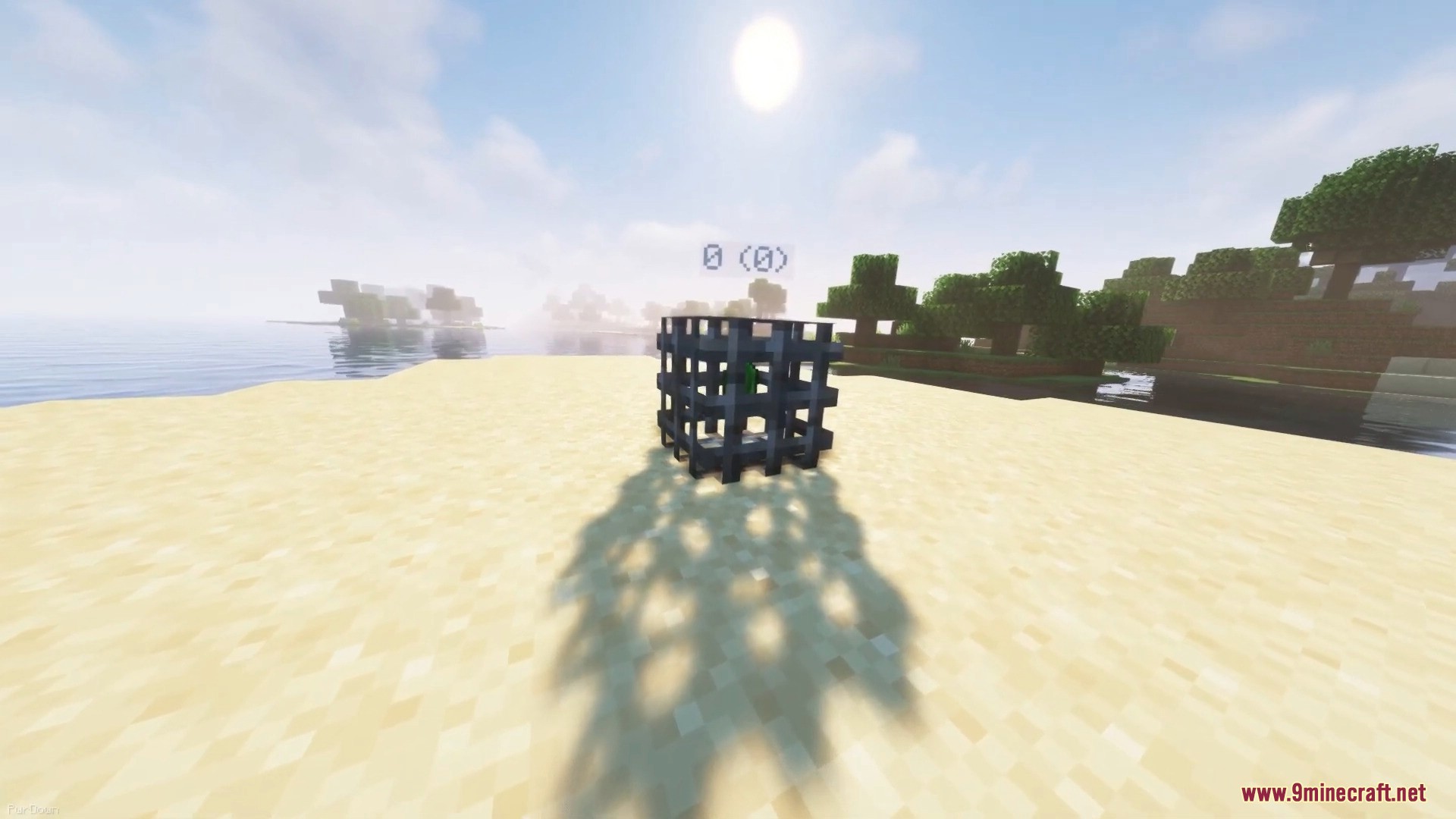

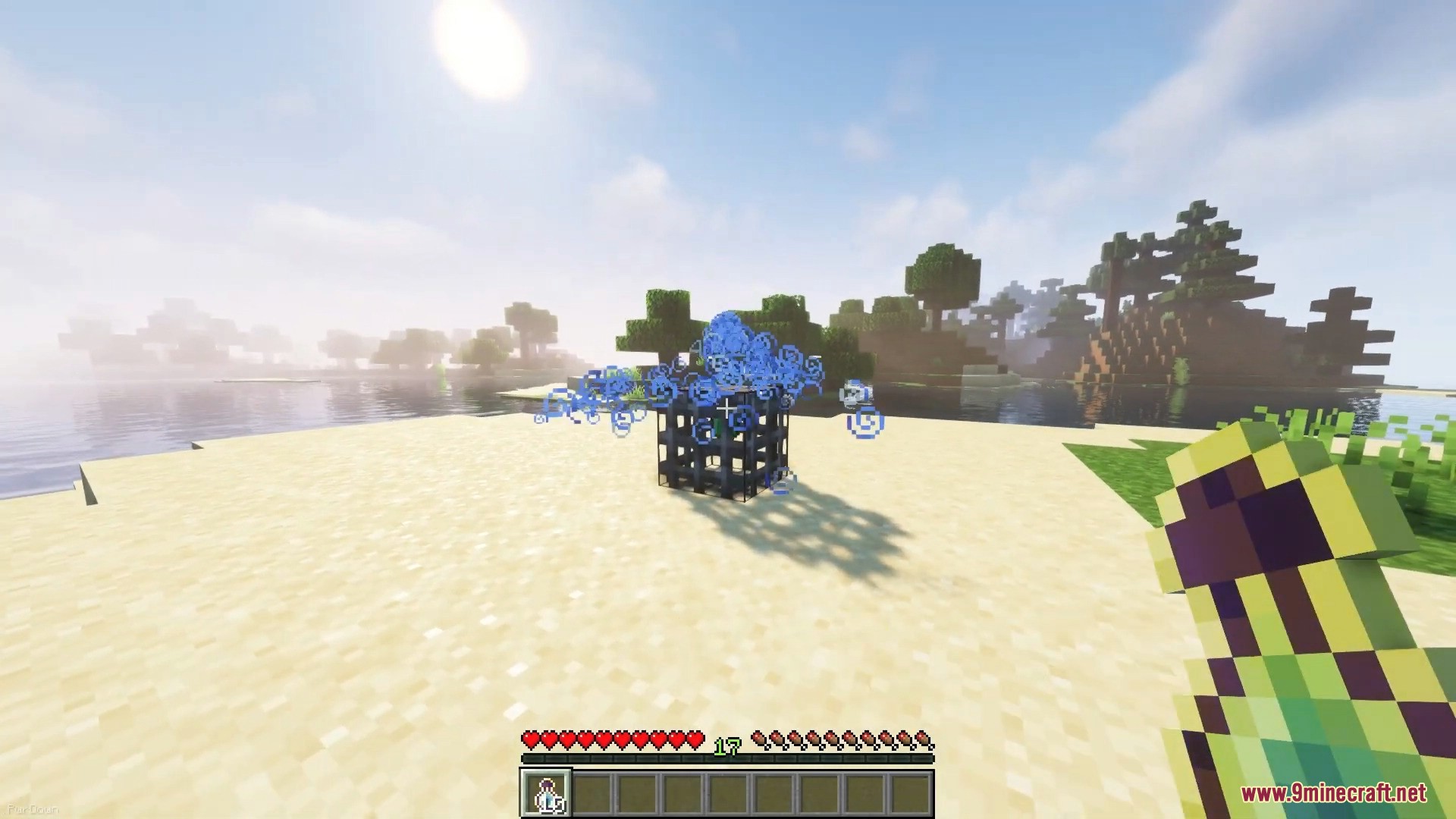



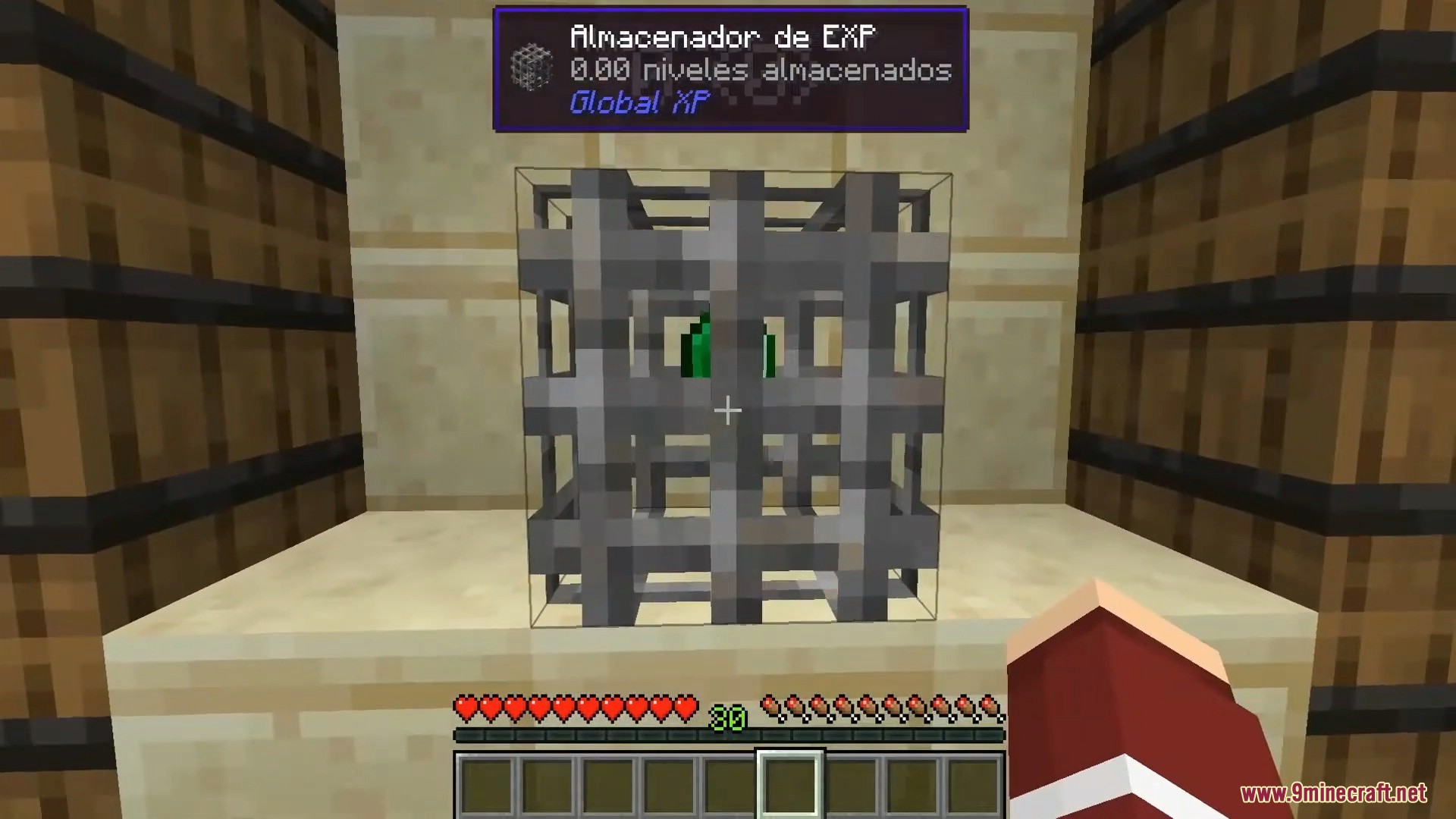
Global XP Mod adds a simple way to store your experience points in a single block. This block, called the XP Bank, works like a shared bank that anyone can use to deposit or withdraw XP. It is a great way to keep your levels safe from dying and share experience with other players.
Features:
- Adds a special XP Bank block that can store a large amount of experience.
- Allows any player to access the block, making it a shared resource.
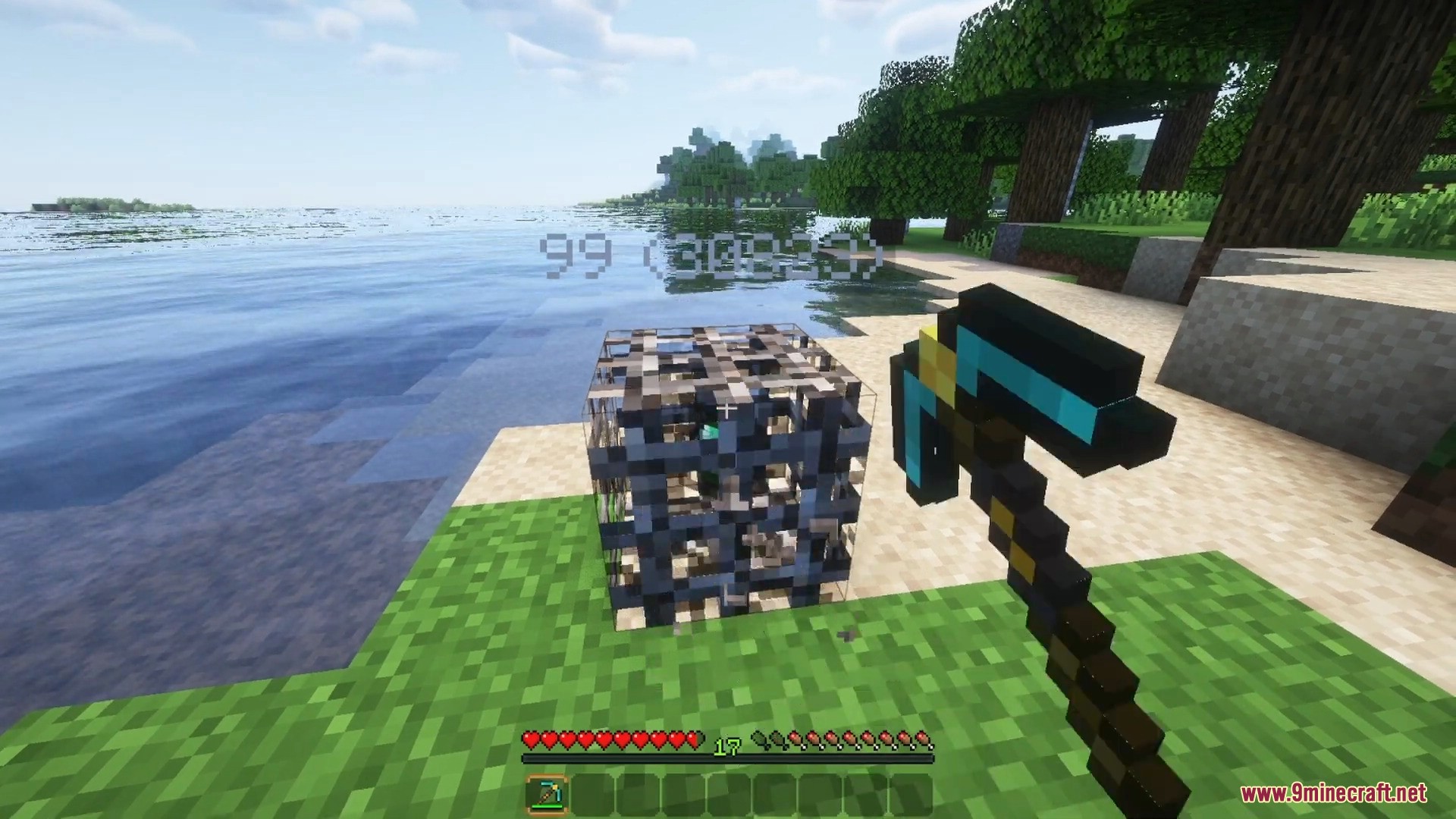
- Keeps all stored XP safe even when the block is broken and moved.
- Automatically picks up nearby experience orbs to store them.
- You can disable the orb pickup feature by giving the block a redstone signal.
- Lets you rename the block with an anvil to give it a custom name.
- Shows the amount of stored XP with a floating text display when you look at it.
- Supports tooltip mods like Jade and Waila to display detailed information.
Configuration:
Many settings can be changed in-game without a restart. You can adjust:
- The animation speed of the emerald inside the block.
- The radius for picking up XP orbs.
- Whether the block picks up orbs at all.
- The amount of XP deposited or withdrawn at once (one level or all).
- An XP “tax” by setting the percentage of XP the block returns.
- Whether the stored XP amount and custom name are displayed above the block.
How to Use:
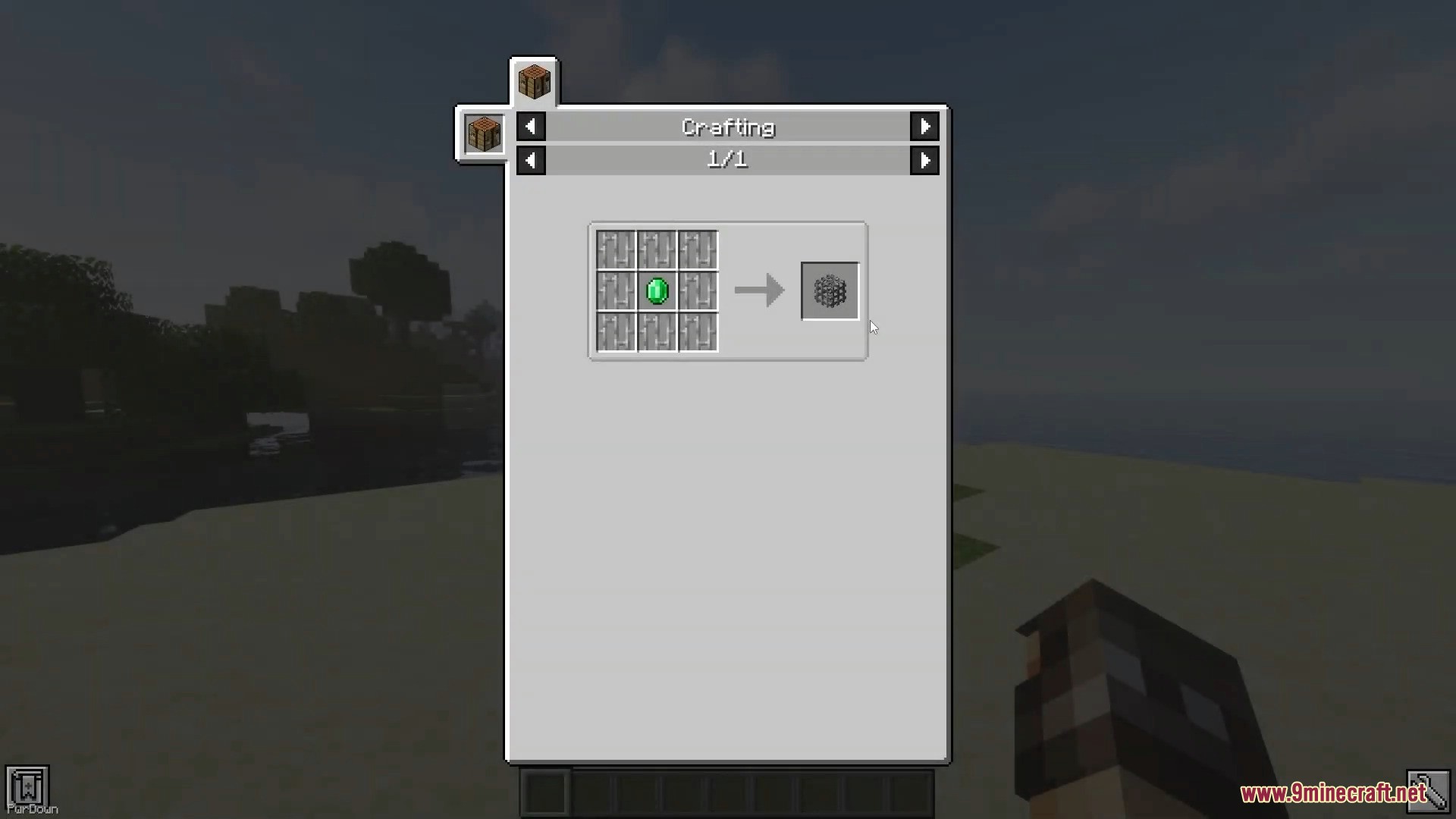
- First, craft the XP Bank. Place one emerald in the center of a crafting table and surround it with eight iron bars.
- To deposit all of your current XP, hold the Sneak key and right-click the block. Make sure your hands are empty.
- To withdraw one level of XP, simply right-click the block with an empty hand.
- You can see how much XP is stored by looking at the block. A text display will appear above it.
Screenshots:

Global XP Mod Download Links
Quick facts
- Edition: Minecraft Java
- File type: .jar
- Minecraft version listed: 1.20.1
- How to install: Install the matching mod loader (Forge, Fabric or NeoForge) for your Minecraft version. → Download the .jar. → Put it in the .minecraft/mods folder and launch that loader profile.
- Where to get it: In MC Java Mods, or directly above on this page.
Install steps are the general flow for this file type — How to install Minecraft Java mods & modpacks walks through it step by step.
Verified by MCModsHub
- Downloads as 83805.mcaddon
- Download size: 146 KB
- Download link checked 26 Sept 2026 — working
- Mirrored on our own servers — the download does not depend on the original host
These come from our own check of the pack file, not from the source page.