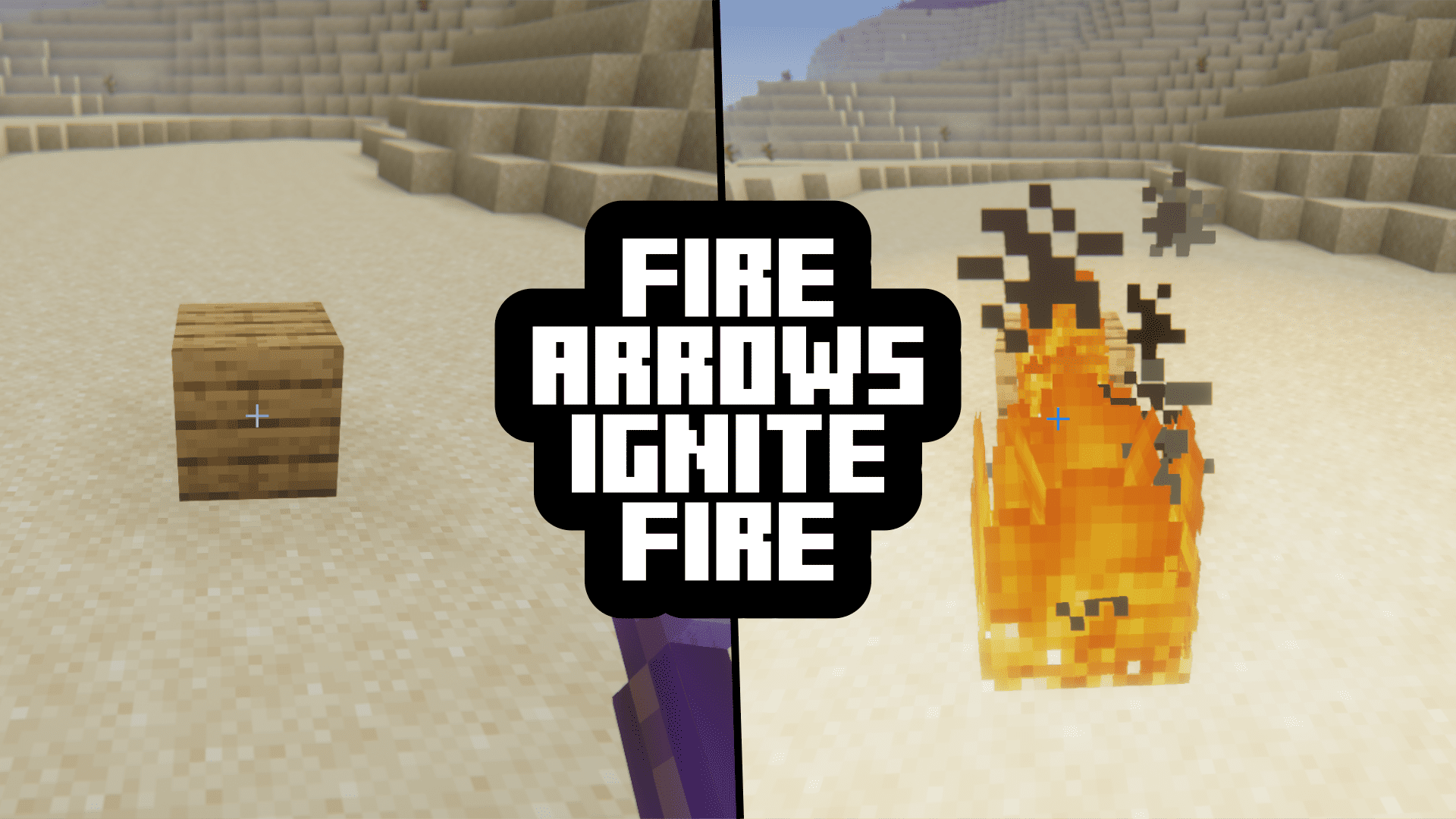
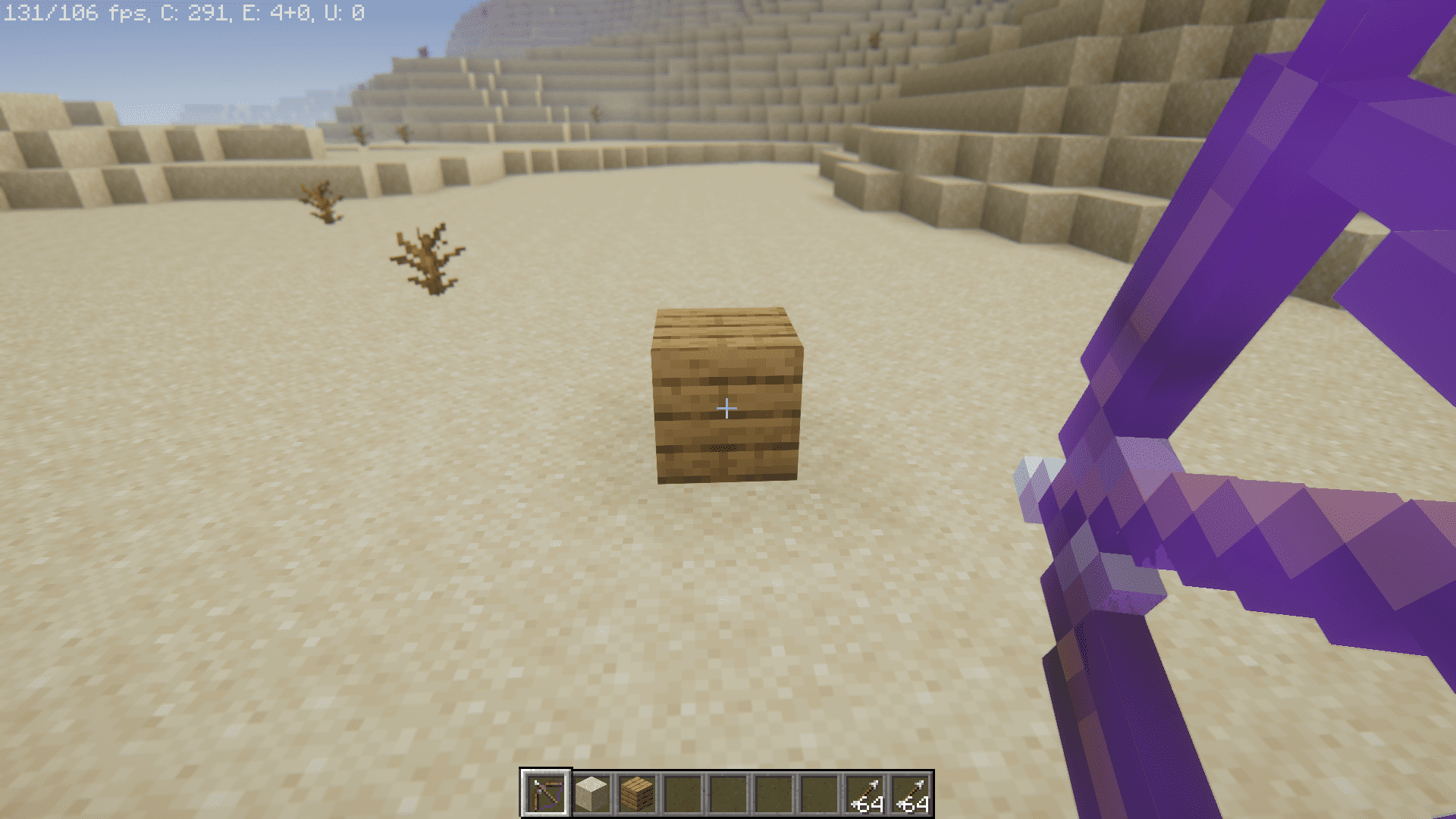
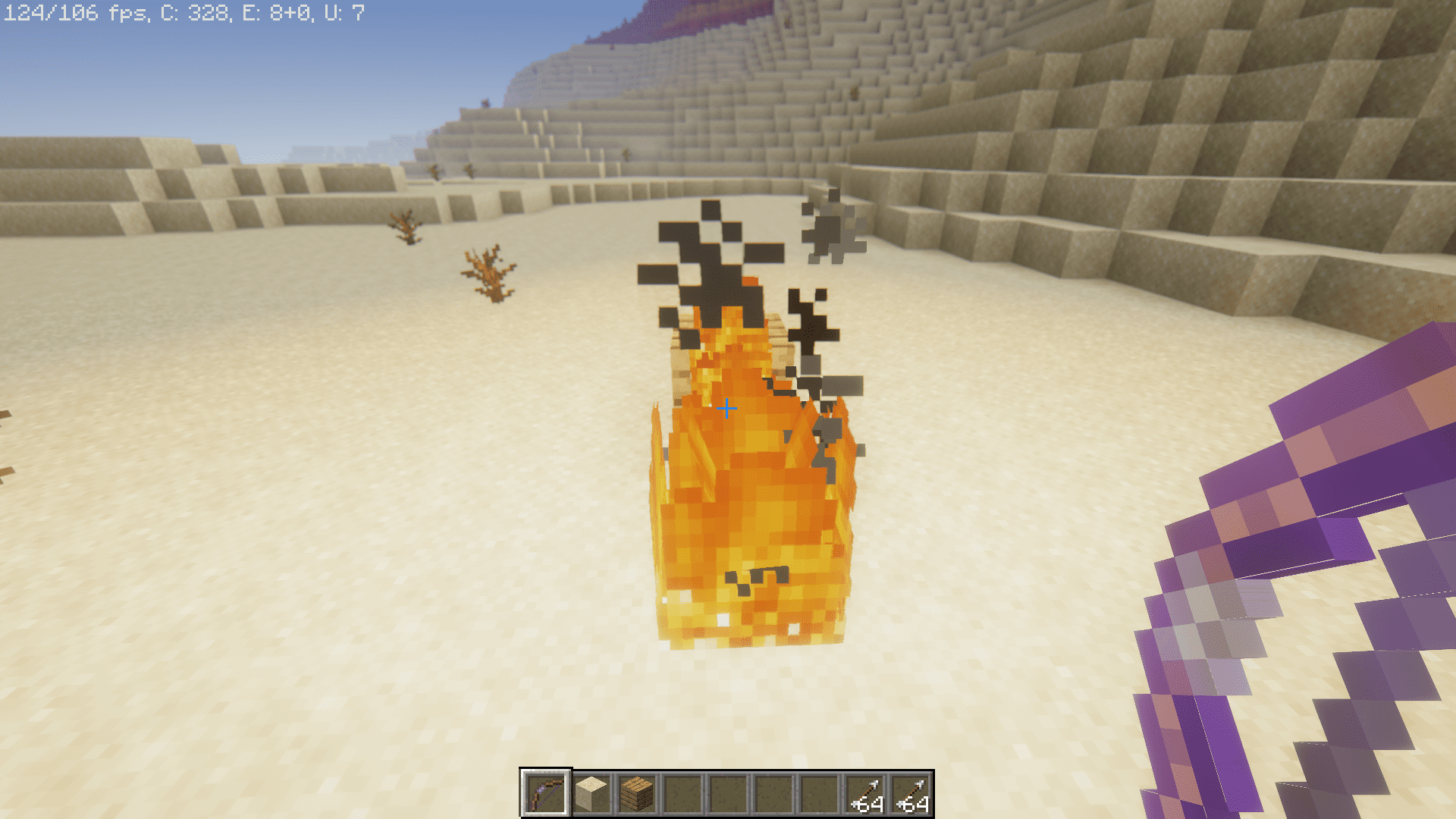
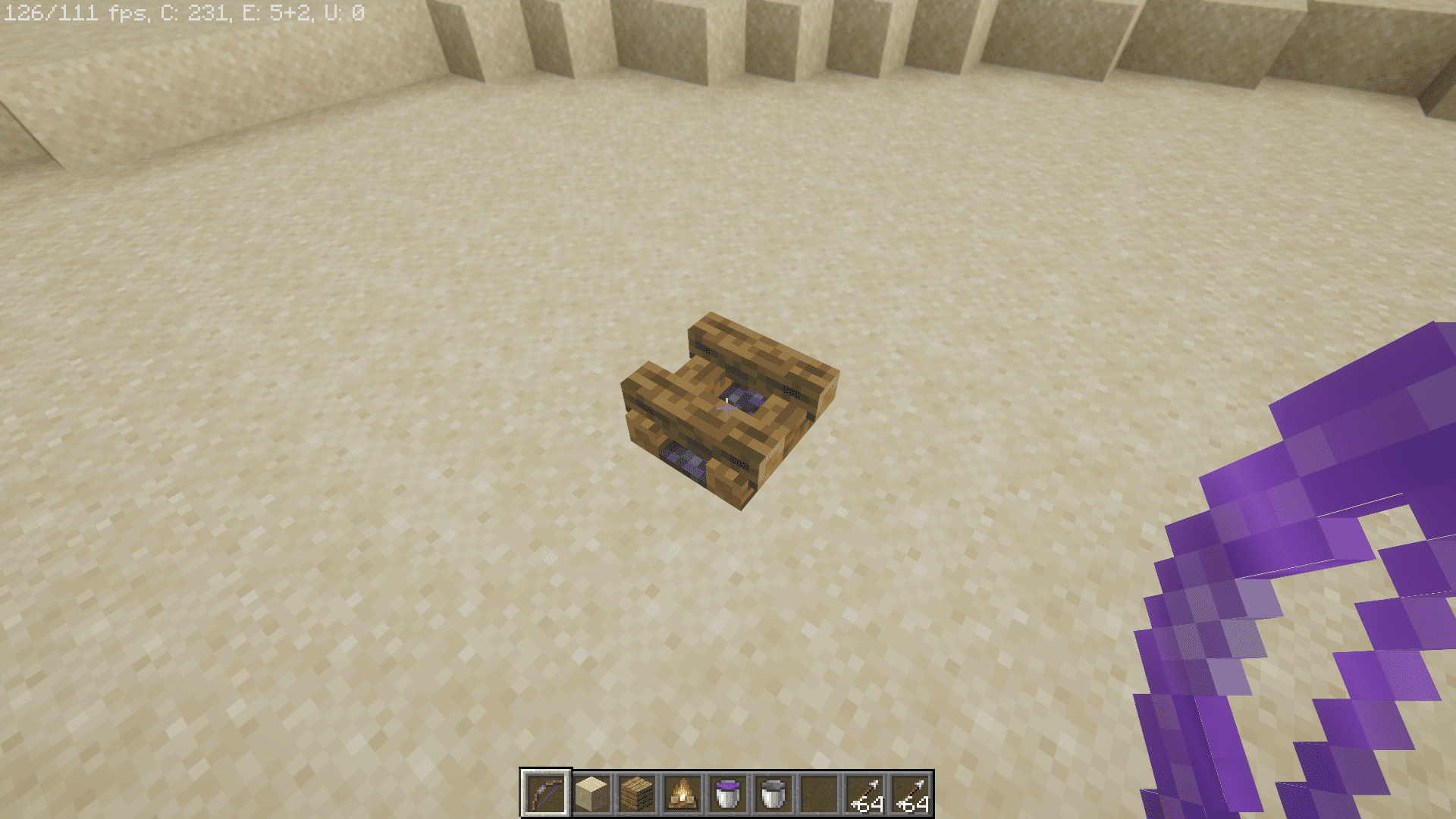
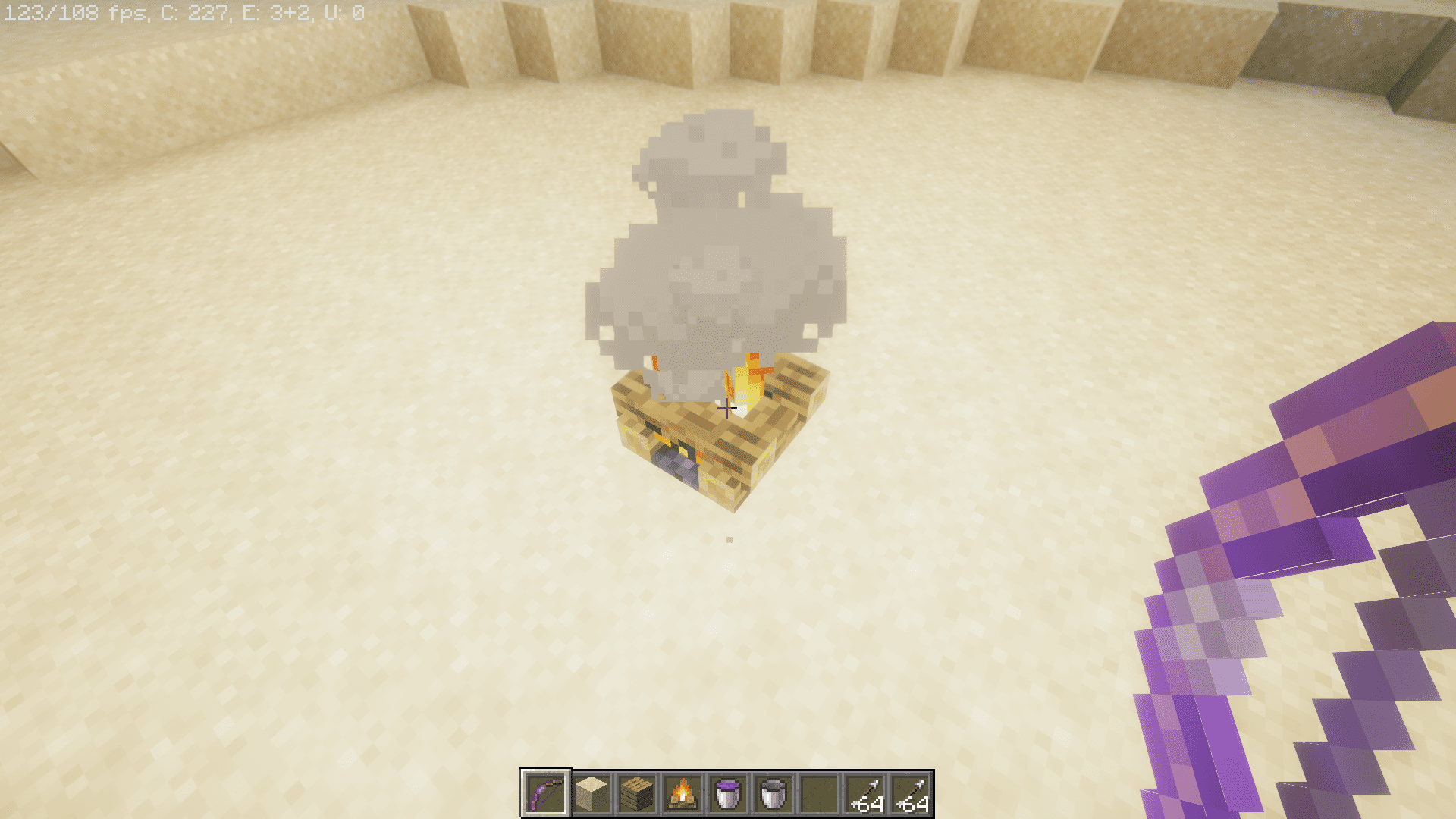
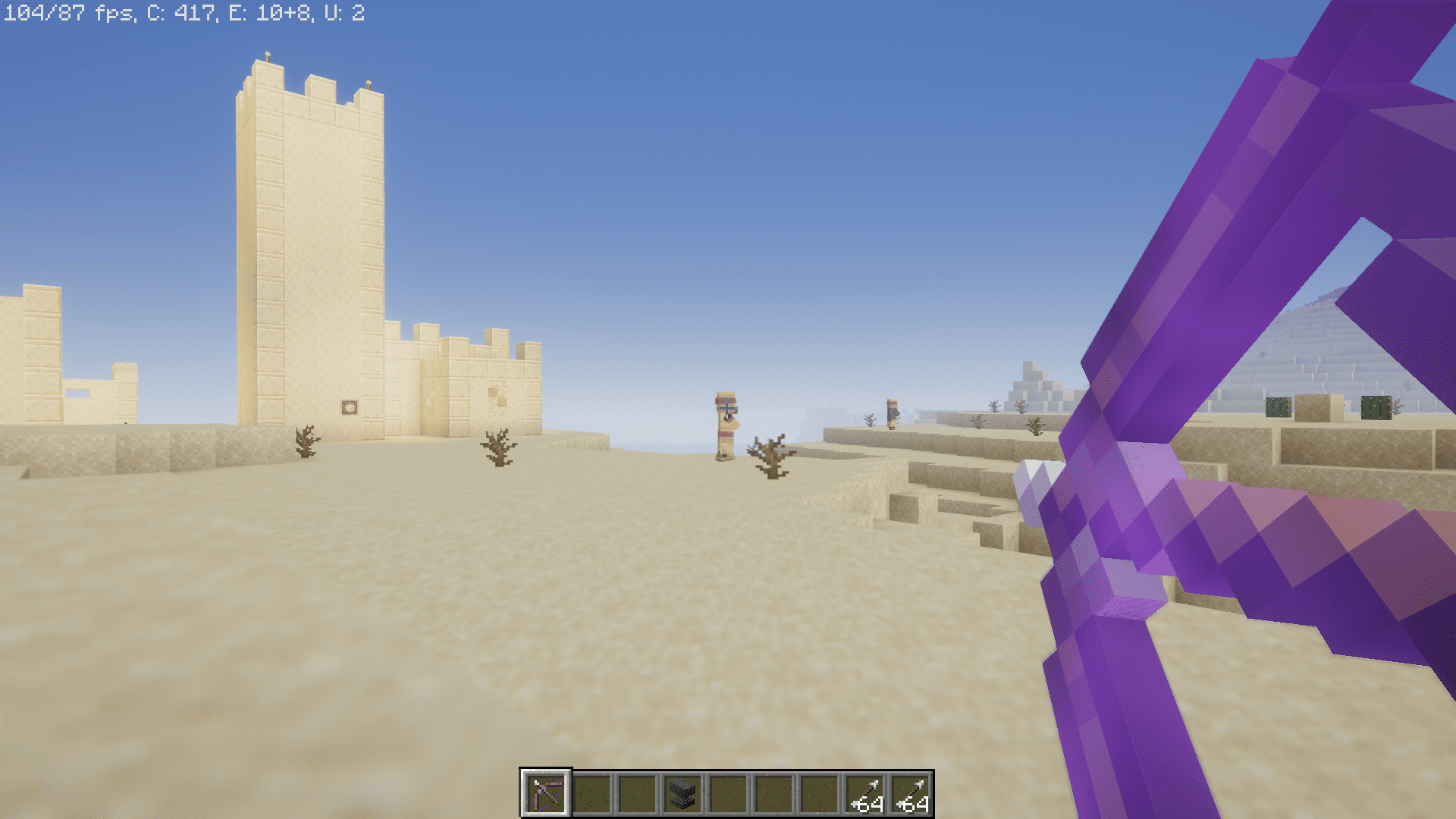
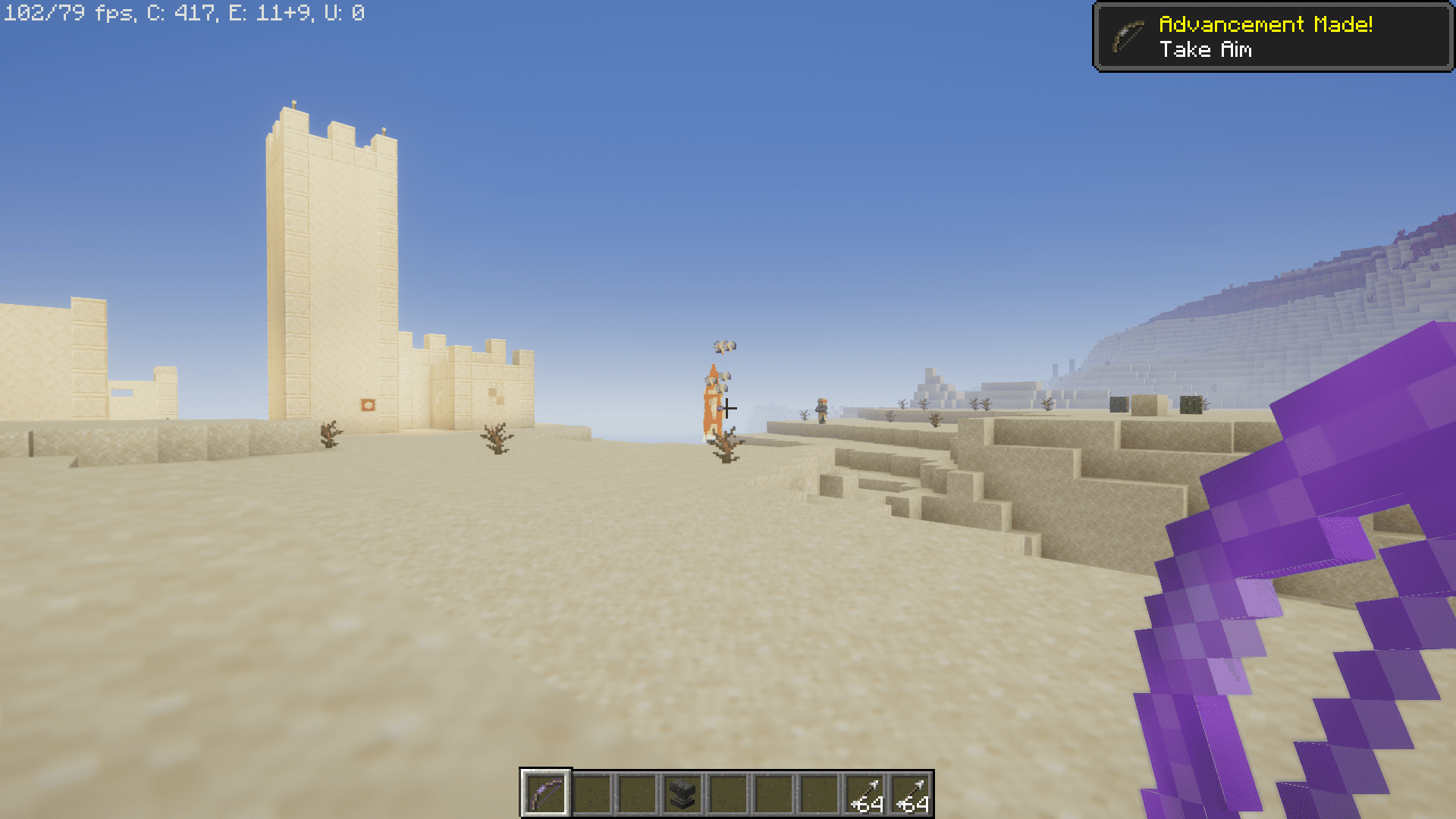
Once Fire Arrows Ignite Fire Mod is installed, flaming arrows will set fire to the blocks they hit, adding realism and utility to archery mechanics. In certain situations, this can be quite useful, such as lighting areas or damaging structures-but it also means you’ll need to be careful not to accidentally burn down your own house with a stray shot.
Features:
- Block Ignition:
- When a flaming arrow hits a block, it tries to set it on fire-just like you’d expect in real life.
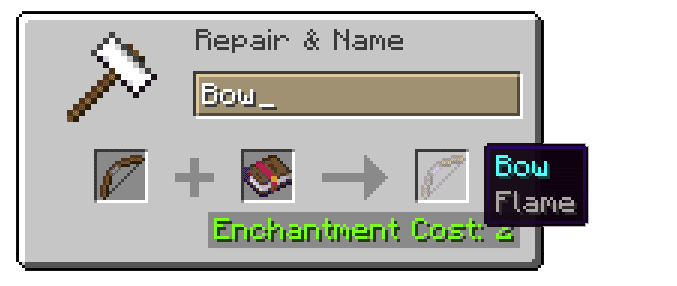
- Works with arrows lit by Flame enchantment, lava, or fire sources.
- Configurable Behavior:
- Customize via in-game menu or edit
config/firearrows.json. - Key settings include:
blocksBrokenByFireArrows: Define which blocks can be replaced by fire (e.g. air).- Toggle fire spread or limit ignition to specific block types.
- Customize via in-game menu or edit
Screenshots:
Fire Arrows Ignite Fire Mod Download Links
Quick facts
- Edition: Minecraft Java
- File type: .jar
- Minecraft version listed: 1.20.1
- How to install: Install the matching mod loader (Forge, Fabric or NeoForge) for your Minecraft version. → Download the .jar. → Put it in the .minecraft/mods folder and launch that loader profile.
- Where to get it: Opens on the file's original source — not every file is mirrored on our own servers.
Install steps are the general flow for this file type — How to install Minecraft Java mods & modpacks walks through it step by step.
Fire Arrows Ignite Fire Mod (26.2, 1.20.1) – Flaming Arrows Ignite Blocks is a free Minecraft Java mod. Compatible with Minecraft 1.20.1. Download it and open it directly in the game.