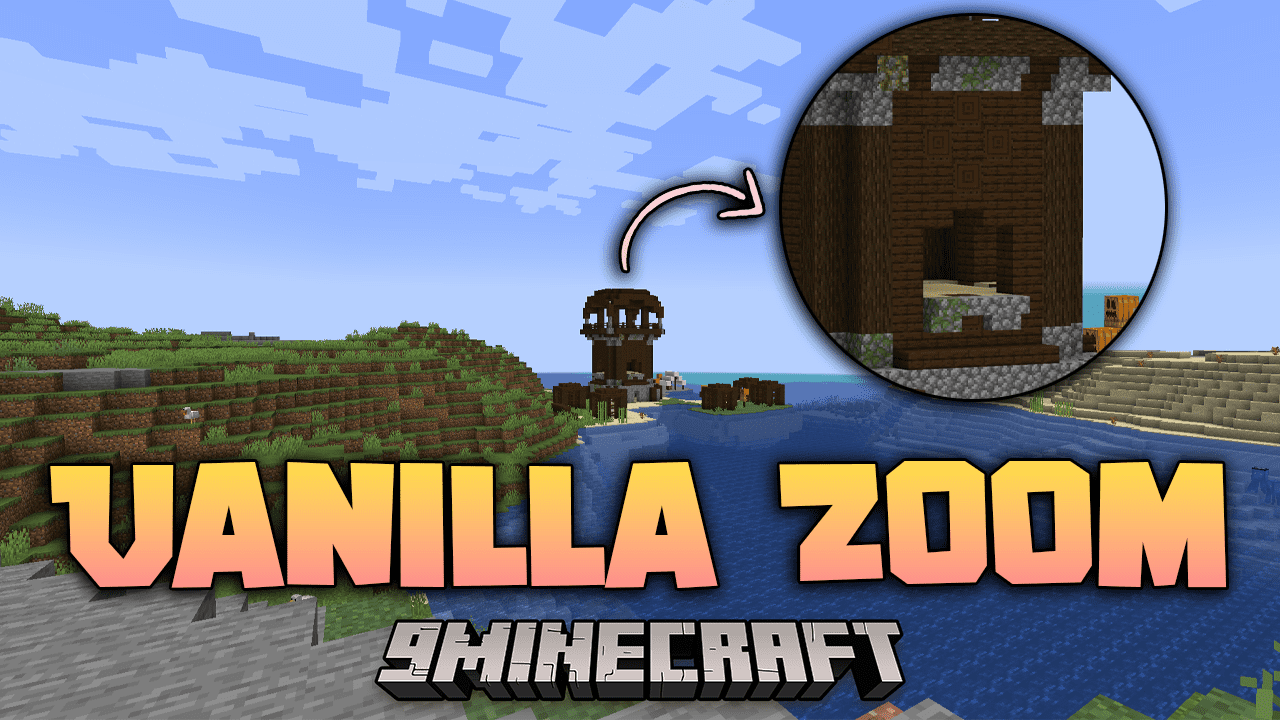
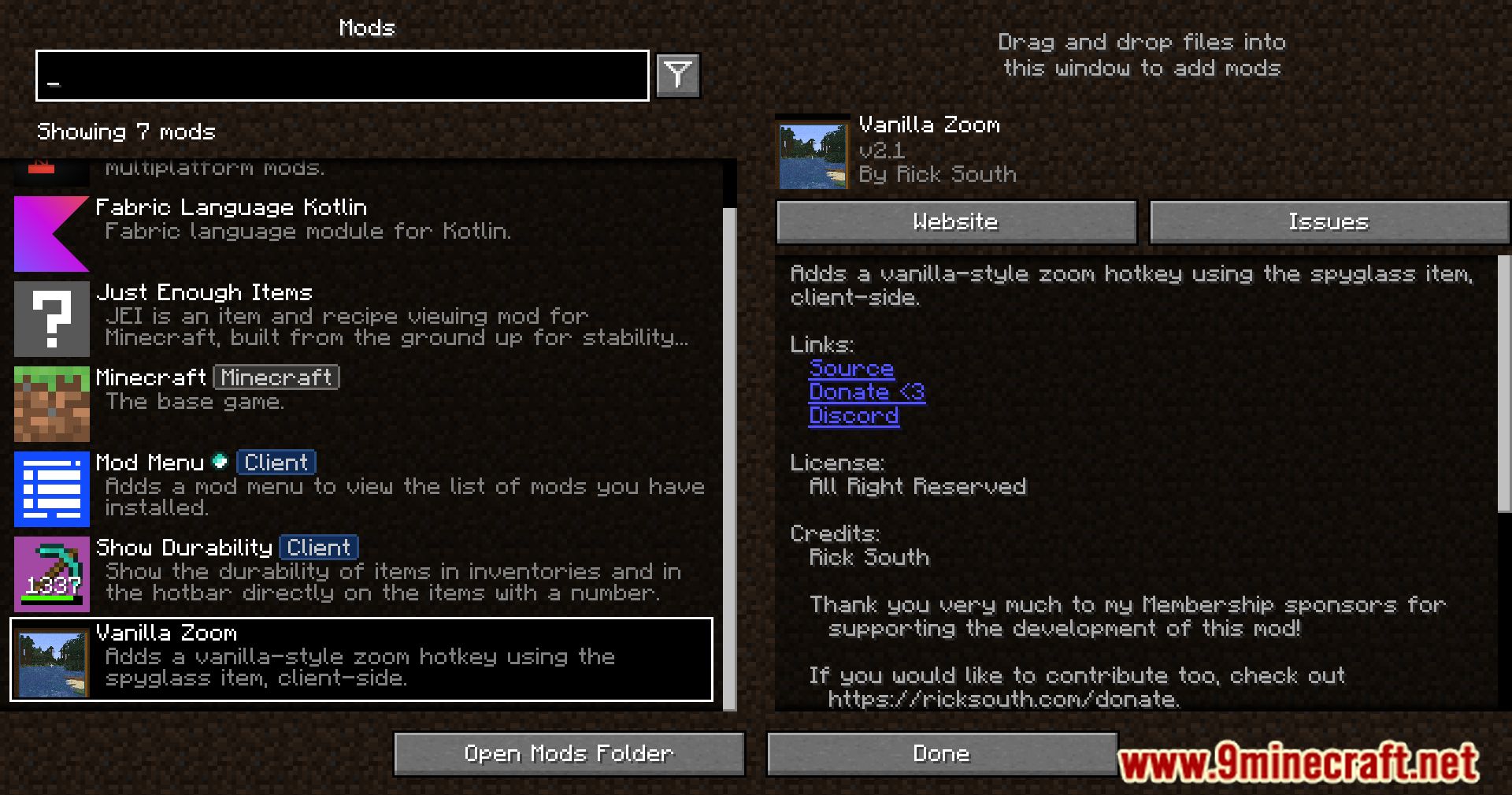
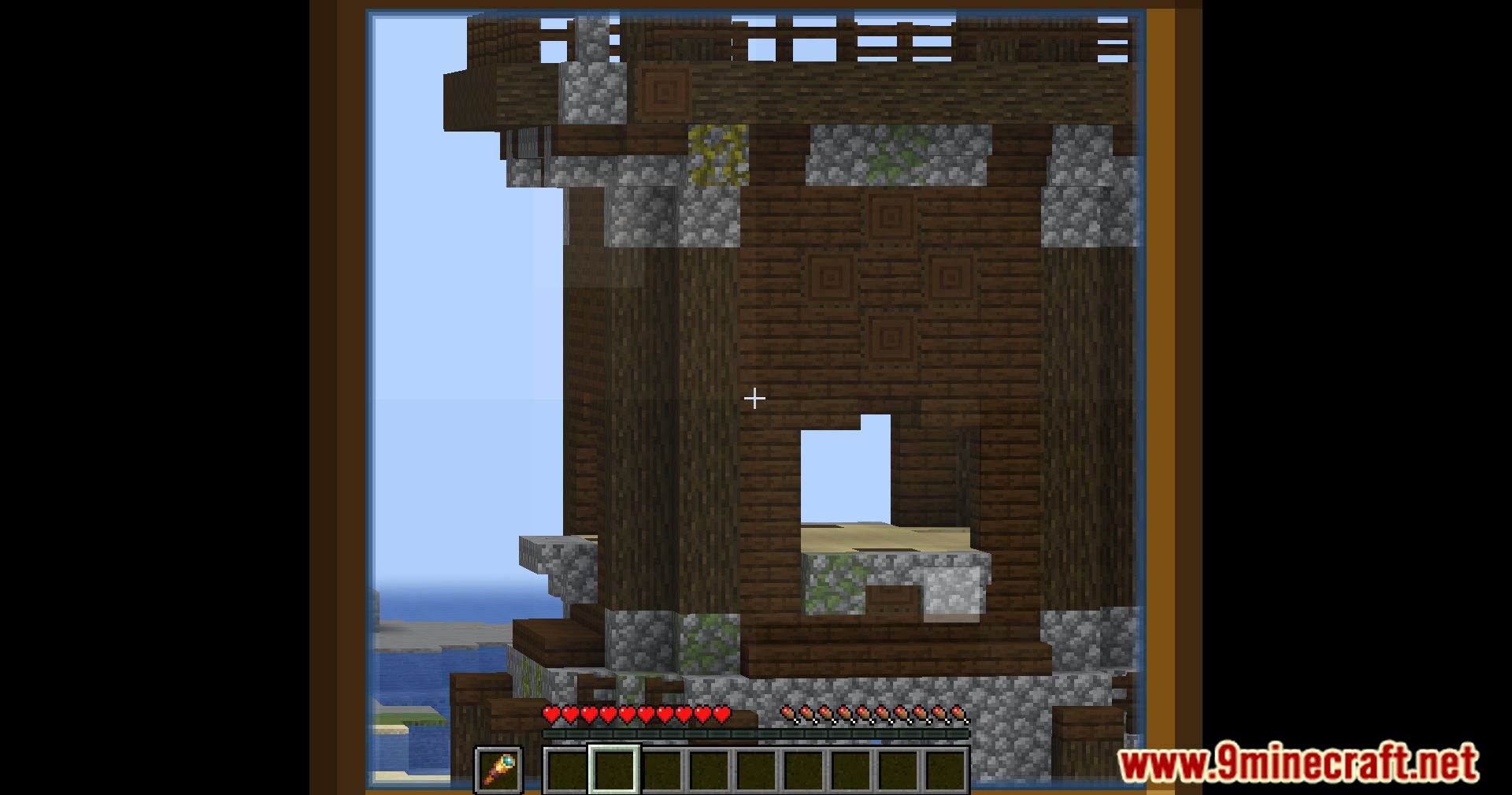
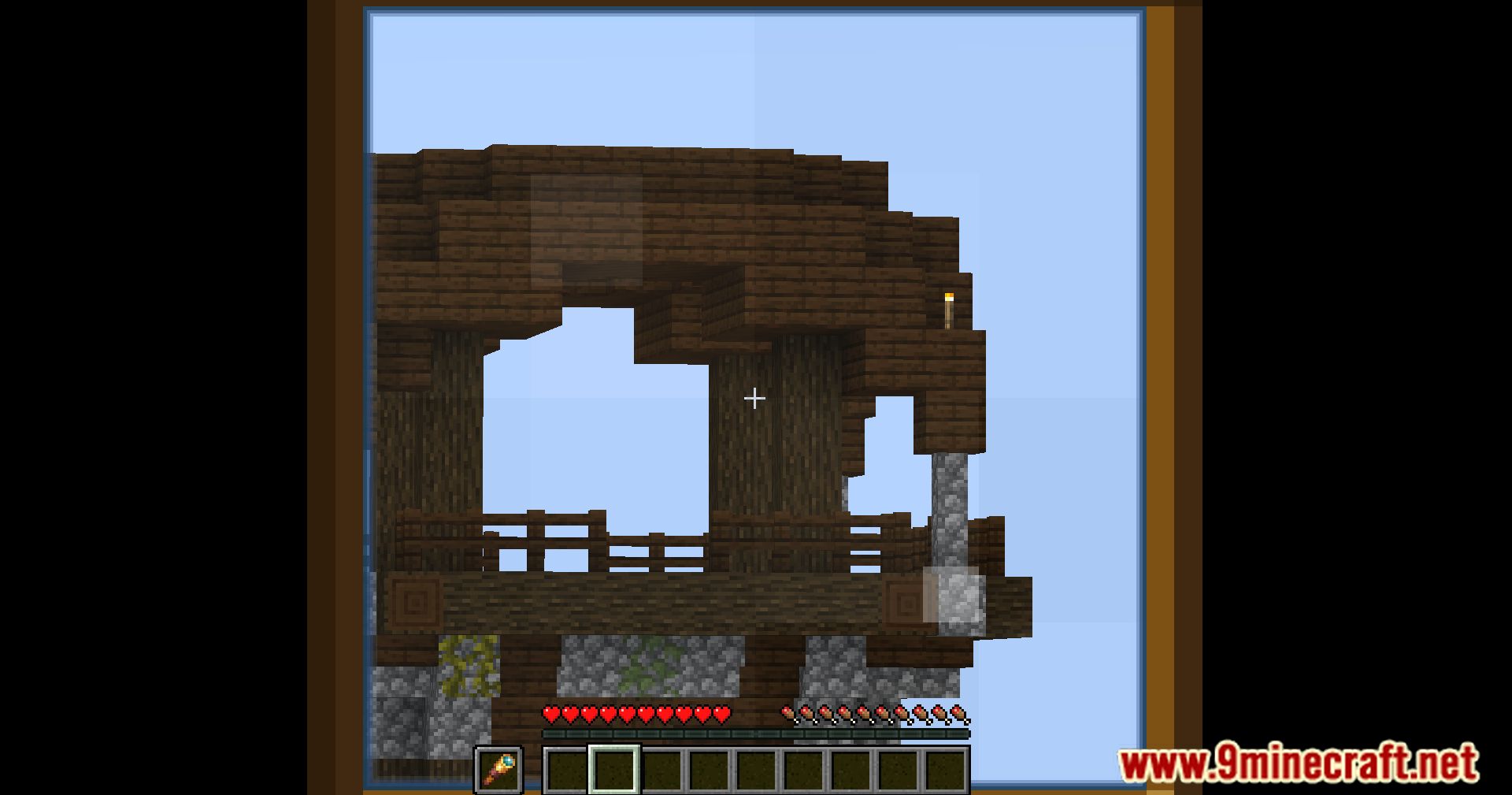
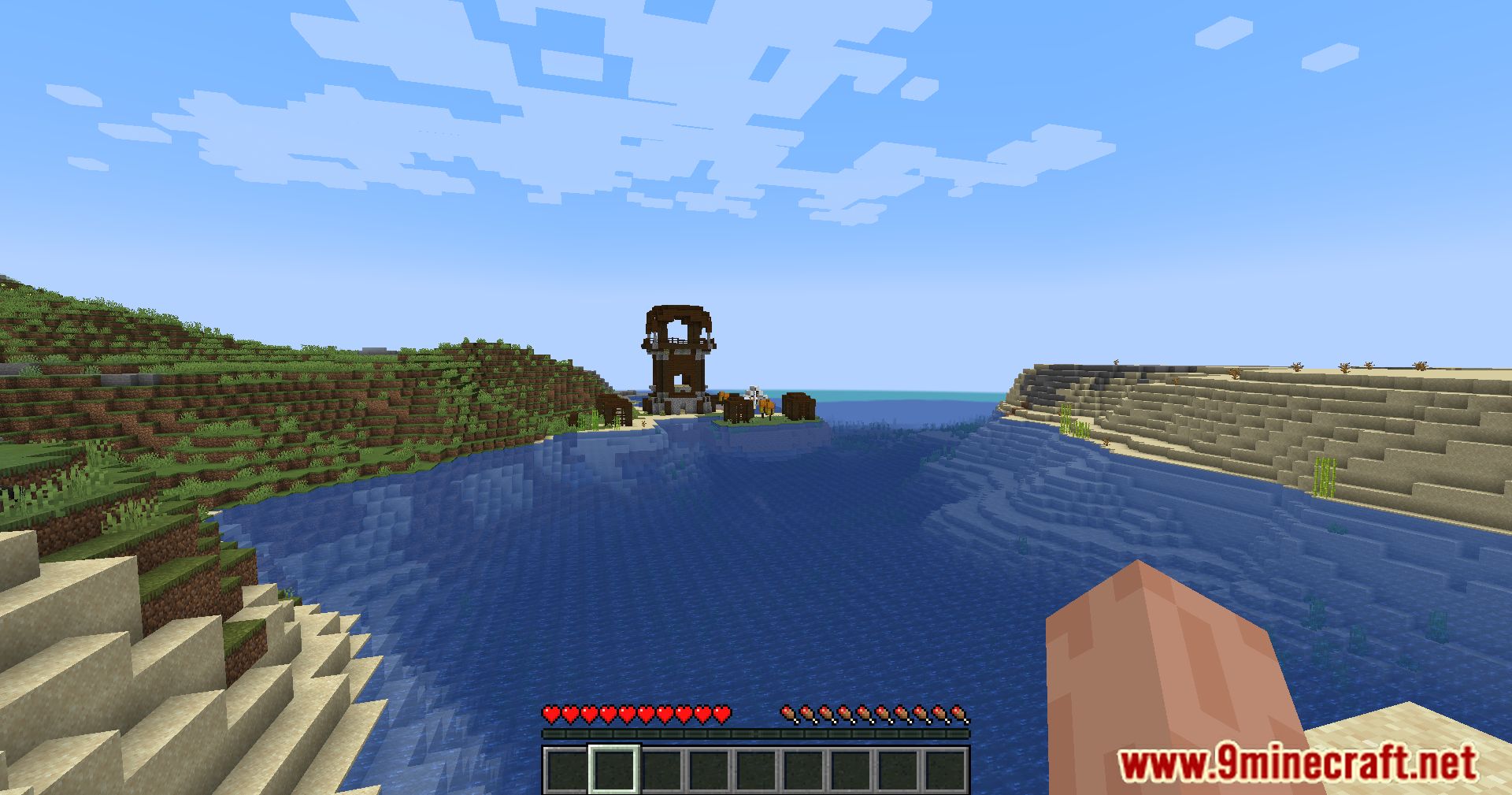
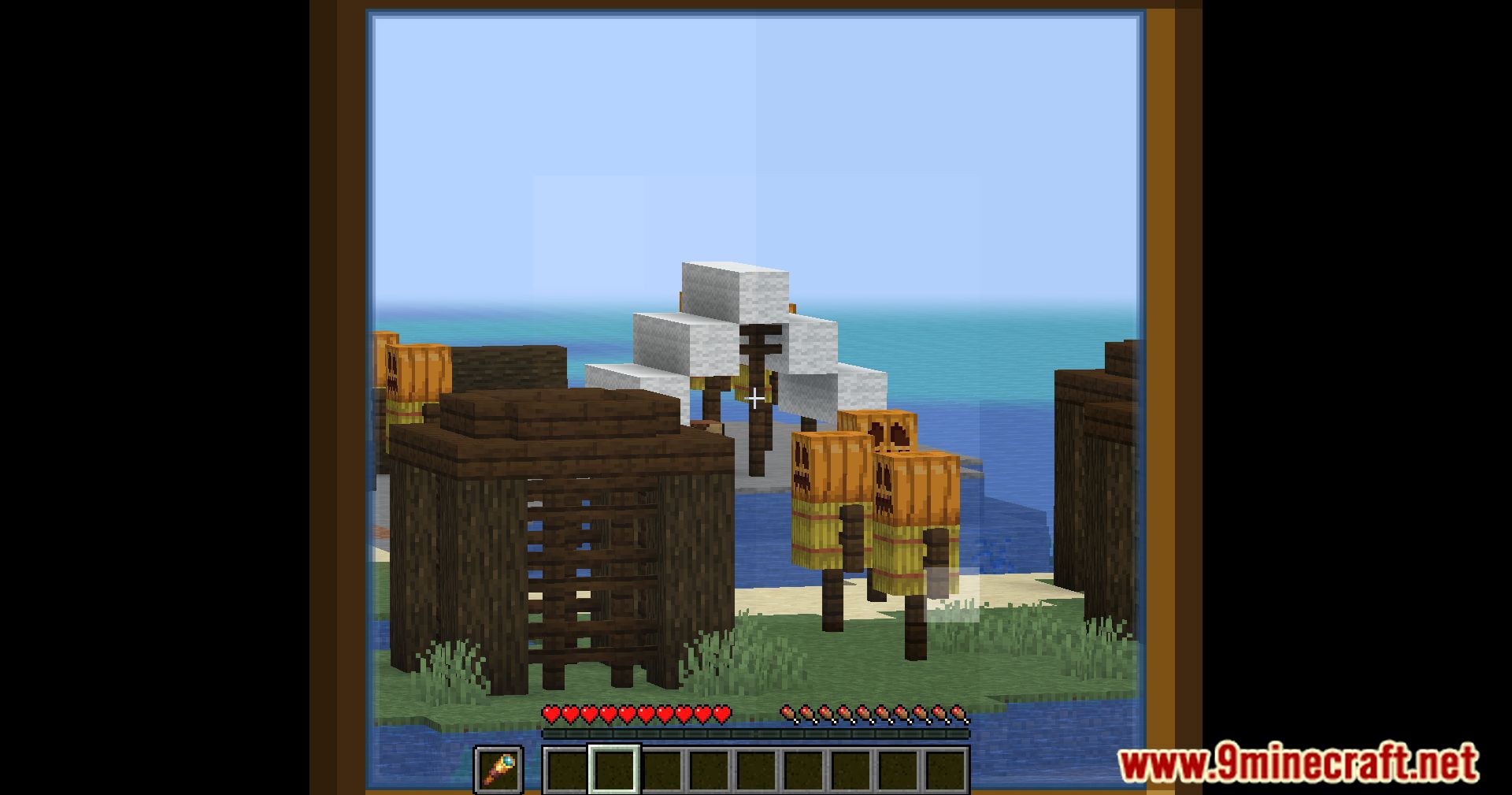
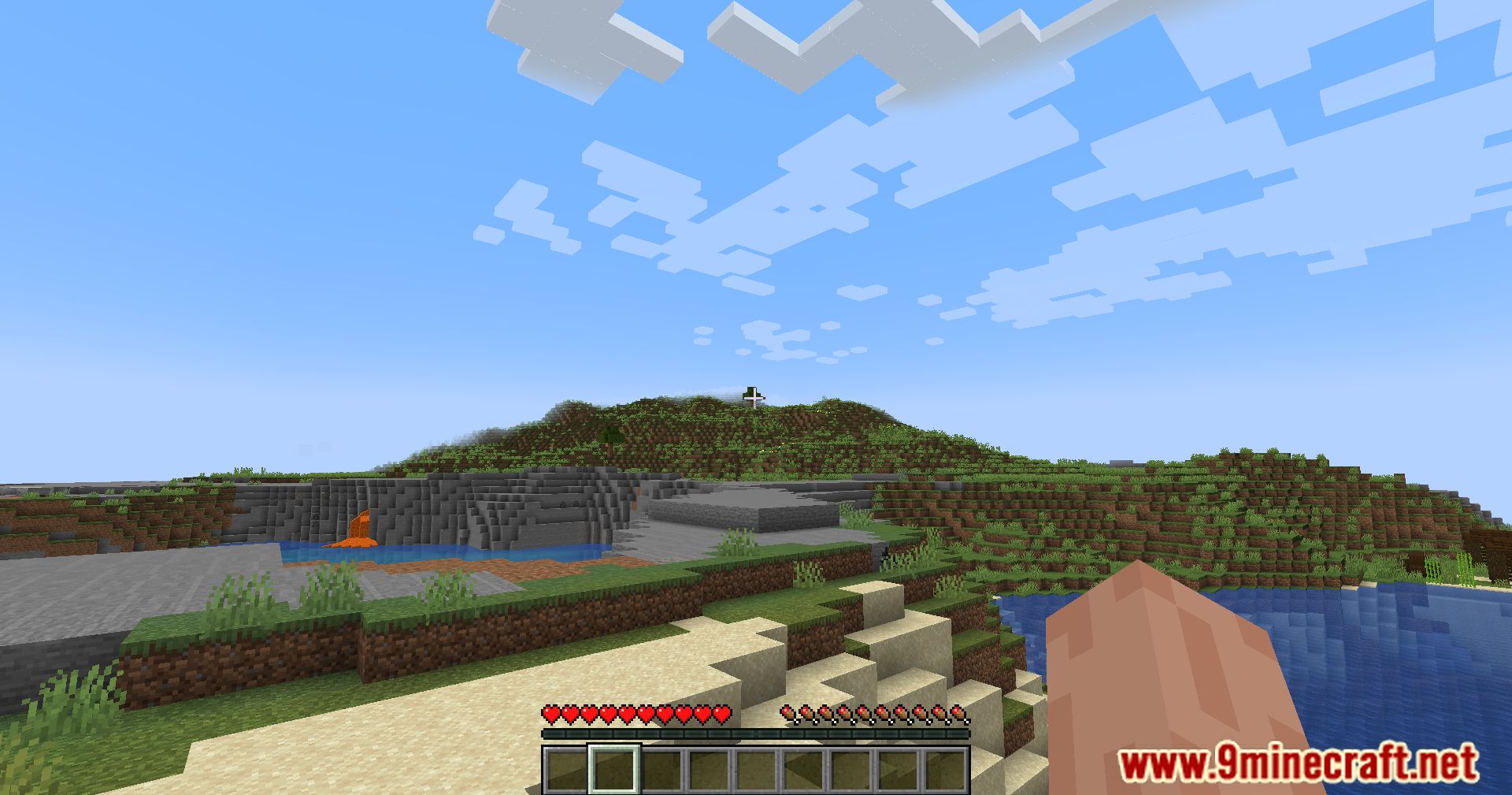
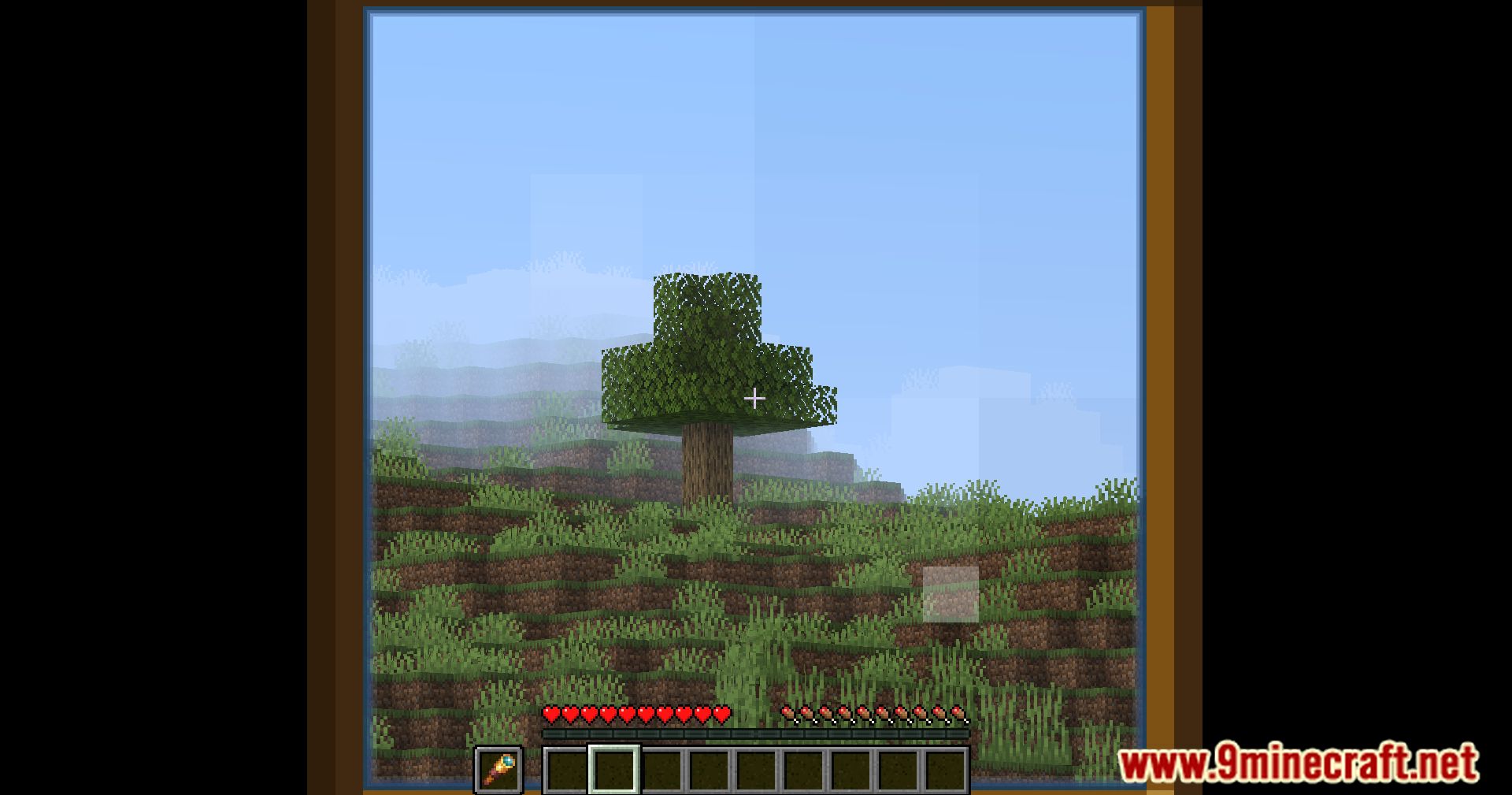
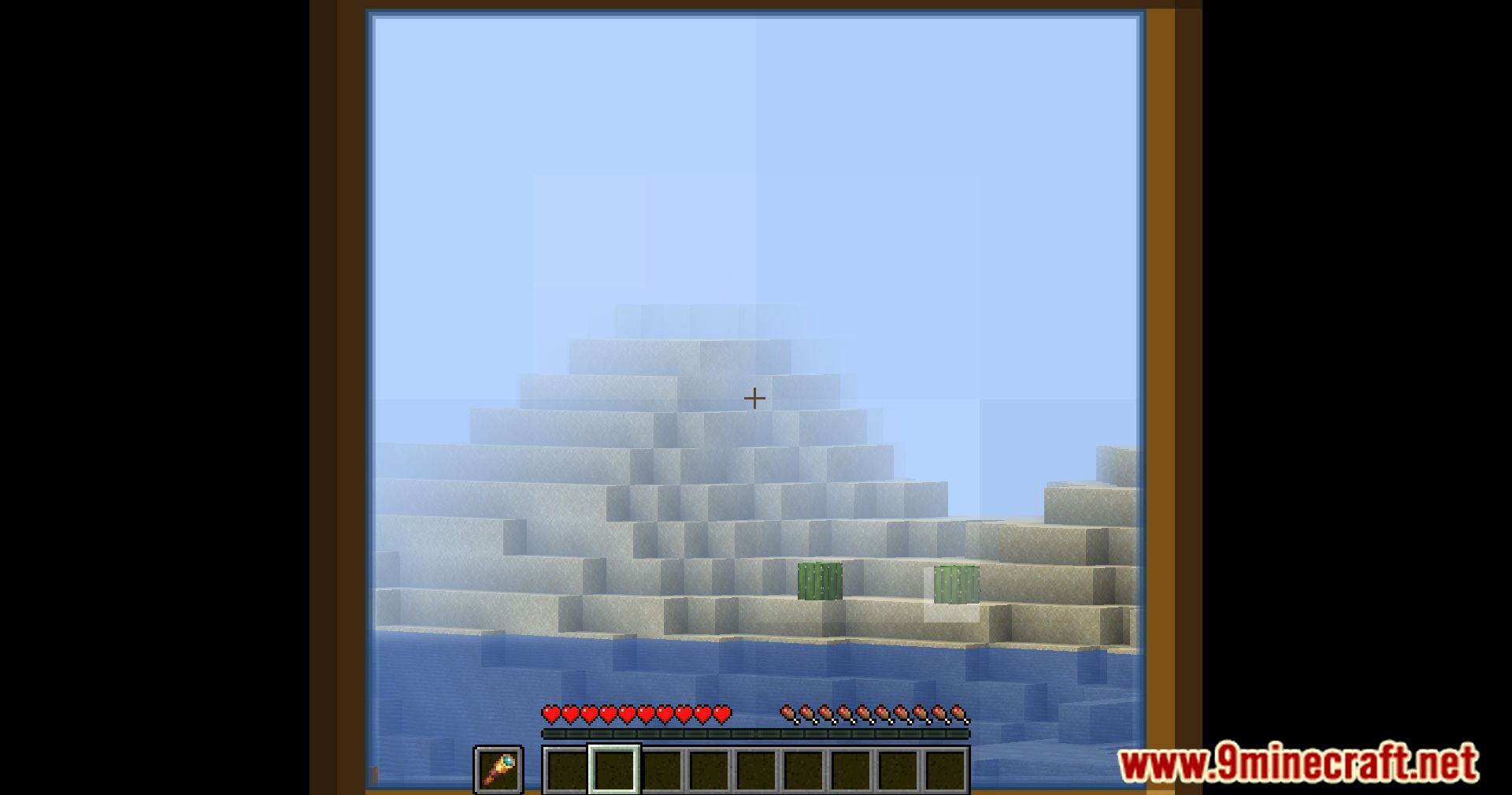
Vanilla Zoom Mod eliminates the clunky Spyglass item and replaces it with a convenient on-the-go zoom function, accessible with a single hotkey. With this mod, you can zoom in on distant objects with a simple hotkey press (Left Alt by default, but customizable in the keybind menu). While holding the hotkey, a temporary Spyglass appears in your offhand, automatically activating its zoom function. This allows you to quickly zoom in on faraway details, identify approaching threats, or simply admire the vast landscapes of your Minecraft world.
Features:
- Adds functionality to zoom on-the-go via a hotkey. In 1.17, the Spyglass item was added to Minecraft. If you’re like me, you’ve probably never found a use for it. It’s a hassle to bring with you in the hotbar, and selecting it even more so. The zoom function is incredibly useful though. And with this mod, you’ll be able to use it anywhere. Think of it as spawning with a spyglass, in any world.
- By default the hotkey used to zoom in is Left Alt, but this can be set in the Keybind menu. While pressing this, a spyglass item is temporarily added to the offhand. The spyglass is automatically used, until the hotkey is let go. This will also make the spyglass item disappear again. Any held item in the offhand will return as soon as the hotkey is unpressed.
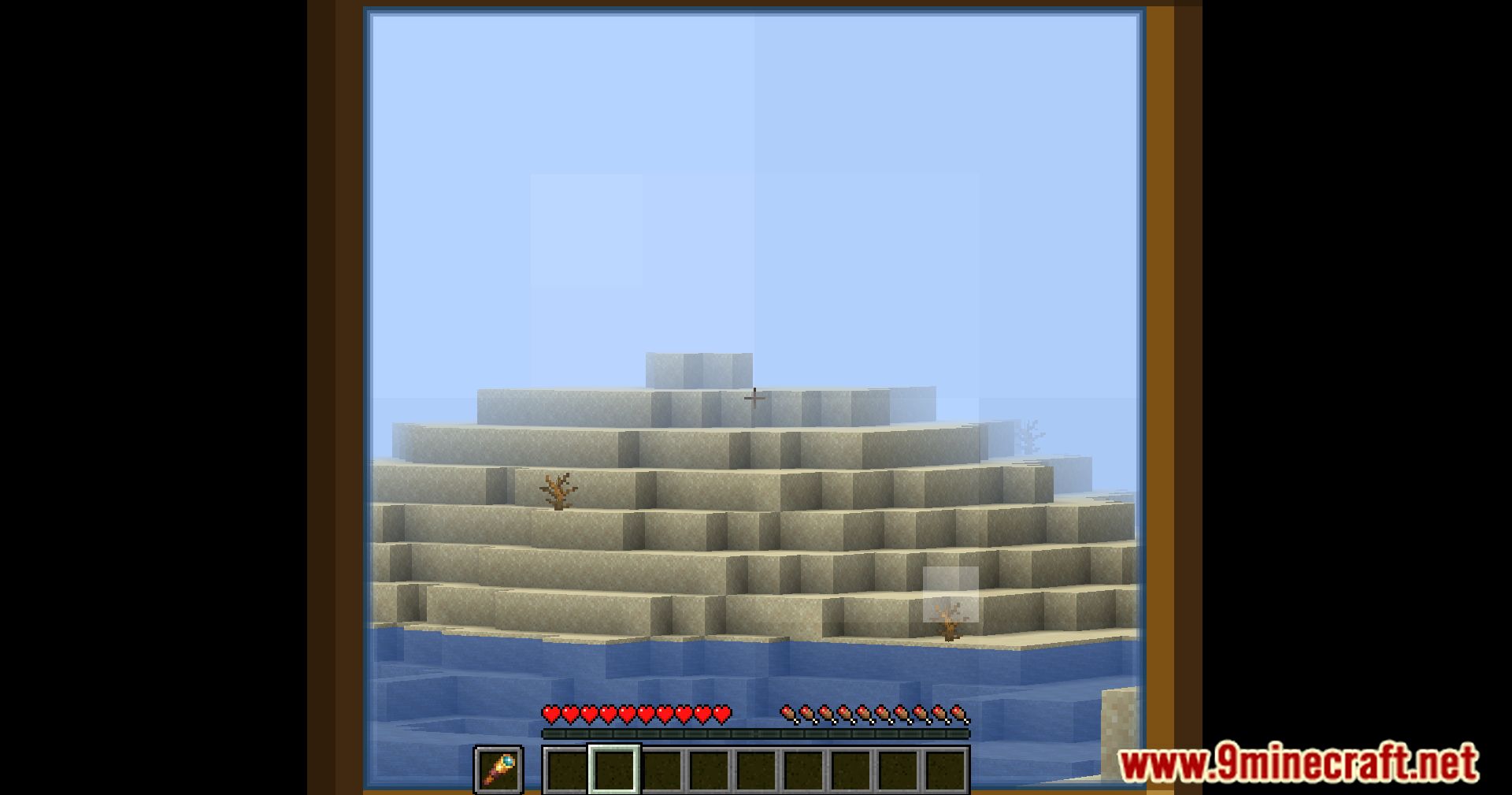
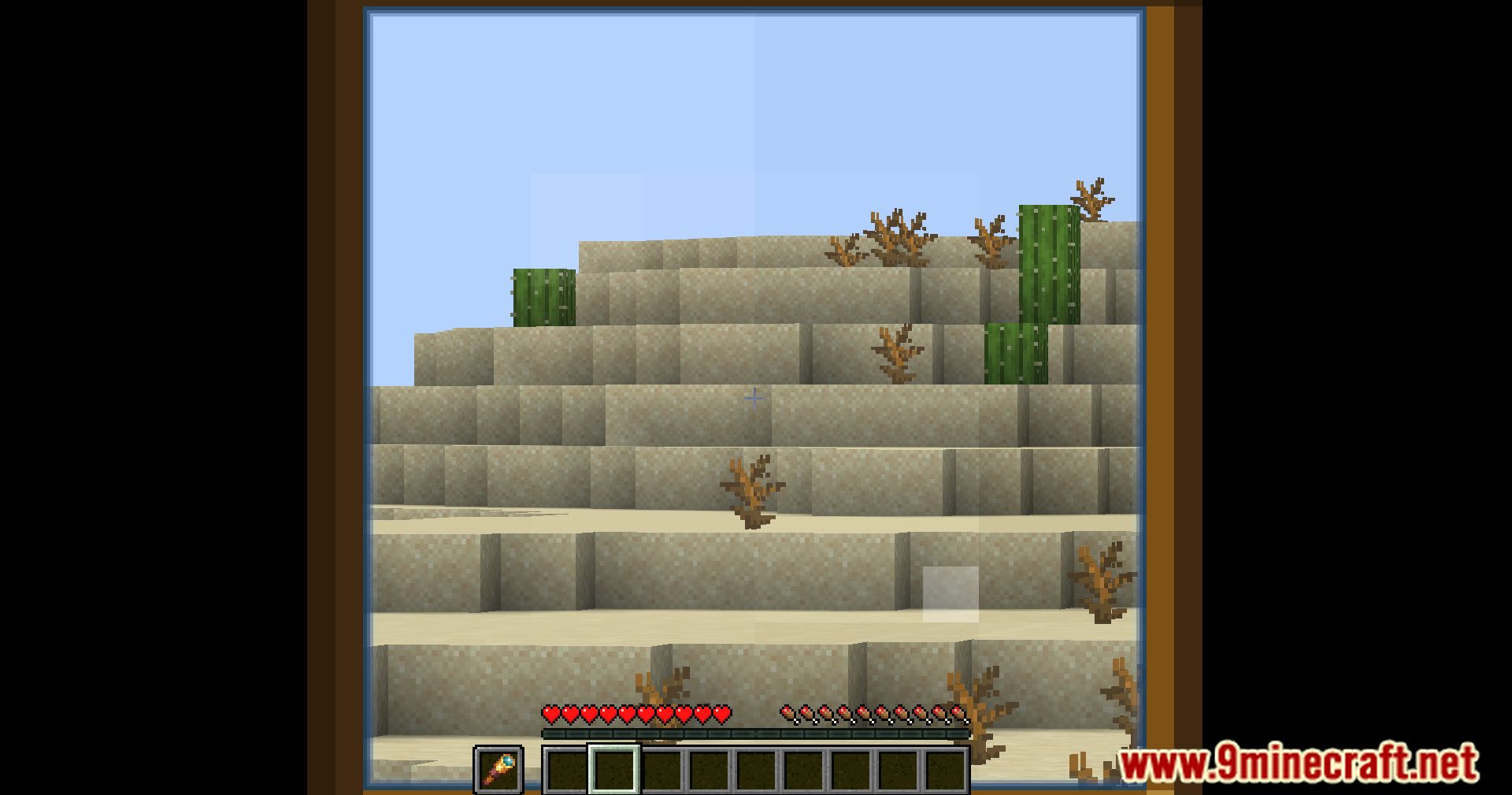
Screenshots:
Vanilla Zoom Mod Download Links
- Edition: Minecraft Java
- File type: .jar
- Minecraft version listed: 1.20.1
- How to install: Install the matching mod loader (Forge, Fabric or NeoForge) for your Minecraft version. → Download the .jar. → Put it in the .minecraft/mods folder and launch that loader profile.
- Where to get it: In MC Java Mods, or directly above on this page.
Install steps are the general flow for this file type — How to install Minecraft Java mods & modpacks walks through it step by step.
- Downloads as 83814.mcaddon
- Download size: 34 KB
- Download link checked 22 Sept 2026 — working
- Mirrored on our own servers — the download does not depend on the original host
These come from our own check of the pack file, not from the source page.