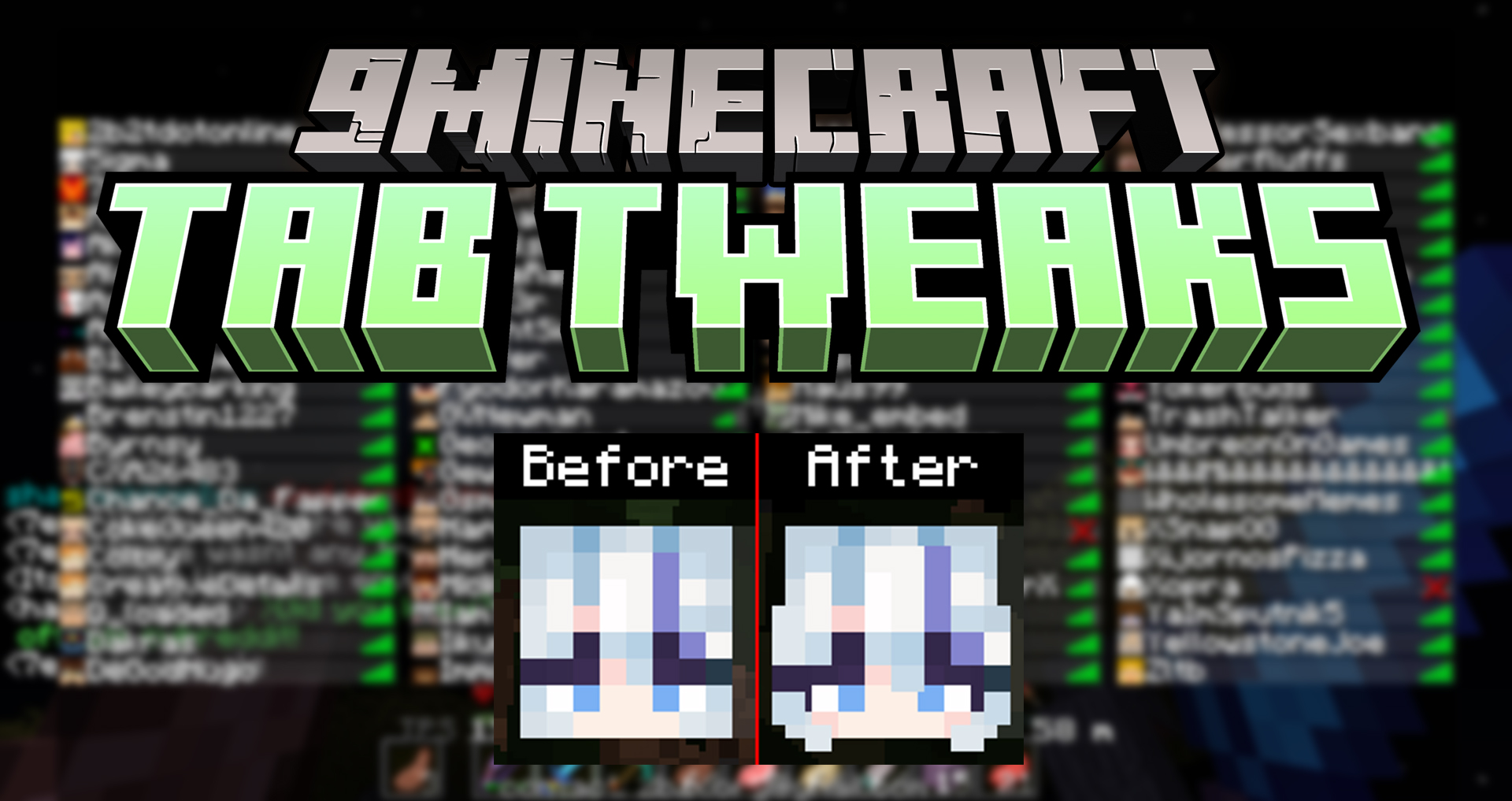
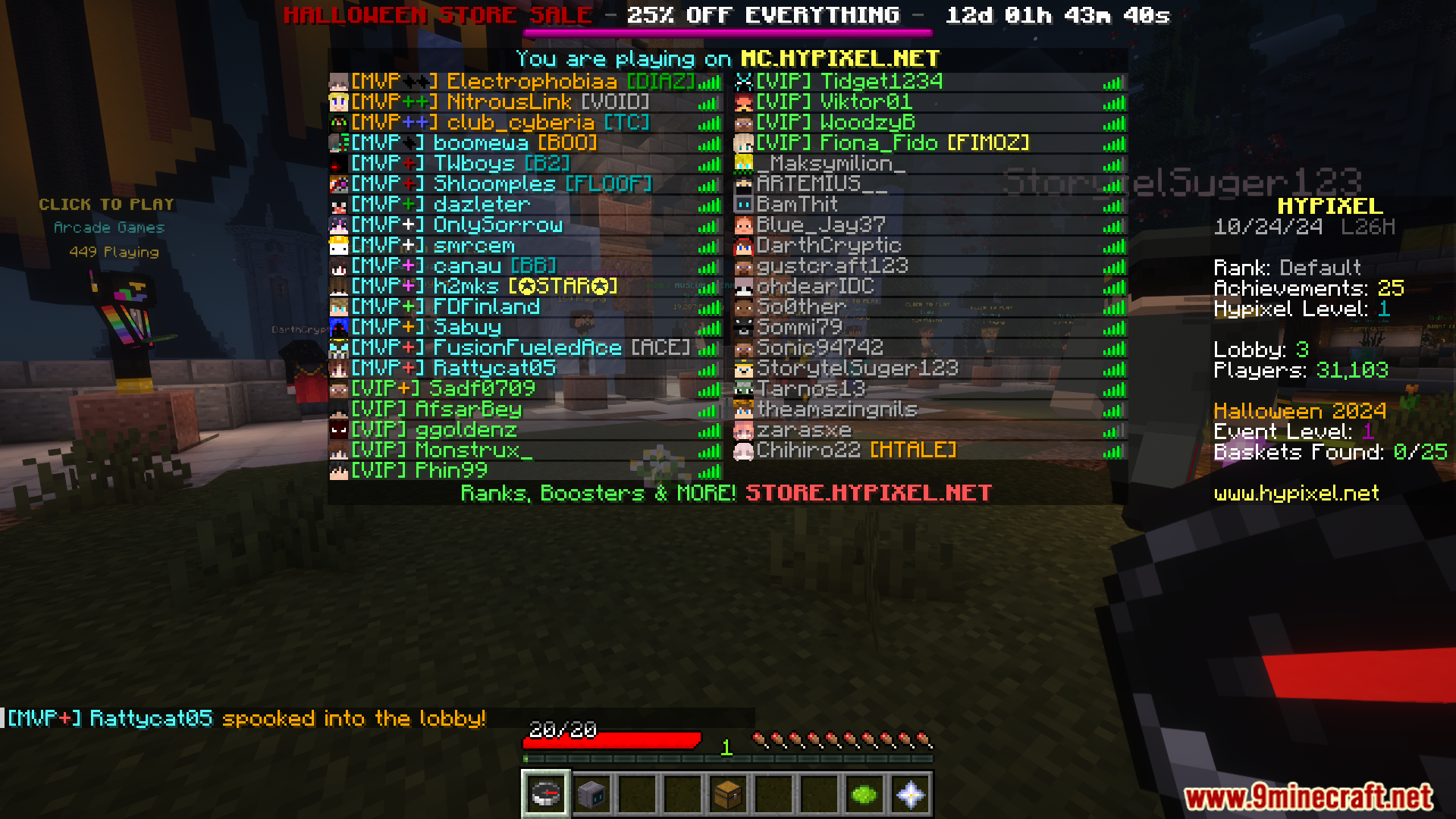
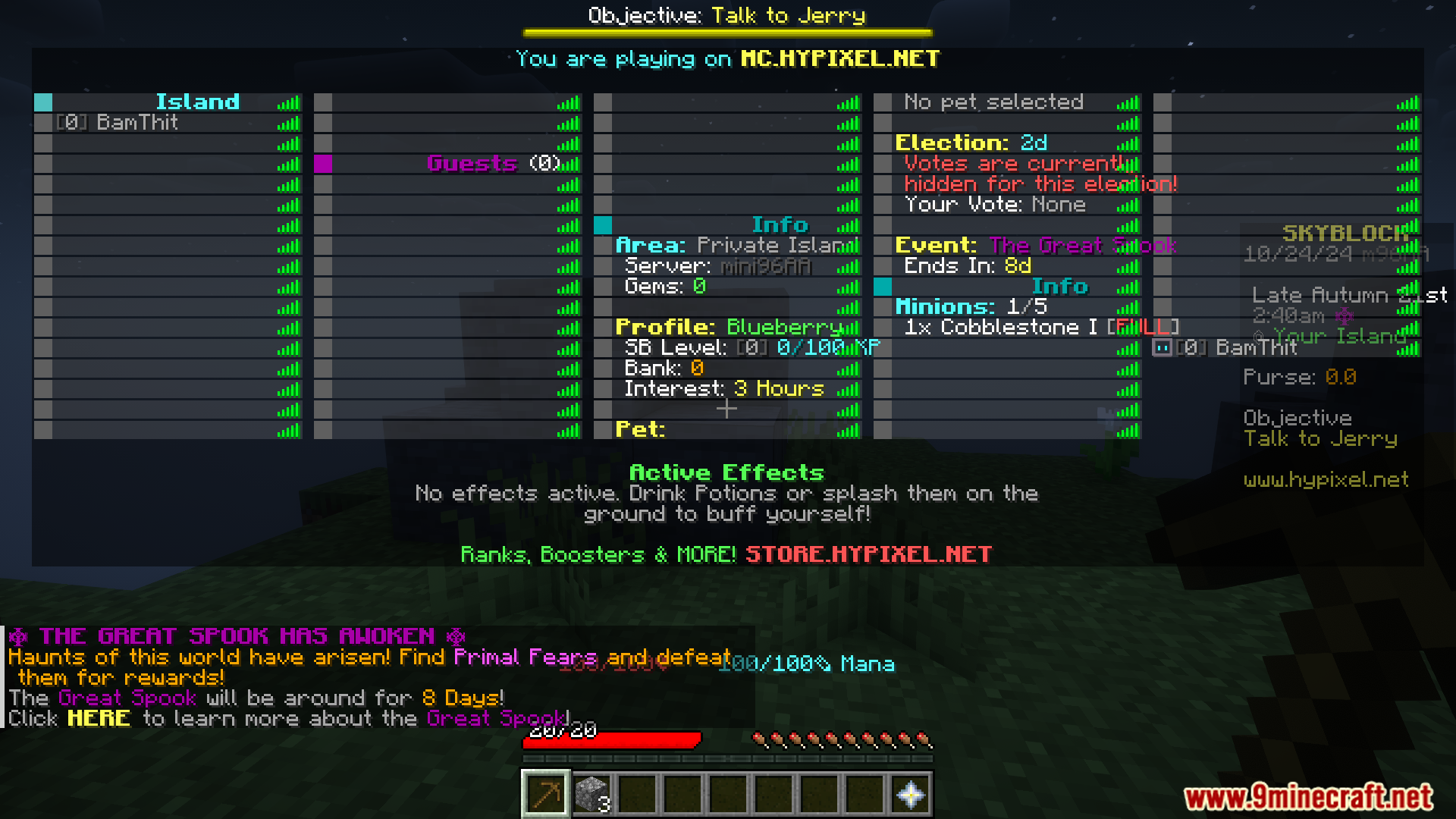
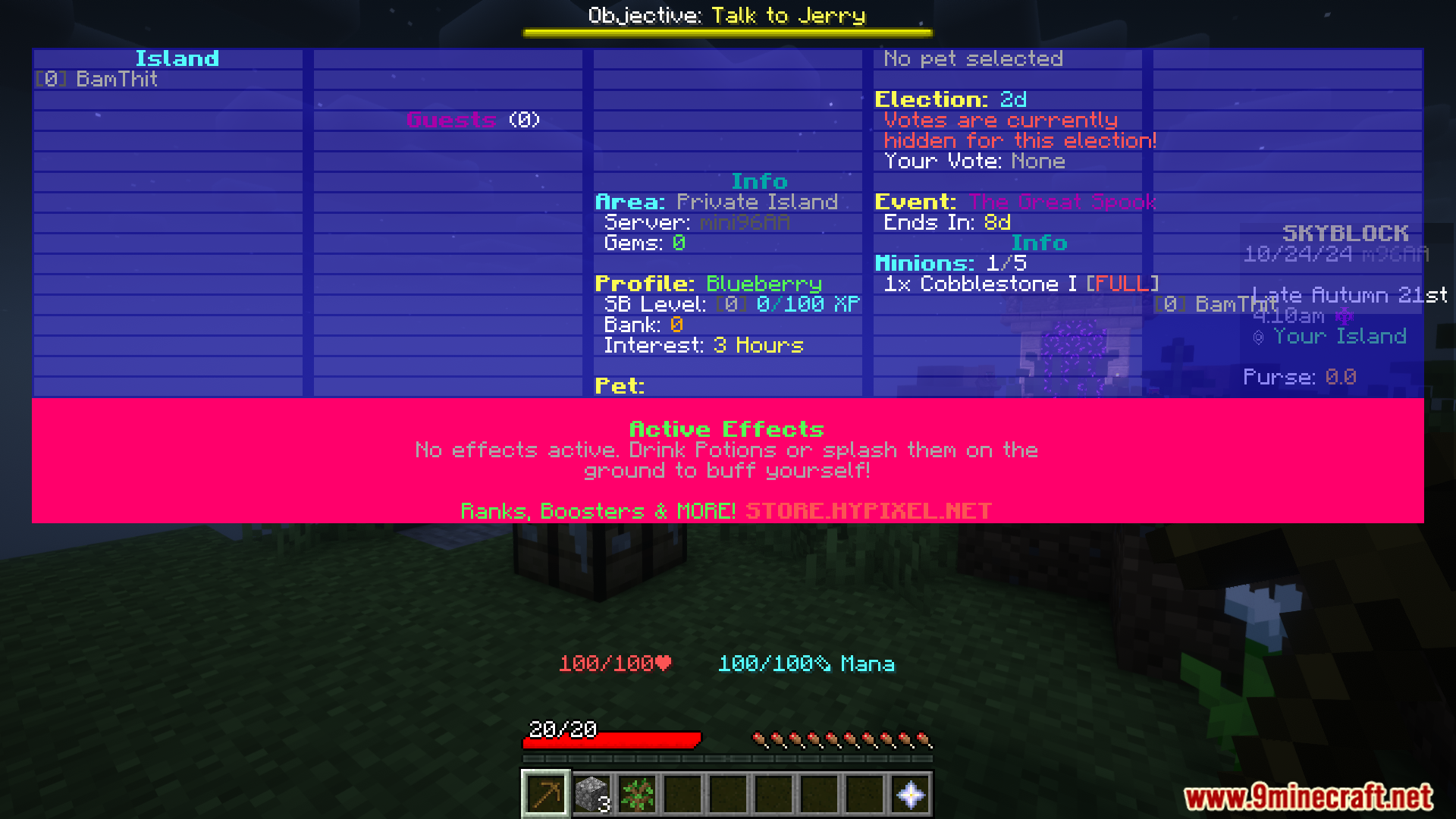
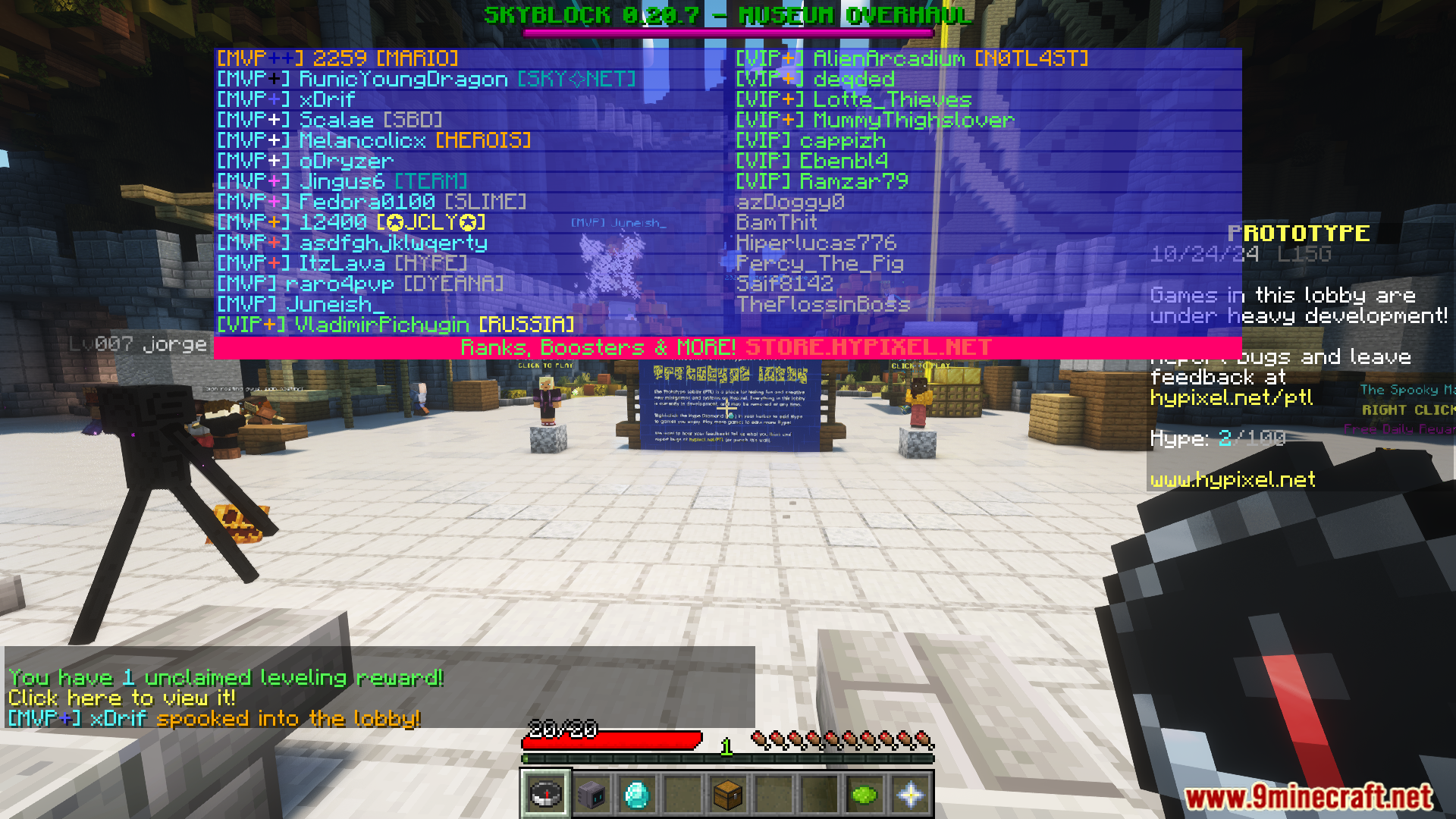
Tab Tweaks Mod allows players to customize the Minecraft Player List (Tab) HUD with a variety of visual and position options. The mod lets you remove elements like headers, footers, player heads, and objectives, while also offering improved visuals such as numerical ping display and customizable colors. Players can also adjust the tab list’s position, scale, and appearance, making it more user-friendly and visually appealing.
Features:
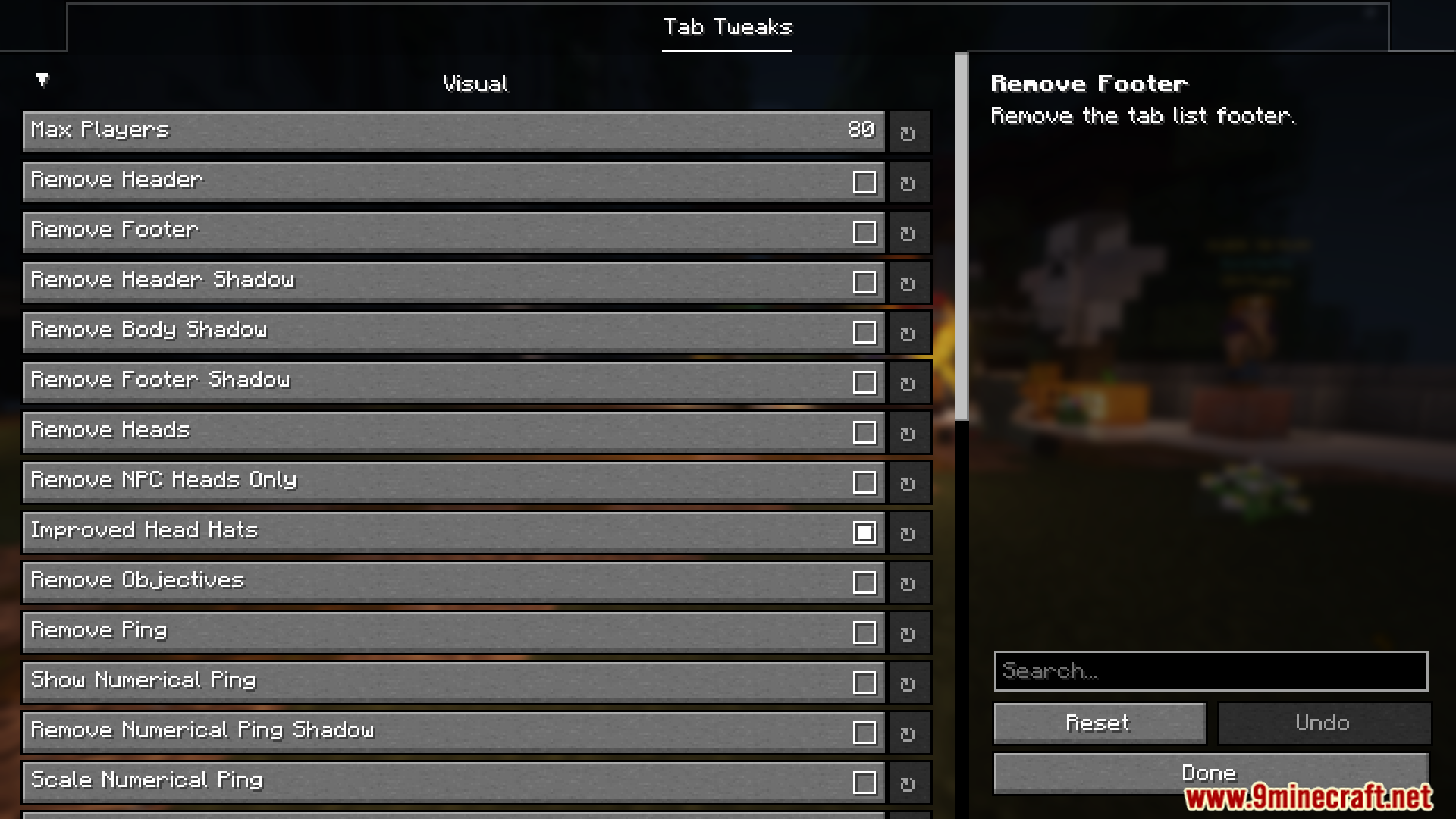
Visual
- Max Players
- Remove Header
- Remove Footer
- Remove Heads
- Remove NPC Heads Only
- Improved Head Hats
- Remove Objectives
- Remove Ping
- Show Numerical Ping
- Scale Numerical Ping
- Hide Fake Ping
Position
- Tab Scale
- Move Tab List Down
- Move Tab List Below Bossbars
Tab Color
- Header Color
- Body Color
- Footer Color
- Player Widget Color
Ping Color
- Ping Between 0 and 75
- Ping Between 75 and 145
- Ping Between 145 and 200
- Ping Between 200 and 300
- Ping Between 300 and 400
- Ping Above 400
Screenshots:
Tab Tweaks Mod Download Links
Quick facts
- Edition: Minecraft Java
- File type: .jar
- Minecraft version listed: 1.20.1
- How to install: Install the matching mod loader (Forge, Fabric or NeoForge) for your Minecraft version. → Download the .jar. → Put it in the .minecraft/mods folder and launch that loader profile.
- Where to get it: In MC Java Mods, or directly above on this page.
Install steps are the general flow for this file type — How to install Minecraft Java mods & modpacks walks through it step by step.
Verified by MCModsHub
- Downloads as 83833.mcaddon
- Download size: 139 KB
- Download link checked 23 Sept 2026 — working
- Mirrored on our own servers — the download does not depend on the original host
These come from our own check of the pack file, not from the source page.