
Current Game Music Track Mod (26.2, 1.20.1) – Identify In-Game Music
Java mod listed for Minecraft 1.20. Downloads from the MC Java Mods app on Android.
⬇ Download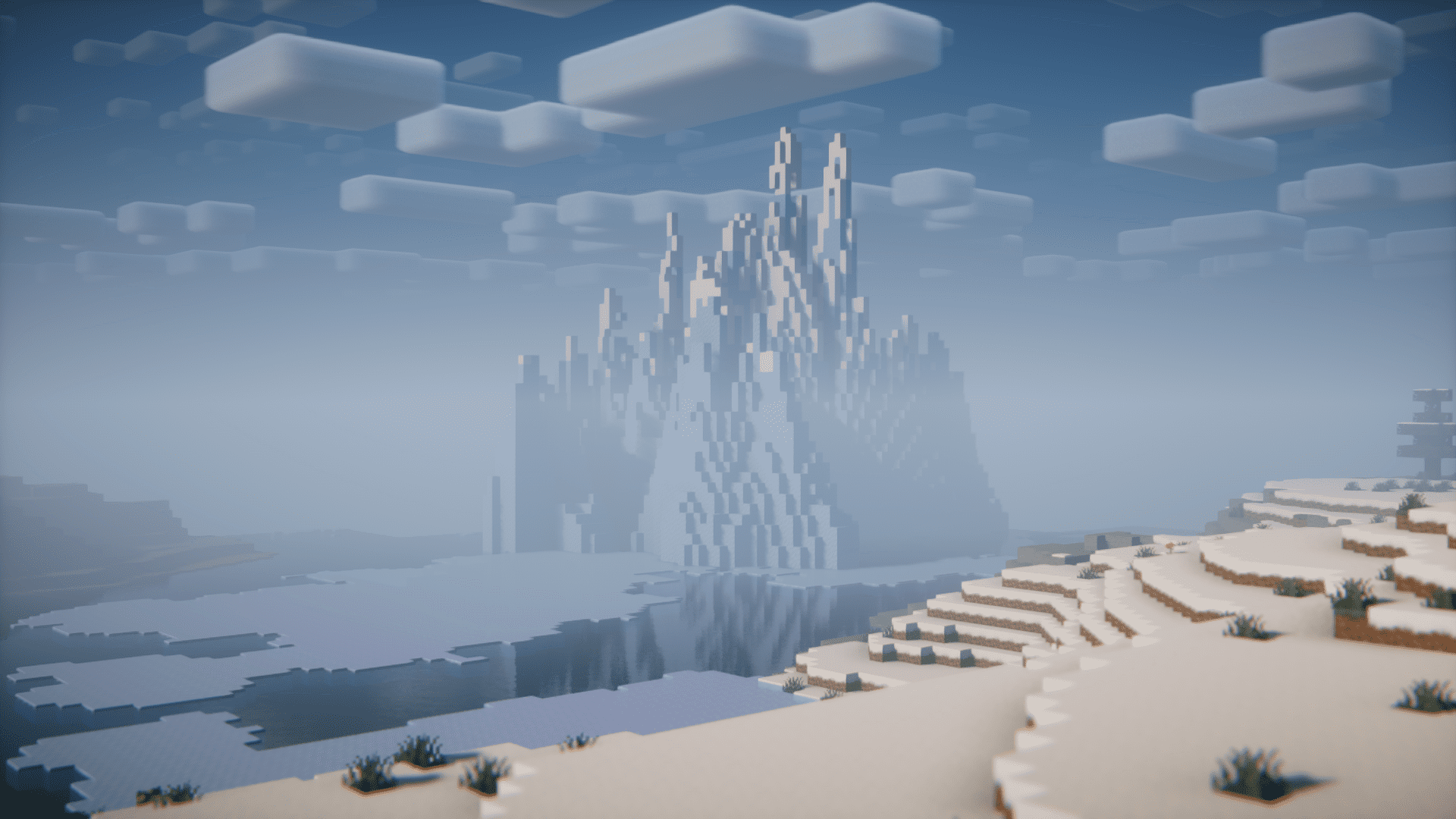


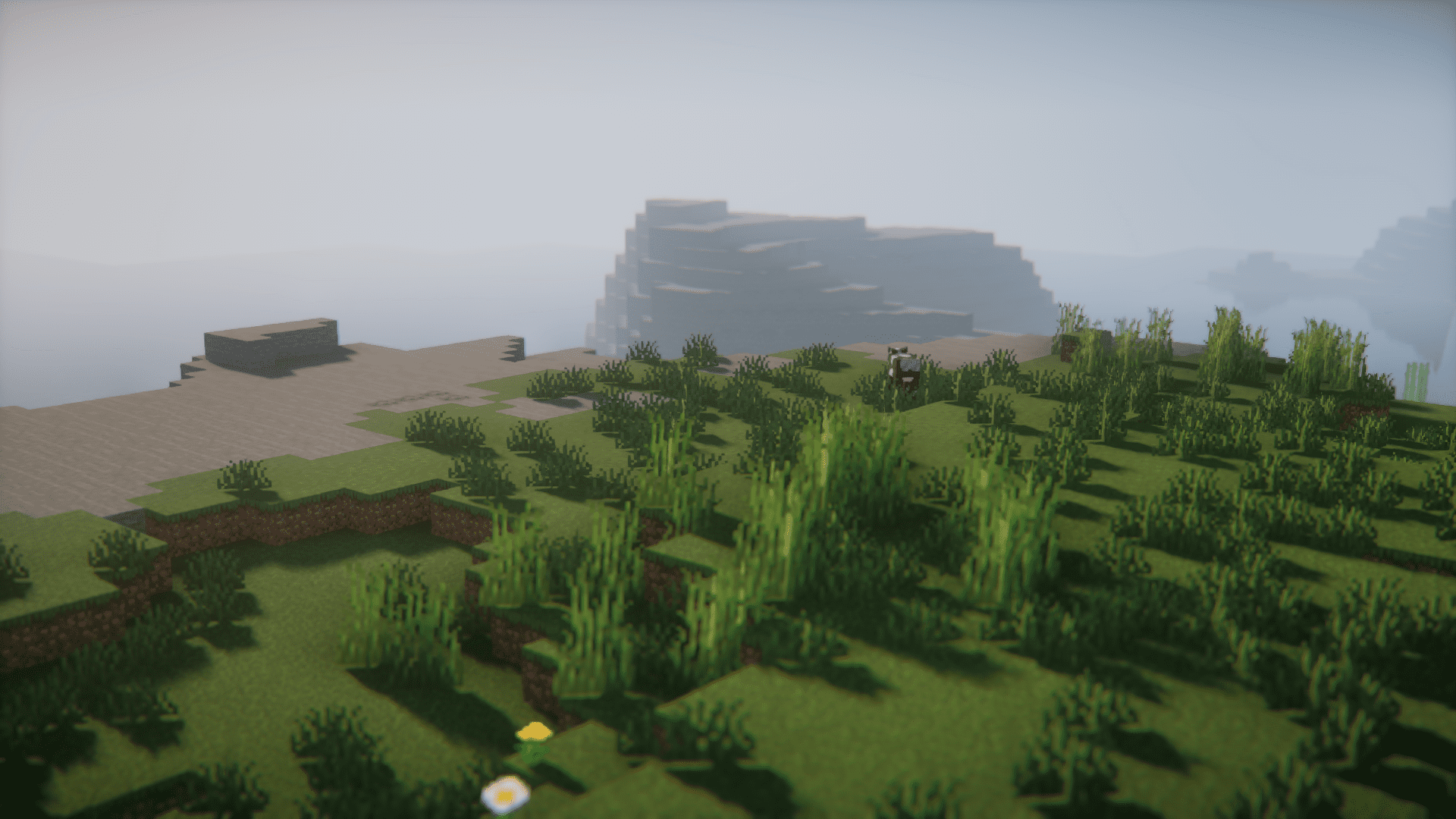
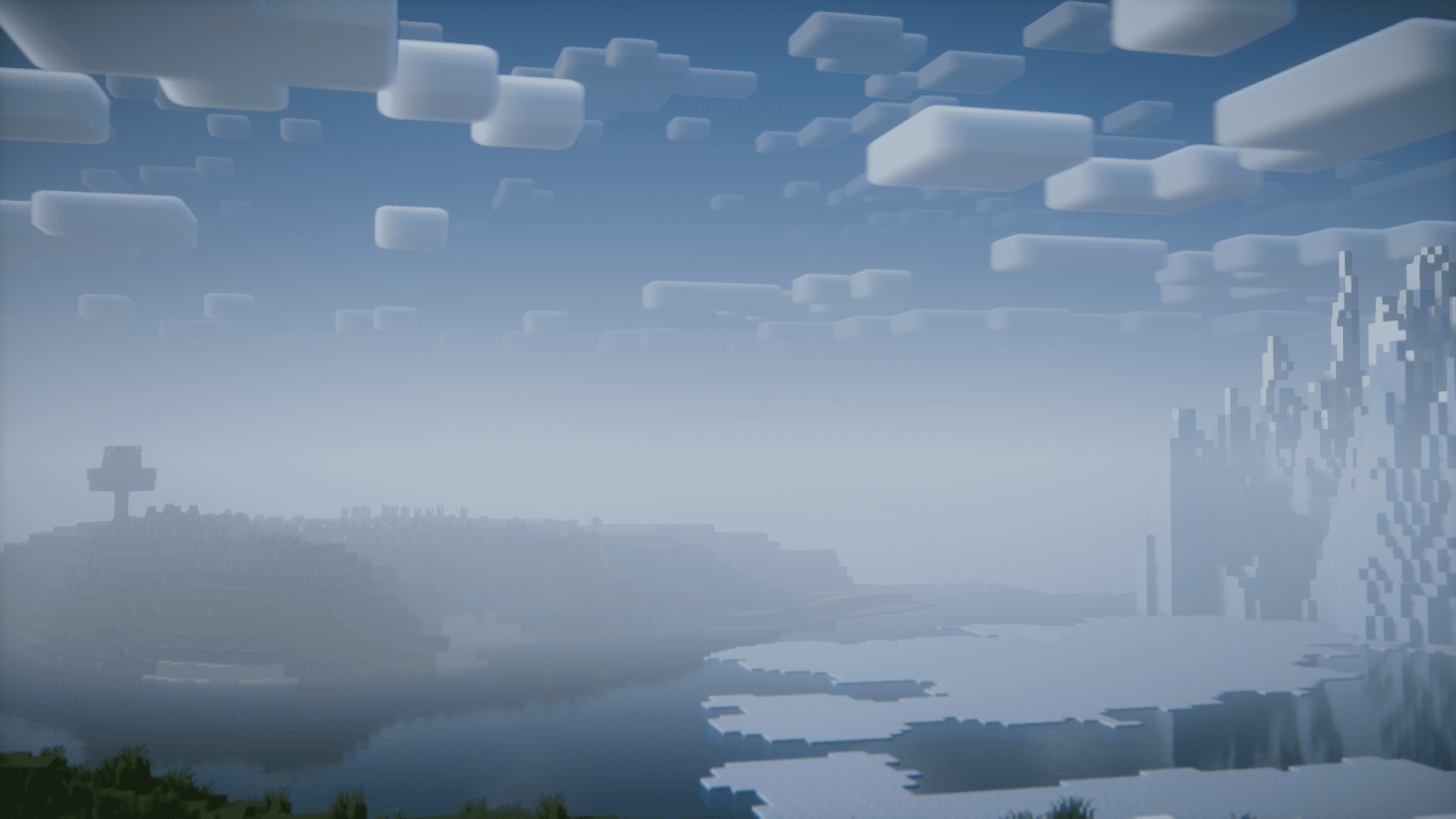
Over the years, the Minecraft in-game music library has increased by a lot. There would be situations where you are casually playing the game and the in-game music just catches your attention. There is plenty of in-game music, it will be hard for you to browse through the internet and find the specific one you are interested in. But not anymore! Current Game Music Track Mod allows you to easily identify the in-game music that is currently playing. This is done by showing a text overlay whenever a new track begins to play. You can use the config file to configure the location, duration, color and behavior of the text overlay to your liking.
Features:
- Identify in-game music with ease.
- No more browsing through tons of tracks to find the specific one.
- Text overlay showing the name of the track.
- Text overlay is highly configurable.
Screenshots:
Current Game Music Track Mod Download Links
- Edition: Minecraft Java
- File type: .jar
- Minecraft version listed: 1.20.1
- How to install: Install the matching mod loader (Forge, Fabric or NeoForge) for your Minecraft version. → Download the .jar. → Put it in the .minecraft/mods folder and launch that loader profile.
- Where to get it: In MC Java Mods, or directly above on this page.
Install steps are the general flow for this file type — How to install Minecraft Java mods & modpacks walks through it step by step.
- Downloads as 83840.mcaddon
- Download size: 51 KB
- Download link checked 25 Sept 2026 — working
- Mirrored on our own servers — the download does not depend on the original host
These come from our own check of the pack file, not from the source page.